Best Obsidian Alternatives in 2026: 8 Tools Compared

How we put this together: we compare official feature and pricing pages, app store listings, privacy policies and public user reviews. Prices change, so check the provider's site before you pay.
Key takeaways
- Logseq is the closest free, local-first obsidian notes alternative, with outlines, backlinks, and a graph view.
- Anytype and Joplin suit privacy-focused users who want local-first storage and encryption without a subscription.
- Notion is the best obsidian alternative for teams, because shared pages, databases, and wikis are its core strength.
- Bear and Craft suit Apple users who want fast, polished writing, while Capacities suits structured, object-based notes.
- Check export before you commit, because a note app is only as portable as its Markdown or standard export.
Quick comparison
| Name | Who it suits | Starting price | Free option | |
|---|---|---|---|---|
 Logseq | Local Markdown and outlines | Free | Yes | Visit |
 Notion | Team wikis and databases | $10 per month | Yes | Visit |
 Anytype | Local-first encrypted notes | Free | Yes | Visit |
 Joplin | Encrypted, portable notes | Free | Yes | Visit |
 Bear | Fast Apple writing | See website | Yes | Visit |
 Craft | Polished Apple documents | See website | Yes | Visit |
 Capacities | Structured object notes | See website | Yes | Visit |
 Roam Research | Networked thought and research | $15 per month | No | Visit |
The best obsidian alternatives
Obsidian is a local-first Markdown note app with linked notes, a graph view, and a large plugin library, but it lacks built-in collaboration and charges for Sync. These alternatives to obsidian cover local-first, team, privacy, and structured approaches, so you can keep the linked-note idea without keeping Obsidian itself.
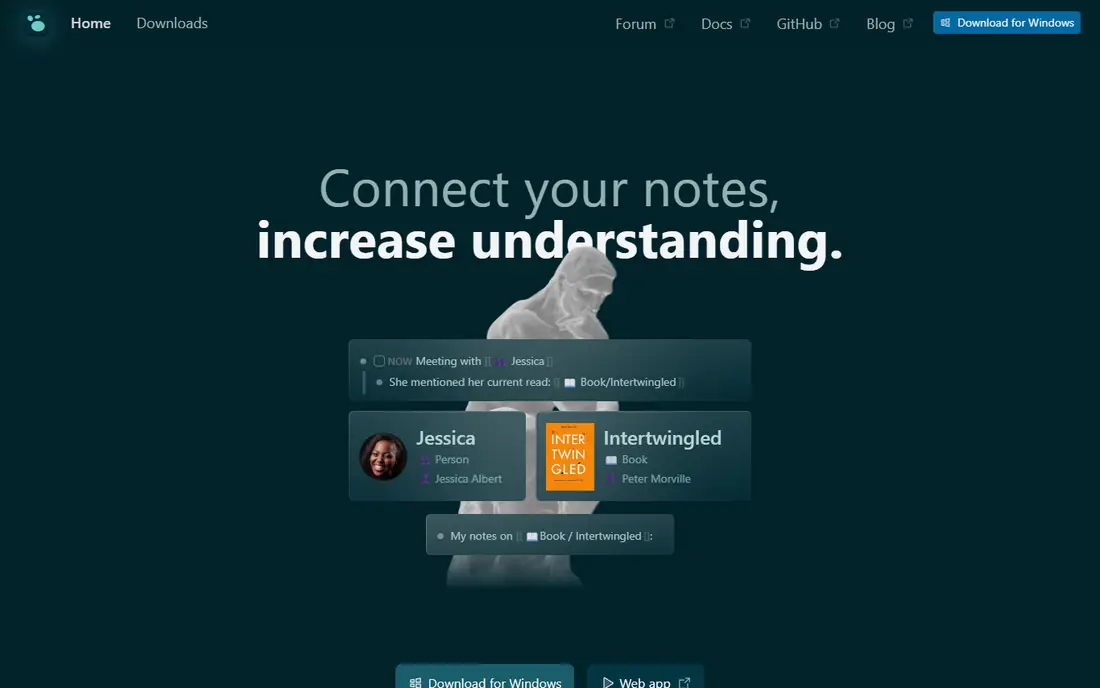
Logseq is the closest best obsidian alternative for users who want to keep local Markdown files. It is open source, stores notes locally, and adds an outliner model with daily journals, backlinks, and a graph view. If you think in bullets and daily notes, Logseq feels natural, and your files remain readable in other Markdown tools. The trade-off is style. Logseq centers on outlines and blocks, not long-form documents, so writers who prefer full pages may need time to adjust. It also lacks the same plugin breadth as Obsidian, though its core linking and journal features cover most personal knowledge work. For a free, local-first switch, Logseq is our first test.
- Free and open source
- Local Markdown files
- Outliner, journals, backlinks, and graph
- Outliner style suits some users less
- Sync needs setup for some workflows
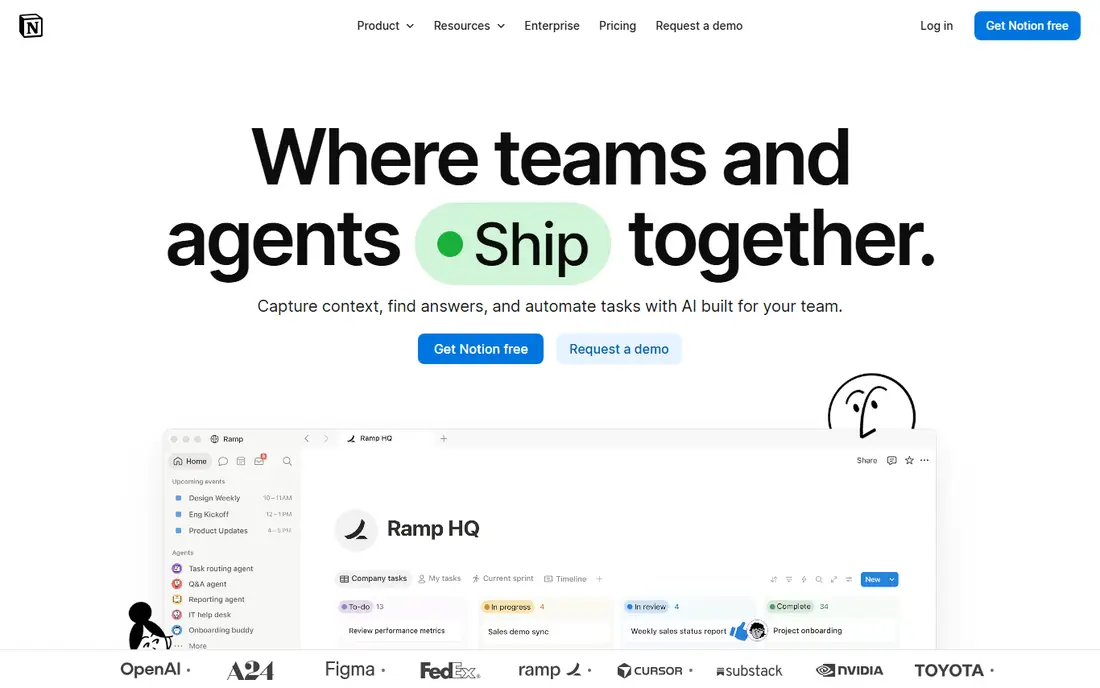
Notion is the best choice when your main gap in Obsidian is teamwork. Shared pages, wikis, databases, and real-time editing make it easy for a team to build a knowledge base together, with templates for projects, docs, and meeting notes. For many workplaces, that shared structure matters more than local files. The catch is ownership and offline use. Notion is cloud-based, so your notes live on its servers, and offline access is limited compared with Obsidian or Logseq. If you need local-first privacy, pick Logseq or Anytype instead. If you need a team wiki that everyone can edit, Notion is hard to beat.
- Shared pages and databases
- Templates
- Strong team collaboration
- Cloud-based, not local-first
- Offline use is limited
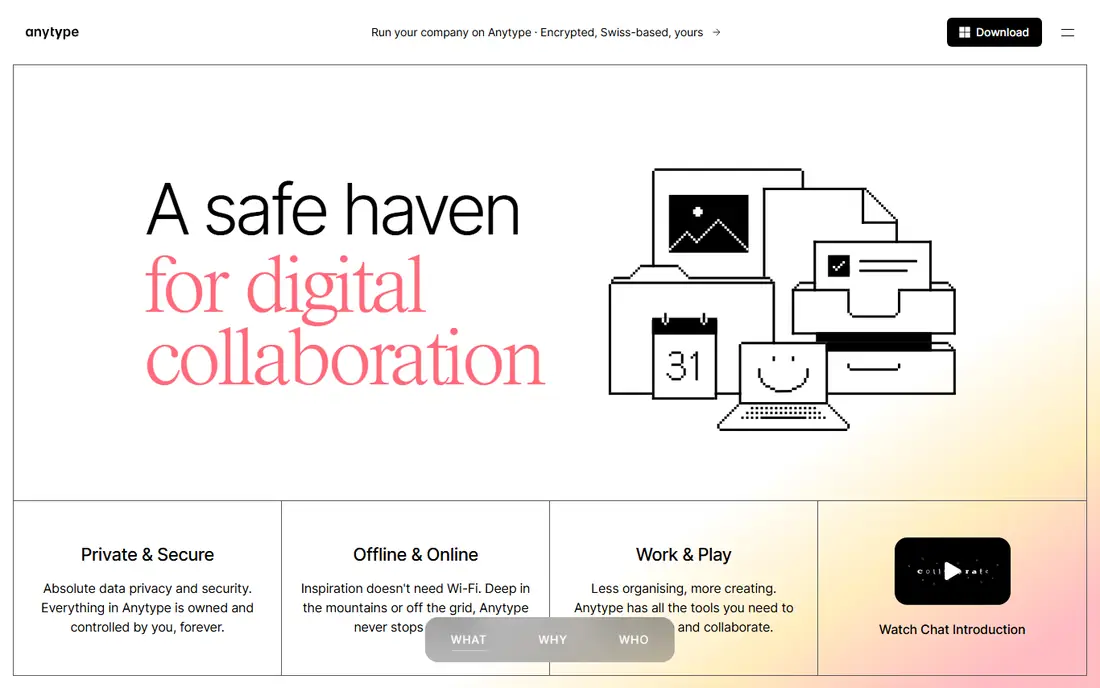
Anytype is a strong obsidian notes alternative for privacy-focused users. It stores data locally first, encrypts it end to end, and treats notes as objects, such as people, books, and projects, that you can link and filter. That object model suits users who want structure without giving up local control. The limit is maturity and teamwork. Anytype is newer than Notion, its plugin and template library is smaller, and real-time team editing is not its main strength. For a solo user who values privacy and structured notes, Anytype is an excellent fit. For a large team wiki, Notion remains stronger.
- Local-first storage
- End-to-end encryption
- Object-based notes
- Newer ecosystem
- Collaboration is more limited than Notion
Joplin is the most portable free alternative here. It is open source, works on desktop and mobile, supports Markdown, notebooks, tags, and end-to-end encryption, and lets you sync through Joplin Cloud, Dropbox, OneDrive, Nextcloud, or WebDAV. That flexibility helps users who want control over where notes live. The trade-off is polish. Joplin linking and graph features are less refined than Obsidian, and its interface feels functional rather than beautiful. If you value portability, encryption, and a free app that works everywhere, Joplin is a practical, low-risk switch.
- Free and open source
- End-to-end encryption
- Sync via many services
- Interface is plain
- Graph and linking are less polished than Obsidian
Bear suits Apple users who want writing speed over plugin depth. It is fast, clean, and native to Mac, iPhone, and iPad, with tags, backlinks, and a focused editor that stays out of the way. Export to Markdown, PDF, and other formats keeps your notes portable, which matters if you later switch again. The limit is platform. Bear is Apple only, so Windows and Android users cannot use it, and sync across devices needs Bear Pro. If you live in the Apple ecosystem and want a beautiful, fast note app, Bear is a strong alternative. If you need cross-platform access, Logseq or Joplin suit better.
- Fast, clean Apple-native writing
- Tags and backlinks
- Good export to Markdown
- Apple only
- Sync needs a paid Pro plan
Craft is built for polished documents that look good when shared. Its editor handles pages, cards, and daily notes with a clean design, and it supports sharing and collaboration for teams and families. For users who want Obsidian-style linking with a more finished look, Craft is an appealing middle path. The catch is platform and depth. Craft shines on Mac, iPhone, and iPad, with web access as well, but its linking and graph features are less deep than Obsidian or Logseq. If document polish and sharing matter most, Craft wins. If graph-based research is your core workflow, Logseq or Roam may suit better.
- Beautiful documents
- Fast on Apple devices
- Sharing and collaboration tools
- Best on Apple platforms
- Advanced linking is less deep than Obsidian
Capacities treats notes as typed objects, so a book, a person, and an idea are different kinds of notes with their own properties, links, and views. That structure helps researchers and writers who want to filter notes by type, date, or connection, rather than searching a flat folder of files. Daily notes and calendar views tie the system together. The trade-off is learning curve and offline access. The object model takes time to set up well, and Capacities is primarily a web and desktop cloud tool, not a local-first Markdown vault. If you like structured, visual organization, Capacities is a fresh, thoughtful alternative. If you need local files, Logseq is safer.
- Object types for books, people, and ideas
- Calendar and daily notes
- Visual organization
- Offline use is limited
- Learning curve for object model
Roam Research pioneered the networked-note model that Obsidian later popularized, with bi-directional links, daily notes, and block references that let you reuse a single thought in many pages. For researchers who build a dense web of ideas over months, Roam still offers a deep, focused workflow. The catch is price and interface. Roam is a paid product, and its dense, outline-heavy interface can overwhelm new users. If you already think in Roam-style blocks and want the original networked tool, it remains a strong choice. If you want a free start, Logseq gives a similar model without the subscription.
- Powerful bi-directional linking
- Daily notes
- Strong for research graphs
- Paid only for most users
- Interface is dense for beginners
How we picked these
We looked for best obsidian alternatives that are available in 2026, that support linked notes or a clear knowledge-base model, and that cover local-first, team, privacy, and structured use cases. We checked official feature pages, pricing pages, and documentation for storage model, export, sync, collaboration, and free tiers, and we listed See website where pricing was unclear. We did not claim hands-on testing, and we excluded note apps with no linking or knowledge-base features.
Moving from Obsidian without losing your notes
Start by exporting a test vault, not your whole library. Move 20 to 50 notes to the new app, check that links, tags, images, and attachments survive, and fix any broken links before you migrate the rest. Keep Obsidian installed during the trial, so you can compare search, graph, and daily note workflows side by side. Next, decide what you will give up. No alternative matches Obsidian on every point: Logseq trades document style for outlines, Notion trades local files for teamwork, and Bear trades cross-platform access for Apple polish. Pick the trade you can live with, set up sync and backup on day one, and keep a regular Markdown export as a safety net, even in cloud tools.
Frequently asked questions
What are the best obsidian alternatives for free local notes?
Logseq and Joplin are the best free, local-first options, with Markdown files, backlinks, and encryption options. Anytype also offers a free local-first plan with encryption. All three let you keep your notes on your own devices, unlike cloud-only tools, so start with Logseq if you like outlines, or Joplin if you prefer notebooks.
What is the best obsidian alternative for teams?
Notion is the best team alternative, because shared pages, databases, wikis, and real-time editing are built in. Craft also supports sharing and collaboration, especially for Apple teams. Obsidian itself is solo-first, so any team that needs shared editing will gain more from Notion than from a local-first tool alone.
Are obsidian notes alternatives really private?
Local-first tools like Logseq, Anytype, and Joplin keep files on your devices and offer encryption, which gives you more control than cloud tools. Cloud tools like Notion and Capacities store notes on their servers, with their own privacy policies. Check each privacy page, use encryption where offered, and keep backups under your own control for sensitive notes.
Can I import my Obsidian vault into another app?
Yes, in most cases, because Obsidian uses plain Markdown files. Logseq, Joplin, and Bear can import Markdown folders, while Notion and Capacities offer import tools that may need cleanup for links and images. Test a small vault first, check links and attachments, and keep your original vault until the import is verified.
Is Obsidian really free?
Obsidian core app is free for personal use, with paid add-ons for Sync and Publish. Many users sync free with iCloud, Git, or another service instead of paying for Sync. Alternatives in this list are worth considering when you need built-in collaboration, a simpler interface, or a different storage model, not just because of price.
Which alternative is easiest for beginners?
Notion is easiest for beginners who want templates and a familiar document feel, while Bear is easiest for Apple users who want fast writing. Logseq is easy if you like outlines and daily notes, but its block model takes a short adjustment. Try the free plan of two apps for a week before moving your full vault.
Sources we checked (8)

Online Jobs is an independent blog about careers, online work, learning new skills and the tools that help people earn. More about us.
Keep reading
All posts
Zoom Alternatives
Zoom alternatives compared for 2026: Google Meet, Microsoft Teams, Webex, Jitsi and more for free calls, large meetings and webinars for teams and classrooms.

What Is the Best Free Tool to Rotate a PDF
What is the best free tool to rotate a PDF? We compare eight free rotation tools on per-page control, limits, privacy and saved output quality in detail.

What Is the Best AI Dubbing Tool
We compared the best AI dubbing tools in 2026, from ElevenLabs and HeyGen to Rask AI, Dubverse and Veed, for videos and creators in many languages worldwide.