Best Notion Alternatives in 2026: 8 Apps Compared

How we put this together: we compare official feature and pricing pages, app store listings, privacy policies and public user reviews. Prices change, so check the provider's site before you pay.
Key takeaways
- Our pick for most people is Obsidian, because it balances price, ease of use, and the core features most users need.
- The cheapest useful starting point is ClickUp at $7 per user per month, while Capacities suits a narrower, more specific need.
- Free plans vary widely, so check limits on routines, minutes, prompts, or seats before you rely on a free tier for daily work.
- Prices change often, and the best choice depends on how you actually work, not on the longest feature list.
Quick comparison
| Name | Who it suits | Starting price | Free option | |
|---|---|---|---|---|
 Obsidian Obsidian | Local Markdown knowledge base | Free | Yes | Visit |
 ClickUp ClickUp | Tasks and projects with docs | $7 per user per month | Yes | Visit |
 Coda Coda | Docs that work like apps | $12 per Doc Maker per month | Yes | Visit |
 Evernote Evernote | Capture and search for notes | Free | Yes | Visit |
 Anytype Anytype | Private local-first workspace | Free | Yes | Visit |
 Craft Craft | Beautiful Apple-first documents | $5 per month | Yes | Visit |
 AFFiNE AFFiNE | Open workspace with docs and boards | Free | Yes | Visit |
 Capacities Capacities | Object-based personal knowledge | $9.99 per month | Yes | Visit |
The best Notion alternatives
We compared 8 options for this guide, looking at what each one does well, what it costs, and where it falls short. The list below covers a mix of free, low-cost, and paid options, so you can start small and upgrade only when a limit gets in your way.
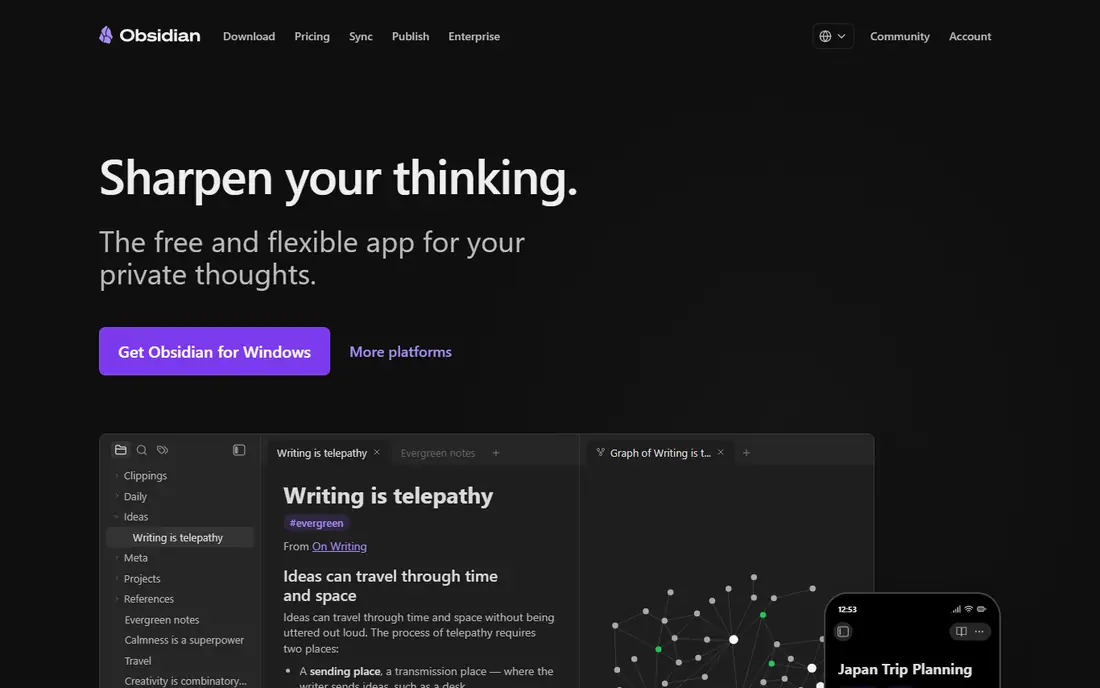
Obsidian is the pick for solo thinkers who want speed, offline access, and full ownership of their notes. It fits local markdown knowledge base best, and that focus shapes both its strengths and its limits. Notes live as plain Markdown files on your device, links connect ideas, and plugins extend the app in many directions. That local-first design means no lock-in and no waiting for a cloud page to load. The catch is teamwork, because Obsidian is not a shared workspace or database tool in the way Notion is. Check the current pricing page before you subscribe, because plans and limits change.
- Local Markdown files you own
- Fast offline use
- Large plugin community
- No built-in databases like Notion
- Sync and publish cost extra
- Collaboration is limited

ClickUp suits teams that need project execution more than a quiet notebook. It fits tasks and projects with docs best, and that focus shapes both its strengths and its limits. Tasks, docs, goals, and views sit in one workspace, and automation can move work forward without manual updates. Import tools help move content from Notion, though databases and formulas will need rebuilding. The catch is complexity, because a team that only needs notes will find ClickUp heavier than necessary. Check the current pricing page before you subscribe, because plans and limits change.
- Free plan with unlimited tasks
- Strong tasks, views, and automation
- Docs included
- Can feel complex for simple notes
- Many features take time to set up well
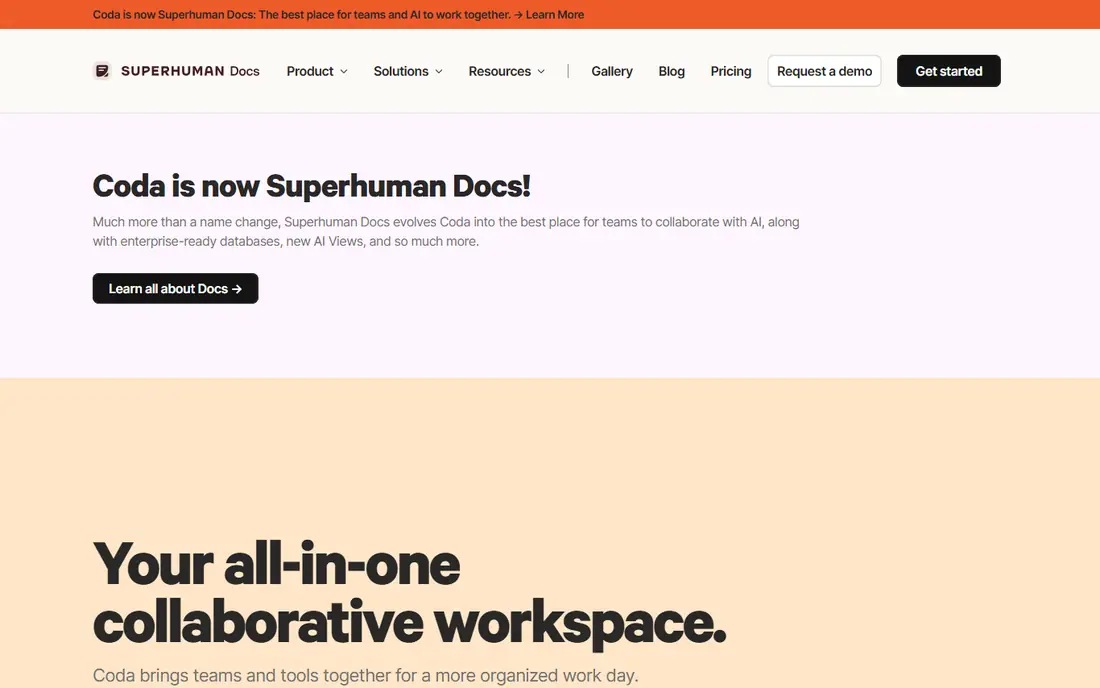
Coda, now linked with Superhuman Docs, fits teams whose docs need to act like small apps. It fits docs that work like apps best, and that focus shapes both its strengths and its limits. Tables can calculate, buttons can trigger actions, and packs connect to other tools, which makes Coda strong for trackers and operational pages. It is the closest like-for-like alternative for teams that liked Notion databases. The catch is simplicity, because switching to Coda will not make a complex workspace feel simple. Check the current pricing page before you subscribe, because plans and limits change.
- Docs, tables, formulas, and packs in one surface
- Strong automation for operational docs
- Learning curve is similar to Notion
- Pricing is per Doc Maker, which needs checking
Evernote remains a good choice for people whose main job is capturing and finding reference material. It fits capture and search for notes best, and that focus shapes both its strengths and its limits. Web clipping, search across notes and attachments, and a clear notebook structure make it easy to store articles, receipts, and research. It is less about databases and more about a reliable personal archive. The catch is the free plan, because its limits are tight for anyone with a large existing library. Check the current pricing page before you subscribe, because plans and limits change.
- Strong search and web clipping
- Notebooks and tags for reference material
- Long history
- Free plan is limited to 50 notes and one notebook
- Paid plans cost more than some rivals
Anytype appeals to privacy-minded users who want a workspace that works offline first. It fits private local-first workspace best, and that focus shapes both its strengths and its limits. Objects, sets, and relations give structure without sending everything to a central cloud by default, and encryption adds a layer of control. It feels closer to a personal operating system than a simple notes app. The catch is maturity, because some team features and templates are thinner than in larger tools. Check the current pricing page before you subscribe, because plans and limits change.
- Local-first and encrypted
- Object-based notes and sets
- No central cloud lock-in
- Smaller ecosystem than Notion
- Collaboration and templates are still maturing
Craft is the design-led pick for Apple users who want documents that look good without extra work. It fits beautiful apple-first documents best, and that focus shapes both its strengths and its limits. Pages are clean, linking is simple, and daily notes plus wikis cover much of what a personal workspace needs. The writing experience is calm, which helps for long docs and planning pages. The catch is platform, because teams on mixed devices should check the web and Windows experience first. Check the current pricing page before you subscribe, because plans and limits change.
- Clean design and fast writing
- Good for docs, notes, and wikis on Apple devices
- Windows and web support is thinner than Apple apps
- Databases are simpler than Notion
AFFiNE suits users who want an open workspace that mixes writing with visual planning. It fits open workspace with docs and boards best, and that focus shapes both its strengths and its limits. A single page can hold written notes and visual boards, which helps planning sessions that move between text and diagrams. Local editing gives more control than a cloud-only tool, while cloud plans add sharing and storage. The catch is polish, because the product is newer and some workflows feel less finished than in Notion. Check the current pricing page before you subscribe, because plans and limits change.
- Docs, whiteboards, and databases in one open workspace
- Local editing option
- Cloud limits and AI costs need checking
- Smaller template library than Notion
Capacities fits creative users who think in objects rather than folders. It fits object-based personal knowledge best, and that focus shapes both its strengths and its limits. You define object types such as books, people, or projects, then link them naturally as you write. That structure makes a personal knowledge base feel organised without forcing every note into a folder. The catch is scope, because it is a personal knowledge tool first, not a team project platform. Check the current pricing page before you subscribe, because plans and limits change.
- Object types for people, books, and ideas
- Visual and calm personal knowledge design
- Less suited to team project management
- Paid plan needed for full features
How we picked these
We started from official feature pages, pricing pages, and app store listings, then compared each product on the same points: core features, starting price, free plan limits, and the honest trade-offs. We also read privacy policies and public reviews where they helped explain a limit, such as data use, device needs, or export options. We did not claim hands-on testing that did not happen, and we did not invent awards, scores, or feature counts. Where a vendor did not publish a clear price, we wrote See website rather than guessing. That approach keeps the comparison useful even when pricing changes after publication.
How to choose a Notion alternative
Start with the job you do most often, not the product with the most features. A tool that matches your daily workflow will get used, while a powerful tool that adds friction will sit unused after the first week. List the three tasks you will do every week, then check that your shortlist handles all three without a workaround.
Check the free plan first
Free plans are a good trial, but limits matter. Look for caps on items, minutes, seats, history, or exports, and ask whether the limit will hit you in a normal month. If it will, price the paid plan you would actually need, not the cheapest plan on the page.
Check the total cost and the exit route
Add any extra fees for add-ons, seats, or currency conversion, and check renewal prices as well as first-year prices. Also check whether you can export your data, because a tool that locks your history in makes switching costly later. A clear export option is a sign of a product that respects your work.
Match the tool to your team size
Solo users need speed and low cost, small teams need sharing and permissions, and larger teams need reporting and admin controls. Buying a team platform for solo use adds cost and complexity, while buying a solo tool for a team creates workarounds. Choose for the size you are now, with room to grow by one step, not five.
Frequently asked questions
What is the notion alternatives?
The notion alternatives depends on your main task, budget, and team size. Start with the free or low-cost options in this guide, test them with real work for a week, and upgrade only when a limit blocks you.
Is there a free Notion alternatives option?
Yes, several products in this guide offer a free plan or a free trial, but limits differ. Check caps on usage, history, and seats, because a free plan that covers occasional use may not cover daily work.
How much should I expect to pay?
Prices range from free to a monthly subscription, and the right amount depends on how often you use the tool and how many people need access. Price the plan you would actually use, including add-ons, rather than the headline price.
Can I switch later if I choose the wrong one?
In most cases, yes, but switching is easier when you can export your data. Before you commit, check export options and whether your history, notes, or contacts move cleanly to another product.
What should I check before paying?
Check the current pricing page, the free plan limits, the renewal price, and the cancellation terms. Also check device support and integrations, because a tool that does not work with your phone, computer, or main apps will add friction.
Do I need the most expensive plan?
Usually not. Most users do well on a free plan or an entry paid plan, and only need a higher tier for team features, higher limits, or admin controls. Upgrade when a specific limit, not a feature list, tells you to.
Sources we checked (8)

Online Jobs is an independent blog about careers, online work, learning new skills and the tools that help people earn. More about us.
Keep reading
All posts
Best Writing Software
Looking for the best writing software in 2026? We compared 9 writing apps for books, articles and screenplays on price, features and fit. All verified.

Best Weather Apps
Searching for the best weather app? We compared eight top weather apps for accurate forecasts, radar, severe alerts, and daily planning near you today.

Best Video Editing Software
We compared the best video editing software for beginners and pros, checking official pricing, free plans and honest limits before ranking all nine editors.