Nextiva Alternatives in 2026: 8 Phone Systems Compared


All-round replacement for Nextiva · Starting price: $20 per user per month
How we put this together: we compare official feature and pricing pages, app store listings, privacy policies and public user reviews. Prices change, so check the provider's site before you pay.
Key takeaways
- RingCentral is the closest all-round replacement for Nextiva, with phone, video, messaging, and a large integration catalogue.
- Zoom Phone is the cheapest switch for teams already using Zoom, starting at $10 per user per month on annual billing.
- Dialpad suits teams that want AI transcription and summaries on every call without buying a separate add-on.
- Grasshopper and Google Voice fit solo operators who need a professional number, not a full contact centre.
- Always add taxes, regulatory fees, and texting limits to the headline price, because those items change the monthly bill more than the plan name suggests.
Quick comparison
| Name | Who it suits | Starting price | Free option | |
|---|---|---|---|---|
| RingCentral | All-round replacement for Nextiva | $20 per user per month | Free trial | Visit |
 Zoom Phone | Teams already using Zoom | $10 per user per month | No | Visit |
 Dialpad | AI transcription on every plan | $15 per user per month | Free trial | Visit |
 Vonage | API-ready phone teams | $13.99 per user per month | No | Visit |
 Ooma Office | Simple setup for small offices | $19.95 per user per month | No | Visit |
 8x8 | International calling | See website | Free trial | Visit |
 GoTo Connect | Bundled phone and meetings | See website | No | Visit |
 Grasshopper | Solo operators and freelancers | $14 per month | Free trial | Visit |
The best Nextiva alternatives
Nextiva is a solid business phone system, but it is not the only one, and some teams leave for lower prices, better AI features, or simpler setup. These eight alternatives cover the main reasons people switch, from a direct replacement to a solo line.
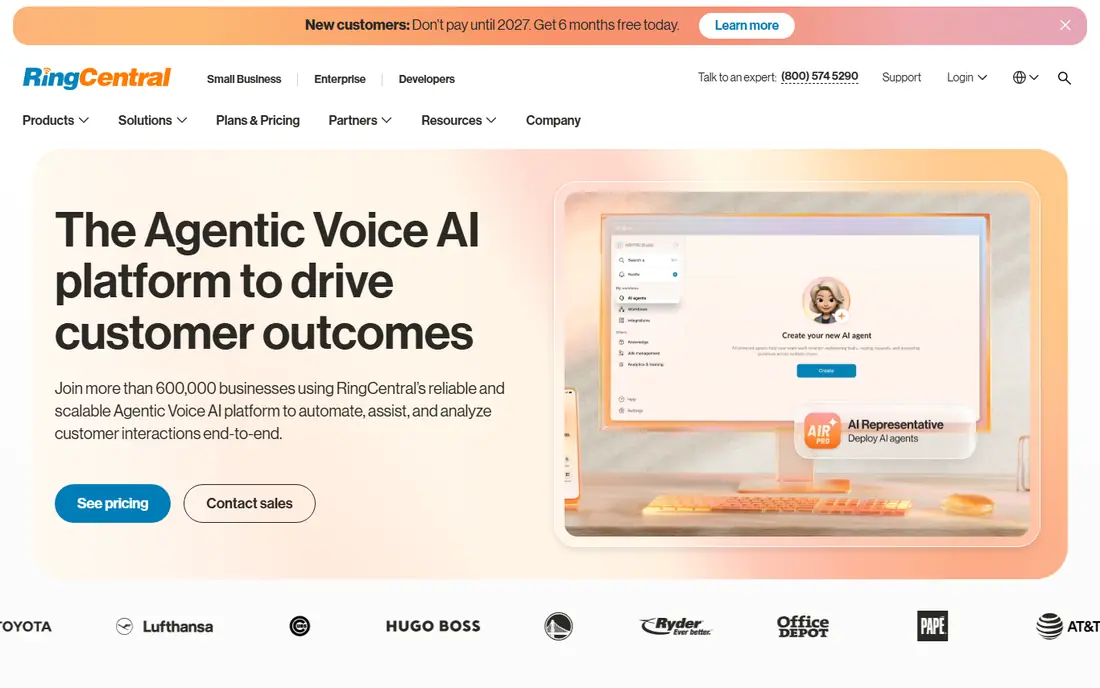
RingCentral is the default switch for a team that wants the same breadth as Nextiva without rethinking its whole setup. You get unlimited US and Canada calling, team messaging, video meetings, and AI transcription, with a 14-day trial that covers up to 20 lines. The integration catalogue is one of the largest in the category, which helps if you rely on a CRM or helpdesk.
Read the pricing fine print before you sign. Monthly billing lifts the core plan from $20 to $30 per user, texting is capped on the core plan, and advanced AI tools cost extra. Budget for the add-ons you actually need, and RingCentral remains the safest all-round replacement.
- Phone, video, and messaging in one app
- Large integration catalogue
- AI transcription on core plans
- Monthly billing raises the price to $30
- Texting is capped on the core plan
- Some AI features are add-ons
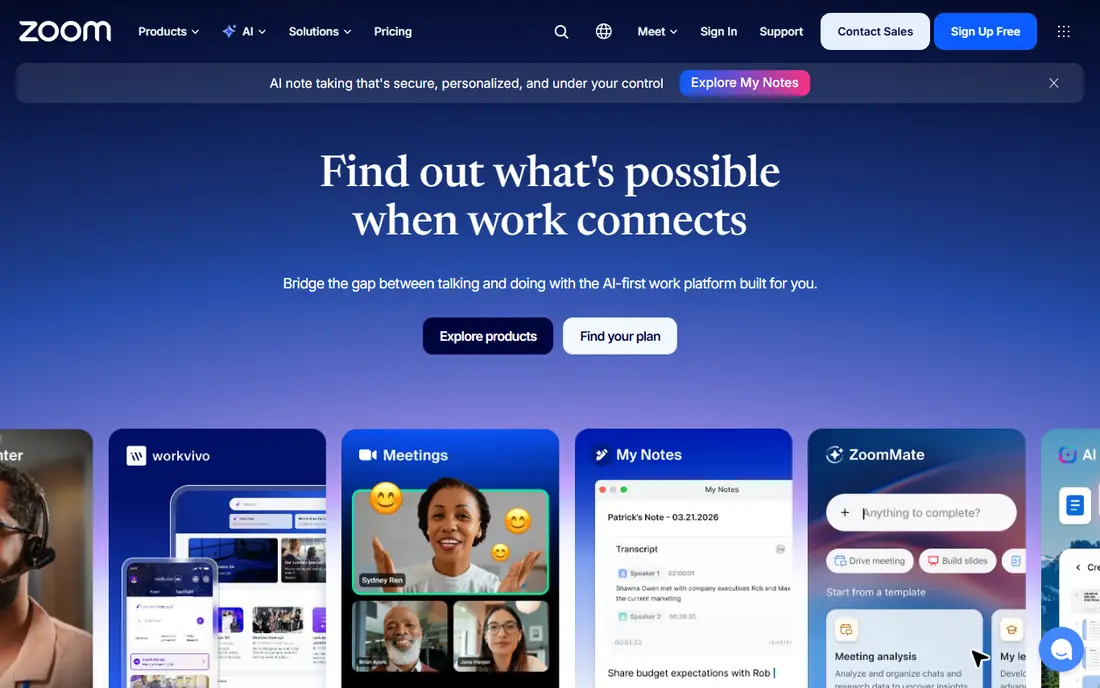
Zoom Phone is the cheapest credible switch for a team that already lives in Zoom. Calls escalate to video meetings in one click, the admin console is straightforward, and the entry price undercuts most rivals. If your team already pays for Zoom, adding phone to the same account keeps billing and support simple.
The catch is plan stacking. Some setups need a base Zoom plan plus the phone add-on, and texting limits and contact centre features depend on the tier you pick. Check the total per-user cost, including any base plan, before you compare it with a standalone phone price.
- Low entry price
- Native Zoom Meetings integration
- Clean admin and user experience
- Needs a Zoom base plan in some setups
- Texting and contact centre features vary by plan
- Fewer standalone phone features than RingCentral
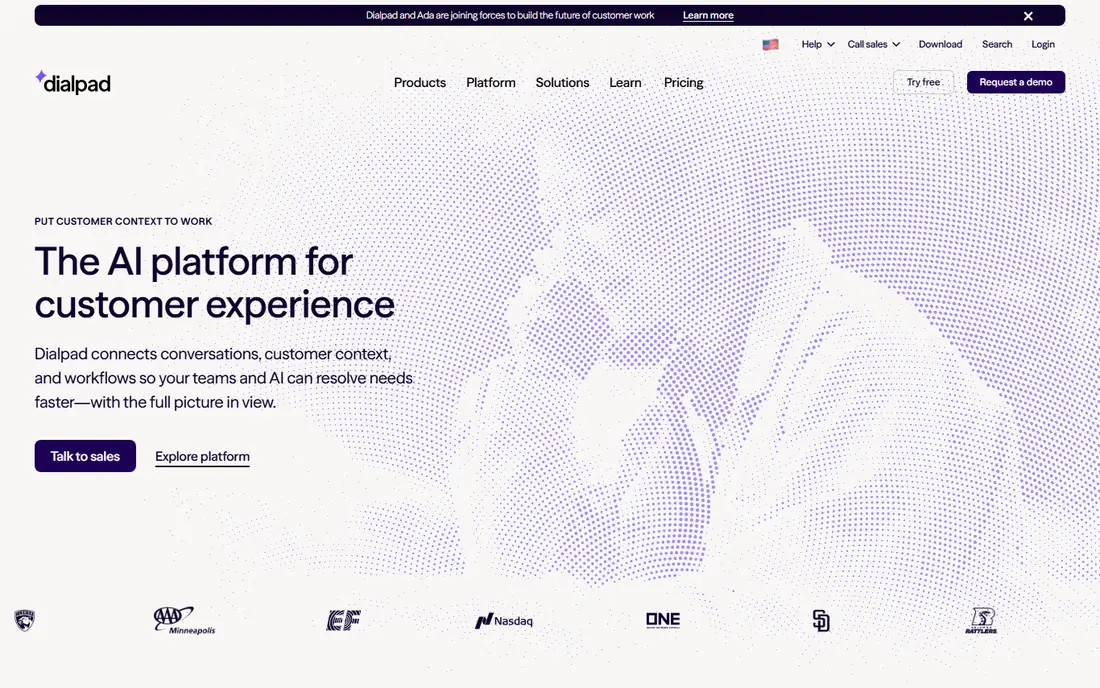
Dialpad suits teams that want AI on every call, not as an expensive add-on. Transcription, summaries, and sentiment cues are built into the core experience, which helps sales and support teams review calls without a separate tool. The 14-day trial is a good way to test call quality and AI accuracy on your own calls.
Pricing rises on monthly billing, and the most advanced coaching features sit above the entry tier. If AI summaries are the main reason you are leaving Nextiva, Dialpad is the strongest match. If you only need basic calling, a cheaper rival may do the same job.
- AI transcription and summaries on entry plans
- Real-time coaching prompts
- Clean mobile and desktop apps
- Monthly billing is higher
- Some advanced AI features sit in higher tiers
- Support quality varies by plan
Vonage Business Communications starts at $13.99 per line per month on annual billing, which makes it one of the lower entry prices here. It also offers voice and messaging APIs, so a team that may later build custom calling, verification, or notification flows has a path without switching vendors.
The trade is that some features other systems include by default cost extra here, and the admin experience can feel split between communications and API products. If you want a simple phone system and nothing else, compare the total feature cost, not just the entry price. If APIs matter, Vonage is a strong pick.
- Low per-line entry price
- Voice and messaging APIs for custom builds
- Broad global calling
- Some standard features cost extra
- Admin can feel fragmented
- Support tiers vary
Ooma Office suits a small office, shop, or clinic that wants a phone system up and running without a long project. Setup is guided, the virtual receptionist and mobile apps are included, and many plans avoid long contracts. For a team that values simplicity over AI extras, that is a real benefit.
The entry price is higher than the cheapest rivals, and AI transcription and analytics are thinner than Dialpad or RingCentral. If your team is small and your needs are calls, voicemail, and a professional greeting, Ooma is a calm, dependable choice.
- Straightforward setup
- No long contracts in many cases
- Virtual receptionist and mobile apps included
- Higher entry price than Zoom Phone or Vonage
- Fewer AI features
- Advanced contact centre tools cost more
8x8 is the pick for teams with international calling needs. Some plans include unlimited calling to dozens of countries, plus an integrated contact centre for support teams that need queues and analytics. Compliance documentation is also thorough, which matters in regulated work.
Pricing is the frustration. Published entry prices vary by region and are often replaced by a quote, so you need a sales conversation to get a firm number. If your team calls mainly within the US, a cheaper published-price rival may be simpler. If international calling is core, 8x8 is worth the quote.
- Unlimited calling to many countries on some plans
- Integrated contact centre options
- Strong compliance documentation
- Pricing is often quoted rather than published
- Entry plans vary by region
- Setup can take longer
GoTo Connect bundles phone, video meetings, and messaging, with custom call flows that suit teams with complex routing needs. It is a good fit for a team that wants one vendor for meetings and phone, without managing two separate systems and bills.
As with 8x8, pricing is often quoted rather than published, which makes a direct comparison harder. Get a written quote based on your user count and call volume, and check what is included in meetings and messaging, so you are not comparing a bundle with a phone-only price.
- Phone, meetings, and messaging in one bundle
- Custom call flows
- Free calls to many countries on some plans
- Pricing is often quoted
- Admin can feel broad
- Fewer AI features than Dialpad
Grasshopper is not a Nextiva replacement for a team, but it is a good exit for a solo operator who only needs a professional number. You get a business number, extensions, a greeting, and forwarding to the phone you already carry, at a flat monthly price rather than per-user pricing.
It lacks shared team inboxes, advanced queues, and the integration depth of RingCentral or Dialpad. If you are a freelancer, consultant, or tiny shop, that simplicity is a benefit. If you have a team that needs to share calls and texts, pick a team system above instead.
- Flat monthly price for a solo user
- Extensions and greetings
- Forwarding to your mobile
- Not a full team phone system
- Business texting setup needs care
- Fewer integrations than larger systems
How we picked these
We compared official pricing pages, feature pages, and trial terms for business phone systems that are still active in 2026 and that cover the core Nextiva use case, namely business calling, plus messaging, video, or contact centre features. We favoured systems with published pricing where possible, and we noted where pricing is quoted. We did not claim hands-on testing.
How to switch without missing calls
Start by listing what you actually use in Nextiva. Do you need video meetings, team messaging, texting, call queues, or CRM integrations? Many teams pay for features they never use, and a switch is a good time to drop them. That list also stops you comparing a phone-only price with a bundled price.
Next, test call quality and porting. Run a trial with a few real users, check mobile app quality, and confirm that your existing numbers can port without downtime. Ask for a written quote that includes taxes, regulatory fees, and texting limits, and check contract length and exit terms. Finally, plan the cutover for a quiet period, keep the old system running until porting is confirmed, and update greetings, voicemail, and website numbers in one pass.
Frequently asked questions
What is the best alternative to Nextiva?
RingCentral is the closest all-round replacement, Zoom Phone is best for teams already using Zoom, and Dialpad is best for AI transcription on every call. Grasshopper suits solo operators, while 8x8 suits international calling.
Is RingCentral cheaper than Nextiva?
RingCentral starts at $20 per user per month on annual billing, while Nextiva starts at $15 per user per month on annual billing in recent listings. RingCentral can still be better value if you need its integrations or video features, but check monthly billing and add-on costs.
Can I keep my phone numbers when switching from Nextiva?
In most cases yes, through number porting, but timing and paperwork vary by provider and number type. Start porting early, keep the old system active until the port is confirmed, and test inbound calls before you cancel.
Which Nextiva alternative has the best AI features?
Dialpad includes AI transcription and summaries on entry plans, while RingCentral includes transcription on core plans with advanced AI as add-ons. Test AI accuracy on your own calls during a trial, because accuracy varies by accent, audio quality, and industry terms.
What is the cheapest Nextiva alternative for a small team?
Zoom Phone starts at $10 per user per month on annual billing, and Vonage starts at $13.99 per line per month. Grasshopper at $14 per month flat can be cheaper still for a solo user, since it is not priced per user.
Do these alternatives include business texting?
Most do, but limits vary. RingCentral caps texts on its core plan, and US business texting generally needs registration, which can take time. Confirm texting allowances and registration steps before you rely on texting for customers.
Sources we checked (8)

Online Jobs is an independent blog about careers, online work, learning new skills and the tools that help people earn. More about us.
Keep reading
All posts
n8n Alternatives
n8n alternatives compared for 2026, with Zapier, Make, Activepieces, and more, covering visual builders, code steps, self-hosting, and pricing models.

ZoomInfo Alternatives
The best ZoomInfo alternatives in 2026, compared on price, free plans, data coverage, and which tool fits small teams or large sales teams best in detail.

Zoom Alternatives for Webinars
Compare Zoom alternatives for webinars in 2026, from browser-based rooms to enterprise events, with prices, attendee limits, features and honest trade-offs.