Best Midjourney Alternatives in 2026: 8 Tools Compared

How we put this together: we compare official feature and pricing pages, app store listings, privacy policies and public user reviews. Prices change, so check the provider's site before you pay.
Key takeaways
- Leonardo AI and Ideogram give new users a free way to test image generation before paying, while Midjourney itself has no free tier.
- Adobe Firefly is the strongest pick when commercial safety and Adobe integration matter more than pure artistic flair.
- Ideogram stands out for posters, logos, and any image where readable text must appear inside the picture.
- Stable Diffusion suits people who want local control and no monthly cap, provided they accept a steeper setup.
- ChatGPT image generation is the simplest route for people who already use ChatGPT for writing and planning.
Quick comparison
| Name | Who it suits | Starting price | Free option | |
|---|---|---|---|---|
 Leonardo AI | Game art and varied styles | $12 per month | Yes | Visit |
 Adobe Firefly | Commercial-safe creative work | $9.99 per month | Yes | Visit |
 Ideogram | Text inside images | See website | Yes | Visit |
 ChatGPT | Simple prompts and everyday images | $20 per month | Yes | Visit |
 Recraft | Vectors and brand assets | $12 per month | Yes | Visit |
 Stable Diffusion | Local control and open models | Free | Yes | Visit |
 Flux | Photorealistic detail | See website | Yes | Visit |
 Canva | Quick designs for non-designers | Free | Yes | Visit |
The best Midjourney alternatives
Midjourney still sets a high bar for artistic images, but its paid-only access and public-by-default gallery push many people to look elsewhere. The tools below cover different needs, from free daily credits to licensed commercial output and full local control.
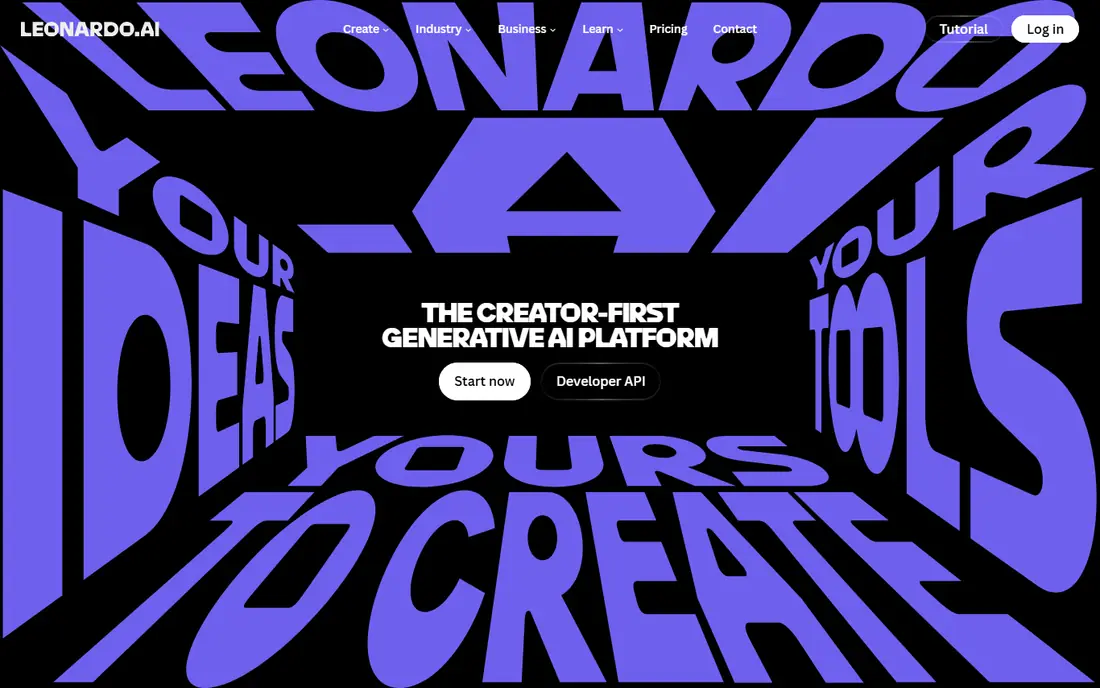
Leonardo AI feels like a workshop rather than a single model. You can pick a style, train a look for a character or product, and generate variations without writing long technical prompts. That flexibility helps game artists, concept designers, and social creators who need many related images rather than one perfect picture. The free tier is a genuine way to learn the tool, although daily credits run out fast on larger projects. Paid plans add more credits, private generations, and faster queues. The honest catch is choice overload at first. With so many models and settings, a beginner may spend a while finding the combination that matches their taste.
- Daily free credits
- Wide range of styles and models
- Useful image and video tools in one place
- Free output can be public
- Higher tiers are needed for heavy commercial use
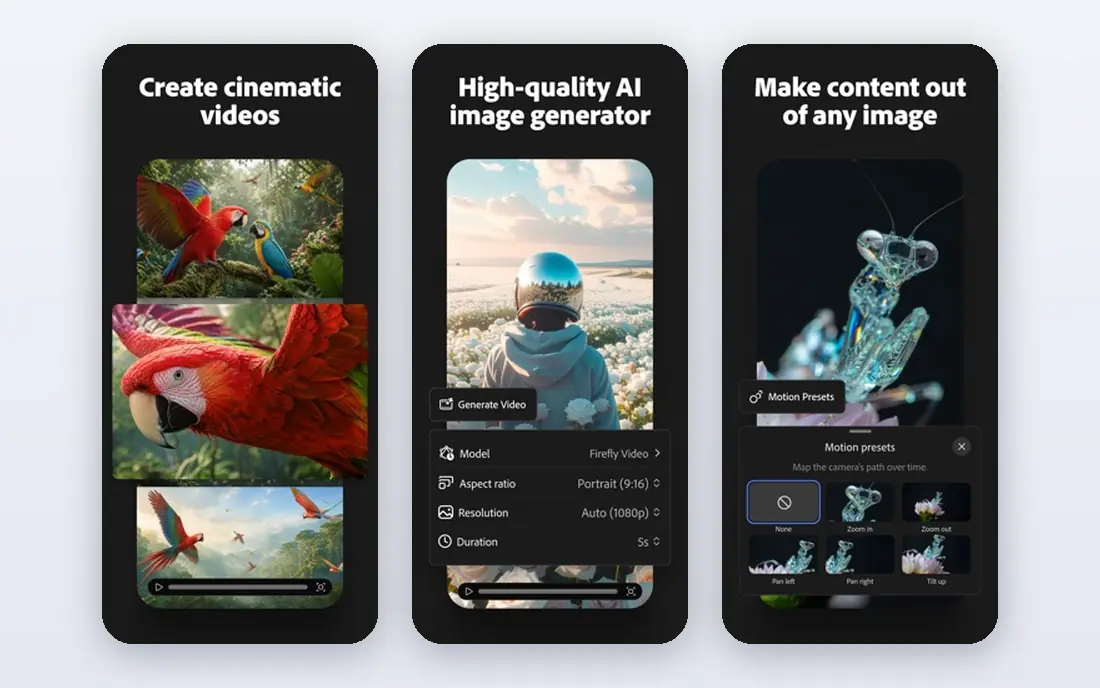
Adobe Firefly is built for work that will be published for a client. Its own models are trained on licensed content, and outputs carry content credentials that show AI was used. For marketing teams and designers, that clarity matters more than a slightly wilder result from another tool. Inside the Adobe apps, Firefly tools such as generative fill and expand fit into editing that people already do. The free plan gives daily generations to try it, while paid plans raise credit limits. The catch is that Firefly can feel less adventurous for pure illustration. If you want surreal art for its own sake, another tool on this list may suit you better.
- Trained on licensed content
- Works with Photoshop and Express
- Image, video, and vector generation in one app
- Artistic range can feel more restrained
- Credits limit heavy use on lower plans
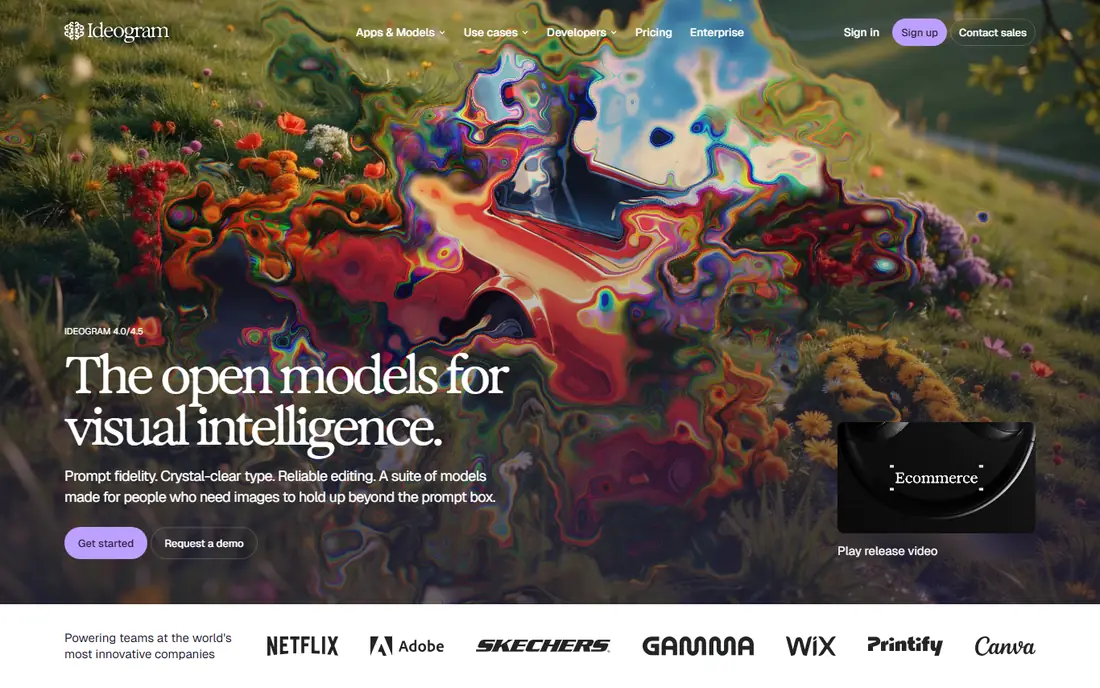
Many image tools garble words on a poster or a book cover. Ideogram was built to fix that problem, and it shows. Short phrases, titles, and labels usually come out readable, which saves time that would otherwise go to fixing text in an editor. That strength makes it a natural pick for social graphics, event posters, and product mockups. The free tier lets you test text-heavy prompts before committing. The catch is that Ideogram is less of an all-purpose art studio. For complex fantasy scenes or photorealistic portraits, you may prefer Leonardo AI or Flux.
- Strong readable text in images
- Good for posters and logos
- Simple prompt workflow
- Style range is narrower than some rivals
- Best results still need prompt tweaks
ChatGPT image generation suits people who do not want to learn a new creative app. You describe the image in plain words, ask for a change, and iterate in the same chat. That conversational loop is helpful for blog illustrations, lesson materials, and quick social posts. Because image generation sits inside a broader assistant, it is also handy when a project mixes text and pictures. You can draft copy, then ask for a matching image without switching tools. The catch is depth. Professional illustrators will miss the fine style controls, model choice, and batch workflows found in Leonardo AI, Firefly, or Recraft.
- Very easy prompting in plain language
- Image editing by conversation
- Useful alongside writing and research
- Free image limits are tight
- Style control is less precise than specialist tools
Recraft answers a different question from most image generators. Instead of only producing a flat picture, it can produce vector-style graphics that a designer can edit, recolour, and scale. That makes it useful for logos, icons, marketing illustrations, and interface art. Brand teams benefit from style controls that keep a set of assets looking related rather than random. The free tier is enough to test whether vector output fits your workflow. The catch is photorealism. If your main need is lifelike photography, Flux or Adobe Firefly will serve you better than Recraft.
- Editable vector output
- Strong for icons and illustrations
- Brand style controls
- Less suited to photorealistic scenes
- Free credits are limited for daily work
Stable Diffusion is the pick for people who want control over where their images are made and how models behave. You can run models on your own computer, fine-tune them, and avoid a monthly credit meter. That freedom appeals to developers, researchers, and artists with specific style needs. The community around Stable Diffusion is also a major strength, with many shared models and extensions. The catch is the learning curve. Installation, hardware demands, and model choice can frustrate a beginner, and raw results often need more prompt work than a polished hosted tool.
- Free open models
- Can run locally with no subscription
- Huge community of models and tools
- Setup takes technical effort
- Local results depend on your hardware
Flux, from Black Forest Labs, earned attention for realistic skin, hands, and product detail that many earlier models struggled with. It handles prompts in a literal way, which helps when you need a specific product, setting, or lighting setup rather than a loose artistic impression. Because Flux is offered through different hosts and apps, you can pick a workflow that fits your budget and skill level. Some routes offer free generations, while API use is priced per image. The catch is consistency of pricing and access. Check the host you plan to use, since free limits and paid rates differ from one app to another.
- Strong photorealism and detail
- Good for product and portrait work
- Available through several apps and APIs
- Pricing varies by host
- Free access depends on the app you choose
Canva is the practical choice when the image is only part of a finished design. You can generate a picture, drop it into a poster, presentation, or social post, and adjust text and layout in the same place. That end-to-end flow saves time for small teams and solo creators. The free plan covers basic generation and design, which is enough for occasional posts. Paid Canva Pro adds more credits and design features. The catch is ceiling. If image quality is the main goal, Leonardo AI, Flux, or Firefly will produce stronger standalone art than Canva.
- Image generation inside a full design editor
- Huge template library
- Easy sharing and printing
- Image quality trails specialist tools
- Best features need a paid plan
How we picked these
We compared web search results, official feature pages, pricing pages, and app-store listings for image tools that work as direct Midjourney replacements in October 2026. We favoured tools with a working official homepage, a clear free or paid route, and a distinct strength, rather than listing near-identical generators. We checked whether each tool offers text-in-image support, vector output, commercial licensing notes, or local use, and we noted where pricing was unclear instead of guessing a figure. Public reviews helped us spot common complaints, such as credit limits and public outputs on free tiers.
Choosing the right tool for your work
Match the tool to the job
Start with the output you need most. Posters and logos point to Ideogram, brand vectors point to Recraft, client work points to Firefly, and realistic photos point to Flux. A tool that is excellent for one job can be average for another, so a short test with your own prompts matters more than a feature list.
Check credits, privacy, and licensing before you pay
Free tiers differ in daily credits, watermarks, and whether outputs are public. Read the pricing page for credit resets, commercial use terms, and private generation options. If you plan to sell or publish the work, pick a plan that clearly allows commercial use and gives you private output.
Test two tools side by side
Run the same three prompts through two finalists: one simple scene, one text-heavy design, and one portrait or product shot. Compare readable text, hands and faces, and how many tries each tool needed. The tool that needs fewer retries will save more time than a small price difference.
Frequently asked questions
What is the best free alternative to Midjourney?
Leonardo AI, Ideogram, and Canva all offer free tiers that let you generate images without paying first. Leonardo AI suits varied art styles, Ideogram suits text-heavy designs, and Canva suits finished social graphics. Free credits are limited, so expect a daily cap or a queue at busy times.
Which Midjourney alternative is best for commercial work?
Adobe Firefly is the safest default for commercial work because its own models are trained on licensed content and it provides content credentials. Recraft is also useful for brand vectors and illustrations that need editing. Always read the plan terms for your exact use, since commercial rights can vary by tier.
Can I use these alternatives without Discord?
Yes. Every tool on this list works through a website or app, without needing Discord. That is one of the main reasons people switch from Midjourney, especially teams that want a normal web workflow, shared projects, and direct links to finished files.
Which alternative is best for realistic photos?
Flux is a strong pick for realistic detail, product shots, and portraits, while Adobe Firefly also handles clean commercial photography well. Stable Diffusion can reach a similar level with the right model, but it needs more setup and stronger hardware. Test the same portrait prompt on two tools before you choose.
Is Stable Diffusion really free?
The core open models can be used without a subscription, and you can run them locally if your computer can handle it. You may still pay for cloud hosting, a hosted app, or extra models and storage. Local use avoids monthly credits, but it trades that saving for setup time and hardware demands.
Do I need to pay to get private images?
On several free tiers, generations may be public or shared in a community gallery. Private generation usually requires a paid plan, so check that detail before generating client or personal work. Leonardo AI, Firefly, and Recraft all describe private options on paid tiers, with exact terms on their pricing pages.
Sources we checked (8)

Online Jobs is an independent blog about careers, online work, learning new skills and the tools that help people earn. More about us.
Keep reading
All posts
Sora Alternatives
Compare the best sora alternatives now that Sora is discontinued, from Google Veo to Runway and Kling, with strengths and limits for video makers today.
OpenClaw Alternatives
Looking for openclaw alternatives? We compare 9 self-hosted and hosted AI agent tools, from Open WebUI and LibreChat to Manus, on setup, control, and price.
Best Grok AI Alternatives
Looking for the best grok ai alternatives? We compare 8 chatbots on writing, coding, research, and price, so you can find a strong replacement for daily work.