Microsoft Teams Alternatives in 2026: 8 Tools Compared

How we put this together: we compare official feature and pricing pages, app store listings, privacy policies and public user reviews. Prices change, so check the provider's site before you pay.
Key takeaways
- Slack is the strongest chat-first alternative, with channels, threads, and a deep integration catalog.
- Zoom Workplace suits video-first teams, while Google Chat suits teams already on Google Workspace.
- Webex and RingCentral suit larger or regulated organizations that need stronger admin and compliance tools.
- Free alternatives exist, but message history, meeting length, and participant limits vary, so check those before switching.
Quick comparison
| Name | Who it suits | Starting price | Free option | |
|---|---|---|---|---|
 Slack | Chat-first teams | $7.25 per user per month | Yes | Visit |
 Zoom Workplace | Video-first teams | See website | Yes | Visit |
 Google Chat | Google Workspace teams | See website | Yes | Visit |
 Webex | Enterprise video and security | See website | Yes | Visit |
 RingCentral | All-in-one phone and video | $20 per user per month | Free trial | Visit |
 Discord | Community and voice-first teams | Free | Yes | Visit |
 Mattermost | Self-hosted security teams | Free | Yes | Visit |
 Pumble | Budget teams, unlimited history | See website | Yes | Visit |
The best Microsoft Teams alternatives
Teams alternatives split by what your team does most: chat, video, or a mix of both plus phone. The best alternative to Microsoft Teams depends on that daily work, your existing software, and your budget for paid plans.
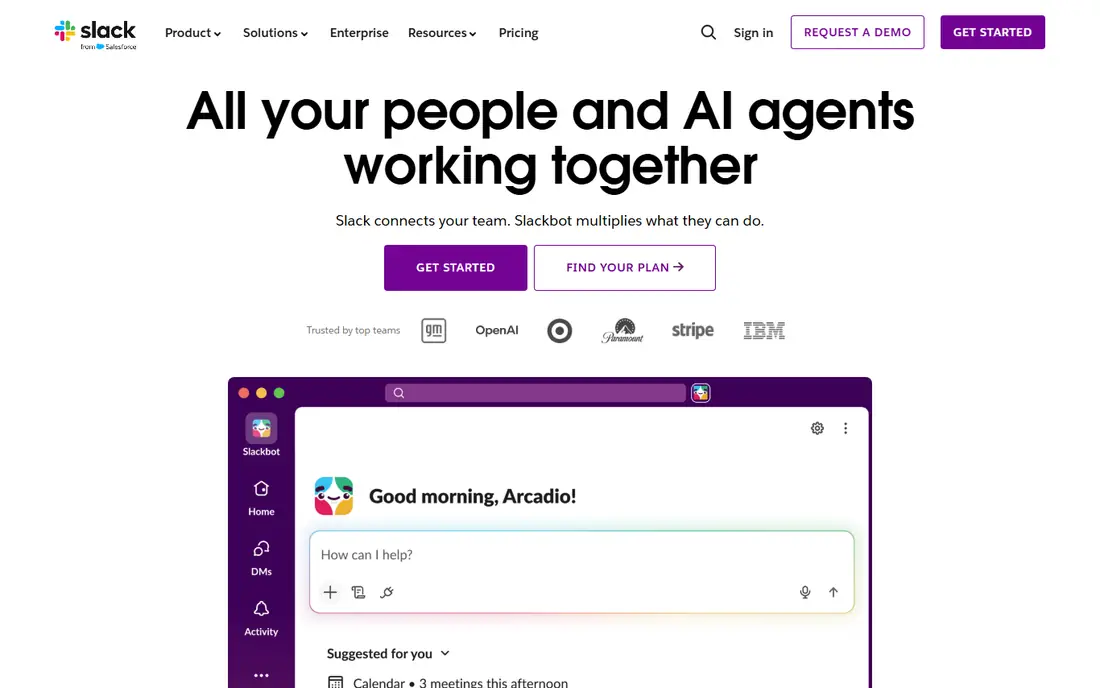
Slack remains the reference for team chat. Channels organize conversations by project or topic, threads keep replies tidy, and new members can read channel history to catch up without asking for a recap. The integration catalog covers most tools a modern team uses, and Workflow Builder automates routine tasks without code.
The free plan is the main limit. Message history is capped at 90 days, which frustrates growing teams mid-project, and the Pro plan at $7.25 per user per month on annual billing removes that cap and the integration limit. If your team needs long-term searchable history, budget for Pro from the start.
- Channels and threads organize work well
- Very large integration catalog
- Workflow automation without code
- Free plan limits message history to 90 days
- No native document creation
- Notification overload without channel discipline
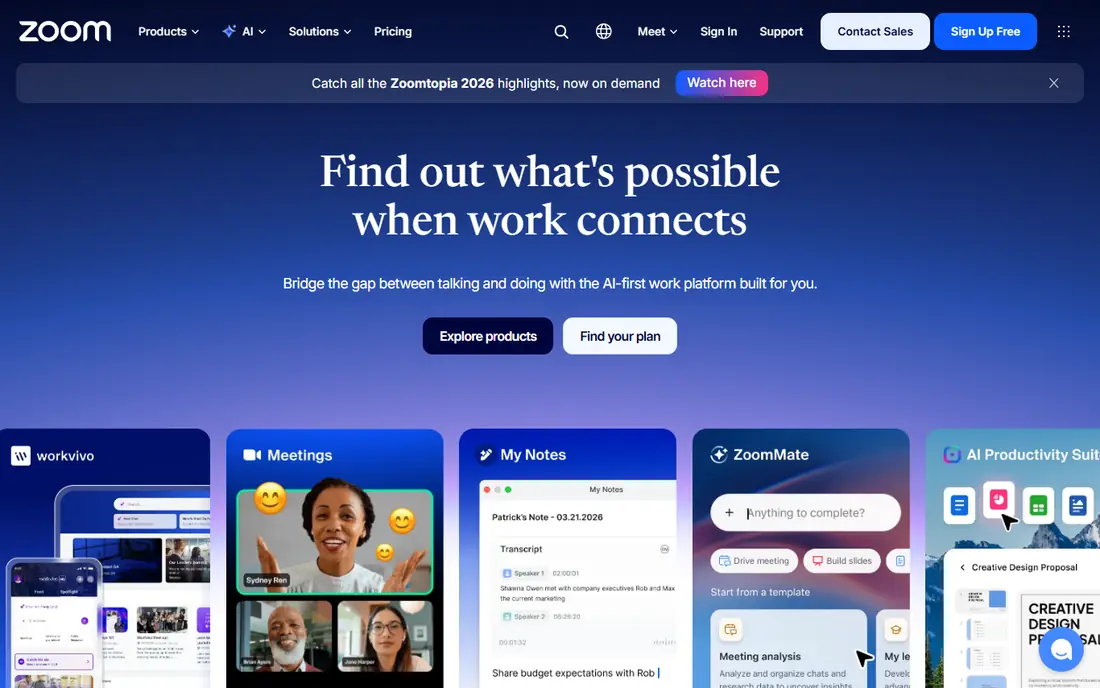
Zoom Workplace suits teams whose work happens on video. Meetings are stable with large groups, joining takes little setup, and external guests can join easily, which helps sales calls and training. Team Chat, whiteboards, and AI Companion summaries round out the platform on paid plans.
The free tier limits meetings to 40 minutes, so regular team meetings need a paid plan, whose price you should check on Zoom's pricing page for your region. Chat-first teams may still prefer Slack, since Zoom's chat is a companion to video rather than the main workspace.
- Reliable video quality
- Team Chat included with paid plans
- AI Companion summaries on paid plans
- Free meetings cap at 40 minutes
- Chat is secondary to video
- Paid pricing varies by plan and add-ons
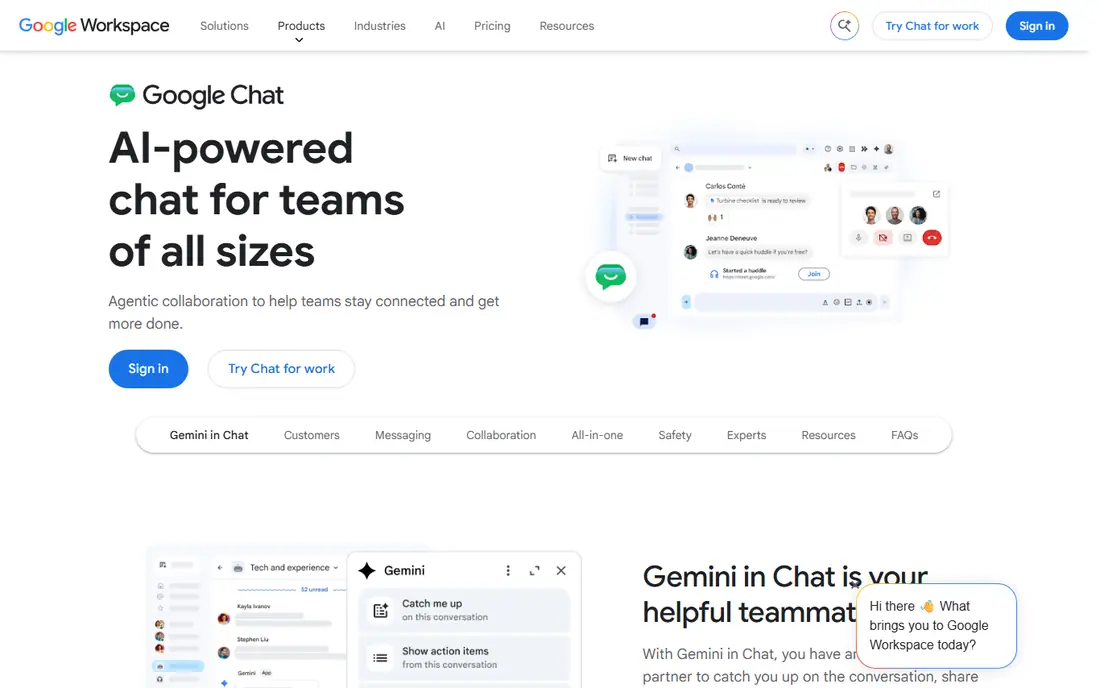
Google Chat is the natural Teams alternative inside Google Workspace. It lives in Gmail, Spaces organize projects and files, and Meet handles video, so a Google shop gets chat, docs, and video in one account. For teams that already pay for Workspace, the marginal cost is low.
The weakness is depth. Integrations are fewer than Slack's, and the most advanced admin controls sit on higher Workspace tiers. If your team runs on Microsoft 365, Teams itself may still be cheaper than switching. If it runs on Google, Chat is the low-friction choice.
- Built into Gmail and Workspace
- Spaces organize projects
- Simple for Google users
- Fewer integrations than Slack
- Advanced admin tools need Workspace plans
- Video runs through Meet
Webex, from Cisco, suits larger and regulated organizations. Video quality is strong, security and compliance tools are built for enterprise use, and messaging, meetings, and calling sit in one app. A free plan covers basic meetings and messaging for small teams.
The trade-off is complexity. The interface packs in enterprise options that small teams will never use, and pricing depends on the plan and add-ons, so get a quote for your user count. Small, chat-first teams will find Slack or Pumble simpler.
- Strong video quality
- Enterprise security and compliance tools
- Messaging, meetings, and calling in one app
- Interface can feel complex
- Pricing varies by plan
- Smaller integration catalog than Slack
RingCentral is the pick when Teams is not enough because you also need a business phone system. Voice, video, messaging, and fax come together, with a large integration catalog and AI transcription on the entry Core plan at $20 per user per month on annual billing. Teams that replace both Teams and a separate phone system gain the most here.
The catch is scope and price. It is heavier and costlier than a chat-only tool, and monthly billing lifts Core to $30. If you only need chat and video, Slack or Zoom Workplace will be cheaper and simpler.
- Phone, video, messaging, and fax in one system
- Large integration catalog
- AI transcription on entry plans
- Monthly billing raises the entry price
- Some AI tools are add-ons
- Heavier than a chat-only app
Discord suits creative teams, communities, and groups that live on voice. Always-on voice channels let people drop in and out without scheduling a call, text channels organize topics, and the core app is free. Small teams and gaming-adjacent groups often prefer its speed to a formal enterprise tool.
The limits are enterprise fit. Admin controls, compliance tools, and audit trails are weaker than Webex or Teams, and there is no native document suite. For a formal company with strict IT rules, Discord is a poor fit. For a community or creative team, it is fast and free.
- Free core features
- Always-on voice channels
- Low-friction joining for communities
- Limited enterprise admin controls
- No native document suite
- Casual feel suits some workplaces poorly
Mattermost is the choice for teams that must control their own data. The open-source core can be self-hosted, which suits government, health care, and finance teams with strict rules about where messages live. Channels, threads, and integrations cover the core chat job well.
The trade-off is effort. Self-hosting needs IT setup and maintenance, and the interface is plainer than Slack. Cloud pricing varies, so check the current plan page if you do not want to self-host. Teams without strict data rules will find Slack easier.
- Self-hosted option for full data control
- Open-source core
- Strong for government, health, and finance teams
- Self-hosting needs IT time
- Interface is plainer than Slack
- AI features sit on enterprise plans
Pumble is the budget pick for teams frustrated by Slack's 90-day free history limit. Its free plan includes unlimited message history, the interface feels familiar to Slack users, and paid plans start low, around $2.49 per user per month on recent listings. Small teams switching from Slack often find the move painless.
The weakness is ecosystem. Integrations and advanced workflow tools are fewer than Slack's, and the brand is newer, so long-term road map certainty is lower. For a small team that mainly needs chat and history, Pumble is excellent value. For a team that lives on integrations, Slack earns its price.
- Free plan includes unlimited message history
- Simple Slack-like interface
- Low paid pricing
- Smaller integration catalog
- Fewer advanced features
- Newer brand than Slack or Teams
How we picked these
We compared official pricing pages, feature lists, and free-tier terms for collaboration tools available in 2026. We favored tools with a real free tier or clear entry price, a distinct job from Teams, and current availability. We did not claim hands-on testing, and we used "See website" where pricing varies by plan, region, or quote.
How to choose the right Teams alternative
Match the tool to your daily work
Chat-first teams should start with Slack or Pumble, video-first teams with Zoom Workplace or Webex, and Google shops with Google Chat. A tool that matches daily work will be adopted; a tool that fights it will be ignored, however cheap it is.
Check history, meeting, and participant limits
Free plans hide limits that matter: Slack caps history at 90 days, Zoom caps free meetings at 40 minutes, and other tools cap participants. List your team's real needs for history, meeting length, and group size, then pick a plan that covers them without an upgrade surprise.
Trial with a real project, not a demo
Run a two-week trial with one real project, including external guests, file sharing, and a large meeting. That test reveals integration gaps, notification problems, and admin friction that a feature list hides. Keep Teams running until the trial proves the new tool works.
Guest access matters more than most buyers expect. Clients, contractors, and partners often need to join a channel or a meeting without a full company account, and each tool handles guests differently. Test guest joining, file access, and meeting links during the trial, since a tool that works well internally can still frustrate external collaborators.
Frequently asked questions
What are the best Microsoft Teams alternatives?
Slack leads for chat, Zoom Workplace leads for video, Google Chat leads for Google Workspace teams, and Webex leads for enterprise security. The best Microsoft Teams alternative depends on your daily work and existing software.
Is there a free alternative to Microsoft Teams?
Yes, Slack, Google Chat, Webex, Discord, Mattermost, and Pumble all offer free tiers. Free plans limit message history, meeting length, or features, so check those limits against your team's needs.
Is Slack better than Microsoft Teams?
Slack is better for chat organization and integrations, while Teams is better for Microsoft 365 shops that need deep Office integration. Teams already included with Microsoft 365 is often cheaper than switching to Slack.
Can I use Discord as a Teams alternative?
Yes, for small creative teams and communities, Discord's free voice and text channels work well. Larger companies with strict admin and compliance needs should prefer Webex, Mattermost, or RingCentral instead.
What is the cheapest Teams alternative?
Pumble and Discord offer the lowest-cost paths, with generous free tiers, while Google Chat is cheap for teams already paying for Workspace. Compare paid prices too, since free limits may force an upgrade as you grow.
Sources we checked (8)

Online Jobs is an independent blog about careers, online work, learning new skills and the tools that help people earn. More about us.
Keep reading
All posts
n8n Alternatives
n8n alternatives compared for 2026, with Zapier, Make, Activepieces, and more, covering visual builders, code steps, self-hosting, and pricing models.

ZoomInfo Alternatives
The best ZoomInfo alternatives in 2026, compared on price, free plans, data coverage, and which tool fits small teams or large sales teams best in detail.

Workday Alternatives
We compared the best workday alternatives for HR, payroll, and global hiring, from BambooHR and Gusto to Rippling, Deel, and HiBob for growing teams in 2026.