Microsoft Project Alternatives in 2026: 8 Tools Compared


Cross-team task coordination · Starting price: $10.99 per user per month
How we put this together: we compare official feature and pricing pages, app store listings, privacy policies and public user reviews. Prices change, so check the provider's site before you pay.
Key takeaways
- Asana and monday.com suit teams that want clear ownership and visual boards without the heavy setup Microsoft Project often demands.
- ClickUp gives the most features for the lowest starting paid price in this list, but it takes longer to learn than Trello or Asana.
- Trello and Zoho Projects are the simplest low-cost routes for small teams, while Jira and Wrike fit larger or more technical groups.
- Free plans are useful for trying a tool, but Gantt charts, workload views, and advanced reporting usually sit on paid plans.
- Check who needs a paid seat before you buy, since guests and viewers can change the real monthly cost a lot.
Quick comparison
| Name | Who it suits | Starting price | Free option | |
|---|---|---|---|---|
| Asana | Cross-team task coordination | $10.99 per user per month | Yes | Visit |
 monday.com | Visual boards and workflows | $9 per seat per month | Yes | Visit |
 ClickUp | Most features per dollar | $7 per user per month | Yes | Visit |
 Wrike | Complex cross-department work | $10 per user per month | Yes | Visit |
 Smartsheet | Spreadsheet-style planning | $9 per member per month | Free trial | Visit |
 Trello | Simple kanban boards | $5 per user per month | Yes | Visit |
 Jira | Agile software teams | See website | Yes | Visit |
 Zoho Projects | Budget-friendly tracking | $4 per user per month | Yes | Visit |
The best microsoft project alternatives
Microsoft Project is strong for detailed schedules, but many teams find it heavy, costly, and hard for non-planners to use day to day. The tools below cover the same core jobs, such as task lists, timelines, dependencies, and reporting, in friendlier packages. We compared official feature pages, pricing pages, and public documentation to build this list.
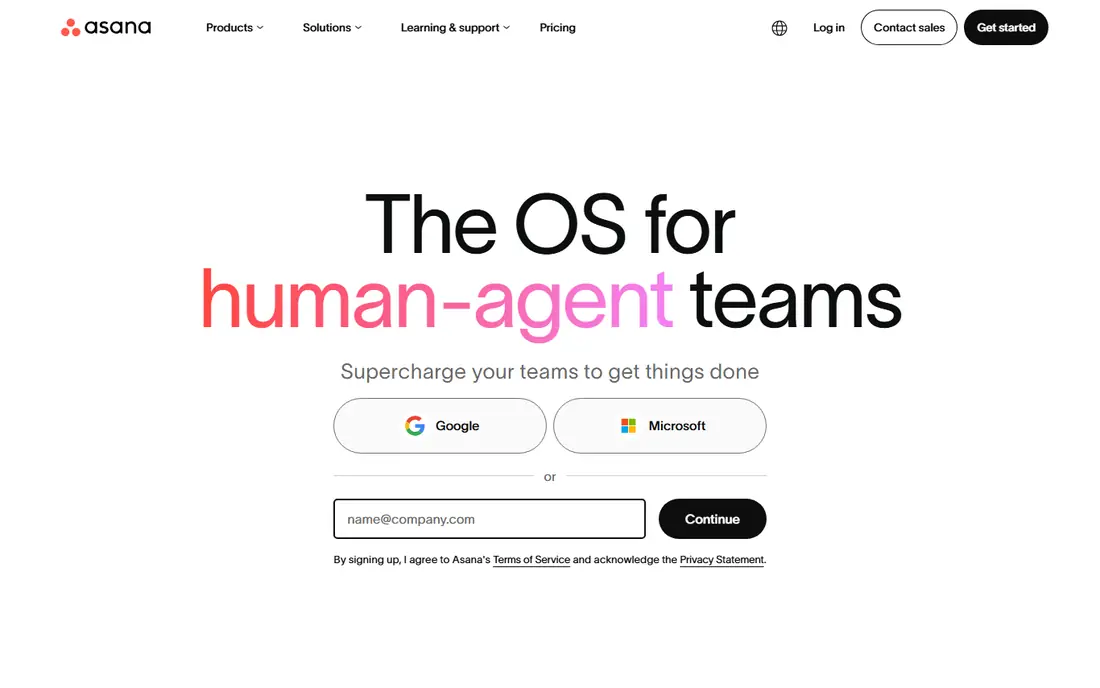
Asana is our pick for most teams leaving Microsoft Project. Work is split into projects, tasks, and subtasks, and each task has one clear owner and one due date, so nothing drifts in a shared spreadsheet. The Timeline view gives you the Gantt-style picture many Project users want, without forcing everyone to learn scheduling terms first. It also connects with common tools such as Slack, Google Drive, and Microsoft Teams, which helps a mixed team keep work in one place.
The catch is the free plan. It works for a very small group, but a growing team will need the paid Starter plan for Timeline, forms, and custom fields. Larger groups that need portfolios, workload views, and goals will need to step up again. If your team is mid-size and mostly coordinates campaigns, launches, or operations work, Asana is a solid and calm replacement.
- Clear task ownership and due dates
- Timeline view for planning
- Wide range of integrations
- Free plan is limited to a small number of users
- Advanced reporting needs a higher plan
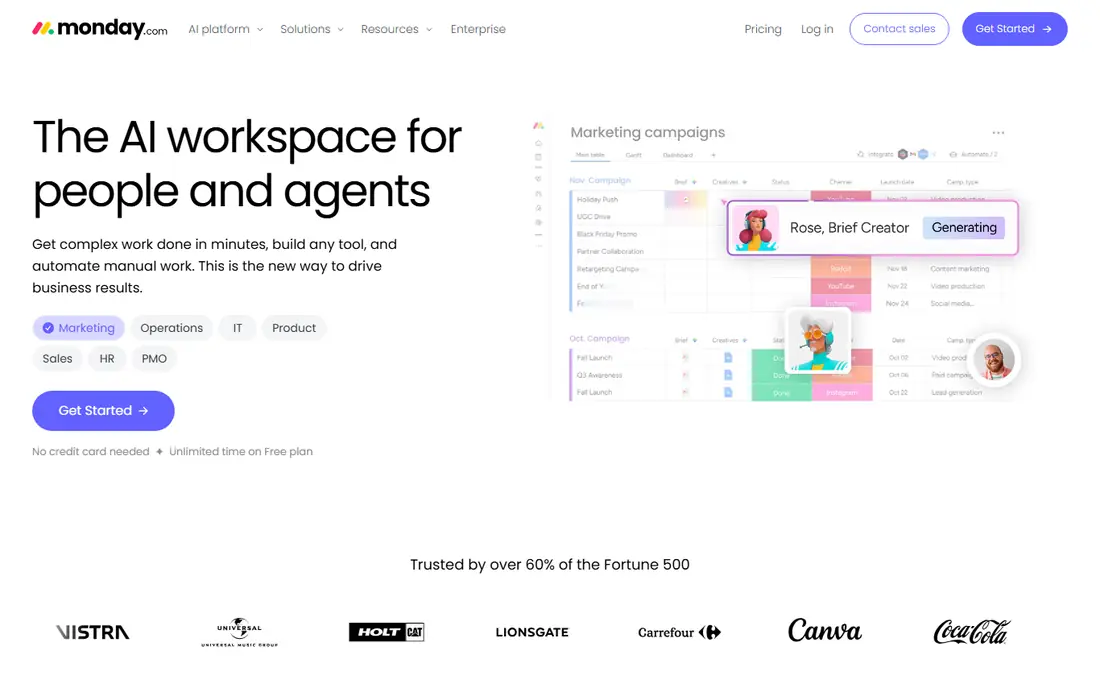
monday.com suits teams that think in boards rather than lists. You can build a board for a project, add columns for status, owner, date, and budget, and then watch work move across the board in real time. Templates for marketing, product, sales, and operations work make the first week much faster, and automations can handle reminders and status changes. For managers, dashboards pull several boards into one view, which is handy when a project spans departments.
The trade-off is price discipline. The entry plan is affordable per seat, but a minimum seat count and higher tiers for dashboards, time tracking, and advanced automations can push the bill up. It is also easy to overbuild a board with too many columns. Keep the first board simple, add automations only where they save real time, and monday.com can replace Project for most everyday planning.
- Colourful, easy-to-read boards
- Flexible columns and automations
- Fast setup from templates
- Free plan covers only a couple of seats
- Costs rise as you add seats and features
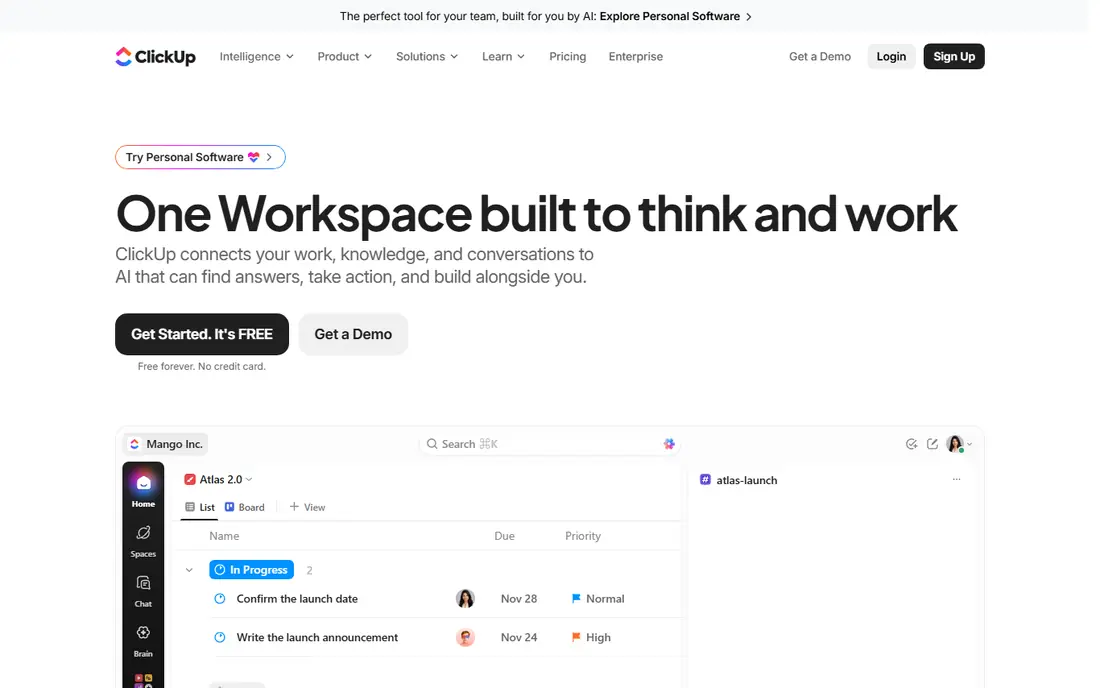
ClickUp is the value pick in this group. One workspace can hold tasks, docs, goals, whiteboards, and time tracking, so a small team can drop several separate subscriptions. The Gantt view, dependencies, and custom fields cover much of what Microsoft Project users ask for, and the free plan is more generous than most rivals. If budget is tight and you want one tool to do a lot, ClickUp is hard to beat on paper.
In practice, that depth is also the weakness. New users can get lost in settings, views, and automations, and a team without agreed rules can end up with five ways to do the same job. Spend an hour setting naming rules, a small set of statuses, and one main view per project before inviting the whole team. Done that way, ClickUp is a strong, low-cost alternative to Project.
- Very generous free plan
- Docs, goals, time tracking, and chat in one workspace
- Many views including Gantt
- Deep feature set takes time to learn
- Setup can feel messy without clear rules
Wrike fits teams that run work across marketing, creative, product, and operations at the same time. Requests can come in through forms, work can be routed for review, and proofs can be marked up inside the tool, which cuts the email chains that slow creative projects down. Workload views show who is overloaded before a deadline slips, and reporting helps managers spot stuck work across many projects.
The downside is complexity. Wrike is not the fastest tool to learn, and smaller teams may find its structure more than they need. Pricing also climbs when you need advanced reporting, resource management, or enterprise controls. If your main pain is approvals and cross-team handoffs rather than simple task lists, Wrike earns its place on the shortlist.
- Strong proofing and approvals
- Good workload and reporting views
- Built for larger teams
- Learning curve for new users
- Some advanced features need higher tiers
Smartsheet is the natural move for teams that already plan in spreadsheets. Sheets look familiar, with rows, columns, and formulas, but you also get Gantt charts, card views, calendars, and automated alerts on top. That mix suits operations, construction, and IT teams that need structured plans and clear reporting, but do not want to retrain everyone on a brand-new system. It handles dependencies and critical paths in a way that feels closer to Microsoft Project than a simple board tool does.
The main drawback is cost structure. There is a free trial but no permanent free plan, and some useful features sit on higher tiers. The design is practical rather than pretty, which matters less for planners and more for teams that judge a tool by its look. If your team lives in spreadsheets today, Smartsheet is the lowest-friction upgrade path here.
- Familiar grid layout
- Gantt, card, and calendar views
- Strong formulas and reporting
- No permanent free plan
- Interface feels less modern than rivals
Trello is the simplest alternative on this list, and that is its strength. Each project is a board, each piece of work is a card, and cards move from left to right as work progresses. Anyone can learn it in minutes, which makes it a good fit for small teams, volunteers, and side projects that do not need full project scheduling. Checklists, due dates, attachments, and comments cover most everyday needs without extra training.
The limit shows up on bigger work. Trello is not built for detailed dependencies, resource planning, or portfolio reporting in the way Project is, and you will need paid features or add-ons to get closer to that. If your projects are mostly straightforward task flows with clear stages, Trello keeps things moving with very little overhead. If you need strict schedules, look at Asana, Smartsheet, or Wrike instead.
- Easiest tool here to learn
- Cards move with a simple drag
- Free plan covers basic boards
- Weak for complex schedules and dependencies
- Reporting needs paid features or add-ons
Jira is the default choice for software teams that run sprints. Backlogs, boards, sprints, and release tracking are built in, and issues can be linked, prioritised, and traced from idea to release. For a development team, that structure is more useful than a generic Gantt chart, and the free plan for up to 10 users makes it easy for a small team to start. It also pairs well with code and documentation tools from the same vendor family.
For non-software teams, Jira can feel like too much process. Configuration, workflows, and permissions take time to get right, and a marketing or operations team may prefer Asana or monday.com. The lesson is simple: pick Jira if your work is software delivery with sprints and releases, and pick a general tool if your work is broader. Used in its home ground, Jira is one of the strongest Project alternatives here.
- Built for sprints, backlogs, and releases
- Strong issue tracking
- Free for small teams
- Setup takes real effort
- Can feel heavy for non-software teams
Zoho Projects is the budget pick for teams that already use Zoho apps or want low per-seat costs. You get tasks, milestones, Gantt charts, time tracking, and basic reporting for less than most rivals charge, and the free plan covers a small team and a couple of projects. That makes it a sensible choice for small businesses, agencies, and nonprofits that need real planning tools without a large monthly bill.
The trade-off is polish and breadth. The interface is functional rather than striking, and the integration list is smaller than Asana or monday.com. Teams that rely on many outside tools should check the integration list before switching. If low cost and solid planning matter most, and you can live with a plainer design, Zoho Projects is a strong alternative to Microsoft Project.
- Lowest paid starting price here
- Gantt charts and time tracking included
- Works well with other Zoho apps
- Interface feels dated in places
- Fewer third-party integrations than larger rivals
How we picked these
We compared official pricing pages, feature pages, and public documentation for tools that cover task management, timelines or Gantt views, dependencies, and reporting. We favoured tools that are actively sold and supported today, that a team can try without a sales call, and that cover a different need, from simple boards to agile delivery and spreadsheet-style planning. We did not claim hands-on testing, and we checked prices against vendor pages and recent published pricing summaries, using See website where a price was not clearly published.
What to check before you switch
Start with the work, not the feature list. Write down the three jobs Microsoft Project does for you today, such as a weekly status view, a dependency check, or a resource report, and test each candidate against those jobs with a real project. A tool that looks good in a demo can still fail on the one report your manager needs every Monday.
Next, check seats and permissions. Some tools charge for every viewer, while others let guests comment for free, and that difference can double the bill for a team that shares plans with clients. Ask how many paid seats you truly need, and if contractors can work as guests. Also check data export, so you can leave later with tasks, dates, and files intact.
Finally, run a short trial with the people who will use the tool daily, not just the person buying it. Give them one real project, one deadline, and one weekly review in the new tool. If they can update work and find the plan without asking for help, the tool fits. If they keep going back to spreadsheets, the tool is too complex for your team, no matter how good its feature list looks.
Frequently asked questions
What is the best alternative to Microsoft Project for small teams?
Asana and Trello are strong starting points for small teams. Asana gives you Timeline views and clear ownership, while Trello is faster to learn for simple board work. Try both free plans with one real project before you pay.
Is there a free alternative to Microsoft Project?
Yes, several tools here have free plans, including Asana, monday.com, ClickUp, Wrike, Trello, Jira, and Zoho Projects. Free plans usually limit users, views, or reporting, so check those limits against your team size before you commit.
Which Microsoft Project alternative has Gantt charts?
Asana, ClickUp, Wrike, Smartsheet, and Zoho Projects all offer Gantt-style Timeline views on paid plans. Trello needs paid features or add-ons for a similar view, so pick a tool with Gantt built in if schedules are central to your work.
What is the cheapest Microsoft Project alternative?
Zoho Projects has the lowest paid starting price in this list, at $4 per user per month, followed by Trello at $5 and ClickUp at $7. The cheapest option still depends on how many paid seats you need, so count viewers and guests before you compare totals.
Can I migrate projects from Microsoft Project to these tools?
Most tools here support imports from spreadsheets and common file formats, but complex schedules, custom fields, and resource data may need manual cleanup. Export a test project first, import it, and check dates, dependencies, and owners before you move a live plan.
Sources we checked (8)

Online Jobs is an independent blog about careers, online work, learning new skills and the tools that help people earn. More about us.
Keep reading
All posts
Zoom Alternatives
Zoom alternatives compared for 2026: Google Meet, Microsoft Teams, Webex, Jitsi and more for free calls, large meetings and webinars for teams and classrooms.

Which Software Is Best for PDF Page Removal
Which software is best for PDF page removal? We compare free and paid tools for deleting pages quickly, safely, and without harming your file in this guide.

Which Software Is Best for Data Entry
Compare the best data entry software for forms, OCR scanning, and spreadsheets, with free plans, pricing, and honest limits for each tool before you commit.