Microsoft Access Alternatives in 2026: 9 Products Compared

How we put this together: we compare official feature and pricing pages, app store listings, privacy policies and public user reviews. Prices change, so check the provider's site before you pay.
Key takeaways
- Airtable and Zoho Creator are the easiest starting points for teams moving away from desktop-only Access files.
- Knack, Caspio, and Quickbase suit structured business apps with forms, permissions, and reports.
- LibreOffice Base, NocoDB, and Baserow are the closest options for low cost or self-hosted control.
- Check record limits, user permissions, and export options before you rebuild a complex Access database.
Quick comparison
| Name | Who it suits | Starting price | Free option | |
|---|---|---|---|---|
 Airtable | flexible team databases | Free | Yes | Visit |
 Zoho Creator | low-code business apps | See website | Free trial | Visit |
 Knack | no-code database apps | See website | Free trial | Visit |
 Caspio | secure database apps | See website | Free trial | Visit |
 LibreOffice Base | free desktop databases | Free | Yes | Visit |
 NocoDB | self-hosted Airtable-style tables | Free | Yes | Visit |
 Baserow | open source online databases | Free | Yes | Visit |
 Claris FileMaker | custom desktop and mobile apps | See website | Free trial | Visit |
 Quickbase | enterprise work apps | See website | Free trial | Visit |
The best microsoft access alternatives
Access still works for many desktop databases, but teams that need web access, shared editing, and mobile use need a different tool. The options below cover simple tables, full app builders, and self-hosted databases.
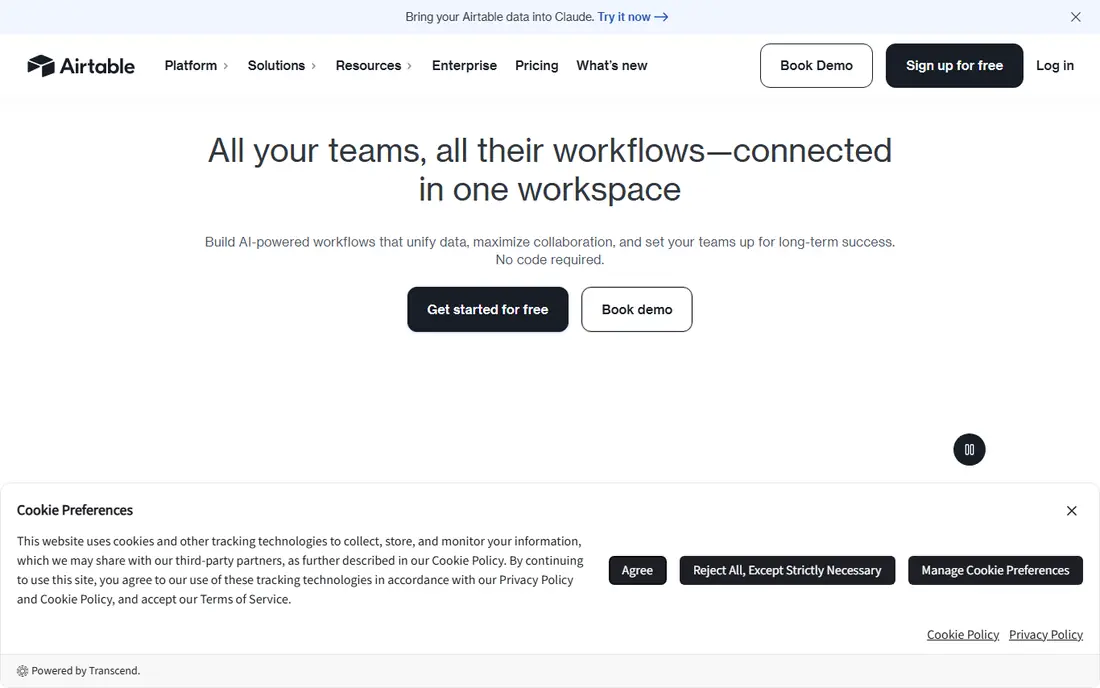
Airtable feels like a spreadsheet with database power underneath. It suits small teams that want a shared, visual database without writing code. Views, filters, and linked records make it easy to turn a messy list into a usable base, and forms collect new rows without giving everyone full edit access.
The catch is record limits on lower plans. Check the current plan limits and export options before you move data in, and run a small pilot with real records first. Start with the smallest plan that covers your core workflow, then upgrade only when a limit gets in the way.
- Visual tables and views
- Strong templates
- Useful automations
- Record limits on lower plans
- Costs rise with editors
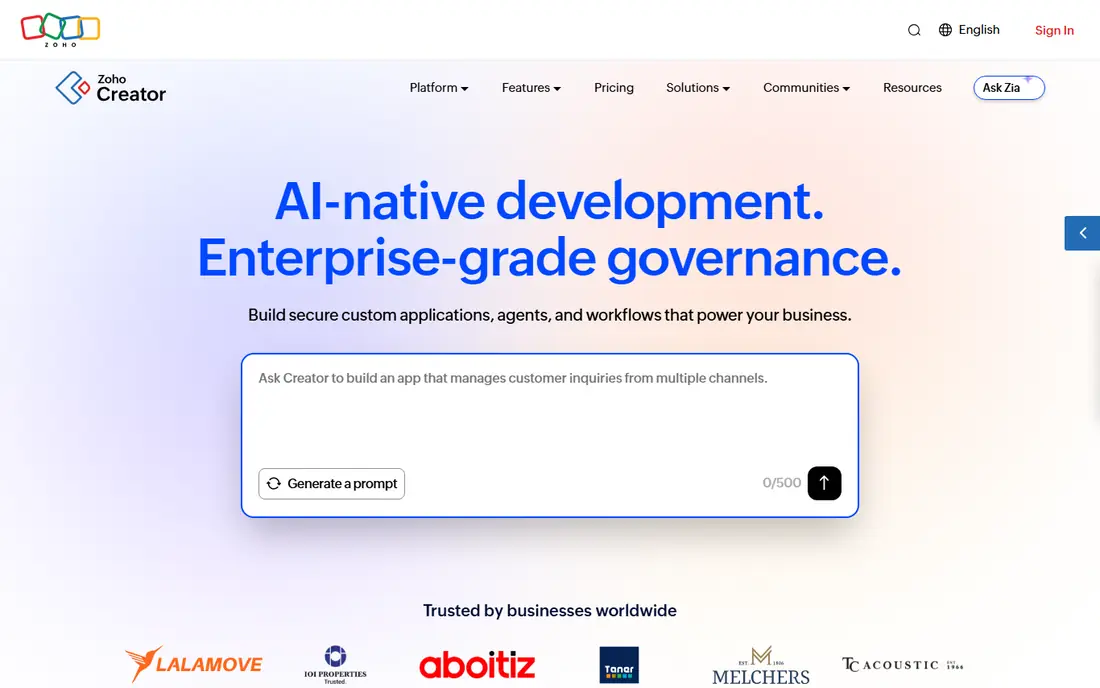
Zoho Creator is a practical step up when a simple table is no longer enough. It suits small and mid-sized teams building internal apps such as order tracking or asset lists. You can build forms, workflows, and reports in one place, and the tool fits well if your team already uses other Zoho products for mail or CRM.
The catch is learning curve for complex logic. Read the plan limits for seats, storage, and usage before you commit, and test it with a small real workload first. Start with the smallest plan that covers your core workflow, then upgrade only when a limit gets in the way.
- Drag-and-drop app building
- Good value in the Zoho range
- Mobile apps included
- Learning curve for complex logic
- Some features sit behind higher plans

Knack stands out for turning a database into a presentable web app. It suits teams that need a customer or staff portal on top of their data. Records, pages, and roles are straightforward to set up, and you can give different users different views of the same data without sharing the whole database.
The catch is design options are limited. Confirm what is included at your plan level, how exports work, and what happens if you need to leave later. Start with the smallest plan that covers your core workflow, then upgrade only when a limit gets in the way.
- Clean app builder
- Strong user permissions
- Good for client portals
- Design options are limited
- Pricing is per app in many cases
Caspio is built for organisations that put security and user scale first. It suits healthcare, education, and government teams with strict access rules. It supports structured apps, reports, and workflows, and its compliance features make it easier to justify for sensitive data than a simple table tool.
The catch is interface design feels guided rather than freeform. Check the current plan limits and export options before you move data in, and run a small pilot with real records first. Start with the smallest plan that covers your core workflow, then upgrade only when a limit gets in the way.
- Strong security and compliance options
- Unlimited end users on some plans
- Visual builders
- Interface design feels guided rather than freeform
- Entry cost is high
LibreOffice Base is the closest free desktop match to the classic Access setup. It suits individuals and small teams that want a free desktop database. You can create tables, queries, forms, and reports on your own computer, which suits single-user work or a small shared file much better than a large web app.
The catch is no built-in web sharing. Read the plan limits for seats, storage, and usage before you commit, and test it with a small real workload first. Start with the smallest plan that covers your core workflow, then upgrade only when a limit gets in the way.
- Free and open source
- Desktop database forms and reports
- Works offline
- No built-in web sharing
- Interface feels dated next to cloud tools
NocoDB gives teams a familiar table view with more control over hosting. It suits technical teams that want an open source database front end. It connects to common databases, offers views and forms, and lets you keep data on your own server when a hosted service is not acceptable.
The catch is self-hosting needs technical setup. Confirm what is included at your plan level, how exports work, and what happens if you need to leave later. Start with the smallest plan that covers your core workflow, then upgrade only when a limit gets in the way.
- Open source
- Spreadsheet-style interface
- Self-hosting option
- Self-hosting needs technical setup
- App-building features are thinner
Baserow is a calm, open alternative for teams that like Airtable-style tables. It suits small teams and developers who want an open database they can host. Tables, views, and collaboration are easy to follow, and the open source code means you are not locked into one vendor roadmap.
The catch is smaller template library. Check the current plan limits and export options before you move data in, and run a small pilot with real records first. Start with the smallest plan that covers your core workflow, then upgrade only when a limit gets in the way.
- Open source
- Clean table interface
- Self-hosted or cloud options
- Smaller template library
- Advanced app features are still growing
Claris FileMaker has a long history as a custom database app builder. It suits teams building a tailored app for Mac, Windows, iPad, or iPhone. You can design layouts, scripts, and reports in detail, which suits inventory, field work, and other jobs where an off-the-shelf table is too rigid.
The catch is licensing can be costly. Read the plan limits for seats, storage, and usage before you commit, and test it with a small real workload first. Start with the smallest plan that covers your core workflow, then upgrade only when a limit gets in the way.
- Mature app platform
- Strong mobile support
- Good for custom workflows
- Licensing can be costly
- Skills are less common than web tools
Quickbase is aimed at operations that outgrow spreadsheets and simple tables. It suits larger teams running repeatable processes across departments. Automations, dashboards, and permissions help standardise work, and the platform handles larger data volumes and stricter controls than most simple tools.
The catch is enterprise pricing and setup. Confirm what is included at your plan level, how exports work, and what happens if you need to leave later. Start with the smallest plan that covers your core workflow, then upgrade only when a limit gets in the way.
- Strong workflows and reporting
- Good for complex operations
- Governance controls
- Enterprise pricing and setup
- Overkill for a simple list
How we picked these
We compared official feature pages, pricing pages, and documentation for each product, and checked that each one is still sold and supported in October 2026. We gave weight to web access, permissions, forms, reporting, and export options, because those are the points where Access users feel the change most.
We also read public user reviews to spot common complaints about limits, pricing, and learning curves. We did not claim hands-on testing of every product, and prices shown here are starting points only, so check the vendor pricing page before you buy.
What to check before you replace Access
A replacement that looks good in a demo can still fail on record limits, permissions, or reporting. Work through these checks with a real copy of your data, not a sample table.
Start with how people will use it
List who needs to view, edit, approve, and report on data. A tool with simple sharing may be enough for a small team, while a portal with roles matters when clients or staff should see only their own records. Match the permission model to that list before you compare prices.
Count records, users, and reports
Check the record limit per table or base, how seats are billed, and whether reports can be scheduled or exported. Access databases often grow quietly, so a low limit that looks fine today can force a costly upgrade in a year. Ask how large files and attachments count toward storage.
Plan the move, not just the tool
Export tables, queries, and key reports from Access, then rebuild one workflow end to end in the new tool. Test forms, calculations, and any automated steps with real users. Keep the old file read-only during the switch so nothing is lost if a workflow needs fixing.
Check hosting and exit options
Decide whether cloud hosting, self-hosting, or desktop use fits your security rules. Confirm that you can export full data, including attachments where possible, and that you can keep working if your internet connection drops. A clear exit path matters more than a long feature list.
Frequently asked questions
What are the best alternatives to Access database tools?
Airtable and Zoho Creator suit most small teams, while Knack and Caspio suit structured apps and portals. LibreOffice Base is the closest free desktop option, and NocoDB or Baserow suit teams that want open source control. The best pick depends on whether you need web sharing, strict permissions, or self-hosting.
Are there free alternatives to Microsoft Access?
Yes. LibreOffice Base is free, and Airtable, NocoDB, and Baserow offer free plans or free self-hosted editions with limits. Free plans usually cap records, storage, or users, so check those limits against the size of your current database before you commit.
Can I move an Access database to a cloud tool?
You can usually export tables to CSV or a spreadsheet and import them into a cloud tool, but forms, queries, and macros often need rebuilding. Plan time to recreate reports and workflows, and test them with real data. Keep the original Access file as a backup until the new app is proven.
Is Access still a good choice in 2026?
Access can still work for a single-user or small desktop database, especially where offline use matters. It is a weaker fit when many people need web or mobile access, shared editing, or strict user roles. In those cases, a cloud or self-hosted alternative is usually easier to maintain.
What is the easiest Access alternative to learn?
Airtable is often the easiest first step because it looks like a spreadsheet and uses views instead of complex forms. Zoho Creator and Knack take a little longer but add stronger app features. If you only need a desktop database, LibreOffice Base will feel more familiar.
Do Access alternatives support forms and reports?
Most tools on this list support forms for data entry and reports or dashboards for viewing results. The details differ: some offer simple charts, while others support scheduled reports, filters, and user-specific views. Test the exact report you need before you choose.
Sources we checked (9)

Online Jobs is an independent blog about careers, online work, learning new skills and the tools that help people earn. More about us.
Keep reading
All posts
Windows 11 Alternatives
Explore Windows 11 alternatives that run on your current PC, from beginner-friendly Linux systems to ChromeOS Flex, with install notes and trade-offs.
Eventbrite Alternatives
Compare the best Eventbrite alternatives for ticketing fees, free events and event pages, with honest notes on cost, discovery and fit for organisers.
Chrome Alternatives
Chrome alternatives compared: Brave, Firefox, Vivaldi, Edge and more for privacy, speed and tab organisation, with free plans, pros and cons to compare.