Lucidchart Alternatives in 2026: 9 Tools Compared

How we put this together: we compare official feature and pricing pages, app store listings, privacy policies and public user reviews. Prices change, so check the provider's site before you pay.
Key takeaways
- diagrams.net is the best free alternative, with no document limit and strong technical diagram support.
- Miro suits workshops and whiteboard work, while FigJam suits design teams already inside Figma.
- Microsoft Visio is the natural pick for teams already paying for Microsoft 365.
- Whimsical is the fastest choice for clean flowcharts, mind maps, and wireframes.
- Check export formats before you switch, since a diagram you cannot export cleanly is hard to move later.
Quick comparison
| Name | Who it suits | Starting price | Free option | |
|---|---|---|---|---|
 diagrams.net | Free unlimited diagramming | Free | Yes | Visit |
 Miro | Whiteboard workshops | $8 per user per month | Yes | Visit |
 Microsoft Visio | Microsoft 365 teams | $5 per user per month | No | Visit |
 SmartDraw | Template-driven diagrams | $9.95 per month | Free trial | Visit |
 Creately | Visual team collaboration | $8 per month | Yes | Visit |
 Whimsical | Fast clean flowcharts | $10 per editor per month | Yes | Visit |
 FigJam | Figma design teams | $3 per editor per month | Yes | Visit |
 Excalidraw | Simple hand-drawn diagrams | Free | Yes | Visit |
 Mural | Structured facilitation | $9.99 per user per month | Free trial | Visit |
The best Lucidchart alternatives
Lucidchart is strong for structured diagrams, but price, whiteboard needs, and Microsoft or Figma workflows push many teams elsewhere. These nine cover the main reasons people switch.
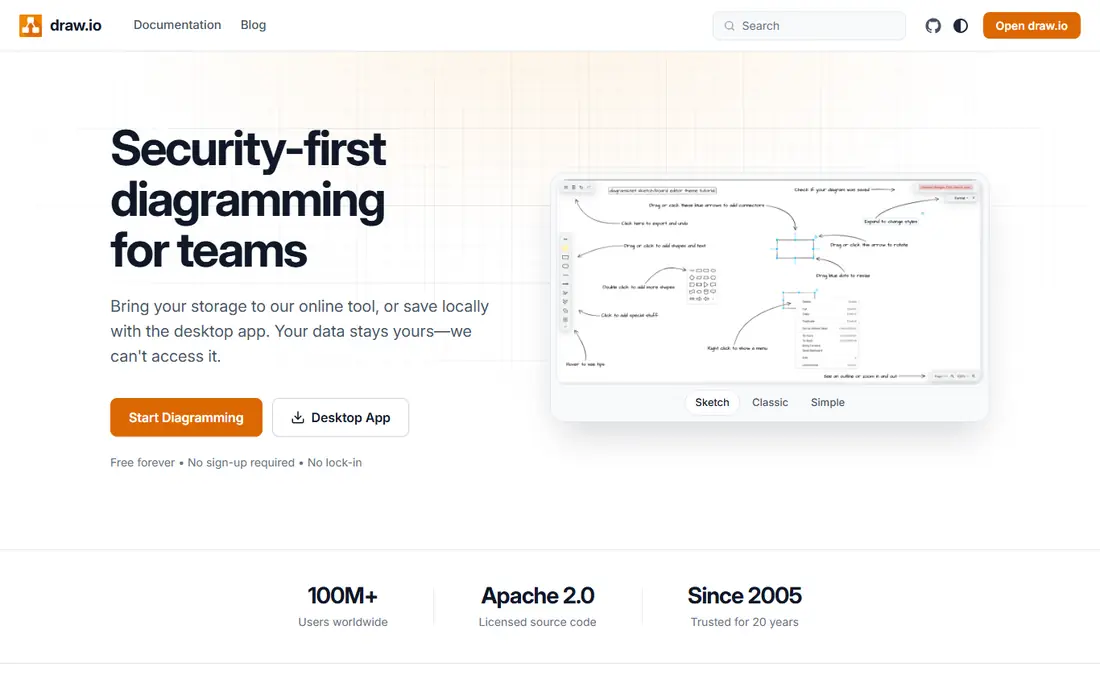
diagrams.net, formerly draw.io, is the first tool to try if price is the reason you are leaving Lucidchart. It covers flowcharts, UML, network diagrams, entity-relationship diagrams, and org charts without charging for documents. You can save files to your own cloud storage, which also helps teams that want control over where diagrams live. The trade-off is polish. Real-time collaboration works, but it is not as smooth as a whiteboard-first tool, and the interface takes a little learning. For technical diagrams that need to be correct rather than pretty, that trade is easy to accept. Many teams use diagrams.net for the formal diagrams and a whiteboard tool for early brainstorming.
- Free with no document limit
- Runs in a browser or on desktop
- Saves to Google Drive, OneDrive, or local files
- Interface feels technical
- Collaboration is simpler than Miro or FigJam

Miro starts as a whiteboard, not a diagram editor, and that changes how teams use it. You can run a workshop, map a customer journey, and then tidy the result into a flowchart on the same board. Sticky notes, voting, timers, and comments sit alongside shapes, so early ideas and final diagrams share one space. For a single formal flowchart, Miro is heavier than Whimsical or diagrams.net. For a team that plans together, reviews together, and needs everyone on the same board, it is the stronger pick. The free plan covers a limited number of boards, so check how many active boards your team actually keeps before paying.
- Large canvas for workshops and mapping
- Many templates
- Strong real-time collaboration
- Can feel large for a simple flowchart
- Paid seats add up for big teams
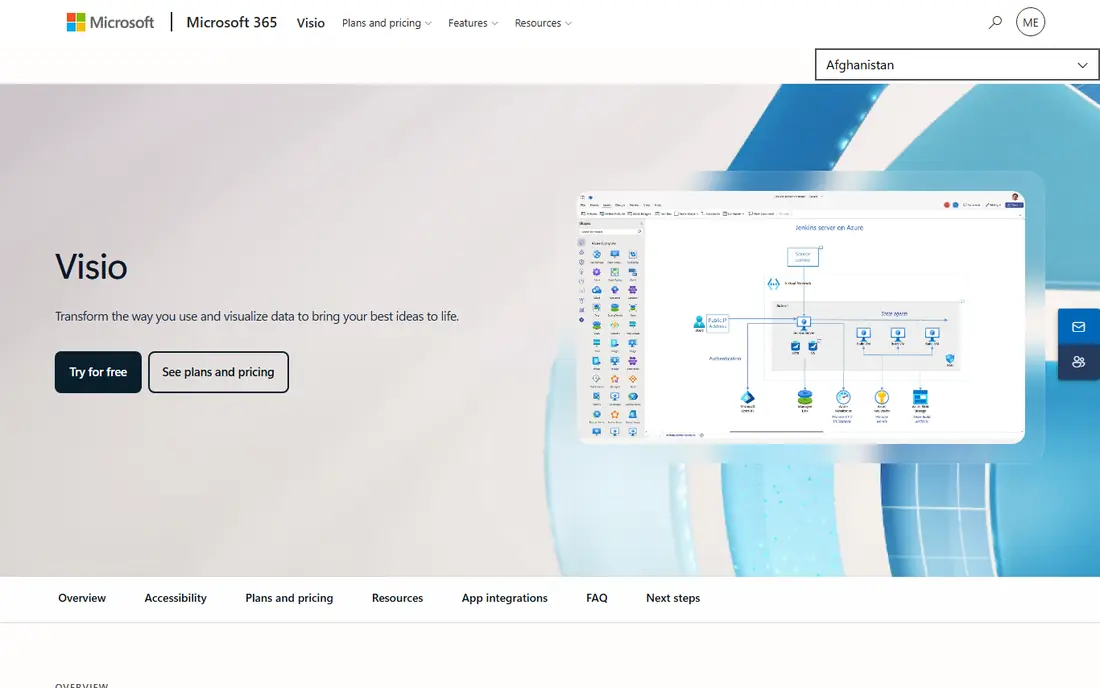
Visio makes sense when your documents, chats, and files already live in Microsoft 365. Diagrams link to Excel data, open inside Teams, and export in formats other Office users expect. For IT, engineering, and operations teams in Microsoft shops, that fit often matters more than a slightly nicer editor elsewhere. The catch is the plan split. The entry web plan covers core diagramming, while the desktop app and advanced features sit on higher plans. Confirm which plan your team needs before comparing the entry price with Lucidchart, and check whether your existing Microsoft agreement already includes Visio.
- Deep Microsoft 365 and Teams integration
- Strong technical templates
- Familiar Office-style controls
- Web plan is lighter than the desktop app
- Costs extra on top of Microsoft 365
SmartDraw suits people who want a diagram fast and do not want to arrange every shape by hand. Pick a template for an org chart, floor plan, or flowchart, add your data, and the tool handles spacing and alignment. That speed helps business users who diagram occasionally rather than every day. It also imports Visio files, which helps teams moving diagrams from an older setup. The downside is price for casual use, since there is no free tier beyond a trial. If you diagram weekly and value templates over whiteboard collaboration, SmartDraw earns its fee. If you diagram monthly, a free tool may be enough.
- Large template library
- Automatic formatting
- Imports Visio files
- No permanent free plan
- Interface feels dated next to newer tools
Creately blends diagramming with light project work. You can link shapes to data, attach tasks, and keep a process diagram next to the work that follows from it. That helps teams that want a diagram to stay live, rather than a picture that goes out of date after one meeting. The free plan is useful for trying the editor, but active teams will hit limits quickly. Paid plans open more folders, collaborators, and data features. If your diagrams are mostly one-off pictures, a simpler tool fits better. If your diagrams track processes that change often, Creately is worth the learning time.
- Diagrams linked to data and tasks
- Many diagram types
- Real-time team editing
- Learning curve for data-linked features
- Free plan limits are tight for active teams
Whimsical is the tool to pick when you want a flowchart in ten minutes that still looks good. The editor keeps spacing tidy by default, so you spend time on the logic rather than dragging shapes into line. Mind maps, wireframes, sticky notes, and short docs sit in the same workspace, which suits product and planning teams. The limit is depth. Network diagrams, detailed UML, and engineering schematics are better in diagrams.net or Visio. For product flows, user journeys, and team planning, Whimsical is faster than both. Start on the free plan and only pay when your board count or editor count grows.
- Very fast editor
- Clean default styling
- Flowcharts, mind maps, wireframes, and docs in one place
- Fewer technical diagram types than Lucidchart
- Free plan limits boards and files
FigJam is Figma's whiteboard, and it shines when diagrams lead into real product design. Sketch a flow in FigJam, then move the same elements into a Figma file without rebuilding them. Viewers can join for free in many setups, and only editors pay, which keeps costs low for large review groups. It is not a full Lucidchart replacement for technical teams. UML and network diagrams are possible but clumsy compared with a dedicated diagram tool. For design, product, and marketing teams already paying for Figma, FigJam is the cheapest and most natural alternative on this list.
- Cheap editor pricing
- Direct handoff to Figma designs
- Good for workshops and diagram sketches
- Weaker for formal technical diagrams
- Best value only inside Figma workflows
Excalidraw feels like sketching on a whiteboard, with a hand-drawn style that makes early ideas feel less final. That is a strength for brainstorming, teaching, and quick explanations. You can share a board with a link, export as an image, and store files locally or in your own setup. Teams that need strict shapes, data links, or formal documentation will find it thin. Excalidraw also offers a paid team version with more collaboration and storage, so check that if you need shared workspaces. For quick, clear sketches, the free version is hard to beat.
- Free and open source
- Fast sketch-style diagrams
- Easy sharing with a link
- No large template library
- Limited formal diagram features
Mural is built for facilitated sessions rather than casual diagramming. Templates guide a workshop step by step, private mode lets people think before sharing, and voting helps a group reach a decision. Facilitators get controls that Miro and FigJam handle more loosely. That structure costs more and feels heavy if you only need a flowchart. For training, consulting, and large workshops where the session itself is the product, Mural earns its place. For everyday diagrams, pair a cheaper editor with Mural only for the sessions that need it.
- Strong facilitation templates
- Private mode and voting for workshops
- Enterprise controls
- Pricier than whiteboard rivals
- Overkill for simple diagrams
How we picked these
We compared official feature pages, pricing pages, app-store listings, privacy policies, and public reviews for each product. We kept tools that are live in October 2026, that can produce the core Lucidchart diagram types or a clear subset of them, and that let you export or share your work. We left out tools that were trial-only with no clear paid path, or that had stopped active development. Prices come from vendor pages and recent vendor-linked comparisons; where a price could not be confirmed in full we used the vendor page as the source and noted the plan basis in the table.
What to check before you switch
Export your Lucidchart files first
Test exports in Visio, PDF, SVG, and image formats before you cancel. Some shapes and data links do not survive a move cleanly, and it is easier to fix a few diagrams while both tools are still available.
Pick by diagram type, not by brand
Whiteboard tools win for workshops, technical editors win for UML and network diagrams, and template tools win for business charts. A team that needs all three may reasonably use two tools rather than forcing one to do everything badly.
Check who pays and who views
Editor pricing changes the real cost fast. Tools that charge only editors, like FigJam, can be far cheaper for review-heavy teams than tools that charge every viewer as a full seat. Count editors and viewers separately before you compare prices.
Frequently asked questions
What are the best alternatives to Lucidchart?
diagrams.net is best for free technical diagramming, Miro is best for whiteboard workshops, and Visio is best for Microsoft 365 teams. Whimsical and FigJam are better for fast product and design diagrams. The best pick depends on the diagram types you make most often.
Are there free alternatives to Lucidchart?
Yes. diagrams.net is free with no document limit, Excalidraw is free and open source, and Miro, Creately, Whimsical, and FigJam all offer free plans with limits. Free plans usually cap boards, files, or collaborators, so check those limits against your team size.
What are the best Lucidchart alternatives for small teams?
Whimsical and FigJam suit small product and design teams, while diagrams.net suits small technical teams on a tight budget. Creately is a good middle ground when a small team wants diagrams plus light task links. Start free and pay only when limits bite.
Which alternative is best for technical diagrams?
diagrams.net and Microsoft Visio cover the widest technical range, including UML, network, and entity-relationship diagrams. SmartDraw is also strong for template-driven technical charts. Whiteboard tools can sketch these diagrams but are slower for formal, accurate versions.
Can I import Lucidchart diagrams into another tool?
Many tools import Visio files, and Lucidchart can export to Visio and other formats, which gives you a path into Visio, SmartDraw, and diagrams.net. Test one complex diagram first, since data links, custom shapes, and styling may need manual fixes after import.
Is Miro a good replacement for Lucidchart?
Miro replaces Lucidchart well for workshops, mapping, and collaborative planning, but less well for formal technical diagrams. If your Lucidchart use is mostly flowcharts for meetings, Miro fits. If it is mostly engineering diagrams, diagrams.net or Visio fits better.
Sources we checked (9)

Online Jobs is an independent blog about careers, online work, learning new skills and the tools that help people earn. More about us.
Keep reading
All posts
Zoom Alternatives
Zoom alternatives compared for 2026: Google Meet, Microsoft Teams, Webex, Jitsi and more for free calls, large meetings and webinars for teams and classrooms.

Which Software Is Best for Data Entry
Compare the best data entry software for forms, OCR scanning, and spreadsheets, with free plans, pricing, and honest limits for each tool before you commit.

What's the Best App to Read PDFs
Find what's the best app to read PDFs in 2026, from Adobe Acrobat Reader and Foxit to PDF Expert and Xodo, with free options and honest limits for every device.