Best Loom Alternatives in 2026: 9 Tools Compared

How we put this together: we compare official feature and pricing pages, app store listings, privacy policies and public user reviews. Prices change, so check the provider's site before you pay.
Key takeaways
- Vidyard is the closest direct Loom replacement for sales teams, with a free plan and per-recipient analytics.
- Tella is best for polished product demos, with clip-based editing and 4K export from $13 per user per month.
- ScreenPal is the best budget all-rounder, with a free plan and paid plans from $4 per month.
- OBS Studio is completely free and unlimited for local recording, but it has no instant share link built in.
- The key split is recorder versus host: some tools record to a file you own, others give you an instant link like Loom.
Quick comparison
| Name | Who it suits | Starting price | Free option | |
|---|---|---|---|---|
 Vidyard Vidyard | Sales video and analytics | Free | Yes | Visit |
 Tella Tella | Polished product demos | $13 per month | Free trial | Visit |
 ScreenPal ScreenPal | Budget all-rounder | Free | Yes | Visit |
 OBS Studio OBS Studio | Free unlimited local recording | Free | Yes | Visit |
 Cap Cap | Open-source and self-hosted | Free | Yes | Visit |
 Descript Descript | Editing video by transcript | Free | Yes | Visit |
 Screencastify Screencastify | Cheapest classroom recorder | Free | Yes | Visit |
 Zight Zight | Fast screenshots and clips | Free | Yes | Visit |
 Vimeo Record Vimeo Record | Teams already on Vimeo | Free | Yes | Visit |
The best Loom alternatives
Loom's appeal is simple: record your screen and webcam, stop, and get a shareable link instantly. The free Starter plan covers 25 videos at up to 5 minutes each in 720p, with a webcam bubble and transcripts, which is enough for many users. People look for alternatives when they hit those limits, want better editing, need sales analytics, or want to own their recordings outright. We compared nine tools on price, sharing and editing, using published pricing pages. The key question for each tool is whether it gives you an instant link like Loom, or a local file you upload yourself.
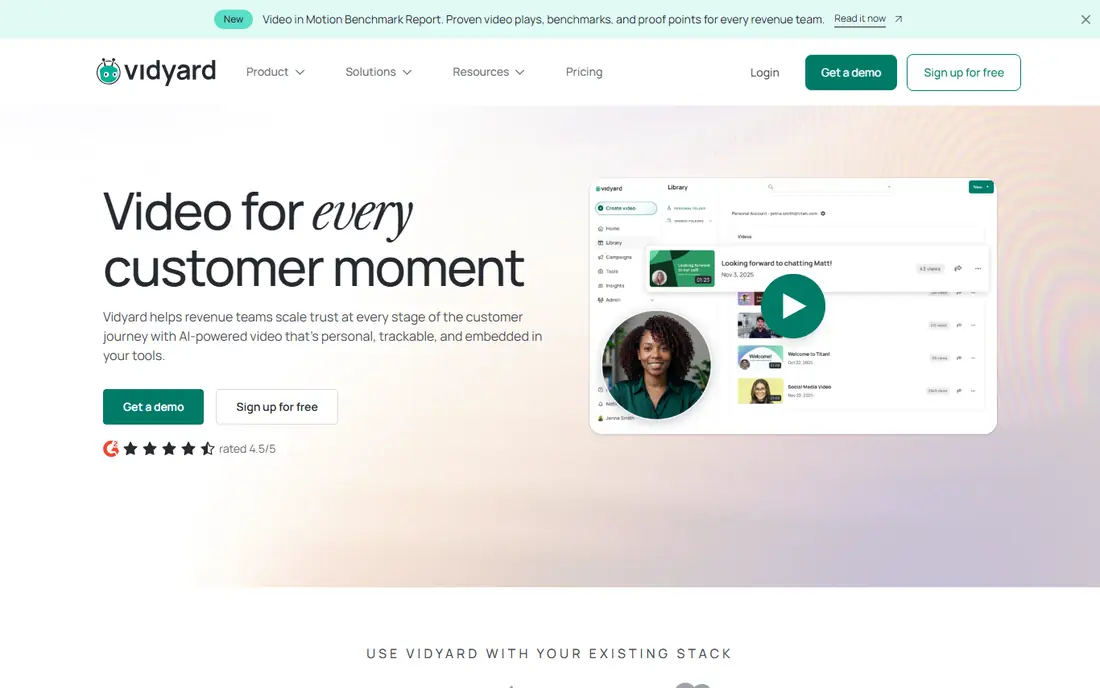
Vidyard is the closest direct Loom alternative for sales teams. It records screen and webcam, hosts the video, and tracks viewing per recipient, so a sales rep can see who watched a demo and for how long. Integrations with HubSpot, Salesforce and Salesloft push that data back to the CRM, and video hubs store demo libraries for a team. The free plan includes 25 videos, and paid plans start from $19 per month on some listings, with higher tiers for full analytics and team features.
Editing is basic, and Vidyard is a sales tool that does video, not a video tool that does sales. For outbound prospecting and follow-ups with analytics, Vidyard is the best Loom replacement.
- Free plan with 25 videos
- Per-recipient analytics show who watched and for how long
- CRM integrations with HubSpot and Salesforce
- Video hubs for libraries
- Paid tiers are expensive for simple internal use
- Editing features are basic
- Pricing varies by plan and source
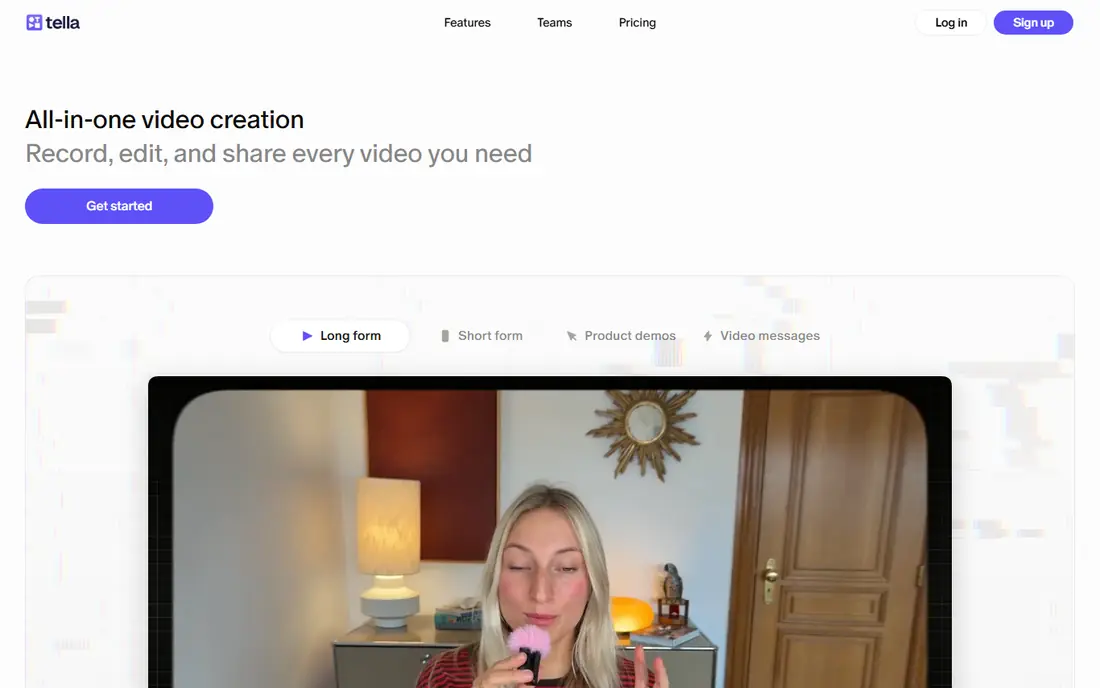
Tella is the best Loom alternative for polished creator and founder videos. It records in the browser with no install, then lets you edit by clips: re-record a section, rearrange clips, add layouts, subtitles and backgrounds, and export in 4K. Analytics show how viewers engage. Paid plans start at $13 per user per month.
The free option is a 7-day trial rather than a lasting free tier, and Tella is not built for a large internal video library with strict admin controls. For a product demo, a launch video or a founder update that needs to look professional, Tella is the best tool here.
- Clip-based recording and editing in the browser
- 4K export
- Layouts, subtitles and analytics
- No install needed
- Paid from $13 per user per month
- Free trial is 7 days rather than a lasting free tier
- Not built for large internal video libraries

ScreenPal, formerly Screencast-O-Matic, is the best budget Loom replacement. The free plan allows 15-minute clips with no limit on count, and paid plans start at $4 per month for the Solo Deluxe tier. It covers screen and webcam recording, editing, hosting, captions, quizzes and viewer analytics in one cross-platform tool.
The free cap is 15 minutes per clip, and premium polish needs higher tiers. For teachers, trainers and teams that record lessons and course content on a budget, ScreenPal is the best value.
- Free plan with 15-minute clips and unlimited count
- Paid plans from $4 per month
- Screen, webcam, editing, hosting and captions in one tool
- Free plan caps clips at 15 minutes
- Not ideal for premium client-ready videos
- AI features need higher tiers
OBS Studio is the best free screen recorder, full stop. It is open source, free forever, with unlimited recording and no time limit, and it handles multi-source scenes: screen, webcam, audio and overlays in one recording. Streamers and power users rely on it daily.
What it does not do is the Loom magic. You save a local MP4 and upload it yourself, to YouTube, Vimeo or a company drive, before sharing. There is no editing built in. For a user who wants full control and ownership at zero cost, OBS is unbeatable. For a user who needs an instant link, pair it with a host or choose another tool here.
- Completely free and open source
- Unlimited recording with no time limit
- Multi-source scenes for screen, webcam and audio
- No built-in hosting or instant share link
- No editing built in
- Setup is heavy for a quick async video
Cap is the open-source, privacy-first Loom alternative. It records screen and webcam, gives you an instant share link, and lets you self-host so your videos live on your own storage. Local editing, transcripts, comments and a Loom importer round out a tool that respects ownership. The open-source version is free, and Cap Pro starts at $8.16 per user per month.
Self-hosting needs technical comfort, and Cap has fewer third-party reviews than older tools. For a team that wants Loom-style links without handing videos to a vendor, Cap is the best choice.
- Open source with a self-host option
- Instant share links
- S3 storage
- Local editing, transcripts and comments
- Loom importer
- Requires more technical comfort
- Paid Pro from $8.16 per user per month
- Fewer third-party reviews than established tools
Descript is the best Loom alternative when editing matters more than speed. Its signature feature is editing by transcript: delete a word from the transcript and it disappears from the video. Studio Sound cleans up audio, captions and clips repurpose a recording for social, and AI tools handle filler words and summaries. The free tier includes transcription hours each month, and paid plans start at $16 per month.
For a quick one-off async update, Descript is slower than Loom. For a podcast, tutorial or training video that needs real editing, it is the most powerful tool on this list.
- Edit video by editing the transcript
- Studio Sound improves audio
- Captions, clips and AI tools
- Free tier with transcription hours
- Paid from $16 per month
- Slower than Loom for a one-off async update
- Desktop app required for full features
Screencastify is the cheapest dedicated recorder on this list, with education roots. It runs as a Chrome extension, saves to Google Drive, and covers screen, webcam and tab recording with simple editing and sharing. The free plan caps recordings at 5 minutes, and paid plans start at $7 per user per month.
Editing is basic and the tool is Chrome-focused. For teachers and students who live in Chrome and Google Drive, Screencastify is the simplest and cheapest Loom alternative.
- Cheapest recorder with paid plans from $7 per user per month
- Runs in Chrome with Google Drive saving
- Education roots and classroom features
- Free plan caps recordings at 5 minutes
- Chrome-focused
- Editing is basic
Zight, formerly CloudApp, is the best Loom alternative for fast visual communication. It combines screenshots, GIFs, annotations and screen recording with instant links, so a quick annotated clip or a screenshot with a note takes seconds. The free plan covers quick capture, and paid plans start at $12.95 per month, with AI features as an add-on on some tiers.
It is better for quick capture than deep editing or structured knowledge management. For a team that sends many small visual messages a day, Zight is the fastest tool here.
- Screenshots, GIFs, annotations and screen recording in one tool
- Instant links
- Free plan for quick capture
- AI features on paid tiers
- Paid from $12.95 per month
- Better for quick capture than deep editing
- Free plan caps recordings at 5 minutes in 720p
Vimeo Record is the best Loom alternative for teams already using Vimeo for hosting. It runs in the browser with nothing to install, captures your tab, full screen or webcam, and saves straight to your Vimeo account with an instant share link. It is available on all Vimeo plans, including free.
The free plan caps each recording at 30 minutes and storage at 1 GB, and free recordings show a Vimeo watermark when embedded on other sites. For a team that already hosts video on Vimeo, Record is the obvious, no-extra-cost choice.
- Runs in Chrome, Edge or Safari with nothing to install
- Included with all Vimeo plans including free
- Captures tab, screen or webcam
- Saves to your Vimeo account
- Free plan caps each recording at 30 minutes and storage at 1 GB
- Free recordings show a watermark when embedded
- Editing is basic
How we picked these
We compared published pricing, free tiers, sharing models and editing depth, and we included recorder-plus-host tools like Loom, pure recorders like OBS, and editing-first tools like Descript. We noted where a tool gives an instant link and where it saves a local file, since that distinction decides whether a tool truly replaces Loom. We left out meeting recorders, which solve a different problem.
Which alternative fits your use
If you sell with video, choose Vidyard. If you make polished demos, choose Tella. If budget matters, choose ScreenPal. If you want free and unlimited, choose OBS. If you want to self-host, choose Cap. And if you only record occasionally, the free tier of Vidyard, ScreenPal or Vimeo Record may be all you need.
Frequently asked questions
What is the best free Loom alternative?
OBS Studio is best for unlimited free local recording. ScreenRec and Vimeo Record give instant share links free, and ScreenPal's free plan covers 15-minute clips with no count limit. The best free pick depends on whether you need a link or just a file.
Does OBS work like Loom for async video?
OBS records anything Loom can: screen, webcam and audio. What it lacks is the instant share link. You save a local file and upload it yourself, which is one extra step.
Can I use Vimeo's screen recorder for free?
Yes. Vimeo Record is available on all plans including free, runs in the browser with nothing to install, and caps free recordings at 30 minutes each with 1 GB of storage.
What is the best Loom alternative for sales teams?
Vidyard is best for sales, thanks to per-recipient analytics and CRM integrations. Sendspark is a strong alternative for personalized outreach video at scale.
Which Loom alternative has the best editing?
Descript is best for editing, since you edit video by editing the transcript. Tella is best for clip-based polish on demos, and Camtasia suits deep desktop editing for courses.
Will my old Loom links break if I switch?
Generally no. Existing Loom links keep working even if you stop creating new videos there, so old references in docs and chat history stay live. The disruption is habit, not breakage.
Sources we checked (9)

Online Jobs is an independent blog about careers, online work, learning new skills and the tools that help people earn. More about us.
Keep reading
All posts
Zoom Alternatives
Zoom alternatives compared for 2026: Google Meet, Microsoft Teams, Webex, Jitsi and more for free calls, large meetings and webinars for teams and classrooms.

PowerPoint Alternatives
Compare the best PowerPoint alternatives, from free Google Slides and Canva to Prezi and Gamma, with prices, collaboration and export options covered.

Gmail Alternatives
Gmail alternatives compared for 2026: Proton Mail, Outlook, Tuta, Fastmail, Zoho Mail and more for privacy, business and cross-platform use for US readers.