Best Looker Alternatives in 2026: 8 BI Tools Compared

How we put this together: we compare official feature and pricing pages, app store listings, privacy policies and public user reviews. Prices change, so check the provider's site before you pay.
Key takeaways
- Looker Studio is the free Google option for simple reports, but it is not a full replacement for governed Looker models.
- Metabase and Lightdash suit small teams that want fast setup and low cost, including free self-hosted options.
- Tableau and Power BI suit teams that prize visual exploration, with Power BI winning on price for Microsoft shops.
- Sigma and Holistics suit warehouse-first teams that want spreadsheet-style work or code-based metric definitions.
- Looker contracts are quote-based and often large, so total cost includes modeling time, not just licenses.
Quick comparison
| Name | Who it suits | Starting price | Free option | |
|---|---|---|---|---|
 Looker Studio | Free Google reporting | Free | Yes | Visit |
 Tableau | Visual exploration and dashboards | $15 per month | Free trial | Visit |
 Microsoft Power BI | Microsoft-centric teams | $14 per month | Yes | Visit |
 Metabase | Fast small-team BI | Free | Yes | Visit |
 Lightdash | dbt-first teams | Free | Yes | Visit |
 Sigma | Spreadsheet-style warehouse BI | See website | Free trial | Visit |
 Holistics | Governed code-based analytics | $800 per month | No | Visit |
 ThoughtSpot | Natural language search | $25 per month | Free trial | Visit |
The best Looker alternatives
Teams leave Looker for three common reasons: price, LookML lock-in, and setup time. The tools below solve those problems in different ways. Some keep a central metric layer, some drop it for speed, and one is free for basic reporting. Match the tool to how your team defines metrics and who builds reports.
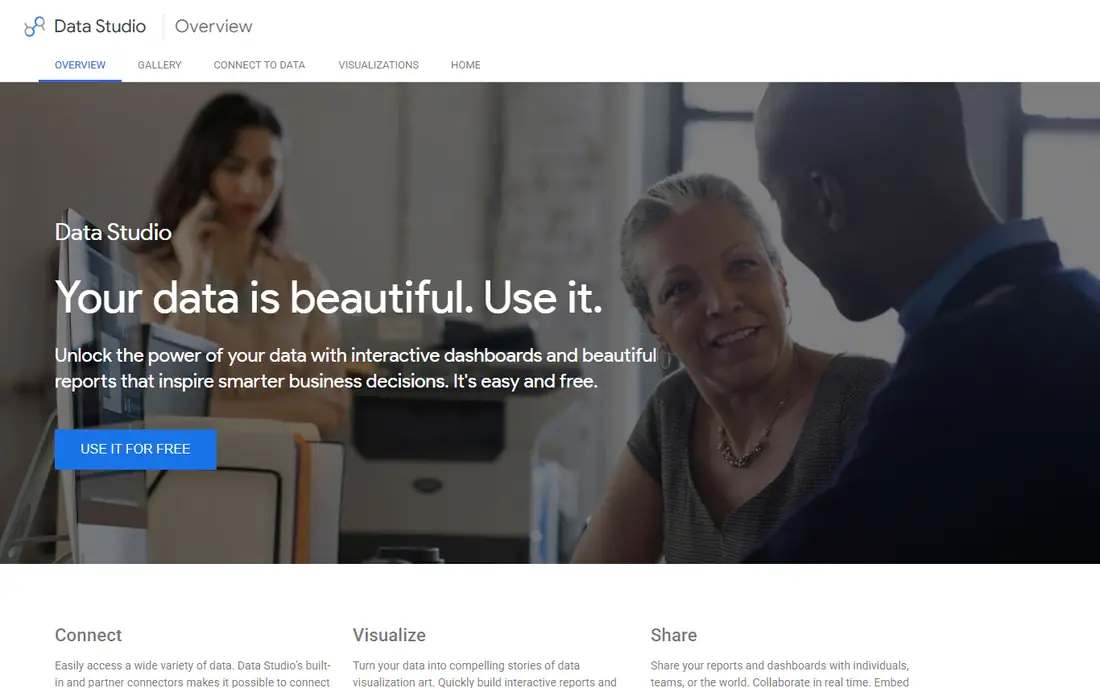
Looker Studio is the obvious first stop for teams that already use Google Sheets, BigQuery, or Google Analytics. It is free, it connects to Google sources in a few clicks, and sharing a report is as simple as sharing a document. For a small business that needs weekly dashboards and client-facing charts, it often does the whole job.
The gap appears as soon as metric definitions matter. There is no central LookML layer, so two analysts can define revenue differently in two reports and nobody notices until a meeting. Large or complex data also strains performance. Use Looker Studio for simple reporting, and move to a governed tool below when consistency becomes a real problem.
- Free for core reporting
- Deep Google data connectors
- Easy sharing inside Google Workspace
- No LookML governance
- Limited modeling for large teams
- Performance varies on large data
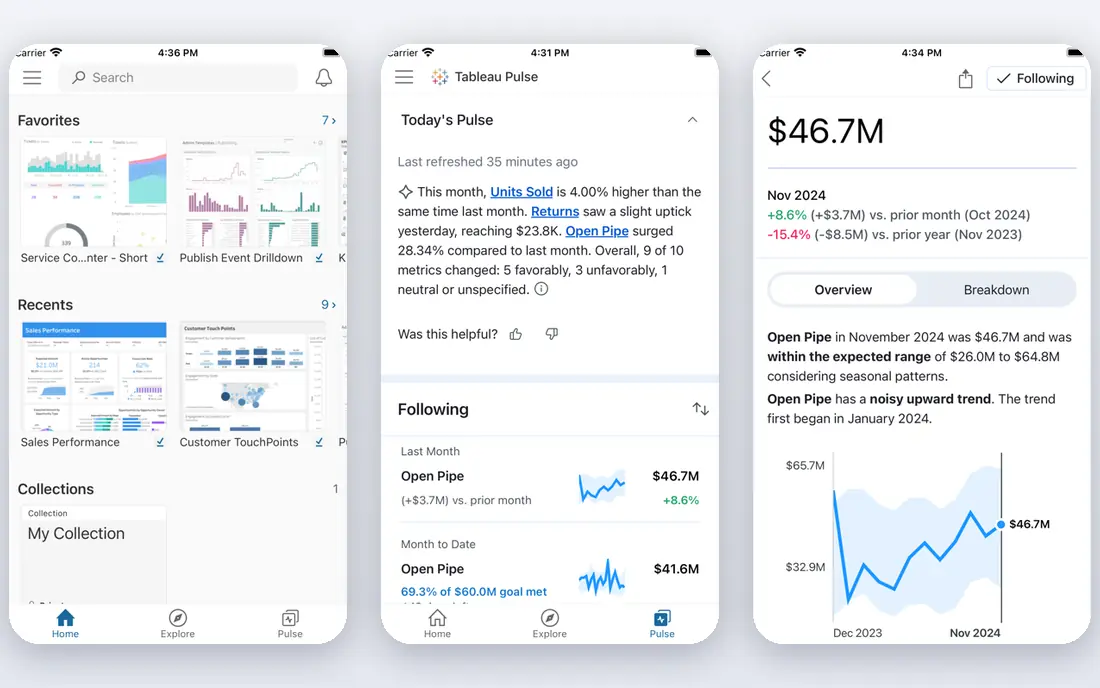
Tableau remains the standard when dashboard quality is the top priority. Analysts can build detailed visuals, custom calculations, and interactive explorations that simpler tools cannot match. The viewer, explorer, and creator role split also lets a company give most staff cheap view access while a smaller group builds content.
Cost and skill are the honest trade-offs. A creator seat is priced well above a viewer seat, and the best Tableau work still needs people who know data modeling and visualization well. If your team only needs standard bar and line dashboards, a cheaper tool may deliver the same business value. If presentation quality wins deals or board attention, Tableau earns its price.
- Deep chart library and formatting control
- Strong community and learning resources
- Server and cloud options
- Creator seats cost far more than viewer seats
- Complex work still needs skilled analysts
Power BI is the value pick for companies already paying for Microsoft 365. The desktop app is free to build with, Pro starts at a low per-user price, and Excel users find the concepts familiar. Connections to Azure, SQL Server, and common business apps cover most reporting needs without extra tooling.
Sharing is where the price story changes. Free desktop builds do not equal free sharing, and published reports need Pro or Premium capacity. The DAX formula language also takes real learning, so self-service claims depend on training. For Microsoft shops that accept those limits, Power BI gives a large share of Looker value at a fraction of the contract size.
- Low per-user price for Pro
- Strong Excel and Microsoft 365 links
- Free desktop app for building
- Full sharing needs paid licenses
- Modeling language takes time to learn
- Best inside Microsoft stack
Metabase is our pick for small teams that want dashboards this week, not after a modeling project. The open source version is free to self-host, the cloud starter plan is modest, and non-technical staff can build questions with the visual builder while analysts drop into SQL when needed. Connecting a database and publishing a first dashboard can genuinely take an afternoon.
Governance is the limit. Without a shared metric layer, definitions can drift across questions, and permission controls are simpler than enterprise tools offer. Teams that outgrow Metabase usually do so because they need consistent metrics and tighter access rules, not because charts stop working. Until that point, it is hard to beat on speed and cost.
- Free open source self-hosted option
- Visual query builder plus SQL
- Setup in minutes for small teams
- No central semantic layer by default
- Governance and permissions are lighter than Looker
Lightdash is the natural Looker alternative when your team already models data in dbt. It reads dbt metric definitions and turns them into explorable dashboards, so the metric layer lives in code your data team already maintains. That avoids a second modeling language and keeps definitions version-controlled in Git.
The catch is the precondition. Without a solid dbt project, Lightdash has little to build on, and teams without dbt skills face a learning curve before any dashboard appears. Chart options are also narrower than Tableau. For dbt-first teams, though, it preserves governance at a much lower cost and complexity than Looker.
- Builds on dbt models you already own
- Free self-hosted option
- Git-based workflow for metrics
- Requires a working dbt project
- Smaller chart library than Tableau
- Cloud pricing rises with team size
Sigma suits teams that live in spreadsheets but need live warehouse data behind them. Analysts build with formulas and pivot-style controls that feel familiar, while queries run directly against Snowflake, BigQuery, or similar warehouses. That removes stale extracts and lets business users explore without learning a new modeling language.
Pricing is the main question mark, since Sigma uses quote-based tiers and consumption elements for larger deployments. Small teams on a single small database may also find setup heavier than Metabase. For warehouse-first companies with many spreadsheet-comfortable users, Sigma bridges the gap between Excel habits and governed cloud data better than most tools here.
- Familiar spreadsheet interface on live warehouse data
- No data extracts needed
- Strong for Excel-heavy teams
- Quote-based enterprise pricing
- Best value on cloud warehouses
- Less suited to small database setups
Holistics is the closest like-for-like Looker replacement for teams that want a central semantic layer without Looker pricing or lock-in. Metrics are defined once in code, versioned in Git, and reused across dashboards, so reports stay consistent. Business users still get drag-and-drop exploration, but inside guardrails set by the data team.
The starting price rules it out for very small teams, and it rewards teams that already work with code and version control. If your company has no one comfortable maintaining metric code, the governance benefit may go unused. For mid-size data teams that felt Looker pricing pain but still need metric control, Holistics is a strong middle path.
- Central metric layer in code
- Git version control
- Governed drag-and-drop for business users
- High starting price for small teams
- No free tier
- Needs analytics engineering habits
ThoughtSpot takes a different approach to self-service. Instead of teaching staff to build dashboards, it lets them type questions and get charts and answers back. For executives and sales staff who ask ad-hoc questions, that removes training barriers and speeds up everyday analysis. AI features extend this to summaries and follow-up questions.
It is not a zero-setup tool. Data still needs modeling and clean joins for answers to be trusted, and enterprise tiers cost far more than the entry Essentials price. Analysts who want fine control over visuals may also prefer Tableau or Sigma. When the goal is broad adoption by non-technical staff, ThoughtSpot is one of the few tools that genuinely changes who can ask questions.
- Ask questions in plain language
- AI-assisted search and summaries
- Good for non-technical users
- Enterprise pricing climbs fast
- Modeling setup still needed for best results
- Less control for analysts
How we picked these
We compared official pricing pages, product documentation, and current BI comparisons for tools that replace Looker reporting, modeling, or both. We checked that each vendor homepage loads and matches the product named, and we favored tools with a published free tier, trial, or starting price where one exists. Where pricing is quote-based, we wrote See website rather than repeating an unverified estimate as fact.
How to choose a Looker alternative
Start with who defines metrics in your company. If one team owns definitions and consistency matters, shortlist Holistics and Lightdash. If speed matters more than governance, shortlist Metabase and Looker Studio. If visual quality or Microsoft fit drives the choice, shortlist Tableau and Power BI. That single question narrows eight options to two or three fast.
Count viewers, not just builders
Per-user pricing punishes broad sharing. A tool that looks cheap for five analysts can cost far more once fifty managers need view access. Check viewer prices, minimum seats, and whether external sharing needs extra licenses. Metabase self-hosted and Looker Studio avoid this problem entirely, which is part of their appeal.
Run a real reporting test
Pick three reports your team actually uses, including one with a tricky metric definition, and rebuild all three in each finalist. Time the build, check that numbers match your current reports, and let a non-technical user try to filter each one. A tool that passes a demo but fails your trickiest metric will fail in production too.
Frequently asked questions
What is the best free Looker alternative?
Looker Studio is the best free option for basic Google-based reporting, and Metabase open source is the best free option for database dashboards you host yourself. Neither gives full Looker governance, but both cover small-team reporting well.
Is Looker Studio the same as Looker?
No. Looker Studio is a free reporting tool for dashboards and charts. Looker is a governed platform with LookML modeling, enterprise permissions, and embedding features. Teams often use Studio for simple reports and Looker for governed analytics.
Which Looker alternative is best for small business?
Metabase suits most small businesses because setup is fast and the open source version is free. Looker Studio suits businesses already inside Google Workspace. Power BI suits small Microsoft shops that need low per-user pricing.
How much does Looker cost compared to alternatives?
Looker pricing is quote-based and often starts in the tens of thousands per year for platform editions. Alternatives here start free or at low per-user prices, though enterprise tiers for Tableau, Sigma, and ThoughtSpot can also grow large at scale.
What is the best alternative for dbt users?
Lightdash is built for dbt teams, since it reuses dbt models and metrics directly. Holistics also works well for code-based teams, but Lightdash needs the least new modeling work if dbt is already in place.
Do I need to replace LookML when I switch?
Yes, in most cases. Each tool has its own modeling approach, so LookML definitions need rewriting or rebuilding in dbt, Holistics code, or the new tool model. Budget time for that migration, not just license cost.
Sources we checked (8)

Online Jobs is an independent blog about careers, online work, learning new skills and the tools that help people earn. More about us.
Keep reading
All posts
n8n Alternatives
n8n alternatives compared for 2026, with Zapier, Make, Activepieces, and more, covering visual builders, code steps, self-hosting, and pricing models.

ZoomInfo Alternatives
The best ZoomInfo alternatives in 2026, compared on price, free plans, data coverage, and which tool fits small teams or large sales teams best in detail.

Zoom Alternatives for Webinars
Compare Zoom alternatives for webinars in 2026, from browser-based rooms to enterprise events, with prices, attendee limits, features and honest trade-offs.