Lightroom Alternatives in 2026: 8 Editors Compared


Studio, commercial and tethered shooting · Starting price: See website
How we put this together: we compare official feature and pricing pages, app store listings, privacy policies and public user reviews. Prices change, so check the provider's site before you pay.
Key takeaways
- Capture One suits studio and commercial work, with strong tethering and colour tools.
- DxO PhotoLab suits RAW quality and noise reduction, with lab-based lens corrections.
- ON1 Photo RAW suits photographers who want catalog, layers and RAW editing in one app.
- Affinity Photo suits pixel editing and a one-time purchase, but it is not a full catalog tool.
- darktable and RawTherapee suit photographers who want free RAW editing and are happy to learn a deeper workflow.
Quick comparison
| Name | Who it suits | Starting price | Free option | |
|---|---|---|---|---|
| Capture One | Studio, commercial and tethered shooting | See website | No | Visit |
 DxO PhotoLab | RAW quality, lens corrections and noise reduction | See website | No | Visit |
 ON1 Photo RAW | All-in-one catalog, RAW editing and layers | See website | No | Visit |
 Affinity Photo | Pixel editing and retouching with a one-time purchase | See website | No | Visit |
 Luminar Neo | Guided editing and fast creative results | See website | No | Visit |
 darktable | Free, open-source RAW editing | Free | Yes | Visit |
 RawTherapee | Free RAW processing with detailed control | Free | Yes | Visit |
 Polarr | Quick edits on web, desktop and mobile | See website | Yes | Visit |
The best Lightroom alternatives
We compared editors that can replace Lightroom for RAW processing, photo organisation, or both. No single app matches Lightroom in every area, so the right alternative depends on what you miss least. Some photographers need a catalog most, others need tethering or the best RAW quality, and others want to stop paying a subscription.
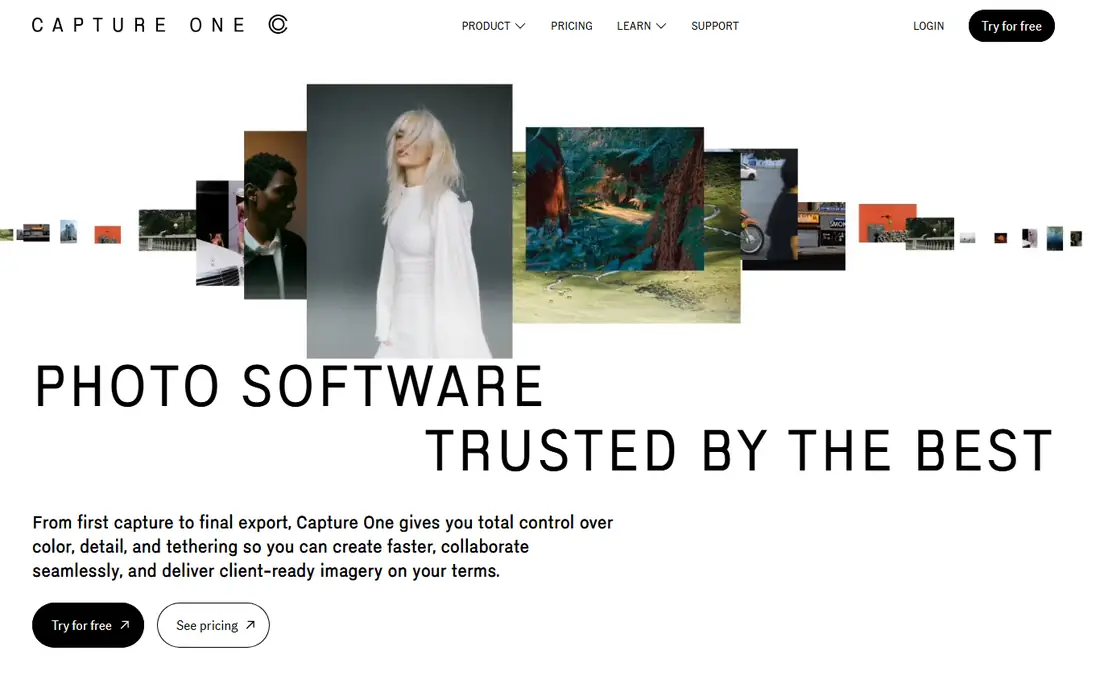
Capture One is the most established professional alternative to Lightroom, and its strength is clearest in a studio. Tethered shooting is fast and dependable, colour tools give fine control over skin tones and product colours, and session workflows suit client shoots where files need to be organised by job. The RAW engine handles detail and colour in a way many commercial photographers trust. The cost and learning curve are the trade-offs. Capture One offers subscription and perpetual options, so check the current pricing on the vendor site before choosing. Photographers moving from Lightroom should allow time to learn the catalog and session model, but studio users often find the switch worth the effort.
- Strong tethering, colour editing tools, session workflow, high-quality RAW engine
- Higher price, learning curve, heavier system demands than lighter editors
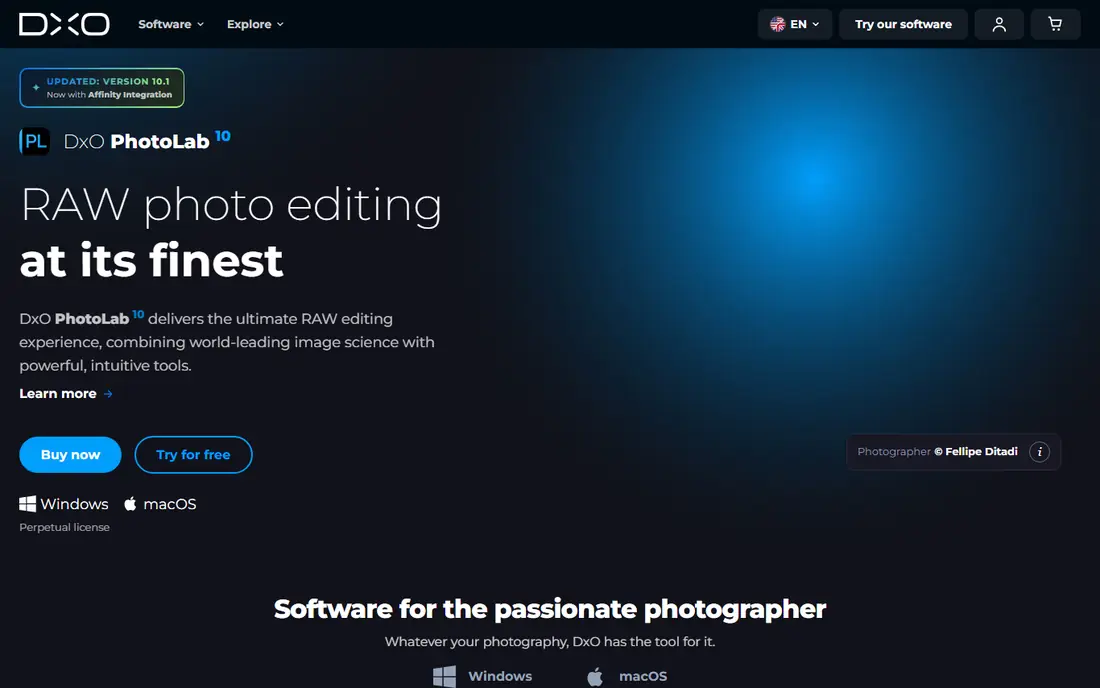
DxO PhotoLab is praised for RAW processing quality, especially for high-ISO files and images that need strong noise reduction. Its lens corrections come from lab measurements for specific camera and lens pairs, which can improve sharpness and distortion correction without manual work. Automatic corrections give a strong starting point for many images. Library and catalog tools are thinner than Lightroom, so photographers with large archives may pair PhotoLab with another organiser. If RAW quality is your main priority and you can manage files with folders or a second tool, DxO is one of the strongest Lightroom alternatives for image quality alone.
- DeepPRIME noise reduction, lab-measured lens corrections, automatic corrections, one-time purchase options
- Catalog tools are weaker than Lightroom, no tethering, library workflow needs a companion tool for some users
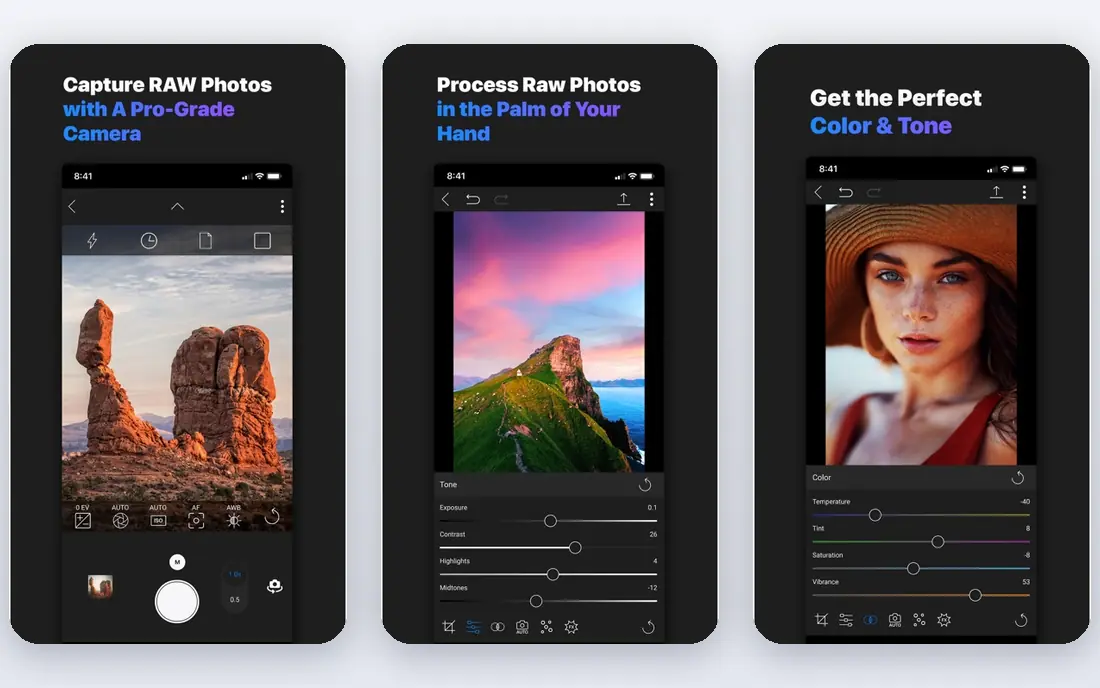
ON1 Photo RAW aims to replace Lightroom in one app, with browsing, catalog, RAW development, layers and effects together. That single-app workflow appeals to photographers who do not want to move files between a catalog tool and a pixel editor. Layers and masks add flexibility for local edits and creative work without leaving the app. The interface packs in a lot, so new users should allow a learning period. Performance also depends on system and catalog size, so test with your own files before committing. For photographers who want a one-time purchase and a broad toolset, ON1 is a practical middle ground.
- Catalog plus editing in one app, layers and masks, AI tools, one-time purchase options
- Interface can feel busy, performance varies by system, catalog depth is below Lightroom for very large libraries
Affinity Photo
Who it suits: Pixel editing and retouching with a one-time purchase
Affinity Photo is not a direct Lightroom clone, but many photographers pair it with a RAW tool or use it as their main editor for finished images. Layer-based editing, retouching, masks and compositing are strong, and the one-time purchase model appeals to photographers who want to avoid a subscription. Performance on modern systems is generally fast. The limit is organisation. Affinity Photo does not offer the same catalog, keyword and collection system as Lightroom, so photographers with large archives will need a separate organiser or a folder-based workflow. If pixel editing matters more than catalog depth, Affinity Photo is a strong and affordable choice.
- Layer-based editing, retouching tools, fast performance, one-time purchase model
- No full Lightroom-style catalog, RAW workflow is more manual, less suited to large batch catalog work
Luminar Neo suits photographers who want fast, guided edits without learning a deep manual workflow. Templates, sky replacement and portrait tools can speed up common edits, and the interface is simpler than a full professional RAW suite. For social, travel and family photography, that speed can be a real benefit. Professional users who want full manual control over colour, lens correction and batch catalog work may find Luminar Neo less deep. It works best as a creative editor or as a companion to a stronger RAW catalog tool, rather than as a full Lightroom replacement for a large professional archive.
- Guided AI-assisted tools, templates and presets, sky and portrait tools, simple interface
- Less manual control than Capture One or DxO, catalog tools are limited, some tools need a paid plan
darktable is a free, open-source RAW editor with non-destructive editing, a module-based workflow and support for many camera formats. It suits photographers who want full control without a subscription and who are happy to learn a technical interface. Masks, colour tools and export options give depth that rivals paid tools in many areas. The learning curve is real, and the interface can feel dense at first. There is no commercial support line, so help comes from docs and community forums. For photographers on a zero budget, darktable is one of the best free Lightroom alternatives, especially when paired with a simple folder workflow.
- Free and open source, non-destructive RAW editing, masks and modules, active community
- Learning curve, interface is technical, no paid support model
RawTherapee is another free, open-source RAW processor with detailed control over demosaicing, colour, tone and noise. It suits photographers who want to tune RAW conversion in depth and who do not need a catalog. Batch processing helps with sets of images from the same shoot. It does not offer Lightroom-style library management, so organisation must come from folders or another tool. The interface is also technical, which can slow new users. For free RAW quality and control, RawTherapee is a strong choice, and it pairs well with Affinity Photo for pixel work.
- Free and open source, detailed RAW controls, colour and tone tools, batch processing
- No catalog system, interface is technical, workflow is slower for large jobs
Polarr offers a simple editor for quick adjustments, presets and filters across web, desktop and mobile. It suits photographers who want fast edits for social sharing, travel photos, or a quick pass before a deeper edit elsewhere. The free tier covers basic editing, which makes it easy to test. It is not a full RAW catalog replacement. Advanced masking, batch work and professional colour tools are limited compared with Capture One or DxO. For quick, everyday editing, Polarr is convenient, but professional photographers will likely need a stronger RAW tool alongside it.
- Easy interface, presets and filters, web and mobile access, free tier for basic edits
- RAW workflow is limited, advanced tools need a paid plan, less suited to professional catalog work
How we picked these
We picked editors that cover RAW processing, catalog work, pixel editing or free editing, since Lightroom users leave for different reasons. We included paid professional tools, one-time purchase options and free open-source tools, so the list covers budget, studio and hobby needs. We noted where an app is a full replacement and where it works best as part of a pair of tools. Where pricing was not confirmed from the vendor site at the time of writing, we used See website. RAW editors often offer subscription and perpetual options, trials and upgrade pricing, so check the current vendor page and trial terms before buying, especially for Capture One, DxO and ON1.
What to look for when choosing a Lightroom alternative
Start with your workflow, not a feature list. If you shoot tethered in a studio, test tethering first. If you manage a large archive, test catalog, keyword and search tools with your own library. If RAW quality matters most, test the same high-ISO and high-detail files in each candidate and compare exports at full size. Next, check file compatibility and migration. Confirm your camera RAW files are supported, check how presets and edits transfer, and test export formats for print and web. Run both apps in parallel for one project before you commit, since a rushed switch can cost more time than a careful test. That parallel run will show whether the new workflow fits your daily work.
Frequently asked questions
What is the best Lightroom alternative?
Capture One is the best Lightroom alternative for studio and commercial work, DxO PhotoLab is best for RAW quality, and ON1 Photo RAW is best for an all-in-one catalog and editing app. The best alternatives to Lightroom depend on whether you need tethering, catalog depth, RAW quality or a one-time purchase.
Is there a free Lightroom alternative?
Yes. darktable and RawTherapee are free, open-source RAW editors with non-destructive editing. Polarr also offers a free tier for basic edits. Free tools need more learning and lack a full Lightroom catalog, but they cover RAW processing well for photographers on a zero budget.
Can I avoid a subscription with a Lightroom alternative?
Yes, several alternatives offer one-time purchase options, including DxO PhotoLab, ON1 Photo RAW and Affinity Photo. Check the current vendor pricing, since some tools offer both subscription and perpetual licenses, and upgrades for new versions may cost extra. A trial will confirm which license fits your needs.
Will my Lightroom catalog move to another app?
In most cases, a full catalog with edits, collections and keywords does not transfer cleanly. Some tools can import folders, ratings and basic metadata, but edits often need to be exported as finished files or rebuilt. Export key work before switching, and keep your original RAW files and Lightroom catalog as a backup.
Is Capture One better than Lightroom for colour?
Many studio photographers prefer Capture One colour tools, especially for skin tones and product work, and its tethering is a clear strength. Lightroom still offers a broader ecosystem, cloud sync and a larger preset market. Test both with your own camera files and subjects, since colour preference is personal and subject-dependent.
What is the best Lightroom Classic alternative for large libraries?
Lightroom Classic remains strong for large libraries, so any alternative needs a careful catalog test. ON1 Photo RAW offers catalog tools in one app, while Capture One offers catalog and session workflows for professional jobs. For very large archives, test search, keyword and performance with a copy of your library before switching.
Sources we checked (8)

Online Jobs is an independent blog about careers, online work, learning new skills and the tools that help people earn. More about us.
Keep reading
All posts
n8n Alternatives
n8n alternatives compared for 2026, with Zapier, Make, Activepieces, and more, covering visual builders, code steps, self-hosting, and pricing models.

eBay Alternatives
Looking for ebay alternatives? We compared 9 marketplaces for sellers on fees, buyer reach, categories and ease of listing, to help you sell with confidence.

ZoomInfo Alternatives
The best ZoomInfo alternatives in 2026, compared on price, free plans, data coverage, and which tool fits small teams or large sales teams best in detail.