Best Adobe Lightroom Alternatives in 2026: 9 Editors Compared


Studio and tethered shooting · Starting price: $18 per month
How we put this together: we compare official feature and pricing pages, app store listings, privacy policies and public user reviews. Prices change, so check the provider's site before you pay.
Key takeaways
- Capture One suits studio and tethered work, while DxO PhotoLab suits photographers who prioritise RAW quality and lens corrections.
- ON1 Photo RAW and Luminar Neo offer all in one editing with a one time purchase option, which appeals to users who dislike subscriptions.
- Affinity, Darktable and RawTherapee are free in 2026, with Affinity now free and Darktable and RawTherapee open source.
- ACDSee Photo Studio suits large libraries, and Exposure suits photographers who want film looks and presets.
- No single alternative matches Lightroom on every feature, so choose by cataloguing, tethering, RAW quality or price.
Quick comparison
| Name | Who it suits | Starting price | Free option | |
|---|---|---|---|---|
| Capture One | Studio and tethered shooting | $18 per month | Free trial | Visit |
 DxO PhotoLab | RAW quality and lens corrections | See website | Free trial | Visit |
 Luminar Neo | Fast AI assisted editing | See website | Free trial | Visit |
 ON1 Photo RAW | All in one organising and editing | See website | Free trial | Visit |
 Affinity | Free pro level pixel editing | Free | Yes | Visit |
 Darktable | Free open source RAW editing | Free | Yes | Visit |
 RawTherapee | Free RAW processing control | Free | Yes | Visit |
 ACDSee Photo Studio | Large photo libraries | See website | Free trial | Visit |
 Exposure | Film looks and creative presets | See website | Free trial | Visit |
The best Adobe Lightroom alternatives
Lightroom combines RAW editing, cataloguing and cloud sync, so alternatives tend to excel in one or two of those areas rather than all three. The editors below are all actively available in October 2026 and cover studio work, RAW quality, all in one editing and free options.
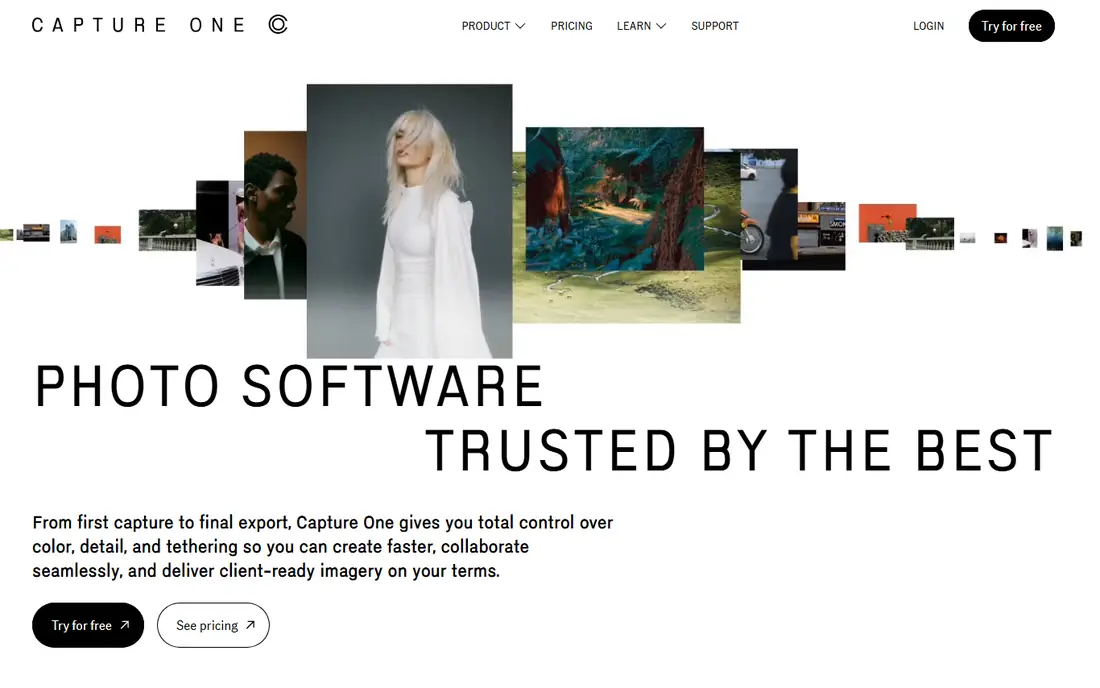
Capture One is the studio standard for a reason. Its tethered shooting is faster and more reliable than Lightroom for many studio setups, with live view, capture controls and immediate review that matter during a paid shoot. Colour editing, layers and masking tools give precise control over skin tones, product colours and local adjustments, which is why fashion and product photographers stay loyal. The cost and learning curve are the barriers. Capture One subscriptions and perpetual licences cost more than some rivals, and its catalogue and session workflow differs from Lightroom, so migration takes time. It is best for working photographers who shoot tethered or who need top level colour control, rather than for casual users who only need basic RAW edits.
- Excellent tethered shooting
- Strong colour tools and layers
- Sessions and catalogues for studio work
- Higher cost than many rivals
- Learning curve for Lightroom users moving over
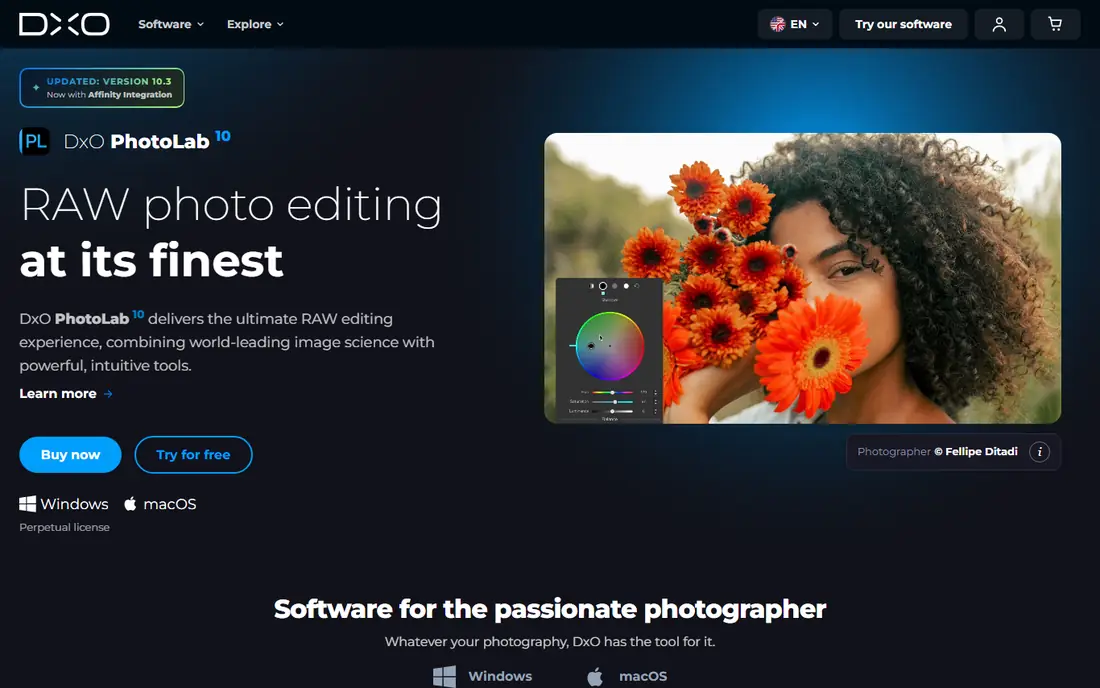
DxO PhotoLab wins on image quality. Its lab measured camera and lens modules correct distortion, vignetting and softness for the exact pairing you shot, and its DeepPRIME noise reduction preserves detail at high ISO better than most rivals. For wildlife, event and low light photographers, that quality edge shows in final files, not just in test charts. Cataloguing is where DxO trails Lightroom. It offers basic organising, but users with very large libraries may need a separate digital asset manager or a different editor for catalogue work. DxO PhotoLab is best as a RAW quality first editor, especially when paired with a simple folder system or another organising tool.
- Lab measured lens corrections
- DeepPRIME noise reduction
- Excellent RAW detail at high ISO
- Cataloguing is basic compared with Lightroom
- No Linux or tablet version
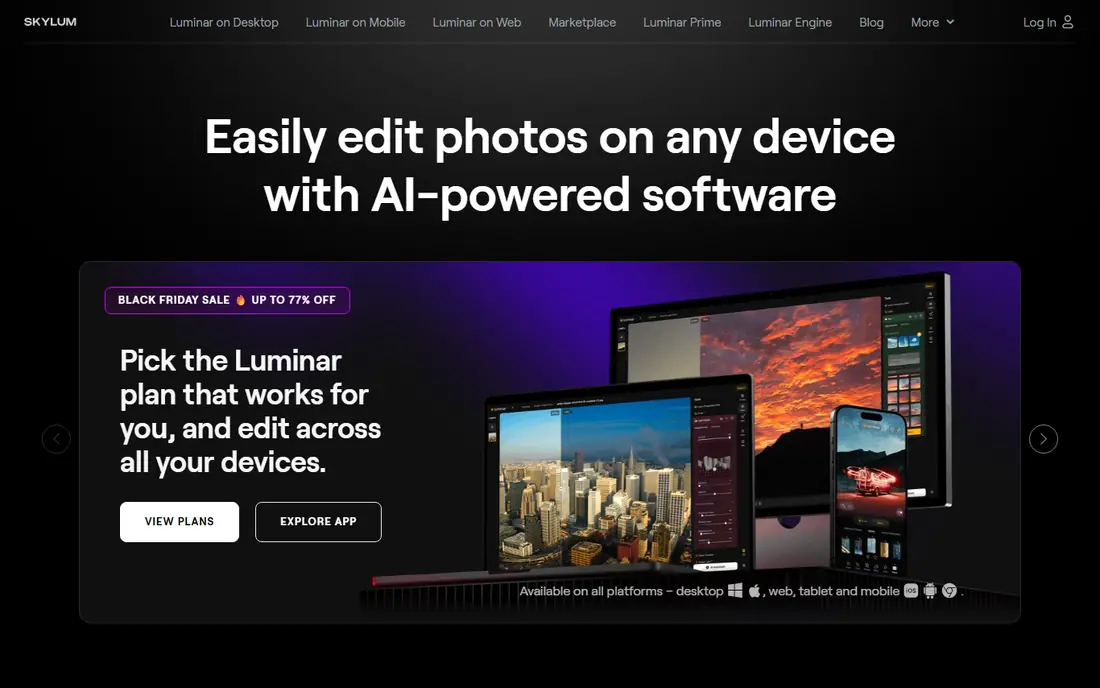
Luminar Neo suits photographers who want strong results quickly without learning a complex editor. Its AI tools handle sky replacement, portrait retouching, relighting and atmosphere with a few sliders, which speeds up social, travel and portrait work. The interface is friendly for users moving from a phone editor to a desktop RAW editor. Serious cataloguers will notice limits. Luminar Neo organising tools are basic compared with Lightroom or Capture One, and its AI heavy approach can feel less precise for users who want full manual control. It is best for photographers who value speed and creative AI help over deep catalogue management.
- Fast AI sky, portrait and relight tools
- Simple interface for quick results
- One time purchase options
- Cataloguing is basic
- Some AI tools require ongoing renewal in higher tiers
ON1 Photo RAW tries to be Lightroom plus Photoshop in one app, and it gets closer than most rivals. Users can browse folders without importing, organise with catalogues, edit RAW files with layers and masks, and add effects without switching apps. That all in one approach suits photographers who want a single purchase to cover organising and editing. The interface is busy at first, with many panels and options that take time to learn. Performance also depends on hardware, so older machines may feel slower than with a lighter editor. ON1 Photo RAW is best for users who want a one time purchase all rounder and who are willing to learn its layout in return for not paying a monthly subscription.
- Browse mode with no import step
- Layers, masking and effects in one app
- One time purchase option
- Performance can vary on older machines
- Interface has many panels to learn
Affinity, formerly Affinity Photo, became free in late 2025 and now offers pro level pixel editing at no cost, though a free Canva account is required. Its retouching, compositing, layers and masking tools are far deeper than most free editors, which makes it a strong Photoshop alternative as well as a Lightroom companion. For users who edit individual images to a high standard, Affinity is remarkable value. It is not a Lightroom replacement on its own. Affinity lacks a full catalogue system for large libraries, and its RAW development workflow is less deep than Capture One or DxO PhotoLab for batch RAW work. Use Affinity alongside a RAW editor or a simple organiser, or use it alone if you edit a modest number of images and value pixel control over cataloguing.
- Free since its 2025 relaunch
- Strong pixel editing and retouching
- No subscription
- No full Lightroom style catalogue
- RAW workflow is less deep than Capture One or DxO
Darktable is the most capable free open source Lightroom alternative for RAW photographers. It offers non destructive editing, a library module, tethering, masking and a wide range of modules for tone, colour and detail. It runs on Linux, Windows and Mac, which also makes it the best choice for Linux photographers who lack most commercial options. New users face a technical interface and many modules that take time to understand. Darktable rewards patience with control and cost savings, but it is not the fastest path to a good edit for a beginner. It suits photographers who value open source software, full control and zero subscription cost over a polished onboarding experience.
- Free and open source
- Powerful non destructive RAW editing
- Library and tethering tools
- Steeper learning curve
- Interface feels technical for new users
RawTherapee gives experienced RAW photographers detailed control over demosaicing, tone curves, colour and noise at no cost. Its folder based browsing means files stay where you put them, with no catalogue import step and no lock in to a proprietary library format. For photographers who organise by folders and want precise RAW processing, that freedom is attractive. The lack of a catalogue system is also a limit for large libraries, and the interface feels dated compared with Capture One or Luminar Neo. RawTherapee is best as a dedicated RAW processor for users who already organise files themselves and who want control over every stage of RAW conversion, rather than as an all in one Lightroom clone.
- Free and open source
- Very detailed RAW controls
- Folder based browsing with no catalogue lock in
- No catalogue system
- Interface is dated and learning curve is steep
ACDSee Photo Studio suits photographers with very large image archives who need speed first. Its browsing is fast even with many thousands of files, and its organising, keywording and search tools help users find images without a slow import process. Ultimate versions add layers, AI masking and more advanced editing, which broadens it beyond a simple viewer. RAW processing quality is good but not class leading for the toughest high ISO files, where DxO PhotoLab has an edge. Pricing also varies by version, with one time and subscription options that need checking on the current ACDSee page. ACDSee is best for archivists, event photographers and anyone whose main pain is finding and managing a huge library quickly.
- Fast browsing of large libraries
- Strong organising and search
- Layers and AI tools in Ultimate versions
- RAW quality trails DxO for extreme high ISO work
- Pricing varies by version and subscription
Exposure, formerly Alien Skin Exposure, appeals to photographers who love film character. Its preset library covers classic film stocks, grain, borders and creative looks with a level of care that generic preset packs rarely match. Users can also build and save their own looks, which suits portrait, wedding and editorial photographers with a consistent style. Cataloguing and RAW depth are lighter than Lightroom, Capture One or DxO, so Exposure works best as a creative editor rather than as a full library system. It can also work as a plugin style companion for users who organise elsewhere and want Exposure looks for final images. Choose Exposure when creative film character matters more than catalogue depth.
- Large film preset library
- Creative effects and grain control
- One time purchase option
- Cataloguing is lighter than Lightroom
- RAW tools are less deep than Capture One or DxO
How we picked these
We compared official feature pages, pricing pages, version histories and public reviews, and we kept only editors that are actively available in October 2026. We checked catalogue, RAW processing, tethering, masking, platform support and purchase model, because Lightroom users leave for different reasons, including subscription cost, tethering needs, RAW quality or a move to free software. Editors that are no longer sold or maintained were left out. Pricing was checked against vendor pages and recent public comparisons, and we used See website where a price varies by edition, region or subscription versus one time purchase. Affinity free status follows its late 2025 relaunch, while Darktable and RawTherapee remain open source and free. Where a version number or price changed during 2026, readers should confirm the current version on the vendor site before buying.
Choosing the right Lightroom alternative
Start with the Lightroom feature you miss most if you leave. If it is cataloguing, shortlist Capture One, ON1 Photo RAW and ACDSee Photo Studio. If it is RAW quality, shortlist DxO PhotoLab and Capture One. If it is price, shortlist Affinity, Darktable and RawTherapee. If it is speed and creative looks, shortlist Luminar Neo and Exposure.
Test migration with your own files
Import a real folder of your RAW files, including high ISO shots and portraits, and test editing, export and search before you commit. Check whether presets, keywords and ratings transfer, and whether your camera and lens are supported for corrections. A trial with your own work reveals performance and colour differences that a feature table cannot show.
Decide on subscription versus one time purchase
Subscriptions suit users who want continuous updates and cloud features, while one time purchases suit users who want to own a version and upgrade when they choose. Free tools suit users who want no ongoing cost, but they may need more learning time or a second tool for cataloguing. Work out total cost over three years, not just the first month or first purchase price.
Frequently asked questions
What are the best Lightroom alternatives?
Capture One is best for studio and tethered work, DxO PhotoLab is best for RAW quality, ON1 Photo RAW is best for an all in one one time purchase, and Affinity, Darktable and RawTherapee are best for free editing. Luminar Neo suits fast AI assisted edits, ACDSee Photo Studio suits large libraries, and Exposure suits film looks. The best Lightroom alternatives depend on whether you prioritise cataloguing, RAW quality, tethering or price.
Is there a free alternative to Adobe Lightroom?
Yes. Affinity is free following its 2025 relaunch, and Darktable and RawTherapee are free open source editors. Each free option has a limit, whether that is catalogue depth, learning curve or RAW workflow depth, so test one with your own files before moving a full library. Free does not mean limited in image quality, especially for RAW processing in Darktable and RawTherapee.
Which Lightroom alternative is best for beginners?
Luminar Neo is the easiest paid starting point thanks to its AI tools and simple interface, while ON1 Photo RAW offers a broader all in one workflow for users willing to learn more panels. Darktable and RawTherapee are powerful but technical, so beginners who want a gentle start should try Luminar Neo or Affinity first. A free trial on a real project is the best test.
Can I move my Lightroom catalogue to another editor?
Migration depends on the editor. Some tools import Lightroom catalogues or sidecar data with varying success, while others work better with folder based browsing and fresh keywording. Export key images, back up your Lightroom catalogue before you test migration, and check whether ratings, keywords and edits transfer for your specific editor. Do not delete your Lightroom library until you have confirmed the new workflow with your own files.
Is Capture One better than Lightroom?
Capture One is better for tethered studio work and for precise colour control, while Lightroom is better for cloud sync, mobile editing and a simpler catalogue for many users. Capture One also costs more in many cases and has a steeper learning curve. Photographers who shoot tethered or who need top level colour tools often prefer Capture One, while photographers who value cloud and mobile workflows often stay with Lightroom.
Do Lightroom alternatives support my camera RAW files?
Most major alternatives support a wide range of cameras, but support for very new models can lag behind release dates. Check the vendor camera support list for your exact camera and lens before buying, especially for DxO lens modules and Capture One tethering support. If your camera is new, a trial with your own RAW files is the safest check.
Sources we checked (9)

Online Jobs is an independent blog about careers, online work, learning new skills and the tools that help people earn. More about us.
Keep reading
All posts
Lightroom Alternatives
Lightroom alternatives compared in 2026: Capture One, DxO, ON1 and free editors for RAW photos, catalogs and one-time purchase options, with pros and cons.

Best AI Photo Editor Software
We compared top rated ai photo editor software for 2026, from Adobe Lightroom to Luminar Neo, on AI tools, price, free plans and real editing strengths.

n8n Alternatives
n8n alternatives compared for 2026, with Zapier, Make, Activepieces, and more, covering visual builders, code steps, self-hosting, and pricing models.