Life360 Alternatives in 2026: 8 Products Compared

How we put this together: we compare official feature and pricing pages, app store listings, privacy policies and public user reviews. Prices change, so check the provider's site before you pay.
Key takeaways
- Apple Find My and Google Maps cover basic family location sharing for free, with no extra app needed for many households.
- Glympse suits temporary sharing for trips and meetups, because shares end automatically instead of running all the time.
- GeoZilla, iSharing and HeyPolo offer closer Life360-style circles, with place alerts and driving features on paid tiers.
- FamiSafe and Google Family Link add parental controls and screen-time tools alongside location, which suits younger children.
- Location sharing should be mutual, visible and easy to stop, especially for teens and partners, so check privacy settings before switching.
Quick comparison
| Name | Who it suits | Starting price | Free option | |
|---|---|---|---|---|
 Apple Find My | All-Apple households | Free | Yes | Visit |
 Google Maps | Free cross-platform sharing | Free | Yes | Visit |
 Glympse | Temporary trip sharing | Free | Yes | Visit |
 GeoZilla | Driving alerts on a budget | See website | Yes | Visit |
 iSharing | Circle-style family locator | See website | Yes | Visit |
 HeyPolo | Privacy controls for families | $4.99 per month | Free trial | Visit |
 FamiSafe | Location plus parental controls | See website | Free trial | Visit |
 Google Family Link | Android family supervision | Free | Yes | Visit |
The best Life360 alternatives
We compared alternatives on live location, place alerts, crash detection, driving reports, privacy controls and price. Note: share location only with consent, and make sure every adult and teen in a circle can see who can view their location and can pause sharing. This guide focuses on family safety use, not on tracking someone without their knowledge.
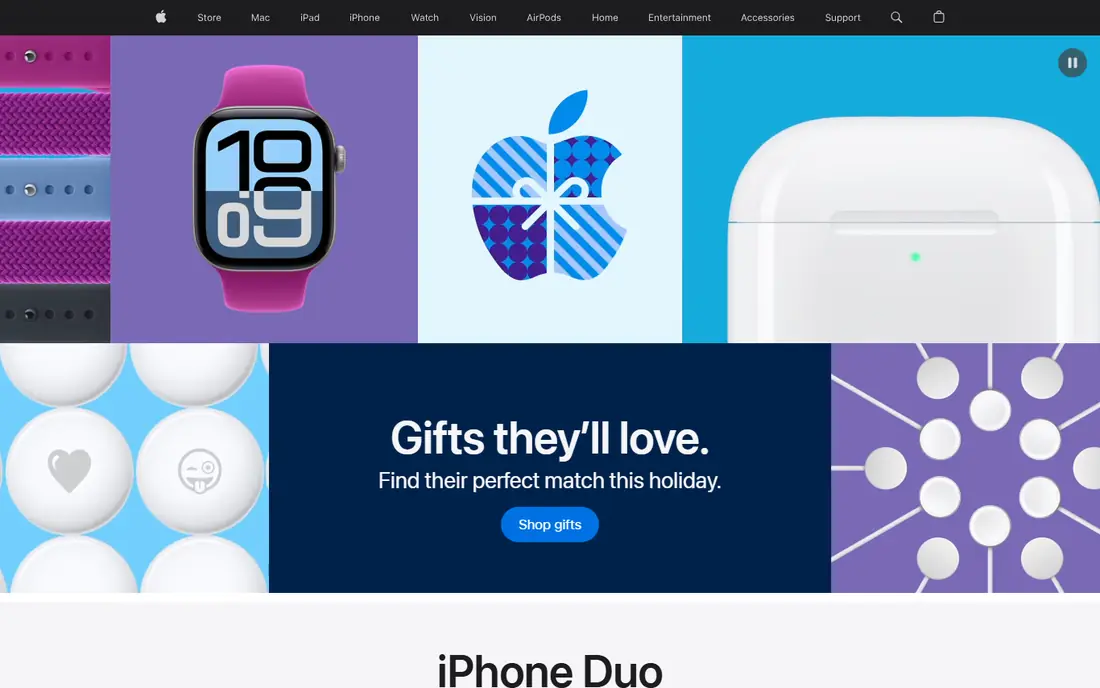
Apple Find My is the simplest swap when every family member uses Apple devices. Location sharing works through Family Sharing, with no extra subscription, and the same app finds lost phones, tablets and AirTags. Place notifications can alert family members when someone arrives or leaves a set location, subject to device settings.
The limit is platform. Android family members cannot join the same circle in the same way, and Find My lacks the driving reports, crash detection and roadside features that Life360 bundles into paid plans. For all-Apple households that mainly need to know where family members are, Find My is free, private by design and hard to beat.
- Built into iPhone, iPad and Mac
- Free family location sharing
- Device finding in the same app
- Apple devices only
- Driving reports and crash alerts are thinner than Life360
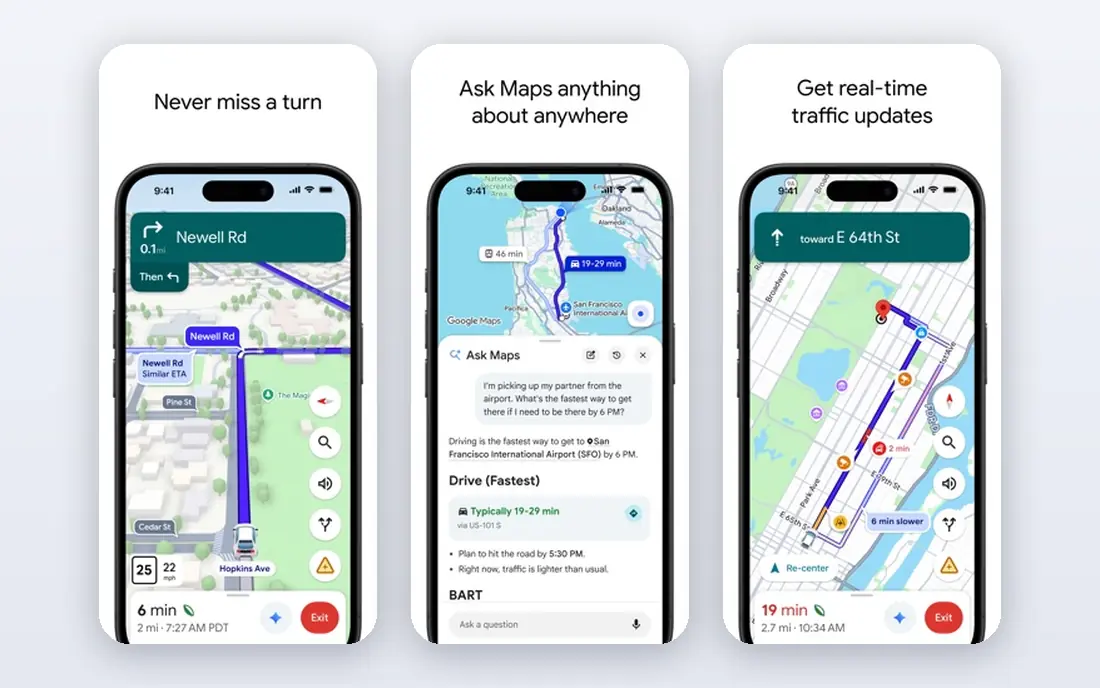
Google Maps suits mixed-device families that want free location sharing without a new app. Users can share live location for a set time, or until turned off, and recipients see the location on a map they already use. That cross-platform reach is the main advantage over Apple Find My, which is Apple-only.
Google Maps is not a family safety app, so it lacks crash detection, driving history and detailed place alerts. Sharing also needs clear settings, because a share left on by mistake can run longer than intended. For couples and families that mainly need to coordinate meetups and check arrival, Google Maps is a practical free option.
- Works on iPhone and Android
- Timed sharing options
- Directions and place details in one app
- No driving reports or crash detection
- Place alerts are more limited than dedicated family apps
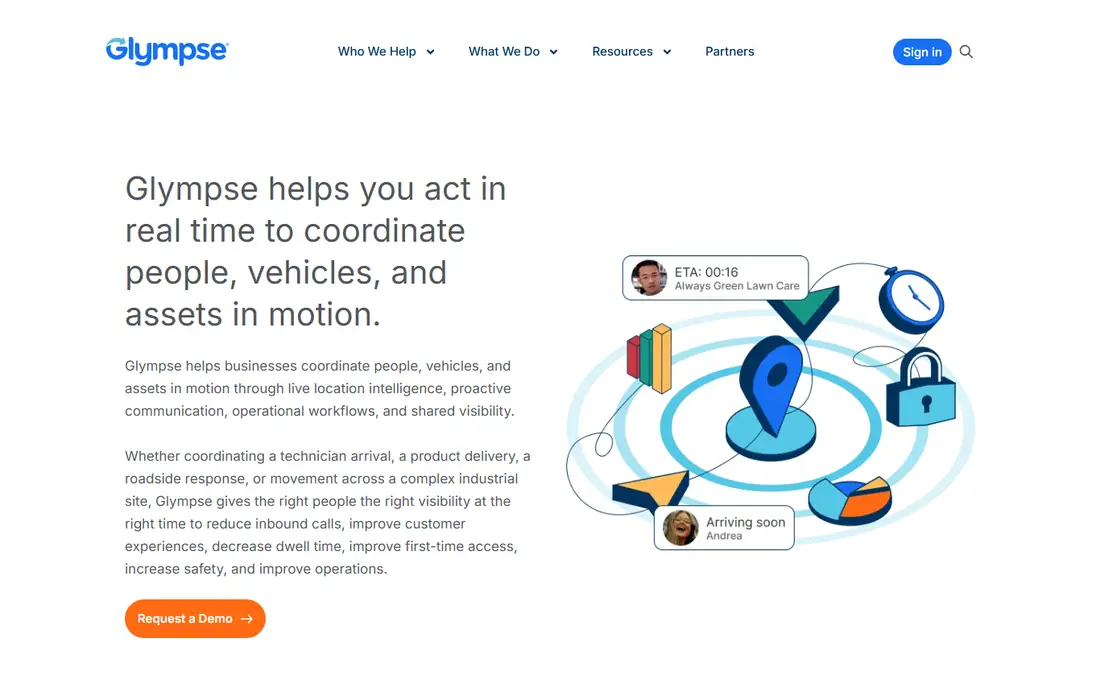
Glympse is built for short-term sharing. A driver can share a trip for an hour or until arrival, and the share ends on its own, so location is not shared around the clock. Recipients can view the share in a browser without installing an app, which helps for pickups, road trips and meetups with friends.
The trade-off is scope. Glympse does not offer permanent family circles, place alerts or driving reports, so it cannot replace Life360 for families that want ongoing monitoring. For temporary needs, though, its time-limited design is a privacy advantage, because it limits exposure by default rather than by settings alone.
- Shares end automatically after a set time
- No account needed for basic sharing
- Light on battery use
- No permanent circles or place alerts
- Not a full family safety replacement
GeoZilla offers a closer Life360-style experience at a lower price point. Families get live location, place alerts, check-ins and a family chat, plus driving alerts that can flag speeding or arrival at set places. A limited free plan lets families test basic location sharing before paying for a yearly plan.
Paid features and limits vary, so buyers should check which alerts are included on the free tier versus the paid tier. Battery and location settings on Android and iPhone also affect accuracy, as with any tracking app. For budget-conscious families that want driving alerts without Life360 pricing, GeoZilla is a strong test.
- Live location and place alerts
- Driving and speed alerts
- Family chat and check-ins
- Some advanced features need a paid plan
- Coverage and accuracy vary by device settings
iSharing will feel familiar to Life360 users, with family circles, live location and messaging in one app. Place alerts, location history and driving reports sit on paid tiers in recent listings, while a free basic tier covers core location sharing. That structure lets families test the circle layout before paying for alerts and history.
The main drawback is that the free tier is limited, so families that want full place alerts will need to pay. Pricing also varies between monthly and yearly billing, so a yearly plan is usually cheaper per month. For families that want a Life360-like interface without Life360 itself, iSharing is one of the closest matches.
- Familiar circle layout
- Live location and place alerts on paid tiers
- Walkie-talkie and messaging features
- Advanced alerts need a paid plan
- Pricing varies by monthly or yearly billing
HeyPolo positions itself as a privacy-first family locator, with live location, place alerts and crash detection, plus controls for sharing precise or approximate location and for setting share duration. Pricing in recent listings starts at $4.99 per month, billed annually, with a trial or money-back period instead of a lasting free plan.
The limit is scale and familiarity. HeyPolo has a smaller user base than Apple Find My or Google Maps, so families should test it on all devices they use before switching. For families that left Life360 over data concerns and want clearer privacy controls, HeyPolo offers a focused alternative with a clear pricing model.
- Live location and place alerts
- Precise or approximate sharing controls
- Stated no-sale data policy
- No lasting free plan
- Smaller user base than Google or Apple tools
FamiSafe suits parents of younger children who want location plus broader controls. Alongside live location and geofencing, it offers screen-time limits, app blocking, web filtering and activity reports. That blend helps parents manage device use as well as location, which Life360 alone does not cover in the same depth.
Setup is more involved than a simple locator, because parents need to install and configure the app on each child device and set rules for apps and screen time. Pricing is subscription-based, with a trial for testing. For families that want parental controls and location in one tool, FamiSafe is a practical alternative to pairing two separate apps.
- Live location plus screen-time limits
- App blocking and web filtering
- Geofencing and activity reports
- Full features need a paid plan
- Setup takes time for multiple devices
Google Family Link is a free option for Android families that want supervision plus location. Parents can view a child location, approve app installs, set screen-time limits and manage device settings from one dashboard. That makes it a good starting point for younger children on Android phones or tablets.
The limit is platform and depth. Family Link works best on Android, with thinner support on iOS, and its location alerts are less detailed than GeoZilla or iSharing. For Android households that want free parental controls with basic location, Family Link covers the core need without a subscription.
- Free Android parental controls
- Location viewing
- App approvals and screen-time limits
- IOS support is limited
- Location features are thinner than dedicated family apps
How we picked these
We reviewed official app pages, pricing pages and public comparisons to confirm each app still offers family or temporary location sharing in 2026. We favoured apps with live location, place alerts or parental controls, plus free or low-cost entry points, because those are the main reasons families look for Life360 alternatives. We left out tools aimed mainly at employee tracking or vehicle fleets, because they do not fit family consent and privacy needs.
Choosing a Life360 alternative for your family
Start with devices. All-Apple households can use Find My for free, while mixed-device households need Google Maps, Glympse, GeoZilla or iSharing. Next, decide whether you need ongoing circles, temporary sharing or parental controls, because each need points to a different tool. Testing with one real week of school runs, commutes and pickups reveals battery use and accuracy better than a feature list.
Agree rules before you switch
Talk through who can see location, when sharing pauses, and how place alerts are used, especially with teens. A tool that feels like surveillance will lead to disabled sharing, while a tool with clear, mutual rules tends to stay in use. Check that every member can pause sharing and can see their own sharing settings.
Check privacy, battery and accuracy together
Review each app privacy policy for data sale, retention and sharing with third parties, and check location permission settings on each phone. Test battery drain over a few days, because aggressive tracking can drain older phones fast. Also test accuracy in your area, since building density and phone settings affect location quality.
Frequently asked questions
What are the best alternatives to Life360?
Apple Find My is best for all-Apple families, Google Maps is best for free cross-platform sharing, and GeoZilla and iSharing are closest to Life360 circles. Glympse suits temporary sharing, while FamiSafe and Google Family Link suit parents who also want parental controls. HeyPolo suits families that prioritise privacy controls.
Is there a free alternative to Life360?
Yes, Apple Find My and Google Maps are free, and Google Family Link is free for Android families. GeoZilla and iSharing offer limited free tiers, while Glympse is free for temporary sharing. Paid plans add place history, driving reports and crash features.
What is the best Life360 alternative for teen drivers?
GeoZilla and iSharing offer driving alerts and place notifications that help parents track teen driving, while HeyPolo adds crash detection in its paid plan. For Android families, Google Family Link adds supervision, though its driving reports are thinner. Agree driving rules with teens before enabling alerts.
Can I share location temporarily instead of all the time?
Yes, Glympse is built for temporary sharing that ends automatically, and Google Maps allows timed sharing. Apple Find My and GeoZilla also allow sharing to be paused or stopped. Temporary sharing is a good option for trips, pickups and meetups where ongoing tracking is not needed.
Is location sharing safe for families?
Location sharing can help families coordinate and respond in an emergency, but it should be mutual, visible and easy to stop. Review privacy settings, limit sharing to trusted family members, and avoid sharing location publicly. For children, pair location tools with clear family rules about devices and online safety.
Sources we checked (8)

Online Jobs is an independent blog about careers, online work, learning new skills and the tools that help people earn. More about us.
Keep reading
All posts
Best Photography Apps
Compare the best photography apps for editing, RAW capture, film presets and social sharing, with free and paid options for iPhone and Android in 2026.
Best Grocery List App
Best grocery list app compared on sharing, recipes, cost totals, and price, so your household stops buying duplicates and forgetting milk. Updated for 2026.

Best Gas Price App
Compare the best gas price app options for cheap fuel, diesel prices, cashback and route planning, with free apps that work on iOS and Android in 2026.