Best Grocery List App in 2026: 9 Apps Compared

How we put this together: we compare official feature and pricing pages, app store listings, privacy policies and public user reviews. Prices change, so check the provider's site before you pay.
Key takeaways
- AnyList leads for shared lists with recipes, while OurGroceries leads for simple shared lists.
- Listonic is the best pick for budget shoppers who want running cost totals.
- Google Keep and Apple Reminders cover free basic lists, with Keep working across devices.
- Paprika suits cooks who want recipes and lists without a subscription.
- Pick the app that works on every phone in the house, then add recipe features.
Quick comparison
| Name | Who it suits | Starting price | Free option | |
|---|---|---|---|---|
 AnyList | Shared lists with recipes | Free | Yes | Visit |
 OurGroceries | Simple shared lists across devices | Free | Yes | Visit |
 Bring | Visual shared lists with offers | Free | Yes | Visit |
 Google Keep | Free shared checklists you already have | Free | Yes | Visit |
 Apple Reminders | Free lists for Apple households | Free | Yes | Visit |
 Listonic | Free shared lists with cost totals | Free | Yes | Visit |
 Cozi | Family calendar plus lists | Free | Yes | Visit |
 Paprika Recipe Manager | Recipes and lists with a one-time purchase | See website | No | Visit |
 Flipp | Weekly flyers and deals for shopping | Free | Yes | Visit |
The best grocery list apps
The best grocery list app is the one everyone in the house opens at the store. Sharing, speed, and simple adding matter more than a long feature list.
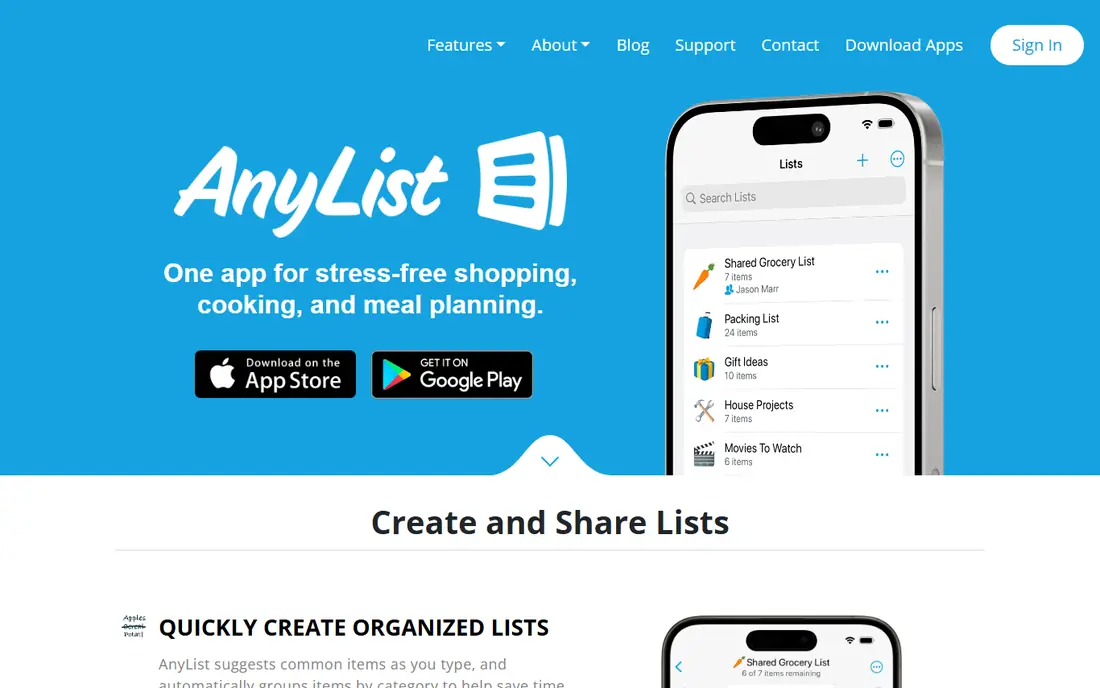
For households that want lists, recipes, and meal planning in one app, AnyList is a strong starting point. The core strength here is recipe-to-list flow, which turns a planned meal into a shopping list in a few taps. That combination makes it a sensible shortlist entry for buyers who want that specific strength without paying for a much larger platform.
The honest catch is that the free tier covers lists well, while recipe import and the meal calendar need Complete. Check the current pricing page and free plan limits on your own device before you commit, since plans and limits change. We think it earns its place here because it solves a clear job well, even if it is not the right fit for every buyer.
- Real-time shared lists
- Recipe import and meal planning on Complete
- Item categories by store
- Complete features need a yearly plan
- No pantry inventory
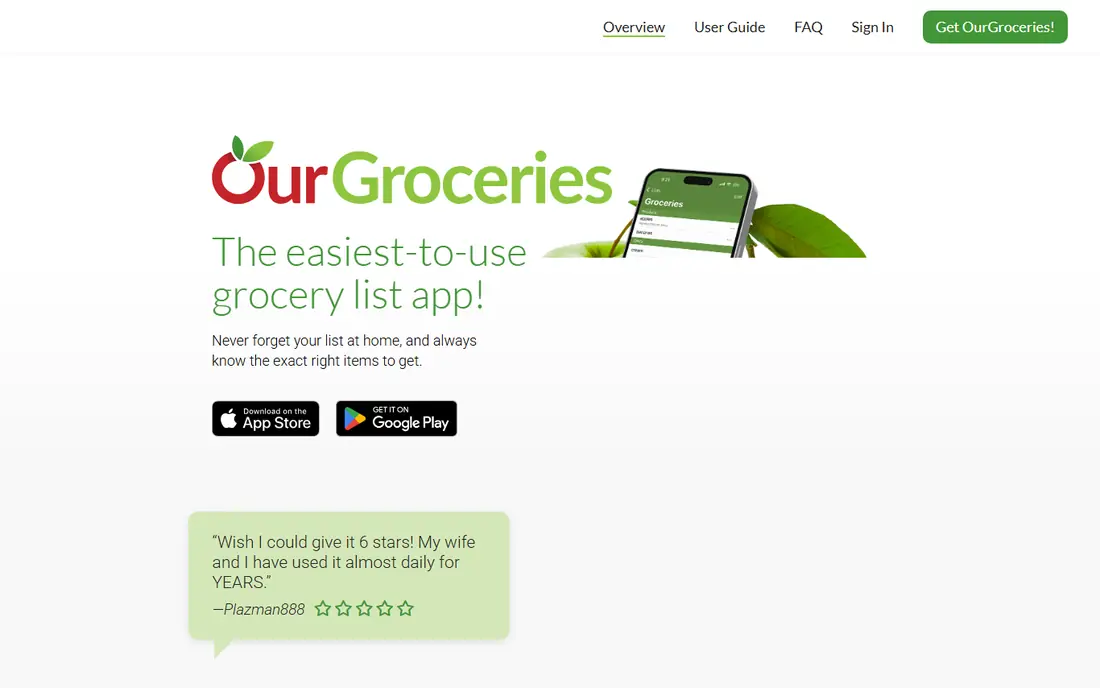
If you need households that want the simplest shared list, OurGroceries deserves a close look. The main draw is simplicity, with lists that sync quickly and need almost no setup. That combination makes it a sensible shortlist entry for buyers who want that specific strength without paying for a much larger platform.
The honest catch is that recipe and meal planning users will need a second app. Check the current pricing page and free plan limits on your own device before you commit, since plans and limits change. We think it earns its place here because it solves a clear job well, even if it is not the right fit for every buyer.
- Simple shared lists
- Works on iOS, Android, and web
- Works offline in many cases
- Ads on the free tier
- Recipe features are basic
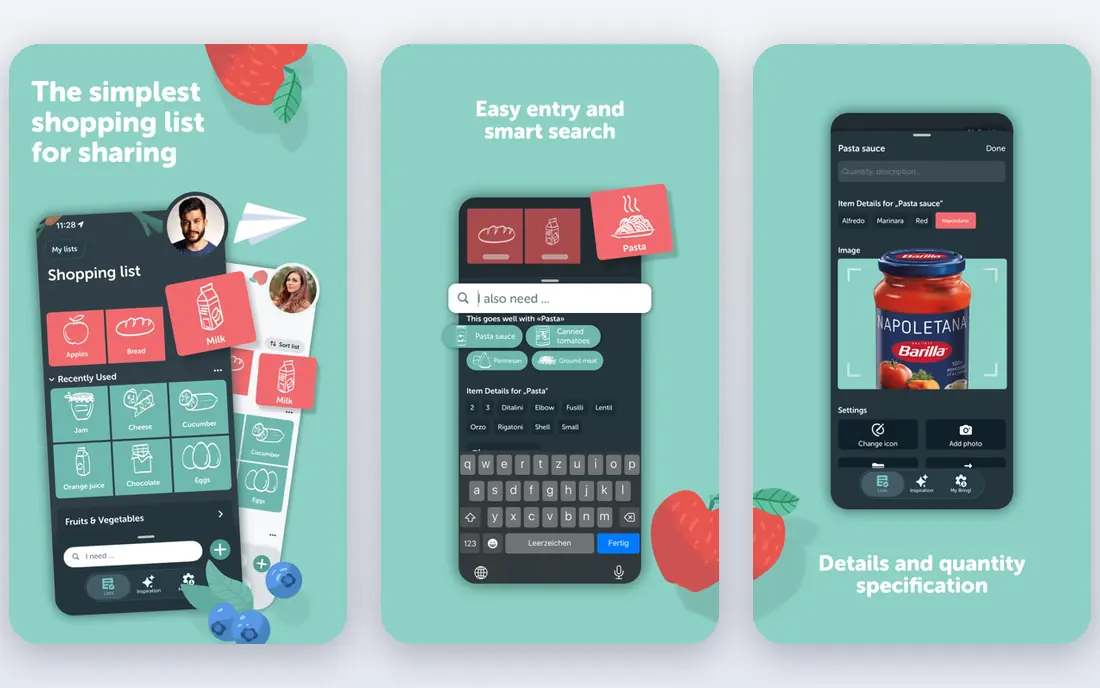
Bring fits visual shoppers who like item cards and local offers well, with a clear focus on what matters. In practice, buyers praise visual lists that make scanning a list in a store fast and clear. That combination makes it a sensible shortlist entry for buyers who want that specific strength without paying for a much larger platform.
The honest catch is that offer coverage varies by region, so check your local stores before relying on deals. Check the current pricing page and free plan limits on your own device before you commit, since plans and limits change. We think it earns its place here because it solves a clear job well, even if it is not the right fit for every buyer.
- Visual item cards
- Shared lists
- Loyalty card storage in many regions
- Store offers vary by region
- No full meal planning
Teams looking for mixed-device households that want a free list with no new app will find Google Keep a practical choice. What keeps users with it is availability, since most people already have it and sharing needs only a Google account. That combination makes it a sensible shortlist entry for buyers who want that specific strength without paying for a much larger platform.
The honest catch is that shopping-specific features are missing, so large weekly shops need manual sorting. Check the current pricing page and free plan limits on your own device before you commit, since plans and limits change. We think it earns its place here because it solves a clear job well, even if it is not the right fit for every buyer.
- Free on Android, iOS, and web
- Easy sharing with a Google account
- Reminders by time or place
- No store categories
- No prices or totals
- Lists get messy at scale
When Apple-only households that want a free built-in list is the priority, Apple Reminders stands out for a clear reason. What sets it apart is built-in convenience, with Siri adding and a grocery view that sorts items by section. That combination makes it a sensible shortlist entry for buyers who want that specific strength without paying for a much larger platform.
The honest catch is that mixed-device households should pick a cross-platform app instead. Check the current pricing page and free plan limits on your own device before you commit, since plans and limits change. We think it earns its place here because it solves a clear job well, even if it is not the right fit for every buyer.
- Free and pre-installed on Apple devices
- Grocery list type sorts items
- Siri voice adding
- Apple devices only
- No Android or web parity for all features
Listonic is built around budget shoppers who want to see what a shop will cost, and that focus shows in daily use. Where it earns its place is cost totals, with saved prices and quantity-aware totals on the free tier. That combination makes it a sensible shortlist entry for buyers who want that specific strength without paying for a much larger platform.
The honest catch is that price data needs entering or checking, so totals are estimates until you confirm store prices. Check the current pricing page and free plan limits on your own device before you commit, since plans and limits change. We think it earns its place here because it solves a clear job well, even if it is not the right fit for every buyer.
- Real-time sharing
- Running totals and saved prices
- AI meal planning on the free tier where offered
- Totals depend on entered prices
- Some features vary by region
For buyers who need families that want a shared calendar with lists attached, Cozi offers a direct route. Its clearest strength is family organisation, with a calendar, lists, and recipes in one household app. That combination makes it a sensible shortlist entry for buyers who want that specific strength without paying for a much larger platform.
The honest catch is that list-only users may find the calendar focus more than they need. Check the current pricing page and free plan limits on your own device before you commit, since plans and limits change. We think it earns its place here because it solves a clear job well, even if it is not the right fit for every buyer.
- Family calendar with lists
- Shared lists for the household
- Recipe box
- Ads on the free tier
- Gold plan needed for some calendar views
Paprika Recipe Manager
Who it suits: Recipes and lists with a one-time purchase
If cooks who want recipes, meal plans, and lists without a subscription matters most, Paprika Recipe Manager is worth testing first. The standout feature is one-time pricing, which suits cooks who dislike yearly fees. That combination makes it a sensible shortlist entry for buyers who want that specific strength without paying for a much larger platform.
The honest catch is that buying on each platform adds up, and household sharing needs more setup than a cloud list app. Check the current pricing page and free plan limits on your own device before you commit, since plans and limits change. We think it earns its place here because it solves a clear job well, even if it is not the right fit for every buyer.
- One-time purchase per platform
- Recipe import, meal plans, and grocery lists
- Pantry tracking
- Paid per platform
- Sharing is less simple than AnyList
Flipp suits deal hunters who build lists from weekly flyers, with strengths that match that job. In daily use, the strength is flyers and deals, with weekly ads that help you plan a shop around savings. That combination makes it a sensible shortlist entry for buyers who want that specific strength without paying for a much larger platform.
The honest catch is that it is a deal tool first, so recipe and meal planning users should pair it with a list app. Check the current pricing page and free plan limits on your own device before you commit, since plans and limits change. We think it earns its place here because it solves a clear job well, even if it is not the right fit for every buyer.
- Digital weekly flyers from many retailers
- Deal search
- List building from flyers
- List features are simpler than AnyList
- Coverage varies by retailer and region
How we picked these
We compared app store listings and vendor pages for sharing, sync, recipe features, cost totals, and price. We favoured apps with real-time sharing across iOS and Android, fast item adding, and a free tier that covers basic lists. Prices below are from vendor and store pages in October 2026 and can vary by region.
We also weighed ease of setup, support quality, and how well each product fits its stated best use. A product that is strong in general but weak for the stated job did not make the list. Where a price or free tier could not be verified on a vendor page, we wrote See website rather than guessing a number.
How to pick a list app your whole household will actually use
Pick the app that works on every phone in the house first, then worry about recipes and totals. Test adding items by voice and by typing, and check whether the list sorts by store section. Share one list for a full weekly shop and see whether edits sync fast in a store with weak signal. If only one person cooks, a recipe app may win; if several people shop, a simple shared list usually wins.
Make a short list of two or three options and test each one on a real task from your own work. Note setup time, daily friction, and total cost, including any paid tier you will actually need. The best choice is usually the one your team or household keeps using after the first week, not the one with the longest feature list.
Frequently asked questions
What is the best grocery list app?
AnyList leads for shared lists with recipes and meal planning, while OurGroceries leads for the simplest shared list. Listonic suits budget shoppers who want cost totals, and Google Keep suits mixed-device households that want a free list. Pick by household size and cooking habits.
What is the best shared shopping list app?
AnyList, OurGroceries, Bring, and Listonic all offer real-time shared lists across devices. AnyList adds recipes and meal planning, while OurGroceries keeps sharing very simple. Test sync in a store, since weak signal shows which app handles offline edits best.
Is there a free grocery list app?
Yes, Google Keep, Apple Reminders, OurGroceries, Bring, Listonic, and Flipp all offer free tiers that cover basic lists. Paid upgrades usually remove ads or add recipes, meal planning, and extra devices. A free app is enough for most households that only need a shared list.
Which app is best for meal planning and grocery lists together?
AnyList and Paprika lead here, with recipe import, meal calendars, and lists built from recipes. Listonic also adds AI meal planning on its free tier where offered. If you plan meals weekly, a recipe-led app saves more time than a list-only app.
Can a grocery list app track what a shop will cost?
Listonic offers running totals and saved prices on its free tier, while most list apps do not track totals. Enter or check prices for your regular items to make totals useful. Totals are estimates until you confirm them against store shelf prices.
Sources we checked (5)

Online Jobs is an independent blog about careers, online work, learning new skills and the tools that help people earn. More about us.
Keep reading
All posts
n8n Alternatives
n8n alternatives compared for 2026, with Zapier, Make, Activepieces, and more, covering visual builders, code steps, self-hosting, and pricing models.

eBay Alternatives
Looking for ebay alternatives? We compared 9 marketplaces for sellers on fees, buyer reach, categories and ease of listing, to help you sell with confidence.

ZoomInfo Alternatives
The best ZoomInfo alternatives in 2026, compared on price, free plans, data coverage, and which tool fits small teams or large sales teams best in detail.