Best Photography Apps in 2026: 9 Products Compared


Professional mobile editing · Starting price: Free
How we put this together: we compare official feature and pricing pages, app store listings, privacy policies and public user reviews. Prices change, so check the provider's site before you pay.
Key takeaways
- Snapseed is the best free editor overall, with a wide tool set, no ads and no subscription.
- Adobe Lightroom Mobile suits photographers who want RAW editing, cloud sync and desktop links.
- VSCO suits a consistent film look for social sharing, while PicsArt suits creative effects and social content.
- Halide and ProCam suit iPhone users who want manual camera control and RAW capture at the moment of shooting.
- The best app depends on whether you edit on a phone, shoot in RAW or publish mainly to social feeds.
Quick comparison
| Name | Who it suits | Starting price | Free option | |
|---|---|---|---|---|
| Adobe Lightroom Mobile | Professional mobile editing | Free | Yes | Visit |
 Snapseed | Free full editing | Free | Yes | Visit |
 VSCO | Film presets | Free | Yes | Visit |
 PicsArt | Creative social edits | Free | Yes | Visit |
 Google Photos | Everyday edits and backup | Free | Yes | Visit |
 Darkroom | iPhone-first RAW editing | Free | Yes | Visit |
 Halide | Pro iPhone camera | See website | Free trial | Visit |
 ProCam 8 | Manual iPhone camera | See website | No | Visit |
 Pixlr | Browser and app editing | Free | Yes | Visit |
The best photography apps
We compared apps on editing tools, RAW support, camera control, presets, cloud sync and price. The list mixes editors, camera apps and one everyday photo app, because photographers use different tools for shooting, editing and sharing. All apps below are still available on iOS or Android in 2026, with free tiers or trials where listed.
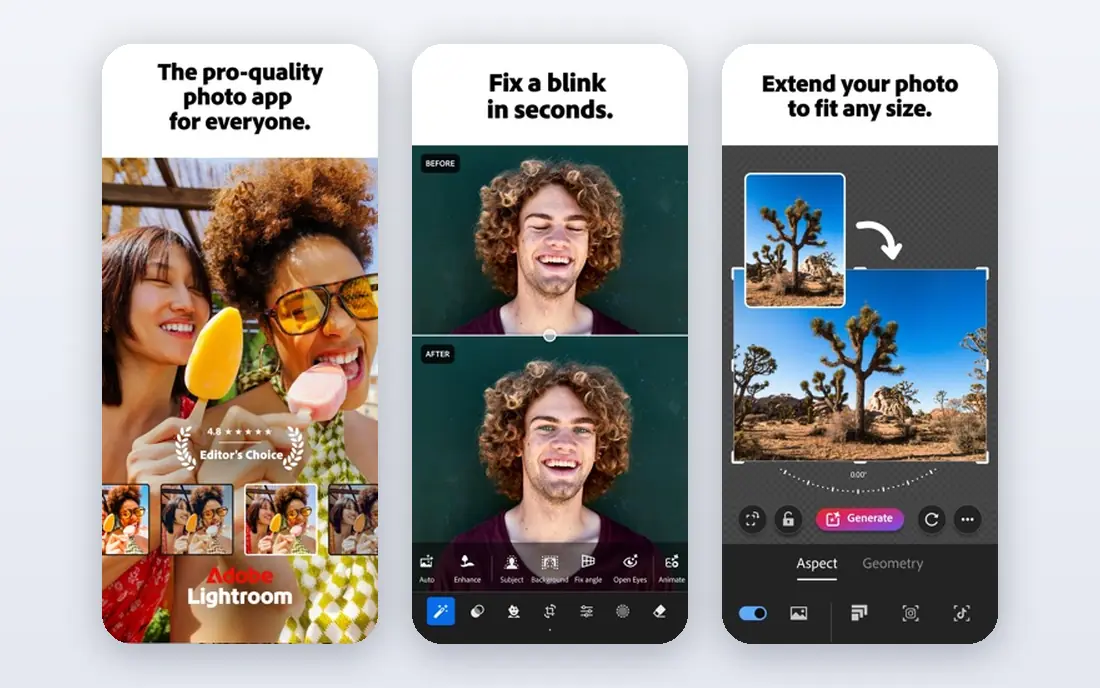
Adobe Lightroom Mobile is the closest thing to a desktop editor on a phone. It handles RAW files, selective edits, masking, colour grading and lens corrections, and it syncs edits across phone and desktop for photographers who use Lightroom elsewhere. A built-in camera can shoot in RAW on supported phones, which gives more editing headroom than a standard JPEG.
The free tier covers basic edits, while premium features such as selective edits, healing and larger cloud storage need a paid plan, listed in recent guides at around $9.99 per month as part of a photography plan. That cost is worth it for photographers who edit often and value sync, but casual editors may find Snapseed enough. For serious mobile editing, Lightroom remains the benchmark.
- Full RAW editing and masking
- Cloud sync across phone and desktop
- Preset sharing and a built-in camera
- Best features need a paid plan
- Cloud storage and sync add cost and setup
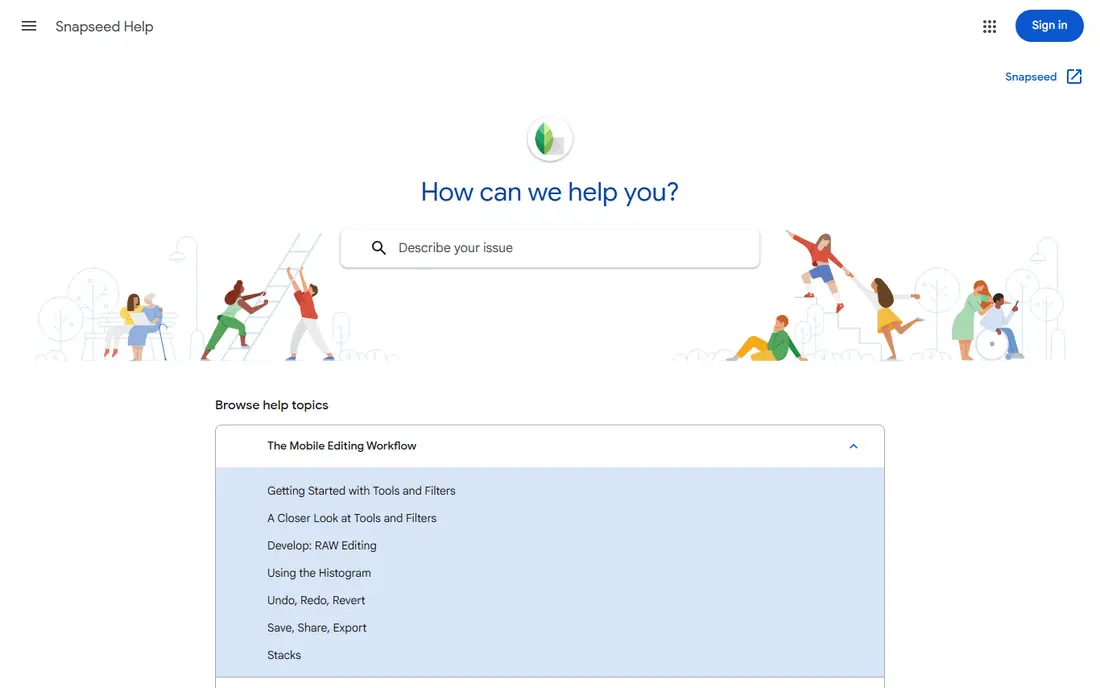
Snapseed, made by Google, is remarkable for what it gives away. It offers 29 tools, including curves, selective edits, healing, portrait tools and a wide filter range, with no ads, no in-app purchases and no subscription. Edits are non-destructive, so a stack of changes can be adjusted or removed later without losing the original.
The limits are sync and modern extras. Snapseed does not sync across devices, it lacks AI-heavy features found in newer apps, and its interface feels older than Lightroom or VSCO. For photographers who want a free, capable editor on one phone, those limits rarely matter. Snapseed is the first app to try before paying for any editor.
- Completely free with no ads
- 29 editing tools
- Selective edits and non-destructive stacks
- No cloud sync
- Interface feels dated
- No video editing or preset marketplace
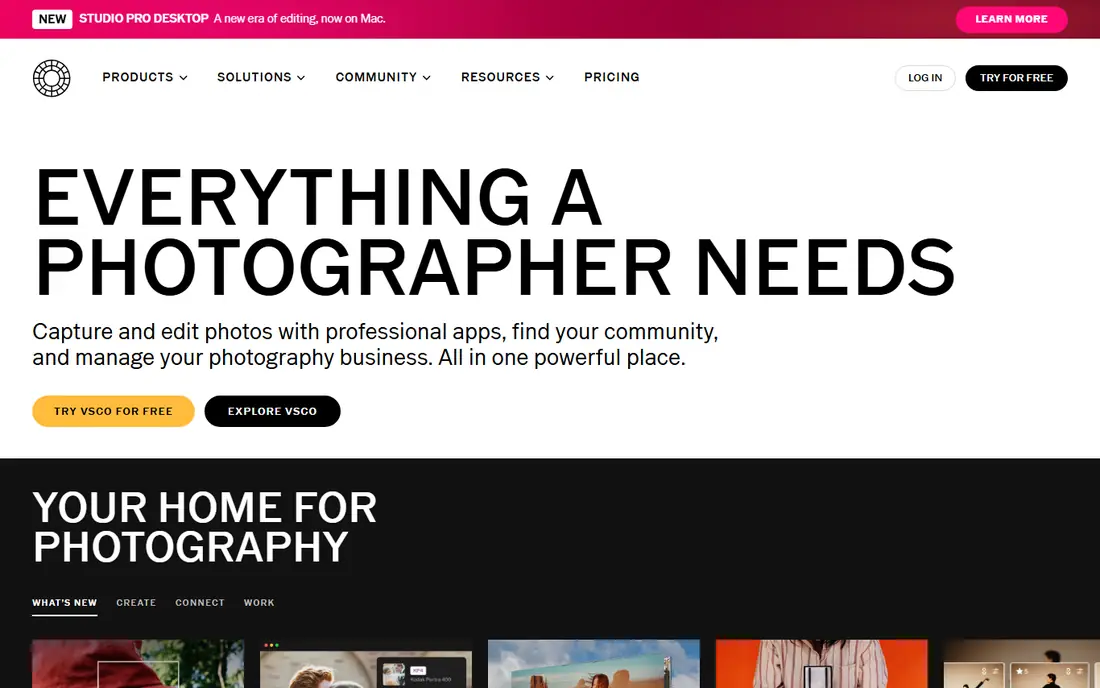
VSCO built its name on film-inspired presets that give photos a consistent look for social feeds. The app pairs presets with exposure, colour and grain tools, so photographers can apply a preset and then fine-tune the result. A free tier covers basic presets and edits, while a paid membership gives access to the full preset library and extra tools, listed in recent guides at around $59.99 per year.
VSCO is less suited to deep RAW work or complex masking than Lightroom, and its community features matter less to photographers who publish elsewhere. For creators who want a recognisable, film-like style with minimal effort, VSCO still offers one of the most refined preset collections on mobile.
- Large range of film-inspired presets
- Clean editing tools
- Community and sharing options
- Best presets need a paid plan
- Editing depth is thinner than Lightroom
PicsArt suits creators who make social content, not just clean photo edits. It offers filters, effects, stickers, collages, text overlays and AI tools such as background removal, plus templates for posts and stories. A free tier covers many features, while a paid plan gives access to the full tool set and removes ads, listed in recent guides at around $13 per month or a yearly equivalent.
The trade-off is precision. PicsArt is weaker than Lightroom or Snapseed for careful exposure, colour and RAW work, and the free tier includes ads. For social creators who want eye-catching edits fast, PicsArt is a strong pick. For photographers who prioritise accurate colour and detail, pair it with a dedicated editor.
- Wide creative effects and AI tools
- Stickers, collages and background removal
- Social templates
- Ads and paid features in the free tier
- Less precise than Lightroom for photo correction
Google Photos is the everyday app many Android users already have, and it also works on iPhone. It backs up photos, organises them by people and places, and offers quick edits for brightness, colour, crop and filters. Newer AI tools such as Magic Eraser and photo enhancement appear on supported devices and plans, which helps remove distractions from casual shots.
Google Photos is not a replacement for Lightroom or Snapseed for serious editing. Its tools are designed for quick fixes, not for RAW grading or masking. For casual photographers who want backup, search and simple edits in one free app, Google Photos covers the basics well and pairs nicely with a dedicated editor for special shots.
- Built-in editing and backup
- Magic Eraser and enhance tools on supported plans
- Easy sharing
- Editing depth is basic
- Some AI tools need a paid plan or supported device
Darkroom is built for iPhone photographers who want speed. It edits RAW files, supports batch edits, and works directly with the Apple Photos library, so there is no need to import and export between apps. That tight Apple integration makes it feel faster than many cross-platform editors on an iPhone, especially for photographers who shoot often and edit in batches.
The limit is platform. Darkroom is iOS-only, so Android photographers cannot use it, and the full feature set needs a paid plan, listed in recent guides at around $49.99 per year. For iPhone users who want a fast, RAW-capable editor without leaving Apple Photos, Darkroom is a strong alternative to Lightroom Mobile.
- Fast iPhone editing
- RAW and batch editing
- Sync with Apple Photos library
- IPhone and iPad only
- Full features need a paid plan
Halide is a camera app first, not an editor. It gives iPhone photographers manual control over focus, shutter, ISO and white balance, plus RAW and ProRAW capture for maximum editing headroom. The interface uses gestures to keep controls out of the way while shooting, which suits photographers who want DSLR-style control on a phone.
Halide is iPhone-only, and full use needs a subscription or one-time purchase, listed in recent guides at around $60 per year or a similar one-time price. It does not replace an editor, so Halide users still need Lightroom, Darkroom or Snapseed for post-processing. For iPhone photographers who care about capture quality, Halide is the leading pro camera app.
- Full manual camera controls
- RAW and ProRAW capture
- Clean gesture-based interface
- IPhone only
- Subscription or one-time purchase needed for full use
ProCam 8 offers another pro camera option for iPhone users, with manual controls for photo and video, RAW capture, and modes for time-lapse, slow motion and long exposure. That range makes it useful for photographers who also shoot video and want one camera app for both. Recent guides list ProCam 8 at around $15 as a one-time purchase, though app store pricing can vary by region.
The interface is fuller than Halide, so new manual shooters may need time to learn it. ProCam is also iPhone-only, so Android users need a different camera app. For iPhone photographers who want manual control plus video modes in a single purchase, ProCam 8 is a solid alternative to Halide.
- Manual photo and video controls
- RAW capture
- Time-lapse and slow-motion modes
- IPhone only
- Learning curve for new manual shooters
Pixlr suits photographers who edit across devices and do not want to install a heavy app. It runs in a browser on desktop as well as on mobile, with filters, AI cutout, effects and templates for social content. A free tier covers basic edits, while paid plans remove ads and allow higher exports and more AI tools, listed in recent guides at around $7.99 per month.
Pixlr is weaker than Lightroom for RAW grading and precise colour work, and free exports can carry limits. For quick edits, social posts and browser-based work, it is a flexible and accessible option. Photographers who edit mainly on a laptop may prefer Pixlr over a phone-only editor.
- Works in a browser as well as on mobile
- AI cutout and effects
- Quick templates for social posts
- Ads in the free tier
- Export and AI limits on free plans
- Less RAW depth than Lightroom
How we picked these
We checked official app listings, vendor pricing pages and public reviews to confirm each app is still available and still covers editing, camera control or photo management in 2026. We favoured apps with clear free tiers or trials, RAW support where relevant, and a distinct strength, rather than listing many similar filter apps. We left out apps that had not been updated in recent listings or that only served one narrow effect.
Choosing a photography app for how you shoot
Start with capture or editing. If you shoot in RAW or want manual control, Halide or ProCam on iPhone, plus Lightroom or Darkroom for editing, is a strong pair. If you edit JPEGs for social sharing, Snapseed, VSCO or PicsArt may be enough. If you work across phone and laptop, Lightroom or Pixlr offer better sync and browser options.
Test presets and RAW on your own photos
Presets look different on every photo, so test a preset pack on portraits, outdoor shots and low-light shots before paying yearly. For RAW, test highlight recovery and noise handling on a challenging photo, because those tests reveal editor quality faster than a clean daylight shot.
Watch storage and subscription overlap
Paid photo plans can overlap, especially if you already pay for cloud storage, Adobe plans or Apple storage. Check what is included in each subscription before adding another. A free editor plus existing cloud backup may cover casual needs without a new monthly bill.
Frequently asked questions
What is the best photography app?
Snapseed is best for free editing, Lightroom Mobile is best for professional mobile editing, and VSCO is best for film presets. Halide is best for pro iPhone capture. The best app depends on whether you shoot in RAW, edit for social sharing or need cloud sync.
What are the best apps for photographers on iPhone?
Lightroom Mobile, Snapseed, VSCO, Darkroom and Halide are strong iPhone picks, covering editing, presets and pro capture. Darkroom and Halide are iPhone-only, while Lightroom, Snapseed and VSCO also work on Android. Pair a camera app with an editor for the best results.
What is the best software for photography on Android?
Snapseed, Lightroom Mobile, VSCO, PicsArt and Google Photos cover Android editing well, with Snapseed as the best free option. Android camera apps with manual controls vary by phone maker, so check whether your phone already offers pro mode before buying a camera app.
Are photography apps free?
Many photography apps offer free tiers, including Snapseed, Lightroom Mobile, VSCO, PicsArt, Google Photos and Pixlr. Full presets, RAW tools, cloud storage and AI features often need a paid plan. Snapseed is fully free, which makes it a useful baseline before paying.
What is the best picture taking app for manual control?
Halide and ProCam 8 are leading manual camera apps for iPhone, with RAW capture and manual focus, shutter and ISO controls. On Android, many phones include a pro mode in the built-in camera app, which may cover manual needs without a separate purchase.
Sources we checked (9)

Online Jobs is an independent blog about careers, online work, learning new skills and the tools that help people earn. More about us.
Keep reading
All posts
Life360 Alternatives
Compare Life360 alternatives for family location sharing, place alerts, crash detection and privacy controls, with free and paid options for families.

Best Grocery List App
Best grocery list app compared on sharing, recipes, cost totals, and price, so your household stops buying duplicates and forgetting milk. Updated for 2026.
Best Gas Price App
Compare the best gas price app options for cheap fuel, diesel prices, cashback and route planning, with free apps that work on iOS and Android in 2026.