Best Kubernetes Alternatives in 2026: 8 Platforms Compared

How we put this together: we compare official feature and pricing pages, app store listings, privacy policies and public user reviews. Prices change, so check the provider's site before you pay.
Key takeaways
- Docker Swarm suits small Docker teams that want simple orchestration without a large platform team.
- Nomad suits mixed workloads, since it can schedule containers and non container jobs from one system.
- OpenShift and Rancher suit teams that want Kubernetes power with more management, security, and support.
- Cloud services like ECS, Cloud Run, and Azure Container Instances suit teams that want managed containers without running clusters.
- k3s suits edge, home lab, and small production sites that need Kubernetes compatibility in a light package.
Quick comparison
| Name | Who it suits | Starting price | Free option | |
|---|---|---|---|---|
 Docker Swarm | Small Docker teams | Free | Yes | Visit |
 HashiCorp Nomad | Mixed workloads | Free | Yes | Visit |
 Red Hat OpenShift | Enterprise Kubernetes | See website | No | Visit |
 Rancher | Multi cluster management | Free | Yes | Visit |
 Amazon ECS | AWS native containers | See website | No | Visit |
 Google Cloud Run | Serverless containers | See website | Yes | Visit |
 Azure Container Instances | Simple Azure containers | See website | No | Visit |
 k3s | Lightweight edge Kubernetes | Free | Yes | Visit |
The best Kubernetes alternatives
Kubernetes is the standard for large container platforms, but it brings complexity, a steep learning curve, and ongoing operational work. Small teams, mixed workloads, edge sites, and cloud native teams often need a simpler path. The platforms below offer that path in different ways: some replace Kubernetes, some manage it more easily, and some remove cluster management entirely.
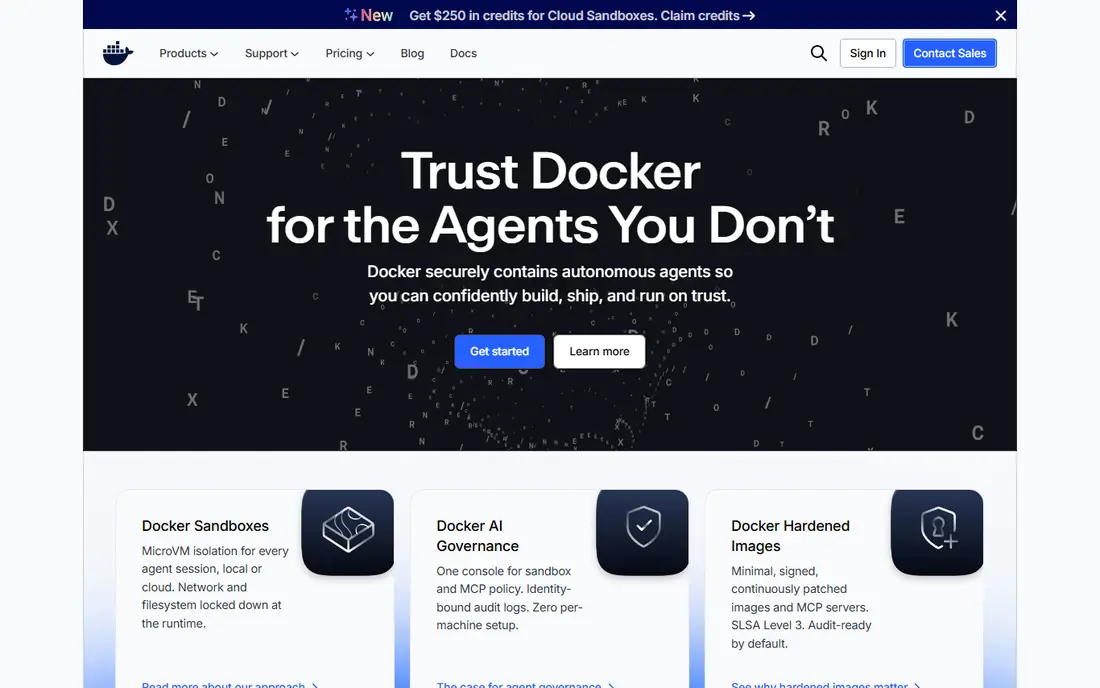
Docker Swarm is built into Docker, which makes it the simplest orchestration option for teams already using Docker. You can turn a group of Docker hosts into a swarm, deploy services with replicas, and let Swarm handle placement and basic load balancing. There is no separate control plane to install in the same way as Kubernetes. Swarm suits small apps, internal tools, and teams without a dedicated platform engineer. Compose style service definitions feel familiar, and the learning curve is far shorter than Kubernetes. For a handful of services on a few hosts, Swarm keeps operations simple and predictable. The trade off is ecosystem and scale. Swarm lacks the wide operator, Helm chart, and service mesh ecosystem of Kubernetes, and advanced scheduling, autoscaling, and policy features are thinner. Teams that expect to grow to dozens of services, or that need Kubernetes specific tools, should start with Kubernetes or k3s instead.
- Built into Docker
- Simple setup
- Familiar Compose style services
- Smaller ecosystem than Kubernetes
- Limited advanced scheduling
- Less suited to very large platforms
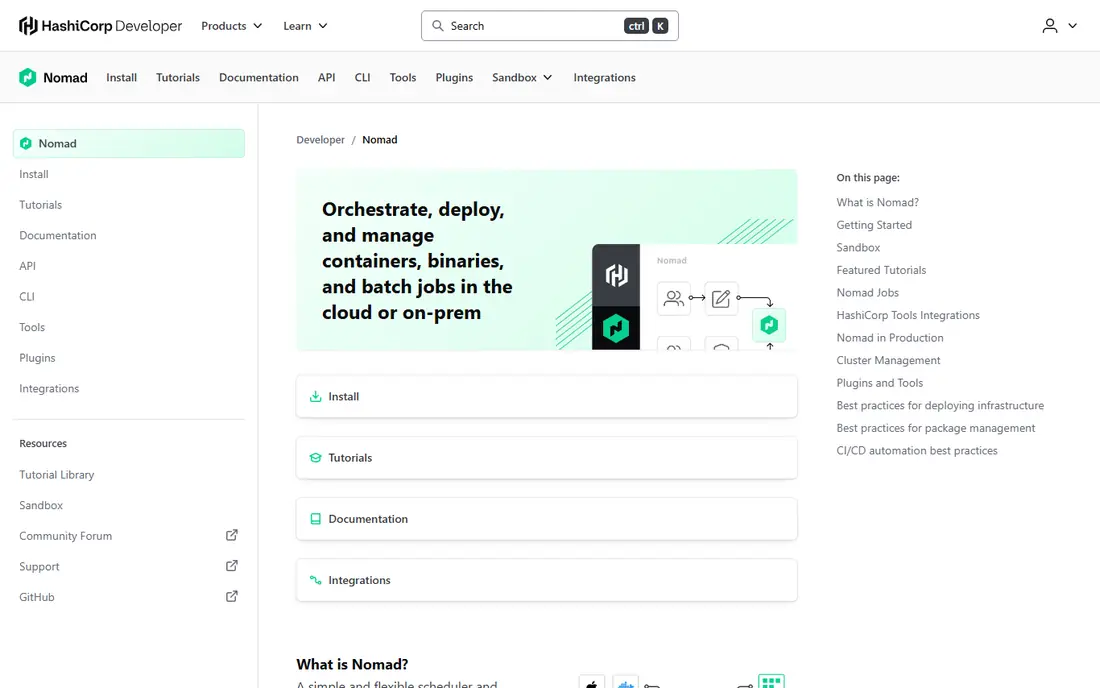
Nomad is a scheduler from HashiCorp that can run containers, virtual machines, Java apps, batch jobs, and system services from one platform. That mixed workload support is its main advantage over Kubernetes, which runs containers only. Teams with legacy apps alongside containers can manage both in one place instead of running separate schedulers. Nomad is also simpler to operate than Kubernetes. A single binary, a clear job specification, and multi datacentre support help small platform teams run production workloads without a large operations group. Nomad pairs with Consul for service discovery and Vault for secrets, which gives a full HashiCorp stack for teams that already use those tools. The container ecosystem is smaller than Kubernetes, with fewer ready made operators and charts. Teams that need a specific Kubernetes operator, service mesh, or Helm chart may need to build that integration themselves. For mixed workloads and simpler operations, Nomad is a strong alternative.
- Schedules containers and non container jobs
- Simple single binary
- Multi region support
- Smaller container ecosystem than Kubernetes
- Needs Consul or Vault for full features
- Fewer ready operators
OpenShift is Red Hat enterprise Kubernetes platform, built on Kubernetes with added security, developer tools, and operational features. It includes a developer console, built in pipelines, image registries, and stricter security defaults, such as restricted pod security settings. For regulated firms and large enterprises, those defaults reduce the work of hardening a raw Kubernetes cluster. OpenShift also offers operator support, multi cluster management, and a clear support path from Red Hat. That support matters when a platform runs business critical services and when internal teams need help with upgrades, security patches, and compliance checks. OpenShift runs on premise, in public clouds, and at the edge, which suits hybrid firms. Cost is higher than vanilla Kubernetes, and OpenShift adds its own concepts that teams must learn. It is not a simple replacement for small teams, but for enterprises that want Kubernetes power with vendor support and security controls, OpenShift is a leading choice.
- Hardened Kubernetes with security defaults
- Built in CI and CD tools
- Enterprise support
- Higher cost
- More opinionated than vanilla Kubernetes
- Learning curve for OpenShift specifics
Rancher, from SUSE, helps teams provision and manage many Kubernetes clusters from one interface. It supports clusters on premise and in public clouds, with role based access, policy, and monitoring tools. For firms that run several clusters for different teams, regions, or customers, Rancher reduces the work of logging into each cluster separately. Rancher also makes k3s and other distributions easier to run, since it can provision lightweight clusters for edge and small sites. The open source core is free, while Rancher Prime adds enterprise support and features for larger firms. That mix suits teams that want open source flexibility with a paid support path if needed. Rancher does not remove Kubernetes complexity entirely. Teams still need Kubernetes knowledge for workloads, networking, and upgrades, and Rancher adds its own management layer to maintain. For multi cluster firms that want a central view and simpler provisioning, Rancher is a practical alternative to managing clusters by hand.
- Central multi cluster management
- Easy cluster provisioning
- Open source core
- Adds a management layer
- Enterprise features are paid
- Still needs Kubernetes skills
Amazon Elastic Container Service, or ECS, is a fully managed container orchestrator for AWS. It integrates with load balancers, IAM roles per task, CloudWatch, and other AWS services, which makes it a natural choice for teams already running on AWS. With Fargate, teams can run containers without managing servers or nodes at all. ECS is simpler than Amazon EKS, the AWS Kubernetes service, because there is no Kubernetes control plane to manage and no Kubernetes API to learn. Task definitions, services, and scaling are straightforward, and AWS handles placement and health checks. That simplicity helps small and mid sized AWS teams ship containers faster. Portability is the main limit. ECS is AWS only, so a move to another cloud or on premise would require a rewrite of deployment code. Teams that need multi cloud portability, Helm charts, or Kubernetes operators should choose EKS or another Kubernetes distribution instead. For AWS native teams, ECS is a strong, low overhead alternative.
- Fully managed AWS service
- Deep AWS integration
- Fargate serverless option
- AWS only
- Less portable than Kubernetes
- Fewer ecosystem tools than EKS
Google Cloud Run lets teams deploy a container image and get a managed, autoscaling service without running a cluster. It scales to zero when idle, which can save money for intermittent workloads, and it scales up automatically when traffic grows. Deployment is simple: push an image, set memory and CPU, and Cloud Run handles routing and scaling. Cloud Run suits APIs, web services, background jobs, and internal tools that fit a stateless, request driven model. It integrates with Google Cloud services for logging, monitoring, and identity, and it supports custom domains and traffic splitting for gradual rollouts. Developers can focus on the container image rather than cluster operations. Cloud Run is Google Cloud focused, so multi cloud teams may prefer Kubernetes for portability. Stateful workloads, long running background processes, and complex networking may also fit a full cluster better. For serverless containers on Google Cloud, Cloud Run is one of the simplest Kubernetes alternatives.
- Serverless scaling to zero
- Pay per use
- Simple deploy from container image
- Google Cloud focused
- Stateless design suits some apps better
- Cold starts can affect latency
Azure Container Instances, or ACI, runs single containers or container groups in Azure without a cluster. It starts containers quickly, bills per second for CPU and memory used, and integrates with Azure networking, storage, and identity services. That simplicity suits jobs, tests, and small services that do not need a full orchestrator. ACI works well for burst workloads, build agents, data processing jobs, and simple APIs that run alongside other Azure services. Teams can launch a container from the Azure portal, command line, or a pipeline, without learning Kubernetes manifests. For a team that already uses Azure, ACI can be the fastest way to run a container in production. Orchestration features are limited compared with Kubernetes or even ECS. ACI does not offer the same service discovery, advanced scaling, or multi service management as a full platform, so large microservice systems will outgrow it. Use ACI for simple, single purpose containers, and choose AKS, the Azure Kubernetes Service, for larger platforms.
- Fast container startup
- No cluster to manage
- Simple Azure integration
- Limited orchestration features
- Azure only
- Not suited to large microservice platforms
k3s is a lightweight Kubernetes distribution from Rancher that packages the full Kubernetes API in a single binary under 100 MB. It uses SQLite by default instead of etcd, which reduces resource needs, and it can run on hardware as small as a Raspberry Pi or a small edge device. It passes CNCF conformance tests, so standard kubectl and Helm charts work without changes. k3s suits edge sites, IoT deployments, CI and CD environments, home labs, and small production clusters where a full Kubernetes install would be too heavy. Developers can test Kubernetes apps locally with k3s, then run the same manifests on a larger cluster. That compatibility makes k3s a useful bridge between learning Kubernetes and running it at scale. k3s is still Kubernetes, so teams still need to learn pods, services, and deployments. It removes some optional components to stay light, which can matter for firms that need those features out of the box. For edge and resource limited work, k3s offers Kubernetes compatibility without full Kubernetes weight.
- Full Kubernetes API in a light binary
- Runs on small hardware
- CNCF conformant
- Still Kubernetes to operate
- Fewer built in features than full distributions
- Edge focus limits some use cases
How we picked these
We compared official feature pages, pricing pages, app store listings where relevant, and public reviews for container platforms that serve as Kubernetes alternatives today. We looked at workload types, operational complexity, ecosystem size, cloud fit, scaling model, and support options. We used first person plural language for our method, and we did not claim hands on testing that did not happen. We also separated true replacements from Kubernetes managers and cloud services, since those categories solve different problems. A manager like Rancher still runs Kubernetes, while ECS, Cloud Run, and ACI remove cluster work entirely. That distinction shaped our best for labels and our advice to match the platform to team size and workload type.
Choosing a Kubernetes alternative
Match workload type first
List whether you run containers only, mixed jobs, batch work, or serverless APIs. Nomad suits mixed jobs, Swarm suits simple containers, Cloud Run suits stateless APIs, and k3s suits edge containers. A platform that cannot run your main workload type will fail, even if it is simple or cheap.
Be honest about team size
Kubernetes needs platform skills for upgrades, networking, security, and troubleshooting. Small teams without a dedicated platform engineer should favour Swarm, Nomad, ECS, Cloud Run, ACI, or k3s for small sites. Larger teams with platform skills can use OpenShift or Rancher to manage Kubernetes at scale.
Check portability and lock in
Cloud services are simple but cloud specific, while Kubernetes and Nomad are more portable. If you may move clouds or run on premise later, prefer a portable platform or keep deployment code separate from cloud specific features. If you are committed to one cloud, a native service can save time and cost.
Test scaling, upgrades, and failure
Test how a platform scales under load, how upgrades work, and what happens when a node fails. Check monitoring, logging, and backup options before you commit production traffic. A platform that deploys easily but upgrades poorly will cost more over time than a slightly harder platform with clear upgrade paths.
Frequently asked questions
Is Docker Swarm dead?
Docker Swarm is still maintained as part of Docker, though development is slower than Kubernetes and the ecosystem is smaller. It remains a valid choice for small Docker teams, but teams that need a large ecosystem or advanced features should choose Kubernetes, k3s, or Nomad instead.
Can Nomad replace Kubernetes completely?
Nomad can replace Kubernetes for many workloads, especially mixed container and non container jobs. It may not replace Kubernetes for teams that depend on Helm charts, operators, or service meshes, since those tools are Kubernetes specific. Test your required integrations before you switch.
Is OpenShift the same as Kubernetes?
OpenShift is built on Kubernetes, with added security defaults, developer tools, and enterprise support from Red Hat. It is not a separate orchestrator, but it changes how teams deploy and manage Kubernetes. That distinction matters for cost, training, and support decisions.
Which Kubernetes alternative is easiest for beginners?
Docker Swarm is easiest for Docker users, while Google Cloud Run and Azure Container Instances are easiest for cloud users who want to run a single container. k3s is also accessible for learning Kubernetes, since it uses the standard Kubernetes API in a light package.
Should I use ECS or EKS on AWS?
Use ECS if you want simple AWS native containers without managing a Kubernetes control plane. Use EKS if you need Kubernetes portability, Helm charts, or operators, and you are willing to pay for the control plane and manage Kubernetes skills. Many AWS teams start with ECS and move to EKS as complexity grows.
What is the best Kubernetes alternative for edge computing?
k3s is a strong edge choice because it runs on small hardware, uses few resources, and keeps Kubernetes compatibility. Nomad also suits edge sites with mixed workloads, while Cloud Run and ACI suit cloud based edge services that do not need on site clusters.
Sources we checked (8)

Online Jobs is an independent blog about careers, online work, learning new skills and the tools that help people earn. More about us.
Keep reading
All posts
ZoomInfo Alternatives
The best ZoomInfo alternatives in 2026, compared on price, free plans, data coverage, and which tool fits small teams or large sales teams best in detail.

Workday Alternatives
We compared the best workday alternatives for HR, payroll, and global hiring, from BambooHR and Gusto to Rippling, Deel, and HiBob for growing teams in 2026.

Which SaaS Tools Have the Best Customer Support
Which SaaS tools have the best customer support? Compare eight popular tools on help centres, live help, response options and overall support quality.