Jobber Alternatives in 2026: 9 Options Compared


Booking and review-led teams · Starting price: $59 per month billed annually
How we put this together: we compare official feature and pricing pages, app store listings, privacy policies and public user reviews. Prices change, so check the provider's site before you pay.
Key takeaways
- Housecall Pro is the closest like-for-like swap for Jobber, with stronger booking and review tools at a higher entry price.
- Workiz and ServiceM8 offer free starting points, which Jobber does not, making them better first steps for solo operators.
- ServiceTitan and Service Fusion suit larger crews, but both need a quote conversation that Jobber buyers can often skip.
- Switching costs most when customers already use Jobber Client Hub, so check how each alternative handles quotes, approvals and payments before moving.
Quick comparison
| Name | Who it suits | Starting price | Free option | |
|---|---|---|---|---|
| Housecall Pro | Booking and review-led teams | $59 per month billed annually | Free trial (14 days) | Visit |
 ServiceTitan | Large multi-crew shops | See website | No | Visit |
 Workiz | Phone-driven small teams | Free | Yes | Visit |
 ServiceM8 | Solo operators on a job cap | Free | Yes | Visit |
 Service Fusion | Mid-size teams avoiding per-seat fees | See website | No | Visit |
 FieldEdge | QuickBooks-based HVAC and plumbing | See website | No | Visit |
 Kickserv | Budget teams of about five | $60 per month | Free trial (30 days) | Visit |
 Zenbooker | Booking-led cleaning businesses | $29 per month | Free trial | Visit |
 GorillaDesk | Pest, lawn and pool routes | $49 per month | Free trial | Visit |
The best jobber alternatives
Jobber is a solid default for small home service businesses, but it is not the only option, and for some crews it is not the best fit. These nine alternatives cover cheaper starts, stronger marketing, route work and larger operations, so you can pick by crew size and trade rather than by brand alone.
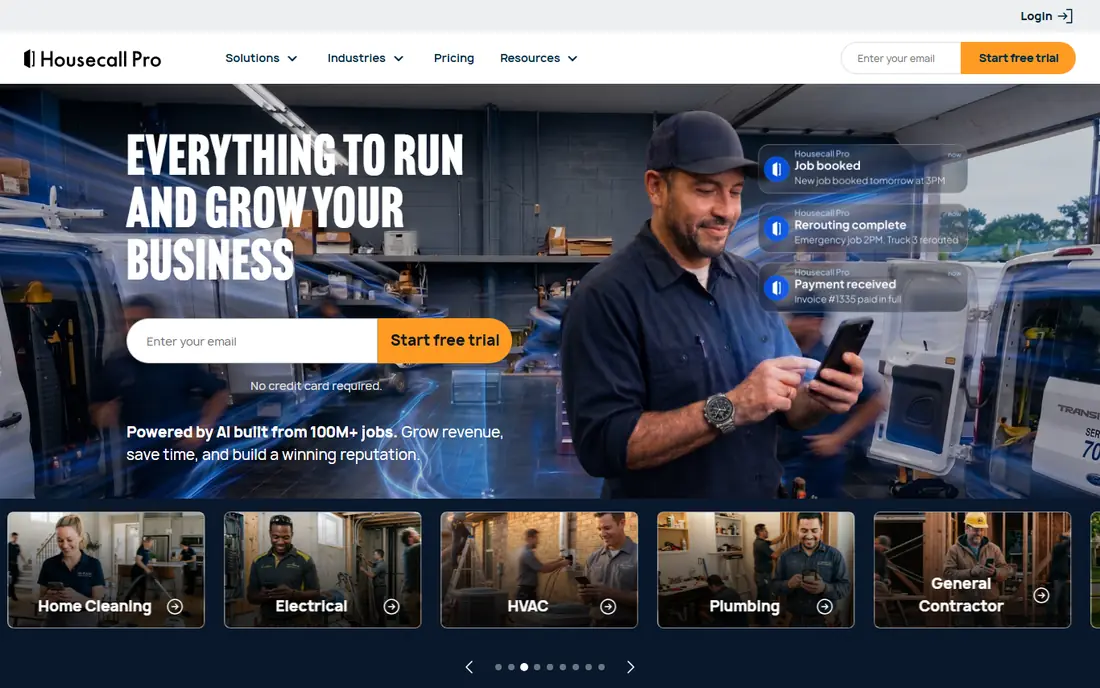
Housecall Pro is the alternative most Jobber users shortlist first, because the daily workflow feels familiar while booking and follow-up get more attention. Customers can book online, receive automated reminders and leave reviews with less manual chasing, which helps a residential crew fill its schedule. Estimates, dispatch and payments sit in the same system, so field staff can close jobs on site.
The price is the main reason to pause. Entry costs more than Jobber Core, and marketing, GPS and extra users add to the bill. If your business wins work mainly through referrals and repeat customers, Housecall Pro earns that premium. If price matters most, Workiz or ServiceM8 below deserve a look first.
- Online booking and automated reviews
- Strong customer messaging
- Polished mobile app
- Higher entry price than Jobber
- Add-ons raise the total
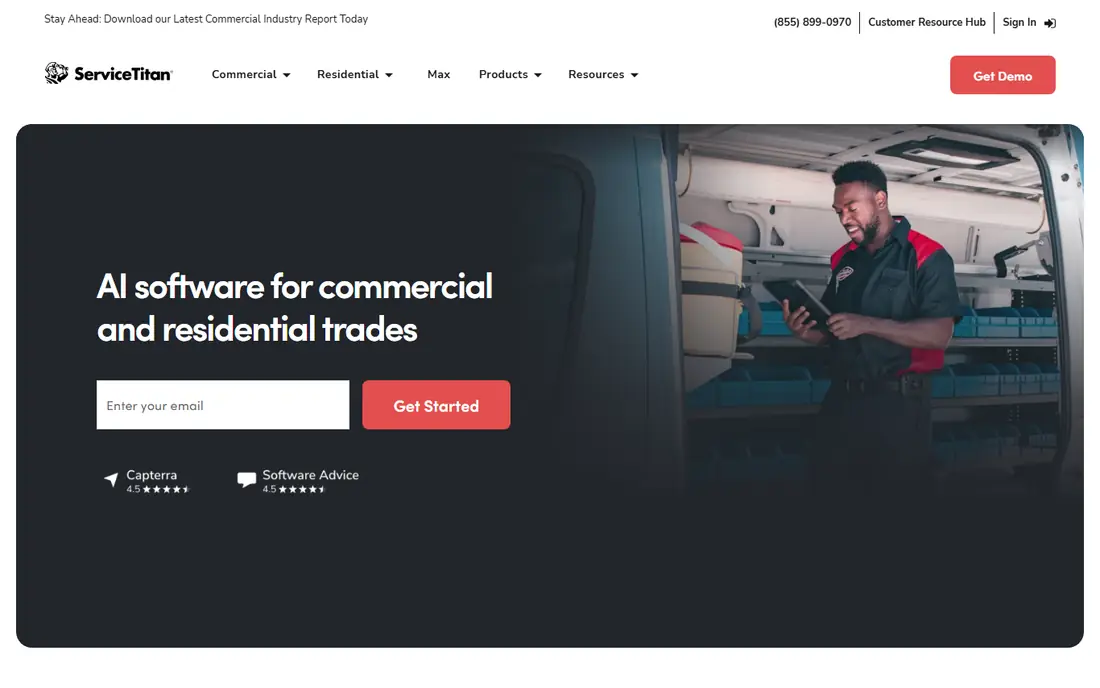
ServiceTitan is not a direct Jobber replacement for a small crew. It is the step up when a shop passes ten technicians, adds office staff and needs detailed job profitability, price book control and campaign tracking. Its dispatch board and reporting give managers far more control than a small-team tool, and that control matters at high volume.
For a Jobber user with one to five trucks, ServiceTitan usually costs several times more and takes months to implement. Move to it when Jobber reporting or dispatch limits actually slow the business, not because a larger rival looks impressive.
- Deepest reporting and price book control
- Marketing automation
- Built for scale
- Quote-based per-technician pricing
- Long onboarding
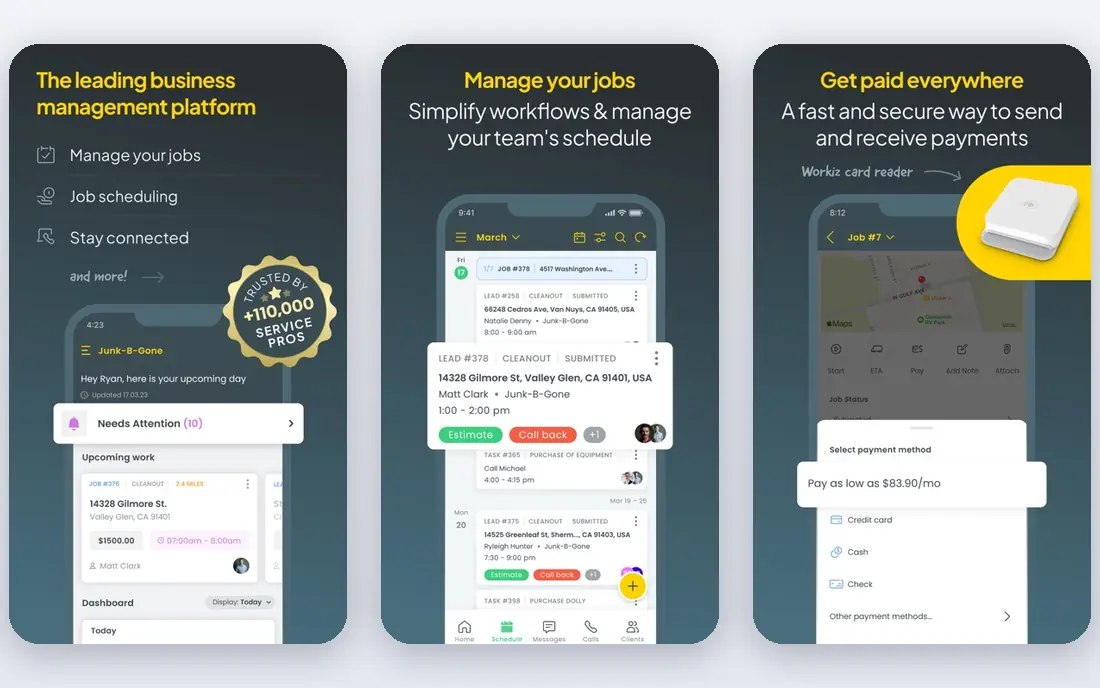
Workiz answers the most common Jobber complaint, which is that there is no free plan. Its Lite tier lets a two-person operation schedule, invoice and take payments without paying, which is ideal for a husband-and-wife crew or a new solo trade. Phone tools help turn calls into booked jobs, a strength for locksmith, appliance and garage door work.
Paid tiers require more digging to price than Jobber, so get a written quote before you grow into them. As a free alternative to Jobber for a very small team, though, Workiz is the clearest pick in this list.
- Free Lite plan for up to two users
- Call handling tools
- Low cost to start
- Paid pricing less transparent
- Fewer marketing features than Housecall Pro
ServiceM8 prices by jobs rather than seats, which changes the maths for a solo operator. The free tier covers a single user up to a monthly job limit, and paid tiers keep unlimited users, so a small crew can share the system without a per-seat bill. Job cards, quotes and invoicing are simple and fast to learn.
A busy solo operator will outgrow the free job cap, so count jobs per month honestly before choosing. Compared with Jobber, ServiceM8 feels leaner and cheaper at low volume, but it offers less built-in marketing depth.
- Free tier for one user
- Unlimited users on paid tiers
- Job-based pricing
- Monthly job cap on free tier
- Add-ons cost extra
Service Fusion suits a Jobber user whose crew has grown to the point where per-user fees sting. Flat plan pricing means hiring does not automatically raise the subscription, and job costing shows which jobs make money. The customer database keeps history and invoices together for office staff.
The trade is transparency and polish. You need a sales quote to budget, and the interface feels older than Jobber or Housecall Pro. For a ten-plus team, the flat price can still win. For a small crew, Jobber usually stays cheaper.
- Flat plan pricing
- Strong job costing
- Full customer database
- No public starting price
- Interface less modern
FieldEdge is the alternative for HVAC and plumbing shops that run QuickBooks and want dispatch and accounting to stay in step. Service agreements, dispatch and invoicing connect to the books without duplicate entry, which saves office time each month. It handles recurring maintenance work well, a core need for HVAC firms.
Jobber is easier to set up and cheaper to start, so FieldEdge only wins when QuickBooks depth and trade workflow matter more than speed. Shops outside HVAC and plumbing, or outside QuickBooks, get less of the benefit.
- Native QuickBooks sync
- Service agreement tracking
- Trade-specific depth
- Quote-based pricing
- Longer setup than Jobber
Kickserv is a calm, low-cost alternative for a team of around five that wants scheduling, invoicing and payments without per-seat surprises. The plan covers multiple users, the interface is easy to teach, and the monthly cost stays predictable. It has served small service businesses for years, which counts when you need a tool that simply works.
It lacks the marketing automation of Housecall Pro and the reporting depth of ServiceTitan, so larger or marketing-led teams should look elsewhere. For a small crew leaving Jobber over price, Kickserv is a credible, cheaper home.
- Simple plan covering several users
- Easy to learn
- Predictable cost
- Basic reporting
- Fewer marketing tools than Housecall Pro
Zenbooker is built around booking-led services, especially cleaning, where customers book recurring visits online and the business manages routes and staff around those bookings. The entry price is low, setup is quick, and recurring scheduling is a first-class feature rather than an add-on. That focus makes it a strong Jobber alternative for cleaning companies.
Trades with complex quoting, price books or equipment tracking will find it thin. It is a specialist, not a generalist, and it should be judged on booking and recurring work, where it shines.
- Online booking built for cleaning
- Low entry price
- Recurring visit handling
- Narrower trade focus
- Less depth for HVAC or plumbing work
GorillaDesk serves route-based trades that Jobber handles only generically: pest control, lawn care and pool service. Route planning, recurring route visits and service history fit the daily pattern of those businesses, and per-route pricing matches how they think about crews. Technicians can follow a route, record treatments and invoice from the field.
A general repair shop will miss Jobber breadth, but a route business will gain workflow that fits its day. If your week is routes rather than one-off calls, GorillaDesk deserves a trial ahead of a generalist tool.
- Route optimisation for field routes
- Per-route pricing
- Chemical and service tracking
- Less suited to one-off repair trades
- Smaller ecosystem than Jobber
How we picked these
We compared official pricing and feature pages, plus public reviews from owners who moved from Jobber or evaluated it alongside these tools. We kept only tools that replace Jobber core work, meaning scheduling, quoting, invoicing and payments, or that serve a clear trade niche Jobber covers weakly. Where pricing is quoted, we wrote See website rather than guessing.
What to check before you switch
Start by listing what Jobber does for you today, including Client Hub, online booking, quotes and payments, then check each alternative against that list. A cheaper tool that drops online approvals may cost more in office time than it saves in subscription fees. Export your customer and job history before cancelling, and confirm the new tool imports it cleanly.
Test with real jobs
Run a two-week trial with real jobs, real technicians and real invoices, not just a demo account. Watch how dispatch changes, how customers approve quotes and how payments land in your books, since those steps reveal friction that a feature list hides.
Price the full crew
Compare the total at your current headcount, including extra users, payment fees and add-ons. A tool that looks cheaper at one user can cost more at five, and a flat-rate tool can win at ten.
Plan the customer change
Tell customers how booking and payment will change, and keep old invoice links working during the switch. A short note on your booking page prevents missed payments and confused repeat customers.
Frequently asked questions
What are the best Jobber alternatives for small businesses?
Housecall Pro is the closest swap, Workiz and ServiceM8 are the best free starts, and Kickserv is a strong budget pick for a team of about five. The right choice depends on crew size and whether booking or price matters more.
Are there free Jobber alternatives?
Yes. Workiz Lite covers up to two users for free, and ServiceM8 offers a free tier for one user up to a monthly job cap. Both limit volume or users, so check the caps against your actual workload.
What is the best alternative to Jobber for large companies?
ServiceTitan suits large multi-crew shops, while Service Fusion suits mid-size teams that want flat pricing. Both need a quote, so budget time for a sales conversation.
Is Housecall Pro better than Jobber?
Housecall Pro leads on online booking, automated reviews and customer messaging, while Jobber is cheaper at entry and simpler for some small crews. Neither wins for every business, so trial both with real jobs.
Can I move my customers and job history from Jobber?
Most alternatives offer import tools for customers and, in some cases, job history, but the depth varies. Ask each vendor what imports cleanly before you cancel Jobber, and keep an export of your own records.
Which Jobber alternative is best for cleaning businesses?
Zenbooker is built for booking-led cleaning work with recurring visits, while Housecall Pro also handles cleaning well. Cleaning firms that run routes may also like GorillaDesk, though it leans toward pest, lawn and pool work.
Sources we checked (9)

Online Jobs is an independent blog about careers, online work, learning new skills and the tools that help people earn. More about us.
Keep reading
All posts
n8n Alternatives
n8n alternatives compared for 2026, with Zapier, Make, Activepieces, and more, covering visual builders, code steps, self-hosting, and pricing models.

ZoomInfo Alternatives
The best ZoomInfo alternatives in 2026, compared on price, free plans, data coverage, and which tool fits small teams or large sales teams best in detail.

Workday Alternatives
We compared the best workday alternatives for HR, payroll, and global hiring, from BambooHR and Gusto to Rippling, Deel, and HiBob for growing teams in 2026.