Jamboard Alternatives in 2026: 9 Whiteboards Compared

How we put this together: we compare official feature and pricing pages, app store listings, privacy policies and public user reviews. Prices change, so check the provider's site before you pay.
Key takeaways
- Google Jamboard closed at the end of 2024, so former Jamboard users need a new home for boards, sticky notes, and classroom collaboration.
- Miro is the best all-round Jamboard alternative, while FigJam is the easiest move for teams already using Google Workspace or Figma.
- Microsoft Whiteboard is the best free option for Microsoft 365 teams, and Excalidraw is the best free option for simple, private sketching.
- Check export options before you commit, since moving boards later is harder than starting in the right tool.
Quick comparison
| Name | Who it suits | Starting price | Free option | |
|---|---|---|---|---|
 Miro | All-round team whiteboards | $8 per member per month | Yes | Visit |
 FigJam | Design teams and classrooms | Free | Yes | Visit |
 Mural | Facilitated workshops | $9.99 per member per month | Yes | Visit |
 Microsoft Whiteboard | Microsoft 365 teams | Free | Yes | Visit |
 Excalidraw | Simple, private sketching | Free | Yes | Visit |
 Lucidspark | Structured brainstorming | See website | Yes | Visit |
 Canva Whiteboards | Visual teams and lessons | Free | Yes | Visit |
 Whimsical | Flowcharts and wireframes | Free | Yes | Visit |
 Milanote | Visual boards and moodboards | Free | Yes | Visit |
The best Jamboard alternatives
We compared official pricing and feature pages for the whiteboards below, with a focus on free limits, collaboration, templates, and how easily a Jamboard user can move across. Google ended Jamboard in late 2024 and pointed users toward partners such as FigJam, Lucidspark, and Miro, so we weighed migration and classroom use heavily.

Miro is our pick for most teams leaving Jamboard because it covers the widest range of whiteboard work in one place. You get sticky notes, diagrams, mind maps, workshops, and planning boards, plus templates for retrospectives, brainstorms, and lessons. Integrations with tools such as Slack, Google Drive, and Jira make it easier to keep board work connected to the rest of a project.
The free plan is useful for testing, but its three editable boards limit will push regular teams to a paid plan at $8 per member per month billed yearly. That cost is fair for a team that lives in boards, but it is more than a classroom or small group may need. Start free, import a real Jamboard-style session, and pay only when board limits start to block work.
- Huge template library
- Many integrations
- Unlimited boards on paid plans
- Free plan limits editable boards to three
- Per-member pricing adds up for large teams
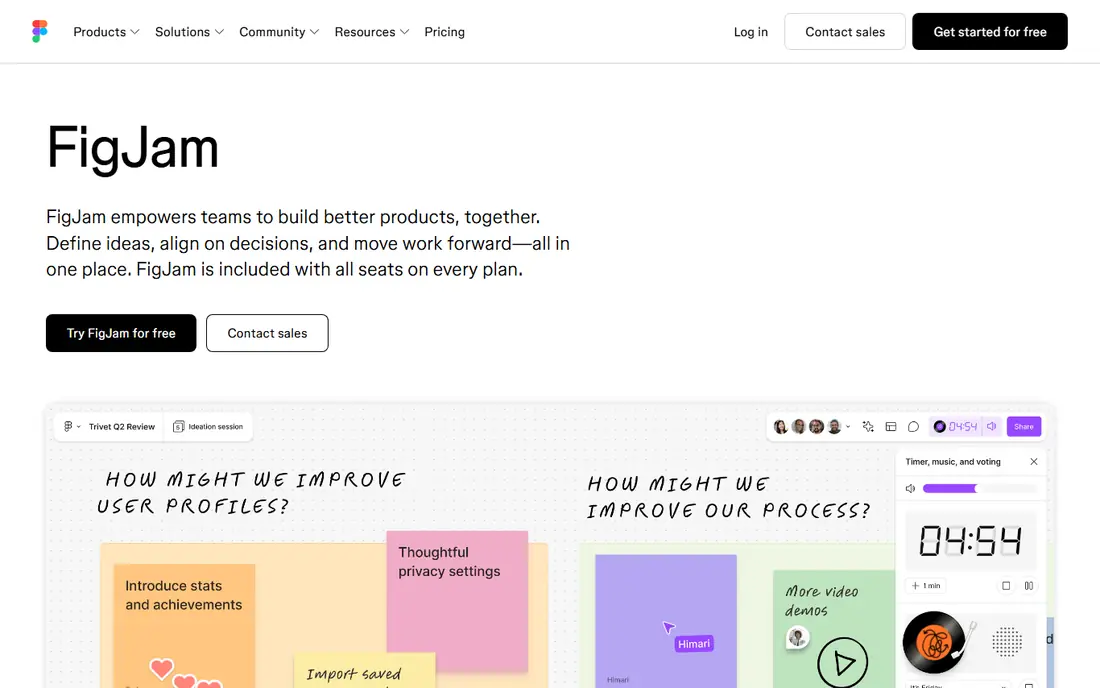
FigJam is the most natural Jamboard alternative for many Google Workspace users, since Google worked with Figma on migration paths when Jamboard closed. The canvas is clean and fast, sticky notes and sections are easy to use, and students or teammates can join without a steep learning curve. If your team already uses Figma, FigJam adds little extra cost or friction.
The trade-off is depth. FigJam is excellent for brainstorms, diagrams, and early design work, but facilitators who run complex workshops may miss Mural's rooms or Miro's wider template set. Paid FigJam access comes through Figma seat types, with a Collab seat listed at $3 per month in recent pricing guides, so check the current Figma pricing page for your team size.
- Simple, fast canvas
- Included with Figma seats
- Easy handoff to Figma Design
- Less deep for complex workshops than Miro or Mural
- Paid seat types can confuse new buyers
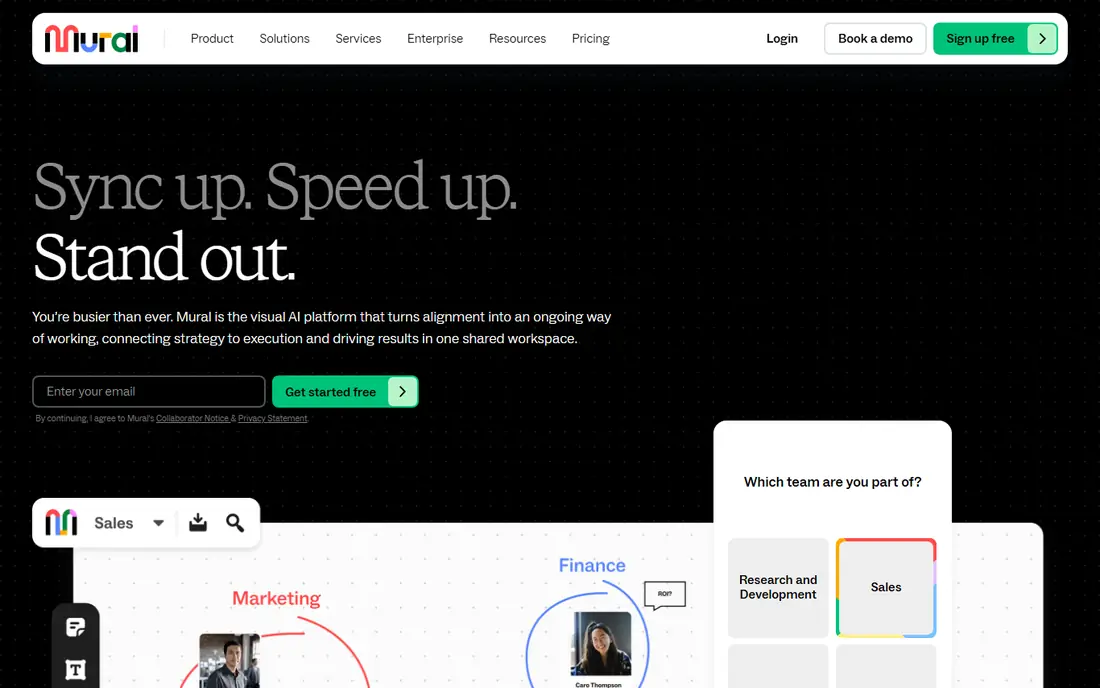
Mural suits facilitators, trainers, and agile teams who run structured sessions rather than open-ended doodling. Rooms, timers, voting, and guided activities help a facilitator keep a large group on track, and the template library covers design thinking, retrospectives, and training. That structure is a clear step up from Jamboard for workshops.
For casual classroom use, Mural can feel heavy and pricey, with Team+ at $9.99 per member per month billed yearly. The free plan, with a small number of editable murals, is enough to run a test workshop. Choose Mural when facilitation is the job, not just when you need a blank canvas.
- Workshop rooms, timers, and facilitation tools
- Strong template set
- Free visitors on paid plans
- Team+ pricing is higher than FigJam for casual use
- Interface takes longer to learn than Jamboard
Microsoft Whiteboard is the best no-extra-cost option for schools and teams already paying for Microsoft 365. It covers sticky notes, drawing, shapes, and basic templates, and it works inside Teams meetings, so you can open a shared canvas without leaving a call. For a Jamboard user who mainly needs a shared board during lessons or meetings, it is enough.
The main caveat is the shift away from standalone apps. Microsoft retired the standalone Windows, iOS, and Android Whiteboard apps in October 2026, and the tool now continues in Teams and on the web. If your team needs a rich template library or deep workshop tools, Miro or Mural will serve you better. If you need a free board inside Microsoft 365, start here.
- Free with a Microsoft account or Microsoft 365
- Built into Teams and the web
- Simple sticky notes and drawing
- Standalone apps retired in October 2026, so use Teams or web
- Thinner template set than Miro
Excalidraw is the closest thing to a digital sketchpad on this list, and it is ideal for quick diagrams, lesson sketches, and developer whiteboarding. The main editor at excalidraw.com is free with no account, collaborators can join a shared scene, and the hand-drawn style keeps diagrams readable without design effort. Being open source also means teams can self-host it if privacy matters.
It is not a workshop platform. You will not find Mural-style rooms, voting, or a large template library, and managing many boards is simpler than in Miro. Excalidraw Plus, listed at $6 per user per month in recent guides, adds cloud features for teams that need them. For simple, private, fast sketching, the free editor is hard to beat.
- Free with no account on the main editor
- Hand-drawn style
- Open source and self-hostable
- Fewer templates and facilitation tools
- Plus plan needed for extra cloud features
Lucidspark was another Google-recommended migration partner for Jamboard, and it suits teams that want brainstorming to lead into structured diagrams. Ideas can be grouped, sorted, and turned into plans, and the link to Lucidchart helps when a brainstorm needs to become a flowchart or process map. That path is useful for product, operations, and classroom planning work.
The downside is pricing clarity. Recent pricing checks found Lucid's prices rendered in a way that was hard to read, so we list See website rather than guessing. The free tier is enough to test grouping and collaboration. Choose Lucidspark when your boards need structure and diagrams, not just freeform notes.
- Automatic idea grouping
- Strong Lucidchart diagramming link
- Google Workspace migration partner
- Pricing is not always shown clearly on the vendor page
- Interface can feel heavier than Jamboard
Canva Whiteboards suit teachers, marketers, and small teams who already design in Canva. You can build a board with sticky notes, images, and brand colours quickly, and share it with a team without teaching a new tool. For lesson planning, campaign boards, and visual brainstorms, that ease matters more than advanced diagramming.
As a general work canvas, Canva is thinner than Miro or FigJam, with fewer workshop tools and integrations for product work. The free plan covers basic boards, while Pro adds brand and premium assets. If your team lives in Canva already, whiteboards are a natural extension. If you need deep facilitation, look at Mural first.
- Easy visual design and brand assets
- Simple collaboration
- Good for lessons and marketing boards
- Less powerful as a work canvas than Miro
- Advanced features sit behind Canva Pro
Whimsical is a good Jamboard alternative for teams that mostly draw flowcharts, wireframes, and mind maps rather than open-ended boards. The canvas stays clean, shapes snap into place neatly, and the result looks presentable without extra design work. That focus makes it popular with product and engineering teams.
The limit is breadth. Whimsical is not trying to be a full workshop platform, so facilitators may miss timers and rooms. Recent guides list Pro at $10 per month on annual billing, with a free tier for testing. Pick Whimsical when diagrams are your main whiteboard job.
- Clean, fast flowcharts and wireframes
- Sticky notes and mind maps
- Viewers are free on paid plans
- Less freeform than Miro
- Pro pricing adds up for larger teams
Milanote is the most visual, moodboard-style option here, and it suits creative teams, teachers, and students who plan with images, notes, and links. Boards look polished with little effort, and organising research, references, and ideas into columns feels natural. It is a pleasant replacement for Jamboard when the board is a collection of inspiration and plans.
It is not the best tool for large, facilitated workshops or complex diagrams. The free plan limits boards and uploads, and recent guides list the paid plan at $9.99 per month billed yearly. Use Milanote for creative planning and visual organisation, and choose Miro or Mural for structured team workshops.
- Beautiful visual boards for notes, images, and links
- Good for creative planning
- Simple sharing
- Less suited to large workshops
- Paid plan needed for unlimited boards and uploads
How we picked these
We compared official pricing and feature pages and recent whiteboard guides, and we weighted migration from Jamboard, free tier limits, collaboration, and template depth. We favoured tools that are still actively developed in 2026 and that state their free limits clearly. Where pricing could not be confirmed on the vendor page, we wrote See website rather than guessing.
Moving from Jamboard without losing work
Export and rebuild in stages
Jamboard files were saved in Google Drive, and Google's migration guidance pointed users to partner tools. Before you rebuild, check what you still have in Drive, export any board images or PDFs you need, and rebuild your most-used boards first in the new tool. A full rebuild of every old board is rarely worth the time.
Test with a real session
Pick one real lesson, meeting, or workshop and run it in your top two tools. Check joining, sticky notes, drawing on a tablet, presenting, and exporting. A tool that feels good in a demo can still frustrate a class of students on mixed devices. The test session will reveal that faster than any feature list.
Check access and privacy
Classrooms and workplaces need to know who can view, edit, and share a board, and whether guest access requires an account. Check your school or company rules for student data and external sharing before rolling a tool out widely. A free tool that forces every student to create an account may be harder to adopt than a paid tool with guest access.
Frequently asked questions
What are the best Jamboard alternatives?
Miro is the best all-round alternative, FigJam is the easiest move for Figma and Google Workspace users, and Microsoft Whiteboard is the best free option inside Microsoft 365. Excalidraw suits simple sketching, Mural suits workshops, and Canva Whiteboards suits visual teams. The best choice depends on whether you need workshops, diagrams, or simple classroom boards.
Is there a free Jamboard alternative?
Yes, several tools offer free tiers, including Miro, FigJam, Microsoft Whiteboard, Excalidraw, Canva Whiteboards, Whimsical, and Milanote. Free limits differ: Miro limits editable boards, Milanote limits boards and uploads, and Excalidraw's main editor is free with no account. Check the free limit for the job you do most often before committing.
Why did Google Jamboard close?
Google ended Jamboard at the end of 2024 and moved users toward partner whiteboard tools, including FigJam, Lucidspark, and Miro. Jamboard hardware and the Jamboard app were retired as part of that change. If you still have Jamboard files in Google Drive, check them soon and move the boards you still need.
Can I import Jamboard files into Miro or FigJam?
Migration support varied by tool and by date, and Google provided guidance for moving to partner tools during the shutdown period. In practice, many users rebuilt boards or exported them as images or PDFs. Check the current import help page for your chosen tool, and rebuild your most important boards first rather than assuming a perfect import.
Which Jamboard alternative is best for teachers?
FigJam and Microsoft Whiteboard are strong classroom picks, since both are simple, free to start, and easy for students to join. Canva Whiteboards also works well for visual lessons. For structured class workshops, Mural adds facilitation tools, while Excalidraw suits quick sketches with no account barrier.
Do I need to pay for a whiteboard tool?
Not always. A free tier is enough for occasional boards, small classes, and simple sketching, especially with Excalidraw or Microsoft Whiteboard. Pay when board limits, guest access, templates, or admin controls start to block regular work. For a team that uses boards daily, a paid plan usually pays for itself in saved setup time.
Sources we checked (9)

Online Jobs is an independent blog about careers, online work, learning new skills and the tools that help people earn. More about us.
Keep reading
All posts
Zoom Alternatives
Zoom alternatives compared for 2026: Google Meet, Microsoft Teams, Webex, Jitsi and more for free calls, large meetings and webinars for teams and classrooms.

Which Software Is Best for PDF Page Removal
Which software is best for PDF page removal? We compare free and paid tools for deleting pages quickly, safely, and without harming your file in this guide.

Which Software Is Best for Data Entry
Compare the best data entry software for forms, OCR scanning, and spreadsheets, with free plans, pricing, and honest limits for each tool before you commit.