Productivity
iObeya Alternatives in 2026: 9 Visual Management Tools Compared
 Online Jobs·Updated Oct 24, 2026·12 min read
How we put this together: we compare official feature and pricing pages, app store listings, privacy policies and public user reviews. Prices change, so check the provider's site before you pay.
Key takeaways
- iObeya is a purpose-built Lean platform sold per room and aimed at large and mid-sized organizations. Its public pages list no prices, so budget by asking for a quote.
- Most general whiteboards cost far less per person. Miro Starter is $8 per member per month billed annually, Mural Team+ is $9.99, and Trello Standard is $5.
- Klaxoon is the closest whiteboard to Lean visual management here, with SQCDP and 5 Whys templates, and it is now branded Klaxoon by Wrike.
- Businessmap and Planview AgilePlace are kanban-first. They add Lean metrics and work limits that plain whiteboards lack, but they do not publish simple US prices.
- Free plans are common but limited. Miro, Mural and Conceptboard each cap free users at 3 editable boards.
Quick comparison
| Name | Best for | Starting price | Free plan |
|---|
 Miro Miro | General-purpose team whiteboard | $8 per member per month | Yes |
 Mural Mural | Facilitated workshops | $9.99 per member per month | Yes |
 Lucidspark Lucidspark | Whiteboarding next to diagrams | See website | Yes |
 FigJam FigJam | Design and product teams | Free | Yes |
 Klaxoon Klaxoon | Lean routines and SQCDP boards | $24.90 per host per month | Yes |
 Businessmap Businessmap | Lean portfolio and kanban at scale | See website | Free trial |
 Planview AgilePlace Planview AgilePlace | Enterprise kanban with Lean metrics | See website | Free trial (30 days) |
 Conceptboard Conceptboard | Budget-friendly European whiteboard | EUR 5 per user per month | Yes |
 Trello Trello | Simple kanban boards | $5 per user per month | Yes |
The best iObeya alternatives
iObeya describes itself as a Digital Obeya Platform for operational excellence. It digitizes the Lean "big room" idea, with connected rooms, SQCDP boards, Hoshin Kanri objectives and room-based licensing. Nothing below copies that exactly, so we sorted the alternatives from general whiteboards to Lean-leaning kanban tools. Prices are US prices as of October 2026 unless noted.
Starting price$8 per member per month
Free planYes

Miro is the default answer when a team wants a shared canvas, and its homepage describes 100M+ users and over 250,000 companies. Pricing is simple: Free, Starter at $8 per member per month billed annually, Business at $20 billed annually, and custom Enterprise pricing from 30 members. The FAQ says annual billing saves 20 percent over monthly.
On the free plan you can create and share unlimited boards, but only the three most recent stay editable. That is enough for a pilot of a daily stand-up board, and it is not enough for a program of many rooms. The Business plan has a 14-day free trial.
Miro is a good pick if your goal is flexible facilitation, workshops and planning. It is a weaker pick if you want pre-built manufacturing KPI structures and room-to-room links. You would build those yourself from templates.
What we like- Free plan with 3 editable boards
- 6,000+ templates and 250+ integrations
- 14-day Business trial
Watch out for- Free plan only keeps 3 boards editable
- Not purpose-built for Lean rooms
Starting price$9.99 per member per month
Free planYes
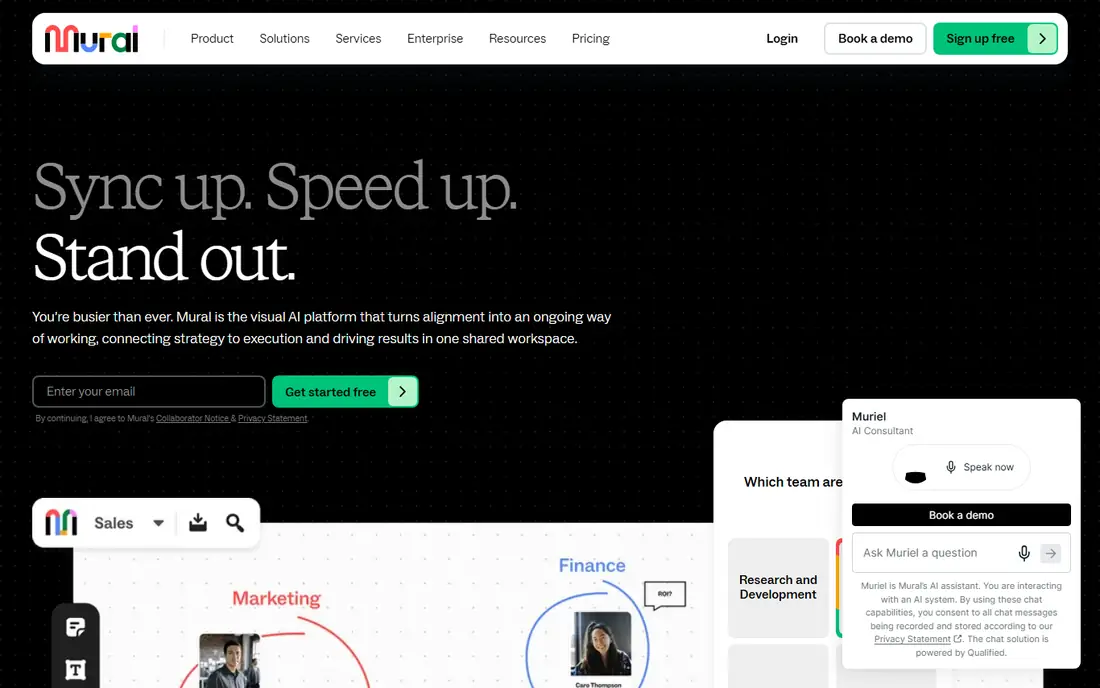
Mural focuses on guided collaboration. Its free plan has unlimited members and unlimited murals, but only 3 editable murals at a time, and visitors have view-only rights in open rooms. Team+ is $9.99 per member per month billed annually or $12 billed monthly. Business is $17.99 per member per month billed annually, with no monthly price listed on the page. Enterprise is by quote.
The pricing page did not mention a free trial, so the free plan is the way to test it. Mural fits teams that run structured workshops, retrospectives and planning sessions and want a facilitation-first interface.
For Lean visual management, you would be using Mural as a flexible canvas, similar to Miro. There is no sign on the pricing page of room networks or KPI-linked boards. If those matter, look further down this list.
What we like- Free plan allows unlimited members
- Team+ at $9.99 per member per month billed annually
- Strong fit for workshop-style sessions
Watch out for- Free plan keeps only 3 murals editable
- No free trial mentioned on the pricing page
Starting priceSee website
Free planYes

Lucidspark is the whiteboard half of Lucid's product line, and it works well alongside Lucidchart diagrams. Lucid's help center lists Lucidspark plans as Free, Individual, Team, Enterprise and FedRAMP, and its pricing page lists a Team tier with features such as facilitator tools, revision history and guest collaborators.
We could not read a clean set of per-user prices from Lucid's pages, so we mark the starting price as See website. Check the live page for current USD rates, because Lucid shows different figures for monthly and annual billing.
Lucidspark suits teams that already use Lucidchart or want diagrams and whiteboards in one account. Like Miro and Mural, it is a canvas, so any Lean room structure is something you set up.
What we like- Free plan available
- Pairs with Lucidchart for diagramming
- Enterprise integrations with Jira and Azure DevOps
Watch out for- Pricing is hard to read from the pages
- Free plan limits editable boards
Starting priceFree
Free planYes
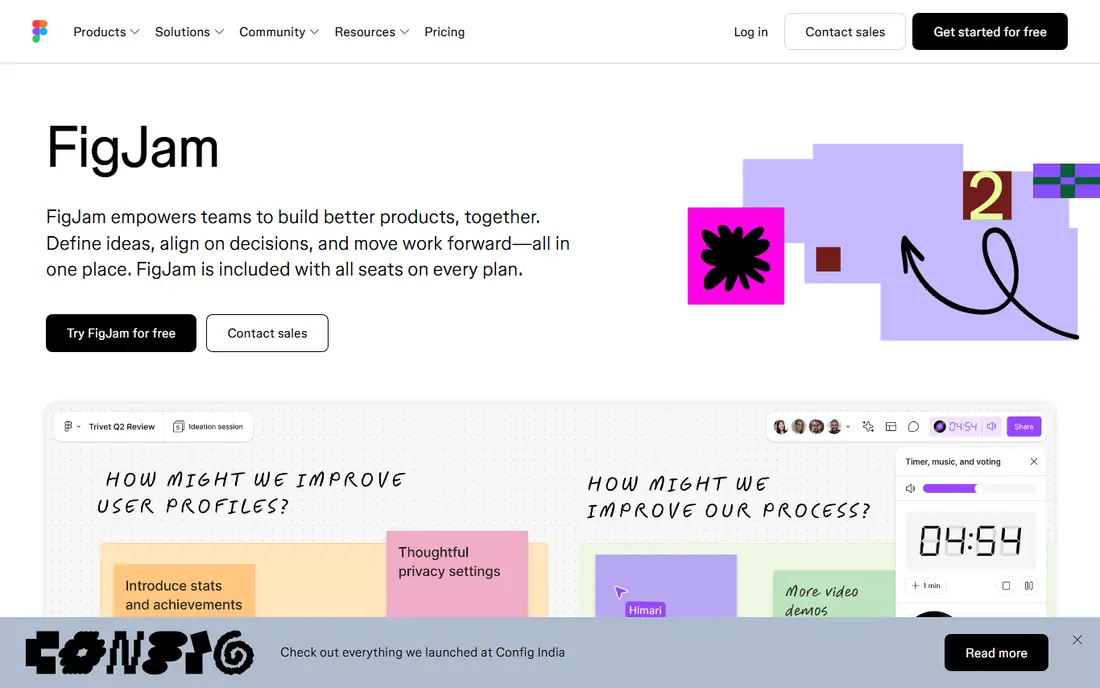
FigJam is Figma's whiteboard, and it is priced through Figma seats. The pricing page lists a free Starter plan, Professional at $16 for a Full seat and $3 for a Collab seat, Organization at $55 and $5, and Enterprise at $90 and $5. The Collab seat includes full access to FigJam, Figma Slides, Figma Buzz and Figma Specs, which makes it a low-cost way to give non-designers access.
The page text does not show whether the Professional prices are monthly or annual, and it does not list FigJam-specific limits for the free plan, so confirm those on the live page. The Starter plan is described as limited access to Figma products.
FigJam is a natural choice if your team already works in Figma, such as in product or software teams running retros and planning. For Lean routines with daily KPI boards, expect to build the structure yourself.
What we like- Included in Figma seats
- Collab seat gives full FigJam access at a low listed price
- Free Starter plan
Watch out for- Pricing is per seat type, so it is easy to misread
- No Lean-specific features on the pricing page
Starting price$24.90 per host per month
Free planYes
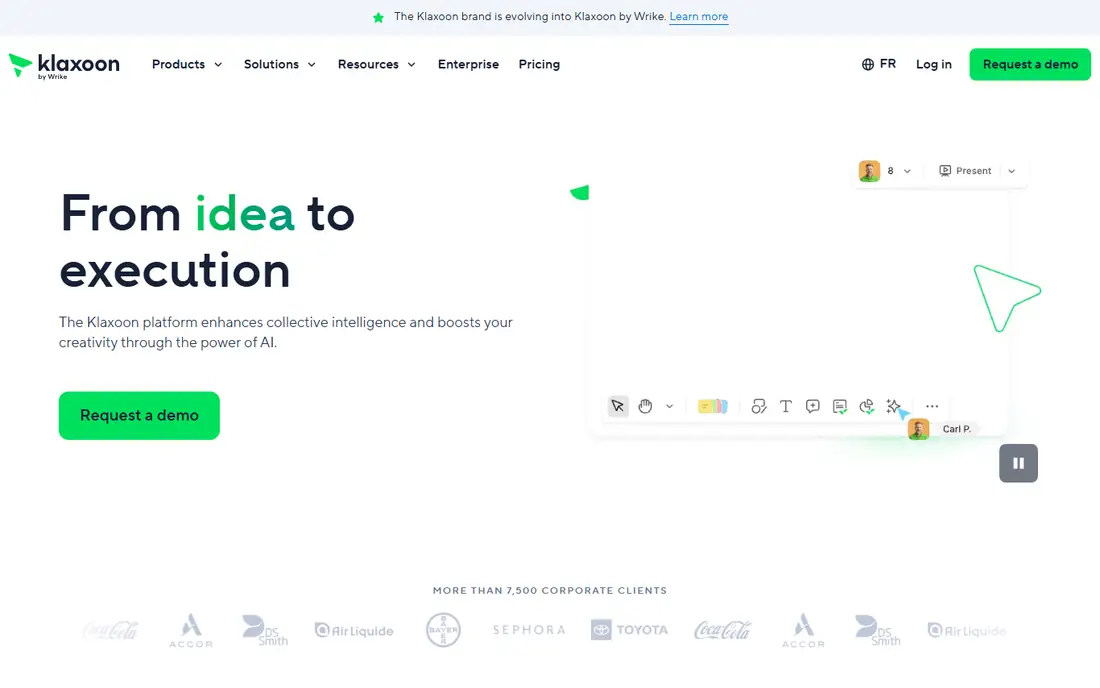
Klaxoon is the closest alternative to iObeya in spirit. Its homepage promotes templates for SQCDP (it calls SQCDP a way to monitor five KPIs daily) and a 5 Whys board for root-cause analysis. It says manufacturing teams use it to digitize Lean practices and align shop-floor and headquarters teams. The brand is now Klaxoon by Wrike, part of the Wrike portfolio since 2025.
The pricing page lists Free at $0 with a 5-participant limit for free editing, and Starter at $24.90 per host per month billed annually, with up to 4 Pros, 20-participant editing, over 200 templates and integrations with Microsoft Teams, Google Workspace, Wrike and Jira. Enterprise is custom, from 5 Pros.
The host-based pricing is unusual, so read it carefully before you compare it against per-member tools. Klaxoon also claims more than 7,500 corporate clients, which is the company's own figure. If your main need is visual daily management with Lean templates, it is the first alternative we would test.
What we like- Lean templates including SQCDP and 5 Whys
- Free plan available
- Integrates with Microsoft Teams, Google Workspace, Wrike and Jira
Watch out for- Free plan limits participants to 5
- Starter pricing is per host and capped at 4 Pros
Starting priceSee website
Free planFree trial
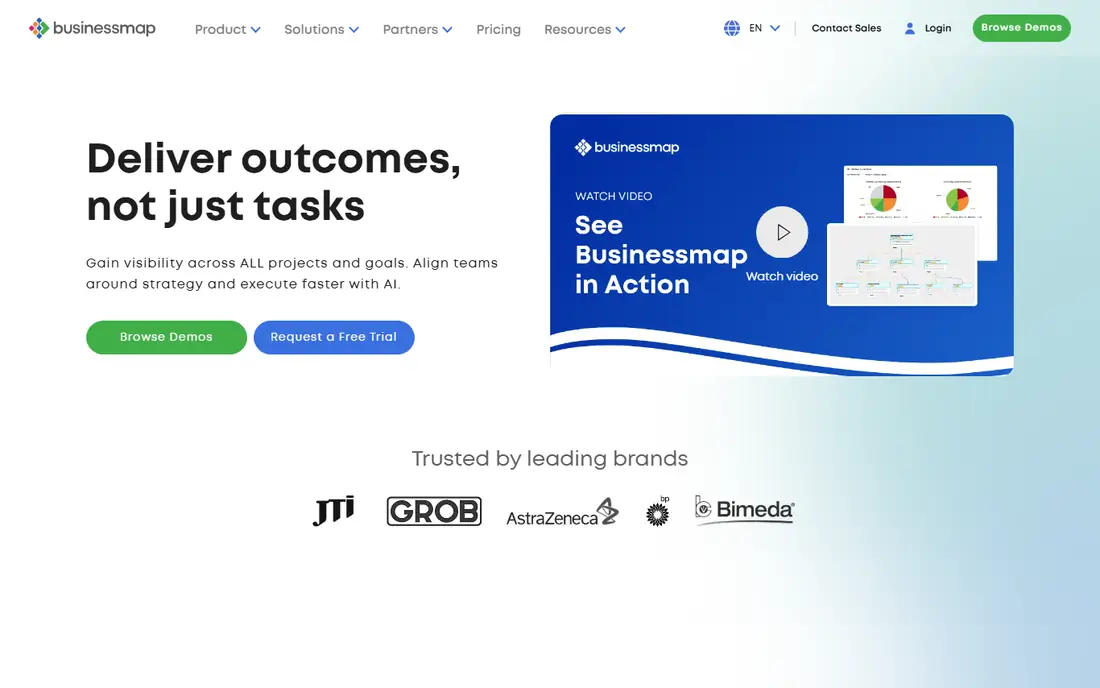
Businessmap (formerly Kanbanize) is a kanban and work-management platform with a Lean portfolio angle. The pricing page lists two plans, Standard and Enterprise, and says billing is annual or month by month, with annual advertised as saving over 20 percent. Add-ons such as automation rules and single sign-on are priced separately.
The per-user prices did not load in the page text we could read, and the trial length is not stated, so we list the starting price as See website and the free option as a free trial. Request a demo or trial to see the current numbers for your seat count.
This is a stronger fit than a whiteboard when you need to manage flow, limits and analytics across many teams. It is a weaker fit if the heart of your practice is a physical-style room with sticky notes, because it is board and workflow software first.
What we like- Kanban and portfolio views in one platform
- Business rules engine for automation
- Annual billing saves over 20 percent
Watch out for- Prices not shown in the text we could read
- Trial length not stated
Starting priceSee website
Free planFree trial (30 days)

Planview AgilePlace, formerly LeanKit, is enterprise kanban software. Planview's page says it helps teams visually track the flow of work from strategy to delivery. Lean features include work-in-process limits with visual cues, visible lane policies, card and board health metrics, work item history including block and unblock events, and built-in Lean and Agile metrics. It also includes virtual whiteboards and board templates.
Planview offers a free 30-day trial with no credit card required. The product page does not list prices, so you will need to contact sales or use the trial to get a quote.
AgilePlace is a good choice for organizations that already speak kanban and want governance across teams. For a small team that only wants a shared canvas for daily meetings, it is likely more than you need.
What we like- Work-in-process limits and lane policies
- Card and board health metrics
- 30-day free trial with no credit card
Watch out for- No public pricing
- Heavier than a whiteboard for small teams
Starting priceEUR 5 per user per month
Free planYes
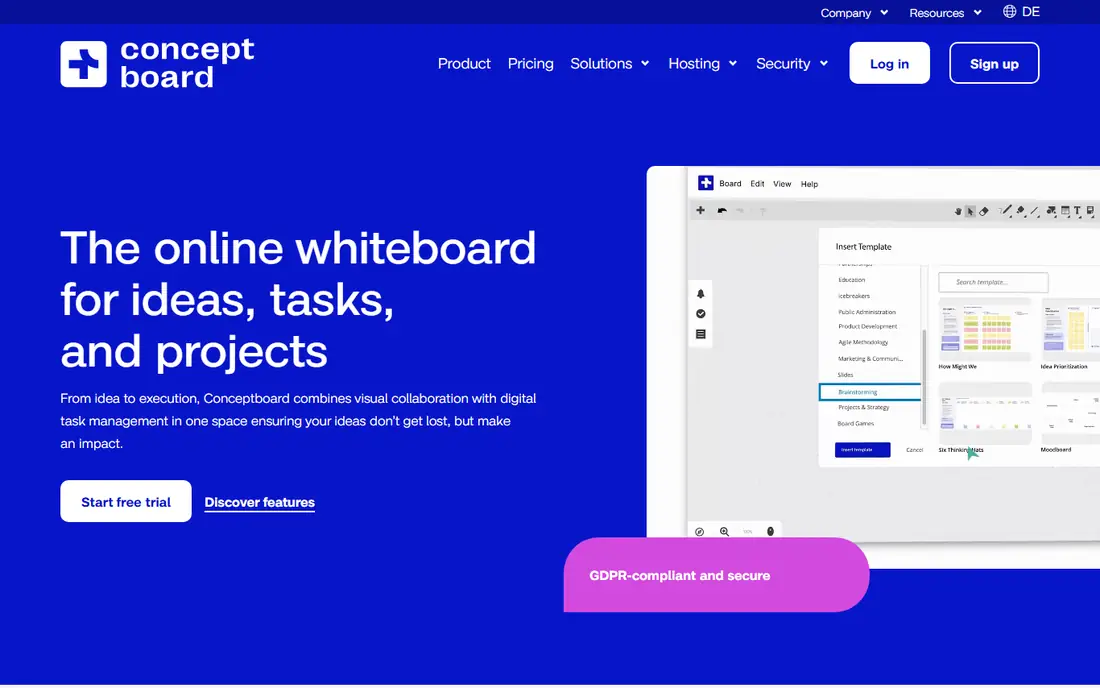
Conceptboard is a German whiteboard tool with a clear price ladder. Starter is EUR 5 per user per month (monthly or yearly, from 1 user), Advanced starts at EUR 10 per user per month on a 12-month contract for 10 or more users, and Corporate and Government starts at EUR 14 per user per month on a 24-month contract for 100 or more users. Starter and Advanced list a 30-day trial.
The free plan allows 3 active boards, 100 objects per board, 250 MB storage and a 10 MB file size limit per upload, with no active projects. The pricing cards are in euros, so US buyers should check the checkout currency and any tax.
Conceptboard is worth a look when price per seat matters. The contract terms on higher tiers (12 and 24 months) are worth noticing, and we found no sign of Lean-specific templates on the pricing page.
What we like- Starter at EUR 5 per user per month
- 30-day trial on Starter and Advanced
- Free plan with 3 active boards
Watch out for- Prices shown in euros
- Free plan has no active projects
Starting price$5 per user per month
Free planYes
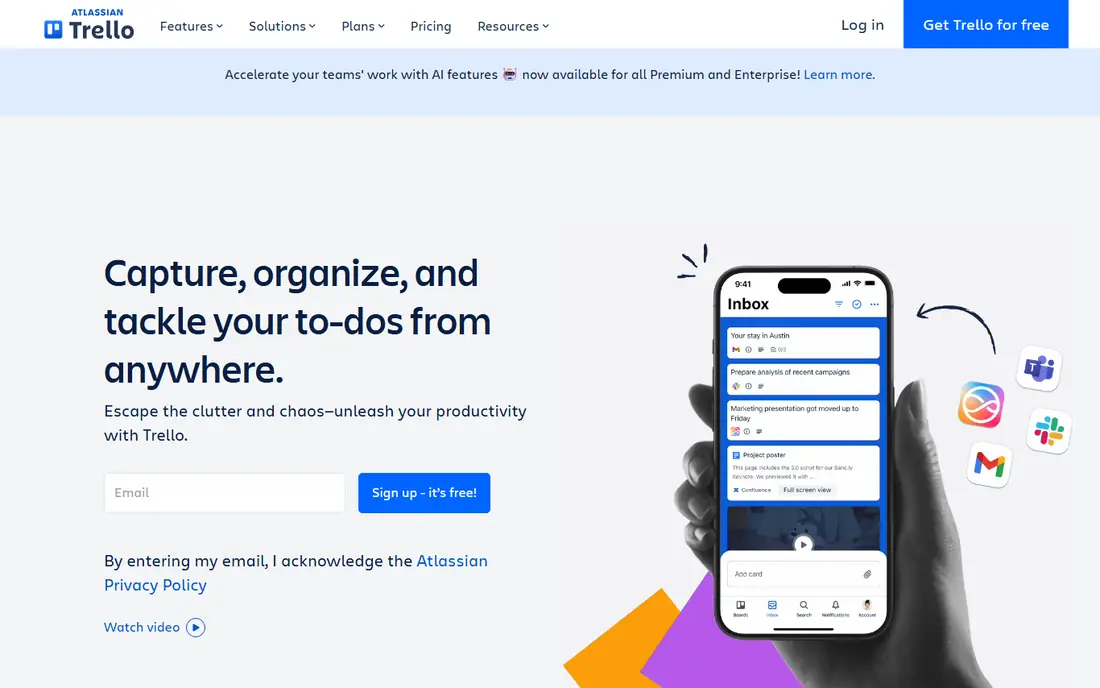
Trello is the simplest option here. The pricing page lists Free, Standard at $5 per user per month billed annually ($6 billed monthly), Premium at $10 billed annually ($12.50 monthly), and Enterprise at $17.50 per user per month billed annually. The free plan allows up to 10 collaborators and 10 boards per workspace, with unlimited cards.
Trello will not recreate a digital room, but it can handle the actions side of a visual management practice: a task board, an issue board and an improvement board. Many teams pair it with a whiteboard tool for the meeting itself.
Choose Trello if what you need is lightweight kanban without a big rollout. Skip it if you need linked KPI boards or room networks.
What we like- Free plan with up to 10 boards per workspace
- Standard at $5 per user per month billed annually
- Unlimited cards on the free plan
Watch out for- Free plan limited to 10 collaborators
- Not a whiteboard or Lean room tool
How we picked these
We started from what iObeya says it does: Lean visual management, rooms, SQCDP boards and strategy cascades. We then looked for tools in three groups: general whiteboards, a whiteboard with Lean templates, and kanban platforms with Lean metrics. For each we read official pricing, plan limits and feature pages as of October 2026, and we left prices as See website where pages did not load clearly.
We did not run hands-on tests or demos, and we do not rate any tool as a full replacement for iObeya. Where a vendor gave marketing claims, such as customer counts, we label them as the company's own.
How to choose an iObeya alternative
Decide what the room must do
If your team uses a physical Obeya room with KPI boards, ask whether you need linked rooms across sites, or just a shared board per team. Whiteboards cover the second need cheaply. Linked, multi-site KPI structure is where purpose-built tools differ.
Count the people who edit
Free plans from Miro, Mural and Conceptboard limit editable boards, while Klaxoon Free limits participants to 5. Count how many people edit each board and how many boards you need before you pick a plan.
Compare pricing models
Prices are quoted per member, per user, per seat type or per host, and some require annual contracts. Convert each quote into a yearly total for your real headcount. iObeya itself licenses by room, so compare against that structure, not only against per-seat prices.
Plan the migration
Ask whether you can export boards and images before you commit, and test a real daily meeting with the trial or free plan. A tool that looks good in a demo may feel slow when 20 people use it at once.
Frequently asked questions
What are the best iObeya alternatives?
For general whiteboarding, Miro, Mural, Lucidspark and FigJam are the main names. For Lean visual management, Klaxoon has SQCDP and 5 Whys templates, and Businessmap and Planview AgilePlace add kanban flow and Lean metrics.
Is there a free alternative to iObeya?
Yes, several free plans exist. Miro, Mural and Conceptboard each allow 3 editable boards, Trello Free allows 10 boards per workspace, and Klaxoon Free supports 5 participants. These are enough to pilot a process, but not a large rollout.
How much does iObeya cost?
iObeya's pages say licensing is per room, but we found no public prices. Ask the vendor for a quote, and compare it with per-seat tools by estimating your yearly total.
Which tool is closest to a digital Obeya room?
No tool on this list replicates iObeya's room networks exactly. Klaxoon comes closest in terms of Lean templates, and Businessmap or Planview AgilePlace fit better if your priority is flow metrics and portfolio views.
Can I use a whiteboard instead of a Lean platform?
You can, for smaller teams. A whiteboard works well for stand-ups and problem solving, but you will build and maintain the layout yourself, and KPI tracking across sites is manual unless you add integrations.
Sources we checked (13)
- https://www.iobeya.com/
- https://miro.com/pricing/
- https://www.miro.com/
- https://www.mural.co/pricing
- https://help.lucid.co/hc/en-us/articles/360056903132-Lucid-Plans
- https://lucid.app/pricing/lucidspark
- https://www.figma.com/pricing/
- https://klaxoon.com/pricing
- https://klaxoon.com/
- http://businessmap.io/plans-pricing/
- https://www.planview.com/products-solutions/products/agileplace/
- https://conceptboard.com/pricing/
- https://trello.com/pricing
Online JobsOnline Jobs is an independent blog about careers, online work, learning new skills and the tools that help people earn. More about us.