In-App Messaging Best Practices in 2026: 9 Platforms Compared


Moderation and support chat at scale · Starting price: See website
How we put this together: we compare official feature and pricing pages, app store listings, privacy policies and public user reviews. Prices change, so check the provider's site before you pay.
Key takeaways
- Ask for consent before push, and let users mute threads without leaving a conversation.
- Moderation, blocking, and reporting must work from day one, not after abuse arrives.
- Keep messages private by default, and be clear about what is stored and for how long.
- Design for offline and poor connections, with clear delivery and read states.
- Price by real usage, and test the free-to-paid jump before you launch.
Quick comparison
| Name | Who it suits | Starting price | Free option | |
|---|---|---|---|---|
| Sendbird | Moderation and support chat at scale | See website | Yes | Visit |
 Stream Chat | Community apps that need scale and reliability | $399 per month | Yes | Visit |
 Twilio Conversations | Omnichannel chat spanning app, SMS, and WhatsApp | See website | Free trial | Visit |
 PubNub | Chat plus live dashboards and multiplayer state | $98 per month | Yes | Visit |
 CometChat | Fast shipping with pre-built UI kits | $49 per month | Yes | Visit |
 TalkJS | Marketplaces and two-sided platforms | $279 per month | Free trial | Visit |
 Ably | Chat as part of a broader real-time product | See website | Free trial | Visit |
 MirrorFly | Self-hosted chat for compliance and data control | See website | Free trial | Visit |
 Agora | Apps already using Agora voice and video | See website | Free trial | Visit |
The best in-app messaging platforms for good practice
Good in-app messaging is less about adding chat and more about protecting users, respecting attention, and keeping messages reliable. The platforms below illustrate those practices in different ways, from moderation and consent to delivery and data control. Use them to judge any SDK, even one not on this list.

Sendbird is the safe pick for apps that need moderation and support in one place. Its UIKit components speed up building, while moderation tools help teams handle abuse, spam, and sensitive conversations. That mix suits marketplaces, health apps, and customer support where trust matters.
The catch is cost at scale. The free tier is small, and the first paid tier is a big jump, so model your monthly active users before you commit. For regulated or high-trust apps, that cost buys useful control.
- UIKit components
- Moderation tools
- Support and community chat
- Paid pricing jumps sharply from the free tier
- Setup needs planning
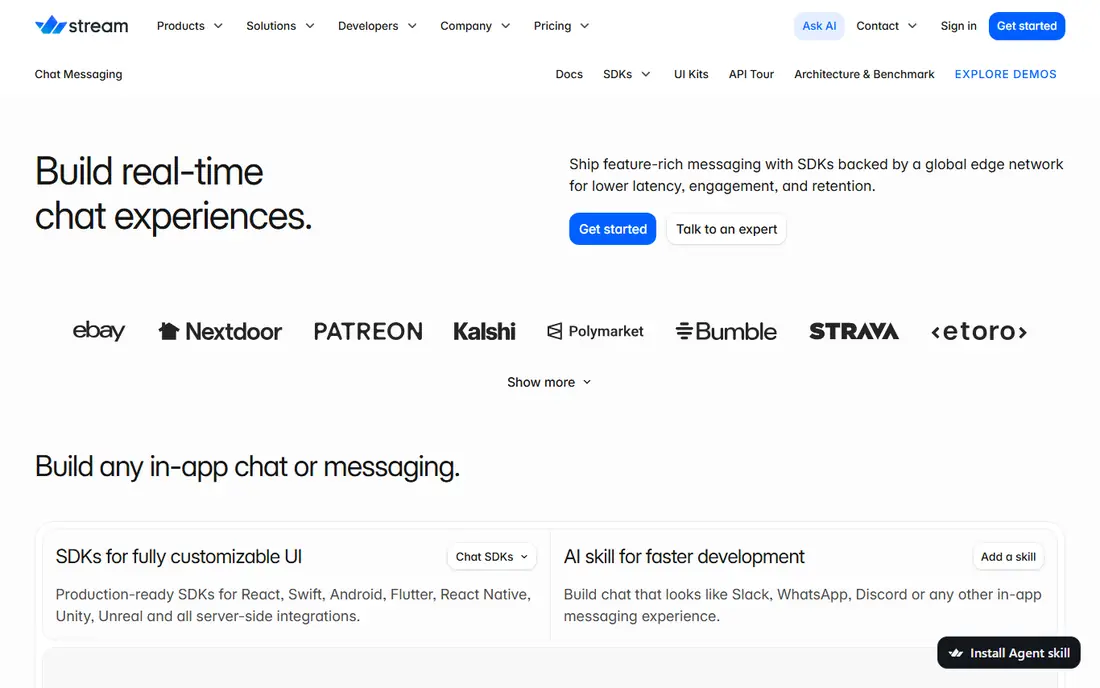
Stream suits community and social apps that expect to grow. Its UI kits give you a polished chat view fast, while the headless client lets engineers build a custom interface when needed. Threads, reactions, and moderation cover the basics of a lively community.
The catch is the paid entry price, which is high for a small app. The free tier helps for prototypes, but budget carefully once you pass it, and check push costs.
- Pre-built UI kits
- Headless client option
- Threads and reactions
- Paid entry is high
- Push notifications can cost extra
Twilio Conversations
Who it suits: Omnichannel chat spanning app, SMS, and WhatsApp
Twilio Conversations is the pick when one thread must span several channels. A support agent can reply in your app while the customer answers by SMS or WhatsApp, which is hard to match with a pure in-app SDK. Its APIs are mature, and it fits teams already using Twilio.
The catch is interface work. You will build much of the chat UI yourself, since Twilio gives you the plumbing, not a finished chat screen. That trade is worth it for omnichannel support, less so for a simple in-app chat.
- One conversation across app chat, SMS, and WhatsApp
- Strong APIs
- No polished pre-built chat UI
- Usage pricing needs careful modeling
PubNub fits apps where chat is one real-time feature among several. Its publish and subscribe core handles chat, live dashboards, presence, and multiplayer state on one transport. That breadth suits games, live events, and IoT dashboards that need more than chat alone.
The catch is effort. PubNub gives you building blocks, not a finished chat product, so your team owns the data model and UI. If you only need chat, a dedicated SDK will ship faster.
- Real-time publish and subscribe
- Presence
- Chat SDK on top
- You build more yourself
- Chat features are less turnkey
CometChat is a strong choice for teams that need to ship chat quickly. Pre-built UI kits cover one-to-one and group chat, and voice and video options extend the same product when you need calls. Its low paid entry price makes it easier to move past the prototype stage.
The catch is moderation gating. Advanced moderation sits on higher tiers, so check that tier before you promise a safe community. For a simple, fast launch, CometChat is hard to beat.
- Pre-built UI kits
- Voice and video options
- Self-hosting on some plans
- Moderation is gated to higher tiers
- Free tier is small
TalkJS suits marketplaces where buyers and sellers must talk safely. Its pre-built UI is easy to customize, and it handles the marketplace pattern well, with conversations tied to listings and orders. Email and SMS fallbacks help when a user is not in the app.
The catch is pricing logic. TalkJS counts sessions, not just users, so model your real usage before you sign. For a marketplace, that model often fits, but check it against your traffic.
- Pre-built, customizable UI
- Marketplace-friendly roles
- Email and SMS fallbacks
- Pricing is per-session based, which needs modeling
- Smaller ecosystem
Ably fits products where chat sits beside other real-time features. Its delivery guarantees and global infrastructure suit apps that cannot afford dropped messages, and its chat SDK builds on the same real-time core. That makes it a good fit for live collaboration and trading-style apps.
The catch is that you build the UI. Ably is infrastructure first, so budget design and front-end time. If you already need real-time data beyond chat, that investment pays off twice.
- Strong delivery guarantees
- Usage-based pricing
- Chat SDK on real-time core
- Headless approach needs UI work
- Pricing is usage-based
MirrorFly is the pick for teams that must host chat themselves. Self-hosting keeps messages on your own servers, which helps with compliance, data control, and regulated industries such as health and finance. Pre-built UI kits still speed up the front end.
The catch is operations. Self-hosting means your team runs, updates, and secures the servers, and pricing is custom. If control is a legal requirement, that effort is the point, not a drawback.
- Self-hosting by default
- Pre-built UI kits
- Voice and video included
- Pricing is custom
- Self-hosting needs ops effort
Agora makes sense when chat joins voice and video in the same app. If your app already uses Agora for calls or live streaming, adding its chat keeps one vendor and one integration for real-time features. That simplicity helps small teams and live-event apps.
The catch is depth. Dedicated chat SDKs offer richer moderation and UI kits, so Agora is best when voice and video lead and chat supports them, not when chat is the whole product.
- Chat alongside voice, video, and live streaming
- Global network
- Chat is less rich than dedicated SDKs
- Pricing is custom at scale
How we picked these
We compared official feature pages, pricing pages, and app store listings, and we checked that each vendor homepage loads and matches the product named. We favored tools that are still offered in October 2026, that fit the topic without stretching the definition, and that publish clear pricing or a clear route to a quote. Where a price was not published on the vendor site, we wrote See website instead of guessing. We did not claim hands-on testing we did not do, and we treated public reviews as background only, not as proof of a feature.
In-app messaging best practices that matter most
Get consent and respect attention
Send messages only when a user expects them, and make mute, snooze, and notification settings easy to find. A chat feature that pings at night or floods a user with group noise will be muted or deleted, however good the underlying SDK is. Good practice also means clear opt-in for marketing messages, separate from service messages such as order updates.
Build safety in from the start
Moderation, blocking, reporting, and audit logs should be part of the first release. Sendbird and Stream show how moderation can be a core feature, not an afterthought, while self-hosted options such as MirrorFly show how data control can be a safety feature too. Test abuse flows with real moderators before launch, and write a clear policy for what happens when a message is reported.
Design for reliability and privacy
Show delivery states honestly, handle offline sending with a clear queue, and do not promise end-to-end encryption unless the SDK actually provides it for that chat type. Store as little as you need, set retention limits, and explain them in plain language. Finally, test on slow networks and older phones, since many users will meet your chat there first.
Frequently asked questions
What are in-app messaging best practices?
The core practices are consent for notifications, moderation and reporting from day one, privacy by default, clear delivery states, and respect for attention through mute and snooze controls.
Should in-app messages be end-to-end encrypted?
Encryption helps for private one-to-one chat, but group, support, and community chat often need moderation, which conflicts with full end-to-end encryption. Check what each SDK actually encrypts, and say so clearly to users.
How do I avoid spamming users with in-app messages?
Separate service messages from marketing, ask for consent, batch non-urgent updates, and offer mute and digest options. If a message can wait until morning, it should wait.
What is the best SDK for moderated community chat?
Sendbird and Stream both offer strong moderation and UI kits for community apps. CometChat is a cheaper fast-shipping option, but check which moderation features sit on higher tiers.
How much does an in-app messaging SDK cost?
Most vendors charge by monthly active users or usage, with free tiers for prototypes. The jump to the first paid tier can be large, so model your real user count and message volume before launch.
Sources we checked (9)

Online Jobs is an independent blog about careers, online work, learning new skills and the tools that help people earn. More about us.
Keep reading
All posts
n8n Alternatives
n8n alternatives compared for 2026, with Zapier, Make, Activepieces, and more, covering visual builders, code steps, self-hosting, and pricing models.

ZoomInfo Alternatives
The best ZoomInfo alternatives in 2026, compared on price, free plans, data coverage, and which tool fits small teams or large sales teams best in detail.

Zoom Alternatives for Webinars
Compare Zoom alternatives for webinars in 2026, from browser-based rooms to enterprise events, with prices, attendee limits, features and honest trade-offs.