Best Grammarly Alternatives in 2026: 8 Tools Compared


Long-form and fiction writing · Starting price: See website
How we put this together: we compare official feature and pricing pages, app store listings, privacy policies and public user reviews. Prices change, so check the provider's site before you pay.
Key takeaways
- ProWritingAid is the closest full Grammarly alternative for long-form writers who want deep style reports.
- LanguageTool is the best free Grammarly alternative for multilingual writers, with strong privacy options.
- QuillBot is the best pick if paraphrasing matters as much as grammar checking.
- Hemingway Editor is not a grammar checker first, but it is excellent for readability and shorter sentences.
- Free plans differ sharply on word limits, so test each tool on a real draft before paying.
Quick comparison
| Name | Who it suits | Starting price | Free option | |
|---|---|---|---|---|
| ProWritingAid | Long-form and fiction writing | See website | Yes | Visit |
 LanguageTool | Multilingual grammar checking | See website | Yes | Visit |
 QuillBot | Paraphrasing and grammar | See website | Yes | Visit |
 Hemingway Editor | Readability and clarity | See website | Yes | Visit |
 Wordtune | Sentence rewriting | See website | Yes | Visit |
 Ginger | Everyday grammar for non-native writers | See website | Yes | Visit |
 Writer | Brand voice for teams | See website | Free trial | Visit |
 Sapling | Fast suggestions in business apps | See website | Yes | Visit |
The best Grammarly alternatives
Grammarly is popular for a reason, but it is not the only good writing checker, and it is not the cheapest. Some writers want deeper fiction reports, some want more languages, some want paraphrasing, and some want a free tool with no subscription pressure. We compared official pricing and feature pages, plus public reviews, for alternatives to Grammarly that are available today and cover those different needs.
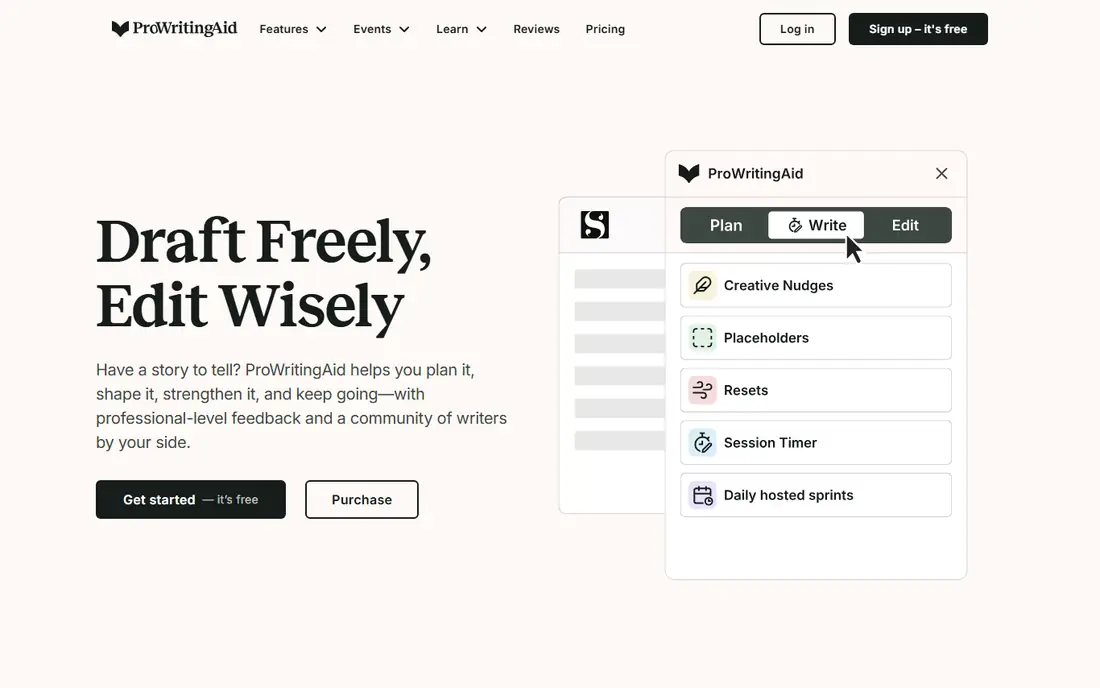
ProWritingAid is the best Grammarly alternative for writers working on books, long articles, or scripts. Beyond grammar and spelling, it runs reports on pacing, repeated words, sentence length, dialogue, and readability, which helps fiction writers spot patterns that a basic checker misses. It integrates with Word, Google Docs, and Scrivener, so long manuscripts stay in the tools writers already use.
The free version limits checks, which means long drafts need to be checked in sections or upgraded to a paid plan. The interface also shows more detail than Grammarly, which some writers love and others find distracting at first. If you write long-form work regularly, the depth is worth the learning curve, and paid pricing is listed on the vendor site.
- Deep style reports
- Scrivener integration
- Works in Word and Google Docs
- Free checks have word limits
- Interface can feel busy
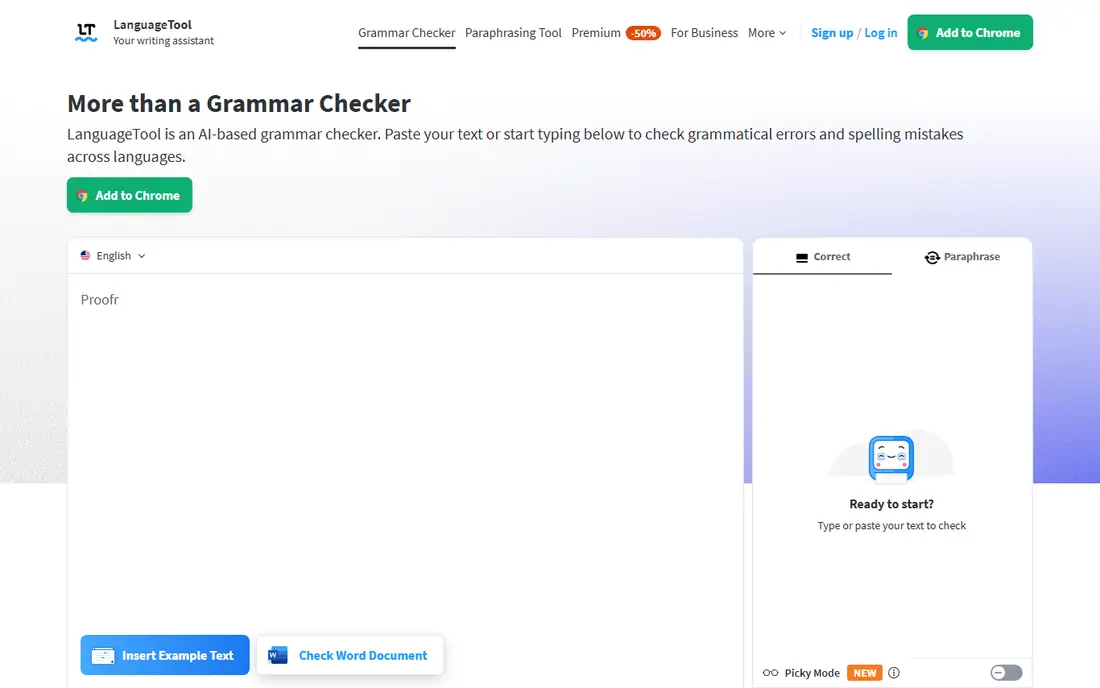
LanguageTool is our pick for the best free Grammarly alternative, especially for multilingual writers. It checks grammar and style in more than 30 languages, and its core engine is open source, which appeals to privacy-conscious users. Browser extensions, Word, and Google Docs support make it easy to use across everyday writing.
Free checks are limited by character count per check, so very long documents need Premium or splitting into sections. Style and tone suggestions are also lighter than Grammarly Premium, which focuses more on clarity rewrites. For straightforward grammar checking in several languages, though, LanguageTool is hard to beat for value, and Premium pricing is on the vendor site.
- Supports many languages
- Open source core
- Browser and app integrations
- Free checks have character limits
- Style suggestions are lighter than Grammarly
QuillBot is different from most Grammarly alternatives because paraphrasing is its main strength. Students, researchers, and content writers use it to rephrase sentences, adjust tone, and summarize text, with a grammar checker alongside. That combination makes it useful when you are stuck on wording, not just when you need error correction.
Free paraphrasing is limited by word count per pass, and the grammar checker is less deep than ProWritingAid for long-form style analysis. It is also important to use paraphrasing ethically, especially for academic work, and to check your institution rules on AI-assisted rewriting. Premium pricing is listed on the vendor site, and a free plan is enough to test the core tools.
- Strong paraphraser
- Grammar checker included
- Citation tools for students
- Free paraphrasing has word limits
- Grammar depth is less than ProWritingAid
Hemingway Editor does one job well: it shows you where writing is hard to read. It highlights long sentences, passive voice, adverbs, and complex phrases, and gives a readability grade to help you tighten prose. The free web version is enough for many bloggers and business writers who want punchier copy.
It is not a replacement for a full grammar checker. Grammar checking sits behind a paid plan, and the desktop app is a separate purchase in some listings. Use Hemingway alongside LanguageTool or ProWritingAid if you need both grammar correction and readability help. For short, clear writing, Hemingway alone can still be a useful second pass.
- Clear readability highlights
- Free web version
- Simple interface
- Not a full grammar checker
- Grammar features need a paid plan
Wordtune focuses on rewriting sentences rather than just flagging errors. You can ask it to shorten, expand, formalize, or casualize a sentence, which helps when a draft is grammatically correct but sounds flat. It works in the browser and in Google Docs, so it fits into everyday writing without a separate app.
The free plan limits rewrites per day, which can frustrate heavy users, and its grammar checking is not as deep as ProWritingAid or LanguageTool. Wordtune is best as a rewriting companion, not as your only checker. Try the free plan on emails and short drafts first, then decide if paid rewriting is worth it.
- Natural sentence rewrites
- Tone options
- Browser and Docs support
- Free rewrites are limited per day
- Less grammar depth than rivals
Ginger suits non-native English writers who want straightforward grammar and spelling help without a complex interface. It checks text in the browser and in common apps, and it includes translation and text-to-speech features that help learners hear and understand corrections. For everyday emails and short documents, it is easy to use.
Free checks are limited in length, and Ginger offers fewer deep style reports than ProWritingAid. It is also less strong for long-form fiction or academic style analysis. If your main need is clean everyday English, Ginger is a solid, low-friction choice, with paid pricing on the vendor site.
- Simple grammar and spelling checks
- Translation features
- Browser support
- Free checks have character limits
- Fewer style reports than rivals
Writer is built for companies that need consistent brand voice across many writers. Teams can set style guides, approved terminology, and tone rules, and Writer flags content that drifts from those rules. That control matters for marketing, support, and product teams that publish at scale.
Individual writers will find Writer expensive and overpowered for personal use, since it is priced for teams and includes enterprise controls most solo users do not need. A trial is available, and pricing is on the vendor site. If you write alone, choose LanguageTool or ProWritingAid instead, but if you manage a content team, Writer deserves a trial.
- Style guides and brand voice checks
- Team terminology control
- Enterprise controls
- Priced for teams, not individuals
- Less useful for casual writers
Sapling is designed for speed in business apps, especially customer support and sales tools. It offers grammar suggestions and autocomplete as you type, plus shared snippets for teams that answer similar questions often. Support agents and sales reps who write many short messages tend to benefit most.
For long essays or fiction, Sapling is less deep than ProWritingAid, and its paid plans focus on teams. A free plan lets individuals test the core suggestions, with team pricing on the vendor site. If your writing is mostly short, repetitive business messages, Sapling can save real time, but long-form writers should look elsewhere.
- Fast autocomplete suggestions
- CRM and support app integrations
- Team snippets
- Less deep for long-form editing
- Paid plans are team-focused
How we picked these
We compared official pricing and feature pages, plus public reviews, for writing tools that directly replace Grammarly for grammar, style, or rewriting. We kept tools that are available today, offer a free plan or trial, and cover a distinct need, from fiction reports to multilingual checking to team brand voice. Prices change often, so we used See website where vendor pricing was not confirmed on the day of writing. We did not claim hands-on accuracy testing of every tool, and we focused on published features, limits, and integrations.
How to choose a Grammarly alternative
Start with what you write most, then test free plans on real drafts. A checker that looks good in a demo can still frustrate you on a long document.
Match the tool to your writing
Fiction and long-form writers should start with ProWritingAid. Multilingual writers should start with LanguageTool. Students and researchers who paraphrase often should start with QuillBot. Business teams that need consistent voice should trial Writer or Sapling. Picking by use case matters more than picking by headline price.
Test free limits on a real draft
Free plans limit words, characters, or rewrites per day, and those limits only become clear on a real draft. Paste a typical document into each shortlisted tool and see what it catches, what it misses, and where it stops. Also check privacy settings, since writing tools process your text, and confirm whether your school or employer allows AI-assisted rewriting for your work.
Keep a human final pass
No checker catches every error, and all of them can suggest changes that harm your voice or meaning. Use the tool for a first pass, then read the draft aloud or ask a colleague to review key sections. That final human pass matters most for job applications, published articles, and academic work, where a checker suggestion accepted without thought can introduce a new mistake.
Frequently asked questions
What are the best Grammarly alternatives?
ProWritingAid, LanguageTool, and QuillBot are the strongest general alternatives, with Hemingway for readability, Wordtune for rewriting, Ginger for everyday grammar, Writer for team brand voice, and Sapling for fast business writing. The best choice depends on whether you write fiction, academic work, business copy, or multilingual content.
Is there a free alternative to Grammarly?
Yes. LanguageTool, QuillBot, ProWritingAid, Hemingway, Wordtune, Ginger, and Sapling all offer free plans, but with word, character, or daily limits. LanguageTool free is the most generous for multilingual grammar checking, while Hemingway web is free for readability. Test free limits on a real draft before deciding.
What is the best free Grammarly alternative?
LanguageTool is our pick for most free users, because it covers many languages and offers solid grammar checking without a subscription. QuillBot free is better if paraphrasing is your main need, and Hemingway web is better if readability is your main need. No free tool matches Grammarly Premium on every feature, so choose by your main use case.
Is ProWritingAid better than Grammarly?
ProWritingAid is better for long-form and fiction writers who want deep style reports, including pacing and repeated word analysis. Grammarly is simpler and stronger for everyday grammar and clarity in short business writing. Many writers use ProWritingAid for manuscripts and Grammarly-style tools for daily email, rather than choosing only one.
Can Grammarly alternatives check plagiarism?
Some tools include plagiarism checks on paid plans, while others focus only on grammar and style. Check the vendor feature page for the specific plan you are considering, since plagiarism checking is often a paid add-on rather than a free feature. For academic work, also check your institution rules on plagiarism tools and AI-assisted writing.
Do these tools work in Google Docs and Word?
Most do, through browser extensions, add-ins, or direct integrations, but coverage varies by tool and plan. ProWritingAid, LanguageTool, QuillBot, and Wordtune all support Google Docs or Word in some form, while Hemingway works mainly as a separate web or desktop editor. Confirm integration support for your exact app before paying.
Sources we checked (8)

Online Jobs is an independent blog about careers, online work, learning new skills and the tools that help people earn. More about us.
Keep reading
All posts
Zoom Alternatives
Zoom alternatives compared for 2026: Google Meet, Microsoft Teams, Webex, Jitsi and more for free calls, large meetings and webinars for teams and classrooms.

What Is the Best Free Tool to Rotate a PDF
What is the best free tool to rotate a PDF? We compare eight free rotation tools on per-page control, limits, privacy and saved output quality in detail.

What Is the Best AI Dubbing Tool
We compared the best AI dubbing tools in 2026, from ElevenLabs and HeyGen to Rask AI, Dubverse and Veed, for videos and creators in many languages worldwide.