Google Workspace Alternatives in 2026: 9 Suites Compared

Full enterprise replacement · Starting price: $6 per month
How we put this together: we compare official feature and pricing pages, app store listings, privacy policies and public user reviews. Prices change, so check the provider's site before you pay.
Key takeaways
- Microsoft 365 is the only suite that matches Google Workspace across email, documents, spreadsheets, presentations, meetings and storage, from 6 dollars per user a month.
- Zoho Workplace is the cheapest full suite at 3 dollars per user a month, under half of Google's price for many teams.
- Proton is the strongest privacy-focused alternative, with end-to-end encryption across email, calendar, files and documents, from 6.99 dollars per user a month.
- Nextcloud is the best self-hosted option, free open source software that gives your team complete data ownership.
- For a 50-person team, Zoho Workplace Standard costs about 150 dollars a month, while Microsoft 365 Business Basic costs about 300 dollars a month on annual billing.
Quick comparison
| Name | Who it suits | Starting price | Free option | |
|---|---|---|---|---|
| Microsoft 365 | Full enterprise replacement | $6 per month | No | Visit |
 Zoho Workplace Zoho Workplace | Budget full suite | $3 per month | Yes | Visit |
 Proton Proton | Privacy-first suite | $6.99 per month | Yes | Visit |
 Nextcloud Nextcloud | Self-hosted control | Free | Yes | Visit |
 ONLYOFFICE ONLYOFFICE | Office-format fidelity | $5 per month | Yes | Visit |
 Fastmail Fastmail | Professional email only | $5 per month | No | Visit |
 Lark Lark | Free startup suite | Free | Yes | Visit |
 Apple iWork Apple iWork | Apple-only teams | Free | Yes | Visit |
 CryptPad CryptPad | Zero-knowledge collaboration | Free | Yes | Visit |
The best Google Workspace alternatives
Google Workspace costs around 7 to 8 dollars per user a month for Starter plans, and teams leave it for three reasons: cost, privacy and Microsoft Office compatibility. No single alternative wins on all three, so the right choice depends on which reason matters most. We compared nine suites on price, coverage and fit, using 2026 comparison guides.
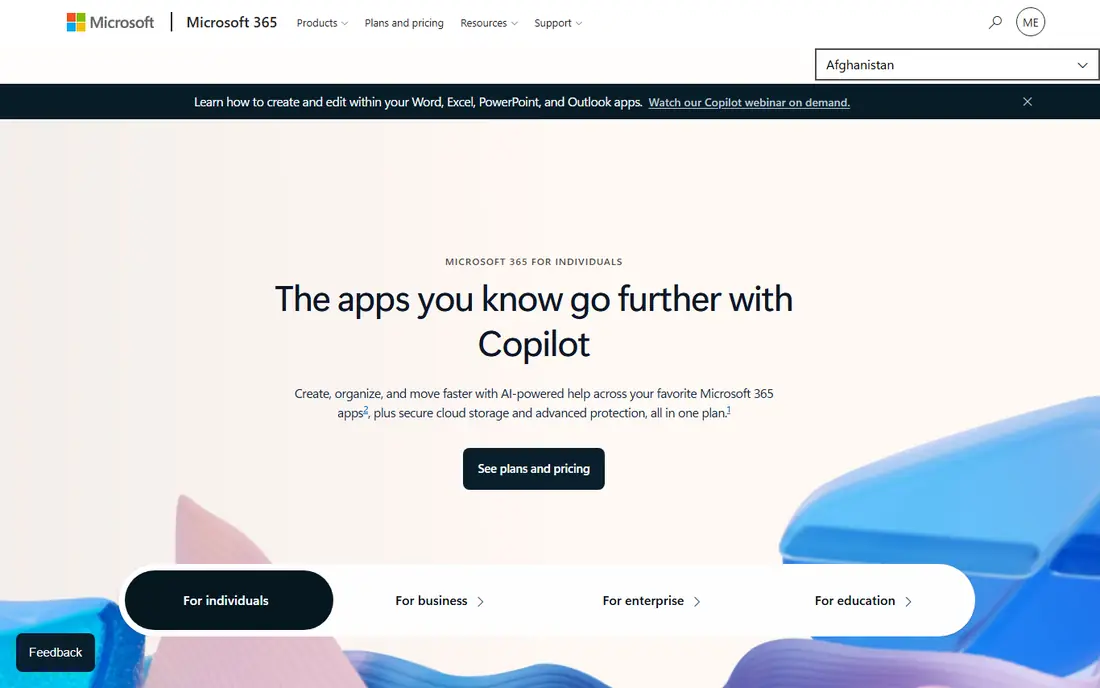
Microsoft 365 is the Google Workspace alternative Microsoft built to compete head-on, and it is the only suite that matches Workspace feature for feature while surpassing Google in desktop-app depth. Word, Excel and PowerPoint remain the gold standard for document creation, Outlook is more powerful than Gmail for complex scheduling, and Teams covers video meetings.
Business Basic costs 6 dollars per user a month, rising to around 7 dollars in some listings, while Business Standard at 12.50 to 14 dollars a user a month adds desktop apps. For organizations needing Office compatibility, regulated industries or Windows-standardized teams, Microsoft 365 is the most direct replacement.
- Only suite matching Workspace across email, docs, sheets, slides, meetings and storage
- Word, Excel and PowerPoint are the gold standard
- 1 TB OneDrive per user
- Full offline desktop apps
- No free tier beyond a trial
- Real-time collaboration is less smooth than Google Docs
- Licensing is more complex
- Business Basic at 6 dollars lacks desktop apps
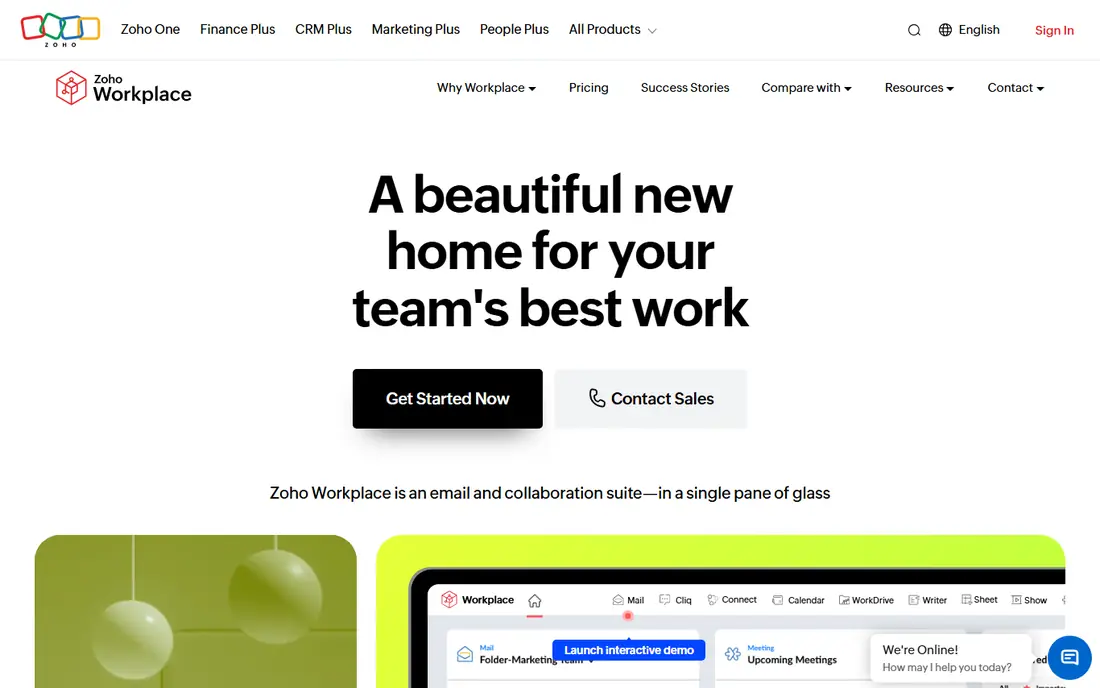
Zoho Workplace is the best budget alternative to Google Workspace. For 3 dollars per user a month, with a limited free tier, you get email, documents, spreadsheets, presentations, chat and meetings, plus access to Zoho's wider app ecosystem including CRM. For a 50-person team, Workplace Standard costs about 150 dollars a month, or 1,800 dollars a year, versus 300 dollars a month for Microsoft 365 Business Basic.
The trade-off is polish: some Zoho apps feel less refined than Google's or Microsoft's, and the suite can feel fragmented. For budget-conscious small businesses that want a complete suite, Zoho is the best value available.
- Cheapest full suite at 3 dollars per user a month
- Email, docs, sheets, slides, chat and meetings in one place
- Strong privacy stance
- CRM available from the same vendor
- Less polished than Google or Microsoft
- Some apps feel fragmented
- Real-time collaboration is good but not quite Google-level
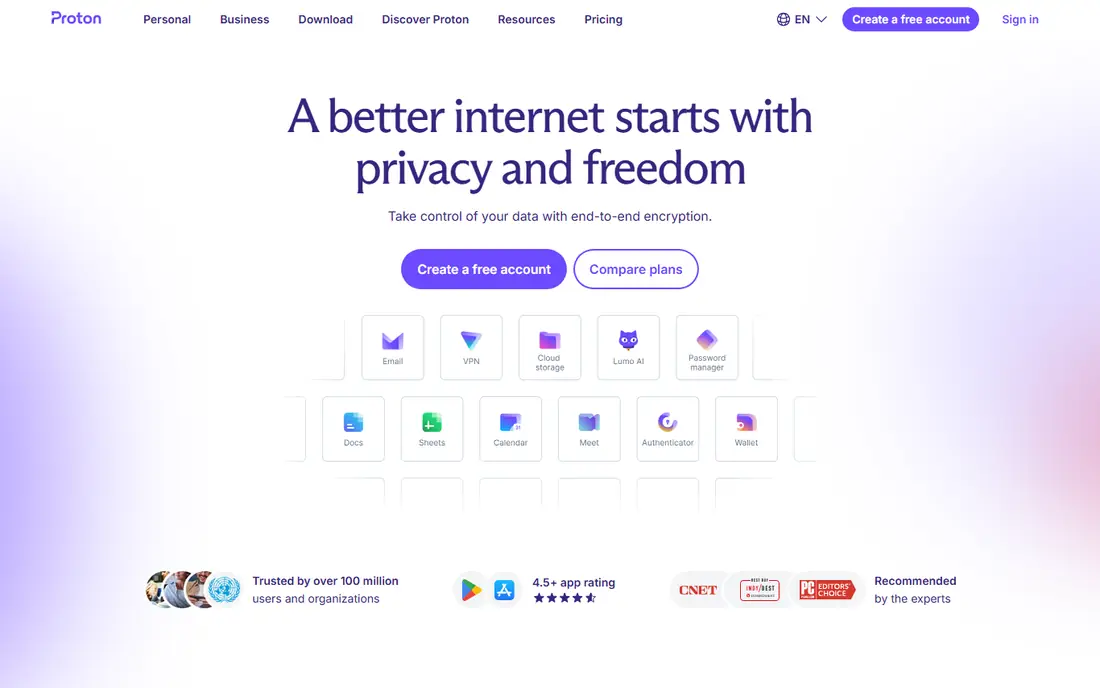
Proton is the strongest privacy-focused alternative to Google Workspace. It uses zero-access encryption across email, calendar, storage and documents, meaning even Proton employees cannot access your data, and it is headquartered in Switzerland, outside US and EU surveillance frameworks. It holds ISO 27001 and SOC 2 Type II certifications.
Mail Essentials costs 6.99 dollars per user a month, and full Proton Workspace Standard runs 12.99 dollars a user a month, though that price includes VPN and password management worth 3 to 5 dollars a user a month separately. For privacy-first teams, no other full suite matches Proton's verifiable encryption.
- End-to-end encryption across email, calendar, files and documents
- Zero-access encryption means even Proton employees cannot read your data
- Swiss jurisdiction
- VPN and password manager included on higher plans
- Mail Essentials costs 6.99 dollars per user a month
- Full Workspace Standard runs 12.99 dollars a user a month
- Docs collaboration is newer than Google's
Nextcloud is the best self-hosted Google Workspace alternative. Install its free open source Hub on your own server and you get files, documents through Nextcloud Office, chat, video calls with Talk, calendar and contacts, with no per-user licence fees and complete data ownership. It is the choice for teams that need data sovereignty, whether for regulation, privacy or principle.
The cost is infrastructure and IT time: you run the server, apply updates and handle backups. For teams with IT capacity who want full control, Nextcloud is unmatched. For teams without it, a cloud suite is simpler.
- Free open source software for self-hosting
- Complete data ownership and sovereignty
- Files, docs, chat, video calls and calendar in one hub
- No per-user licence fees
- Requires IT to deploy and maintain
- You pay server and infrastructure costs
- Setup effort is high compared with cloud suites
ONLYOFFICE is the best alternative for teams that live in Microsoft Office formats. Its editors handle .docx, .xlsx and .pptx files with the highest fidelity of any self-hosted suite, so documents round-trip to Word and Excel without breaking formatting. The Community Edition is free for self-hosting, and cloud plans start at 5 dollars per user a month.
It has no native email or calendar without pairing with another tool, so it suits teams that need documents first and handle email elsewhere. For Office-format fidelity on a budget, ONLYOFFICE is the best choice.
- Best .docx, .xlsx and .pptx compatibility in the self-hosted space
- Free Community Edition for self-hosting
- Cloud plans from 5 dollars per user a month
- Docs, mail, CRM and projects
- No email or calendar without pairing with another tool
- Smaller ecosystem than Google or Microsoft
- Self-hosted setup needs IT
Fastmail is the best alternative for teams that only need email. It offers fast, ad-free, privacy-respecting email and calendar on your own domain for 5 dollars per user a month, with excellent IMAP support and a clean interface. There is no free tier, but there is also no suite of apps you will never open.
It provides no documents, storage or meetings, so pair it with Notion, ONLYOFFICE or Nextcloud for a complete setup. For email-focused teams who use separate tools for documents, Fastmail plus a docs tool beats a full suite on simplicity and quality.
- Fast, reliable, privacy-respecting email and calendar on your domain
- Ad-free
- Excellent IMAP support
- No suite you will not use
- 5 dollars per user a month for Standard
- No docs, no Drive, no meetings
- You pair it with separate tools for documents
Lark is the best free suite for startups. Its generous free tier covers messaging, documents, spreadsheets, video meetings and no-code databases in one modern app, making it ideal for distributed, multilingual teams that want everything in one place. Paid plans run from free to around 12 dollars a user a month.
It is less familiar to clients and partners than Google or Microsoft, and its ecosystem is smaller. For a small team that fits inside the free tier and wants a complete suite at no cost, Lark is the best free option.
- Generous free tier covering chat, docs, video meetings and no-code databases
- Strong for distributed, multilingual teams
- Modern interface
- Paid plans from around 12 dollars a user a month
- Smaller ecosystem than Google or Microsoft
- Less familiar to clients and partners
- Advanced admin features sit on paid plans
Apple iWork is the best free alternative for Apple-only teams. Pages, Numbers and Keynote come free on every Mac, iPhone and iPad, with iCloud storage and mail rounding out a basic suite. Offline apps are excellent, and migration is trivial for a tiny team that already lives on Apple hardware.
It runs only on Apple devices, collaboration is weaker than Google Docs, and business admin controls are limited. For a two- or three-person Apple-only team, iWork plus iCloud is a complete, free Workspace replacement.
- Free on Apple devices with Pages, Numbers and Keynote
- ICloud storage and mail included
- Excellent offline apps
- Low migration effort for tiny Apple-only teams
- Apple devices only
- Collaboration is weaker than Google Docs
- No business admin controls comparable to Workspace
CryptPad is the best zero-knowledge collaboration tool. It offers encrypted collaborative documents, spreadsheets, presentations and whiteboards, with end-to-end encryption that means the server itself cannot read your content. It is free and open source, with no account needed for basic use.
It has no email, calendar or meetings, and its feature set is smaller than Google Docs. For teams that need private, encrypted document collaboration without trusting a cloud provider, CryptPad is the strongest free option.
- Free with zero-knowledge encryption, so the server cannot read your documents
- Collaborative docs, sheets, slides and whiteboards
- Open source
- No account needed for basic use
- Smaller feature set than Google Docs
- Performance depends on the instance
- No email, calendar or video meetings
How we picked these
We compared 2026 comparison guides, weighing price for a typical team, suite coverage, privacy, Office compatibility and migration effort. We included full suites, self-hosted options and focused tools because replacing Workspace means different things to a 50-person company, a privacy-focused team and a two-person startup.
Choosing by priority
If cost is the primary driver, Zoho Workplace at 3 dollars a user a month is the cheapest full suite, and Lark is free for small teams. If privacy or data sovereignty drives the decision, Proton covers email-first privacy and Nextcloud gives full self-hosted control. If Microsoft Office compatibility or offline access matters most, Microsoft 365 Business Standard at 12.50 to 14 dollars a user a month is the most direct path. Check reseller pricing before migrating: the savings at 3 dollars versus 8 dollars a user a month are larger than most platform differences, without any migration cost.
Frequently asked questions
What is the best Google Workspace alternative overall?
Microsoft 365 is the best overall alternative, matching Workspace across email, documents, spreadsheets, presentations, meetings and storage from 6 dollars per user a month. Zoho Workplace is the best budget alternative at 3 dollars per user a month.
What is the cheapest Google Workspace alternative?
Zoho Workplace is the cheapest full suite at 3 dollars per user a month, and Lark is free for small teams. Nextcloud is free open source software, though you pay server and maintenance costs. For a 50-person team, Zoho Standard costs about 150 dollars a month.
What is the best private alternative to Google Workspace?
Proton is the best private alternative, with end-to-end encryption across email, calendar, files and documents from 6.99 dollars per user a month. Nextcloud is best for full data ownership through self-hosting, and CryptPad is best for zero-knowledge document collaboration.
Can I replace Google Workspace for free?
Yes, for small teams. Lark's free tier covers chat, docs and meetings, Nextcloud is free self-hosted software, and Apple iWork is free on Apple devices. Larger teams usually need a paid plan for admin controls, storage and support.
Is Microsoft 365 better than Google Workspace?
Microsoft 365 is better for Office compatibility, desktop apps and enterprise compliance, while Google Workspace is better for real-time collaboration and simplicity. The choice depends on whether your team lives in Office files or in browser-based collaboration.
How hard is it to migrate from Google Workspace?
Migration effort is moderate to high depending on the destination. Email and calendar migrate with standard tools, but documents, permissions and shared drives need planning. Microsoft 365 migration is moderate to high, Zoho is moderate, and Nextcloud is high because you deploy and maintain the server yourself.
Sources we checked (9)

Online Jobs is an independent blog about careers, online work, learning new skills and the tools that help people earn. More about us.
Keep reading
All posts
Zoom Alternatives
Zoom alternatives compared for 2026: Google Meet, Microsoft Teams, Webex, Jitsi and more for free calls, large meetings and webinars for teams and classrooms.

What Is the Best Free Tool to Rotate a PDF
What is the best free tool to rotate a PDF? We compare eight free rotation tools on per-page control, limits, privacy and saved output quality in detail.

What Is the Best AI Dubbing Tool
We compared the best AI dubbing tools in 2026, from ElevenLabs and HeyGen to Rask AI, Dubverse and Veed, for videos and creators in many languages worldwide.