Best Google Voice Alternatives in 2026: 8 Options Compared

How we put this together: we compare official feature and pricing pages, app store listings, privacy policies and public user reviews. Prices change, so check the provider's site before you pay.
Key takeaways
- OpenPhone and Grasshopper suit small teams and solo owners best, because setup is quick and the monthly cost stays predictable.
- RingCentral and Nextiva fit larger teams that need video meetings, desk phones, and deeper integrations in one account.
- Dialpad stands out for teams that want call transcripts and summaries included without buying a separate tool.
- Check texting limits before you sign up, since some entry plans cap messages or reserve texting for higher tiers.
Quick comparison
| Name | Who it suits | Starting price | Free option | |
|---|---|---|---|---|
 OpenPhone OpenPhone | Text-heavy small teams | $15 per user per month | Free trial | Visit |
 Grasshopper Grasshopper | Solo owners on a flat rate | $14 per month | Free trial | Visit |
 Ooma Office Ooma Office | Small offices that want desk phones | $19.95 per user per month | Free trial | Visit |
 Nextiva Nextiva | Growing teams that want support | $15 per user per month | No | Visit |
 RingCentral RingCentral | Teams that need an all-in-one system | $20 per user per month | Free trial | Visit |
 Dialpad Dialpad | Teams that want built-in AI summaries | $15 per user per month | Free trial | Visit |
 Vonage Vonage | Flexible plans and add-ons | $13.99 per line per month | No | Visit |
 Phone.com Phone.com | Budget teams that want video included | $15 per user per month | Free trial | Visit |
The best Google Voice alternatives
Google Voice works well for a simple second number, but it leaves gaps for teams that need shared inboxes, richer call handling, or stronger support. The options below cover that ground, from a single flat-rate line to a full phone system. We compared official feature pages, pricing pages, and app store listings to build this list.
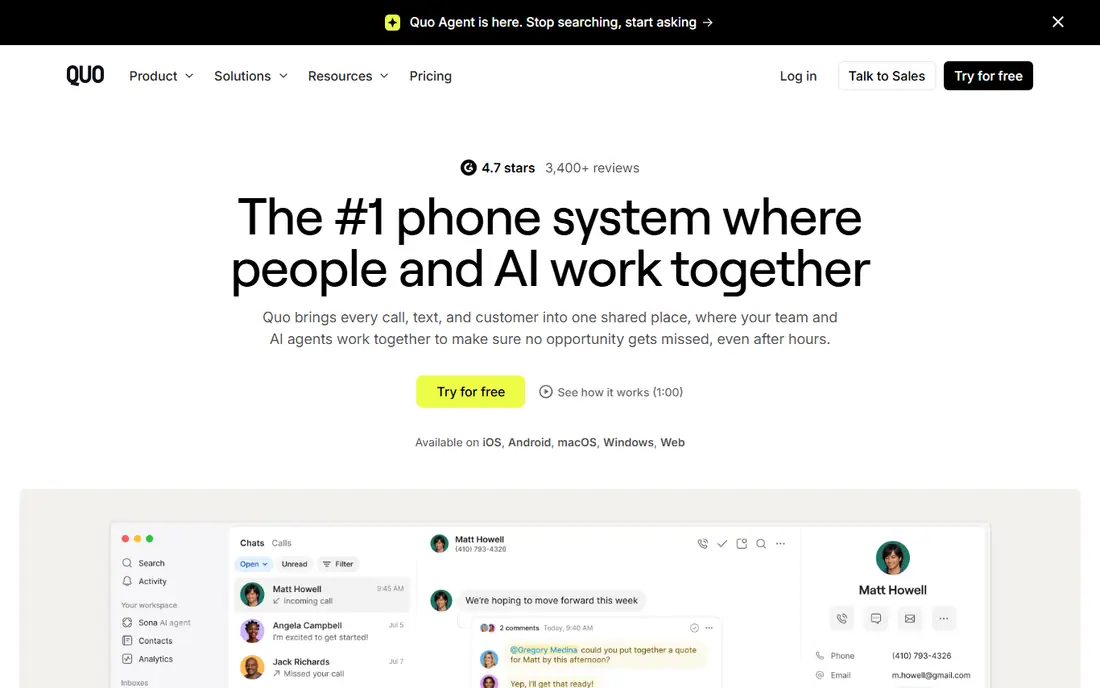
OpenPhone gives each team member a business number and lets the whole team share numbers, so calls and texts land in one inbox instead of on one person's phone. That shared setup suits support and sales teams where more than one person answers the same line. The apps are simple to learn, and setup usually takes minutes rather than a full IT project.
The catch is hardware. OpenPhone is software only, so if your office wants physical desk phones, you will need a different provider. Some users also report occasional call quality quirks, so use the trial to test calls from your actual office and mobile networks before moving your main number over.
- Shared numbers and team messaging
- Unlimited calls in the US and Canada
- Clean mobile and desktop apps
- No desk phone support
- Live phone support is limited on lower plans
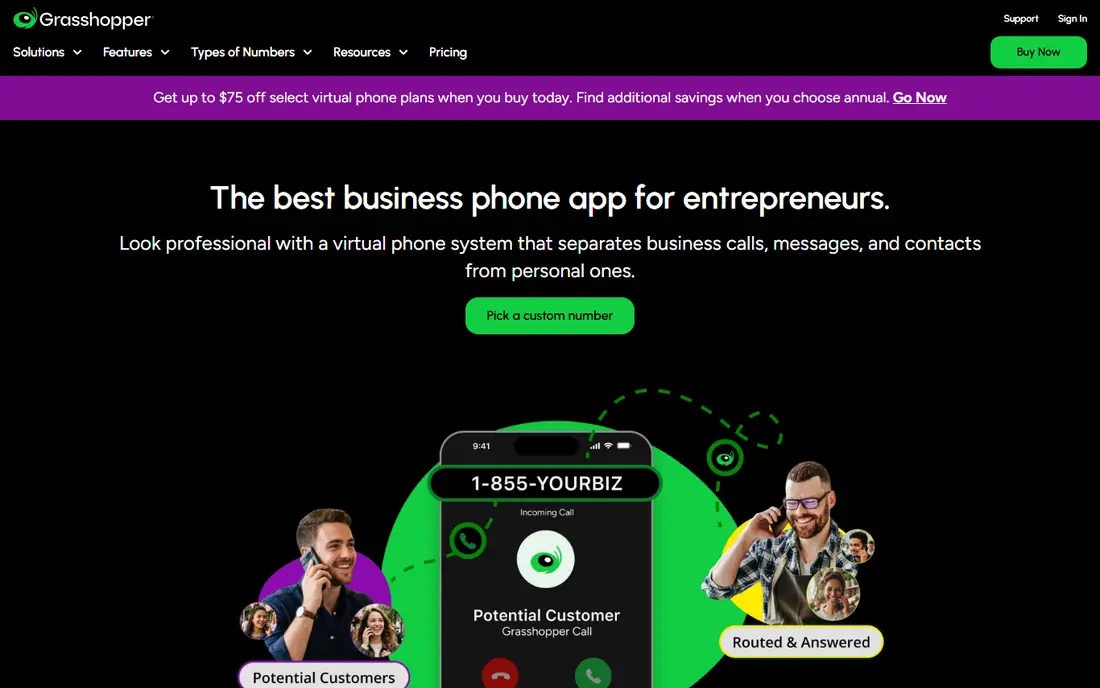
Grasshopper is built for one person or a very small team that wants to look professional without paying per seat. You get a business number, custom greetings, and call forwarding to your existing phone, which keeps the learning curve close to zero. For a freelancer or consultant, that simplicity is the whole point.
The trade-off is depth. Grasshopper forwards calls rather than giving you a full office phone system, so teams that need shared inboxes, advanced routing, or detailed analytics will outgrow it. It is a strong pick for a solo line, and a weaker pick once three or four people need to work the same number together.
- Flat monthly rate rather than per-user pricing
- Fast setup
- Virtual receptionist greetings
- Call forwarding model rather than a full phone system
- Fewer team collaboration tools
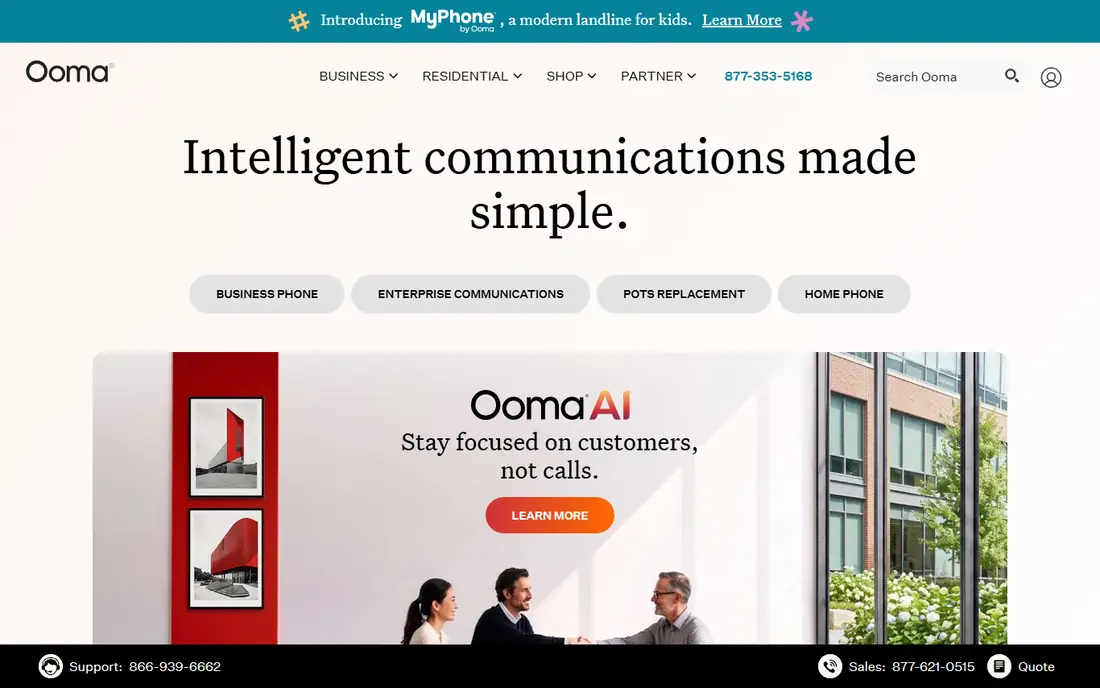
Ooma Office suits a small office that still wants a phone on each desk. The admin panel stays approachable, and the virtual receptionist routes callers without a receptionist on staff. If your team splits time between the office and the road, the mobile app keeps the same number working in both places.
Texting is the weak spot on the entry plan, so check that detail if your customers text you often. Ooma also charges an activation fee on some plans, so confirm the total first-year cost before you compare it with software-only rivals. For a desk-phone office, though, the hardware support alone can justify the price.
- Works with physical desk phones
- Simple admin panel
- Virtual receptionist included
- Texting requires a higher tier
- Activation fees may apply
Nextiva is a good middle ground between a simple business line and an enterprise system. You get voice, video, and team messaging in one account, plus support that is available around the clock. That matters when a phone problem hits during a busy sales day and you cannot wait for an email reply.
The entry plan is not generous with texts, so a team that lives in SMS may need a higher tier. Add-ons can also push the monthly bill up, so map the features you actually need before checkout. For a growing team that values a human on the phone when things go wrong, Nextiva is one of the safer choices here.
- Strong uptime record and round-the-clock support
- Video and messaging included
- Wide integration list
- Texting allowances are limited on the entry plan
- Pricing rises with add-ons
RingCentral is the broadest system on this list. It combines phone calls, video meetings, and team chat, and it connects with many common CRM and productivity tools. Larger or hybrid teams benefit most, since one account can cover office phones, remote workers, and meeting rooms.
That breadth costs more, and the entry plan caps the number of text messages per user each month. Small teams may find they pay for features they never open. If your team already uses several separate tools for calls, meetings, and chat, RingCentral can replace them, but a two-person team will likely do fine with a cheaper option.
- Voice, video, and messaging in one platform
- Large integration library
- Desk phone support
- Higher starting price than simpler rivals
- Message limits on the entry plan
Dialpad puts its AI tools front and center. Calls are transcribed, summaries appear after the call, and managers can search conversations without listening to full recordings. For sales and support teams, that saves real time each week and makes follow-up notes far easier to write.
The catch is geography and tiering. Some messaging and number options apply only to US and Canadian customers, so international teams should verify coverage first. Deeper analytics also sit on higher plans. If transcripts and summaries are your main reason for switching, Dialpad delivers them without a separate subscription.
- AI transcripts and call summaries on every plan
- Shared numbers
- Good mobile app
- Some features are limited to US and Canadian customers
- Advanced analytics cost more
Vonage starts at a friendly price and lets you add features as you grow, which suits a business that is not sure what it will need in a year. The mobile and desktop apps cover the basics well, and the API options appeal to teams that later want to build calling into their own software.
Desk phones require an upgrade, so a hardware-heavy office should price the higher tier from the start. Vonage pricing also shifts with the number of lines, so get a quote for your actual team size rather than trusting the headline rate. For a flexible, low-cost start, it is a solid alternative.
- Low starting price with annual billing
- Strong API options for custom builds
- Mobile and desktop apps
- Desk phone support needs a higher tier
- Pricing varies by user count
Phone.com packs a lot into its entry price, including video meetings that some rivals charge extra for. Call handling, voicemail transcription, and scheduling tools cover the daily needs of a small office, and the compliance options matter for health-related businesses. It is a practical pick when budget is tight but video still matters.
The integration list is shorter than the big platforms, so check your CRM and help desk tools before committing. The interface is functional rather than polished, which some teams will not mind at all. If you want value per dollar and can live without the largest app library, Phone.com deserves a trial.
- Video conferencing built in
- Call handling and voicemail transcription
- HIPAA-compliant calling options
- Smaller integration library than RingCentral
- Interface feels dated in places
How we picked these
We compared official pricing pages, feature pages, and app store listings for business phone services that offer a US business number, call forwarding or VoIP calling, and voicemail. We favored services that work today for small US teams, publish clear starting prices, and cover a range of budgets and team sizes. We did not claim hands-on testing, and we left out services that had no clear business phone product or no current pricing information.
What to check before you switch
Porting your number is the step most people underestimate. Ask each provider how long porting takes, whether you can keep your number during the move, and what happens to voicemail messages stored on the old service. Test the trial with your real devices, on your real networks, and during your busiest hours, since call quality in a quiet test tells you little about a Monday morning.
Also count your texts, not just your calls. Some plans include generous calling but cap SMS, and a team that texts customers daily can hit that cap fast. Finally, add up taxes, fees, and any per-number charges for a full year, because the headline monthly rate rarely tells the whole story. A slightly higher plan with texting included often costs less than a cheap plan plus overage-style upgrades.
Frequently asked questions
What is the best alternative to Google Voice for a small business?
OpenPhone is our pick for most small teams, because shared numbers, team texting, and unlimited US and Canada calling come at a clear per-user price. Grasshopper fits solo owners better, since its flat rate avoids per-seat charges. RingCentral or Nextiva fit better once you need desk phones, video meetings, and deeper integrations.
Are there free alternatives to Google Voice?
A fully free business phone service with the same features is hard to find. Most options here offer a free trial rather than a permanent free plan, and the free tiers that do exist tend to limit minutes, numbers, or features. TextNow and similar consumer apps offer free calling with ads, but they lack business features such as shared inboxes and a virtual receptionist.
Can I keep my Google Voice number when I switch?
In most cases you can port a number out, but the steps and timing depend on the provider and the number type. Ask your new provider to confirm porting eligibility before you cancel Google Voice, and keep the old account active until the port completes. Do not cancel first, since a cancelled number can be lost.
Which Google Voice alternative is best for texting customers?
OpenPhone and Dialpad lead here, because shared texting and team inboxes are core features rather than add-ons. Ooma reserves fuller texting for higher tiers, and RingCentral caps messages on its entry plan. If texting is central to your business, trial that feature with your team before you commit.
Do these alternatives work without a desk phone?
Yes, all eight work through mobile and desktop apps, so you can answer business calls on a phone you already own. Desk phones are optional extras on Ooma, RingCentral, Nextiva, and Vonage, and they are not supported on OpenPhone or Grasshopper. A software-only setup keeps costs down and suits remote teams well.
Sources we checked (8)
- https://www.openphone.com/pricing
- https://www.grasshopper.com/pricing
- https://www.ooma.com/business-phone-systems/pricing/
- https://www.nextiva.com/pricing.html
- https://www.ringcentral.com/us/en/office/plansandpricing.html
- https://www.dialpad.com/pricing/
- https://www.vonage.com/business/pricing/
- https://www.phone.com/pricing/

Online Jobs is an independent blog about careers, online work, learning new skills and the tools that help people earn. More about us.
Keep reading
All posts
Workday Alternatives
We compared the best workday alternatives for HR, payroll, and global hiring, from BambooHR and Gusto to Rippling, Deel, and HiBob for growing teams in 2026.

Which SaaS Tools Have the Best Customer Support
Which SaaS tools have the best customer support? Compare eight popular tools on help centres, live help, response options and overall support quality.

Top AI Helpdesk Software
Searching for top AI helpdesk software in 2026? We compared 8 AI helpdesks on automation, pricing, channels and ease of setup for small and growing teams.