Best Google Trends Alternatives in 2026: 8 Tools Compared


Early trend discovery · Starting price: $39 per month
How we put this together: we compare official feature and pricing pages, app store listings, privacy policies and public user reviews. Prices change, so check the provider's site before you pay.
Key takeaways
- Exploding Topics suits founders and investors who want fast-growing topics before they go mainstream.
- Glimpse suits marketers who want Google Trends data plus forecasts and channel breakdowns.
- Semrush and Ahrefs suit SEO teams that need trend data tied to keyword volume and competition.
- AnswerThePublic and AlsoAsked suit content writers who need the exact questions people ask.
- SparkToro suits teams that need to know where an audience spends time, not just what it searches.
Quick comparison
| Name | Who it suits | Starting price | Free option | |
|---|---|---|---|---|
| Exploding Topics | Early trend discovery | $39 per month | Free trial | Visit |
 Glimpse | Trends plus forecasts | See website | Yes | Visit |
 Semrush | SEO trend planning | $139 per month | Yes | Visit |
 Ahrefs | Search demand trends | $129 per month | Yes | Visit |
 AnswerThePublic | Search questions | See website | Yes | Visit |
 BuzzSumo | Content trends | $199 per month | Free trial | Visit |
 SparkToro | Audience research | See website | Free trial | Visit |
 AlsoAsked | People Also Ask data | See website | Yes | Visit |
The best google trends alternatives
Google Trends is free and fast, but it only shows relative interest from Google Search, with no volume, competition or audience detail. The tools below add what Trends lacks, from early trend feeds and forecasts to keyword volume, content trends and audience channels. Pick by the question you need to answer, not by the size of the tool.
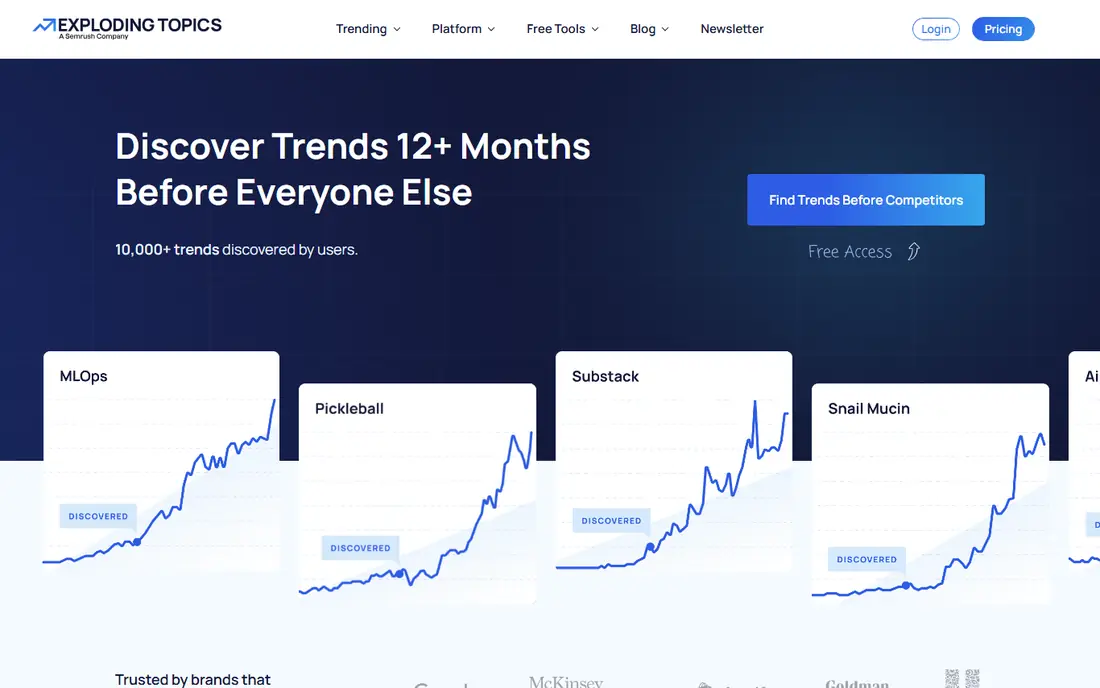
Exploding Topics is built to surface topics before they peak. The team combines algorithms with human curation to flag keywords, products and categories with rapid growth, and each trend card shows a growth curve and channel breakdown. For founders, investors and product teams, that early signal is the main value. The database covers a large set of trends, and you can filter by category to focus on your market. That focus helps you avoid the noise of a general trend feed, since you only see topics relevant to your niche. The trial lets you test whether the feed actually surfaces useful ideas for your work. The limit is scope. Exploding Topics measures search growth, not what people say on social networks or in forums. Higher plans add startups, forecasts and export features, so check which plan covers the data you need. Pair it with a listening tool if social sentiment matters to your decision.
- Curated fast-growing trends
- Growth charts
- Channel breakdowns
- Search-focused, not social listening
- Deeper features need higher plans
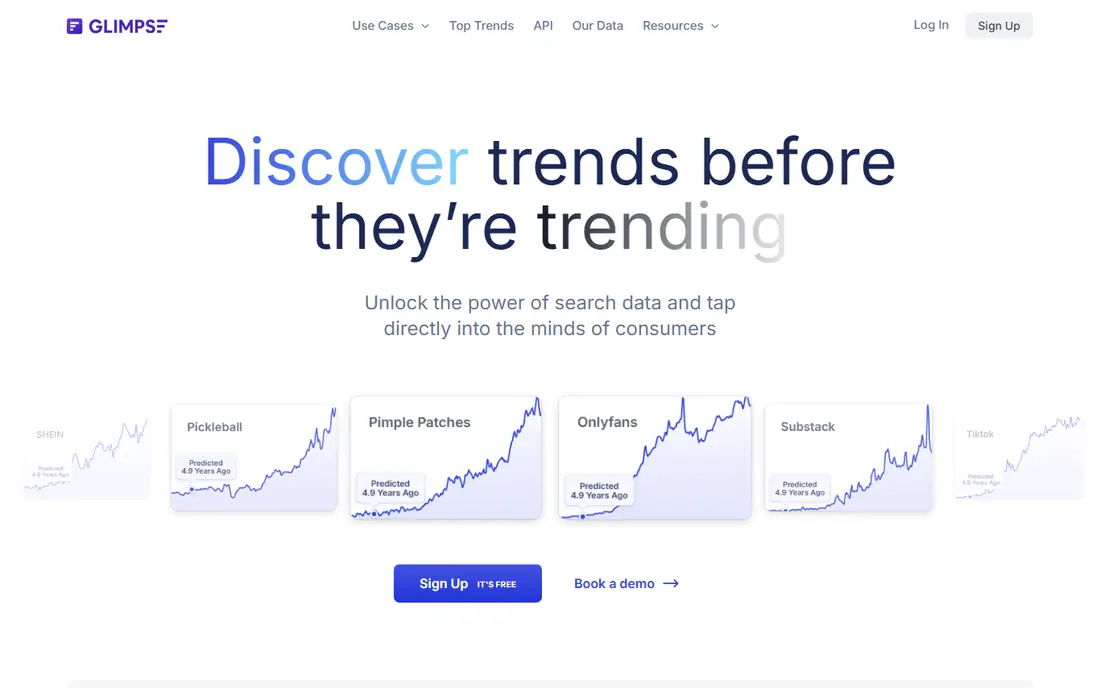
Glimpse starts from Google Trends data and adds the layers Trends lacks. You can explore a keyword, see interest over time, and view forecasts for how interest may change. That forecast view helps marketers decide whether a topic is a short spike or a longer shift worth building content around. The tool also offers prepared trend reports by industry, including health, beauty, fashion, technology and finance. Those reports save time when you need a market overview without building every query yourself. A browser extension gives quick trend checks while you browse. The downside is pricing transparency. Glimpse shows paid pricing inside the app, so you need to sign up to see full plan details. A free hobbyist tier covers a small number of lookups per month, which is enough to test the tool but not for daily research. Confirm the paid plan before you rely on it for team work.
- Google Trends data plus forecasts
- Industry trend reports
- Browser extension
- Paid pricing is shown inside the app
- Some features need a paid plan
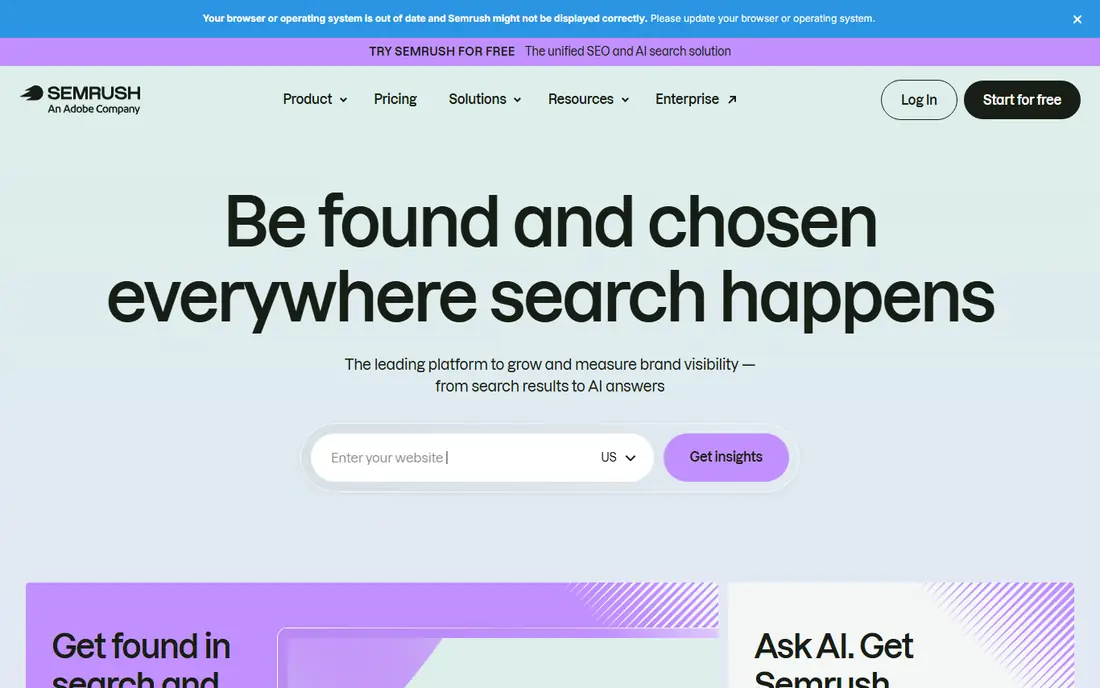
Semrush answers a different question than Google Trends. Trends tells you whether interest is rising, while Semrush helps you judge whether that interest is worth building around, by pairing trend data with keyword volume, competition and SERP features. That planning view is useful for content and SEO roadmaps. Topic Research generates content ideas from a seed keyword, with trending subtopics flagged for attention. Market Explorer and Traffic Analytics, in higher plans, show market structure and site traffic trends, which helps you place a keyword trend in a wider market context. The trade-off is size and cost. Semrush is a full SEO suite, so trend work sits inside a larger platform that takes time to learn. Some trend features need higher plans or add-ons, so check the plan details for your use case before you compare the headline price with a niche trend tool.
- Keyword volume plus trends
- Topic Research
- Market and traffic tools
- Large suite can feel complex
- Trend suite features need higher plans or add-ons
Ahrefs suits SEO teams that want to turn a Google Trends spike into a demand check. Keywords Explorer shows search volume history, so you can see whether a rising topic has real search volume or only relative interest. That volume check prevents wasted work on topics that trend in charts but attract few searches. The platform also shows which pages rank for a topic and which pages earn links, so you can see what content already serves the trend. That link and content view helps you judge whether you can compete, or whether the topic is already covered by strong sites. The limit is curation. Ahrefs does not hand you a feed of emerging trends like Exploding Topics does. You need to enter keywords and analyse the data yourself. If you want discovery done for you, pair Ahrefs with a trend feed tool.
- Keyword volume history
- Content and link trends
- Large keyword database
- Not a curated trend feed
- Trend insight needs manual analysis
AnswerThePublic turns one keyword into the questions, prepositions and comparisons people type into search engines. That view is useful when Google Trends shows a rising topic but does not tell you what people actually want to know about it. The visual map groups questions by type, which helps with FAQ and article planning. Paid plans add search volume, cost data and more searches per month, while registered free users get a small number of searches per day. For content writers, that question data often matters more than a trend chart, since it shapes headings and answers directly. The downside is depth. AnswerThePublic does not forecast trends or track social sentiment, and the Starter plan limits searches per month. Use it for content angles after you spot a trend, not as your only trend discovery tool.
- Questions and phrases people search
- Visual topic maps
- Search volume on paid plans
- No trend forecasting
- Limited searches on lower plans
BuzzSumo shows which content is gaining traction, who shares it, and which topics are rising in articles and social posts. That content view complements Google Trends, which shows search interest but not which article or video actually drove the spike. For content and PR teams, that distinction matters. The platform also helps with outreach, since you can find journalists and creators who cover a topic. Alerts notify you when a topic or brand gains traction, so you can react while a story is still moving. That alert flow is useful for news-driven content. The limit is search depth. BuzzSumo does not offer the same keyword volume history or competition data as Semrush or Ahrefs. Use it to find trending content and angles, and use an SEO tool to check whether the topic has lasting search demand.
- Trending content discovery
- Journalist and influencer data
- Content alerts
- Search trend data is less deep than Semrush
- Social sentiment is limited
SparkToro answers a question Google Trends cannot: where does your audience actually spend time online. Enter a topic, keyword or site your audience visits, and SparkToro shows the social accounts, websites, podcasts and YouTube channels that audience follows. That channel view helps with distribution, not just topic choice. For marketers, that insight changes the plan. A topic may trend on search, but if your audience learns about it on podcasts and newsletters, your distribution should match that habit. SparkToro makes that habit visible in a clear profile you can share with a team. The trade-off is trend scope. SparkToro is not a search trend chart tool, so you will not get the same time-series view as Google Trends. Use it after you spot a trend, to decide where to publish and promote, rather than as a replacement for trend tracking itself.
- Audience channels and sources
- Social and podcast data
- Clear audience profiles
- Not a search trend chart tool
- Pricing varies by plan
AlsoAsked visualises People Also Ask data from search results as a branching tree. Start with one question, and the tool shows the follow-up questions people ask next, level by level. That tree view helps content writers build FAQ sections and article structures that match real search behaviour. The interface is simple, and exports let you share a question tree with a team or client. For SEO writers, that clarity is useful, since a flat keyword list does not show how questions connect. AlsoAsked also helps you spot gaps, where a follow-up question has no good answer yet. The limit is narrow focus. AlsoAsked covers question relationships, not search volume, competition or trend forecasting. Pair it with Semrush, Ahrefs or Google Trends for demand checks, and use AlsoAsked to shape the content itself.
- People Also Ask trees
- Question relationships
- Simple export and sharing
- Narrow focus on questions
- No volume or forecasting in basic use
How we picked these
We reviewed official feature pages, pricing pages, documentation and public reviews for each tool. We focused on trend discovery, search volume, forecasting, question data, content trends and audience insight, rather than only chart style. Where pricing was shown inside an app or varied by plan, we used See website instead of a single figure. We checked that each tool is still sold and working in 2026 and truly offers an alternative to Google Trends, not just a general SEO dashboard with no trend view. Tools that had closed or offered only a basic chart with no added data did not make the list. Confirm current pricing on the vendor site, since trend tools change plans often.
How to use trend data without chasing spikes
Start with a trend, then check demand, competition and audience fit before you act. A spike on Google Trends may reflect a news event, a seasonal peak or a one-off viral moment, not a lasting shift. Check search volume history in Semrush or Ahrefs, and check whether the topic returns each year or only once. Next, look at the questions and content behind the spike. AnswerThePublic and AlsoAsked show what people actually ask, while BuzzSumo shows which content already covers the topic. If the questions are already answered well by strong sites, you need a sharper angle, not just another article on the same topic. Finally, set a decision rule. Decide in advance what counts as a real trend for your work, such as sustained growth over months, rising volume plus a clear audience channel, or a gap in good answers. Without a rule, every spike feels urgent, and trend research becomes a distraction instead of a planning tool.
Compare regions and time ranges
Google Trends and its alternatives let you compare regions and time ranges, and that comparison often changes the story. A topic may rise globally but fall in your market, or rise only in one season. Check your target region and a longer time range before you invest in content or a product.
Frequently asked questions
What is the best free Google Trends alternative?
Google Trends itself is free, so the best free alternative depends on what you need beyond Trends. Glimpse offers a free tier, AnswerThePublic offers free daily searches, and AlsoAsked offers free question trees. For full trend planning, a paid tool is usually needed.
Is Exploding Topics better than Google Trends?
Exploding Topics is better for discovering fast-growing topics early, since it curates trends and shows growth curves. Google Trends is better for a quick, free check of interest over time for a keyword you already know. Many teams use both, with Exploding Topics for discovery and Trends for a quick check.
Can Semrush replace Google Trends?
Semrush can replace Google Trends for SEO planning, since it adds volume, competition and topic research to trend data. It does not replace the free, instant chart that Trends offers for a quick comparison. If you already pay for Semrush, you may not need a separate trend chart tool.
How do I spot a real trend versus a spike?
Check duration, volume and repeat patterns. A real trend grows over months or returns seasonally, while a spike rises fast and falls fast after a news event. Use volume history, question data and content coverage together, rather than judging from one chart alone.
Which tool is best for content ideas?
AnswerThePublic and AlsoAsked are best for content ideas from real search questions, while BuzzSumo is best for trending content angles. Exploding Topics is best for early topic ideas. Combine a question tool with a trend tool to get both the topic and the angle.
Does Glimpse use Google Trends data?
Yes, Glimpse builds on Google Trends data and adds forecasts, channel breakdowns and prepared reports. That makes it a closer alternative than a tool that only repeats the Trends chart. Check the Glimpse site for current features, since data sources and plans change over time.
Sources we checked (8)

Online Jobs is an independent blog about careers, online work, learning new skills and the tools that help people earn. More about us.
Keep reading
All posts
ZoomInfo Alternatives
The best ZoomInfo alternatives in 2026, compared on price, free plans, data coverage, and which tool fits small teams or large sales teams best in detail.

Workday Alternatives
We compared the best workday alternatives for HR, payroll, and global hiring, from BambooHR and Gusto to Rippling, Deel, and HiBob for growing teams in 2026.
Which SaaS Tools Have the Best Customer Support
Which SaaS tools have the best customer support? Compare eight popular tools on help centres, live help, response options and overall support quality.