Best Google Search Alternatives in 2026: 8 Tools Compared

How we put this together: we compare official feature and pricing pages, app store listings, privacy policies and public user reviews. Prices change, so check the provider's site before you pay.
Key takeaways
- DuckDuckGo is the easiest switch for most people, because it is free, private by design and feels familiar.
- Brave Search is the best free option with its own independent index, rather than mainly borrowing results from Bing or Google.
- Kagi is the pick for heavy searchers who will pay to remove ads and tune results site by site.
- Startpage suits people who want Google-style results with an extra privacy layer, while Ecosia suits people who want search revenue to fund tree planting.
- No alternative matches Google for local results and niche queries in every case, so keep a second engine bookmarked for those searches.
Quick comparison
| Name | Who it suits | Starting price | Free option | |
|---|---|---|---|---|
 DuckDuckGo | Easiest private switch | Free | Yes | Visit |
 Brave Search | Independent index, free | Free | Yes | Visit |
 Bing | Mainstream alternative with rewards | Free | Yes | Visit |
 Startpage | Google-style results, more privacy | Free | Yes | Visit |
 Kagi | Paid, ad-free, tunable search | $5.00 per month | Free trial | Visit |
 Ecosia | Search that funds tree planting | Free | Yes | Visit |
 Qwant | European privacy-focused search | Free | Yes | Visit |
 Perplexity | Cited AI answers for research | Free | Yes | Visit |
The best Google search alternatives
We compared engines that you can set as a browser default, use on mobile, and rely on for everyday searches. The list mixes free privacy engines, a paid engine and AI answer engines, because people leave Google for different reasons: tracking, ads, result quality or a wish to support a different model.
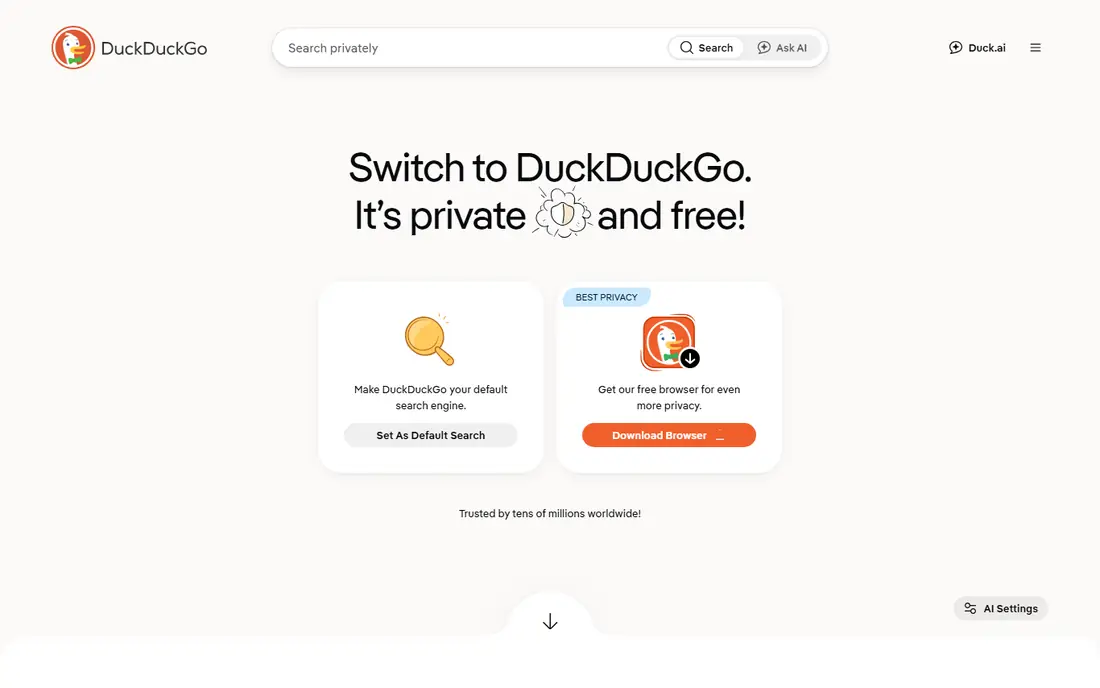
DuckDuckGo is the most straightforward alternative to Google search. You type a query, you get results without a personal profile built from your searches, and the interface stays close to what most people already know. Bang shortcuts, such as typing a site shortcut before a query, make it quick to jump to a specific site when you already know where you want to go.
The limit is depth in some areas. Because DuckDuckGo draws on Bing and its own crawler and specialist sources, local business results and very niche queries can feel thinner than Google. For everyday web, news and shopping searches, most people will not notice a gap. For local services, keep Google or Bing as a backup until you have tested DuckDuckGo in your area.
- No personal search profiling as described by the provider
- Simple interface
- Bang shortcuts jump to other sites
- Results draw heavily on Bing and other sources
- Local results can be thinner than Google
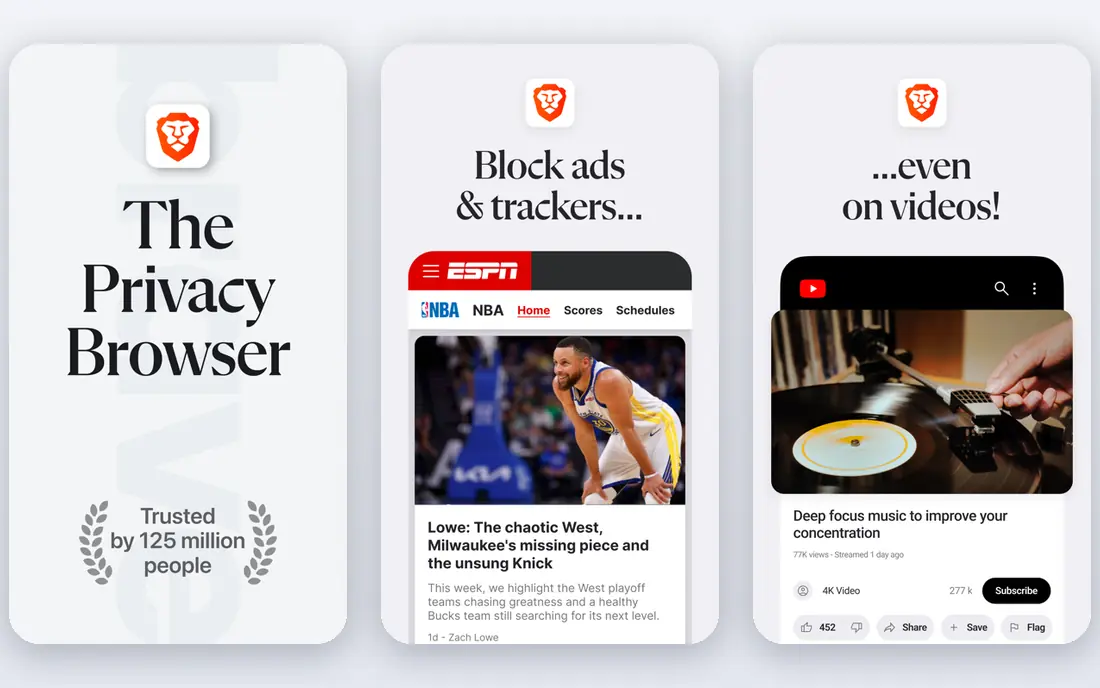
Brave Search stands out because it built its own index rather than renting results as its main source. That independence matters if you want results that are not shaped by Bing or Google rankings. Brave also offers an Answer with AI feature for question-style queries, and Goggles, which are custom rules that let you raise, lower or block sites in your results.
For general searches, Brave Search feels fast and clean, and it works in any browser, not only Brave. The weak spot, as with most alternatives, is local and highly specialised queries, where Google depth still shows. Brave sells a Premium tier that removes ads, but the free tier is enough for most people to test the engine for a few weeks.
- Own independent index
- No search profiling as described by the provider
- Goggles let you re-rank results
- Local and niche results can still lag Google
- Premium is tied to the Brave browser in some cases
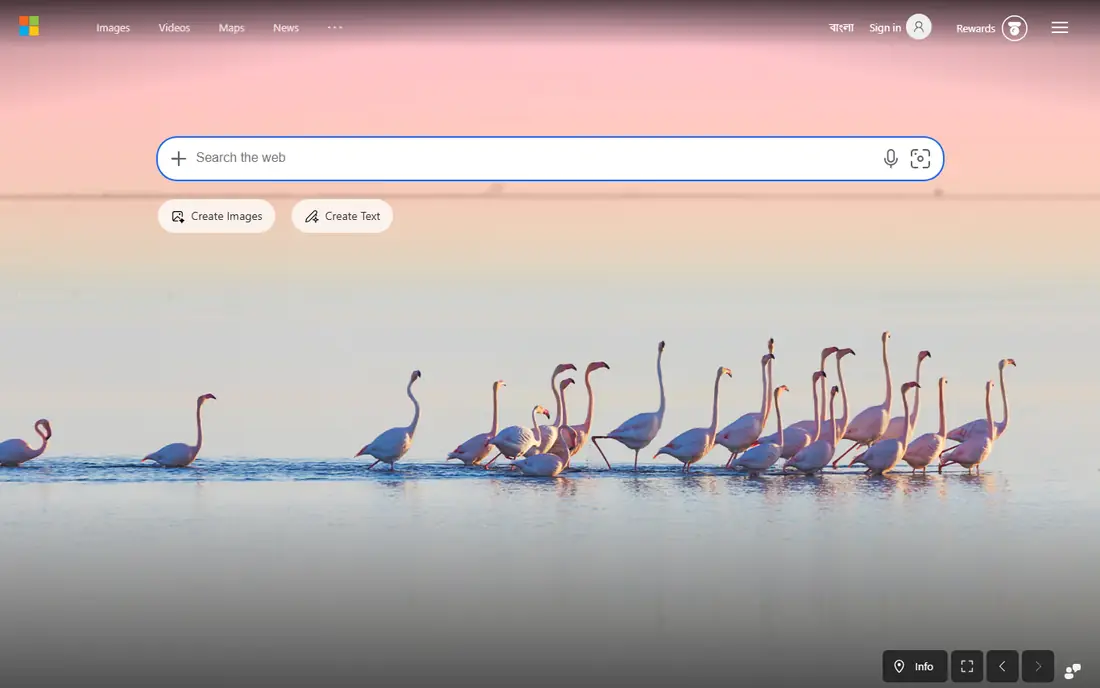
Bing is the least disruptive alternative to Google, because it is a full mainstream engine with its own index, image and video search, maps and news. If you use Windows or Microsoft services, Bing also fits naturally into that setup. Microsoft Rewards can add a small benefit for regular searchers in regions where the program runs.
Privacy is the trade-off. Bing personalises results and shows ads in the usual mainstream way, so it is not a privacy-first pick like DuckDuckGo or Brave Search. Choose Bing if you want a familiar, feature-rich engine and you are mainly leaving Google for result variety or ecosystem fit, not for tracking concerns.
- Full mainstream feature set, including images, maps and news
- Copilot answers
- Rewards program in many regions
- Uses a standard mainstream privacy model with personalisation
- Search ads are part of the free experience
Startpage acts as a privacy layer between you and Google results. You get results that feel close to Google, but Startpage states that it does not track, log or share your personal search data in the way a direct Google search would. Anonymous View adds a way to open a result page with extra protection from trackers on that page.
That model has limits. Startpage is not an independent index, so you are still seeing Google-shaped results, and the free experience includes ads. For people who like Google results but dislike direct Google tracking, that is a fair middle ground. For people who want a fully independent index, Brave Search or Mojeek-style engines are closer.
- Returns Google-style results through a privacy layer
- Anonymous View lets you open pages with less tracking
- Simple interface
- Ads are present in the free experience
- Fewer AI and tuning features than Kagi or Brave Search
Kagi charges for search so it does not need to sell ads against your queries. Paid plans remove ads, and the tuning tools are the real reason to pay: you can block a site you never want to see, raise sites you trust, pin a favourite source, and build Lenses that focus results on a topic such as programming or news. Kagi Assistant is included in paid plans for AI help alongside results.
Price is the decision point. The trial gives 100 searches, the Starter tier gives 300 searches a month, and the Professional tier gives unlimited searches, so heavy searchers should price Professional, not Starter. If you search only a few times a day, Starter may be enough, but if you search all day for work, the higher tier is the honest cost.
- No ads in paid plans
- Block, raise, lower or pin any site
- Lenses focus results by topic
- Paid after a 100-search trial
- Low-cost tier limits searches per month
- Payment creates an account link
Ecosia gives everyday search a different purpose. Ad revenue from searches funds tree planting projects, and the provider publishes reports on where money goes. The search experience itself is familiar, with web, image and news tabs, and it works as a browser default on desktop and mobile.
Result quality is close to other Bing-based engines, which means general searches work well and local or niche queries can lag Google. Ecosia is best for people who want a free, easy switch with a clear social benefit, rather than for people who need the strictest privacy model or the most tunable results.
- Free to use
- Search revenue funds tree planting projects as described by the provider
- Simple, familiar results
- Results draw on Bing and other sources
- Privacy protections are good but not as strict as DuckDuckGo in some descriptions
Qwant is a French search engine that positions itself around privacy and neutrality. It does not build a personal profile from your searches as described by the provider, and it organises results into web, news, images and other categories. For European users, the EU base and local results can be a plus.
In English-language use, Qwant can feel less deep than Google, Bing or DuckDuckGo for very specific queries. It is still a solid free default for everyday searches, especially if you value a European provider and a clean interface over AI answers and advanced tuning. Pair it with a second engine for research-heavy days.
- European provider with privacy-focused positioning
- No personal profiling as described by the provider
- Simple categories for web, news and images
- Results can be thinner for English-language niche queries
- Fewer AI features than Perplexity or Kagi
Perplexity is different from the other engines here. Instead of mainly listing links, it gives a written answer with citations, then lets you ask follow-up questions. That makes it useful for research, comparisons and explainers, where you want a summary first and sources to check. The free tier covers many everyday queries, with a paid Pro tier for heavier use and more advanced models.
Perplexity is not a direct Google replacement for every task. For navigation, such as finding a specific site, a classic engine is faster. For local results, Google and Bing still lead. Use Perplexity as a research companion, and check its citations before you rely on an answer for an important decision.
- Answers with cited sources
- Follow-up questions keep context
- Free tier covers everyday research
- Not a privacy-first search engine in the same way as DuckDuckGo
- Paid Pro tier is $20 per month in many listings
How we picked these
We compared official feature pages, pricing pages, privacy policies and app store listings, plus public reviews of result quality. We looked at whether an engine uses its own index, borrows results, or acts as a privacy layer, and we noted free plans, paid tiers and AI features as vendors describe them. We also weighed everyday usability, such as setting a browser default, mobile apps and image and news search.
We did not claim hands-on testing that did not happen, and we did not invent user counts, ratings or market shares. Where a vendor price or limit was unclear, we described it in general terms and pointed readers to the vendor page, since search pricing and AI limits change often.
How to choose and switch without losing good results
Set one alternative as your default for two weeks, and keep Google or Bing bookmarked for the queries where the new engine feels thin. That test tells you more than any feature list, because local results, shopping and niche topics vary by region and by the sites you visit most. Note which queries fail, and whether a second engine fixes them.
Privacy, ads and AI answers
If privacy is your main reason to switch, pick an engine that states it does not build a personal search profile, and check whether ads are personalised or contextual. If ads bother you most, a paid engine such as Kagi removes them, while Brave Premium does the same for Brave Search. If AI answers matter most, test Perplexity and Kagi Assistant for your actual questions, and always check citations for facts you will act on.
Settings that make a switch stick
Turn on safe search to your comfort level, set your region and language, and add the engine to your phone browser as well as desktop. On DuckDuckGo, learn a few bang shortcuts. On Brave Search, try a Goggle for a topic you search often. On Kagi, block one noisy site on day one, since that small win shows why tuning can be worth paying for.
Frequently asked questions
What are the best alternatives to Google search?
DuckDuckGo is best for an easy private switch, Brave Search is best for a free independent index, and Kagi is best if you will pay for ad-free, tunable results. Bing is best for a mainstream switch, Startpage is best for Google-style results with more privacy, and Perplexity is best for cited AI research answers. The right pick depends on whether privacy, ads, local results or AI answers matter most to you.
Is DuckDuckGo really private?
DuckDuckGo states that it does not create personal search profiles or track your searches across the web in the way Google does. That does not mean every site you visit after a search is private, since those sites have their own trackers. Use a private browser, check tracker blocking settings, and remember that signing into other services can still link activity to an account.
Is Brave Search better than DuckDuckGo?
Brave Search has its own independent index, while DuckDuckGo draws heavily on Bing plus its own sources, so Brave can give different results for some queries. DuckDuckGo is simpler and has bang shortcuts that many people like. Try both as defaults for a week each, and keep the one that handles your local and niche queries better.
Can I use Google search alternatives on my phone?
Yes. DuckDuckGo, Brave Search, Bing, Startpage, Kagi, Ecosia, Qwant and Perplexity all work in mobile browsers, and several offer their own apps. Set the engine as the default in your phone browser settings, and check that image and news search work the way you expect before you rely on it for daily use.
Why do some alternatives show worse local results than Google?
Google has deep local business data, maps and review coverage that smaller engines do not match in every area. Bing-based engines are often closer, but still vary by town and category. If local results matter for your work, test each engine with real local queries, such as a plumber, a pharmacy or a restaurant near you, before you settle on one default.
Is Kagi worth paying for?
Kagi is worth paying for if you search heavily, dislike ads, and will use tuning tools such as blocking, raising and pinning sites. The Starter tier suits light searchers, while Professional suits people who search all day. If you search only a few times a day and do not mind ads, a free engine such as DuckDuckGo or Brave Search is the better value.
Sources we checked (8)

Online Jobs is an independent blog about careers, online work, learning new skills and the tools that help people earn. More about us.
Keep reading
All posts
Best Phone Company
Looking for the best phone company in 2026? We compared 9 US carriers on price, coverage, data and perks so you can pick the right plan for your line.
Best EV Charging App
Best ev charging app picks for US drivers in 2026, compared by station coverage, payments, trip planning, and driver reports for public charging across the US.
Best Arduino Alternatives
Looking for the best Arduino alternatives? We compare ESP32, Raspberry Pi Pico, Teensy and more on speed, wireless, price and ease of use today for makers.