Best Google Keep Alternatives in 2026: 8 Apps Compared

How we put this together: we compare official feature and pricing pages, app store listings, privacy policies and public user reviews. Prices change, so check the provider's site before you pay.
Key takeaways
- The closest Google Keep alternatives for quick notes are Simplenote, UpNote and Zoho Notebook, not full workspace tools.
- If notes grow into projects, Notion and OneNote handle structure better than a sticky-note app.
- For privacy and local control, Obsidian and Joplin keep notes in files you can move, back up and export.
- Apple Notes is the best free alternative for Apple users, but it is a weak choice if you use Android and Windows as well.
Quick comparison
| Name | Who it suits | Starting price | Free option | |
|---|---|---|---|---|
 Microsoft OneNote | Structured notebooks | Free | Yes | Visit |
 Notion | Team workspaces and databases | Free | Yes | Visit |
 Obsidian | Local Markdown knowledge base | Free | Yes | Visit |
 Evernote | Searchable long-term notes | See website | Free trial | Visit |
 Bear | Polished Markdown notes on Apple | See website | Free trial | Visit |
 Simplenote | Fast minimal text notes | Free | Yes | Visit |
 Joplin | Open-source Evernote replacement | Free | Yes | Visit |
 Zoho Notebook | Visual cross-platform notes | Free | Yes | Visit |
The best Google Keep alternatives
Google Keep is fast, free and simple, which is why it is hard to replace. The apps below are not all direct clones. Some copy the sticky-note feel, while others trade speed for structure, privacy or team features. Pick by how your notes grow after you capture them.
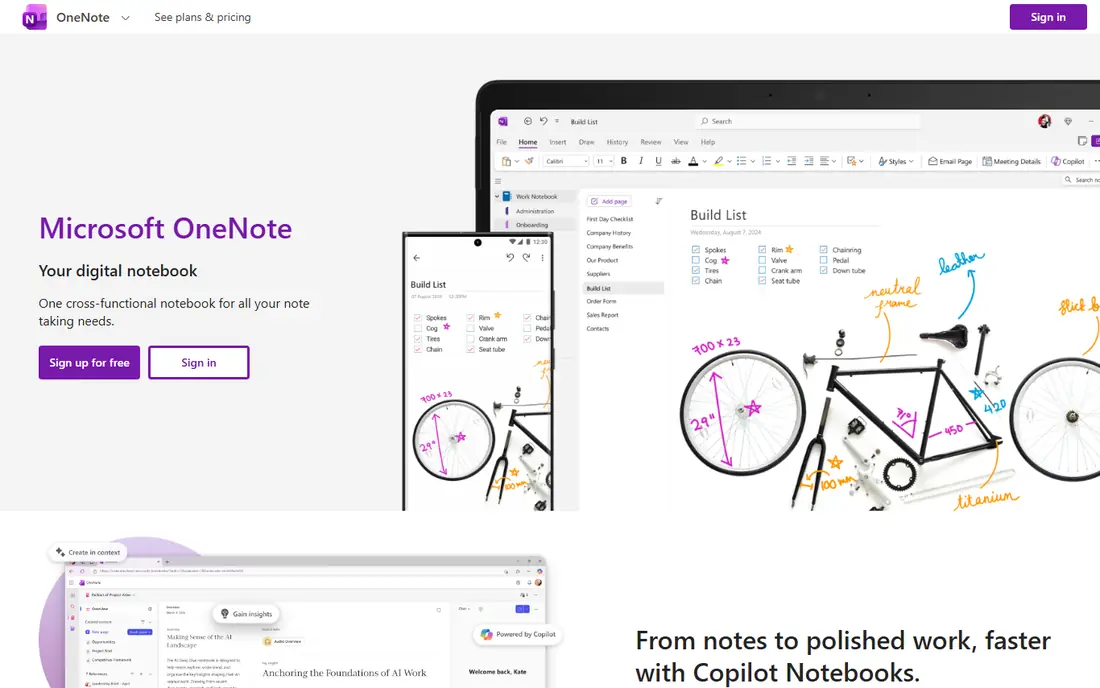
OneNote is the best free all-rounder for people who outgrow Keep. You organise notes into notebooks, sections and pages, add typed notes, handwriting, images and audio, and share pages with others. It runs on Windows, Mac, iPhone, iPad, Android and the web, so it suits mixed-device households and workplaces.
The trade-off is weight. OneNote is not as instant as Keep for a two-line list, and its best sync runs through OneDrive. If you want a notebook for study, work projects or long-term reference, that structure is worth it. If you only want a quick shopping list, a lighter app below will feel faster.
- Free with a Microsoft account
- Notebooks, sections and pages
- Handwriting and audio notes
- Can feel heavy for a quick list
- Sync depends on OneDrive
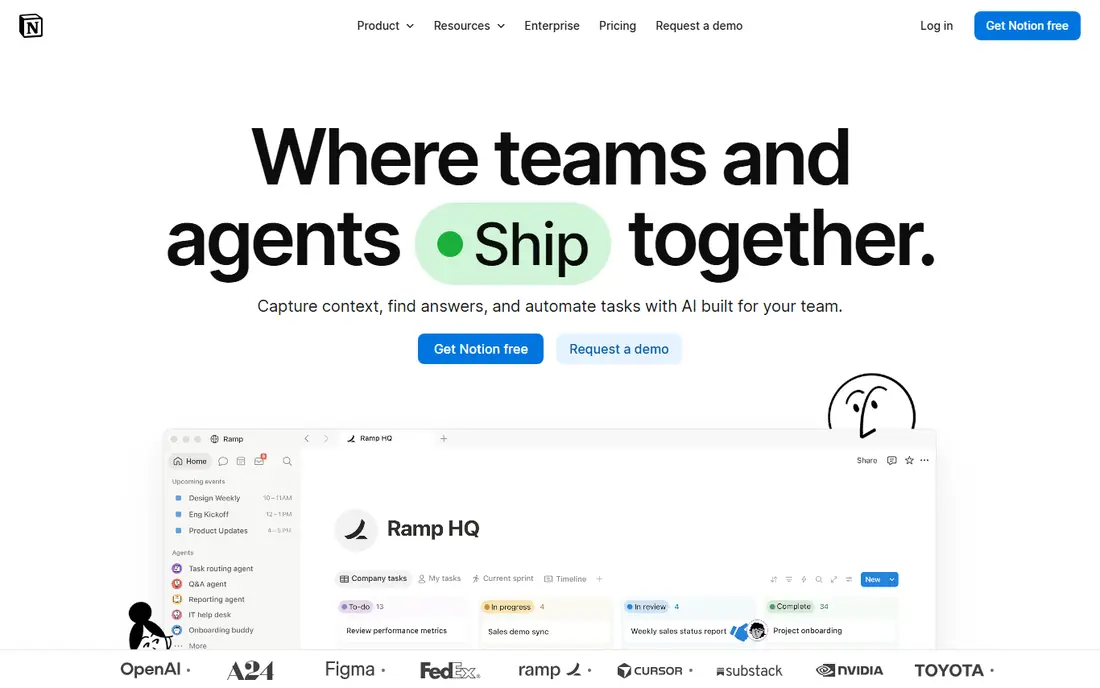
Notion is the pick when notes become projects. A note can become a task list, a database row, a wiki page or a shared team doc, and templates cover meeting notes, reading lists and project trackers. Collaboration is built in, so teams can comment, assign tasks and share a workspace without a separate tool.
It is not a Keep clone. Capturing a quick thought in Notion takes more taps, and offline use is more limited than a local notes app. Use Notion when you need structure, sharing and search across a growing body of work. Keep a lighter app for instant capture, and move the keepers into Notion when they become projects.
- Pages, databases and templates
- Strong collaboration
- Web and mobile apps
- Needs internet for best use
- Can be slow to set up for simple notes
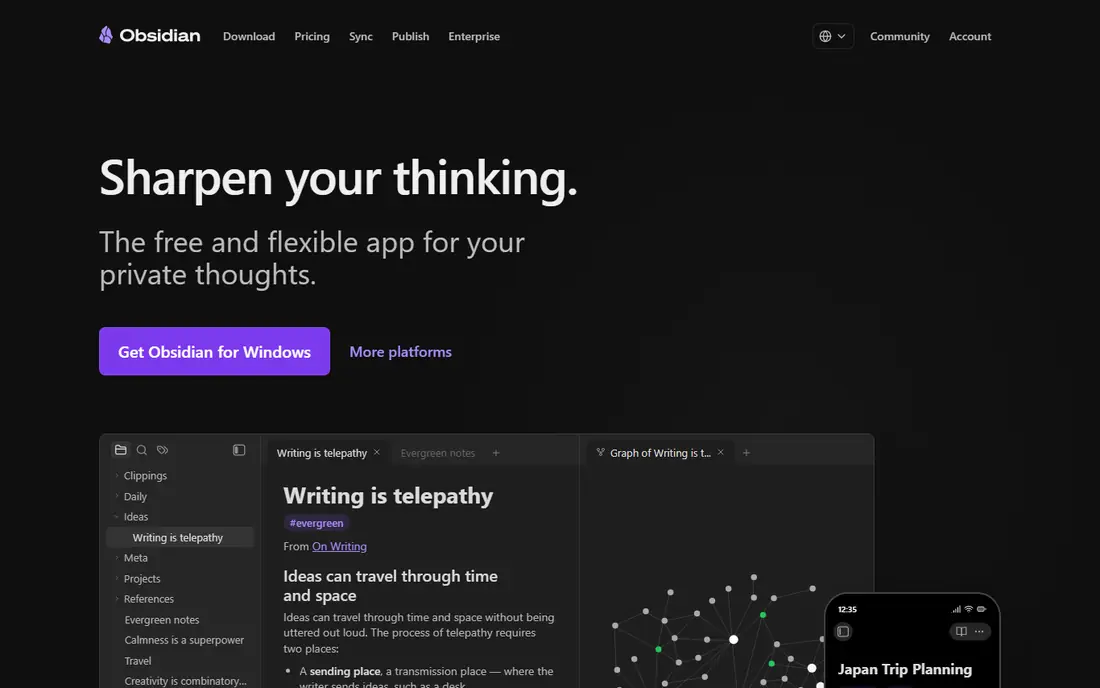
Obsidian is the privacy and ownership pick. Your notes live as plain Markdown files on your device, so you can back them up, move them and open them in other apps. Links between notes, tags and a graph view help you build a personal knowledge base that grows over years, not just a list of reminders.
The catch is setup. Obsidian is powerful, but new users need time to learn Markdown, folders, links and plugins. Official sync costs extra, though you can sync files with your own cloud or file tool. If long-term control matters more than instant simplicity, Obsidian is the strongest alternative on this list.
- Local Markdown files
- Linked notes and graph view
- Large plugin community
- Learning curve
- Sync is a paid add-on for official cloud sync
Evernote remains useful for people with a large, long-term note archive. Its search can find text in notes, PDFs and images, and its web clipper saves articles and research with source links. Notebooks, tags and reminders help organise years of material, and it works across desktop and mobile.
The free tier is limited, and paid plans are priced above simple note apps, so Evernote is best for users who actually use search and clipping every week. If you only need quick lists, a free app will serve you better. If your notes are a research library, Evernote's search may justify the cost.
- Strong search
- Web clipper
- Notebooks, tags and reminders
- Free tier is limited
- Paid plans cost more than lighter apps
Bear is the design pick for Apple users. It offers clean Markdown writing, hashtag organisation, fast search and a calm editor that makes long notes pleasant to write. It feels closer to Keep in speed than Notion or OneNote, while handling longer writing much better.
The limit is platform. Bear runs on iPhone, iPad and Mac, not on Android or Windows, so it is a poor choice for mixed-device users. Sync also needs a paid plan. If you live in the Apple ecosystem and want beautiful, fast notes, Bear is excellent. If you switch devices often, choose a cross-platform app instead.
- Clean Markdown writing
- Tags and search
- Apple device polish
- Apple only
- Sync needs a paid plan
Simplenote is the closest free clone of Keep's spirit. It is a minimal text notes app with tags, search, history and sync across devices, and it opens fast. There is little to learn, which is the point. You write a note, tag it, and find it later.
It will not replace a media-rich notebook. Images, drawings and complex formatting are limited, and there are no databases or team workspaces. For shopping lists, ideas, passwords reminders in plain text and short notes, Simplenote is ideal. For study notes with images and audio, use OneNote or Obsidian.
- Free
- Fast sync
- Tags and search
- Very light interface
- No rich media depth
- Limited formatting compared with OneNote
Joplin is the open-source workhorse. It supports Markdown notes, notebooks, tags, attachments, web clipping and optional end-to-end encryption, and it can sync through your own cloud storage or Joplin Cloud. It also imports from Evernote, which helps people leaving that platform with a large archive.
The interface is practical rather than pretty, and first setup needs a few decisions about sync. That is a fair trade for a free, portable system you control. If you want Evernote-style depth without a subscription, and you do not mind a plain interface, Joplin is the best value pick here.
- Free and open source
- Markdown notes
- End-to-end encryption option
- Import from Evernote
- Interface is functional rather than polished
- Setup takes a little time
Zoho Notebook keeps the visual feel of Keep while adding more note types. Notes appear as cards, and you can create text notes, checklists, audio notes, photos and sketches, then organise them into notebooks. It syncs across phone, tablet and web, and the free plan covers the core features.
It is not a team workspace or a knowledge graph tool, so large project work may outgrow it. For personal notes, family lists and visual thinkers who like Keep's card layout but want a little more room, Zoho Notebook is a friendly, free alternative that works on more platforms than Apple Notes.
- Free
- Visual card layout
- Text, audio, image and checklist notes
- Sync across devices
- Team features are lighter than Notion
- Some users want deeper organisation
How we picked these
We compared official feature pages, pricing pages and app listings for Google Keep alternatives, and we favoured apps that are still available, offer a free or trial entry, and fit a real Keep use case: quick capture, lists, reminders, search or sharing. We checked platforms, offline behaviour where stated, export options and privacy model, and we grouped apps by speed, structure and control rather than ranking one winner for everyone. We did not claim hands-on testing.
How to choose the right Google Keep alternative
Start with your devices. If you use Apple only, Apple Notes or Bear may be enough. If you mix Android, Windows and web, choose OneNote, Simplenote, Joplin or Zoho Notebook, because a notes app you cannot open on your main device will fail no matter how good it looks.
Next, test capture speed. Add five real notes in a day, including a list, a photo note and a reminder, and see which app you actually open. Then check export. A good notes app lets you export in a common format, so you are not locked in if it changes pricing or closes. Finally, separate capture from storage. Many people do best with a fast capture app for daily lists and a second app for long-term notes, rather than forcing one app to do both jobs badly.
Frequently asked questions
What are the alternatives to Google Keep?
The main alternatives to Google Keep are Microsoft OneNote, Notion, Obsidian, Evernote, Bear, Simplenote, Joplin and Zoho Notebook. Quick-note users should test Simplenote or Zoho Notebook first, while project and research users should test Notion, OneNote or Obsidian.
What is the best free alternative to Google Keep?
Microsoft OneNote, Simplenote, Joplin and Zoho Notebook all offer free plans that cover core notes, lists and sync. OneNote suits structured notes, Simplenote suits speed, Joplin suits control and privacy, and Zoho Notebook suits visual card-style notes.
Can I move my notes out of Google Keep?
Yes, Google Takeout lets you export Keep notes, and several alternatives offer import tools or accept common formats. Check how each app handles colours, labels, images and checklists before you move, because some details may not transfer perfectly.
Which Google Keep alternative is best for privacy?
Obsidian and Joplin are the strongest privacy picks, because notes live as local files and you control sync and backups. Joplin also offers end-to-end encryption for synced notes, which adds protection if you sync through a cloud service.
Is Apple Notes a good Google Keep alternative?
Apple Notes is excellent for Apple users, with free sync, checklists, images and sharing across iPhone, iPad and Mac. It is a weak choice if you also use Android or Windows regularly, because there is no full native app on those platforms.
Do I need to pay for a notes app?
Not for basic notes. Free plans from OneNote, Simplenote, Joplin, Zoho Notebook and Obsidian cover capture, lists and search for most personal use. Pay only when you need official cloud sync, team features, larger storage or advanced search and organisation.
Sources we checked (8)

Online Jobs is an independent blog about careers, online work, learning new skills and the tools that help people earn. More about us.
Keep reading
All posts
Zoom Alternatives
Zoom alternatives compared for 2026: Google Meet, Microsoft Teams, Webex, Jitsi and more for free calls, large meetings and webinars for teams and classrooms.

Which Software Is Best for Data Entry
Compare the best data entry software for forms, OCR scanning, and spreadsheets, with free plans, pricing, and honest limits for each tool before you commit.

What's the Best App to Read PDFs
Find what's the best app to read PDFs in 2026, from Adobe Acrobat Reader and Foxit to PDF Expert and Xodo, with free options and honest limits for every device.