Best Google Drive Alternatives in 2026: 9 Services Compared

How we put this together: we compare official feature and pricing pages, app store listings, privacy policies and public user reviews. Prices change, so check the provider's site before you pay.
Key takeaways
- Dropbox still leads for sync speed and large-file handling, while OneDrive leads for Microsoft 365 users who already pay for Office apps.
- Proton Drive, Sync.com, and MEGA lead for end-to-end encryption, where even the provider cannot read your stored files.
- pCloud suits people who prefer a one-time lifetime payment over another monthly subscription.
- iCloud+ is the natural pick for Apple households, and Box suits businesses that need governance and compliance controls.
- Free storage varies from 2 GB to 20 GB, so check the free tier and the paid tier you will actually need, not just the headline offer.
Quick comparison
| Name | Who it suits | Starting price | Free option | |
|---|---|---|---|---|
 Dropbox | Fast sync and large files | $11.99 per month | Yes | Visit |
 Microsoft OneDrive | Microsoft 365 users | $1.99 per month | Yes | Visit |
 iCloud+ | Apple households | $0.99 per month | Yes | Visit |
 pCloud | Lifetime payment fans | $49.99 per year | Yes | Visit |
 Proton Drive | Privacy-first users | $3.99 per month | Yes | Visit |
 Sync.com | Private client sharing | $8 per month | Yes | Visit |
 MEGA | Large free encrypted tier | See website | Yes | Visit |
 Box | Business governance | $10 per user per month | Yes | Visit |
 Nextcloud | Self-hosting and control | Free | Yes | Visit |
The best Google Drive alternatives
People leave Google Drive for different reasons: privacy, price, ecosystem fit, or a need for better sync. The services below cover those reasons, from simple consumer storage to self-hosted control. Compare storage, sharing, device apps, and encryption, since a cheap plan with weak sharing or no Linux app can frustrate daily use.
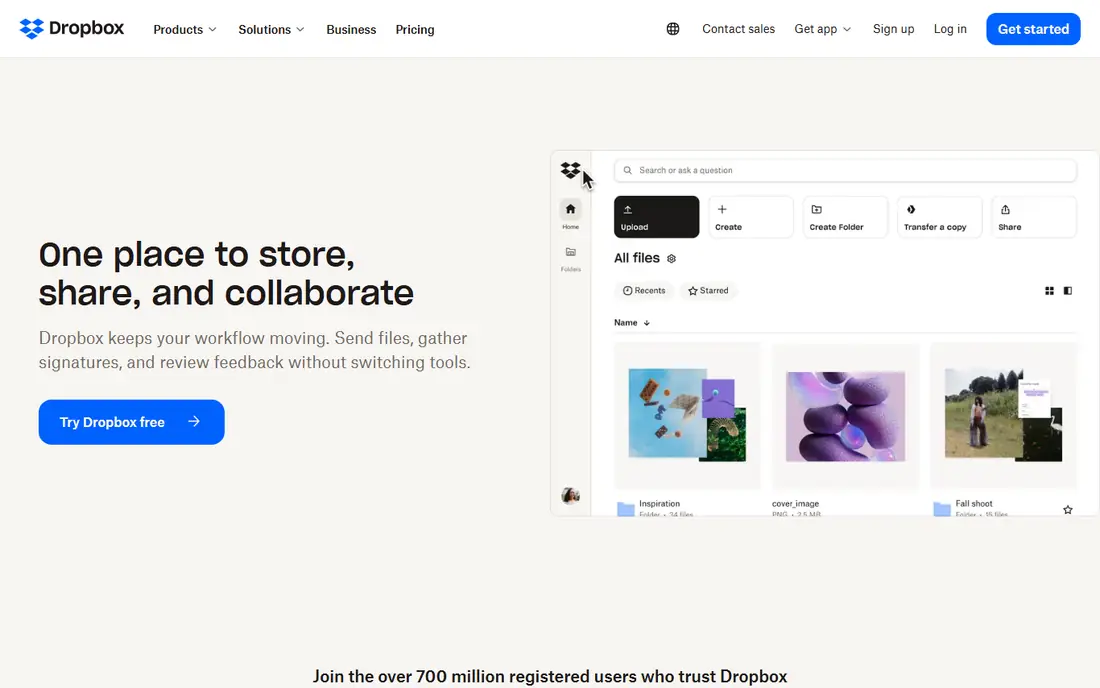
Dropbox remains the sync benchmark. Block-level sync updates only changed parts of a file, which makes large files and frequent edits feel faster than on many rivals. Sharing, version history, and integrations with creative tools are mature, and apps work well across Windows, Mac, mobile, and web.
The free tier is small at 2 GB, and paid plans cost more per terabyte than some privacy rivals. Dropbox also does not offer end-to-end encryption by default, so privacy-focused users should look at Proton Drive or Sync.com. For teams moving large creative files daily, Dropbox speed still justifies its price.
- Fast block-level sync
- Reliable apps
- Strong sharing and collaboration
- Only 2 GB free
- 2 TB plan costs more than some rivals
- No end-to-end encryption by default
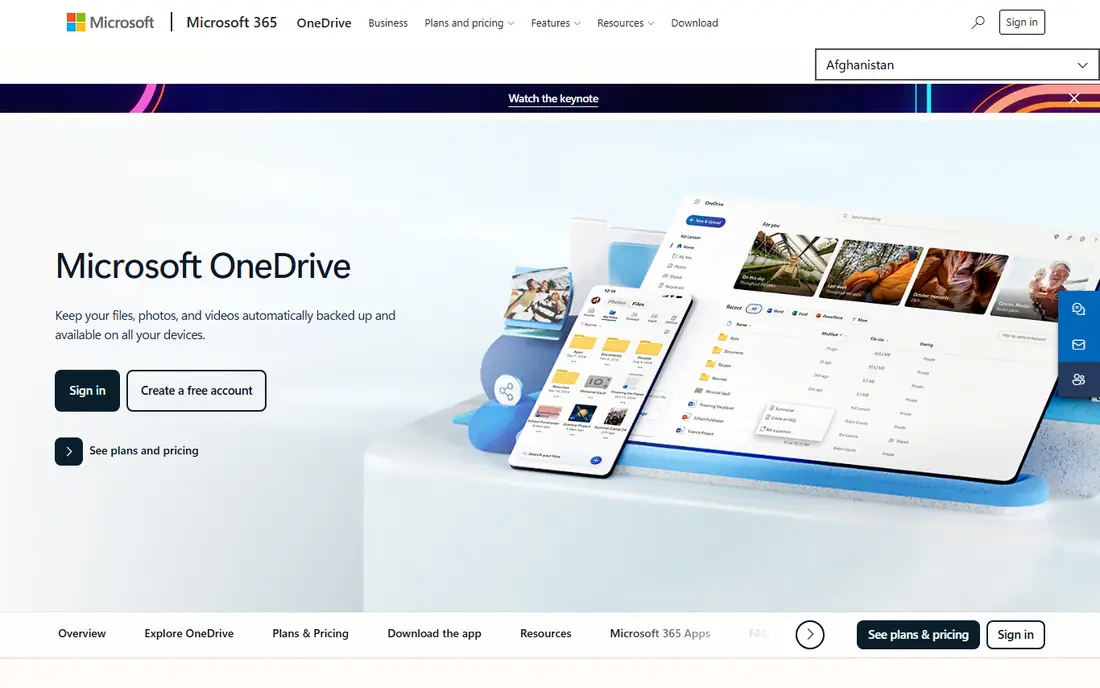
OneDrive is the obvious Drive alternative for Windows and Office users. Word, Excel, and PowerPoint save directly to OneDrive, collaboration works inside Office apps, and Microsoft 365 Personal adds 1 TB plus desktop Office apps for a yearly fee. Personal Vault adds extra authentication for sensitive files.
Standalone storage alone is less compelling, with only 5 GB free and a small 100 GB paid tier. Microsoft also holds encryption keys, so it does not match zero-knowledge rivals for privacy. If you already pay for Microsoft 365, though, OneDrive is effectively included and hard to beat on value.
- Deep Office integration
- 1 TB with Microsoft 365 Personal
- Personal Vault for sensitive files
- Only 5 GB free
- Not end-to-end encrypted
- Best value requires a Microsoft 365 subscription
iCloud+ suits households that live on iPhone, iPad, and Mac. Photos, device backups, documents, and app data sync quietly in the background, and family plans let households share larger tiers. For Apple users, that integration removes the friction of a separate storage app.
Windows users get a functional but thinner experience, and Android support is limited. The free tier is only 5 GB, shared with backups, so most households need a paid plan quickly. If your devices are mostly Apple, iCloud+ is the lowest-friction Drive alternative here.
- Deep Apple device integration
- Photo and device backup
- Family sharing options
- Only 5 GB free
- Windows and Android support is thinner
- Larger plans cost more
pCloud appeals to people tired of subscriptions. Annual plans cover 500 GB and 2 TB, and lifetime plans let you pay once for long-term storage, which can save money over several years if you keep the account. Media playback, file versioning, and sharing tools are solid for personal use.
End-to-end encryption, called Crypto, costs extra rather than being included by default, so privacy buyers should factor that add-on into the total. Lifetime value also depends on how long you use the service, so compare five-year subscription costs before committing to a one-time payment.
- Lifetime plans available
- Up to 10 GB free
- Good media playback and sharing
- End-to-end encryption is a paid add-on
- Lifetime pricing needs careful value maths
Proton Drive is built for privacy first. Files and folder names are end-to-end encrypted, the company is based in Switzerland, and a document editor lets you create and edit files without giving up encryption. It also fits naturally with Proton Mail, Calendar, and VPN for users who want one privacy ecosystem.
The free tier is 5 GB, smaller than Google 15 GB, and third-party integrations are fewer than Dropbox or OneDrive. Linux users get a command-line tool rather than a full desktop app in some setups. For sensitive personal or client files, those limits are a fair trade for stronger privacy.
- End-to-end encryption by default
- Swiss jurisdiction
- Integrated docs editor
- Only 5 GB free
- Fewer third-party integrations
- Linux app is limited
Sync.com targets professionals who share sensitive files with clients. Zero-knowledge encryption means Sync cannot read your files, and sharing links, password protection, and expiry controls suit lawyers, accountants, and consultants. Plans scale from personal use to team sharing with admin controls.
Collaboration apps are thinner than Google Workspace or Microsoft 365, so teams that co-edit documents daily may miss Docs-style editing. The free tier is also modest at 5 GB. For private file delivery and storage, rather than live co-editing, Sync.com is one of the strongest picks here.
- Zero-knowledge encryption
- Strong client sharing
- Canadian jurisdiction
- 5 GB free
- Fewer collaboration apps than Google
- Sync can feel slower for very large files
MEGA stands out for its free tier: 20 GB of end-to-end encrypted storage, the largest free offer in this list. Paid plans scale to large storage sizes for users with big media libraries or backups. Encryption by default also suits privacy-conscious users who do not want to pay extra for it.
Prices are charged in euros, so US buyers should check the converted cost and billing terms. Collaboration and office editing tools are more basic than Google or Microsoft, so MEGA fits storage and sharing better than live document work. For a generous free encrypted tier, it is hard to beat.
- 20 GB free
- End-to-end encryption
- Large storage plans
- Prices are charged in euros
- Interface is less polished
- Collaboration tools are basic
Box is built for business governance. Admin controls, data loss prevention, retention policies, and compliance support suit regulated industries and larger teams that need to prove how files are handled. Document signing, workflow, and collaboration tools add value beyond simple storage.
For personal use, Box is less attractive than Dropbox or pCloud, and business plans often require a minimum number of users. Small teams should compare total cost with OneDrive or Dropbox Business. For compliance-heavy organisations, Box controls justify the business focus.
- Strong admin and compliance controls
- Document signing and workflow tools
- Enterprise integrations
- Personal use is less compelling
- Business plans need minimum users
- Interface is business-focused
Nextcloud gives you the most control of any option here, because you host it yourself or with a provider you choose. Files, calendars, contacts, chat, and office editing can run under your own domain and rules, which suits schools, nonprofits, and IT teams with data sovereignty needs. The core software is free and open source.
Self-hosting is also the catch. You or your provider must maintain servers, updates, backups, and security, and enterprise support carries a paid, per-user cost with minimums. If you have IT capacity, Nextcloud is powerful and flexible. If you do not, a managed service above will save time and risk.
- Free self-hosted software
- Full data control
- Wide app ecosystem
- Needs hosting and maintenance
- Enterprise support is paid
- Setup is technical
How we picked these
We compared official pricing pages, free tiers, encryption claims, and app listings for cloud storage services that replace Google Drive for storage, sharing, and collaboration. We favoured services that are actively maintained in 2026, that publish clear storage and price information, and that cover distinct needs from privacy to business governance to self-hosting. Where pricing is charged in another currency or varies by plan, we wrote See website or noted the currency.
What to check before you switch
Start by auditing what you actually store and share. List total storage used, shared folders, linked apps, and files that other people depend on, then test migration with a copy, not your only copy. Check that the new service has apps for every device you use, supports your file sizes, and preserves sharing permissions or gives you a clear way to recreate them.
Next, test sharing and collaboration with real colleagues. Can they preview, comment, and edit files without an account, or do they hit friction? Check version history, trash recovery, and offline access, since those features matter most when something goes wrong. Also confirm export options, so you are not trading one lock-in for another.
Privacy and encryption
Read encryption claims carefully. End-to-end or zero-knowledge encryption means the provider cannot read your files, while server-side encryption means the provider holds keys and can access files for legal or service reasons. Choose zero-knowledge storage for sensitive files, and use strong passwords plus two-factor authentication on every storage account.
Cost over three years
Compare three-year cost, not just first-year price. Lifetime plans, annual discounts, and family or team sharing change value over time. Include the cost of any encryption add-ons, extra users, or larger tiers you will need within a year, and check renewal terms before committing to a paid plan.
Frequently asked questions
What are the best Google Drive alternatives?
Dropbox leads for sync speed, OneDrive leads for Microsoft 365 users, iCloud+ leads for Apple households, and Proton Drive and Sync.com lead for privacy. pCloud suits lifetime buyers, Box suits businesses, and Nextcloud suits self-hosters. The best choice depends on your devices, privacy needs, and budget.
What is the best alternative to Google Drive for privacy?
Proton Drive, Sync.com, and MEGA offer end-to-end encryption by default, so the provider cannot read your stored files. Proton Drive adds a document editor and a wider privacy ecosystem, Sync.com adds strong client sharing controls, and MEGA adds the largest free encrypted tier at 20 GB.
Is there a free alternative to Google Drive?
Yes, MEGA offers 20 GB free, pCloud offers up to 10 GB free, and Dropbox, OneDrive, iCloud+, Proton Drive, Sync.com, and Box offer smaller free tiers. Free tiers suit light storage and testing, while photo libraries and team files usually need a paid plan.
Can I get Google Drive storage without a subscription?
pCloud offers lifetime plans that let you pay once for long-term storage, which can save money over several years compared with monthly plans. Nextcloud is free to self-host, though hosting and maintenance carry their own costs. Compare total cost over three to five years before choosing a lifetime or self-hosted route.
Which Google Drive alternative is best for business?
Box leads for governance and compliance, OneDrive leads for Microsoft 365 businesses, and Dropbox Business suits creative teams moving large files. Check admin controls, retention, data loss prevention, and integration with your existing office and identity tools before choosing a business plan.
Sources we checked (9)

Online Jobs is an independent blog about careers, online work, learning new skills and the tools that help people earn. More about us.
Keep reading
All posts
Zoom Alternatives
Zoom alternatives compared for 2026: Google Meet, Microsoft Teams, Webex, Jitsi and more for free calls, large meetings and webinars for teams and classrooms.

What Is the Best Free Tool to Rotate a PDF
What is the best free tool to rotate a PDF? We compare eight free rotation tools on per-page control, limits, privacy and saved output quality in detail.

What Is the Best AI Dubbing Tool
We compared the best AI dubbing tools in 2026, from ElevenLabs and HeyGen to Rask AI, Dubverse and Veed, for videos and creators in many languages worldwide.