Best Google Calendar Alternatives in 2026: 9 Calendars Compared


Workplaces and Microsoft users · Starting price: Free
How we put this together: we compare official feature and pricing pages, app store listings, privacy policies and public user reviews. Prices change, so check the provider's site before you pay.
Key takeaways
- Microsoft Outlook Calendar is our pick for most switchers, because it pairs a full calendar with email in a system many workplaces already use.
- Apple Calendar suits Apple-only users who want a free, built-in calendar with no extra subscription.
- Proton Calendar suits privacy-focused users who want end-to-end encrypted events.
- Notion Calendar suits Notion users who want a free, fast calendar tied to their docs and tasks.
- Fantastical suits Apple power users who will pay for natural-language entry, calendar sets, and polished design.
Quick comparison
| Name | Who it suits | Starting price | Free option | |
|---|---|---|---|---|
| Microsoft Outlook Calendar | Workplaces and Microsoft users | Free | Yes | Visit |
 Apple Calendar | Apple-only users | Free | Yes | Visit |
 Proton Calendar | Private encrypted events | Free | Yes | Visit |
 Notion Calendar | Notion users | Free | Yes | Visit |
 Fantastical | Apple power users | Free | Yes | Visit |
 Zoho Calendar | Free calendar with Google sync | Free | Yes | Visit |
 Morgen | Cross-platform time blocking | $15 per month | No | Visit |
 Motion | AI scheduling and tasks | See website | No | Visit |
 Reclaim | Protecting focus time | Free | Yes | Visit |
The best Google Calendar alternatives
We compared calendar sync, sharing, booking links, time blocking, task integration, privacy, and price. A good alternative should import your existing calendars cleanly and keep sharing simple for the people you meet.
Microsoft Outlook Calendar
Who it suits: Workplaces and Microsoft users
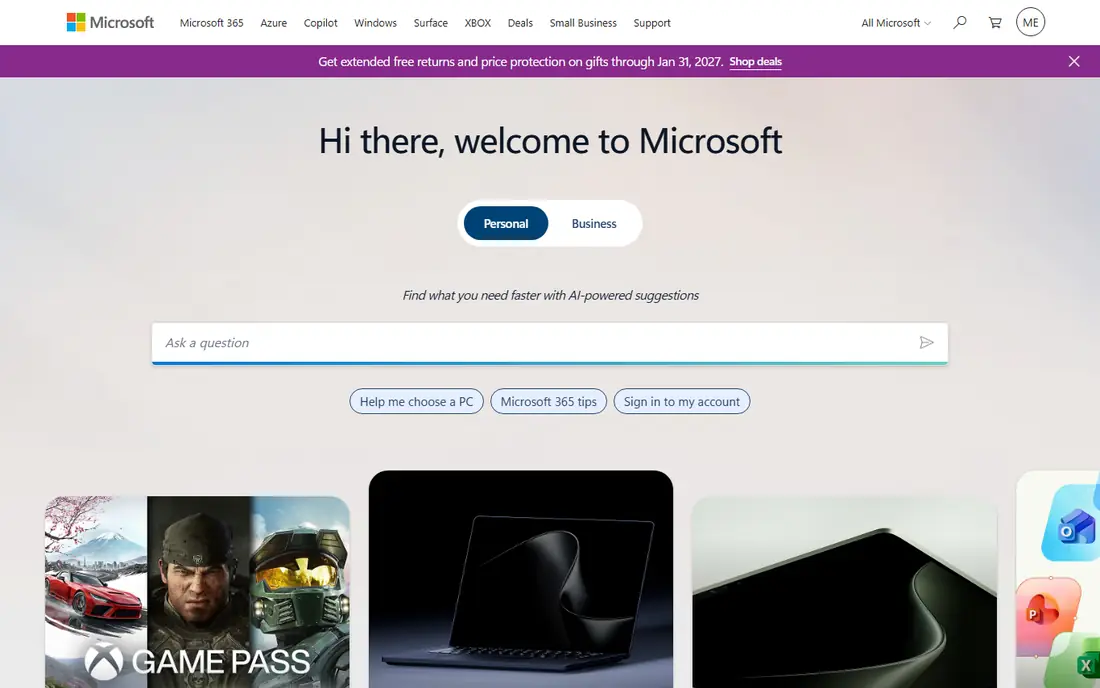
Outlook Calendar fits people whose work already runs on Microsoft 365 or Outlook.com. Events, email, contacts, and Teams meetings sit in one workspace, which reduces switching between apps. Sharing, room booking, and group calendars work well for teams.
The honest catch is the paid tier. Outlook.com offers a free calendar, but the full Microsoft 365 bundle costs $99.99 per year for Personal as listed by Microsoft. For personal use alone, a free tool such as Apple Calendar or Notion Calendar may be simpler.
- Full calendar with email in one system
- Strong sharing and scheduling for teams
- Free on Outlook.com
- Full Microsoft 365 features need a paid plan
- Interface can feel busy for personal use
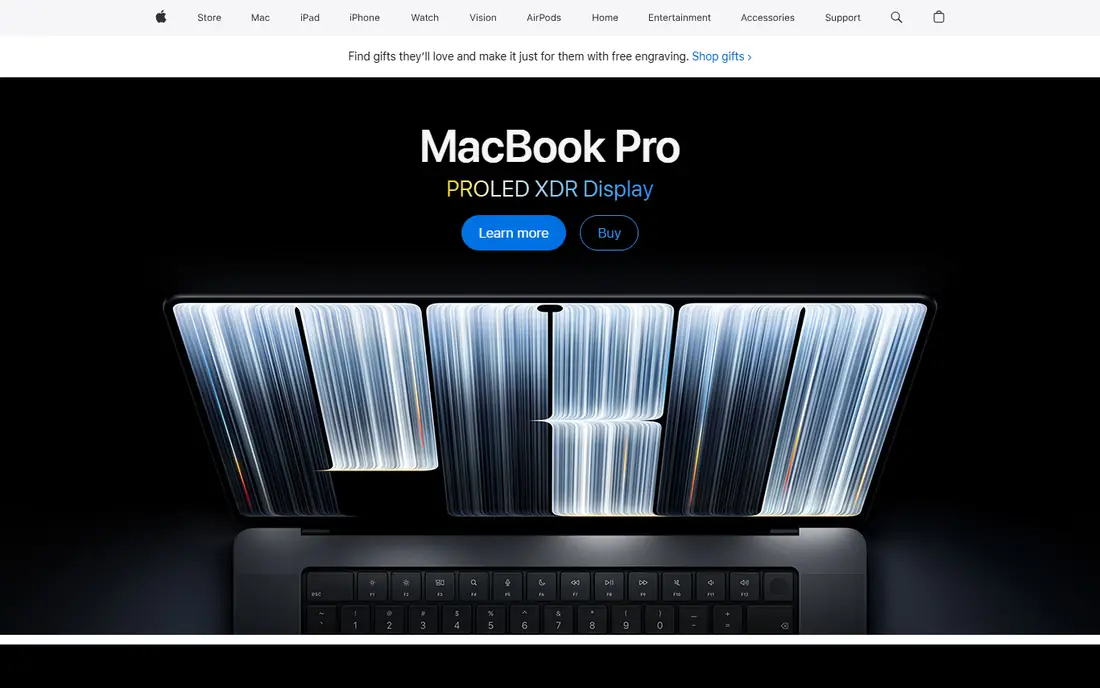
Apple Calendar suits anyone who lives on Apple devices and wants a calendar that just works. It syncs through iCloud, supports Google and Exchange accounts as well, and integrates with Siri, Maps, and Mail. There is no subscription for the core calendar itself.
The limit is the ecosystem. On Windows or Android, Apple Calendar is not a natural daily tool, and some advanced scheduling features are thinner than Fantastical. For an all-Apple household, it is the simplest free alternative to Google Calendar.
- Built into iPhone, iPad, and Mac
- Free with an Apple account
- Clean design and Siri integration
- Best only inside the Apple system
- Sharing with non-Apple users is more limited
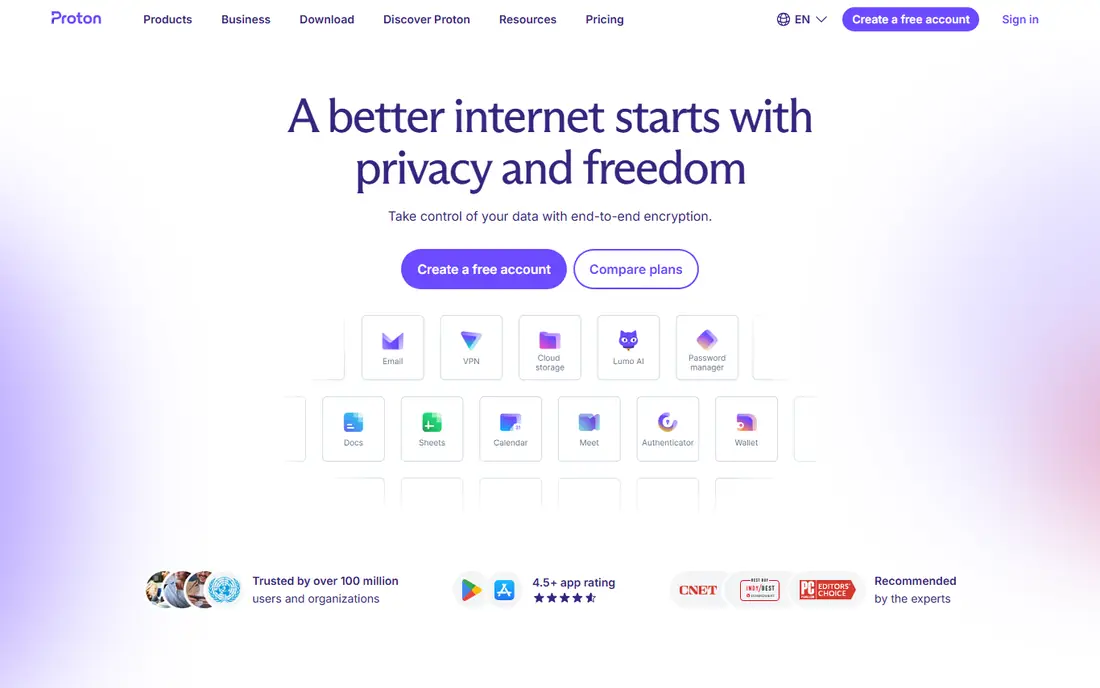
Proton Calendar fits users who want calendar privacy to match encrypted email. Events are end-to-end encrypted, so Proton cannot read event titles or details in the same way a standard provider can. The free plan covers basic calendar use, with paid plans adding storage and wider Proton features.
The trade-off is ecosystem depth. Integrations, booking tools, and third-party connections are thinner than Google Calendar or Outlook. For a privacy-first personal calendar, that trade is worth it. For a team that lives on integrations, Outlook or Morgen may fit better.
- End-to-end encrypted events
- Clean interface
- Part of the wider Proton privacy suite
- Fewer integrations than Google or Outlook
- Advanced features sit behind paid Proton plans
Notion Calendar suits people whose work already lives in Notion. Events, docs, and tasks connect in one workspace, and booking links let others grab a slot without a separate scheduling tool. The app opens fast and stays out of the way, which suits a daily planner.
The honest catch is simplicity. Notion Calendar does not try to match Fantastical or Morgen on advanced scheduling, calendar sets, or AI planning. If you want a free, minimal calendar tied to Notion, it is excellent. If you need power scheduling, look at Fantastical or Morgen.
- Free calendar with booking links
- Fast keyboard use
- Ties events to Notion docs and tasks
- Deliberately simple feature set
- Advanced scheduling tools are limited
Fantastical fits Apple users who type events all day and want that entry to feel effortless. Typing a phrase such as lunch with Sam Friday at noon creates a correct event, and calendar sets let you switch between work, personal, and side-project views. Openings provide booking links for meetings with people outside your team.
The catch is price. The free tier covers basic use, but Flexibits Premium costs $56.99 per year, or $6.99 per month, for the features most power users want. If natural-language entry and calendar sets save you time daily, the subscription can pay for itself. If not, Apple Calendar is free.
- Natural-language event entry
- Calendar sets for contexts
- Booking links called Openings
- Polished Apple design
- Premium subscription needed for power features
- Apple-first, with Windows support more recent
Zoho Calendar suits users who want a free calendar that still talks to Google Calendar. Two-way sync keeps events aligned, and booking links cover basic scheduling needs. As part of Zoho, it also connects to mail, CRM, and other business tools for teams already on that platform.
The limit is polish and packaging. Some paid calendar features arrive through Zoho Mail plans rather than a standalone calendar subscription, which can confuse pricing. For a free, practical alternative with Google sync, Zoho Calendar is still a strong pick.
- Free calendar with two-way Google sync
- Booking links
- Part of the wider Zoho suite
- Paid features sit inside Zoho Mail plans
- Interface is less polished than Fantastical
Morgen fits people who juggle several calendar accounts and want one place to plan the day. Google, Outlook, iCloud, and CalDAV calendars appear together, and tasks can be dragged onto the calendar as time blocks. That combination suits planners who treat the calendar as a daily plan, not just a list of meetings.
The honest catch is cost. At $15 per month billed yearly, Morgen costs more than a simple calendar, and there is no permanent free plan for full use. If you only need one calendar account, a free tool will do. If you merge several accounts daily, Morgen can justify its price.
- Combines Google, Outlook, and iCloud calendars
- Time blocking with tasks
- Works on Mac, Windows, Linux, and web
- Paid-only for full use
- Price is higher than simple calendars
- Learning curve for time blocking
Motion suits teams and busy individuals who want the calendar to place tasks automatically around meetings. Tasks, projects, and calendar events live in one system, and the AI scheduler re-plans when a meeting moves. That automation can save daily planning time for overloaded schedules.
The trade-off is price and dependence. Motion is paid-only, and its value depends on entering tasks with clear deadlines and priorities. A user with a light schedule will not gain much from AI planning. A user with a packed, shifting week may gain the most.
- AI scheduling for tasks and meetings
- Calendar, tasks, and projects in one system
- Team planning tools
- Paid-only
- Price varies by individual or team plan
- AI scheduling needs good task data
Reclaim fits Google Calendar users who want to protect focus time without leaving Google behind. It auto-blocks time for tasks, habits, and breaks, and it can move those blocks when meetings change. Scheduling links let others book around your protected time.
The honest catch is the Google link. Reclaim is built around Google Calendar, so it is not a full replacement for users who want to leave Google entirely. For a user who likes Google Calendar but hates how meetings eat the day, Reclaim is a smart add-on rather than a switch.
- Free Lite plan with scheduling links
- Auto-blocks focus, task, and habit time
- Works with Google Calendar
- Works best with Google Calendar
- Advanced team features need paid plans
How we picked these
We compared official pricing pages, sync documentation, booking features, and public reviews, and we kept only calendars that are live and can replace Google Calendar for daily use. We favoured clean import and sync, sharing controls, booking links where relevant, and pricing a reader can verify. We also noted where a tool is an add-on to Google Calendar, rather than a full replacement.
We did not treat every calendar as a like-for-like swap. Some tools, such as Reclaim, improve Google Calendar rather than replace it, and that distinction is stated in the write-up. Where a price could not be confirmed on the vendor page, we used See website.
What to check before you switch
Export your Google Calendar data and test import in the new tool before you cancel anything. Check shared calendars, recurring events, and booking links one by one, since those are the items most likely to break in a move.
Sync and sharing
Check which accounts each tool supports: Google, Outlook, iCloud, Exchange, and CalDAV. Confirm that shared calendars still show correctly for family or team members. If a tool only reads one account type well, it may not suit a mixed household or workplace.
Booking and time blocking
Decide whether you need booking links, time blocking, or AI scheduling, since those features separate the tools here. Notion Calendar and Fantastical offer booking links, Morgen offers time blocking, and Motion offers AI scheduling. Pay only for the feature you will use weekly.
Privacy and cost
Check encryption, data handling, and whether a free plan covers your actual use. Proton Calendar suits privacy-first users, while Apple Calendar and Notion Calendar suit free personal use. A paid calendar should save time or protect privacy in a way a free tool cannot.
Frequently asked questions
What are the alternatives to Google Calendar?
The best alternatives to Google Calendar are Outlook Calendar, Apple Calendar, Proton Calendar, Notion Calendar, and Fantastical. Outlook suits workplaces, Apple Calendar suits Apple users, Proton suits privacy, Notion suits Notion users, and Fantastical suits Apple power users. Morgen and Motion suit time blocking and AI scheduling.
What is the best alternative to Google Calendar for free?
Apple Calendar and Notion Calendar are the best free alternatives to Google Calendar for most personal users. Apple Calendar is built into Apple devices, while Notion Calendar is free on Mac, Windows, and web. Proton Calendar also offers a free plan for privacy-focused users.
Is there a calendar alternative that syncs with Google Calendar?
Yes, Zoho Calendar offers two-way Google sync, and Morgen combines Google, Outlook, and iCloud calendars in one view. Reclaim works with Google Calendar to protect focus time, but it is an add-on rather than a replacement. Check sync direction and sharing before you rely on it for team calendars.
Which Google Calendar alternative is best for privacy?
Proton Calendar is the best Google Calendar alternative for privacy, thanks to end-to-end encrypted events. Apple Calendar with iCloud is also a solid private choice for Apple users, especially with Advanced Data Protection. Avoid sharing sensitive event details in booking links or public calendars.
Which calendar is best for Apple users?
Fantastical is the best paid calendar for Apple power users, thanks to natural-language entry and calendar sets. Apple Calendar is the best free choice for Apple-only households. Both sync through iCloud and work across iPhone, iPad, Mac, and Apple Watch.
Can I use a Google Calendar alternative on Windows and Mac?
Yes, Outlook Calendar, Notion Calendar, Morgen, and Motion all work across Windows and Mac, with web versions as well. Fantastical now supports Windows in addition to Apple devices, but it remains Apple-first in design. Check the vendor download page for your exact operating system before buying.
Sources we checked (9)

Online Jobs is an independent blog about careers, online work, learning new skills and the tools that help people earn. More about us.
Keep reading
All posts
Zoom Alternatives
Zoom alternatives compared for 2026: Google Meet, Microsoft Teams, Webex, Jitsi and more for free calls, large meetings and webinars for teams and classrooms.

What Is the Best Free Tool to Rotate a PDF
What is the best free tool to rotate a PDF? We compare eight free rotation tools on per-page control, limits, privacy and saved output quality in detail.

What Is the Best AI Dubbing Tool
We compared the best AI dubbing tools in 2026, from ElevenLabs and HeyGen to Rask AI, Dubverse and Veed, for videos and creators in many languages worldwide.