Gmail Alternatives in 2026: 9 Email Services and Clients Compared

How we put this together: we compare official feature and pricing pages, app store listings, privacy policies and public user reviews. Prices change, so check the provider's site before you pay.
Key takeaways
- Proton Mail is our pick for privacy, with end-to-end encryption and paid plans from $3.99 per month.
- Outlook is the best Gmail alternative for Microsoft 365 users, while iCloud Mail suits Apple device owners.
- Zoho Mail is the best free business option, with custom domain support for up to five users on its free plan.
- Fastmail suits power users who want customization and standard protocols, while Thunderbird is the best free cross-platform client.
- For email safety, prefer providers with clear privacy policies and moderation practices, and use strong passwords plus two-factor authentication on every account.
Quick comparison
| Name | Who it suits | Starting price | Free option | |
|---|---|---|---|---|
 Proton Mail Proton Mail | Privacy and encryption | Free | Yes | Visit |
 Outlook Outlook | Microsoft 365 users | Free | Yes | Visit |
 Tuta Tuta | Encrypted email by default | Free | Yes | Visit |
 Fastmail Fastmail | Customization and control | $3 per user per month | Free trial | Visit |
 Zoho Mail Zoho Mail | Small business email | Free | Yes | Visit |
 iCloud Mail iCloud Mail | Apple device users | Free | Yes | Visit |
 Yahoo Mail Yahoo Mail | Large free storage | Free | Yes | Visit |
 Thunderbird Thunderbird | Free cross-platform client | Free | Yes | Visit |
 Spark Mail Spark Mail | Cross-platform client for teams | Free | Yes | Visit |
The best Gmail alternatives
We compared official pricing pages, feature pages and public documentation for email providers and clients that work today. Our pick for most people leaving Gmail is Proton Mail, because it pairs strong privacy with a usable free plan, while Outlook is our pick for readers who already live in Microsoft tools.
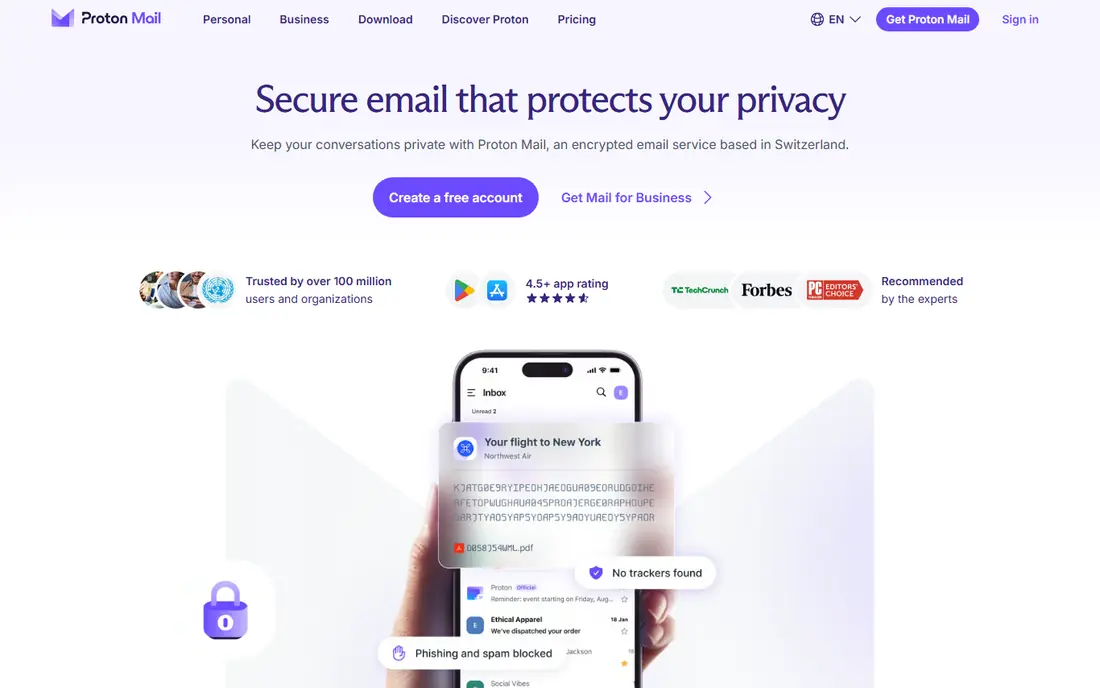
Proton Mail is built around privacy first. Emails are encrypted end to end, and its zero-access design means even Proton cannot read your message contents. You can sign up without providing personal information, which suits readers who want to reduce data collection rather than just change an inbox design.
The free plan covers basic mail with limited storage, while paid plans start at $3.99 per month and add more storage, custom domains and extra security tools. The trade-off is productivity depth, since Proton Mail does not match Gmail or Outlook for office integration. If privacy is the reason you are leaving Gmail, Proton Mail is the clearest replacement.
- End-to-end encryption and zero-access design
- Sign-up without personal details
- Clean web, mobile and desktop apps
- Free plan limits storage and features
- Fewer productivity extras than Gmail or Outlook
- Custom domains need a paid plan
Outlook is the most practical Gmail alternative for Windows and Microsoft 365 users. Mail, calendar, contacts and tasks sit together, and files from OneDrive and meetings from Teams flow into the same workflow. That integration saves time for teams that already use Word, Excel and Teams every day.
The free plan covers basic mail with ads and 15 GB of mailbox storage in several listings, while paid Microsoft 365 plans remove ads and add storage and full Office apps. The interface is busier than Gmail, and some readers will prefer a simpler inbox. If your work already runs on Microsoft tools, Outlook is the lowest-friction switch.
- Deep Microsoft 365 integration with Calendar, OneDrive and Teams
- Multiple accounts in one inbox
- Strong calendar and scheduling
- Free version includes ads
- Interface feels busy for simple mail
- Custom domains need a Microsoft 365 plan
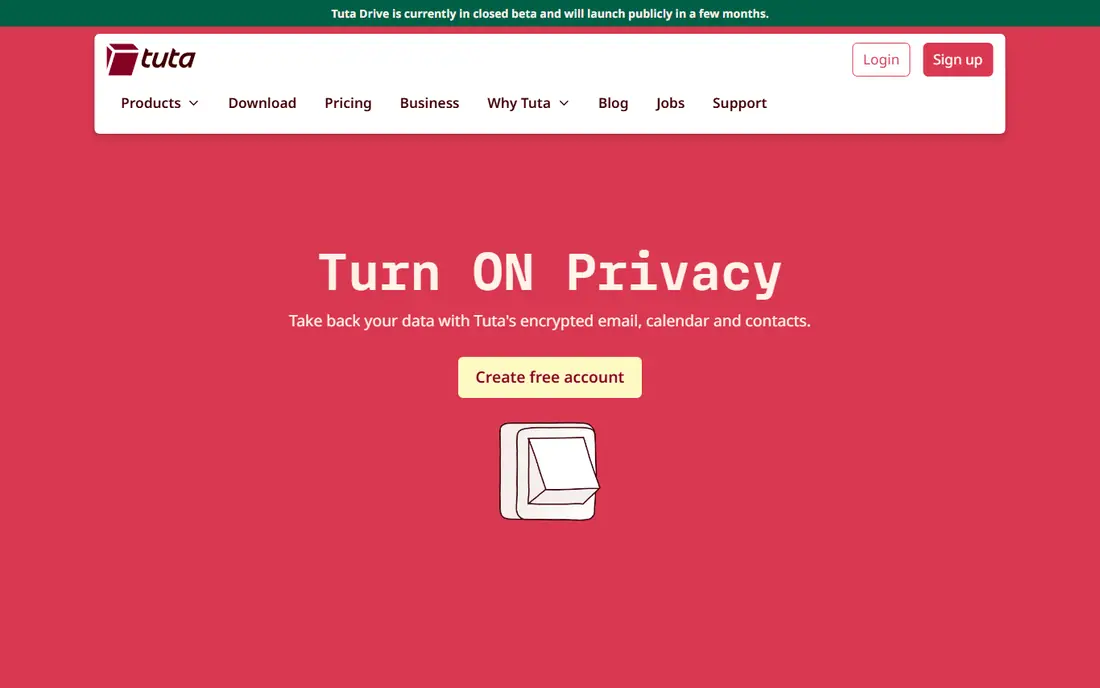
Tuta, formerly Tutanota, encrypts mail by default without extra setup. Subject lines, message bodies and attachments are encrypted, and the service includes an encrypted calendar. It is based in Germany, offers open-source encryption components, and allows anonymous registration, which appeals to privacy-focused readers.
Paid plans start at $3 per month in several listings, adding more storage, custom domains and advanced features. The main limit is ecosystem lock-in, since Tuta does not support IMAP, so you cannot read Tuta mail in Outlook, Apple Mail or Thunderbird. If you are happy inside Tuta apps, that limit matters little. If you want app choice, Proton Mail or Fastmail fit better.
- Automatic end-to-end encryption for mail, subjects and attachments
- Encrypted calendar included
- Anonymous sign-up option
- Free plan limits storage to 1 GB in several listings
- No IMAP, so you cannot use Tuta in other email apps
- Fewer productivity features than Gmail
Fastmail suits readers who want control over how email works. Advanced rules sort, tag and file mail automatically, layouts can be tuned to your workflow, and custom domains work on paid plans. It works with standard protocols, so you can use it in almost any email app, which gives you freedom that Proton Mail and Tuta do not offer in the same way.
Paid plans start at $3 per user per month in several listings, with higher tiers adding more storage and features. There is no free plan, only a trial, so you need to pay to keep the account long term. Fastmail does not offer end-to-end encryption by default, though you can add PGP in a third-party app. For a fast, ad-free mailbox with deep customization, it is a strong pick.
- Highly customizable folders, filters and layouts
- Custom domain support
- Fast web app with calendar, contacts and notes
- No permanent free plan, only a 30-day trial
- No end-to-end encryption by default
- Complex for casual users who want a simple inbox
Zoho Mail is the best free business email option in this list, because it lets a small team use a custom domain without paying at first. The free plan supports up to five users, one custom domain and 5 GB of storage per user, with web and mobile access. Paid Mail Lite starts at $1 per user per month on annual billing and adds IMAP and POP access.
The catch is protocol access on the free plan. Without IMAP or POP, you cannot connect Zoho Mail Free to Outlook, Apple Mail or Thunderbird, so you must use Zoho webmail or apps. For a small team that works in a browser, that is manageable. For a team tied to a desktop client, pay for Mail Lite or pick a different provider.
- Free plan for up to five users with a custom domain
- Ad-free inbox on all tiers
- Integration with Zoho Calendar, Tasks and WorkDrive
- Free plan has no IMAP, POP or ActiveSync
- Storage is 5 GB per user on free
- Free plan availability varies by region
iCloud Mail is the natural Gmail alternative for Apple users, because it is built into macOS, iOS and iPadOS. Mail syncs with Contacts, Calendar and Reminders, and web access at iCloud.com covers times when you are not on an Apple device. The inbox is clean, ad-free and easy to use, which suits readers who want less clutter.
The free tier shares 5 GB of iCloud storage with backups and photos, so heavy users will need iCloud Plus, starting at $0.99 per month in several listings, for more storage and custom domain support. Outside Apple devices, iCloud Mail is less compelling, since its best features depend on Apple apps. Inside the Apple ecosystem, it is the simplest switch.
- Smooth sync across Mac, iPhone and iPad
- Ad-free inbox
- Hide My Email on iCloud Plus
- Strong spam filtering
- Requires an Apple ID
- Free storage is 5 GB shared with iCloud
- Custom domains need iCloud Plus
- Less appealing outside Apple devices
Yahoo Mail remains a practical free alternative for readers who keep large archives. Several listings put free storage at 1 TB, while others list 20 GB, so check the current account page for your region before you rely on a number. Search, unsubscribe tools and spam filtering help manage a long history of messages and attachments.
Yahoo Mail Plus, around $5 per month in several listings, removes ads and adds premium features. Privacy is the main trade-off, since Yahoo Mail is not built around encryption or data minimization in the way Proton Mail and Tuta are. If storage and a familiar free inbox matter most, Yahoo Mail is a solid, low-effort switch.
- Very large free storage in several listings
- Strong search and organization tools
- Built-in calendar and contacts
- Free version includes ads
- Less privacy-focused than Proton Mail or Tuta
- Interface feels busy for minimal inbox fans
Thunderbird is not an email provider, it is a free email client, and that distinction matters for the cross-platform keyword in this topic. You connect your existing Gmail, Outlook, Yahoo, Fastmail or other IMAP accounts and manage them in one desktop app. That makes Thunderbird the best free client for readers who want to keep their addresses but change how they read mail.
Because it is open source and donation-supported, there is no subscription and no ads. Filters, tags, layouts and add-ons let you shape the inbox to your workflow, though setup takes more time than a polished web app. If you want a free, cross-platform client without a new email address, start with Thunderbird.
- Free and open source with no ads
- Works on Windows, Mac and Linux
- Deep filters, tags, layouts and add-ons
- Interface feels older than Spark or Outlook
- Setup takes more tuning than a webmail service
- Add-on compatibility can change after updates
Spark Mail is a modern cross-platform client that unifies Gmail, Outlook, iCloud, Yahoo and IMAP accounts in one inbox. The free plan includes a smart inbox, unlimited accounts, snoozing, send scheduling and calendar support, which covers most daily email work. That makes Spark a good Gmail alternative for readers who want a better app without changing providers.
Paid Plus starts at $10 per user per month, or $8.25 on annual billing, and adds more AI features and productivity tools. Pro adds team features such as shared inboxes and comments. The catch is that the most useful team and AI features need a paid plan, so solo users on free get a polished client but not the full team toolkit. For cross-platform use with a clean interface, Spark is still a strong pick.
- Smart inbox with unlimited accounts on free
- Works across Mac, Windows, iPhone, Android and web
- Shared drafts and team comments on paid plans
- Best AI and team features sit on paid plans
- Plus from $10 per month
- Some promoted automations have been labelled as coming soon in listings
How we picked these
We compared official pricing pages, feature pages and public documentation, and we kept only providers and clients that exist today and truly fit as Gmail alternatives, from privacy-first providers to business mail to cross-platform clients. We looked at free storage, paid starting prices, custom domain support, protocol access, privacy practices and platform coverage. We also noted the honest catch for each option, because free plans often limit storage, protocols or custom domains.
We did not claim hands-on testing we did not do. Our comparisons rest on vendor pages, pricing pages and public reviews, and prices can change, so check the vendor pricing page before you buy. For safety, choose providers with clear privacy and security practices, turn on two-factor authentication, and be careful with links and attachments in unfamiliar mail.
How to switch from Gmail without losing mail
Start by deciding whether you need a new provider or just a new client. A client such as Thunderbird or Spark Mail lets you keep your Gmail address and change only the app, which is the lowest-risk switch. A provider such as Proton Mail, Outlook or Fastmail means a new address, so you will need to update sign-ins and tell contacts.
Move mail, contacts and calendar in stages
Export or migrate mail, contacts and calendar from Gmail before you cancel anything, and test the import in the new provider with a small folder first. Keep Gmail active during the transition, set up forwarding or an auto-reply if your new provider supports it, and update the most important accounts first, such as banking, work and recovery addresses.
Check protocols, domains and apps before you pay
Check IMAP and POP support if you use a desktop client, custom domain support if you run a business address, and mobile app quality on your phone. Those three checks prevent the most common switch regrets, such as a free plan that cannot connect to Outlook or a provider whose mobile app lacks a feature you use daily.
Test privacy and spam handling with real mail
Send test messages from your old and new accounts, check spam filtering on newsletters and promotions, and review privacy settings for tracking protection and image loading. A provider that looks good on a pricing page can still filter your mail differently, so a week of real use tells you more than a feature list.
Frequently asked questions
What are the best Gmail alternatives?
Proton Mail is the best Gmail alternative for privacy, Outlook is best for Microsoft 365 users, and iCloud Mail is best for Apple users. Zoho Mail is best for small businesses on a free plan, Fastmail is best for customization, and Thunderbird is best as a free cross-platform client. The best alternative depends on privacy needs, ecosystem, custom domains and whether you want a new provider or just a new app.
What is the best alternative to Gmail for privacy?
Proton Mail and Tuta are the strongest privacy picks, because both offer end-to-end encryption and anonymous sign-up options. Proton Mail gives you more app choice on paid plans through its Bridge tool, while Tuta encrypts subjects and calendar data by default but lacks IMAP. Choose Proton Mail for broader app support and Tuta for strict default encryption inside its own apps.
What is the best email alternative for business?
Zoho Mail is the best free business alternative, with custom domain support for up to five users, while Fastmail and Outlook suit larger teams that need IMAP, admin controls and office integration. Check custom domain support, storage per user, protocol access and admin tools before you move a business domain, since free plans often limit one of those four.
What is the best cross-platform email client?
Thunderbird is the best free cross-platform email client, because it runs on Windows, Mac and Linux with no ads and no subscription. Spark Mail is the best polished cross-platform client, with apps for Mac, Windows, iPhone, Android and web, plus team features on paid plans. Choose Thunderbird for cost and control, and Spark Mail for a modern interface and team collaboration.
Can I keep my Gmail address and still switch apps?
Yes. Clients such as Thunderbird and Spark Mail connect to your existing Gmail account, so you can change how you read mail without changing your address. You can also keep Gmail for old sign-ins while you move important accounts to a new provider in stages. That staged approach reduces the risk of losing access to accounts tied to your old address.
Is it safe to switch to a free email provider?
Free providers can be safe if they have clear privacy policies, strong security practices and two-factor authentication, but free plans often limit storage or features and may show ads. Proton Mail, Tuta, Zoho Mail and Outlook all offer free tiers with different trade-offs, so compare privacy, ads and protocol access rather than price alone. Always turn on two-factor authentication and use a unique password for email, since email controls password resets for many other accounts.
Sources we checked (9)

Online Jobs is an independent blog about careers, online work, learning new skills and the tools that help people earn. More about us.
Keep reading
All posts
Zoom Alternatives
Zoom alternatives compared for 2026: Google Meet, Microsoft Teams, Webex, Jitsi and more for free calls, large meetings and webinars for teams and classrooms.

PowerPoint Alternatives
Compare the best PowerPoint alternatives, from free Google Slides and Canva to Prezi and Gamma, with prices, collaboration and export options covered.

Best Writing Software
Looking for the best writing software in 2026? We compared 9 writing apps for books, articles and screenplays on price, features and fit. All verified.