Best Free ChatGPT Alternatives Hong Kong in 2026: 8 Tools Compared

How we put this together: we compare official feature and pricing pages, app store listings, privacy policies and public user reviews. Prices change, so check the provider's site before you pay.
Key takeaways
- Availability in Hong Kong varies by tool and by account, so check access with a Hong Kong account before relying on any one service.
- Claude, Microsoft Copilot, Grok, Perplexity, and DeepSeek are among the most useful free starting points for Hong Kong users.
- ChatGPT itself has faced company imposed access limits in Hong Kong, which is why many users look for alternatives rather than workarounds.
- Free tiers usually limit daily messages, model choice, or advanced features, so test the free tier on your real tasks before paying.
- Do not paste sensitive personal, work, or financial data into a free AI chat tool without reading its privacy policy first.
Quick comparison
| Name | Who it suits | Starting price | Free option | |
|---|---|---|---|---|
 Claude | Writing, summarising, and analysis | See website | Yes | Visit |
 Microsoft Copilot | Productivity inside Microsoft tools | See website | Yes | Visit |
 Grok | General chat with web aware answers | See website | Yes | Visit |
 Perplexity | Research with sources | See website | Yes | Visit |
 DeepSeek | Low cost general chat and coding help | See website | Yes | Visit |
 Poe | Trying several models in one app | See website | Yes | Visit |
 Meta AI | Everyday chat inside Meta apps | See website | Yes | Visit |
 Mistral Le Chat | Fast general chat and document help | See website | Yes | Visit |
The best free ChatGPT alternatives Hong Kong
We focused on free AI chat tools that a Hong Kong user can open without a complex workaround, that support English and, in many cases, Traditional Chinese, and that cover writing, research, and coding help. Availability can change, so we note where access has varied and advise checking with your own account.

Claude is a strong first alternative for Hong Kong users who mainly write, summarise, or analyse documents. The free tier handles everyday drafting, email rewrites, and long document summaries well, and Traditional Chinese support is solid for local users who switch languages. That mix makes it useful for students and office workers alike. Free usage limits are the main constraint, especially at busy times, and the most capable models sit behind a paid plan. A user who hits limits often should test whether the paid plan is worth it, or pair Claude with another free tool for overflow tasks rather than relying on one service alone.
- Strong writing and summarising
- Good Traditional Chinese support
- Free tier to start
- Free tier limits usage at peak times
- Advanced models need a paid plan
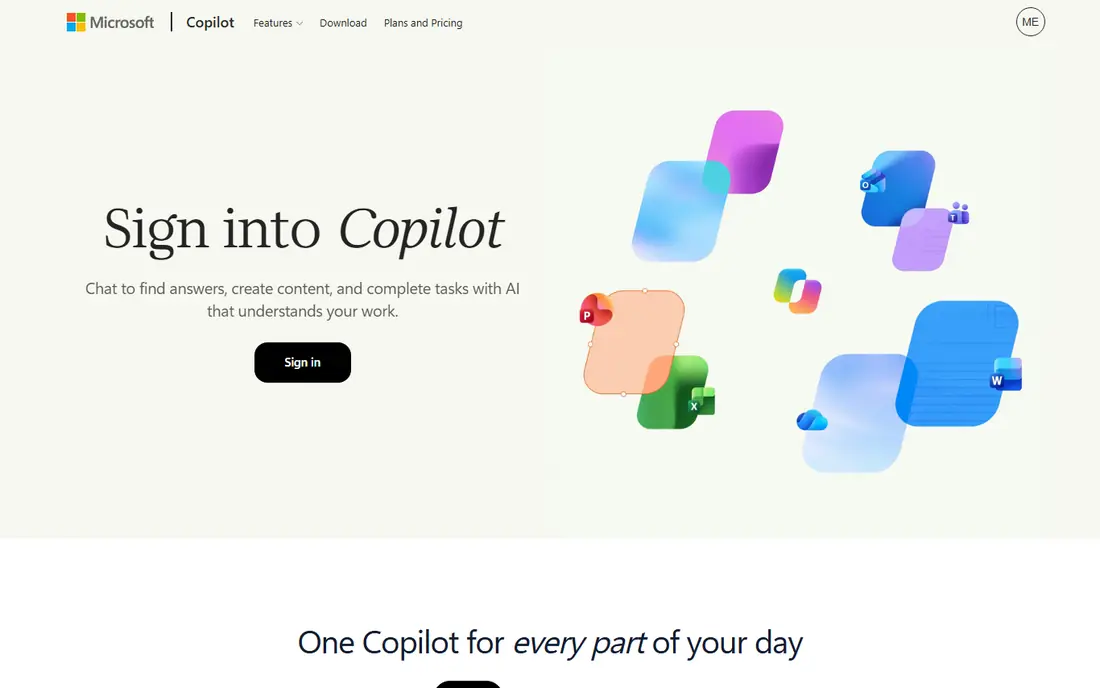
Microsoft Copilot is a practical Hong Kong alternative because it is widely available locally and links to Microsoft services. The free web version answers questions, drafts text, and searches the web, while paid Microsoft 365 Copilot adds deeper help inside Word, Excel, and Outlook. That link suits office users who already work in Microsoft apps. The free version is not as deep as the paid version, and some features need a Microsoft account and a subscription. For a Hong Kong user who wants a reliable, locally available chat tool without a workaround, Copilot is one of the easiest places to start.
- Available in Hong Kong
- Works with Microsoft 365 on paid plans
- Web search built in
- Free tier is more limited than paid Copilot
- Best value inside Microsoft apps
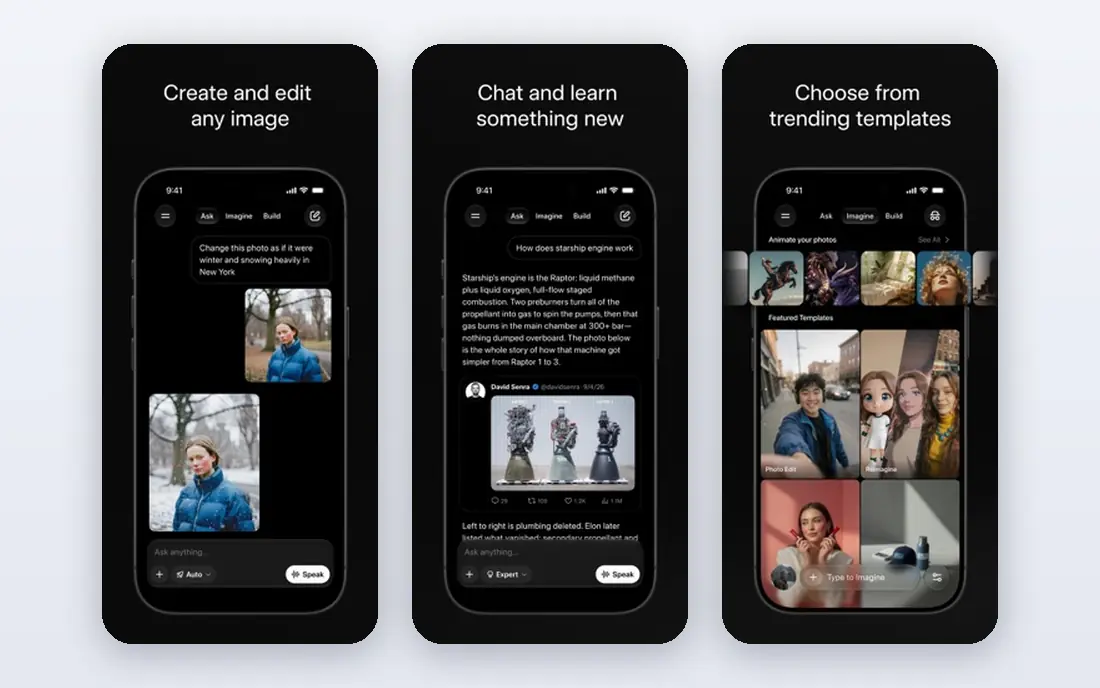
Grok, from xAI, has been widely available in Hong Kong and has gained local users as other services faced limits. The free tier covers general chat, current topics, and everyday questions, with web awareness that helps for news and recent events. That availability alone makes it worth testing for Hong Kong users. Style is a matter of taste, and Grok's answers can feel more casual than Claude or Copilot. Paid tiers raise limits and give access to more capable models, so a heavy user should compare free limits across tools before paying. For general chat, Grok is a solid free starting point.
- Available in Hong Kong
- Web aware answers
- Free tier via X and the Grok app
- Tone and style differ from other chat tools
- Paid tier needed for higher limits
Perplexity suits research better than most general chat tools, because answers link to sources you can open and check. A student, journalist, or office worker who needs to verify a fact, compare options, or summarise a topic with citations will find that source list valuable. The free tier covers everyday research well. Creative writing and long drafting are not its main strength, so pair Perplexity with Claude or Copilot for those tasks. Pro search and higher limits need a paid plan, but the free tier is enough to test whether source linked answers fit your workflow.
- Answers include sources
- Good for fact checking
- Free tier for everyday research
- Less suited to long creative writing
- Pro search limits apply on the free tier
DeepSeek has become a popular free alternative for general chat, coding help, and reasoning tasks. The free chat tier covers many everyday questions, and the service is known for low cost access to capable models. That combination appeals to students, developers, and users who want a free tool that handles technical questions well. Availability, app store access, and data handling can vary by region and over time, so Hong Kong users should check current access and read the privacy policy before pasting sensitive work. For coding and technical help, DeepSeek is worth including in a shortlist, alongside Claude and Copilot.
- Free chat tier
- Strong coding and reasoning help
- Low cost paid options
- Availability and app access can vary
- Privacy policy deserves a careful read
Poe is useful when you do not want to choose one model. The app lets you try several chat models in one place, compare answers to the same question, and switch models for different tasks. That is helpful for a Hong Kong user who wants to test which model suits writing, coding, or research best. Free limits apply, and the most capable models often need a subscription or points. Poe works best as a testing ground and a backup, rather than as the only tool, because a single model service may offer higher limits for the same task. Use Poe to compare, then settle on one or two main tools.
- Access to several models in one place
- Easy model comparison
- Free tier to test
- Free message limits apply
- Some models need a paid subscription
Meta AI suits everyday questions inside apps many Hong Kong users already use. Asking a quick question in WhatsApp or Instagram, getting a summary, or drafting a short message is easy, because the assistant is already where the conversation happens. That convenience is its main advantage. Long document work, coding, and deep research are better in Claude, Perplexity, or DeepSeek, and Meta AI features vary by app and region. Check availability in your app before relying on it, and avoid pasting sensitive data into a chat assistant inside a social app without checking its privacy settings.
- Free
- Built into WhatsApp, Instagram, and Facebook in supported places
- Simple everyday help
- Availability and features vary by app and region
- Less suited to long document work
Mistral Le Chat, from the European AI lab Mistral, offers fast general chat with a free tier that covers everyday questions and document help. It suits a user who wants a simple, quick assistant without a complex setup, and who values a European alternative to the larger US and Chinese services. Speed is a real advantage for short tasks. The ecosystem is smaller, with fewer integrations than Copilot or Meta AI, and availability can vary. A Hong Kong user should test Le Chat on real tasks, such as summarising a document or drafting an email, before making it a main tool. As a second free option, it adds useful redundancy.
- Fast responses
- Free tier
- Document and web help on some plans
- Smaller ecosystem than larger rivals
- Availability can vary by region
How we picked these
We compared official feature pages, pricing pages, app store listings, and privacy policies, and we checked public reports about Hong Kong access for ChatGPT, Gemini, and Grok. We kept only tools that were still offered in October 2026, that offered a free tier or free access, and that a Hong Kong user could reasonably open without a paid workaround. We did not claim hands-on testing that we did not do, and where a vendor did not publish a clear starting price, we wrote See website rather than guessing. We gave weight to Hong Kong availability, Traditional Chinese support, and free tier usefulness, because those decide whether a tool is actually usable locally. A powerful tool that is blocked or heavily limited in Hong Kong scored lower than a slightly less capable tool that works reliably there.
Choosing a free AI chat tool in Hong Kong
First, test access with your own Hong Kong account and network, not just with a review that says a tool works. Open the tool, sign in, and try a real task in English and in Traditional Chinese if you need both. Availability for ChatGPT and Gemini has varied in Hong Kong due to company policies, not local law, so a tool that worked for someone else may behave differently for your account. Second, match the tool to the task. Use Perplexity for research with sources, Claude for writing and summarising, Copilot for Microsoft productivity, DeepSeek for coding, and Grok or Meta AI for quick general questions. Using two tools, one for research and one for writing, often works better than forcing one free tier to do everything. Third, protect your data. Free tiers may use prompts for training unless you change a setting or use a paid plan, so read the privacy policy and avoid pasting passwords, ID numbers, client data, or unpublished work. If a task involves sensitive data, use a tool with a clear data policy, or keep the prompt generic and add details yourself afterwards.
Free tier limits
Free tiers limit messages, model choice, file uploads, or advanced search. Test your heaviest task on the free tier for a week, and note when limits hit. A tool that limits you at midday is not a good main tool, even if its answers are good.
Language and local use
Check Traditional Chinese output quality, not just English, if you will write in Chinese. Test a summary and a draft in Traditional Chinese, and check whether the tool handles Hong Kong place names, terms, and formats correctly. A tool that translates well but writes awkward Chinese will slow you down.
Frequently asked questions
Is ChatGPT available in Hong Kong?
ChatGPT has faced company imposed access limits in Hong Kong, with local IP addresses often blocked for direct consumer access, according to public reports. That is a company policy, not a Hong Kong government ban, and it is why many Hong Kong users use alternatives such as Claude, Copilot, and Grok. Availability can change, so check OpenAI's current supported regions before assuming access.
What is the best free ChatGPT alternative in Hong Kong?
Claude is a strong all-round free alternative for writing and analysis, Microsoft Copilot is strong for productivity, and Grok is strong for general chat with local availability. Perplexity is best for research with sources. The best choice depends on whether you mainly write, research, code, or chat, so test two tools on your real tasks.
Is Gemini available in Hong Kong?
Google Gemini has also faced stricter regional controls for Hong Kong accounts in recent reports, with availability varying by account and service. Some users report access through other Google services or accounts, but that is not reliable for everyday work. Claude, Copilot, Grok, and Perplexity are more reliable free starting points for Hong Kong users at present.
Are free AI chat tools safe to use?
Free tools are generally safe for general questions, but you should not paste sensitive personal, financial, or work data without reading the privacy policy. Some free tiers may use prompts for training, while paid plans often offer stronger data controls. Use a separate account for testing, avoid sharing ID numbers or passwords, and keep sensitive details out of prompts.
Can I use these tools in Traditional Chinese?
Yes, most of the tools listed here support Traditional Chinese, though quality varies by tool and task. Claude, Copilot, and Grok generally handle Traditional Chinese well, while smaller tools may be less consistent. Test a writing and summarising task in Traditional Chinese before choosing a main tool.
Do I need a VPN to use ChatGPT alternatives in Hong Kong?
For the alternatives listed here, usually no, because they are available in Hong Kong through normal access. A VPN is sometimes discussed for ChatGPT itself, but using a VPN to bypass a company's access policy can risk account suspension and may break payment or security checks. It is safer to use a locally available alternative than to rely on a workaround.
Sources we checked (8)

Online Jobs is an independent blog about careers, online work, learning new skills and the tools that help people earn. More about us.
Keep reading
All posts
Zoom Alternatives
Zoom alternatives compared for 2026: Google Meet, Microsoft Teams, Webex, Jitsi and more for free calls, large meetings and webinars for teams and classrooms.

What Is the Best Free Tool to Rotate a PDF
What is the best free tool to rotate a PDF? We compare eight free rotation tools on per-page control, limits, privacy and saved output quality in detail.

What Is the Best AI Dubbing Tool
We compared the best AI dubbing tools in 2026, from ElevenLabs and HeyGen to Rask AI, Dubverse and Veed, for videos and creators in many languages worldwide.