Best Free Alternatives to Zoom in 2026: 9 Tools Compared

How we put this together: we compare official feature and pricing pages, app store listings, privacy policies and public user reviews. Prices change, so check the provider's site before you pay.
Key takeaways
- Google Meet and Microsoft Teams both allow free group calls of up to 60 minutes for up to 100 people, which covers most classes and team check-ins.
- Jitsi Meet stands out for guests because no account is needed to join a call, and it publishes no meeting time limit on its public service.
- Discord and Signal suit informal groups and small teams, while Webex, Whereby, Zoho Meeting, and BigBlueButton fit more structured or classroom use.
- The best free zoom alternatives depend less on video quality and more on limits, accounts, and whether guests can join without installing an app.
- Always check the current free plan before a large event, because participant caps and time limits change more often than core features do.
Quick comparison
| Name | Who it suits | Starting price | Free option | |
|---|---|---|---|---|
 Google Meet | Everyday calls for Google users | Free | Yes | Visit |
 Microsoft Teams | Teams already using Microsoft apps | Free | Yes | Visit |
 Jitsi Meet | Quick calls with no account needed | Free | Yes | Visit |
 Cisco Webex | Structured business meetings | Free | Yes | Visit |
 Discord | Communities and study groups | Free | Yes | Visit |
 Whereby | Simple browser rooms | Free | Yes | Visit |
 Signal | Private small group calls | Free | Yes | Visit |
 BigBlueButton | Online classes and teaching | Free | Yes | Visit |
 Zoho Meeting | Small teams using Zoho tools | Free | Yes | Visit |
The best free alternatives to zoom
Zoom's free plan is useful, but its 40 minute limit on group meetings pushes many people to look elsewhere. The tools below all offer a free way to meet by video, and each one suits a slightly different kind of call. We compared them on time limits, participant limits, guest access, and how much setup they demand.
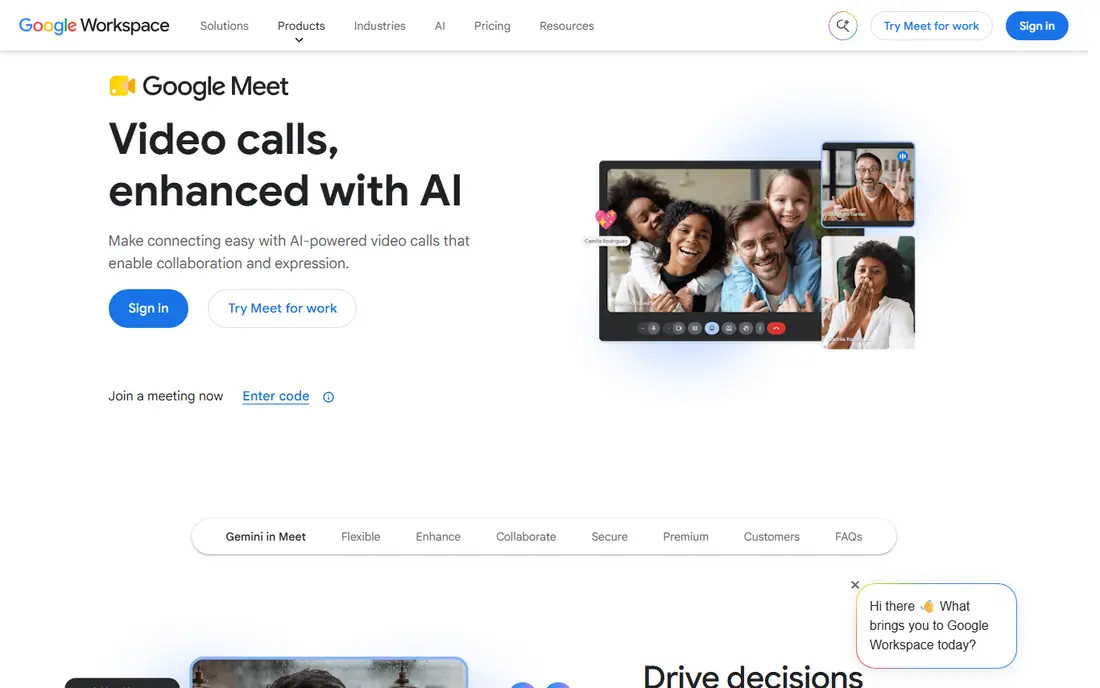
Google Meet is the easiest switch for anyone who already uses Gmail. You create a meeting link, share it, and guests join from a browser or the app. Calendar invites carry the link automatically, which removes a common source of confusion before classes, interviews, and family calls. The interface stays plain, with controls for mute, camera, chat, captions, and screen sharing close at hand.
The catch is the free group limit. One to one calls can run much longer, but a group call on the free plan is capped at 60 minutes and 100 participants. That is enough for a lesson, a team standup, or a book club, but a long workshop will need a restart or a paid plan. If your group already lives in Google tools, Meet is a strong default, because the low friction matters more than extra meeting features most people never open.
- Works in a browser with no download for most guests
- Integrates with Gmail and Google Calendar
- Live captions help in noisy rooms
- Free group calls are limited to 60 minutes
- Larger meetings and extra controls need a paid Workspace plan
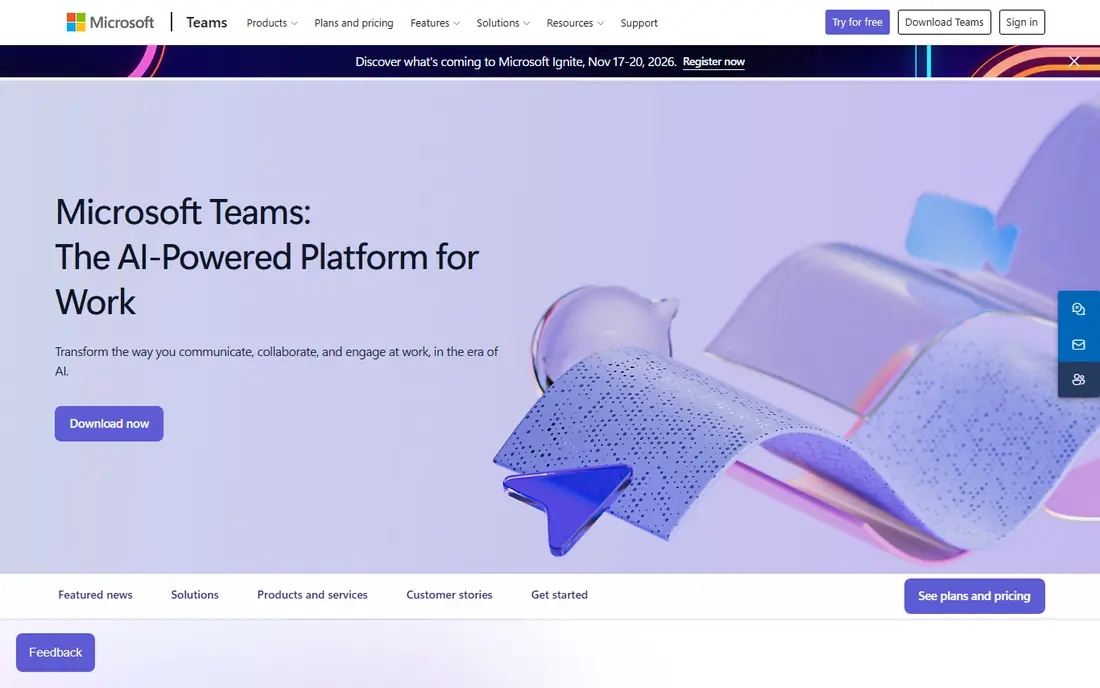
Microsoft Teams makes sense when Word, Excel, Outlook, or OneDrive are already part of daily work. Meetings sit inside a wider workspace, so a call can grow into a chat thread, a shared document, and a follow up task without moving to another app. For a small business or a school group, that shared space is often more useful than a standalone meeting link.
Guests need a Microsoft account for the free version in most cases, and free group meetings are limited to 60 minutes. That limit is the same as Google Meet, so the choice often comes down to which office suite your group already pays for or uses for free. Teams is heavier than a simple browser room, but it rewards groups that want meetings, chat, and files in one place.
- Free group meetings for up to 100 people
- Chat and file sharing sit beside meetings
- Works well with Outlook and OneDrive
- Free group calls are limited to 60 minutes
- The full app can feel busy for people who only want video
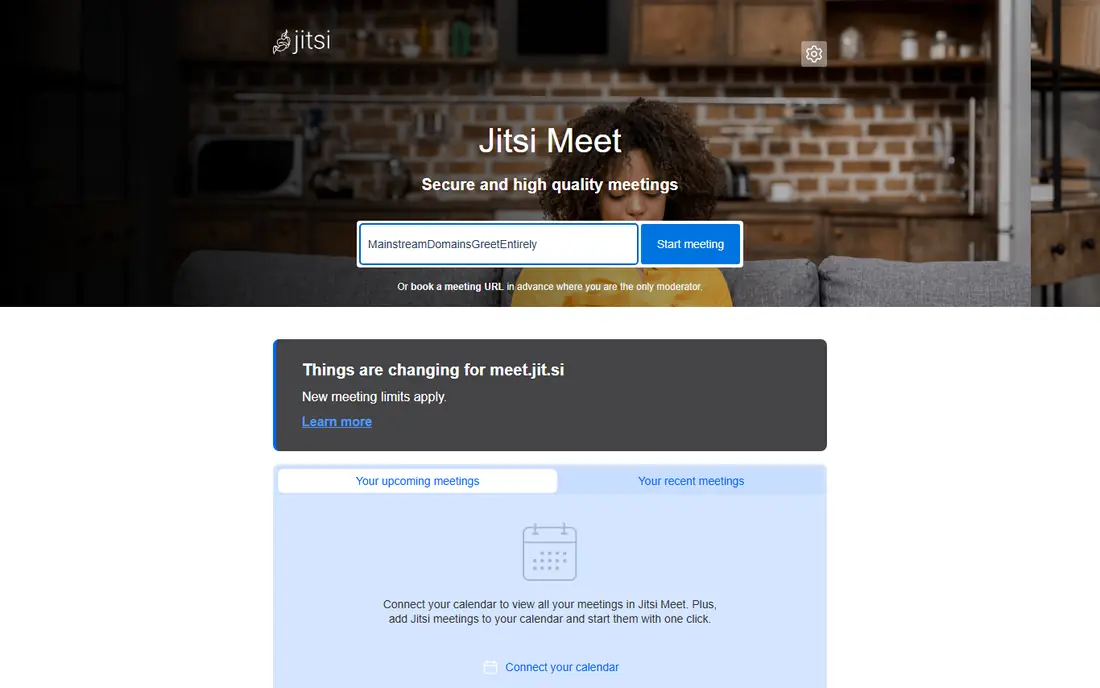
Jitsi Meet is the closest thing on this list to a meeting link that just works. You open the site, pick a room name, and share the link. Guests do not need an account, and there is no published time limit for meetings on the public service. That makes it a good pick for one off calls, interviews, support sessions, and community groups where asking everyone to sign up would lose people.
The trade off is scale and polish. The public service is shared, and performance can vary when many people join with video on. Teams that need guaranteed capacity, admin controls, or compliance reports should self host Jitsi or choose a paid suite. For small and medium calls, though, Jitsi removes the two barriers that frustrate guests most, namely accounts and downloads.
- No account needed to start or join
- Open source and self-hostable
- Screen sharing, chat, and recording options are built in
- Very large meetings can strain the public service
- Fewer built in business controls than paid suites
Webex has been a business meeting staple for years, and its free plan gives small teams a taste of that structure. Meetings include screen sharing, chat, reactions, and scheduling tools, and the layout feels orderly rather than playful. That tone suits client calls, training sessions, and formal team meetings where a clear host role matters.
The free plan limit is the main drawback. Group meetings on the free plan are capped at 40 minutes, the same length that drives many people away from Zoom. If your calls usually run short, Webex is a solid choice. If they regularly run over an hour, pair it with a tool that offers a longer free window, or budget for a paid plan.
- Long running business meeting features
- Screen sharing, chat, and reactions included
- A familiar layout for corporate users
- Free meetings are limited to 40 minutes for groups
- Some advanced features sit behind paid plans
Discord started with gamers, but it now hosts study groups, clubs, creator communities, and small teams. Instead of scheduling a meeting, you drop into a voice or video channel and talk. Text channels stay open between calls, so notes, links, and files do not disappear when the call ends. That persistent space is the real draw.
Video is not Discord's strongest mode for large formal meetings, and the server layout takes a little learning. For groups that meet often, share resources, and want a place to hang out between sessions, it works well. For a one off client presentation, a plain meeting link from Meet or Webex will feel more professional.
- Persistent servers keep chat, voice, and video in one place
- Screen sharing and voice channels are easy to use
- No meeting time limit on free calls
- Video calls are better for smaller groups than for large meetings
- The layout can confuse newcomers used to plain meeting apps
Whereby is built around one idea, which is that a meeting room should feel like a web page. You get a room link, you share it, and people join from a browser. There is little to install and little to explain, which helps with clients, students, and older relatives who do not want another app. Screen sharing, chat, and reactions cover the basics.
The free plan is best for small, occasional use. Room limits and feature limits mean a growing team will outgrow it, and the paid plans are where larger meetings and branding live. If you want the simplest possible room for regular one to one or small group calls, Whereby earns its place. If you need large meetings, start with Meet or Teams instead.
- Runs in a browser with a personal room link
- Guests join without an account in many cases
- The interface is very easy to explain
- Free plan limits rooms and features
- Larger meetings need a paid plan
Signal is a messaging app first, and its group video calls suit people who value privacy over meeting extras. Calls are encrypted end to end, the app collects little by design, and the interface has almost nothing to learn. For a family call, a small team check-in, or a sensitive conversation, that simplicity is a strength.
It is not a replacement for a webinar platform or a large class tool. Group video size is limited compared with Meet or Teams, and there are no breakout rooms, polls, or registration pages. Use Signal when the group is small and privacy matters most, and use a dedicated meeting tool when the audience is large or the agenda is formal.
- End to end encryption for calls and messages
- No account beyond a phone number
- Clean and simple calling interface
- Group video calls are capped at a smaller size than business tools
- No scheduling or webinar features
BigBlueButton was designed for online learning, and that focus shows. Teachers get a shared whiteboard, polls, breakout rooms, and presentation tools, while students join from a browser without installing software. For a school, tutor, or training provider, those classroom tools matter more than a generic meeting grid.
The catch is hosting. BigBlueButton is open source software that you run on a server or get through a hosting provider, so it is not as instant as opening Meet. Schools and training teams that already have technical support will find that trade worthwhile. Casual users who just need a quick call should pick a simpler tool from this list.
- Built for teaching with whiteboard, polls, and breakout rooms
- Open source and self-hostable
- Students join from a browser
- Needs hosting or a provider to run
- Setup is heavier than a consumer meeting app
Zoho Meeting is a practical choice for teams that already use Zoho Mail, CRM, or Workplace. Meetings launch from a browser, scheduling is straightforward, and the basics of screen sharing and chat are covered. It feels like a business tool rather than a social app, which suits client calls and internal reviews.
The free plan is limited in participants and features, so it works best for small teams and occasional meetings. Larger groups will need a paid plan or a tool with a higher free cap. If Zoho is already your office suite, Meeting keeps everything in one account. If not, Meet and Teams offer larger free audiences for the same price, which is free.
- Browser based meetings with screen sharing and chat
- Fits neatly with other Zoho apps
- Simple scheduling and joining
- Free plan has participant and feature limits
- Smaller ecosystem than Google or Microsoft
How we picked these
We started with the free plans that people actually ask about when they search for zoom alternatives free and best free zoom alternatives. For each tool, we checked the vendor's own site for a free plan, a participant limit, and a time limit, and we kept only tools that still offer video meetings without payment in October 2026. We favoured tools with a clear official homepage, a working browser or app route for guests, and a real use case beyond a trial.
We did not rank tools on video quality claims we could not verify, and we did not treat a free trial as a free plan. Where a vendor publishes no time limit, we say so, and where a limit applies, we state it plainly. Prices and limits can change, so treat this list as a starting point and confirm the free plan on the vendor site before you plan a large event around it.
What to check before you switch
Time limits and participant caps
Match the tool to your longest regular call, not your average call. A 60 minute cap is fine for a class, but a workshop that runs for two hours will need restarts or a paid plan.
Guest access
Count how many steps a guest must take. A browser link with no account beats a download and sign up flow, especially for clients and community members who join once.
The tools you already use
If your group lives in Gmail or Outlook, the matching meeting tool removes duplicate calendars and contacts. A standalone tool can still win when guests come from many different systems.
Privacy and recording
Check who can record, who can join from a link, and whether waiting rooms or passwords are available. Small groups may prefer encrypted calls, while schools may need moderation and attendance controls.
Frequently asked questions
What is the best free Zoom alternative with no time limit?
Jitsi Meet is the strongest answer for group calls, because it publishes no meeting time limit on its public service and guests need no account. Discord also offers calls without a meeting time limit, though it suits smaller and more informal groups better than large formal meetings.
Are there free Zoom alternatives for large meetings?
Google Meet and Microsoft Teams both allow up to 100 people on free group calls, capped at 60 minutes. For a larger audience, a webinar or event platform may fit better, because free meeting tools are built for discussion rather than broadcast.
Which free alternative is easiest for guests?
Jitsi Meet and Whereby are among the easiest, because guests can join from a browser link with little or no account setup. Google Meet is also easy for guests who already have a Google account, since the link works from Gmail and Calendar.
Can I use a free Zoom alternative for online classes?
Yes, and BigBlueButton is built for that job, with a whiteboard, polls, and breakout rooms. Google Meet and Microsoft Teams also work well for classes, especially when students already use the matching office suite for assignments and email.
Do free video tools include screen sharing?
Most tools on this list include screen sharing on the free plan, including Google Meet, Microsoft Teams, Jitsi Meet, Webex, Discord, Whereby, and Zoho Meeting. Check the vendor page for the exact free plan, because some extras such as recording or breakout rooms may need a paid plan.
Is Zoom still free for short meetings?
Yes, Zoom still offers a free Basic plan, but group meetings on that plan are limited to 40 minutes. If your meetings usually finish inside that window, Zoom remains usable, and the tools here matter most when calls run longer or guests struggle with accounts.
Sources we checked (9)

Online Jobs is an independent blog about careers, online work, learning new skills and the tools that help people earn. More about us.
Keep reading
All posts
Zoom Alternatives
Zoom alternatives compared for 2026: Google Meet, Microsoft Teams, Webex, Jitsi and more for free calls, large meetings and webinars for teams and classrooms.

Which Software Is Best for Data Entry
Compare the best data entry software for forms, OCR scanning, and spreadsheets, with free plans, pricing, and honest limits for each tool before you commit.
What's the Best App to Read PDFs
Find what's the best app to read PDFs in 2026, from Adobe Acrobat Reader and Foxit to PDF Expert and Xodo, with free options and honest limits for every device.