Free Alternatives to Lightroom in 2026: 8 Tools Compared

How we put this together: we compare official feature and pricing pages, app store listings, privacy policies and public user reviews. Prices change, so check the provider's site before you pay.
Key takeaways
- Darktable is our pick for most photographers, because it pairs a catalog with non-destructive raw editing on Windows, Mac, and Linux at no cost.
- RawTherapee suits careful raw processing of individual files, while digiKam suits organising a large photo archive.
- Photopea and Snapseed cover quick edits without installing desktop software, on the web and on mobile respectively.
- GIMP adds pixel editing and retouching alongside darktable, but it is not a Lightroom catalog replacement on its own.
- No free tool imports a Lightroom catalog perfectly, so plan to re-import files and rebuild collections when you switch.
Quick comparison
| Name | Who it suits | Starting price | Free option | |
|---|---|---|---|---|
 darktable | Full Lightroom replacement | Free | Yes | Visit |
 RawTherapee | Detailed raw processing | Free | Yes | Visit |
 digiKam | Organising a large archive | Free | Yes | Visit |
 Photopea | Browser editing without install | Free | Yes | Visit |
 Snapseed | Mobile raw and photo editing | Free | Yes | Visit |
 GIMP | Pixel editing and retouching | Free | Yes | Visit |
 LightZone | Zone-based tonal editing | Free | Yes | Visit |
 Apple Photos | Mac and iPhone photo library | Free | Yes | Visit |
The best free alternatives to Lightroom
Lightroom does two jobs: it organises a photo library, and it edits raw files without changing the originals. The best free alternatives to Lightroom cover one or both of those jobs, and the right pick depends on which half you use most. We compared official project pages and public documentation for tools that are free today, on desktop and mobile.
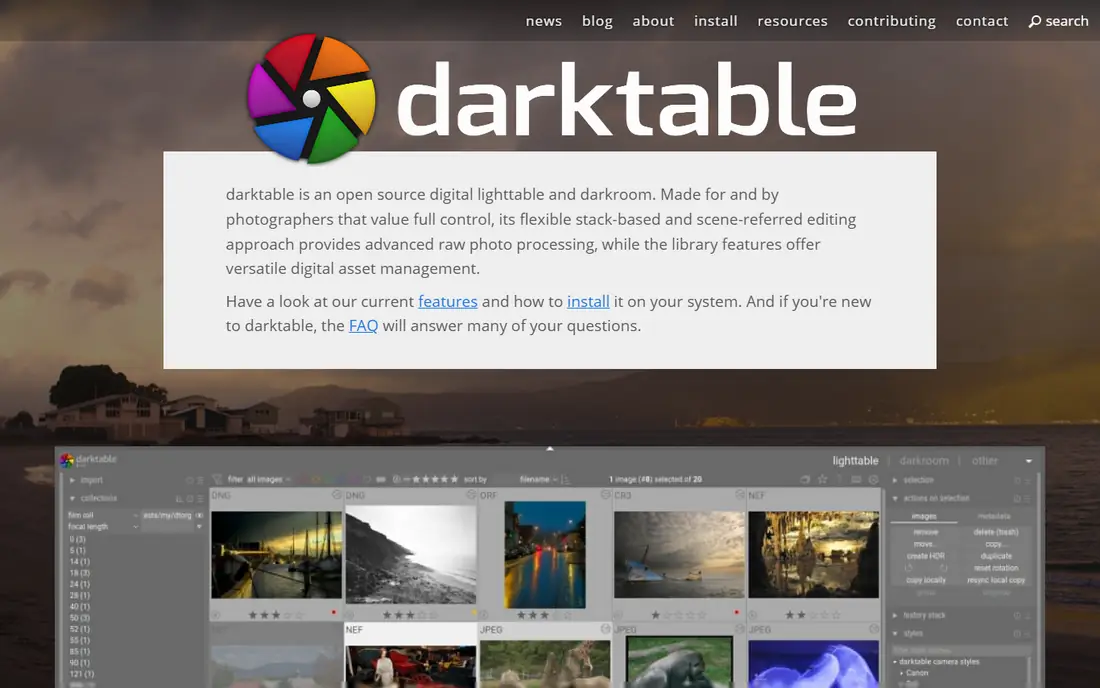
Darktable is the closest free replacement for Lightroom as a whole, because it combines a library module for organising photos with a darkroom module for non-destructive raw editing. Edits are stored separately from original files, so you can revisit or undo changes without harming the raw file. It supports a wide range of camera raw formats and runs on all three major desktop systems.
The catch is the learning curve. Darktable exposes many modules and controls, and a new user may need time to find a comfortable workflow. Once that workflow is set, though, most photographers find darktable covers the daily Lightroom jobs without a monthly fee.
- Catalog plus non-destructive raw editing
- Runs on Windows, Mac, and Linux
- No cost or subscription
- Steep learning curve
- Interface feels technical next to Lightroom
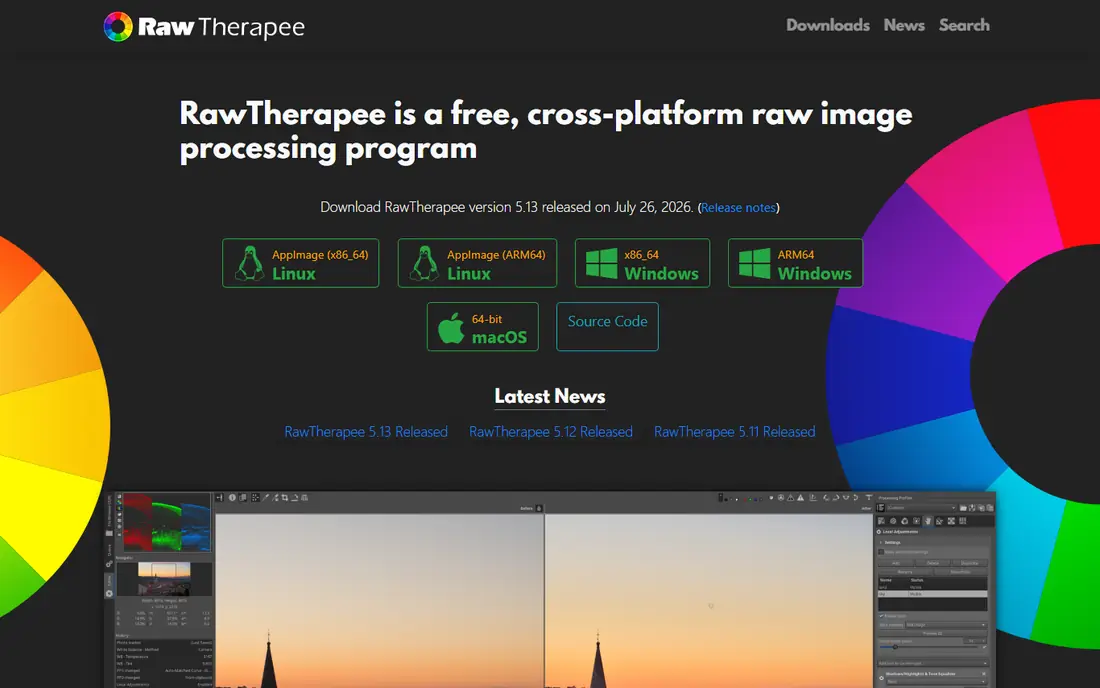
RawTherapee suits a photographer who edits files one by one and wants maximum control over raw processing. Its tools for tone, colour, detail, and noise are deep, and it handles a wide range of raw formats, including some specialist sensor types. For a careful edit of a small set of images, it is excellent.
The limit is organisation. RawTherapee has no Lightroom-style catalog, so you need a file browser or another tool such as digiKam to manage a large archive. Pair it with a library tool, and it becomes a strong free editing setup. On its own, it is an editor, not a replacement for the whole Lightroom workflow.
- Deep raw processing controls
- Strong detail and noise handling
- Free and open source
- No photo library or catalog
- Interface is technical and dated
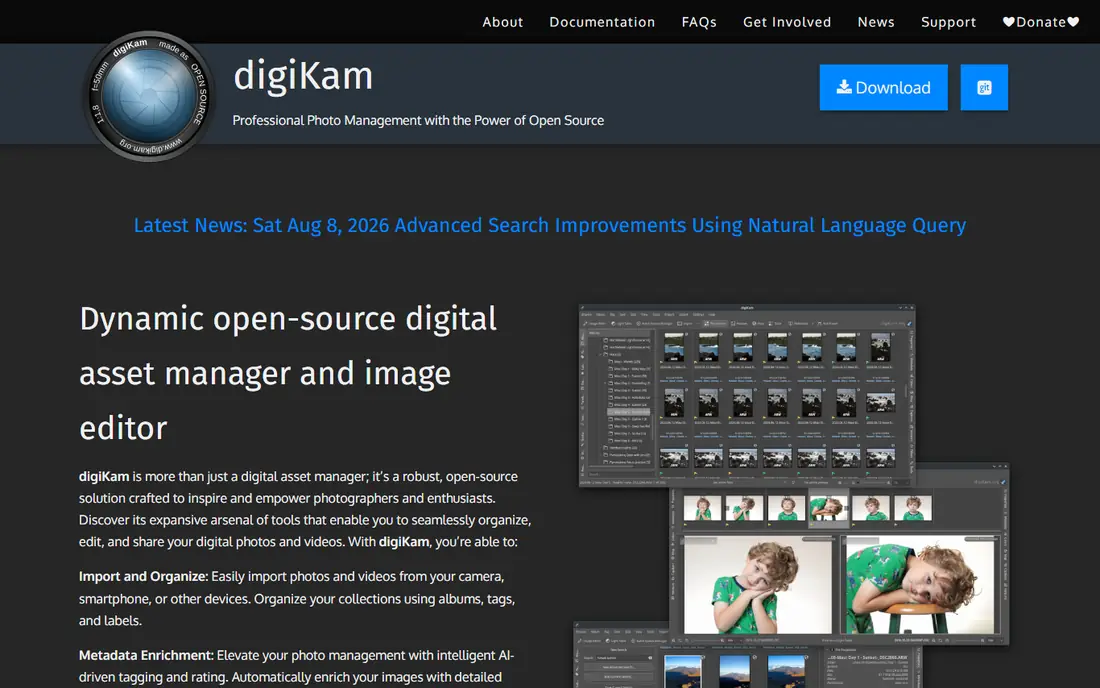
DigiKam is the best free pick for the library half of Lightroom. It organises photos into albums, supports tagging, ratings, and search, and can handle a large archive across folders and drives. Face tagging and metadata tools help a photographer find old work quickly, which is often the hardest part of leaving Lightroom.
The editing side is basic, so digiKam works best alongside darktable or RawTherapee, not instead of them. Use digiKam to organise, and a raw editor to develop files, and you get a free workflow that covers both Lightroom jobs.
- Strong photo management, tagging, and search
- Handles large libraries
- Free and open source
- Editing tools are basic compared with darktable
- Interface takes time to learn
Photopea is the fastest free option when you need to edit a photo without installing software. It runs in a browser, supports layers, masks, and common file formats, and can open raw files for basic development. A student, a Chromebook user, or a photographer on a borrowed computer can do real editing work in minutes.
The limits are clear. The free version shows ads, large files depend on internet speed, and there is no library or catalog. Photopea is a quick editor, not a Lightroom replacement, but it is an excellent free companion tool.
- Runs in any browser with no install
- Photoshop-style layers and tools
- Handles raw import
- Ads in the free version
- Needs an internet connection for large files
- No catalog
Snapseed is the best free mobile photo editor, and it handles raw and DNG files on phones and tablets. Its selective editing, tuning, and filter tools are strong for a free app, and there are no ads, watermarks, or subscription prompts in the way. For a photographer who shoots and edits on a phone, it covers most daily needs.
The catch is that Snapseed is mobile only, with no desktop catalog to replace Lightroom Classic. Use it for on-the-go editing and sharing, and use darktable or digiKam for a desktop archive. Together, they cover mobile and desktop without cost.
- Fully free with no ads or watermarks
- Raw and DNG support
- Strong selective editing tools
- No desktop catalog
- Google ownership means future plans need watching
- Export options are mobile-focused
GIMP is the free answer to Photoshop, not to Lightroom, but it pairs well with darktable for a complete free workflow. Develop a raw file in darktable, export a TIFF, then retouch, composite, or clean up the image in GIMP. Its layers, masks, healing, and plugin library cover serious retouching work.
On its own, GIMP does not organise a library or develop raw files as smoothly as darktable, so do not judge it as a direct Lightroom swap. As part of a darktable plus GIMP workflow, it gives a photographer a full professional toolkit at no cost.
- Full pixel editing, layers, and retouching
- Huge plugin library
- Free and open source
- Not a raw catalog tool
- Learning curve is steep for beginners
LightZone offers a different editing style, based on Ansel Adams zone system, which suits photographers who think in tonal zones, especially for black and white work. Edits are non-destructive, and the workflow is simpler than darktable for tonal control. It runs on major desktop systems and costs nothing.
The downside is scale. LightZone has a smaller community than darktable, updates are slower, and it lacks some modern features such as advanced AI masking. It is a good specialist tool, but most photographers should start with darktable and try LightZone for tonal work.
- Zone-based tonal editing that suits black and white work
- Non-destructive editing
- Free and open source
- Smaller community and slower updates
- Fewer modern features than darktable
Apple Photos is the simplest free option for a Mac or iPhone user who wants a library without new software. It organises photos, syncs across Apple devices with iCloud, and includes basic raw editing and adjustments. For personal work and occasional raw files, it is often enough.
The limits are platform and depth. Apple Photos only runs on Apple devices, and its raw tools are basic compared with darktable or RawTherapee. A serious photographer on a Mac may still need darktable for detailed editing, while a casual shooter can stay happily inside Apple Photos.
- Built into Mac and iOS
- Good library, albums, and sharing
- Basic raw editing included
- Apple devices only
- Raw tools are basic
- No Windows or Android version
How we picked these
We compared official project pages and public documentation for photo tools that are free today, with no subscription required for core use. We kept only tools with a real Lightroom use, either cataloguing, raw editing, or mobile editing, and we favoured open source desktop tools for a full replacement. Where a free tool has paid extras, we noted the limit rather than treating the whole tool as paid.
Choosing the right free Lightroom alternative
The best free setup is often two tools, not one. Pick a library tool and an editing tool that fit together, and test them on your own files before you move a whole archive.
Start with darktable if you want one tool
If you want the closest single replacement, install darktable and spend a week learning its library and darkroom modules. Import a small test folder first, try raw edits on varied files, and export a few finished images. If darktable feels too technical, try RawTherapee for editing plus digiKam for organising instead.
Plan the catalog move carefully
Export your original files with their folder structure, and keep a backup before you re-import them into a new tool. Lightroom edits, collections, and masks usually do not transfer cleanly, so expect to rebuild collections and redo some edits. A slow move, folder by folder, is safer than a rushed bulk import.
Add mobile or browser tools where they help
Snapseed covers phone editing, and Photopea covers quick edits on any computer, without changing your main desktop workflow. Use them as companions, not replacements, and keep finished files in your main library so your archive stays in one place.
Frequently asked questions
What is the best free alternative to Lightroom?
Darktable is our pick for most photographers, because it combines a catalog with non-destructive raw editing on Windows, Mac, and Linux for free. RawTherapee is a strong second choice for detailed raw processing, especially when paired with digiKam for organising.
What is the best free Lightroom alternative for Windows?
Darktable, RawTherapee, digiKam, and GIMP all run on Windows for free, and darktable is the best single replacement. Photopea also works on Windows in a browser, with no install needed.
Can I import my Lightroom catalog into a free alternative?
Most free tools cannot import a Lightroom catalog file directly with all edits and collections intact. You can usually re-import your original raw and JPEG files, but expect to rebuild collections and redo some edits, so keep a backup of your Lightroom catalog.
Is darktable really free?
Yes, darktable is free and open source, with no subscription, no paid tier for core features, and no watermark on exports. Community support and documentation are available online, although there is no paid support desk like Adobe offers.
What is the best free Lightroom alternative for mobile?
Snapseed is the best free mobile pick, with raw support, selective editing, and no ads or watermarks. Apple Photos is also free on iPhones and iPads, while Photopea works in a mobile browser for quick edits.
Do free alternatives support raw files from my camera?
Darktable and RawTherapee support a wide range of camera raw formats, and most major cameras are covered. Very new camera models may need a software update before raw support appears, so check the supported camera list for your model before you switch.
Sources we checked (8)

Online Jobs is an independent blog about careers, online work, learning new skills and the tools that help people earn. More about us.
Keep reading
All posts
Best Tools to Unblur Photos for Free
We compared the best tool to unblur photos for free, covering face repair, web tools, desktop apps, free limits, watermarks, and what blur cannot fix.

Best Photo Storage App
Looking for the best photo storage app? We compared 9 photo storage and backup apps on free space, price, search, sharing and privacy, to help you choose.

Best Photo Editor App
Best photo editor app guide: we compare 8 photo editors on editing control, presets, free plans, and pricing so you can pick the right app for photos.