Best Tools to Unblur Photos for Free in 2026: 9 Tools Compared

How we put this together: we compare official feature and pricing pages, app store listings, privacy policies and public user reviews. Prices change, so check the provider's site before you pay.
Key takeaways
- No tool recovers detail that was never captured, so mild to moderate blur responds best and heavy blur stays soft.
- Face tools rebuild facial detail better than general sharpeners, but they can also invent features, so check eyes and teeth closely.
- Free plans are useful for a few images, yet credit limits, watermarks, and resolution caps push regular users to a paid plan.
- Upscayl is the strongest truly free desktop option, because it runs locally and does not charge per image.
- Keep the original file untouched, and compare the result at full size before you share or print it.
Quick comparison
| Name | Who it suits | Starting price | Free option | |
|---|---|---|---|---|
 Upscayl Upscayl | Free local unblurring and upscaling | Free | Yes | Visit |
 LetsEnhance LetsEnhance | Web unblurring for print and general photos | $9 per month | Yes | Visit |
 Topaz Photo AI Topaz Photo AI | Photographers who want desktop control | See website | Free trial | Visit |
 Remini Remini | Mobile face restoration | See website | Yes | Visit |
 VanceAI VanceAI | One click web restoration | $9 per month | Yes | Visit |
 Fotor Fotor | Budget all in one web editing | $39.99 per year | Yes | Visit |
 PicWish PicWish | Batch enhancement and cleanup | $6.99 per month | Yes | Visit |
 Cutout.pro Cutout.pro | Free web deblurring plus portrait tools | See website | Yes | Visit |
 Adobe Lightroom Adobe Lightroom | Photographers already using Lightroom | See website | Free trial | Visit |
The best tools to unblur photos for free
We compared official feature pages, pricing pages, and app listings for tools that can reduce blur, sharpen detail, or rebuild a soft face. Free access mattered here, but so did honesty about limits, because a free tool that watermarks every export is not really free for sharing. Start with the kind of blur you have, then pick the tool built for it.
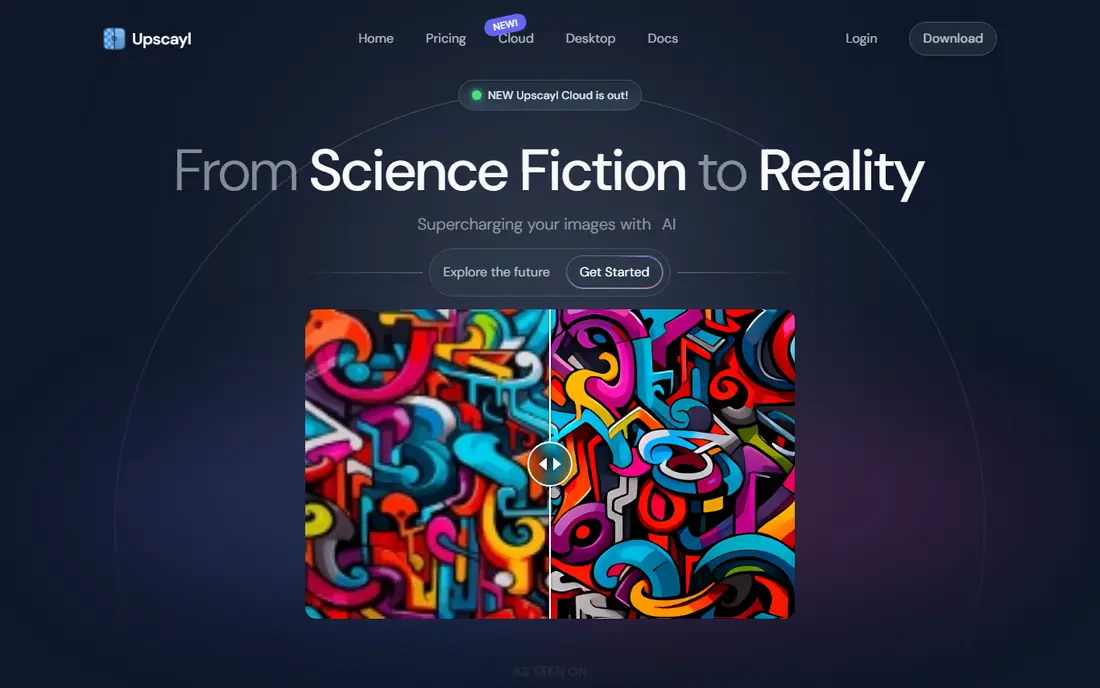
Upscayl is the first tool to try if you want a genuinely free option without credits or watermarks. It runs on your own computer, so your photos do not need to upload to a server for processing, and you can work through a folder of images without watching a credit balance fall. That privacy benefit matters for family photos and for work files you would rather keep local.
The trade off is polish. Upscayl is less guided than a paid web tool, and its results depend on the model you pick and the power of your machine. It also does not specialize in faces the way Remini does. For general softness, low resolution images, and screenshots that need sharpening, it is a strong, honest free start.
- Free and open source
- Runs on your computer
- No per image charge
- Needs a reasonably capable computer
- Interface is plainer than paid rivals
- Face repair is less specialized
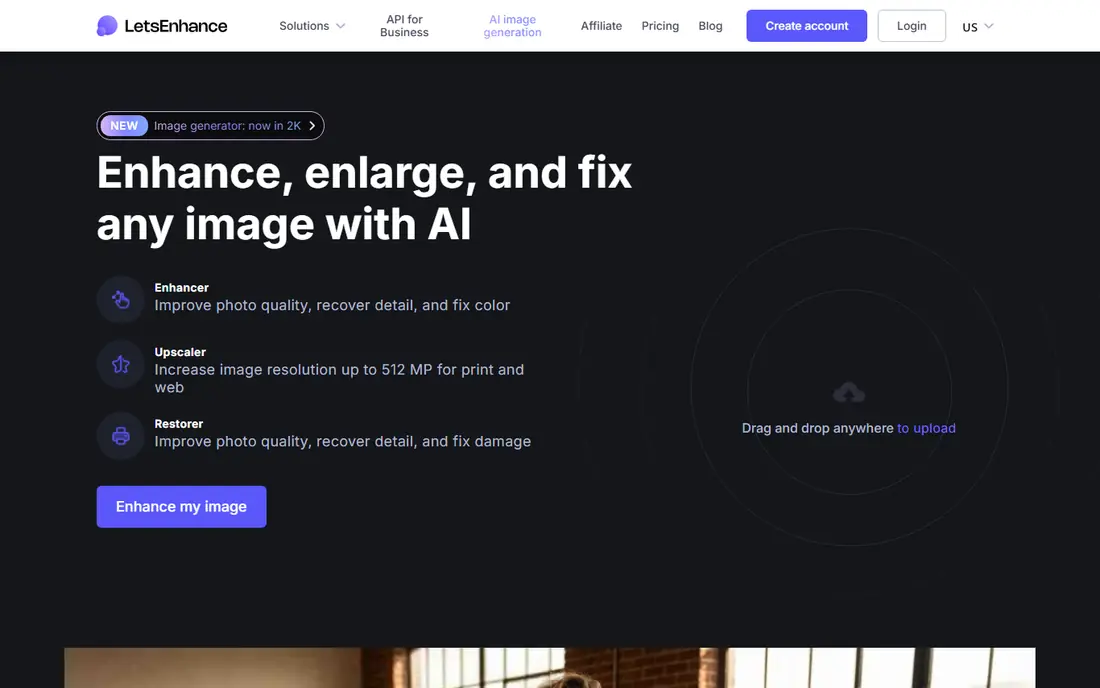
LetsEnhance suits people who want a web tool that treats a photo like a print job, not just a quick social fix. You upload an image, pick a model suited to the photo, and get a sharper, larger result that holds up better at print size. That makes it useful for old scans, product photos, and images that need to look clean in a document.
Free use is limited, so it is best for testing with your hardest photos before you pay. The paid plan starts at $9 per month and works on credits, which means heavy users should check how many images that plan actually covers. When the blur is mild and the photo is otherwise good, LetsEnhance often gives a natural result without the waxy look some enhancers produce.
- Different models for different photo types
- Good for print sizes
- Web based, no install needed
- Free plan is limited
- Paid plan is credit based
- Results vary by photo type
Topaz Photo AI is the professional end of this list. It gives photographers separate controls for noise, sharpening, and upscaling, plus batch processing for a full shoot. If you shoot in low light, crop heavily, or work with RAW files, that control is the reason to pay. The results tend to keep texture better than a one click web tool, especially on detailed subjects like hair, fabric, and foliage.
Casual users should know the limits before downloading. The trial lets you preview results but does not let you save them, and the full price is aimed at photographers rather than someone fixing one phone photo. Check the current pricing page, since Topaz has changed its pricing model over time. For a single blurry snapshot, a free tool will do. For regular photo work, Topaz is worth the trial.
- Strong denoise, sharpen, and upscale controls
- Batch processing
- Local desktop workflow
- No free plan for saving results
- Price is high for casual use
- Needs a capable computer
Remini built its name on one job, taking a blurry face and rebuilding it in seconds. On a phone, you upload a faded portrait, tap enhance, and get sharper eyes, skin texture, and hair. For a single damaged family photo you want to share, few tools get you there faster, and the mobile workflow means you do not need a computer at all.
The business model is the catch. Free use comes with ads and daily limits, and paid pricing has been framed weekly in app stores, which adds up quickly for ongoing use. Remini can also over smooth skin, so the result sometimes looks less like the person and more like a polished illustration. Keep the original, compare at full size, and use Remini for faces rather than for outdoor scenes or text.
- Very strong face enhancement on mobile
- Fast results
- Simple one tap workflow
- Free tier has ads and daily limits
- Weekly pricing adds up fast
- Can over smooth faces
VanceAI is a good middle ground for casual users who want more than a single trick. The web tools cover enhancement, old photo restoration, background work, and upscaling, so one account can handle several kinds of fixes. New accounts get signup credits for a few free restorations, and you can preview a result before you commit to a paid plan.
Credits are the part to read carefully. Paid plans start at $9 per month, and each image costs credits, with higher resolutions costing more. That is fine for a handful of photos, but a full album will need a larger plan or a different tool. Photos also upload to VanceAI servers for processing, so skip anything highly sensitive.
- Many photo tools in one account
- Face and old photo options
- Preview before paying
- Credit system needs attention
- Monthly credits can run out fast
- Web processing uploads your photo
Fotor fits people who want to unblur a photo and then finish it in the same place. The AI enhancer sharpens and improves clarity, and the wider editor adds cropping, color, text, and templates. That combination suits social posts, listings, and small business graphics where the photo is one part of a finished design.
The free plan is useful for testing, but free downloads can carry watermarks, so it is not a clean free export for every use. The Pro plan at $39.99 per year is modest compared with desktop photo software, and it opens the fuller AI and batch features. If you already edit photos online, Fotor is a practical all in one choice rather than a specialist deblurrer.
- Enhancer plus full photo editor
- Affordable annual plan
- Mobile app included
- Free downloads can carry watermarks
- AI enhancer is one part of a larger editor
- Batch tools sit behind paid plans
PicWish is useful when you have more than one photo to fix. Sellers, small teams, and anyone clearing a backlog will value batch enhancement, background removal, and cleanup tools in one web account. The workflow is simple, upload, enhance, download, and repeat, which beats opening each file in a desktop editor.
Free use gives a small number of enhancements per day, so it works for testing and for occasional fixes rather than a full catalog. Paid plans start at $6.99 per month, and heavy batch work can still hit limits, so check the current plan details before a large job. For product photos and general cleanup, PicWish is a solid budget pick.
- Batch enhancement for many images
- Background and cleanup tools
- Simple web workflow
- Free daily enhancements are limited
- Paid pricing is credit based in practice
- Face work is less specialized
Cutout.pro is a handy web option when you want a quick deblur without installing software or signing up for a large plan. It pairs deblurring with portrait enhancement and background tools, so a soft headshot or product photo can be cleaned up in one visit. For a single image that needs a fast fix, that simplicity is the point.
Free use has limits, and resolution caps can matter if you need a print size file. Like other web tools, it processes your upload on its servers, so keep sensitive photos local with Upscayl instead. Check the current free allowance on the site before you rely on it for a batch, since free tiers change often.
- Free web deblurring without an install
- Portrait and background tools
- Quick for single images
- Free limits and resolution caps apply
- Web upload needed
- Results vary on heavy blur
Lightroom is not a free unblur tool, but it belongs here because many photographers already pay for it and miss its Enhance features. Inside Lightroom, you can denoise, sharpen, and enhance a photo without leaving your library, and every edit stays non destructive, so the original file is safe. That workflow matters when you process hundreds of photos from a shoot.
For a casual user, Lightroom is hard to justify for one blurry photo. The trial is time limited, and the subscription is aimed at photographers who also need organizing, color, and export tools. If you already use Lightroom, try its Enhance options before buying a separate deblurrer. If you do not, start with Upscayl or a free web tool.
- Enhance and denoise inside a full photo workflow
- Non destructive editing
- Strong library tools
- No useful free plan for saving
- Subscription cost for non photographers
- Learning curve for beginners
How we picked these
We compared official product pages, pricing pages, and app listings for tools that are live in October 2026 and that can reduce blur, sharpen detail, or restore a soft image. We kept tools that offer a free plan or a free trial, and we noted where free means limited credits, watermarks, or a preview only trial. We weighed face repair, general sharpening, batch work, privacy, and whether the tool runs locally or uploads your photo.
We did not claim hands-on testing that we did not do. We judged each tool on the features and limits its vendor publishes, and we used See website where pricing was not cleanly verifiable from the vendor page at the time of writing. Prices and free allowances change often, so check the vendor page before a large job.
What to check before you pay
Identify the blur first
Motion blur, missed focus, and low resolution look similar at a glance but respond differently. A general sharpener helps mild softness, a face tool helps portraits, and a denoise tool helps low light grain. If you are unsure, test the same photo in two tools and compare the result at full size, not just in a small preview.
Watch the free plan traps
Free can mean daily credits, a monthly credit pool, a watermark, a resolution cap, or a preview you cannot save. Read the free plan terms before you upload a batch, and count how many images you actually need to finish. A tool with a small free allowance is still useful for testing, but it is not a free solution for an album.
Protect the original and check the details
Always work on a copy and keep the original file untouched. After enhancement, zoom in and check eyes, teeth, hands, and any text in the image, because AI tools can invent plausible detail that was not there. For family photos and published work, that check matters more than a small gain in sharpness.
Choose local when privacy matters
Web tools upload your photo to a server, while desktop tools like Upscayl and Topaz Photo AI process it on your computer. For sensitive family photos, work documents, or images of children, a local tool is the safer default, even if the web tool is faster.
Frequently asked questions
What is the best app to unblur photos free?
Upscayl is the strongest fully free desktop option, because it has no per image charge and runs locally. For a quick web fix, Cutout.pro and the free tiers of LetsEnhance, VanceAI, and PicWish are useful for a few images. Pick local for privacy and web for speed.
What is the best free tool to unblur photos on a phone?
Remini is the best known mobile choice for faces, with a free tier that has ads and daily limits. Fotor and PicWish also offer mobile apps with free enhancement options. For a single portrait, Remini is usually fastest, but check the result for over smoothing before you share it.
Can a free unblur tool fix a very blurry photo?
Only partly. Mild blur, slight camera shake, and low resolution respond well, while a badly out of focus photo will stay soft. AI tools can make such a photo look cleaner, but they often invent texture that was not in the original scene, so the result should not be treated as an accurate record.
Why does my enhanced photo look waxy or fake?
Many enhancers smooth skin and texture to hide noise, and heavy settings make that effect worse. Try a lower strength, a different model, or a tool built for general photos rather than faces. Comparing the enhanced version with the original at full size will show whether detail was preserved or replaced.
Is it safe to upload personal photos to a free unblur tool?
It depends on the tool and your comfort level. Web tools process uploads on their servers, so read the privacy policy and avoid highly sensitive images. For family archives and private photos, a local desktop tool is the safer choice, and you should keep the original file in any case.
Sources we checked (9)

Online Jobs is an independent blog about careers, online work, learning new skills and the tools that help people earn. More about us.
Keep reading
All posts
Best Photo Editor App
Best photo editor app guide: we compare 8 photo editors on editing control, presets, free plans, and pricing so you can pick the right app for photos.
Best Photo Editing Software for Beginners
The best photo editing software for beginners in 2026, compared on price, ease of use, and free plans, so you can start editing without confusion from day one.

Zoom Alternatives
Zoom alternatives compared for 2026: Google Meet, Microsoft Teams, Webex, Jitsi and more for free calls, large meetings and webinars for teams and classrooms.