Best Photo Storage App in 2026: 9 Apps Compared

How we put this together: we compare official feature and pricing pages, app store listings, privacy policies and public user reviews. Prices change, so check the provider's site before you pay.
Key takeaways
- Google Photos is our pick for most people, because search, sharing and phone backup are easy and reliable.
- iCloud Photos suits Apple households, while OneDrive suits Windows and Microsoft 365 households.
- Amazon Photos is excellent value for Prime members, with unlimited full resolution photo storage for photos.
- SmugMug suits professional photographers, while Mylio suits users who prefer local storage over the cloud.
- Check free storage quotas carefully, since most free plans fill fast with a large photo library.
Quick comparison
| Name | Who it suits | Starting price | Free option | |
|---|---|---|---|---|
 Google Photos | Most Android and web users | Free | Yes | Visit |
 Apple iCloud Photos | iPhone and Mac users | Free | Yes | Visit |
 Amazon Photos | Prime members | Free | Yes | Visit |
 Dropbox | Simple file backup plus photos | Free | Yes | Visit |
 Microsoft OneDrive | Windows and Microsoft 365 users | Free | Yes | Visit |
 Flickr | Photographers who share publicly | Free | Yes | Visit |
 SmugMug | Photographers who sell or share professionally | See website | No | Visit |
 pCloud | Private cloud storage with photo backup | Free | Yes | Visit |
 Mylio Photos | Local photo libraries across devices | Free | Yes | Visit |
The best photo storage app
Photo storage is really two jobs: backup, so a lost phone does not mean lost photos, and finding, so you can locate a photo years later. Some apps are strong at search, some at privacy, and some at professional sharing. The apps below cover those needs, and each one was checked against its official site for current plans.
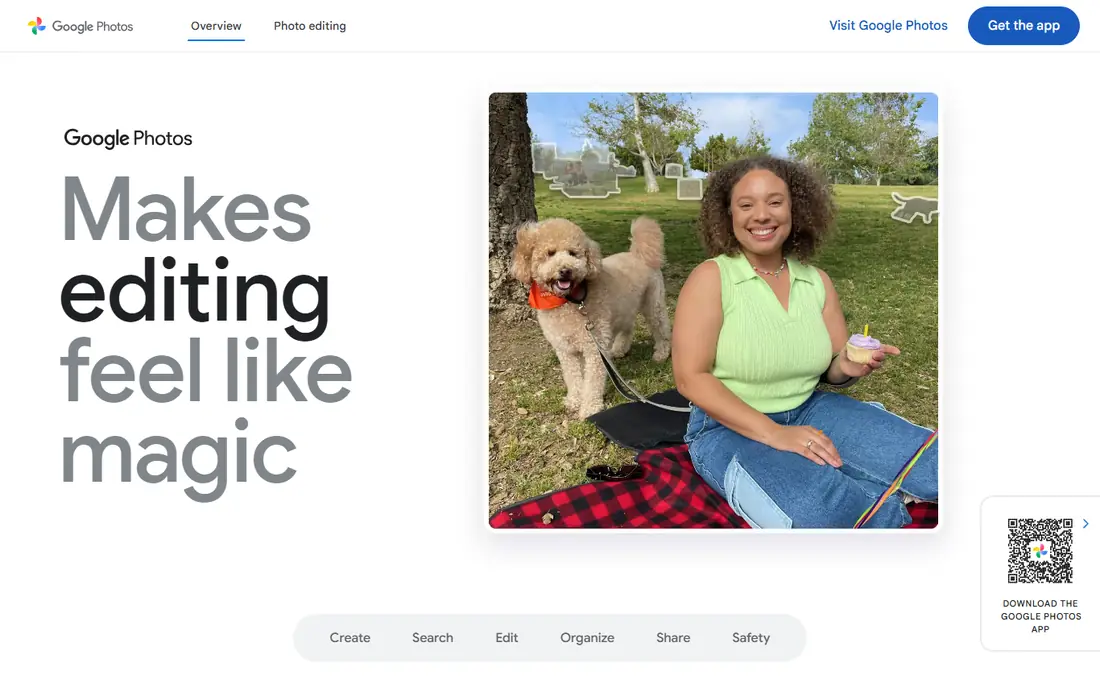
Google Photos is our pick for most people, because its search is genuinely useful. You can find a photo by a person, a place or an object without tagging every file, and sharing albums with family is simple. It works well on Android and on the web, and backup from a phone is easy to set up.
The limit is storage. Free use counts against your Google account quota, which also covers Gmail and Drive, so a large photo library can fill it. Check your quota and the current storage plan before you rely on it as your only backup. For most households, it is still the easiest starting point.
- Strong search by person, place and object
- Easy sharing and albums
- Works well on Android and web
- Free storage is limited to your Google account quota
- Full quality backup can fill storage fast
iCloud Photos is the natural choice for Apple households, because it is built into the iPhone, iPad and Mac and syncs without extra setup. Photos taken on a phone appear on a Mac and an iPad, edits sync, and shared albums make family sharing simple. For an Apple only household, it feels invisible in a good way.
The free 5 GB quota is small, so most users will need a paid iCloud plan for a real library. Windows users get a thinner experience. If you use Apple devices for most of your photos, iCloud Photos is the simplest backup, but budget for a paid plan.
- Built into iPhone, iPad and Mac
- Syncs across Apple devices
- Shared albums for family
- Free storage is small at 5 GB
- Best value only inside the Apple ecosystem
- Windows use is thinner
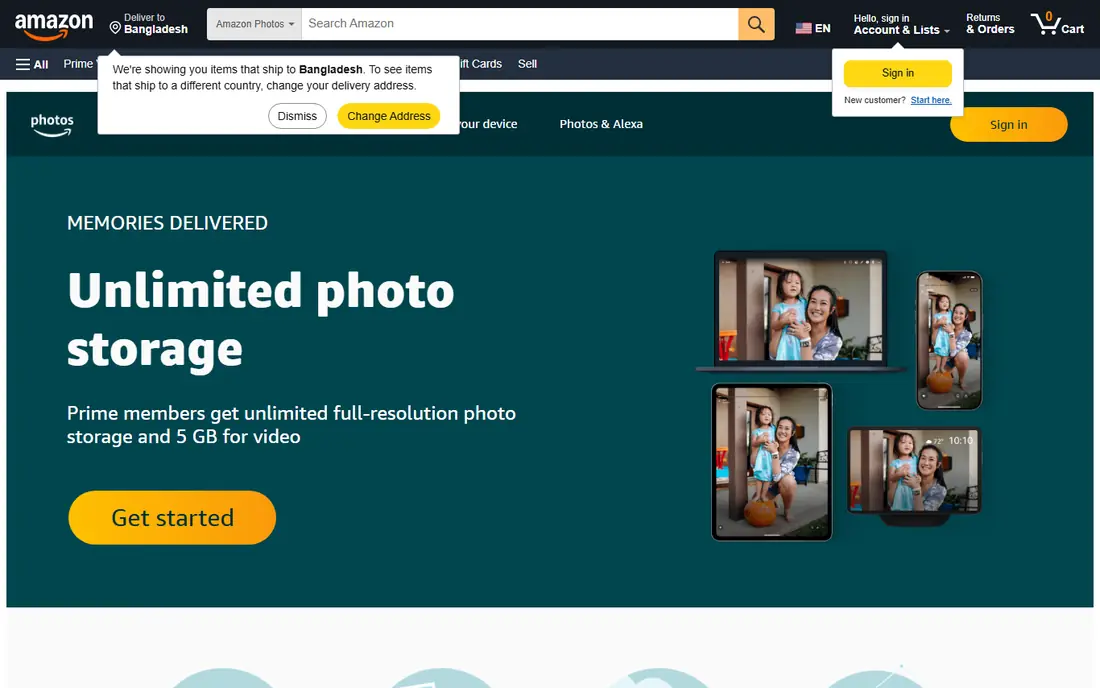
Amazon Photos is a strong choice for Prime members, because Prime includes unlimited full resolution photo storage for photos, which is a rare offer. Family Vault lets you share storage with family members, and the app backs up from phones automatically. For a Prime household with a large library, it can be the cheapest full resolution option.
Video storage is limited, so video heavy users will need extra space. The app also feels less polished than Google Photos for search and editing. If you already pay for Prime, Amazon Photos is worth using as a second backup, even if Google Photos remains your main app.
- Unlimited full resolution photo storage for Prime members
- Family Vault sharing
- Good for large libraries
- Best value needs Prime
- Video storage is limited
- App is less polished than Google Photos
Dropbox is a general file service that also handles photo backup well, with reliable sync and clear sharing controls. It suits users who want photos and documents in one place, with folders they control, rather than a photo only library. Sharing a folder or a link is simple and well understood.
Photo specific features are thinner than Google Photos, especially search by person or object, and the free plan is small. Large photo libraries need a paid plan. Use Dropbox if you value file control and sharing, and use Google Photos alongside it for search.
- Reliable sync across devices
- Good sharing controls
- Works well for files as well as photos
- Free plan storage is small
- Photo search is weaker than Google Photos
- Paid plans needed for large libraries
OneDrive is the natural photo backup for Windows and Microsoft 365 households, because it is built into Windows and links well to Office files. Phone backup is easy, and photos can be shared by link or album. If you already pay for Microsoft 365, the included storage makes OneDrive good value.
The free quota is small, and photo search and editing are simpler than Google Photos. It is best as a backup and sharing tool, not as a photo discovery tool. For Microsoft households, it is a practical main backup, especially with a 365 plan.
- Built into Windows and Microsoft 365
- Photo backup from phones
- Good sharing and Office links
- Free storage is small
- Photo features are simpler than Google Photos
- Best value with Microsoft 365
Flickr suits photographers who want to share work publicly and join a photo community. Its display quality is high, albums and groups help work get seen, and it has a long history as a photographer focused platform. For a portfolio or a hobby community, it still has a distinct appeal.
It is less suited to private family backup, and free account limits have changed over time, so check current terms. For private backup, Google Photos or iCloud are better. For public sharing and community, Flickr remains a good choice.
- Large photo community
- High quality display for photographers
- Good for public portfolios
- Free account limits and features
- Storage and display rules have changed over time
- Less suited to private family backup
SmugMug is built for photographers who want professional galleries, client proofing and selling tools. Paid plans offer unlimited photo storage, customisable portfolios and password protected galleries, which suits wedding, portrait and outdoor photographers. For a working photographer, those tools justify the price.
There is no free plan, and casual users will find it more than they need. Setup also takes time to get galleries looking right. If photography is your work or a serious hobby with clients, SmugMug is a strong professional choice.
- Unlimited photo storage on paid plans
- Professional galleries and selling tools
- Customisable portfolios
- No free plan
- Price suits professionals more than casual users
- Setup takes time
pCloud offers photo backup as part of a general cloud storage service, with a focus on privacy and file control. It backs up photos from phones, syncs across devices, and offers a lifetime plan for users who prefer a one off payment over a subscription. That option appeals to users tired of monthly bills.
Photo search is basic compared with Google Photos, and free storage is limited. The lifetime plan is a larger upfront cost, so check the current terms. For users who want private cloud storage plus photo backup, pCloud is a solid choice.
- Photo backup plus general cloud storage
- Lifetime plan option
- Good privacy controls
- Free storage is limited
- Photo search is basic
- Lifetime plan is a larger upfront cost
Mylio Photos suits users who want to keep photos on their own devices rather than in a cloud library. It organises photos across phones, computers and drives, syncs locally, and lets you manage a large library without a monthly cloud fee for local use. For privacy focused users, that local model is appealing.
Cloud sync and some advanced features need paid plans, and setup takes more care than a simple cloud app. You also need enough device storage for your library. If you prefer local control over cloud convenience, Mylio is a distinctive and useful choice.
- Keeps photos on your own devices
- Syncs across phones and computers
- No cloud subscription needed for local use
- Cloud sync and some features need paid plans
- Setup needs more care than a cloud app
- Storage depends on your devices
How we picked these
We compared official feature pages, pricing pages, app store listings, privacy information and public reviews, and we kept only products that exist today and fit the topic closely. We gave weight to clear pricing, a usable free option where one exists, and honest limits, and we treated vendor claims as claims rather than verified facts. We did not claim hands-on testing that did not happen, and where a price could not be confirmed on the vendor site, we wrote See website rather than guessing.
How to choose a photo storage app
Decide cloud, local or both
Cloud backup protects you if a phone is lost or damaged, while local storage keeps photos on devices you control. Many households use both: a cloud app for automatic backup, plus a local copy on a computer or drive. That pairing is the safest approach for irreplaceable family photos.
Check storage quota against your library size
Free plans look generous until you count a few years of phone photos and videos. Check how much space your library actually uses, and compare it with the free quota and the paid plan price. A plan that covers photos but not videos, or that counts against email storage too, can fill faster than expected.
Test search and sharing with family
Search by person, place and object saves hours when you need an old photo, and sharing should be simple for family members who are not technical. Try a shared album with a relative before you commit, and check whether they can view and download without creating a new account or paying.
Frequently asked questions
What is the best photo storage app?
Google Photos is our pick for most people, because search, sharing and backup are easy. iCloud Photos suits Apple users, OneDrive suits Microsoft users, and Amazon Photos suits Prime members. Choose by your devices and by how much storage your library needs.
What is the best storage app for photos with free space?
Google Photos, iCloud Photos, OneDrive, Dropbox and pCloud all offer free plans, but quotas are small compared with a large library. Amazon Photos offers unlimited full resolution photo storage for Prime members. Check the quota and whether it is shared with email and files.
What is the best app to store photos safely?
Use a cloud app for automatic backup plus a local copy on a computer or drive for safety. Google Photos and iCloud Photos offer reliable cloud backup, while Mylio Photos suits local storage. No single app is a complete backup on its own.
What is the best app to save photos for sharing with family?
Google Photos and iCloud Photos both offer simple shared albums for family. Amazon Photos offers Family Vault sharing for Prime members. Test a shared album with a relative first, to check they can view and download easily.
What are the best photo storage apps for photographers?
SmugMug suits professional photographers with galleries and selling tools, while Flickr suits photographers who want a public community. Google Photos suits search and sharing for hobby photographers. Professionals should also keep a local backup.
What is the best photo backup app for iPhone?
iCloud Photos is the simplest backup for iPhone, since it is built in and syncs across Apple devices. Google Photos is the best cross platform alternative, and Amazon Photos is good value for Prime members. Budget for a paid plan if your library is large.
Sources we checked (9)

Online Jobs is an independent blog about careers, online work, learning new skills and the tools that help people earn. More about us.
Keep reading
All posts
Best Tools to Unblur Photos for Free
We compared the best tool to unblur photos for free, covering face repair, web tools, desktop apps, free limits, watermarks, and what blur cannot fix.
Best Photo Editor App
Best photo editor app guide: we compare 8 photo editors on editing control, presets, free plans, and pricing so you can pick the right app for photos.
Best Photo Editing Software for Beginners
The best photo editing software for beginners in 2026, compared on price, ease of use, and free plans, so you can start editing without confusion from day one.