Best Free Alternatives to Grok Video Generation in 2026: 8 Tools Compared

How we put this together: we compare official feature and pricing pages, app store listings, privacy policies and public user reviews. Prices change, so check the provider's site before you pay.
Key takeaways
- Kling, Pika, and PixVerse give the most usable free starting points for short social clips, but free exports often limit resolution or commercial use.
- Runway and Adobe Firefly suit creators who want editing or brand-safe assets around the generator, not just a quick text-to-video clip.
- Credit math matters more than the headline price, because a short clip can cost very different amounts on different tools.
- Check commercial-use terms on the free plan before you post a clip for a business or a client.
Quick comparison
| Name | Who it suits | Starting price | Free option | |
|---|---|---|---|---|
 Kling | Daily free credits for realistic motion | $10 per month | Yes | Visit |
 Pika | Short, effect-driven social clips | $10 per month | Yes | Visit |
 PixVerse | Stylized and character-led clips | See website | Yes | Visit |
 Hailuo | Expressive character movement | See website | Yes | Visit |
 Runway | Editing around generated video | $15 per month | Yes | Visit |
 Adobe Firefly | Brand-safe commercial assets | $9.99 per month | Yes | Visit |
 CapCut | Mobile editing with AI video | See website | Yes | Visit |
 Luma Dream Machine | Cinematic image-to-video shots | See website | Yes | Visit |
The best free alternatives to Grok video generation
We compared tools that offer real free video generation or a useful free editor with AI features, rather than tools that only show a demo. Free tiers change often, so treat credit counts as a starting point and check the current plan page before you plan a series.
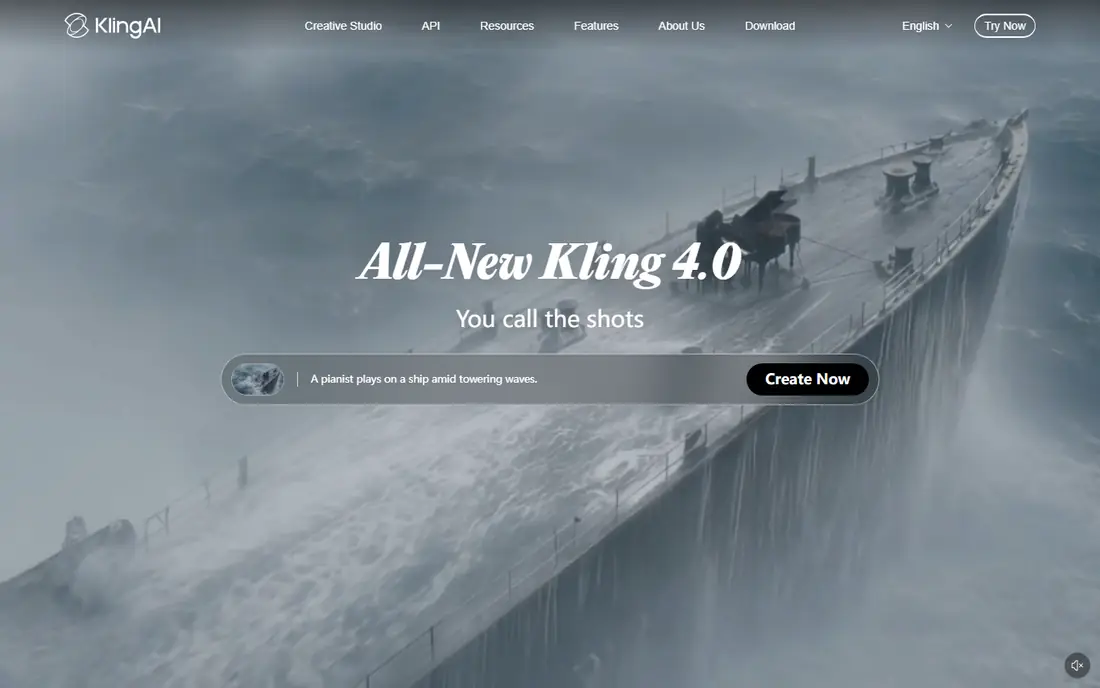
Kling is our pick for a free-first test of realistic video. Motion looks natural in many short scenes, and image-to-video helps a creator animate a still image without learning a complex editor. Daily or login-based free credits give regular users a reason to return and test ideas. The catch is credit burn. A longer clip, a higher resolution, or several retries can use a free allowance fast. Plan the shot, keep the prompt clear, and save the best settings for the final run. For social clips and concept tests, Kling gives the strongest free balance of quality and access.
- Strong motion and realism for short clips
- Text-to-video and image-to-video options
- Useful free starting credits
- Free output may limit resolution or include a watermark depending on plan
- Longer clips cost more credits

Pika suits creators who want a clip that stands out in a feed. Effects, transformations, and stylized looks are easy to try, and short prompts often produce a usable result for a social post. That speed makes it a good second tool for testing an idea before spending credits elsewhere. Free access is the limit. Credits can run out quickly, and the best export options may need a paid plan. Use Pika for short, effect-led clips, and check the commercial terms before using a free export for a brand or a client project.
- Fun effects and transformations for social video
- Simple prompt workflow
- Good for stylized short clips
- Free credits are limited and may not refresh generously
- Commercial use is gated on some plans
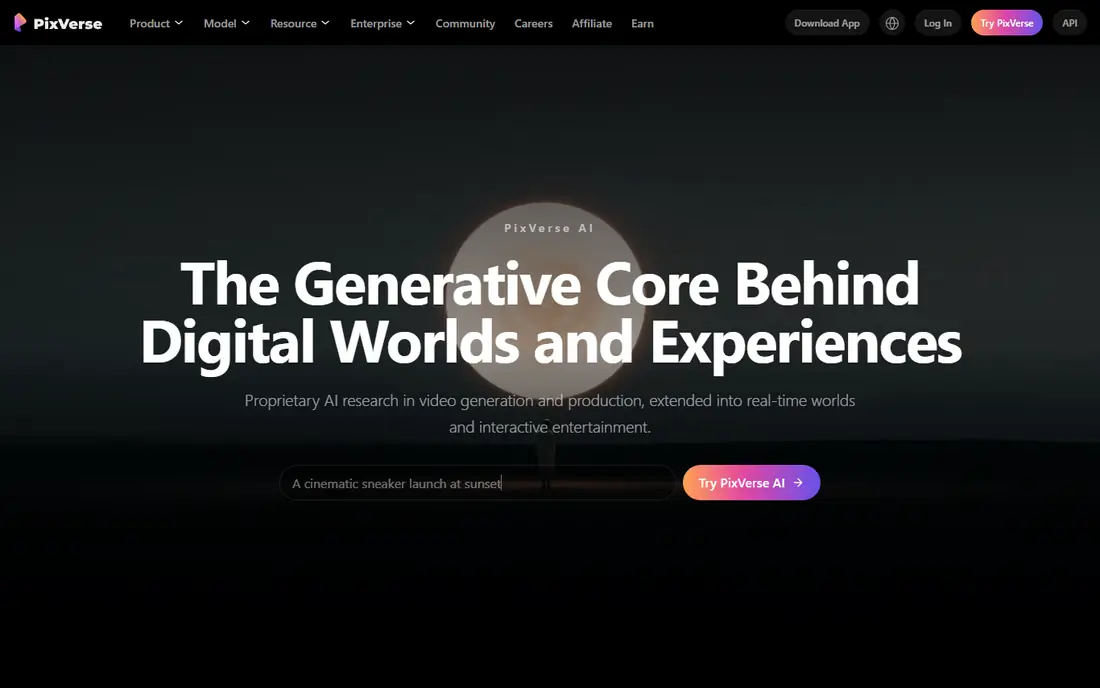
PixVerse is a good free option for stylized content. Anime, cartoon, and character-led clips look better here than in many general tools, and templates help a beginner produce a finished vertical clip fast. Daily credits suit creators who post often and want to test many ideas. Realistic human motion is less reliable, so a creator who needs a lifelike scene should test Kling or Hailuo first. Check the watermark and resolution on the free plan, because those limits decide whether a clip is ready to post or only good as a draft.
- Strong stylized and anime-style output
- Templates and effects for social video
- Daily free credits in many cases
- Free exports may carry a watermark or lower resolution
- Realistic motion is less strong than Kling
Hailuo, also known as MiniMax video, stands out for character work. Facial expression and body movement feel more lively than in many free tools, which helps short stories, character tests, and social clips with a human subject. Image-to-video also lets a creator start from a photo or an illustration. Watermarks and plan limits are the trade-off. A free clip may not be ready for client work, and a creator should check the current terms before posting. For personal tests and character ideas, Hailuo is one of the most fun free tools to try.
- Expressive faces and character motion
- Image-to-video for portraits and scenes
- Generous trial access in many cases
- Free exports may include a watermark
- Commercial terms vary by plan
Runway is less of a free clip machine and more of a studio that happens to generate video. A creator can generate a scene, remove an element, extend a shot, or adjust motion in the same workspace. That workflow suits a filmmaker or editor who wants control beyond a single prompt. Free access is limited, so Runway works best as a polishing tool after a clip is generated elsewhere, or as a paid upgrade for serious projects. Test the free credits on a short, clear shot, and judge the editor on a real edit, not just on generation quality.
- Generation plus a real editing toolkit
- Camera controls and inpainting options
- Useful for polishing a clip
- Free credits are limited and often one-time
- Full editing features need a paid plan
Adobe Firefly Video suits brands and marketers who need a clip they can use at work. The focus on licensed content reduces rights questions, and Adobe integration helps a team move a clip into Premiere or Express for captions and branding. Output is clean and practical rather than experimental. Free generations are limited, so Firefly is not the best tool for high-volume free testing. Use it when a clip will appear in a campaign, a product page, or a client deliverable, and keep a record of the plan terms for that use.
- Licensed training approach for commercial work
- Fits Adobe design and video workflows
- Clean, usable output
- Free video generations are limited
- Less wild or stylized than some rivals
CapCut is the best free finisher in this list. A creator can take a generated clip, trim it, add captions, music, and transitions, and export a vertical video for social platforms from a phone. Templates also help beginners produce a clean result fast. It is not a replacement for Kling or Hailuo for pure generation. Use CapCut after generation, or for template-led videos that do not need a custom AI scene. Check export resolution and watermark rules on the free plan before publishing a business video.
- Free editor with templates, captions, and effects
- Easy mobile workflow
- Good for finishing a generated clip
- Generation features are lighter than specialist video tools
- Some effects and exports need a paid plan
Luma Dream Machine suits cinematic image animation. A still image can become a slow camera move, a pan, or a short scene with a film-like feel. That strength makes it useful for mood shots, product reveals, and short story openings. Free limits mean it works best for a few key shots, not a full free series. Test camera prompts on a strong still image, and check the export terms for the plan you use. For a creator who needs one beautiful shot, Luma is a strong free test.
- Smooth camera movement for image-to-video
- Cinematic look for short shots
- Simple prompt workflow
- Free access is limited and may include a watermark
- Longer or complex scenes cost more
How we picked these
We compared official feature pages, pricing pages, and public reviews, with weight on genuine free access, clip length, watermark rules, commercial-use terms, and output quality for short social video. We checked whether a free plan refreshes, gives a one-time allowance, or only offers a trial, because those details change the real value. Where a price could not be confirmed on the vendor site, we wrote "See website" rather than guessing. We did not claim hands-on testing.
Choosing a free video tool without a credit trap
Start with the clip you need. A realistic human scene points to Kling or Hailuo, a stylized social clip points to PixVerse or Pika, and a finished brand clip points to Firefly or CapCut for editing. A cinematic still-to-video shot points to Luma, while a full edit points to Runway. Next, read the free plan like a contract. Check whether credits refresh daily, whether unused credits expire, whether exports carry a watermark, and whether commercial use is allowed. Test one clip at the resolution you will publish, and count how many retries the free allowance really supports. Finally, keep the prompt and the source image rights in mind, because a free clip for personal use is not always cleared for business use.
A short buying checklist
Confirm clip length, resolution, watermark, and commercial terms for the free plan and the first paid tier. Check text-to-video, image-to-video, and camera control options. Test export format and file size for your platform, and keep a backup of prompts and settings for clips you may need to remake later.
Frequently asked questions
What are the best Grok video generation free alternatives?
Kling, Hailuo, and PixVerse are the strongest free-first alternatives for short clips, while Pika suits effect-led social video. Runway and Adobe Firefly are better when editing or commercial safety matters more than free volume. The best alternative depends on clip style, length, and whether the video is for personal or business use.
Is there a truly free alternative to Grok video generation?
Most tools offer limited free credits rather than unlimited free generation. Kling, PixVerse, Hailuo, and CapCut give useful free access, but each one limits credits, resolution, or commercial use. A tool with a generous free plan is still a good test, but sustained production usually needs a paid plan.
Which free video generator has no watermark?
Watermark rules change by plan and by tool, so check the current plan page before you rely on a claim. Some free exports are watermark-free at lower resolution, while others add a mark until you upgrade. If a clean export matters for a client, budget for the first paid tier or use a tool whose free terms clearly allow it.
What is the best free AI video generator for social media?
For social media, Kling gives strong realistic motion, PixVerse gives stylized character clips, and Pika gives fun effects. CapCut is the best free finisher for captions, trimming, and vertical export. Use a generator for the scene and CapCut for the final edit, rather than expecting one free tool to do both perfectly.
Can I use free AI video clips for commercial work?
It depends on the tool and the plan. Adobe Firefly is designed with commercial use in mind, while many free tiers limit business use or add a watermark. Read the terms for the exact plan you use, keep a record of the generation, and check client rules about AI-generated video before delivery.
How long can free AI video clips be?
Most free tools focus on short clips, often around five to ten seconds, with longer clips costing more credits. Check the maximum length, resolution, and credit cost for the model you choose, because a ten-second clip can cost far more than a five-second clip. For longer stories, plan a series of short shots and edit them together.
Sources we checked (8)

Online Jobs is an independent blog about careers, online work, learning new skills and the tools that help people earn. More about us.
Keep reading
All posts
Zoom Alternatives
Zoom alternatives compared for 2026: Google Meet, Microsoft Teams, Webex, Jitsi and more for free calls, large meetings and webinars for teams and classrooms.

Which Software Is Best for Data Entry
Compare the best data entry software for forms, OCR scanning, and spreadsheets, with free plans, pricing, and honest limits for each tool before you commit.

What Is the Best Free Tool to Rotate a PDF
What is the best free tool to rotate a PDF? We compare eight free rotation tools on per-page control, limits, privacy and saved output quality in detail.