Free Alternatives to Grok Imagine in 2026: 8 Tools Compared

Everyday free image creation and edits · Starting price: See website
How we put this together: we compare official feature and pricing pages, app store listings, privacy policies and public user reviews. Prices change, so check the provider's site before you pay.
Key takeaways
- Grok Imagine is tied to the X platform and its paid tiers, but several general-purpose AI tools now generate images free with no subscription.
- Google Gemini is our pick for most people, because its free plan combines conversational edits with a usable daily allowance.
- ChatGPT is the best free alternative if you want to revise an image by describing changes in plain language, back and forth.
- Ideogram leads for posters and graphics where readable text matters, while Leonardo suits people who want a daily token budget to experiment with styles.
- Free plans change often and usually limit commercial use, speed, or privacy, so check the current terms before using images in a business project.
Quick comparison
| Name | Who it suits | Starting price | Free option | |
|---|---|---|---|---|
| Google Gemini | Everyday free image creation and edits | See website | Yes | Visit |
 ChatGPT | Conversational image edits | See website | Yes | Visit |
 Microsoft Designer | Quick graphics with no extra signup | See website | Yes | Visit |
 Adobe Firefly | Commercially safer images and Adobe workflows | See website | Yes | Visit |
 Canva | Turning generated images into finished designs | See website | Yes | Visit |
 Leonardo AI | Daily experimenting with styles and models | See website | Yes | Visit |
 Ideogram | Posters and text-heavy graphics | See website | Yes | Visit |
 Craiyon | No-account brainstorming | See website | Yes | Visit |
The best free alternatives to Grok Imagine
Grok Imagine is the image and video generation feature inside X, and full access sits behind paid X tiers. The tools below are free alternatives to Grok Imagine in the general-purpose sense: they turn a text prompt into an image, and most also edit an existing photo. None of them is a clone of Grok Imagine, but each one covers the same everyday jobs without a subscription.
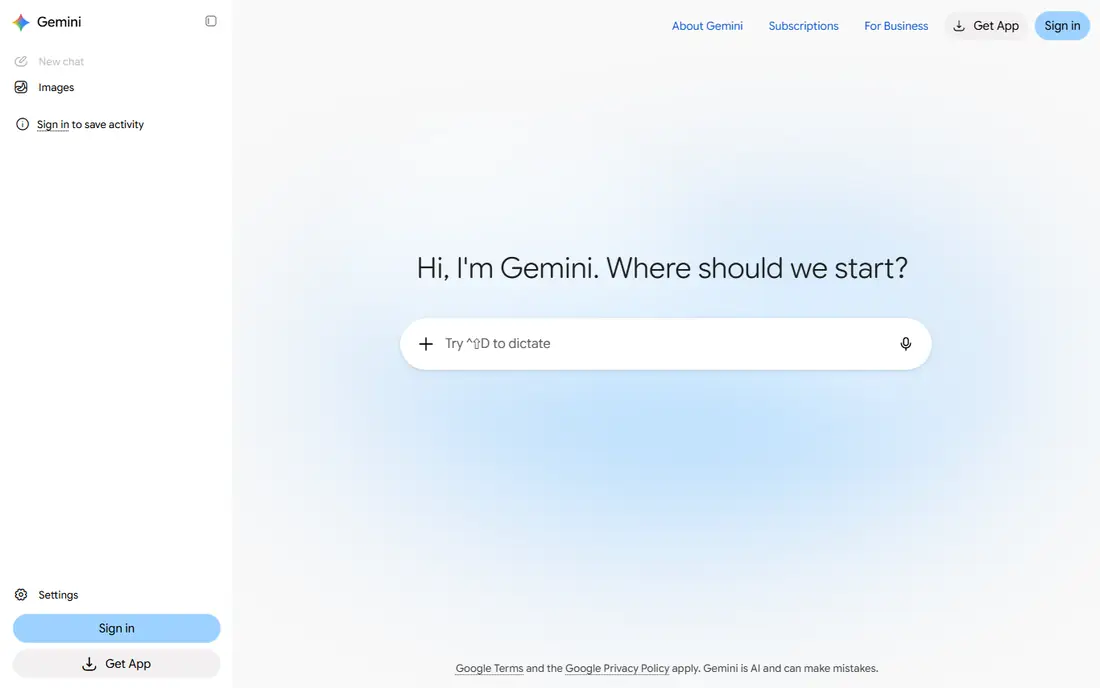
Gemini is our pick for most people looking for a free alternative to Grok Imagine. You describe the image, then refine it by talking about what to change, which feels closer to art direction than to prompt engineering. It also edits uploaded photos, so you can restyle a picture you already have or place a subject in a new scene.
The honest catch is that Google warns its free limits can change frequently, so the daily allowance you see this week may not be the one you get next month. Treat it as a generous sampler rather than a guaranteed production budget. For casual use, social posts, and mockups, it is still the strongest free starting point.
- Conversational photo edits
- Published daily image allowance on the free plan
- No separate app needed
- Free limits can change with demand
- Output style leans photorealistic rather than stylized
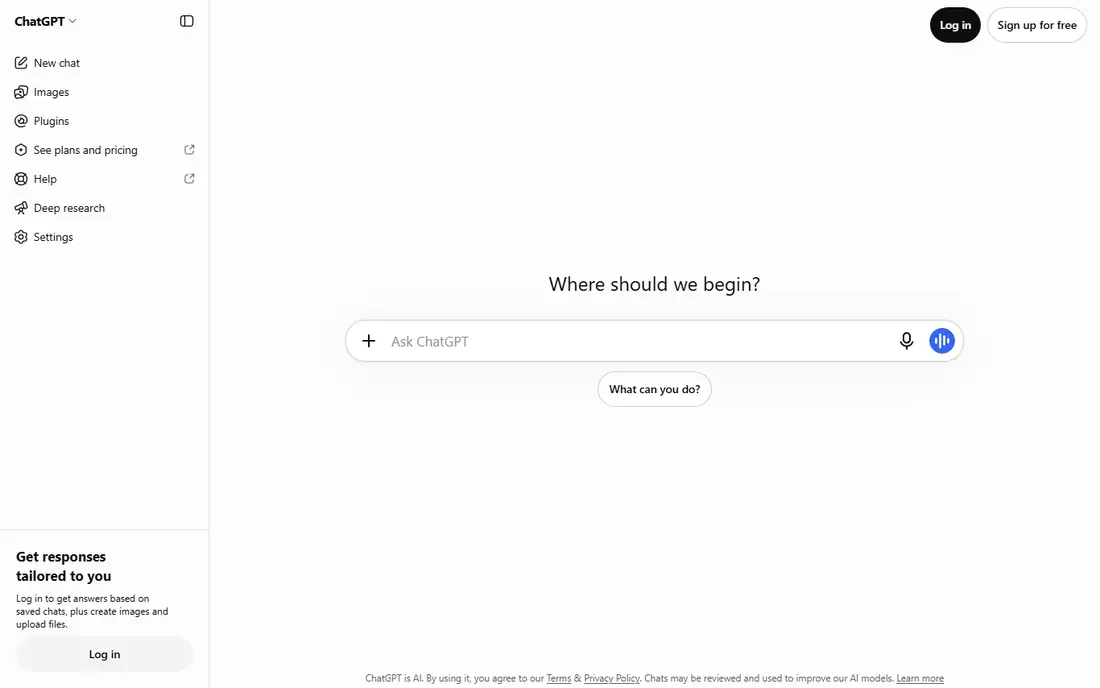
ChatGPT generates images inside the same chat where you brainstorm, which makes iteration unusually painless. Ask for a poster, then ask to change the colors, move the subject, or swap the background, and each revision builds on the last. That conversational loop is the reason many people reach for it first, even when other tools offer larger free allowances.
The free tier only covers a small number of images per day, and OpenAI does not publish a stable count, so heavy users will hit the ceiling fast. If you generate a handful of images a week and care about getting the details right through revisions, the free plan is enough. If you need volume, pair it with Gemini or Leonardo.
- Easy back-and-forth revisions in chat
- Strong prompt understanding
- Dedicated image library
- Free image allowance is small and varies
- Best quality and volume need a paid plan
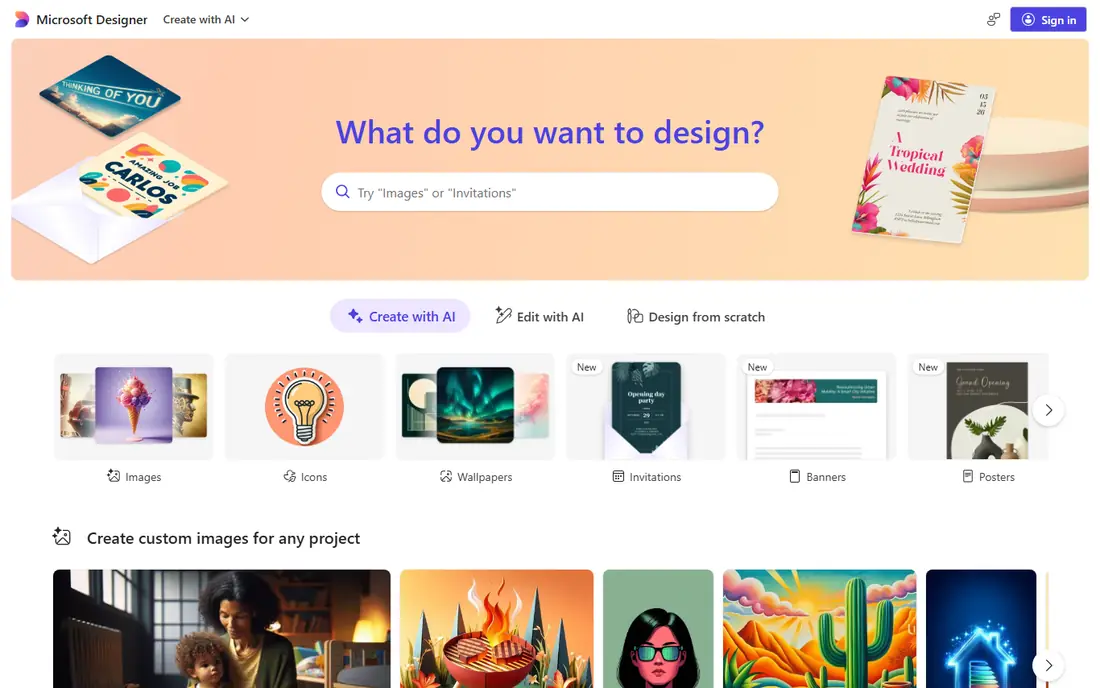
Microsoft Designer, which includes the Bing Image Creator experience, is the lowest-friction option on this list. Anyone with a Microsoft account can start generating images in the browser, and when the fast generation allowance runs out, a slower standard mode keeps working free. Designer then lets you drop the result into templates for social posts, invitations, and presentations.
The limits matter for business use. Free images are for personal use under Microsoft's terms, and watermarking can apply, so this is a tool for personal projects and drafts rather than client work. For a quick birthday card graphic or a mockup, though, nothing here beats it for speed.
- Works with a Microsoft account most people already have
- Fast generation mode plus a slower free mode
- Built-in design templates
- Free images carry a watermark in some flows
- Personal use only on the free tier
Firefly stands out on the rights question. Adobe trains its own Firefly models on licensed content, which gives businesses more comfort using the output commercially than with tools trained on scraped web data. If you already use Photoshop or Adobe Express, generated images flow straight into your editing workflow.
As a free tool, Firefly is more of a sampler than a home. The free plan covers a limited number of monthly generations, and serious volume needs a paid plan. Use it free to test whether the style and licensing story suit you, and to produce the occasional asset for a project that already lives in Adobe apps.
- Models trained on licensed content
- Smooth path into Photoshop and Express
- Clean interface
- Free allowance is small
- Full creative power needs a paid plan or Creative Cloud
Canva is not the strongest pure image generator here, but it is the best place to finish something. Generate an image, then immediately place it in a poster, presentation, or social post, add text, and export in the right size. For small business owners who need a finished graphic rather than a raw image file, that all-in-one flow saves real time.
The free plan includes a limited number of AI uses per month, shared across Canva's AI features, so it runs out faster than it looks. Treat Canva as your finishing tool and use Gemini or Leonardo for bulk generation, then bring the winners into Canva for layout.
- Huge template library
- AI image tools inside the editor
- Easy resizing for social formats
- Free AI uses are limited each month
- Generation quality trails dedicated image tools
Leonardo is the playground pick. Its free plan refreshes daily with tokens you spend on generations, and it offers a wide range of models, styles, and controls that reward experimentation. Creators who like to try ten variations of one idea will get more out of Leonardo than out of the chat-based tools.
Two caveats deserve attention. Tokens do not map neatly to a fixed number of images, because larger or higher-quality generations cost more, so budgeting takes practice. And free-plan images are public, which rules it out for anything private or unreleased. For public creative work and learning, it is excellent.
- Daily token allowance
- Many models and styles
- Training and upscaling features
- Token math takes learning
- Free images are public by default
Most image generators garble words. Ideogram is the exception, and that single strength earns it a place here. Logos, posters, book covers, and social graphics with headlines come out with text you can actually read, which is why designers keep it in their toolkit even when they generate most images elsewhere.
The free plan is deliberately slow, with a small weekly credit allowance and queued generation. That makes Ideogram a poor choice for bulk work but a fine one for the few graphics each week where the words matter. Plan around the queue, and generate text-heavy pieces ahead of deadline.
- Best free option for readable text in images
- Good layout sense for posters and covers
- Commercial use on the free plan
- Free credits are slow and limited
- No private generation on the free plan
Craiyon is the sketchpad of this list. You type a prompt and get images without creating an account, which makes it ideal for brainstorming, classroom demos, and settling a creative argument quickly. It will not win on polish, but it removes every barrier between an idea and a picture.
Set expectations accordingly. Free images are lower resolution and watermarked, and the style is rougher than what Gemini or ChatGPT produce. Use Craiyon to explore directions, then recreate the winning idea in a higher-quality tool.
- No signup needed
- Unlimited free generations
- Fast for rough ideas
- Lower image quality than rivals
- Ads and watermarks on free output
How we picked these
We compared official product pages, pricing pages, and app store listings for general-purpose AI image tools with a genuine free tier, and checked each homepage to confirm it loads and belongs to that product. We excluded tools with no free access and niche generators that only do one style, such as anime-only or headshot-only apps. Free allowances are described as vendors state them, and we flag where those allowances are unpublished or change often rather than presenting a guess as a fact.
Choosing the right free image tool
Match the tool to the job, not to a ranking. A poster with a headline belongs in Ideogram, a photo edit belongs in Gemini, and a finished social graphic belongs in Canva. Most people end up with two tools: one for generation volume and one for finishing.
Check the rights before business use
Free does not always mean free for commercial work. Some free plans limit use to personal projects, some make images public, and some carry no indemnity. Read the terms for the plan you are actually on, and keep a note of which tool produced each asset you publish.
Plan around free limits
Daily and weekly allowances reward a different rhythm from paid plans. Generate in batches, save prompts that work, and keep a shortlist of second-choice tools for days when your first pick is capped. That habit matters more than chasing the single most generous free tier, because free tiers change.
Compare with the same prompt
Send one brief to two tools before committing to a style. Differences in lighting, composition, and text handling show up fast, and a tool that looks great on portraits may struggle with products or posters. A five-minute comparison beats a week of frustration.
Frequently asked questions
What is Grok Imagine?
Grok Imagine is the image and video generation feature inside X, built on the Grok AI assistant. Full access requires a paid X tier, which is why many people look for free alternatives to Grok Imagine that work in a browser without a subscription.
What is the best free alternative to Grok Imagine?
Google Gemini is the best free alternative for most people, thanks to its conversational edits and usable daily allowance. ChatGPT is better if you want to revise images through chat, and Leonardo is better if you want a daily budget for style experiments.
Are there free Grok Imagine alternatives with no signup?
Craiyon works without an account, and several tools offer limited no-account previews. For regular use, though, an account gives you saved images, history, and a larger allowance, so signing up is usually worth it.
Can I use free AI images commercially?
It depends on the tool and the plan. Some free plans allow commercial use, some limit it to personal projects, and some make free images public. Check the terms of the exact plan you use before publishing an image for a business.
Why do free image generators limit daily generations?
Image generation uses expensive computing power, so vendors cap free use to control costs and keep the service fast for paying customers. Daily tokens, weekly credits, and slower queues are the three common ways they do it.
Do free AI image tools watermark images?
Some do and some do not. Microsoft's free flow and Craiyon can add watermarks, while Gemini, ChatGPT, and Ideogram generally do not watermark free output. Check a test image before using any tool for a public project.
Sources we checked (8)

Online Jobs is an independent blog about careers, online work, learning new skills and the tools that help people earn. More about us.
Keep reading
All posts
Zoom Alternatives
Zoom alternatives compared for 2026: Google Meet, Microsoft Teams, Webex, Jitsi and more for free calls, large meetings and webinars for teams and classrooms.

What Is the Best Free Tool to Rotate a PDF
What is the best free tool to rotate a PDF? We compare eight free rotation tools on per-page control, limits, privacy and saved output quality in detail.

What Is the Best AI Dubbing Tool
We compared the best AI dubbing tools in 2026, from ElevenLabs and HeyGen to Rask AI, Dubverse and Veed, for videos and creators in many languages worldwide.