Flutter Alternatives in 2026: 8 Cross Platform Tools Compared

How we put this together: we compare official feature and pricing pages, app store listings, privacy policies and public user reviews. Prices change, so check the provider's site before you pay.
Key takeaways
- React Native is our pick for most JavaScript teams, thanks to its large ecosystem, hiring pool, and native components.
- Kotlin Multiplatform suits teams that want shared business logic with fully native interfaces on each platform.
- Ionic and Capacitor suit web teams on a deadline, while .NET MAUI suits teams already invested in C# and Microsoft tools.
- No cross platform tool removes platform work entirely, so budget time for iOS and Android polish, testing, and store releases.
Quick comparison
| Name | Who it suits | Starting price | Free option | |
|---|---|---|---|---|
 React Native | JavaScript and TypeScript teams | Free | Yes | Visit |
 Kotlin Multiplatform | Shared logic, native UI | Free | Yes | Visit |
 .NET MAUI | C# and Microsoft shops | Free | Yes | Visit |
 Ionic | Web teams building apps | Free | Yes | Visit |
 NativeScript | Native APIs from JavaScript | Free | Yes | Visit |
 Capacitor | Web apps as native apps | Free | Yes | Visit |
 Qt | C++ desktop and mobile apps | Free | Yes | Visit |
 Expo | Fast React Native development | Free | Yes | Visit |
The best flutter alternatives
Flutter uses Dart and its own rendering engine to give a consistent look on iOS, Android, web, and desktop. The tools below take different routes to the same goal, from native components to web views to shared logic, and each fits a different team. We judged them on language, performance, ecosystem, and how much platform specific work they still require.
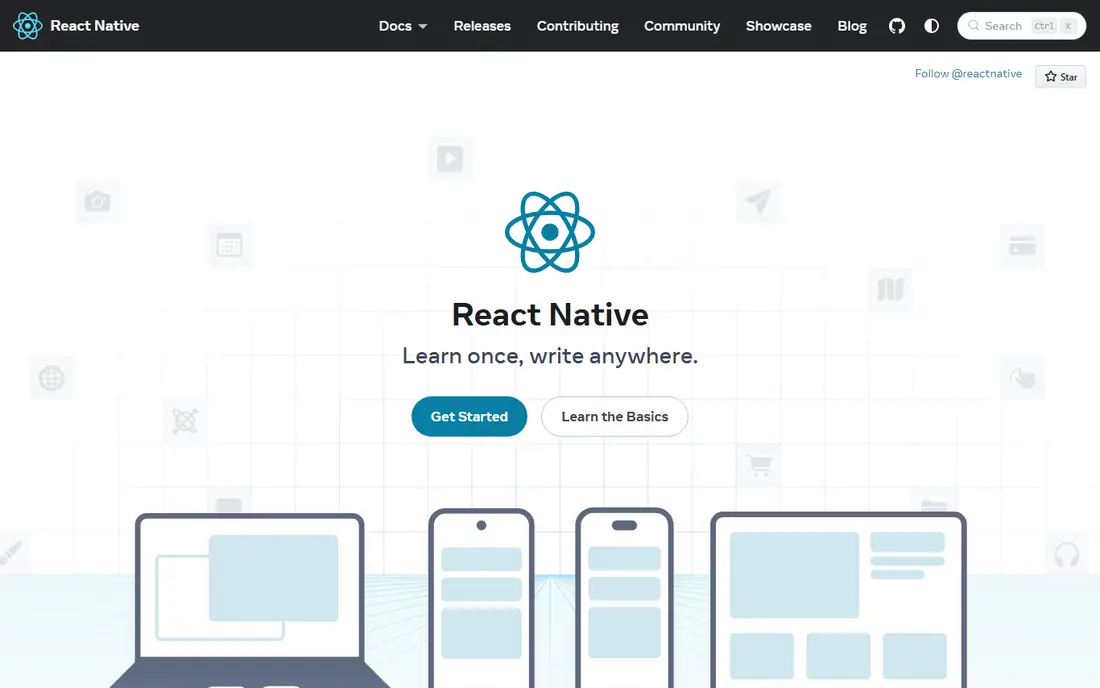
React Native lets JavaScript and TypeScript teams build iOS and Android apps with native user interface components, rather than a web view. If your team already uses React for the web, the skills transfer well, and the library ecosystem covers navigation, state, maps, payments, and many other common needs.
The honest catch is the native edge. Most apps never touch it, but features that need a new platform API, heavy graphics, or deep device integration may require native code or a third party module. For standard business, social, and content apps, React Native is the safest Flutter alternative for most teams.
- Large library ecosystem and hiring pool
- Renders real native components
- Strong support for web via related tools
- Some advanced features still need native modules
- Upgrades can require careful testing
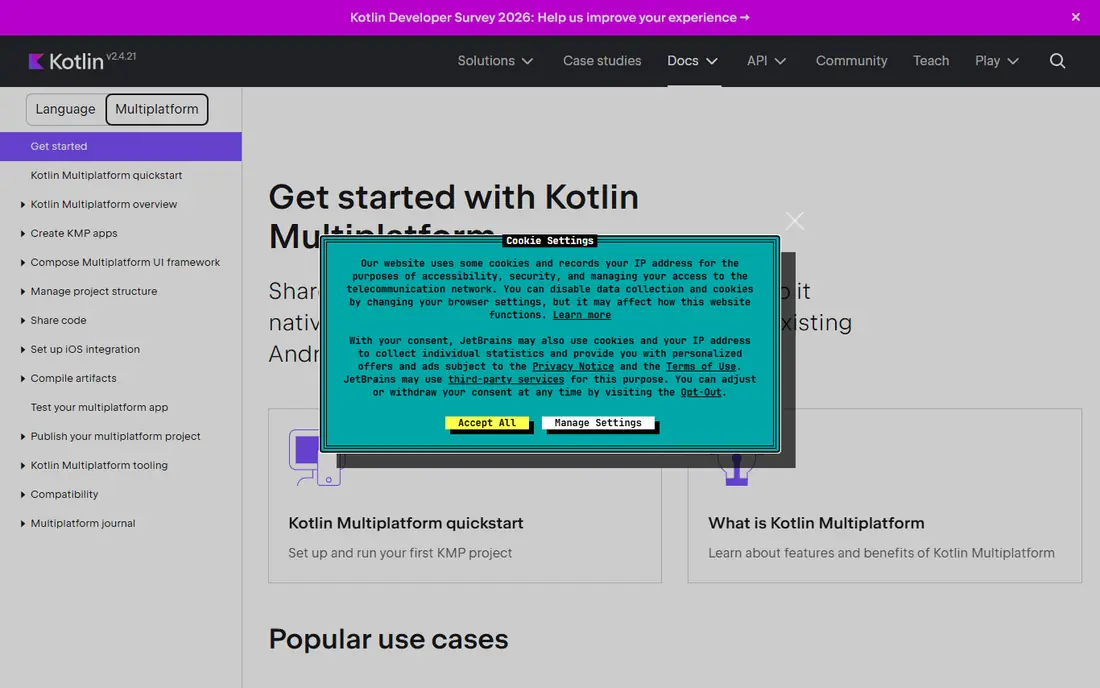
Kotlin Multiplatform shares code for networking, data, and business logic across iOS, Android, and other targets, while each platform keeps its own native interface. That gives users an interface that follows iOS and Android conventions closely, without duplicating the core logic of the app.
The trade off is effort. You do not write one UI for both platforms, so design and UI work remains platform specific. Teams with existing native iOS and Android developers, or teams that value native feel over a single UI codebase, will like this balance. Teams that want one UI everywhere may prefer React Native or Flutter itself.
- Shares business logic while keeping native UI
- Strong Kotlin tooling
- Backed by JetBrains with Google support
- Still requires native UI work on each platform
- Smaller shared UI ecosystem than Flutter
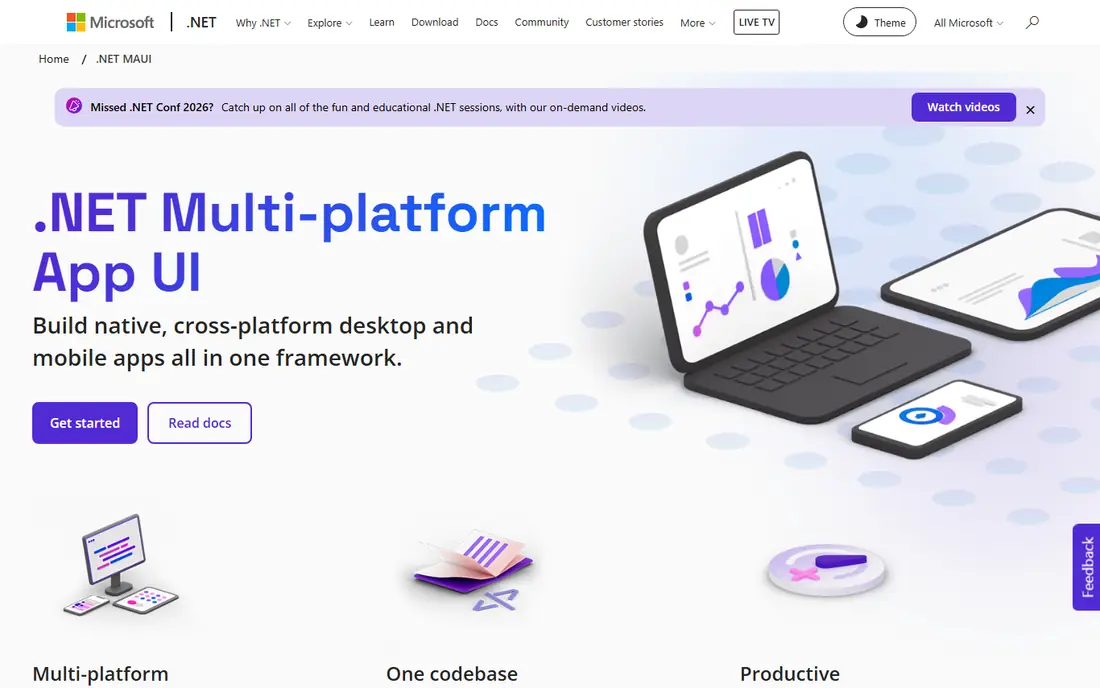
.NET MAUI is the successor to Xamarin, and it lets C# developers build Android, iOS, macOS, and Windows apps from one project. It fits naturally into Microsoft shops that already use Azure, Entity Framework, and Visual Studio, and it handles desktop as well as mobile, which Flutter also targets.
Its mobile community is smaller than React Native, so niche libraries and examples can be harder to find. For a team already invested in .NET, though, the shared language, tooling, and enterprise support often outweigh that, and MAUI is a logical Flutter alternative.
- Single C# codebase for mobile and desktop
- Strong Visual Studio tooling
- Good fit for Azure and enterprise apps
- Smaller mobile community than React Native
- Some controls and plugins lag behind native releases
Ionic builds mobile apps from web technologies, with a component library that adapts its look to iOS and Android. A web team can move quickly, reuse web skills, and ship to app stores without learning Dart, Kotlin, or Swift. It works well for content apps, forms, dashboards, and internal tools.
Performance is the limit. Graphics heavy games, complex animations, and demanding media apps may feel less smooth than a native or Flutter build, and some device features need plugins. For many everyday apps, that difference is small, and Ionic speed to market is hard to beat.
- Uses HTML, CSS, and JavaScript you already know
- Fast for content and internal apps
- Large component library
- Web view performance limits for heavy graphics
- Native features depend on plugins
NativeScript gives JavaScript and TypeScript developers direct access to native platform APIs, with a native interface rather than a web view. You can use Angular, Vue, or plain JavaScript, and you can call native code when a plugin does not cover your need, which gives it flexibility for device heavy apps.
The ecosystem is smaller than React Native, so you may build more integrations yourself. If your team wants native UI and native API access without leaving JavaScript, and you are comfortable with a smaller community, NativeScript is a strong and often overlooked option.
- Direct access to native APIs from JavaScript
- Renders native UI, not a web view
- Supports Angular, Vue, and plain code
- Smaller community than React Native
- Fewer ready made plugins and templates
Capacitor, from the Ionic team, wraps a web app as a native iOS and Android app, with plugins for camera, storage, push, and other device features. It works with React, Vue, Angular, or plain web code, and it lets teams ship an existing web product to the stores with less rewriting than a full native rebuild.
Like Ionic, it is web view based, so it is not the best fit for games or heavy animation. It also needs care around app store rules, offline behaviour, and native navigation feel. For teams with a solid web app and a need for store presence, Capacitor is the lightest path to mobile.
- Turns any web app into a native app
- Simple plugin model
- Works with any web framework
- Still web view based, so performance limits apply
- App store polish needs extra work
Qt is a mature C++ framework for desktop, mobile, and embedded apps, with its own UI toolkit and a long history in industrial, automotive, and scientific software. It offers strong performance, a large set of libraries, and a single codebase approach that predates most modern cross platform tools.
C++ is the barrier. Hiring, development speed, and memory management are all harder than in Dart, JavaScript, or C#, and commercial licensing terms need checking before a closed source project. For performance critical, embedded, or desktop heavy products, Qt remains a serious Flutter alternative.
- Mature C++ framework for mobile and desktop
- Strong for embedded and industrial apps
- Good performance
- C++ learning curve is steep
- Licensing needs care for commercial closed source projects
Expo is a platform and toolset built around React Native, rather than a separate framework. It removes much of the native setup, adds over the air updates, push, and build services, and lets teams start a React Native app in minutes. For many teams, Expo is how React Native is actually used in practice.
The limit appears when you need a native module that Expo does not include. Development builds cover most cases, but they add a step compared with a fully managed workflow. If you like React Native but want less setup friction, start with Expo and only drop to bare React Native when a specific need forces it.
- Fast setup and over the air updates
- Managed workflow removes much native setup
- Good docs and tooling
- Some native modules need a development build
- Advanced custom native work adds complexity
How we picked these
We compared official documentation, language, target platforms, and licence information, and we confirmed that each official site loads and matches the product named. We included native component frameworks, shared logic tools, web based tools, and a C++ option, because a Flutter alternative can mean different things to different teams. We did not claim hands on testing; our judgement rests on published docs, ecosystem size, and public community material.
Choosing the right Flutter alternative
Start with your team, not the framework. A JavaScript team will move fastest with React Native or Expo, a C# team with .NET MAUI, a Kotlin team with Kotlin Multiplatform, and a web team with Ionic or Capacitor. Language fit affects hiring, speed, and long term maintenance more than any single feature list.
Next, test the hard parts early. Build a prototype with your most demanding screen, such as a map, a video feed, or an offline sync flow, and check performance, plugin support, and store behaviour. Cross platform tools all handle simple screens well, so the demanding screen is where the real differences show.
Frequently asked questions
Is React Native better than Flutter?
Neither is better for every project. React Native suits JavaScript teams and native look apps, while Flutter suits teams that want one consistent UI and Dart. The best choice depends on your team skills, design goals, and hiring plans.
Can Kotlin Multiplatform share UI code too?
Kotlin Multiplatform focuses on shared logic, and UI sharing is handled by related tools such as Compose Multiplatform, which is still maturing. Teams that want full UI sharing should compare that path carefully with Flutter or React Native.
Is Ionic good enough for a consumer app?
Ionic works well for content, commerce, and utility apps, and many consumer apps use it. Games, heavy animation, and demanding media apps may need a native or Flutter build for the smoothest feel.
Do cross platform apps get rejected by app stores?
No, as long as they follow store rules on performance, design, and functionality. Web view apps need extra care to feel like real apps, with native navigation, offline handling, and proper store metadata.
Should I switch from Flutter to one of these?
Only if Flutter is causing a concrete problem, such as hiring, plugin support, or native feel. A working Flutter app is not a reason to rewrite, and a rewrite costs time even when the new framework is strong.
Sources we checked (8)

Online Jobs is an independent blog about careers, online work, learning new skills and the tools that help people earn. More about us.
Keep reading
All posts
Best low code platform
Best low code platform and apps compared for business apps, internal tools, and customer portals, from enterprise suites to founder-friendly builders.

Best Software Development Practices
Best software development practices in 2026: we compare 8 tools that help teams write, review, test and ship code with more care, with current pricing.

n8n Alternatives
n8n alternatives compared for 2026, with Zapier, Make, Activepieces, and more, covering visual builders, code steps, self-hosting, and pricing models.