Best Software Development Practices in 2026: 8 Tools Compared

How we put this together: we compare official feature and pricing pages, app store listings, privacy policies and public user reviews. Prices change, so check the provider's site before you pay.
Key takeaways
- Good practice is mostly habit plus tooling: version control, small reviewed changes, automated tests and a clear release path beat big process documents.
- GitHub and GitLab cover the widest ground for small teams, since code hosting, review and automation live in one place.
- Jira and Linear are the strongest picks for planning work, while SonarQube and Jenkins add the quality and automation checks that catch problems early.
- Every tool on this list has a free tier, so a small team can start with sound habits before spending anything.
- Paid plans mostly buy admin controls, support and higher usage limits, not a different way of working.
Quick comparison
| Name | Who it suits | Starting price | Free option | |
|---|---|---|---|---|
 GitHub GitHub | Code hosting and pull request review | Free | Yes | Visit |
 GitLab GitLab | One platform for code, CI and security | Free | Yes | Visit |
 Jira Jira | Agile planning for larger teams | Free | Yes | Visit |
 Linear Linear | Speed-focused issue tracking | Free | Yes | Visit |
 SonarQube SonarQube | Automated code quality gates | Free | Yes | Visit |
 Jenkins Jenkins | Self-hosted build automation | Free | Yes | Visit |
 Docker Docker | Matching dev and production environments | Free | Yes | Visit |
 Postman Postman | API design, testing and docs | $19 per user per month | Yes | Visit |
The best software development practices tools
Software development best practices are not a single product. They are a set of habits, and the tools below are the ones that make those habits easy to keep: keep code in version control, review every change, test automatically, and ship in small steps.

GitHub is the default home for code for most teams we looked at, and for good reason. A repository, a pull request and a review thread give a team the basic shape of sound practice with very little setup: nothing merges without a second pair of eyes, and the full history of every change stays searchable. The free plan covers unlimited public and private repositories, which means a solo developer or a small team can work properly from day one without paying.
The catch is that the deeper safety net costs more. Team, at 4 dollars per user per month, adds branch protection rules and required reviewers, while the advanced security tooling sits higher still. Actions minutes are also metered on private repositories, so a team that runs long test suites on every pull request should watch its usage. Still, for the core practices of version control and reviewed changes, GitHub is our pick for most people.
- Huge open source community
- Pull requests and code review built in
- Actions automation included on every plan
- Advanced security features sit on higher tiers
- Usage limits on Actions can surprise busy teams

GitLab appeals to teams that want fewer tools rather than more. Where GitHub pairs naturally with outside services, GitLab builds the pipeline, the issue tracker, the container registry and security scanning into the same product. That matters for the practice of shipping often, because a merge request can run tests, scan for secrets and deploy without handing off between systems. The free tier covers small groups with private repositories and a monthly compute allowance.
The honest drawback is price and complexity. Premium costs 29 dollars per user per month when billed annually, which is hard to justify for a small team that only needs the basics. The interface also carries many features that a new team may never touch. If your team wants one platform and plans to use its security and compliance features, GitLab earns its keep. If you only need hosting and review, the cheaper options here fit better.
- Code, pipelines, issues and security scanning in one place
- Self-hosting option
- Generous free tier for small groups
- Premium at 29 dollars per user per month is a big jump
- The interface packs in a lot and can feel busy
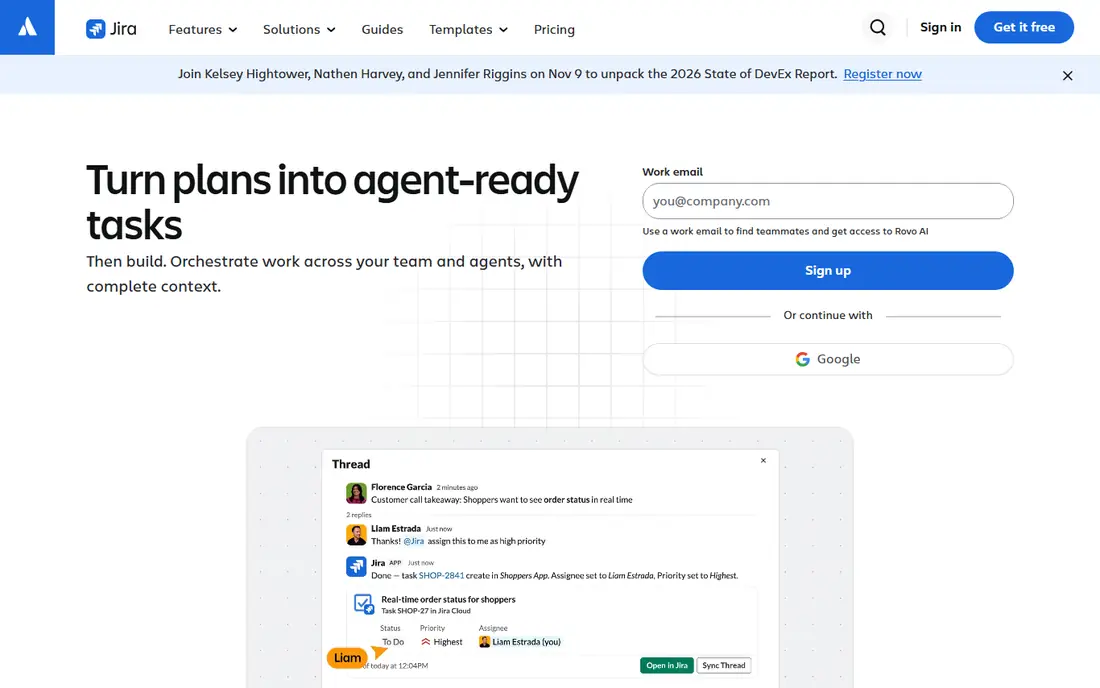
Jira is the planning tool behind the agile software development best practices many teams describe. Scrum boards, Kanban boards, backlogs and sprints give a team a shared view of what is being built, what is blocked and what ships next. Automation rules can move issues, assign reviewers and send alerts without anyone remembering to do it by hand. The free plan covers up to 10 users, which suits a small product team testing whether Jira fits.
The trade-off is weight. Jira rewards teams that invest time in setting up projects, workflows and permissions, and it can feel slow for a team that just wants a simple board. Pricing also climbs as headcount grows, with Standard listed at 9.70 dollars per user per month for the first monthly band after the October 2026 price change. For larger organisations that need structure and reporting, that cost is reasonable. For a team of three, a lighter tracker may serve better.
- Scrum and Kanban boards built for agile teams
- Automation rules cut manual work
- Deep reporting for managers
- Paid pricing rises with team size
- Setup takes real time before it feels helpful
Linear takes the opposite approach to Jira: it tries to get out of the way. Issues open quickly, triage is a short routine rather than a meeting, and work moves in cycles that give a team rhythm without ceremony. For the practice of keeping work small and visible, that speed matters, because a tracker people avoid is worse than no tracker at all. The free plan covers small teams, and Basic is listed at 10 dollars per user per month when billed yearly.
The weakness is depth. Teams that need detailed custom reports, complex permission schemes or built-in time tracking may find Linear thin compared with Jira. Integrations cover the common tools, but niche workflows can need workarounds. If your team values speed and a clean backlog over heavy process, Linear is the pick we would start with.
- Very fast interface
- Keyboard-first workflow
- Cycles and triage keep backlogs tidy
- Fewer built-in reports than Jira
- Some teams will miss heavy customisation options
SonarQube turns code review from opinion into measurement. It scans code for bugs, security vulnerabilities, duplicated blocks and maintainability problems, then reports them in the pull request where the author can fix them. Quality gates let a team set a bar, such as no new critical issues, and hold every merge to it. That is one of the most practical ways to keep quality steady as a codebase grows and new developers join.
The free edition covers the core scanning for many languages, which is enough for a small team to start. Larger organisations will want the paid editions for branch analysis, reporting and support, and the rule set needs some tuning early on so developers trust the findings rather than ignoring them. Used well, SonarQube makes the practice of reviewing for quality automatic instead of relying on memory.
- Flags bugs, security flaws and duplicated code automatically
- Quality gates block weak merges
- Covers many languages
- Full enterprise features are paid
- Tuning rules takes time at first
Jenkins is the old hand of continuous integration, and it remains a sound choice for teams that want full control. It builds, tests and deploys code through pipelines you define, and its plugin library connects to nearly every tool a team already uses. Because it is open source and self-hosted, there is no per-seat bill, which makes it attractive for larger teams with tight budgets or strict rules about where code runs.
The cost is your time. Someone has to install, update and back up the Jenkins server, and plugin updates can occasionally break a pipeline. The web interface is functional rather than pretty, and new teams may prefer a hosted service that needs no care. If your team has the skills to run its own infrastructure, Jenkins gives a lot of automation for no licence fee.
- Open source with no licence cost
- Thousands of plugins
- Runs on your own servers
- You maintain the server yourself
- The interface shows its age
Docker supports the practice of shipping the same thing you tested. An application and its dependencies travel together in a container, so code that passes tests on a laptop behaves the same way on a server. That consistency also shortens onboarding, since a new developer can run the whole stack with a few commands instead of spending days installing tools. The Personal plan is free for individuals, small businesses under the stated limits, education and open source work.
The catch is licensing. Professional use in larger organisations requires a paid plan, with Pro listed at 9 dollars per user per month on annual billing. Teams should check the current terms for their company size before rolling Docker Desktop out widely. For the practice itself, though, containers remain one of the simplest ways to remove environment surprises.
- Containers end "works on my machine" problems
- Huge image library on Docker Hub
- Consistent setup for new joiners
- Desktop licensing rules for larger companies need attention
- Paid plans start at 9 dollars per user per month
Postman supports the practices that matter when software talks to other software over APIs. A collection holds requests, tests and examples in one place, so a team can agree on how an API behaves before anyone writes integration code. Mock servers let front-end developers work against a planned API while the back end is still being built, and monitors run checks on a schedule to catch changes that break clients.
The pricing change to note is that the free plan now covers one user only, so a team that collaborates in shared workspaces needs a paid plan, with Team listed at 19 dollars per user per month. For a solo developer or a small team testing APIs, the free tier still covers the basics well. For larger API programmes, the cost buys shared workspaces, more monitors and governance controls.
- Collections make APIs easy to share and test
- Mock servers let front-end work start early
- Monitors catch breaking changes
- Free plan is limited to a single user
- Team pricing starts at 19 dollars per user per month
How we picked these
We compared official feature pages, pricing pages and documentation for each tool, plus app store listings and public reviews where they applied. We favoured tools that directly support a named practice, such as reviewed changes, automated testing, quality gates or consistent environments, and we left out tools that only claim to help in general terms. Prices come from vendor pricing pages and recent pricing guides checked in October 2026, and where a price was unclear we used the free tier as the starting point. We did not run hands-on trials for this roundup, and we say so plainly so readers can weigh our notes accordingly.
What to put in place first
If your team is starting from scratch, begin with version control and reviewed changes, then add automated tests, then add a quality gate. That order matters because each step protects the next one: reviews catch design problems, tests catch regressions, and quality gates stop known bug patterns from slipping through. Pick one tracker and one automation tool and use them for a full release cycle before adding more tools, since a shelf of half-used tools helps nobody.
Watch two costs that are easy to miss. The first is per-seat pricing as headcount grows, which can turn a cheap tool into a large bill within a year. The second is maintenance time for self-hosted tools, which is real work even when the licence is free. A short trial with real project work, not a demo project, will show both costs faster than any feature list.
Frequently asked questions
What are the best software development practices for a small team?
Start with version control for all code, a review on every change, automated tests for the parts that break most often, and small releases instead of rare big ones. Add a written definition of done so the whole team agrees on what "finished" means. These four habits cover most of what larger process frameworks try to formalise.
What are agile software development best practices?
Agile practice centres on short cycles, a prioritised backlog, regular review of working software with the people who use it, and a retrospective that changes one thing at a time. Tools like Jira and Linear support the backlog and cycle parts, but the practice itself is about the conversations and the rhythm, not the tool. Teams that skip the retrospective often repeat the same problems.
What are app development best practices for mobile apps?
Mobile work adds a few specific habits: test on real devices as well as simulators, keep app size and battery use in mind, handle offline states plainly, and stage releases so a bad build reaches a small group first. Containers and automated pipelines help here too, since they make each build repeatable. Privacy also matters more on mobile, so review what data the app collects.
Do I need paid tools to follow software best practices?
No. Every tool in this roundup has a free tier, and the core practices work with free plans: GitHub or GitLab for review, Jenkins for automation, and SonarQube for quality checks. Paid plans mostly add admin controls, support and higher limits. Spend money when a limit or a control blocks real work, not before.
How do code reviews fit into best practices for software development?
A code review is a second person reading a change before it merges, checking logic, tests and clarity. It catches bugs, spreads knowledge of the codebase and keeps style consistent. Keep changes small so reviews stay quick, and treat review comments as discussion rather than orders. The tools above make reviews visible and trackable, which is what turns a good intention into a habit.
Which tool should a solo developer pick first?
Start with GitHub for hosting and review, then add automated tests that run on every push. That pair covers the two practices with the highest return for one person: a full history of changes and a safety net that runs itself. Add Docker when environment differences start wasting time, and SonarQube when the codebase grows past easy manual review.
Sources we checked (8)

Online Jobs is an independent blog about careers, online work, learning new skills and the tools that help people earn. More about us.
Keep reading
All posts
Zoom Alternatives
Zoom alternatives compared for 2026: Google Meet, Microsoft Teams, Webex, Jitsi and more for free calls, large meetings and webinars for teams and classrooms.

Workday Alternatives
We compared the best workday alternatives for HR, payroll, and global hiring, from BambooHR and Gusto to Rippling, Deel, and HiBob for growing teams in 2026.

WordPress Alternatives
WordPress alternatives guide: we compare 8 platforms for builders, designers, stores, and publishers to leave WordPress without losing your full site content.