Best Figma alternatives in 2026: 9 Tools Compared

How we put this together: we compare official feature and pricing pages, app store listings, privacy policies and public user reviews. Prices change, so check the provider's site before you pay.
Key takeaways
- Penpot and Lunacy are the strongest free Figma alternatives, with Penpot offering open source and self-hosting options.
- Sketch suits Mac-based designers who want a native desktop app, while Framer suits teams whose design output is a live website.
- Canva suits marketing and social design more than product UI work, so match the tool to the output you need.
- ProtoPie and Axure RP suit prototyping depth, not general UI design, and they cost more for that specialism.
- Check file import, collaboration and handoff features before you move a team, because migration effort varies widely.
Quick comparison
| Name | Who it suits | Starting price | Free option | |
|---|---|---|---|---|
 Penpot Penpot | Free open source design | Free | Yes | Visit |
 Sketch Sketch | Mac-native product design | $12 per month | Free trial | Visit |
 Framer Framer | Design to live website | Free | Yes | Visit |
 Lunacy Lunacy | Free desktop design | Free | Yes | Visit |
 Canva Canva | Marketing and social design | Free | Yes | Visit |
 Uizard Uizard | Fast mockups for non-designers | Free | Yes | Visit |
 ProtoPie ProtoPie | Advanced interactive prototypes | See website | Free trial | Visit |
 Axure RP Axure RP | Logic-heavy UX prototypes | $29 per month | Free trial | Visit |
 Moqups Moqups | Wireframes and diagrams | $7 per month | Yes | Visit |
The best Figma alternatives
We compared official feature pages, pricing pages, documentation and public reviews for design tools that are live in October 2026. The list covers free replacements, Mac-native design, website publishing, wireframing and prototyping, so you can pick by workflow rather than by brand alone.
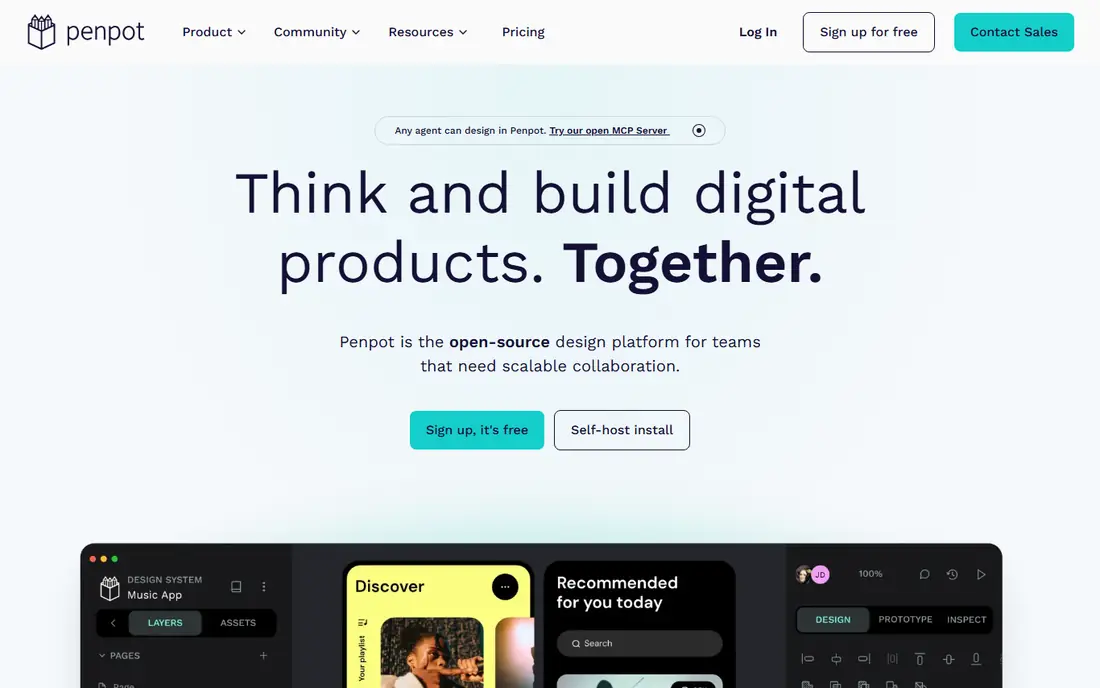
Penpot is the closest free, open source replacement for Figma in spirit. It runs in the browser, supports real-time collaboration, components and prototyping, and it can be self-hosted if your team needs control over data and hosting. That combination suits teams that want Figma-style work without a subscription or vendor lock-in.
The trade-off is ecosystem depth. Penpot has fewer plugins and templates than Figma, and complex Figma files may not import perfectly. For new projects, or for teams willing to rebuild a component library, Penpot is a strong, honest alternative. Our pick for most people seeking a free Figma alternative is Penpot.
- Open source and self-hostable
- Browser-based collaboration
- CSS and SVG friendly handoff
- Plugin library is smaller than Figma
- Some Figma imports need manual fixes
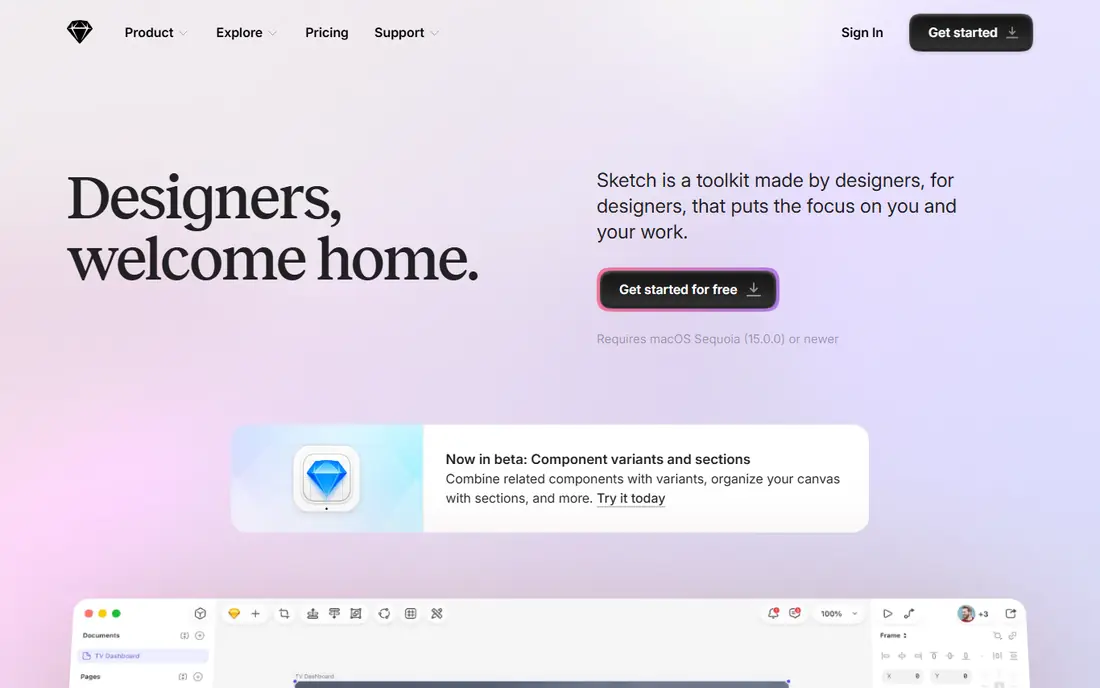
Sketch was the standard product design tool before Figma, and it remains a strong Mac-native option. The desktop app feels fast, libraries and symbols are mature, and viewers can inspect designs in a browser without a Mac. That mix suits small Mac-based teams who prefer a desktop app to a browser tab.
Sketch lacks Figma-style live multiplayer editing, and Windows or Linux designers cannot edit files natively. Paid plans start at $12 per editor per month billed annually, with a one-time Mac licence option listed on the vendor site. Choose Sketch if your team is Mac-based and values native speed over live co-editing.
- Fast native Mac app
- Mature component and library system
- Offline work support
- Editor is Mac only
- No permanent free editing plan
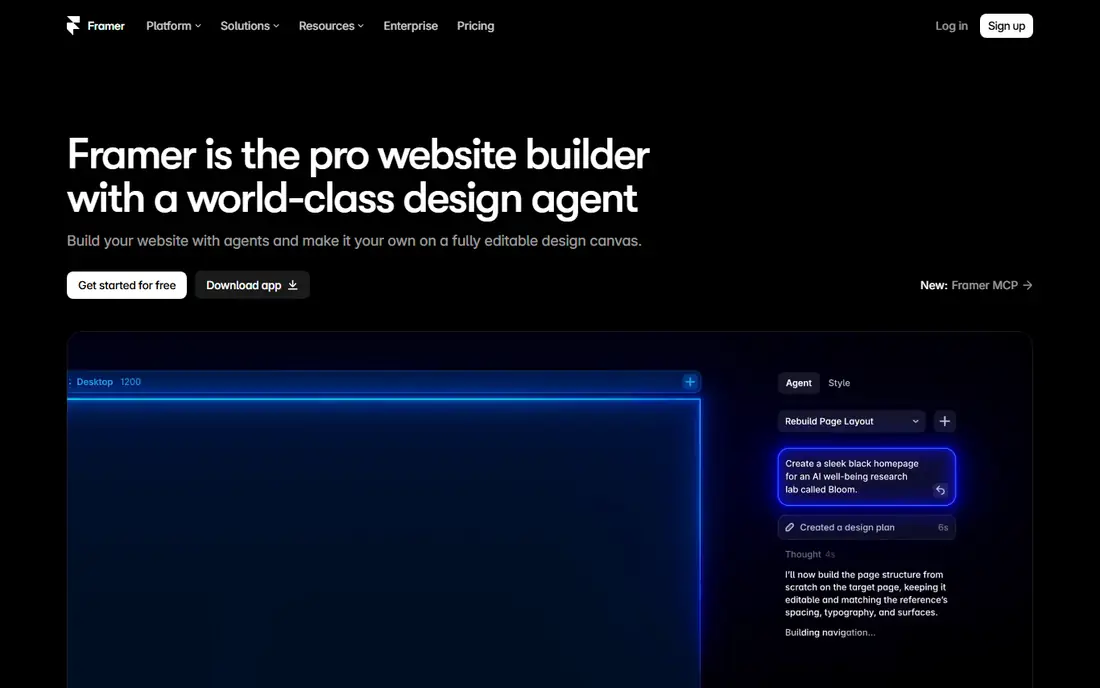
Framer started as a prototyping tool and now lets designers publish real websites from designs, with hosting, CMS content and animations built in. That path suits startups and marketing teams who want a landing page or marketing site live without a separate developer handoff. The free plan covers design work and unpublished projects.
Costs can rise because Framer bills per site as well as per editor on some plans, so check the pricing page for your site count. Framer is less ideal if your main output is a mobile app UI system. Choose Framer when the end goal is a published website, not just a design file.
- Publish designs as real websites
- Strong animations and interactions
- CMS options
- Bills per site and per editor
- Less suited to app UI systems alone
Lunacy is a free desktop design app from Icons8, available on Windows, macOS and Linux, with support for Sketch files built in. It offers vector editing, components, prototyping and asset libraries, and it works offline, which suits solo designers, students and freelancers. The core app is free, with a paid Pro plan for extra cloud features.
Collaboration is the weak point. Lunacy does not offer the same live multiplayer editing as Figma or Penpot, so teams that co-edit daily may feel the gap. For solo work, or for a designer who wants a capable free desktop tool, Lunacy is hard to beat on price and platform range.
- Free for personal and commercial use
- Windows, Mac and Linux apps
- Native Sketch file support
- Collaboration is limited
- Cloud documents capped on the free tier
Canva is not a direct Figma clone, but it appears on many Figma alternative lists for a reason. It excels at marketing graphics, social posts, presentations and simple web graphics, with templates that let non-designers produce clean work fast. Teams can share brand kits, folders and templates in one place.
For product UI design, Canva falls short. It lacks the component system, auto-layout depth and developer handoff that Figma and Penpot offer. Choose Canva if your main need is marketing and social design, and keep a UI tool for app screens and design systems.
- Huge template library
- Easy for non-designers
- Brand kits and team sharing
- Weaker for complex product UI systems
- Developer handoff is limited
Uizard helps non-designers turn an idea, a sketch or a text prompt into an editable mockup in minutes. That speed suits founders, product managers and early-stage teams who need to test an idea before hiring a designer. Mockups can be shared, commented on and refined in the browser.
Uizard is not a replacement for detailed product design. Fine control over components, spacing and design tokens is weaker than in Figma, Sketch or Penpot. Use Uizard to validate ideas fast, then move to a fuller design tool when the product direction is clear.
- AI-assisted mockup generation
- Fast wireframes from text or sketches
- Easy sharing
- Less control for polished UI
- Paid plans needed for full use
ProtoPie specialises in prototypes that feel like real products, with interactions, sensors, voice and multi-device flows, all without code. Product teams use it to test complex flows, such as onboarding, checkout or hardware-linked screens, before building them. That depth goes beyond the simple click-through prototypes in most design tools.
ProtoPie is not the right place to design a full UI system from scratch. Most teams design screens elsewhere and import them into ProtoPie for interaction work. Check the current pricing page, as plans vary by editor count and use, and trial the tool on one real flow before you buy.
- Realistic device and sensor interactions
- No-code logic for prototypes
- Multi-screen flows
- Not a general UI design tool
- Pricing needs checking on the vendor site
Axure RP suits UX teams that need logic in a prototype, such as conditional flows, variables, dynamic panels and detailed specifications. It has long served enterprise teams building complex software, where a prototype must show rules and edge cases, not just screens. Documentation and handoff features support that workflow.
The visual design experience feels less modern than Figma or Sketch, and new users may need time to learn the logic system. Paid Pro plans start at $29 per user per month billed annually. Choose Axure RP when prototype logic and specs matter more than visual polish.
- Conditional logic and variables
- Detailed specs and documentation
- Enterprise UX workflows
- Visual design feels dated
- Steeper learning curve
Moqups combines wireframing, diagramming and simple prototyping in a browser tool that stakeholders can learn quickly. Product managers, founders and small teams can sketch flows, sitemaps and screen layouts without a design background, then share them for comment. That speed makes it useful in early product work.
Moqups will not replace a high-fidelity UI tool for a finished app. Visual polish, component systems and developer handoff are limited by design. Use Moqups to agree on structure and flow, then move to Penpot, Sketch or Framer for detailed design.
- Wireframes, diagrams and prototypes in one place
- Easy for teams and stakeholders
- Fast to learn
- Not for high-fidelity product UI
- Paid plans needed for larger projects
How we picked these
We compared official feature pages, pricing pages, documentation and public reviews for tools that are live in October 2026. We kept tools that offer a distinct Figma-like job, from free design to prototyping, and we dropped tools that had closed or that only offered photo editing. We excluded Adobe XD as a main pick, because Adobe lists it in maintenance mode and it is no longer sold as a standalone app.
We weighed free plans, platform support, collaboration and handoff, because those factors decide whether a switch works in practice. Prices come from vendor pricing pages where a starting price was clear, and we wrote See website where a vendor did not publish a simple plan. We did not claim hands-on testing, and we did not rank by popularity alone.
Switching from Figma without losing work
Test import on a real file first
Import a representative file, not a tiny test screen, and check components, text styles, prototype links and images. Note what breaks, and estimate rebuild time for your component library. That test gives a realistic migration cost, and it stops a team-wide move based on a demo file that looked perfect.
Rebuild the library, do not just import it
Imported components often carry messy overrides and broken links. Rebuilding core components natively in the new tool takes longer at first, but it produces a cleaner system and fewer bugs later. Keep Figma files archived during the switch, so you can refer to the original design while you rebuild.
Agree on handoff before you switch
Check how developers will inspect designs, copy values and export assets in the new tool. If handoff is weaker, agree on a process, such as naming rules, export folders or a handoff tool, before the first project. A tool that designers love but developers cannot use well will slow delivery, not speed it up.
Frequently asked questions
What is the best free Figma alternative?
Penpot is the best free Figma alternative for most teams, because it is open source, browser-based and supports collaboration and self-hosting. Lunacy is the best free desktop alternative for solo designers, especially on Windows or Linux. Try both on a small project and keep the one that fits your workflow and file needs.
Are there Figma alternatives that are free forever?
Penpot offers a free cloud plan and free self-hosting, and Lunacy offers a free desktop app for personal and commercial use. Canva, Framer, Uizard and Moqups also offer free plans, but with limits on projects, features or seats. Read the free plan limits on each vendor site, because free does not always mean unlimited.
Can I import Figma files into these alternatives?
Penpot, Lunacy and Sketch-related workflows support imports, but fidelity varies. Simple screens import well, while complex components, prototype links and plugin content may need manual fixes. Test import on a real file before you commit, and budget time to rebuild your core component library natively.
Is Sketch still a good Figma alternative?
Yes, for Mac-based teams. Sketch offers a fast native app, mature libraries and browser viewing for stakeholders. It lacks live multiplayer editing and a Windows or Linux editor, so it suits smaller Mac teams more than large cross-platform teams. Check the current pricing page for editor and licence options.
Which Figma alternative is best for websites?
Framer is the best choice when the output is a live website, because it publishes designs with hosting and CMS features. Penpot and Sketch suit website UI design, but they need a separate build step to go live. Canva suits marketing graphics for a site, but not a full website build.
Should I leave Figma at all?
Only if a specific limit affects you, such as cost, platform, data control or a need for website publishing. Figma remains strong for collaborative product design, and switching costs time and rebuild effort. If Figma works and the price is acceptable, staying may be the practical choice, and a free tool can still serve side projects.
Sources we checked (9)

Online Jobs is an independent blog about careers, online work, learning new skills and the tools that help people earn. More about us.
Keep reading
All posts
Zoom Alternatives
Zoom alternatives compared for 2026: Google Meet, Microsoft Teams, Webex, Jitsi and more for free calls, large meetings and webinars for teams and classrooms.

What Is the Best Free Tool to Rotate a PDF
What is the best free tool to rotate a PDF? We compare eight free rotation tools on per-page control, limits, privacy and saved output quality in detail.

What Is the Best AI Dubbing Tool
We compared the best AI dubbing tools in 2026, from ElevenLabs and HeyGen to Rask AI, Dubverse and Veed, for videos and creators in many languages worldwide.