Elasticsearch Alternatives in 2026: 9 Tools Compared

How we put this together: we compare official feature and pricing pages, app store listings, privacy policies and public user reviews. Prices change, so check the provider's site before you pay.
Key takeaways
- OpenSearch is the closest direct replacement for Elasticsearch, especially for log analytics and observability work.
- Meilisearch and Typesense are the simplest picks for app and website search, with fast setup and typo-tolerant results.
- Algolia suits product search at scale where merchandising, analytics, and managed hosting matter more than licence cost.
- Self-hosted open source engines cost nothing in licence fees, but you still pay for servers, updates, and the time to run them.
- Vector and hybrid search matter if you plan AI features, so check that support before you commit to a purely keyword engine.
Quick comparison
| Name | Who it suits | Starting price | Free option | |
|---|---|---|---|---|
 OpenSearch | Direct Elasticsearch replacement | Free | Yes | Visit |
 Algolia | Managed product search at scale | See website | Yes | Visit |
 Meilisearch | Simple fast app search | See website | Yes | Visit |
 Typesense | Predictable hosted search pricing | See website | Yes | Visit |
 Apache Solr | Mature open source enterprise search | Free | Yes | Visit |
 Vespa | Large-scale AI and ranking workloads | See website | Yes | Visit |
 Manticore Search | Fast open source full-text search | Free | Yes | Visit |
 Azure AI Search | Search inside Microsoft Azure | See website | Free trial | Visit |
 Qdrant | Vector search for AI apps | See website | Yes | Visit |
The best elasticsearch alternatives
Elasticsearch is powerful, but it is also heavy, and its licensing and pricing have pushed many teams to look elsewhere. Some readers need a drop-in replacement for logs. Others need search inside an app or store, where a lighter engine is faster to run and easier to tune. The tools below cover both jobs, so start by naming yours.
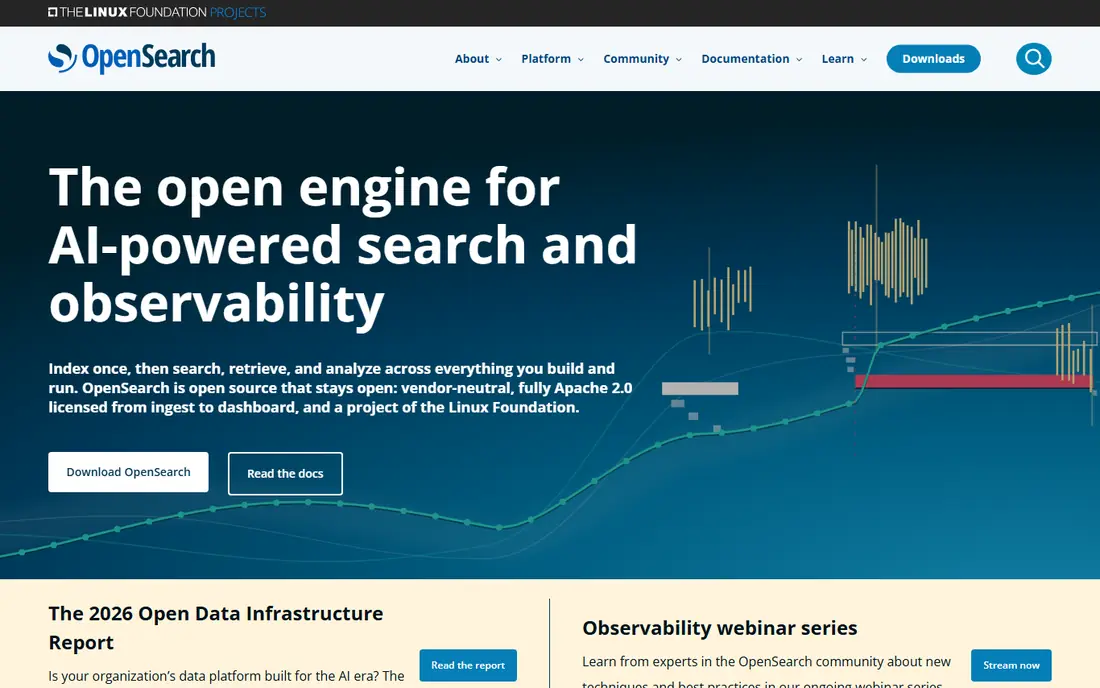
OpenSearch began as a fork of Elasticsearch, and it remains the most natural move for teams that already think in Elasticsearch terms. It handles full-text search, log analytics, and observability, and it ships with dashboards for exploring data. For a team that wants to keep a similar architecture without the current Elasticsearch licence terms, it is the first tool to test.
The catch is that open source does not mean effort-free. A production cluster needs sizing, backups, upgrades, and monitoring, whether you host it yourself or pay a managed provider. Treat migration as a project: run your real queries against OpenSearch, compare results, and check any plugins or ingest pipelines before you switch traffic.
- Open source under Apache 2.0
- Covers search, observability, and security analytics
- Dashboards included
- Running a cluster well still needs operations skill
- Migration needs testing for queries and plugins
- Managed hosting is paid
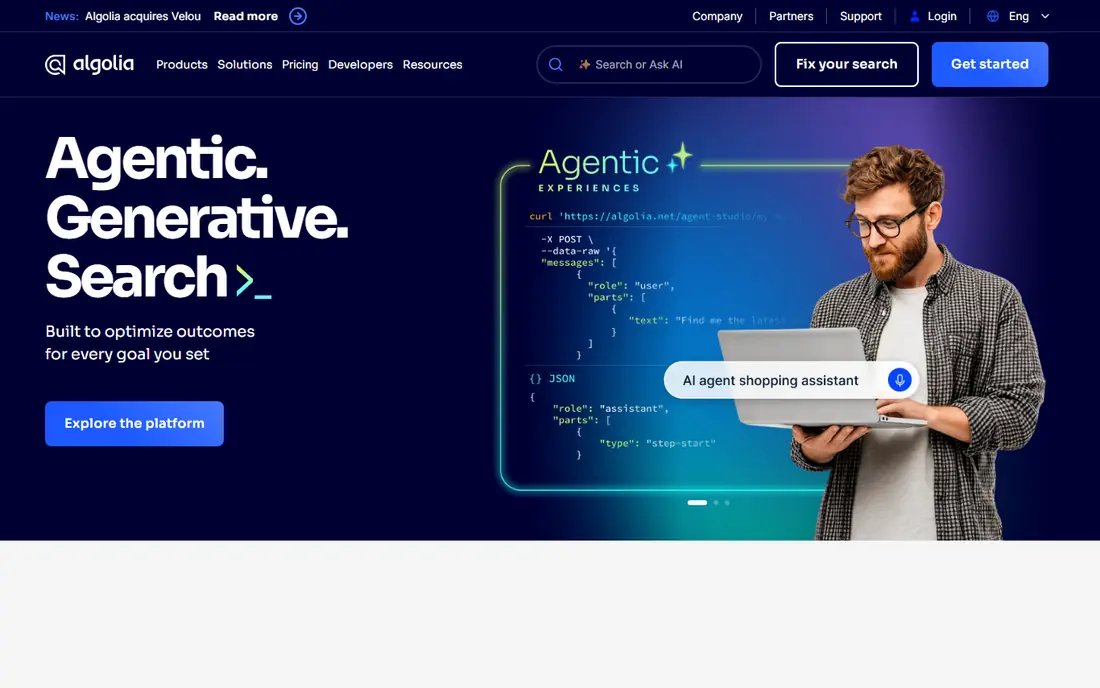
Algolia is the managed choice for product and website search. You send it records, it returns fast, typo-tolerant results, and your merchandising or product team can tune ranking, synonyms, and promotions from a dashboard without waiting for developers. For an online store, that business control is often worth more than raw engine speed.
Pricing is the honest downside. Algolia charges by searches and records, so a busy store can see costs climb with traffic, and forecasting needs care. The free plan is useful for a small app or a trial, but a growing store should model costs at two or three times current traffic before committing, so a busy season does not bring a surprise bill.
- Fast hosted search with a polished dashboard
- Merchandising rules and analytics for stores
- Generous free tier for small apps
- Usage-based pricing can rise sharply with traffic
- Self-hosting is not an option
- Advanced AI features sit on higher plans
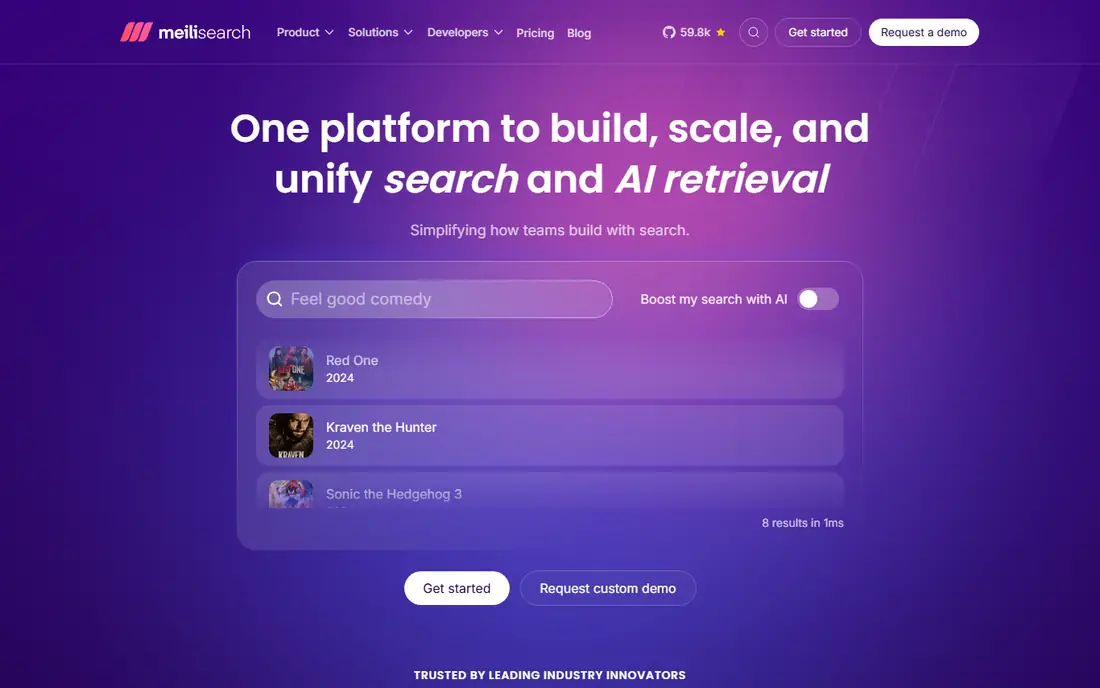
Meilisearch is our pick for developers who want good search without a week of tuning. It indexes documents fast, handles typos sensibly, and returns relevant results with little configuration. For docs sites, small stores, and internal tools, that simplicity is a major advantage over a full Elasticsearch cluster.
Self-hosting is free under an open licence, and the hosted cloud adds managed operations for teams that do not want to run servers. Meilisearch is less suited to heavy log analytics or huge multi-tenant platforms, where OpenSearch or Vespa may fit better. For app search, though, it is hard to beat on time to first good result.
- Open source core that is quick to set up
- Typo tolerance and filters out of the box
- Hosted cloud option with a trial
- Very large or complex analytics workloads may need a heavier engine
- Some enterprise controls are cloud-only
- Documentation assumes developer comfort
Typesense appeals to teams that dislike usage-based billing. Its hosted cloud charges for the cluster resources you provision, not for each search, so a high-traffic site with many small records can be much cheaper than a per-query service. The self-hosted version is free, and the API is straightforward for developers building instant search.
The main limit is memory. Typesense keeps data in RAM for speed, so a large catalogue needs a generously sized cluster, and that cost must be part of the comparison. If your data fits comfortably in memory and you value predictable bills, Typesense is a strong, calm alternative to both Elasticsearch and Algolia.
- Open source engine with resource-based cloud pricing
- No per-search fees on hosted clusters
- Simple API and instant search libraries
- Indexes are held in memory, so large catalogues need enough RAM
- Analytics features are thinner than Algolia
- Smaller ecosystem
Apache Solr is the veteran in this list. Built on Lucene, it powers enterprise search, document retrieval, and faceted browsing for organisations that need precise control over text analysis. If your team already knows Lucene, or you need complex faceting and multilingual text handling, Solr remains a capable and free foundation.
Newer engines are easier for a first project. Solr asks for more configuration, and its tooling shows its age next to Meilisearch or Typesense. Choose Solr when maturity, control, and a long track record matter more than the fastest setup, and when you have engineers comfortable tuning a search platform.
- Long-established open source search platform
- Strong faceting and text analysis
- Runs on the Lucene library
- Setup and tuning take real expertise
- Admin interface feels dated
- Smaller momentum than newer engines for app search
Vespa is the pick for teams building search and recommendation at serious scale, especially where AI ranking is central. It combines keyword search, vector search, and ranking in one serving engine, and it is designed to handle large data volumes with low latency. Companies with recommendation feeds, large catalogues, or AI retrieval pipelines are its natural users.
For a simple docs site or small store, Vespa is far more than needed, and the learning curve will slow you down. Shortlist it when your problem is ranking quality at scale, or when you need vector and keyword search served together in real time. Otherwise, a lighter engine will get you live faster.
- Built for large-scale serving with vector and keyword search together
- Real-time ranking and machine learning features
- Open source core
- Steep learning curve
- Overkill for simple site search
- Operating a large Vespa deployment needs skilled engineers
Manticore Search is a fast, lightweight open source engine that many teams overlook. It offers full-text search, vector search, and a familiar SQL-style interface, which can make migration from a database-driven search simpler. Its small footprint suits self-hosting on modest servers, and licence costs are zero.
The trade-off is ecosystem size. You will find fewer managed providers, integrations, and ready-made tutorials than for OpenSearch or Algolia. If your team is comfortable running open source infrastructure and values speed and simplicity over a large vendor ecosystem, Manticore is well worth a trial.
- Open source with a MySQL-compatible interface
- Fast full-text and vector search
- Small footprint for self-hosting
- Ecosystem and hosted options are smaller than OpenSearch
- Tooling is less polished
- Community support rather than a large vendor team
Azure AI Search, formerly Azure Cognitive Search, is the natural choice for teams already built on Microsoft Azure. It is a managed search service with AI enrichment, semantic ranking, and vector search, and it connects smoothly to Azure storage, databases, and AI services. If your data and apps already live in Azure, setup is far simpler than running your own cluster.
The downside is lock-in and pricing complexity. You pay across tiers, replicas, partitions, and AI features, so a careful estimate matters. Teams outside Azure, or teams that want a portable open source engine, should prefer OpenSearch, Meilisearch, or Typesense instead.
- Managed service inside Azure with AI enrichment
- Semantic ranking and vector search
- Integrates with Azure data sources
- Tied to Azure, so multi-cloud teams face friction
- Pricing has several dimensions to model
- Free tier is limited
Qdrant is different from most tools here, because it is built for vector search rather than keyword search. AI apps turn text, images, or products into vectors, and Qdrant finds similar items fast, with filtering on metadata. If you are building semantic search, recommendations, or retrieval for AI answers, it is a strong foundation.
On its own, Qdrant does not replace Elasticsearch for log analytics or classic full-text search. Many AI systems pair it with a keyword engine for hybrid results. Choose Qdrant when vector similarity is the core problem, and pair it with Meilisearch, Typesense, or OpenSearch when you also need strong keyword search.
- Purpose-built vector database with filtering
- Open source core plus managed cloud
- Free cloud tier for small projects
- Not a full-text search replacement on its own
- Best paired with a keyword engine for hybrid search
- Newer ecosystem
How we picked these
We compared official documentation, pricing pages, and licence terms, and we checked that each vendor homepage loads and belongs to the product named. We favoured engines that are actively maintained, work in 2026, and fit a clear job: direct Elasticsearch replacement, app search, product search, or vector search. Where a vendor does not publish a simple starting price, we wrote See website rather than inventing one.
How to choose between them
Start with the job, not the engine. For logs and observability, test OpenSearch first. For search inside an app or website, test Meilisearch and Typesense side by side with your real data, because relevance on your catalogue matters more than benchmark speed. For a store where merchandisers need control, test Algolia. For AI retrieval, test Qdrant, alone or paired with a keyword engine.
Next, check hosting and cost together. Self-hosting saves licence fees but costs engineering time, while managed services save time but charge by usage or resources. Run a realistic load test, measure result quality on your own queries, and confirm that backup, security, and upgrade paths fit your team before you move production traffic.
Frequently asked questions
What is the best alternative to Elasticsearch?
OpenSearch is the closest direct alternative, especially for logs and observability. For app search, Meilisearch and Typesense are simpler and faster to run. The best choice depends on whether you need a full analytics platform or just fast search inside an app.
Are there free Elasticsearch alternatives?
Yes. OpenSearch, Apache Solr, Meilisearch, Typesense, and Manticore Search all have free open source versions you can self-host. You still pay for servers and the time to run them, but there is no licence fee. Algolia and Qdrant also offer free tiers for small projects.
Is OpenSearch compatible with Elasticsearch?
OpenSearch began as a fork of Elasticsearch, so many concepts, APIs, and query patterns feel familiar. Compatibility is not total, though, especially for newer features and plugins. Test your queries, ingest pipelines, and dashboards against OpenSearch before migrating.
What is the difference between Meilisearch and Typesense?
Both are fast, open source app search engines with typo tolerance. Meilisearch is often quicker to set up and feels friendlier for a first project. Typesense charges its hosted cloud by resources rather than by search, which can make bills more predictable for high-traffic sites.
Should I use Algolia or a self-hosted engine?
Use Algolia when you want managed hosting, merchandising controls, and analytics without running infrastructure, and when usage-based pricing fits your traffic. Use a self-hosted engine when you want licence control, predictable server costs, or data to stay on your own infrastructure.
What is vector search, and do I need it?
Vector search finds items by meaning and similarity, rather than by exact keywords, by comparing numeric representations of text or images. You need it for semantic search, recommendations, and AI retrieval. For classic keyword search, a traditional engine is enough, and many teams combine both in hybrid search.
Sources we checked (9)

Online Jobs is an independent blog about careers, online work, learning new skills and the tools that help people earn. More about us.
Keep reading
All posts
ZoomInfo Alternatives
The best ZoomInfo alternatives in 2026, compared on price, free plans, data coverage, and which tool fits small teams or large sales teams best in detail.

Workday Alternatives
We compared the best workday alternatives for HR, payroll, and global hiring, from BambooHR and Gusto to Rippling, Deel, and HiBob for growing teams in 2026.
Which SaaS Tools Have the Best Customer Support
Which SaaS tools have the best customer support? Compare eight popular tools on help centres, live help, response options and overall support quality.