Best Dropbox Alternatives in 2026: 8 Tools Compared

How we put this together: we compare official feature and pricing pages, app store listings, privacy policies and public user reviews. Prices change, so check the provider's site before you pay.
Key takeaways
- Google Drive suits most switchers, with 15 GB free and Docs, Sheets and Gmail built in.
- OneDrive suits Windows and Microsoft 365 users, with 1 TB and Office apps in its Personal plan.
- Proton Drive, Sync.com and MEGA suit privacy-focused users, with end-to-end encryption as a core feature.
- pCloud suits buyers who would rather pay once for lifetime storage than pay a monthly subscription.
Quick comparison
| Name | Who it suits | Starting price | Free option | |
|---|---|---|---|---|
 Google Drive Google Drive | Most businesses and Google users | Free | Yes | Visit |
 Microsoft OneDrive Microsoft OneDrive | Windows and Microsoft 365 users | Free | Yes | Visit |
 Box Box | Governance and compliance | Free | Yes | Visit |
 pCloud pCloud | Lifetime one-time payment | Free | Yes | Visit |
 Sync.com Sync.com | Zero-knowledge privacy | Free | Yes | Visit |
 Proton Drive Proton Drive | Privacy with document editing | Free | Yes | Visit |
 MEGA MEGA | Largest free encrypted tier | Free | Yes | Visit |
 iCloud Drive iCloud Drive | Apple households | Free | Yes | Visit |
The best Dropbox alternatives
Dropbox is known for reliable sync, but its free plan offers only 2 GB, and its paid plans cost more than several rivals. The alternatives below beat it on free storage, price, privacy, collaboration or ecosystem fit. We compared official pricing pages, feature pages, privacy policies and public reviews to build this list.
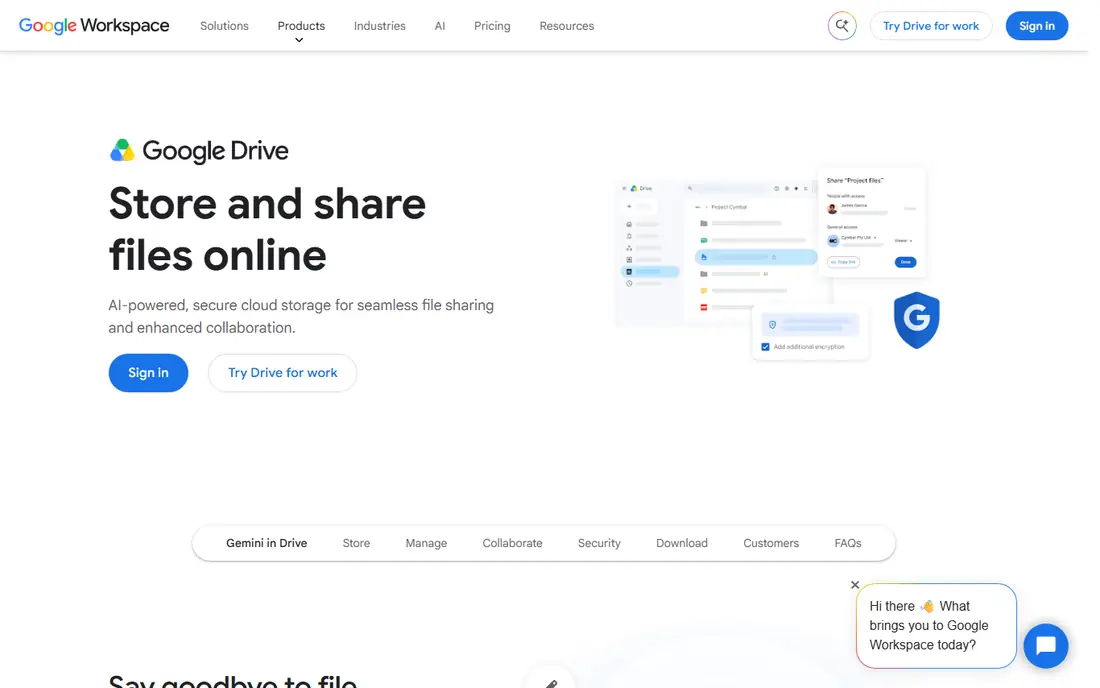
Google Drive is the easiest Dropbox replacement for most people. Its free plan offers 15 GB, shared across Gmail, Drive and Photos, which is far more than Dropbox free storage. Docs, Sheets and Slides open for real-time co-editing, and search across file contents is the best of any storage service here. Google One paid plans start at $1.99 per month for 100 GB, with 2 TB at $9.99 per month.
The catch is sharing: that 15 GB covers Gmail and Photos too, so heavy email or photo users fill it quickly. Google also holds encryption keys for Drive files, unlike the zero-knowledge services below, so privacy-focused users should weigh that. For collaboration and value, Google Drive leads this list.
- 15 GB free shared across Gmail, Drive and Photos
- Best search and collaboration
- Google One plans from $1.99 per month
- Free storage fills fast across Google services
- Privacy controls need attention
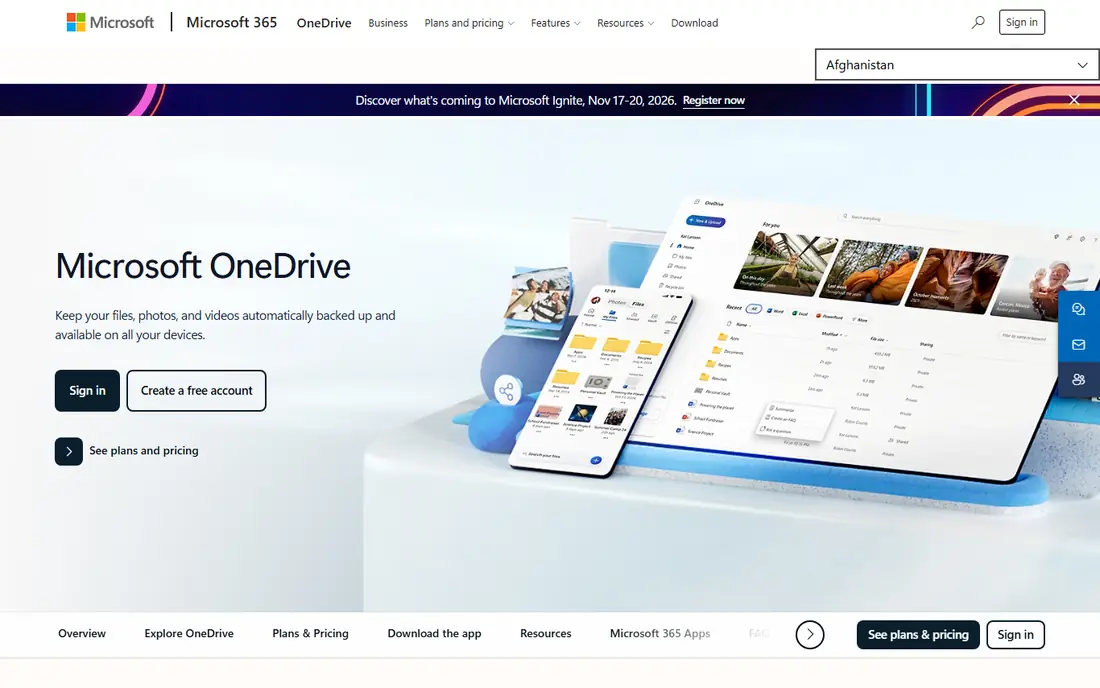
OneDrive is the natural Dropbox alternative for Windows users, because it appears as a folder in File Explorer with clear online-only and local file states. Its free plan offers 5 GB, while Microsoft 365 Personal, priced at $99.99 per year, adds 1 TB plus Word, Excel, PowerPoint, Outlook and OneNote desktop apps. That bundle is strong value if you already need Office.
The free tier is small, and OneDrive is weaker outside the Microsoft ecosystem, with fewer third-party integrations than Dropbox or Google Drive. It is also not end-to-end encrypted, since Microsoft holds the keys. If you live in Windows and Office, OneDrive is the obvious switch. If not, Google Drive is more flexible.
- Built into Windows and File Explorer
- 1 TB plus Office apps in Microsoft 365 Personal
- Personal Vault for sensitive files
- Only 5 GB free
- Best value needs a Microsoft 365 subscription
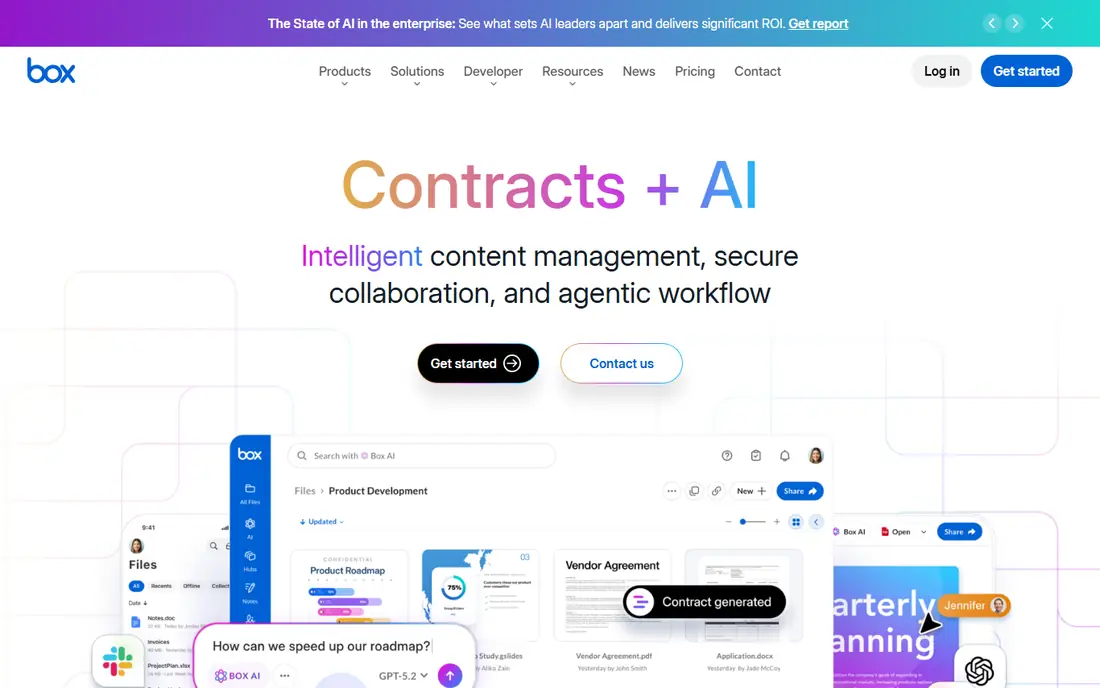
Box is built for businesses that need control over content, with retention policies, legal holds, granular permissions and compliance certifications that larger organisations require. Its free personal plan offers 10 GB, while business plans start at $5 per user per month with a three-user minimum. Integrations cover Office, Google Workspace, Salesforce and many other business tools.
The trade-off is cost and complexity for personal use. Box is more than most individuals need, and its consumer features are thinner than Google Drive or OneDrive. For regulated industries, legal teams and larger companies, though, Box governance is the reason to switch from Dropbox, not price alone.
- Strong governance, retention and legal hold controls
- Granular permissions
- Wide business integrations
- Business plans start at $5 per user per month with a three-user minimum
- More than small teams need
pCloud suits buyers who dislike subscriptions. Its free plan offers up to 10 GB, annual plans cover 500 GB and 2 TB, and lifetime plans start from around $199 for 500 GB and $499 for 2 TB in published pricing. Over several years, a lifetime plan costs far less than a monthly subscription for the same storage.
The honest catch is encryption: pCloud encrypts files in transit and at rest, but client-side, zero-knowledge encryption is a paid add-on called pCloud Crypto, not included by default. Its app ecosystem is also smaller than Google or Microsoft. If you want to pay once and keep it simple, pCloud is the best lifetime option here.
- Lifetime plans from around $199 one-time
- Free tier up to 10 GB
- Good media playback and sharing
- End-to-end encryption is a paid add-on, not default
- Smaller app ecosystem
Sync.com is the privacy-first pick for professionals who share files with clients. Its zero-knowledge encryption means Sync cannot read your files, since only you hold the keys, and that protection applies by default rather than as an add-on. The free plan offers 5 GB, while paid plans start from around $8 per user per month for 2 TB in some published pricing, with Solo plans offering larger storage.
The trade-off is price and suite depth. Sync.com costs more than Google Drive or OneDrive for the same storage, and it does not bundle office apps. It suits lawyers, accountants, designers and other professionals who need private client sharing more than a full productivity suite. For privacy at a fair price, Sync.com is a strong Dropbox replacement.
- Zero-knowledge encryption by default
- Free 5 GB plan
- Strong client sharing features
- Higher per-user prices than Google or Microsoft
- Smaller collaboration suite
Proton Drive, from the makers of Proton Mail, offers end-to-end encrypted storage with a document and spreadsheet editor included, even on the free plan. Its free tier offers 5 GB, while Drive Plus, with 200 GB, costs $3.99 per month when billed yearly, and larger plans add Mail, VPN and Pass. Encryption covers file and folder names, which goes further than most rivals.
The limits are storage size and platform support. Five GB free is smaller than Google Drive or MEGA, and Linux users get a command-line tool rather than a full desktop app. Proton Drive suits users who already trust Proton for mail and want the same privacy model for files, with editing built in.
- End-to-end encrypted storage from Switzerland
- Document and spreadsheet editor
- Free 5 GB plan
- Smaller free tier than Google Drive
- Linux support is command-line only
MEGA offers the largest free tier on this list, with 20 GB free and end-to-end encryption by default. That combination is hard to match: most encrypted rivals offer 5 GB free, while most large free tiers lack end-to-end encryption. Paid plans start from around 9.99 euros per month for 3 TB in published pricing, with larger plans above that.
The trade-offs are currency and collaboration. Paid prices are charged in euros, so the dollar cost moves with exchange rates, and MEGA document collaboration is thinner than Google Docs or Office. MEGA suits users who want a large, private free tier and simple file sharing, rather than a full office suite.
- 20 GB free with end-to-end encryption
- Low-cost large plans
- Chat and sharing built in
- Paid plans are priced in euros
- Collaboration tools are thinner than Google or Microsoft
iCloud Drive is the invisible choice for Apple households, since it syncs files, photos, backups and app data across iPhone, iPad and Mac without extra setup. Its free plan offers 5 GB, while iCloud+ plans start at $0.99 per month for 50 GB, $2.99 for 200 GB and $9.99 for 2 TB. Family sharing lets a household share a plan and storage.
The limit is ecosystem. iCloud Drive works on Windows through an app, but it is weaker there than OneDrive or Google Drive, and Android support is limited. Five GB free also fills fast once device backups are included. If your household is all Apple, iCloud Drive is the simplest Dropbox replacement. If not, Google Drive is more flexible.
- Built into iPhone, iPad and Mac
- ICloud+ plans from $0.99 per month
- Easy family sharing
- Only 5 GB free
- Weaker on Windows and Android
How we picked these
We compared official pricing pages, feature pages, privacy policies and public reviews for cloud storage services that offer a free tier or a clear paid plan and work on current desktop and mobile platforms. We favoured services with a distinct strength against Dropbox, whether free storage, price, privacy, governance or ecosystem fit, and we noted encryption models honestly, including where encryption is an add-on rather than default.
How to switch from Dropbox without losing files
Start by checking how much storage you actually use, then pick a service whose free or paid tier covers it with room to grow. Install the new desktop app, let files sync fully, and check that shared folders and links still work before deleting anything from Dropbox. Keep Dropbox installed for a month as a safety net.
Privacy and sharing checks
Check the encryption model before moving sensitive files. Zero-knowledge services such as Sync.com, Proton Drive and MEGA protect files even from the provider, while Google Drive, OneDrive and iCloud Drive encrypt files but hold the keys. Also check link sharing defaults, password options and expiry settings, since those decide who can open a shared file.
Collaboration and ecosystem fit
If your team co-edits documents daily, Google Drive or OneDrive will serve you better than a pure storage service. If your team mainly shares finished files with clients, Sync.com or Box may fit better. Match the service to the work you actually do, not to the largest free tier alone.
Frequently asked questions
What is the best Dropbox alternative?
Google Drive suits most switchers for its 15 GB free tier and collaboration, while OneDrive suits Windows and Microsoft 365 users. Proton Drive, Sync.com and MEGA suit privacy-focused users, and pCloud suits buyers who want a lifetime plan. The best pick depends on your devices, privacy needs and budget.
Is Google Drive better than Dropbox?
Google Drive offers more free storage, at 15 GB against Dropbox 2 GB, and stronger document collaboration through Docs and Sheets. Dropbox still leads on sync reliability for some creative workflows, and its integrations are broader. For most everyday users, Google Drive is better value, while Dropbox suits teams tied to its specific integrations.
Which Dropbox alternative is most private?
Sync.com, Proton Drive and MEGA offer end-to-end, zero-knowledge encryption by default, meaning the provider cannot read your files. pCloud offers client-side encryption as a paid add-on. Google Drive, OneDrive and iCloud Drive encrypt files in transit and at rest but hold the keys, so they are less private by that measure.
Can I get Dropbox-level storage for free?
MEGA offers 20 GB free with encryption, Google Drive offers 15 GB shared across Google services, and pCloud offers up to 10 GB free. None matches Dropbox paid plans for free, but for light use these tiers are enough. Heavy photo or video users will usually need a paid plan on any service.
Is pCloud lifetime storage worth it?
pCloud lifetime plans suit buyers who will use the storage for several years, since a one-time payment from around $199 for 500 GB beats years of monthly fees. The trade-off is that encryption is a paid add-on and the service could change terms over time. If you prefer predictable costs and dislike subscriptions, lifetime storage is worth considering.
Does OneDrive work well outside Windows?
OneDrive works on macOS, iOS, Android and the web, but its deepest integration is on Windows, where it appears in File Explorer. Mac and mobile users get solid sync and Office apps, but the experience is less central than on Windows. Cross-platform households usually find Google Drive more even across devices.
Sources we checked (8)

Online Jobs is an independent blog about careers, online work, learning new skills and the tools that help people earn. More about us.
Keep reading
All posts
Zoom Alternatives
Zoom alternatives compared for 2026: Google Meet, Microsoft Teams, Webex, Jitsi and more for free calls, large meetings and webinars for teams and classrooms.
PowerPoint Alternatives
Compare the best PowerPoint alternatives, from free Google Slides and Canva to Prezi and Gamma, with prices, collaboration and export options covered.
Gmail Alternatives
Gmail alternatives compared for 2026: Proton Mail, Outlook, Tuta, Fastmail, Zoho Mail and more for privacy, business and cross-platform use for US readers.