DocuSign Alternatives in 2026: 9 Tools Compared


Simple, unlimited signing on paid plans · Starting price: $15 per month
How we put this together: we compare official feature and pricing pages, app store listings, privacy policies and public user reviews. Prices change, so check the provider's site before you pay.
Key takeaways
- Dropbox Sign is the simplest swap for most teams that just need clean, unlimited signing on paid plans.
- PandaDoc is the best alternative to DocuSign when proposals, quotes and payments sit in the same document.
- Zoho Sign and SignWell give the lowest-cost paid routes, with free plans for very light use.
- Documenso is the option to test if you want open source software or self-hosting.
- Always check envelope or document limits, audit trail details and signer experience before you move contracts over.
Quick comparison
| Name | Who it suits | Starting price | Free option | |
|---|---|---|---|---|
| Dropbox Sign | Simple, unlimited signing on paid plans | $15 per month | Free trial | Visit |
 PandaDoc PandaDoc | Proposals, quotes and contracts in one document | $19 per month | Yes | Visit |
 signNow signNow | Low-cost signing for busy teams | $15 per month | Free trial | Visit |
 Zoho Sign Zoho Sign | Small businesses already using Zoho tools | $10 per month | Yes | Visit |
 Adobe Acrobat Sign Adobe Acrobat Sign | Teams that already work in PDF files | See website | Free trial | Visit |
 SignWell SignWell | Occasional signing with a usable free plan | $10 per month | Yes | Visit |
 Documenso Documenso | Open source signing and self-hosting | Free | Yes | Visit |
 GetAccept GetAccept | Sales documents with tracking and reminders | $25 per month | Free trial | Visit |
 eSign Genie eSign Genie | Forms, bulk send and conditional fields | See website | Free trial | Visit |
The best DocuSign alternatives
We compared official feature pages, pricing pages and public reviews for alternatives to DocuSign, including free alternatives to DocuSign and the best free DocuSign alternatives for occasional use. The list below covers simple signing, sales documents and self-hosted options, so you can pick by workflow rather than by brand alone.
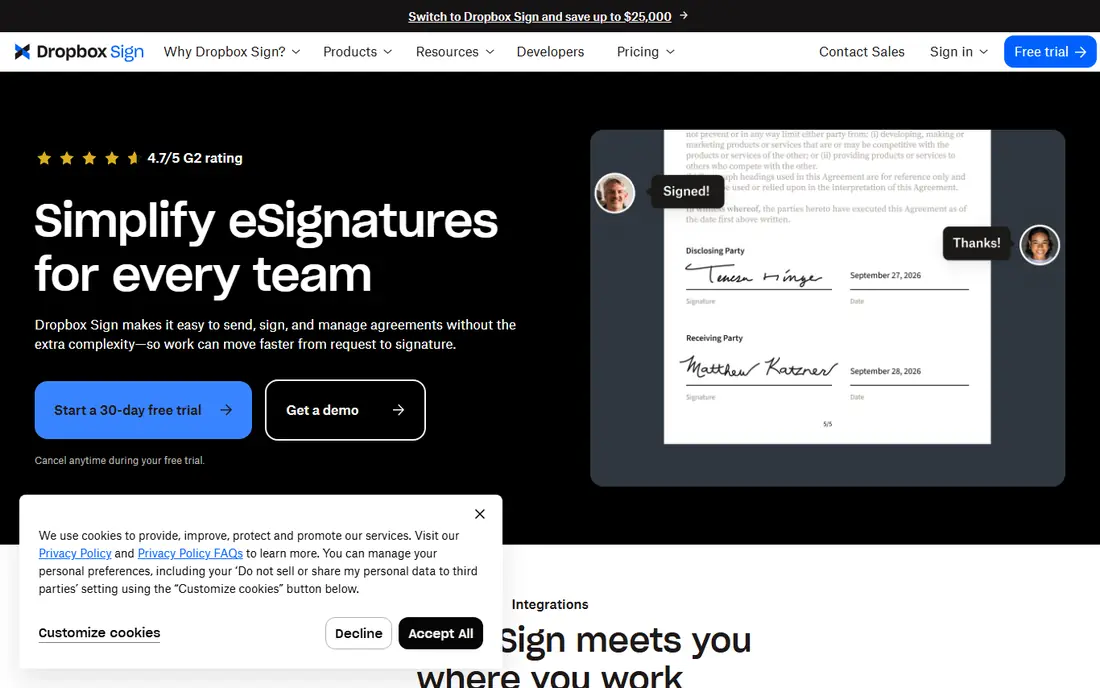
Dropbox Sign, formerly HelloSign, fits teams that want DocuSign-style signing without a complex setup. You upload a document, add signer fields, send it, and get a signed copy with an audit trail. Signers do not need to wrestle with a new tool, which matters when clients and new hires sign for the first time.
The catch is scope. Dropbox Sign does a narrow job well, but it is not a proposal builder or a full sales platform. If your documents are mostly contracts, NDAs and offer letters, that focus is a strength. If you need pricing tables, product options and payments in the same document, look at PandaDoc or GetAccept instead.
- Clean signing flow for senders and signers
- Unlimited signature requests on paid plans
- Templates and audit trails
- Fewer proposal and quoting features than PandaDoc
- Advanced embedded signing can cost extra
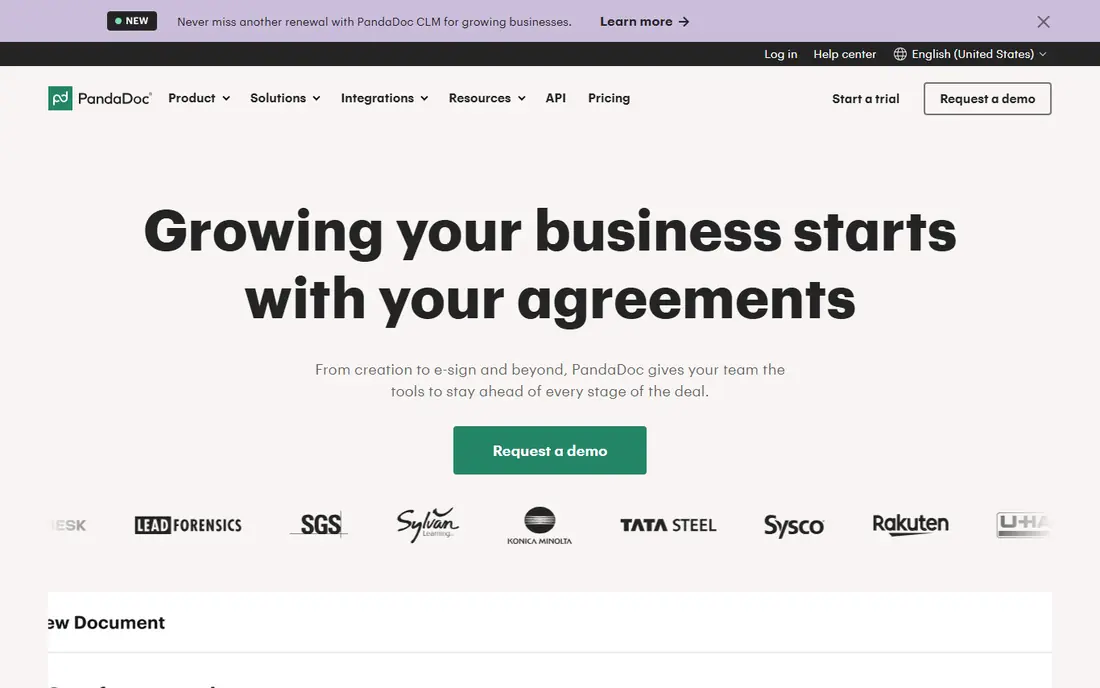
PandaDoc fits sales and service teams that send proposals rather than plain contracts. You can build a branded document, add a pricing table, let the client pick options, and collect a signature and a payment in the same flow. That saves the back-and-forth that comes from sending a quote, a contract and an invoice as three separate files.
The catch is price and tiering. The free plan covers a small number of documents a month, which suits occasional use, but a growing sales team will need a paid plan per user. Check which tier includes the content library, approval workflows and CRM links you actually need, because those features are not all on the entry plan.
- Document builder with templates and pricing tables
- Payment collection in documents
- A free plan for light use
- Paid plans are priced per user, so team costs add up
- Some features sit on higher tiers
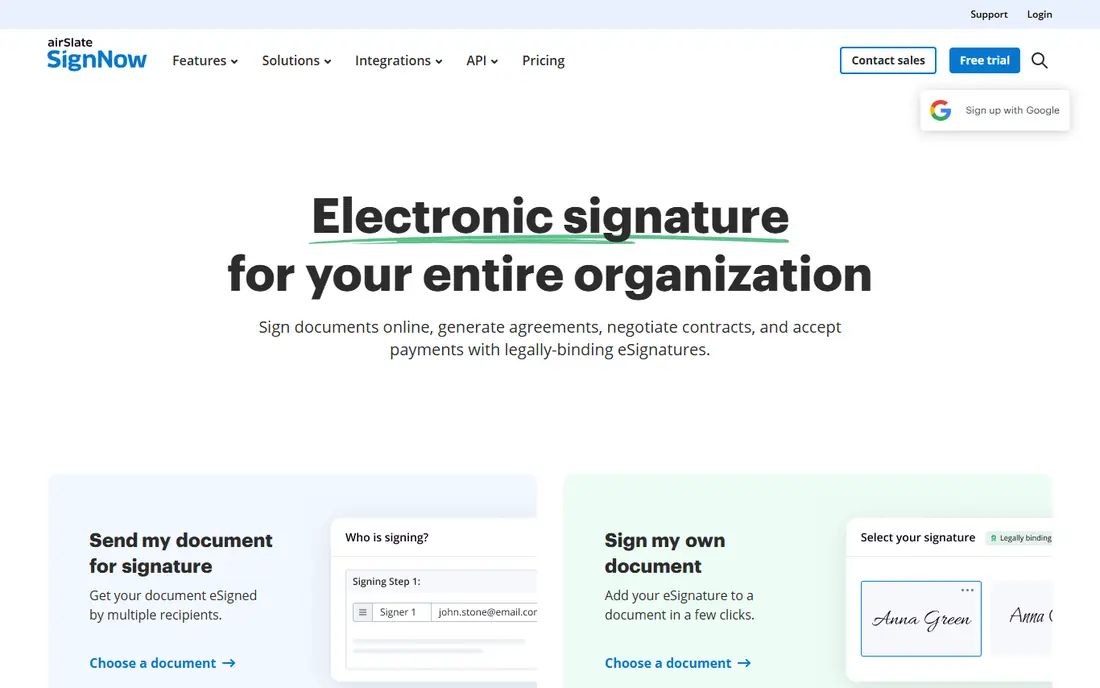
signNow fits teams that send a lot of documents and want to keep the per-user cost down. It covers templates, multiple signers, bulk send and in-person signing, with audit trails for signed documents. For HR, operations and property teams, that mix covers most daily signing without paying for proposal features they will not use.
The catch is fit. signNow is a signing tool first, so it will not replace a proposal or quoting tool. It is also worth confirming the exact plan and billing term before you compare it with a rival, because monthly and annual prices differ and some features move between tiers.
- Bulk send and advanced fields
- A wide range of integrations
- Business plans aimed at value for money
- The interface feels more business-like than some rivals
- Entry pricing varies by billing term and plan
Zoho Sign fits small businesses that want the best free DocuSign alternatives to test before paying. Its free plan allows a small number of envelopes a month, which is enough for occasional contracts, and paid plans stay low compared with many rivals. Templates and reminders cut down on chasing signatures for routine forms.
The catch is scale. Five free documents a month will not cover a busy hiring round or a sales month, and teams outside Zoho may prefer a tool with deeper links to their own CRM. If you already use Zoho CRM or Zoho Books, the links make Zoho Sign a natural pick. If you do not, compare it on signing features alone.
- Low entry price
- A free plan with a small monthly envelope allowance
- Templates, reminders and audit trails
- The free plan is limited to a few documents a month
- It is strongest inside the Zoho system
Adobe Acrobat Sign fits organisations that already live in PDF workflows. If contracts arrive as PDFs, get edited in Acrobat and then need signatures, keeping that work in one place saves time and avoids format problems. Enterprise controls, audit trails and Microsoft integrations suit larger teams with compliance needs.
The catch is buying. Pricing depends on whether you buy it standalone, with Acrobat, or through an enterprise agreement, so the headline cost is harder to compare. Small teams that only sign a few documents a month may find a simpler tool faster to set up and cheaper to run.
- Signing inside Acrobat and Microsoft tools
- Strong compliance and admin controls
- Wide enterprise use
- Pricing is often bundled or quoted rather than shown as a simple plan
- It can feel heavy for very small teams
SignWell fits freelancers, landlords and small teams with light signing volume. The free plan covers a few documents a month, which is enough for occasional agreements, and paid plans start at a low price for unlimited sending. The signing flow is plain and quick, which helps when signers are clients who may not be comfortable with new software.
The catch is depth. SignWell is not trying to be a full sales platform, so teams that need quoting, payments and complex approval chains will outgrow it. For simple contracts, NDAs and consent forms, that simplicity is exactly the point, and the low entry price makes it easy to test.
- A free plan for a few documents a month
- Simple templates and audit trails
- An easy signer experience
- Fewer sales and proposal features than PandaDoc
- Higher tiers needed for larger teams and API use
Documenso fits teams that care about control, data location and open source software. You can run the Community Edition yourself, or use the hosted plans if you want someone else to handle upkeep. For internal pilots and privacy-sensitive teams, that choice is hard to find elsewhere in this list.
The catch is effort. Self-hosting is not a one-click job, and production use needs a paid licence or careful setup, backups and security checks. If you just want to send contracts this week, a hosted signing tool will be faster. If control over the code and the server matters most, Documenso is worth the extra work.
- Open source code you can inspect and self-host
- A hosted free plan for light use
- A simple signing flow
- Self-hosting needs technical setup and upkeep
- The hosted free plan is limited
GetAccept fits sales teams that want to know what happens after they send a document. Tracking shows when a prospect opens a proposal, which pages they read, and when to follow up, and reminders reduce manual chasing. That visibility can shorten a sales cycle in a way that plain signing cannot.
The catch is price for non-sales use. If you only send HR forms or supplier contracts, you will pay for tracking features you rarely open. For teams that live by proposals and quotes, the extra cost can pay for itself in faster closes. For everyone else, a simpler signing tool is a better buy.
- Document tracking, reminders and engagement views
- Templates for sales teams
- Signing plus proposal features
- Higher entry price than simple signing tools
- Best value comes with a sales workflow, not occasional signing
eSign Genie fits operations teams that send the same form to many people with small variations. Conditional fields show or hide sections based on answers, and bulk send handles large batches without manual work for each signer. That mix suits onboarding packs, waivers and supplier forms.
The catch is comparison shopping. Pricing and plan details are harder to pin down at a glance than with Dropbox Sign or Zoho Sign, so confirm the current plan before you budget. Also test a real form end to end, because conditional logic and bulk send are the features that will make or break this choice.
- Conditional fields and bulk send
- Templates and integrations
- A free trial to test real documents
- Pricing is less prominent than rivals, so you need to check the current plans
- Smaller brand recognition than Adobe or Dropbox Sign
How we picked these
We compared official feature pages, pricing pages and public reviews, and we gave weight to free plans, document limits, audit trails, templates, signer experience and integrations. We included free DocuSign alternatives and paid tools, plus one open source option, so the list covers occasional use, busy sales teams and privacy-focused buyers. Prices change often, so confirm the current plan and billing term on the vendor site before you buy.
What to check before you switch
Start with volume, not price alone. A free plan that allows three or five documents a month is fine for occasional use, but a busy team needs unlimited sending or a generous envelope allowance. Next, check the signer experience on a phone, because many clients sign on mobile and a clumsy form leads to delays and support messages.
Legal validity and audit trails
Check that the tool provides a certificate of completion or audit trail with signer identity, timestamps and IP details, and that it supports the signature standards your country or industry requires. For regulated work, also check data storage location, access controls and whether the vendor supports standards such as eIDAS in Europe or ESIGN and UETA in the United States. When in doubt, ask your legal adviser before moving regulated contracts.
Templates, integrations and migration
List the documents you send most often and check that templates, fields and signing order transfer cleanly. Also check links to your CRM, storage and HR tools, because manual uploads undo much of the time saved by signing. Move one document type at a time, test it with a real signer, and keep old signed copies in a safe archive during the switch.
Frequently asked questions
What is the best free alternative to DocuSign?
For occasional use, PandaDoc, Zoho Sign and SignWell all offer free plans with a small monthly document allowance. PandaDoc allows five documents a month on its free plan, Zoho Sign allows five envelopes a month, and SignWell allows three documents a month, so pick by which allowance and template set fits your documents.
Are free DocuSign alternatives safe for real contracts?
Free plans from established vendors still provide audit trails and signed copies, but you should check the exact trail details, signer verification options and storage limits before using them for high-value contracts. For regulated or high-value work, a paid plan with stronger verification and admin controls is the safer choice.
Which DocuSign alternative is best for sales proposals?
PandaDoc is the strongest pick for proposals, because it combines document building, pricing tables and payments with signing. GetAccept is a close second when tracking and follow-up matter more than document design, while Dropbox Sign suits teams that only need a signature on a finished proposal.
Can I self-host a DocuSign alternative?
Yes, Documenso offers an open source Community Edition you can self-host for testing and internal use, with paid options for production use. Self-hosting gives you control over data and code, but it also means you handle updates, backups and security, so budget technical time as well as licence cost.
Is Dropbox Sign the same as HelloSign?
Yes, HelloSign was renamed Dropbox Sign after Dropbox acquired it. Existing HelloSign features and documents moved under the Dropbox Sign name, so guides that mention HelloSign usually refer to the same product.
How do I choose between signNow and Zoho Sign?
Choose signNow when you send many documents and want bulk send and advanced fields at a low team cost. Choose Zoho Sign when your volume is light, you want a free plan to start, or your business already uses Zoho tools and will benefit from those links.
Sources we checked (9)
- https://www.hellosign.com/pricing
- https://www.pandadoc.com/pricing
- https://www.signnow.com/pricing
- https://www.zoho.com/sign/pricing
- https://www.adobe.com/sign/pricing.html
- https://www.signwell.com/pricing
- https://www.documenso.com/pricing
- https://www.getaccept.com/pricing
- https://www.esigngenie.com/pricing

Online Jobs is an independent blog about careers, online work, learning new skills and the tools that help people earn. More about us.
Keep reading
All posts
Best Business Software
Looking for the best business software in 2026? We compare 9 tools for accounting, CRM, projects, teamwork, payments and online selling for small teams.

Zoom Alternatives
Zoom alternatives compared for 2026: Google Meet, Microsoft Teams, Webex, Jitsi and more for free calls, large meetings and webinars for teams and classrooms.

Top Rated Poster Maker Software
Top rated poster maker software compared for 2026: Canva, Adobe Express, VistaCreate, PosterMyWall and more for events, sales and classrooms for US users.