Best Workforce Management Software in 2026: 8 Tools Compared

How we put this together: we compare official feature and pricing pages, app store listings, privacy policies and public user reviews. Prices change, so check the provider's site before you pay.
Key takeaways
- Deputy and When I Work suit growing hourly teams that need scheduling live quickly without enterprise setup.
- Homebase and Connecteam offer free starting tiers, which help small businesses test workforce software at low cost.
- UKG and Dayforce suit large organisations with complex compliance, forecasting, and multi-location needs.
- 7shifts is a strong niche pick for restaurants, while Quinyx suits multi-site retail, hospitality, and logistics.
Quick comparison
| Name | Who it suits | Starting price | Free option | |
|---|---|---|---|---|
 Deputy | Growing hourly teams | $5 per user per month | Free trial | Visit |
 When I Work | Fast shift scheduling | $2.50 per user per month | Free trial | Visit |
 Homebase | Small businesses starting free | Free | Yes | Visit |
 Connecteam | Deskless teams in one app | Free | Yes | Visit |
 UKG | Large enterprise compliance | See website | No | Visit |
 Dayforce | Global HR and payroll in one system | See website | No | Visit |
 7shifts | Restaurants | See website | Yes | Visit |
 Quinyx | Multi-site operations | See website | No | Visit |
The best workforce management software
Workforce management software covers scheduling, time tracking, team communication, and labour compliance for hourly teams. The right tool depends less on the longest feature list and more on team size, industry, and how complex your labour rules are.
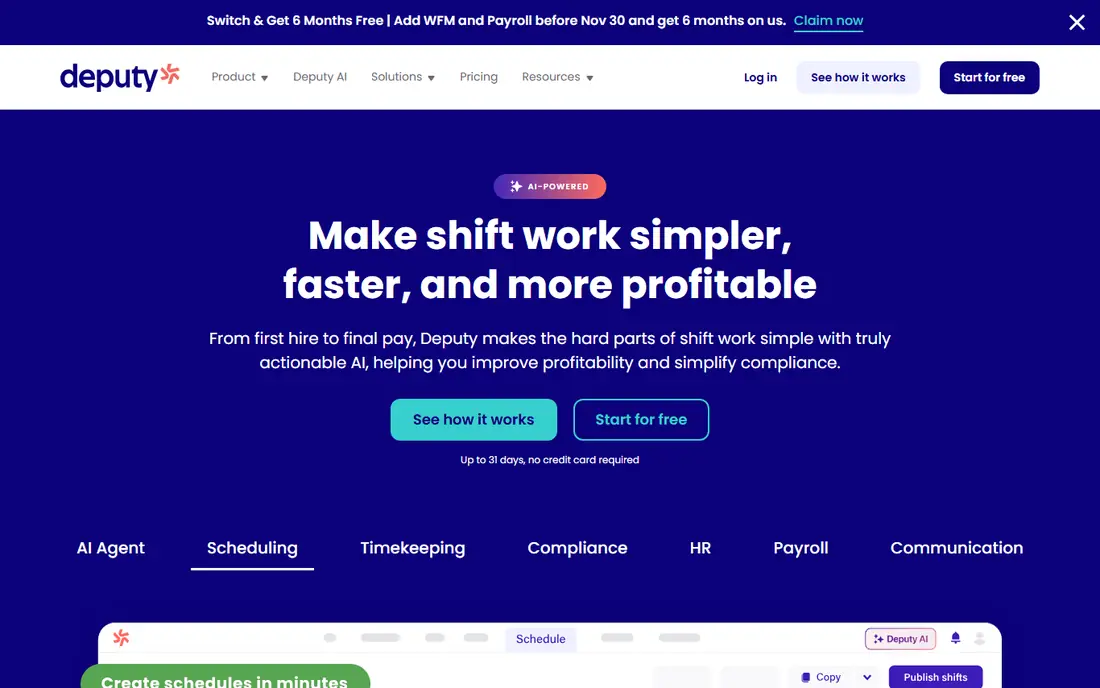
Deputy is our pick for growing businesses that need scheduling with real compliance muscle. Managers can build rotas around demand, staff availability, and labour rules, while employees clock in from a mobile app and swap shifts when needed. That combination reduces the spreadsheet work that eats up a manager's Sunday evening.
The main limit is payroll. In some regions, Deputy exports hours to payroll software rather than running payroll itself, so check what applies where you operate. For scheduling, time tracking, and team communication, Deputy is a strong, well-supported choice for cafes, clinics, shops, and service firms.
- Strong scheduling with demand and compliance checks
- Mobile time clock and communication
- Payroll integrations
- Payroll is not built in for every region
- Higher tiers needed for advanced features
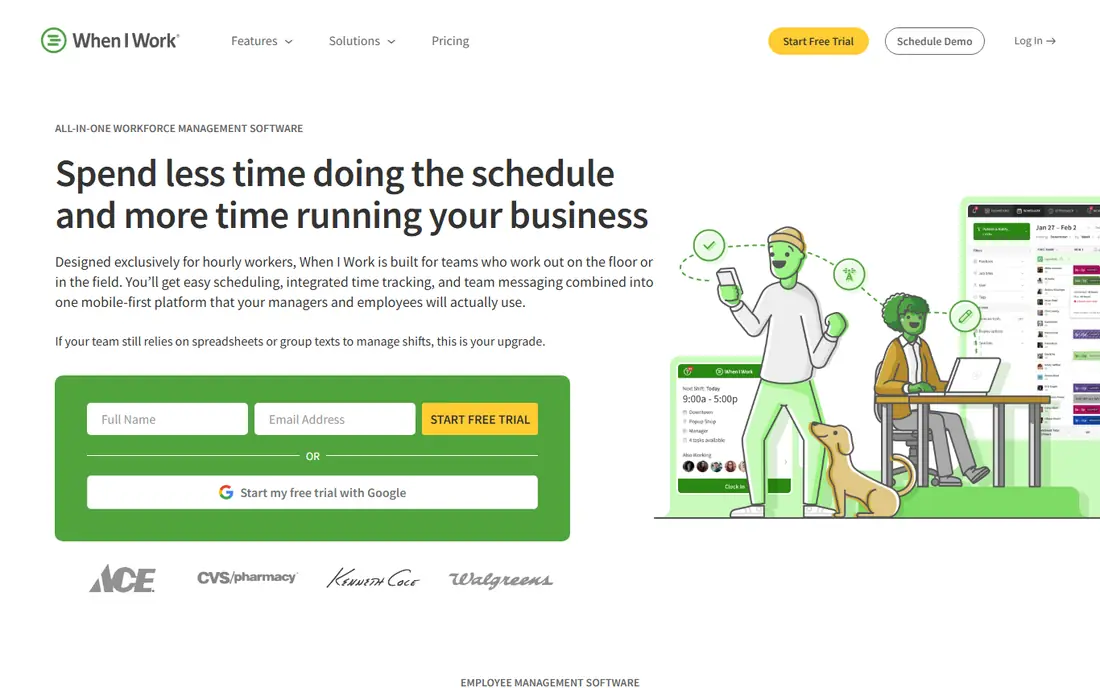
When I Work suits a team that wants scheduling live this afternoon, not after a long implementation. The interface is simple, shift templates are easy to reuse, and staff can view schedules, request time off, and clock in from their phones. For a small restaurant, shop, or clinic, that speed matters.
The trade-off is depth. Large organisations with complex union rules or multi-country compliance will need a heavier tool. For a team of ten to a hundred hourly staff with straightforward rules, When I Work offers good value and a short learning curve.
- Very fast to set up
- Simple shift scheduling and time clock
- Low starting price
- Fewer enterprise compliance tools
- Advanced reporting sits on higher plans
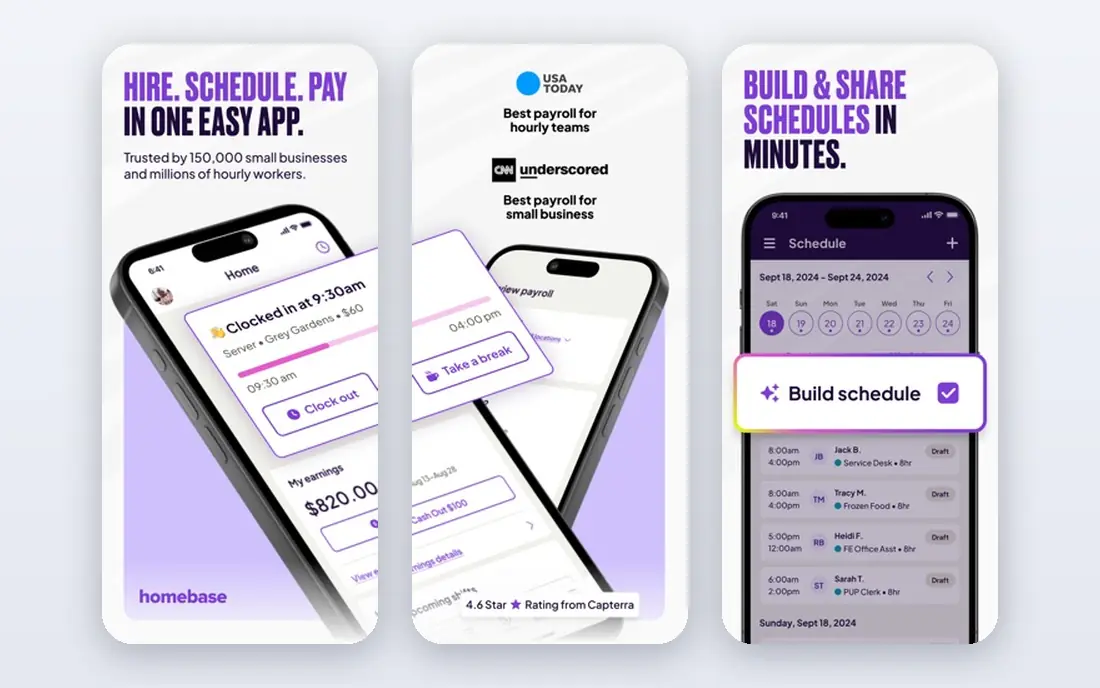
Homebase is the best starting point for a very small business that wants to move from paper rotas to software without a monthly bill. The free basic plan covers scheduling and time tracking for a small team at one location, which is enough to test whether digital scheduling helps your business.
As you grow, paid plans add hiring, payroll, and team communication features. The free limits mean a multi-location business will need to upgrade sooner, but that is a reasonable path: start free, prove the value, and pay when the team grows. For a single cafe or shop, Homebase is a practical first step.
- Free basic plan for small teams
- Scheduling, time clock, and hiring tools
- Payroll available as an add-on
- Free plan has limits on locations and employees
- Advanced features need paid plans
Connecteam is built for deskless workers: field teams, cleaners, delivery staff, and retail workers who rarely sit at a computer. One app covers scheduling, shift communication, time tracking, forms, and training, which reduces the number of tools a manager must juggle. The mobile experience is central, not an afterthought.
Payroll is not the focus here, so teams that want scheduling linked directly to pay may need a separate payroll tool or a different platform. For communication-heavy deskless teams, Connecteam offers a lot in one place, and the free tier for small teams makes it easy to trial.
- Scheduling, communication, and HR forms in one app
- Free tier for small teams
- Good mobile experience for field staff
- Payroll features are limited
- Pricing for larger teams is quote-based in some cases
UKG is the heavyweight option for organisations where scheduling mistakes create legal exposure. Its compliance tools cover wage, hour, and leave rules across locations, and forecasting helps large employers staff against demand. With a presence in many countries, it suits global firms with complex labour rules.
Small and mid-sized businesses should look elsewhere. UKG deals are quote-based, implementation runs for months, and the platform assumes you have HR and operations staff to run it. For a large enterprise, that investment can pay off. For a team under a few hundred staff, it is more tool than you need.
- Deep compliance and forecasting tools
- Proven at very large scale
- Strong multi-country support
- Quote-only pricing
- Implementation can take months
Dayforce, from Ceridian, unifies HR, payroll, time tracking, and talent in a single system. That single record matters for large employers who otherwise reconcile data across several tools, with errors and delays at each step. Workforce scheduling sits inside that broader system, rather than as a standalone app.
Like UKG, Dayforce is an enterprise purchase, with quoted pricing and a structured implementation. A small business will find it heavy and expensive. A global firm that wants one system for HR and payroll, with scheduling included, should put Dayforce on the shortlist alongside UKG.
- HR, payroll, time, and talent in one system
- Strong reporting for large teams
- Global payroll support
- Quote-only pricing
- Longer implementation than small-team tools
7shifts is a niche tool done well. Restaurants face specific problems: variable demand, tip and labour cost tracking, shift swaps, and staff who work across roles. 7shifts builds scheduling, communication, and labour cost reporting around those needs, rather than forcing a generic tool to fit a restaurant.
The free plan covers basic scheduling and communication, which lets a small restaurant trial it before paying. Larger restaurant groups will need paid plans for fuller reporting and payroll links. If you run a restaurant, cafe, or bar, 7shifts deserves a trial before you choose a general workforce tool.
- Built for restaurant scheduling and labour costs
- Team communication and time tracking
- Payroll integrations
- Less suited to non-restaurant industries
- Advanced features need paid plans
Quinyx suits multi-site operations that need to balance staff across stores, warehouses, or care sites. Forecasting, scheduling, and labour cost reporting work across locations, which helps managers move staff where demand is highest. Industries such as retail, hospitality, logistics, and healthcare are its core audience.
Pricing is quoted, and setup is more involved than a self-serve small-team app. That makes Quinyx a poor fit for a single shop, but a strong fit for a chain that needs consistent scheduling rules across many sites. Ask for a demo based on your site count and labour rules before deciding.
- Strong multi-site scheduling and forecasting
- Good for retail, hospitality, logistics, and healthcare
- Mobile app for staff
- Quote-only pricing
- More complex than small-team tools
How we picked these
We compared official feature pages, pricing pages, and public reviews, and we favoured tools that are still actively sold and that clearly cover scheduling and time tracking. We also sought a range of sizes, from free small-team tools to enterprise platforms, and a mix of general and industry-specific options. Where pricing is quoted, we mark it as See website rather than inventing a figure.
How to choose workforce software
Start with headcount, locations, and labour rules. A single-site team with simple rules needs a different tool from a multi-site chain with complex compliance needs. Count hourly staff, not total staff, since salaried office teams may not need scheduling at all.
Scheduling, time, and pay
Check how scheduling connects to time tracking and pay. Some tools run payroll themselves, some integrate with payroll software, and some only export hours. The cleanest option depends on your current payroll setup, so involve your payroll lead early in the trial.
Mobile use and adoption
Your staff will use the mobile app far more than the desktop dashboard, so test it with real employees. Can they view schedules, swap shifts, request time off, and clock in without training? If the app feels awkward, adoption will drop, and managers will return to group chats and spreadsheets.
Frequently asked questions
What is the best workforce management software for small businesses?
Homebase is a strong starting point because its free basic plan covers scheduling and time tracking for a small team. When I Work and Deputy are good next steps when you need more scheduling power and are ready to pay a low per-user price.
Which software is best for workforce management in restaurants?
7shifts is built for restaurants, with scheduling, labour cost reporting, and team communication designed for hospitality. Deputy and When I Work also work well for restaurants, especially smaller venues with simpler needs.
What is the best mobile workforce management software?
Connecteam, Deputy, and When I Work all offer strong mobile apps for deskless and hourly staff. Test the app with your own team, since ease of clocking in, viewing schedules, and swapping shifts matters more than desktop features.
What is top workforce management software for large companies?
UKG and Dayforce lead for large companies, with deep compliance, forecasting, and payroll integration. Quinyx is also strong for multi-site retail, hospitality, and logistics operations that need scheduling across many locations.
What are the best workforce management tools with a free plan?
Homebase offers a free basic plan, Connecteam offers a free tier for small teams, and 7shifts offers a free plan for basic scheduling. Free plans have limits, so check employee and location caps before you rely on them.
What is top WFM software, and what does WFM mean?
WFM stands for workforce management, which covers scheduling, time tracking, attendance, and labour planning for hourly teams. The top choice depends on size: Homebase or When I Work for small teams, Deputy for growing teams, and UKG or Dayforce for enterprises.
Sources we checked (8)

Online Jobs is an independent blog about careers, online work, learning new skills and the tools that help people earn. More about us.
Keep reading
All posts
DocuSign Alternatives
We compared the best DocuSign alternatives on price, free plans, templates, audit trails and ease of use, including free DocuSign alternatives for small teams.
Best subscription billing software
Looking for the best subscription billing software? We compare 9 platforms for billing, dunning, tax, revenue recognition, and team workflows in 2026.
Best Spend Management Software
Looking for the best spend management software? We compared 8 platforms on cards, approvals, travel and price to help your finance team pick the right one.