Best Webinar Software for Small Business in 2026: 8 Products Compared

How we put this together: we compare official feature and pricing pages, app store listings, privacy policies and public user reviews. Prices change, so check the provider's site before you pay.
Key takeaways
- Zoho Webinar is the cheapest serious option for small teams, while Demio and Livestorm offer stronger attendee experience for marketing webinars.
- Zoom Webinars suits teams already on Zoom, but it is a paid add-on, so total cost includes a base Zoom plan.
- GoTo Webinar remains a reliable choice for sales and training webinars, with clear attendee tiers.
- Automated and evergreen webinars need a different tool than live-only platforms, so check replay and scheduling features before buying.
- Attendee caps, session length and CRM links affect cost more than headline price, so compare plans on your real audience size.
Quick comparison
| Name | Who it suits | Starting price | Free option | |
|---|---|---|---|---|
 Zoom Webinars | Teams already on Zoom | See website | No | Visit |
 Demio | Simple browser webinars | $63 per month | Free trial | Visit |
 Livestorm | Browser events with CRM links | See website | Yes | Visit |
 GoTo Webinar | Sales and training webinars | $59 per month | Free trial | Visit |
 Zoho Webinar | Low-cost small business webinars | $8 per month | Yes | Visit |
 WebinarJam | Sales and launch webinars | $39 per month | Free trial | Visit |
 ClickMeeting | Training and paid webinars | See website | Free trial | Visit |
 Crowdcast | Community and interactive events | $49 per month | Free trial | Visit |
The best webinar software for small business
We compared webinar tools on live and automated formats, attendee limits, registration pages, polls and Q and A, CRM links and pricing clarity. Small businesses rarely need the largest enterprise tiers, so this list focuses on plans that work for audiences from 25 to 1,000 people.
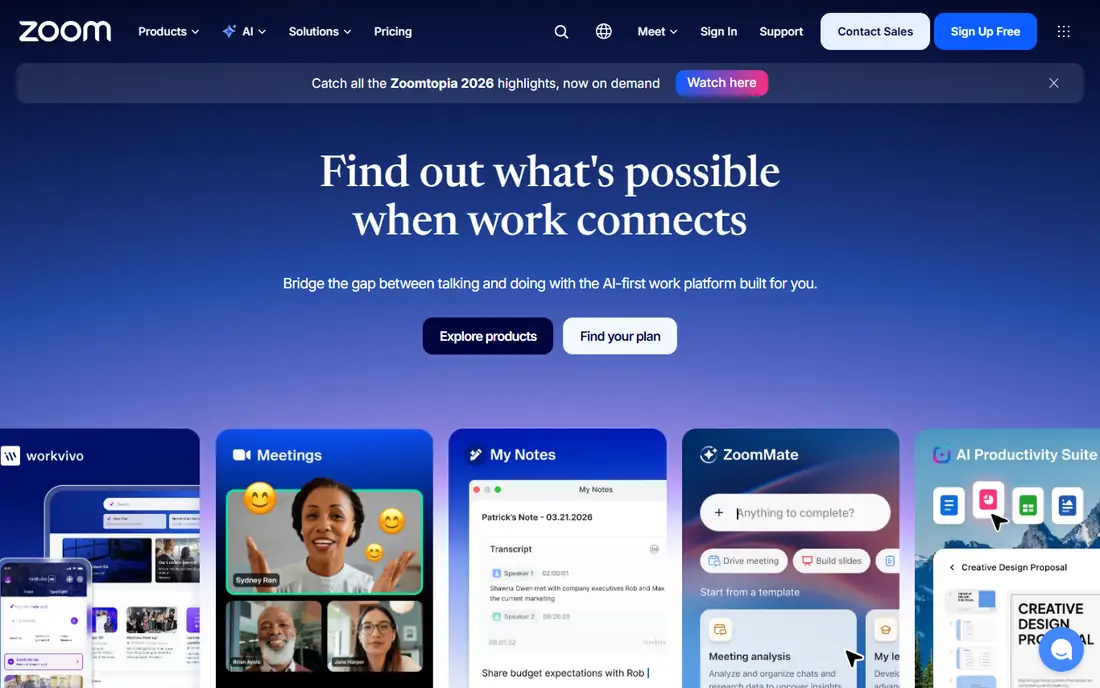
Zoom Webinars is a natural pick when a small business already runs meetings on Zoom. Hosts and attendees know the interface, panelists and attendees are clearly separated, and large audiences are supported on higher tiers. Polls, Q and A, chat and post-event reports cover the basics for company updates, training and customer briefings.
The catch is pricing structure. Webinars require a paid Zoom plan plus a webinar add-on, so the advertised webinar price is not the full cost. Marketing teams that need landing pages, offers and automated funnels may also find Zoom thinner than Demio or WebinarJam. For internal and customer broadcasts where familiarity matters, Zoom Webinars is a dependable choice.
- Familiar interface for hosts and attendees
- Large attendee capacity
- Strong Q and A, polls and reporting
- Webinar is a paid add-on to a base plan
- Branding and funnel features are thinner than marketing tools
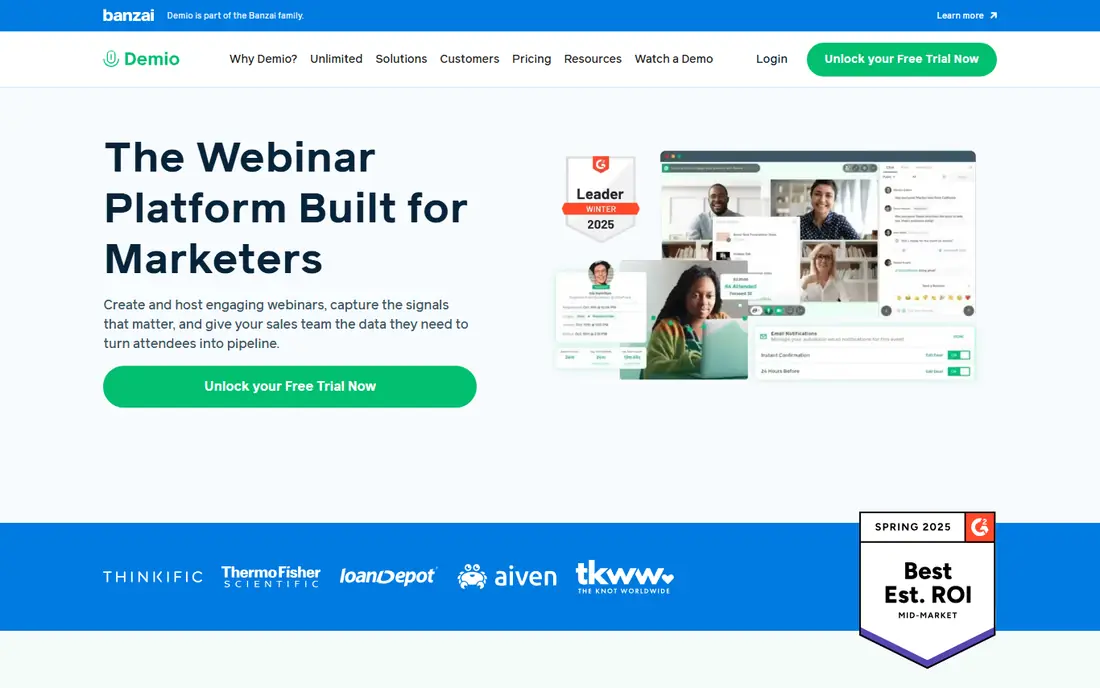
Demio is built for a smooth attendee experience. People join from a browser, registration pages are simple to set up, and automated reminders help attendance. Live webinars can be turned into automated replays, which suits small businesses that want a demo or sales webinar to run on a schedule without a live host each time. Plans start from $63 per month for 50 attendees in recent listings.
The limit is scale and customisation. Larger audiences move to higher-priced tiers, and teams that want deep branding or complex funnel logic may prefer BigMarker or WebinarJam. For small businesses that value a clean, low-friction webinar for prospects and customers, Demio is an easy recommendation.
- Browser-based joining with no download
- Clean registration pages
- Live and automated replay options
- Less customisation than some rivals
- Attendee caps rise in price with audience size
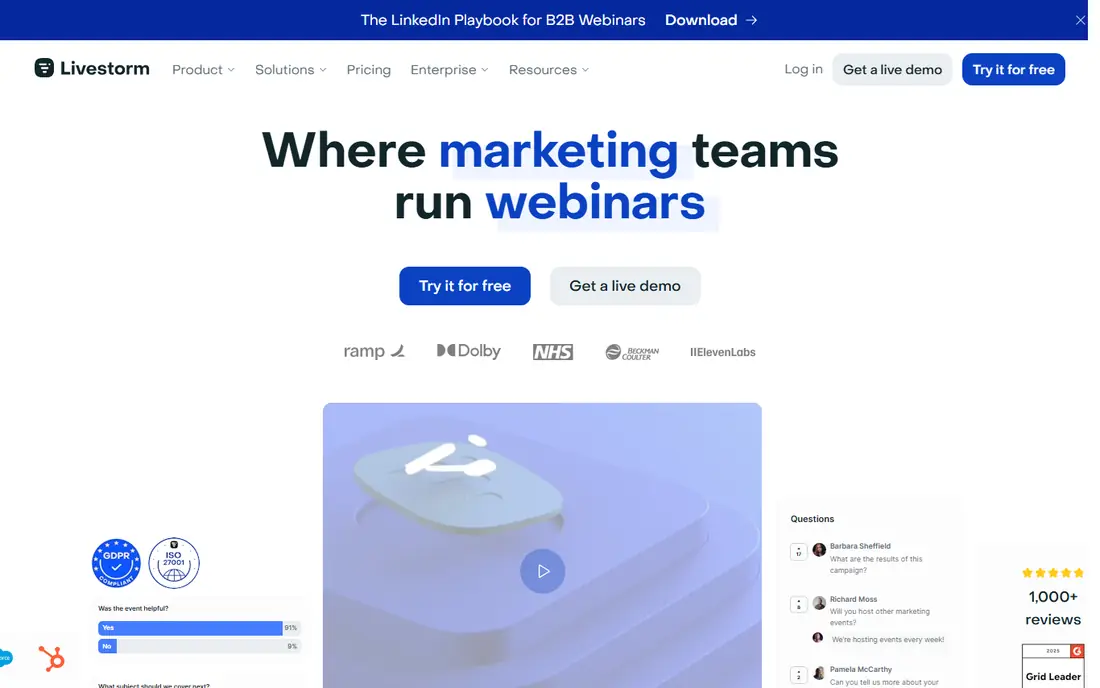
Livestorm suits small businesses that run webinars as part of marketing and sales. Events are created quickly in a browser, registration and email reminders are built in, and analytics show attendance, engagement and drop-off. Paid plans link to CRM tools, which helps sales teams follow up with attendees who showed interest. A free plan lets teams test basic events before paying.
Pricing needs care, because some Livestorm plans use attendee credits and annual contact limits. Teams should map expected events per month and total contacts before choosing a tier. For marketing-led small businesses that want webinars tied to lead follow-up, Livestorm offers a strong balance of ease and reporting.
- Browser-based events
- Email automation and lead tools
- Analytics and CRM links on paid plans
- Pricing is credit-based on some plans
- Session and contact limits need checking
GoTo Webinar has long been a default for sales, product and training webinars. Registration flows, polls, Q and A, handouts and on-demand replays work well under load, and links to Salesforce and HubSpot help sales teams track attendees. Plans start at $59 per month, billed annually, for a smaller attendee tier, with higher tiers for 500 and 1,000 participants in recent listings.
The main drawback is feel. The interface looks older than Demio or Livestorm, and attendees may need a download for the best experience. For teams that prioritise reliability and CRM links over polish, that trade is acceptable. GoTo Webinar remains a safe pick for regular live webinars with a sales follow-up step.
- Reliable registration and live delivery
- Polls, Q and A and replays
- Salesforce and HubSpot links
- Interface feels dated next to newer tools
- Best quality may need a desktop app
Zoho Webinar is the cheapest serious option on this list, with paid plans from $8 per organiser per month, billed annually, and a free plan for basic use. That price makes it attractive for small businesses, startups and training providers that run regular but modest webinars. Links to Zoho CRM, Campaigns and other Zoho apps are a bonus for teams already in that system.
The trade-off is polish and depth. The interface is functional rather than refined, and marketing automation is thinner than in dedicated funnel tools. For a small team that needs live webinars, polls, Q and A and replays without a large monthly bill, Zoho Webinar delivers the core job at a price few rivals match.
- Very low starting price
- Free plan for testing
- Links to Zoho CRM and other Zoho apps
- Interface is less polished than Demio or Livestorm
- Advanced marketing features are thinner
WebinarJam is built for creators and small businesses that sell through webinars. Registration pages, in-room offers, calls to action, polls and chat are included, so a sales webinar can move from teaching to offer without extra tools. Plans start at $39 per month, billed annually, for a smaller attendee tier in recent listings, with higher tiers for larger audiences.
Reliability is the point to test. Some user reviews flag glitches, so a full test event with real attendees is wise before a paid launch. CRM links are also lighter than in GoTo or Livestorm and may need connectors. For budget-friendly sales webinars with built-in funnel features, WebinarJam is still a popular small-business choice.
- Browser-based joining
- Built-in registration pages and offers
- Live and automated webinar options
- Reviews cite occasional reliability issues
- CRM links rely on third-party connectors
ClickMeeting suits trainers, coaches and small education businesses. It supports live webinars, paid events, whiteboards, breakout-style interaction and automated replays on higher plans. That mix helps a training provider run a live class, charge for access and offer a replay, all in one tool. A free trial lets teams test the interface before paying.
Pricing is set by audience size, so teams should compare tiers at their real attendee count, not the smallest tier. Automated webinars are not included on the lowest plan in some listings, so evergreen sellers should check that detail. For training-led webinars, ClickMeeting offers practical tools at a small-business scale.
- Paid webinar and ticketing options
- Interactive training tools
- Browser-based joining
- Pricing varies by audience size
- Automated webinars need higher plans
Crowdcast is a good fit for community webinars, workshops and Q and A sessions. Plans start from $49 per month for 100 attendees and a set amount of streaming hours in recent listings. Audience interaction, including Q and A, polls and chat, is central to the product, and analytics help hosts see which sessions held attention.
The limit is sales depth. Crowdcast lacks the full funnel and offer tools of WebinarJam, and large or frequent events move to higher tiers. For small businesses that run community events, courses and live discussions rather than hard-sell launches, Crowdcast offers a friendly price and a focused feature set.
- Affordable starting tier
- Strong Q and A and polls
- Analytics for community events
- Fewer sales funnel features
- Larger events need higher tiers
How we picked these
We checked official pricing pages, feature pages and public reviews for each platform, plus comparisons that cite vendor pricing pages. We favoured tools that still offer live webinars for small audiences, with clear attendee tiers and a trial or free plan where possible. We left out enterprise-only platforms with quote-only pricing, because they rarely fit small-business budgets or setup time.
Choosing a webinar tool for a small team
Start with format. Live-only training needs reliability and interaction, while sales webinars need registration pages, offers and automated replays. Marketing teams need CRM links and attendance reports. Naming the main format first narrows the list fast, because a tool that excels at live events may be weak at evergreen funnels.
Test the attendee journey end to end
Register as an attendee, join from a phone and a laptop, test polls and Q and A, and watch a replay. Check how long joining takes, whether a download is needed and how reminders arrive. A smooth attendee journey often matters more than a long feature list, because drop-off happens before the content starts.
Count total cost at your audience size
Compare plans at the audience size you actually expect, including any base plan, add-on or credit cost. Check session length limits, storage for replays and CRM link costs. A cheap small tier can become costly at 500 attendees, while a mid-tier plan with CRM links may save time on follow-up.
Frequently asked questions
What is the best webinar platform for small business?
Zoho Webinar is best for low cost, Demio and Livestorm are best for a polished browser experience, and GoTo Webinar is best for reliable sales and training webinars. Zoom Webinars suits teams already on Zoom. The best pick depends on audience size, format and whether CRM follow-up matters.
What are the best webinar platforms for small business with a free plan?
Livestorm and Zoho Webinar offer free plans, while most other tools offer free trials. Free plans usually limit attendees, session length or features, so they suit testing and very small events. For regular webinars, a paid tier is usually needed for larger audiences and replays.
What is the best webinar software for small businesses that sell through webinars?
WebinarJam and Demio suit sales webinars, with registration pages, offers and automated replays. Livestorm also works well when CRM follow-up matters. Test a full sales webinar, including offers and replay, before using the tool for a paid launch.
Do I need a download to join a webinar?
It depends on the platform. Demio, Livestorm, WebinarJam and ClickMeeting are browser-based for attendees, while Zoom and GoTo may offer a better experience with an app download. Browser joining usually improves attendance, because it removes a setup step for guests.
How many attendees can small business webinar tools handle?
Small business tiers typically cover 25 to 500 attendees, with higher tiers reaching 1,000 or more. Zoom and enterprise tools can handle far larger audiences, but small teams rarely need that scale. Choose a tier with headroom for growth, rather than the exact current audience size.
Sources we checked (8)

Online Jobs is an independent blog about careers, online work, learning new skills and the tools that help people earn. More about us.
Keep reading
All posts
DocuSign Alternatives
We compared the best DocuSign alternatives on price, free plans, templates, audit trails and ease of use, including free DocuSign alternatives for small teams.
Best subscription billing software
Looking for the best subscription billing software? We compare 9 platforms for billing, dunning, tax, revenue recognition, and team workflows in 2026.
Best Workforce Management Software
Looking for the best workforce management software? We compare 8 tools for scheduling, time tracking, payroll, and compliance for hourly teams and managers.