Best Cursor Alternatives in 2026: 8 Tools Compared


Most developers, wide IDE support · Starting price: $10 per month
How we put this together: we compare official feature and pricing pages, app store listings, privacy policies and public user reviews. Prices change, so check the provider's site before you pay.
Key takeaways
- GitHub Copilot is the best Cursor alternative for most developers, thanks to its low price and wide IDE support.
- Claude Code and Codex suit developers who want agents in the terminal or inside a chat subscription they already pay for.
- Devin Desktop, formerly Windsurf, is the closest full IDE replacement for developers who want Cursor's feel.
- Zed, Cline, and Aider suit developers who value speed, model choice, or open-source control over a bundled editor.
- Vendor changes matter in this category, so check that a tool is still actively maintained before standardizing a team on it.
Quick comparison
| Name | Who it suits | Starting price | Free option | |
|---|---|---|---|---|
| GitHub Copilot | Most developers, wide IDE support | $10 per month | Yes | Visit |
 Devin Desktop | Full AI IDE replacement | $20 per month | Yes | Visit |
 Zed | Fast native editor with AI | $10 per month | Yes | Visit |
 Claude Code | Terminal agents and large refactors | $20 per month | No | Visit |
 Codex | ChatGPT subscribers wanting a coding agent | See website | Yes | Visit |
 JetBrains AI | JetBrains IDE users | $10 per month | Yes | Visit |
 Cline | Model choice and cost control | Free | Yes | Visit |
 Tabnine | Enterprise privacy and self-hosting | $39 per user per month | No | Visit |
The best Cursor alternatives
Cursor popularized the AI-first editor, but it is no longer the only way to get agent coding, completions, and chat in your workflow. The alternatives below split into full editors, IDE extensions, terminal agents, and open-source tools, and the right pick depends on where you already work and how much control you want over models and cost.
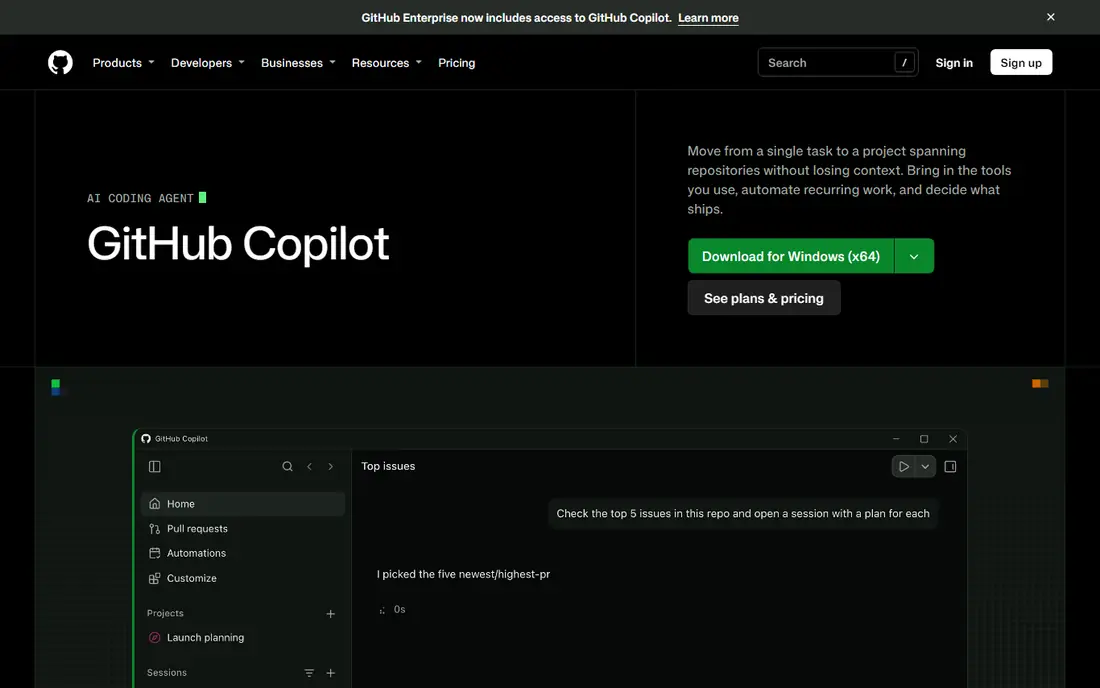
GitHub Copilot is the safest Cursor alternative for most developers because it meets you in the editor you already use. It covers completions, chat, and agent mode across VS Code, JetBrains IDEs, Neovim, and Visual Studio, and it draws on repository, issue, and pull request context from GitHub. The free tier includes a monthly completion allowance, and Pro starts at $10 per month.
The catch is credit use. Heavy agent work draws down monthly AI credits, so costs can step up on higher tiers for power users, and the tool is strongest when your code already lives on GitHub. For a team that wants AI help without switching editors, Copilot is our pick for most people.
- Works in VS Code, JetBrains, Neovim, and Visual Studio
- Deep GitHub context
- Predictable entry price
- Heavy agent use consumes credits
- Strongest inside GitHub-centric workflows
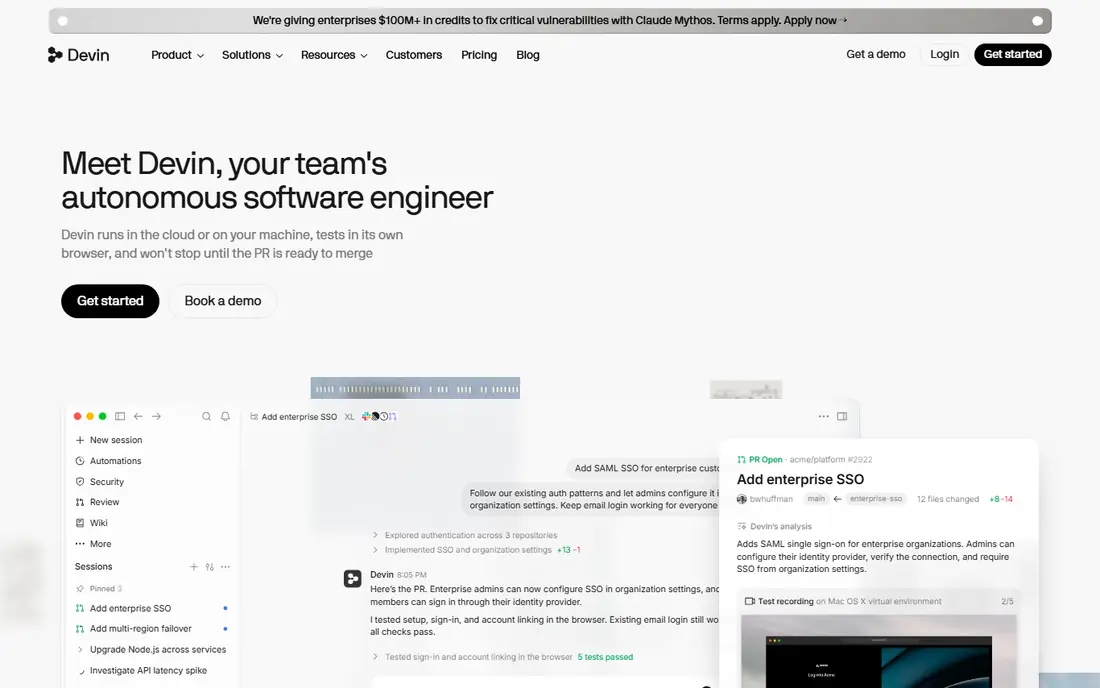
Devin Desktop is the product formerly known as Windsurf, renamed by Cognition in June 2026, and it is the closest full IDE replacement for Cursor. It is a VS Code-based editor with agent workflows and Devin cloud agents that can take on whole tasks, while the free plan includes unlimited tab and inline edits with a light agent quota. Pro starts at $20 per month.
The main confusion is the name. Older guides call it Windsurf, and the windsurf.com domain now redirects to Devin, so buyers should confirm they are looking at the current product. Higher plans at $200 per month are aimed at heavy agent users, not solo developers. If you want Cursor's feel without Cursor, start here.
- Full AI IDE with autonomous agents
- Unlimited tab and inline edits on free plan
- Familiar VS Code base
- Name change from Windsurf can confuse buyers
- Higher plans are expensive
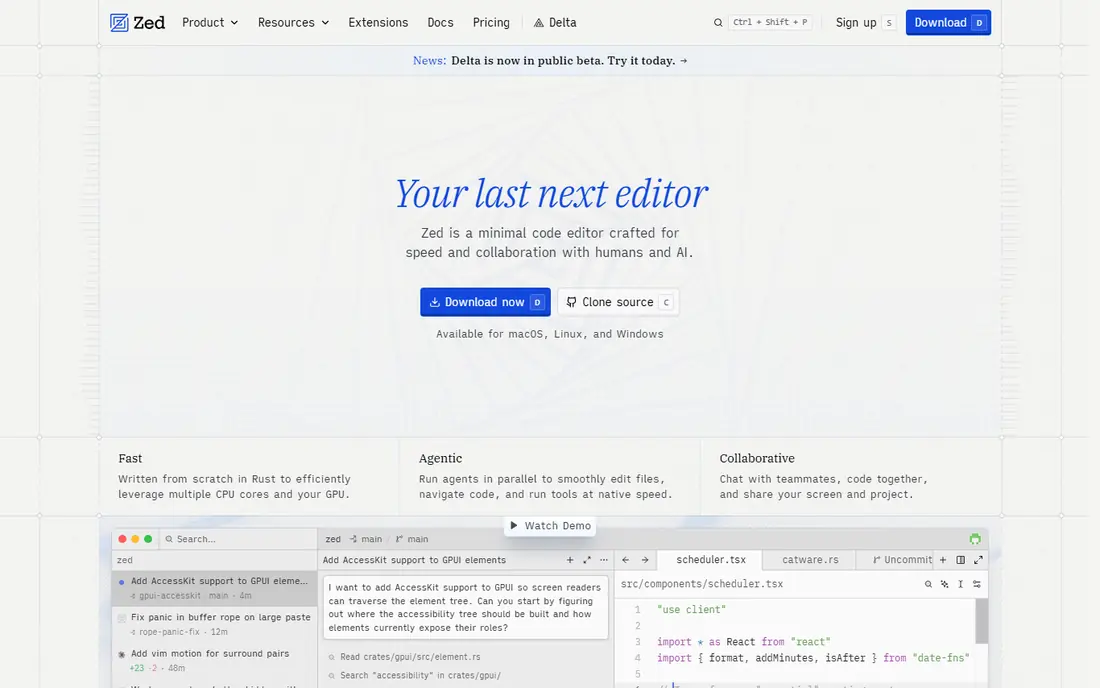
Zed is a native, Rust-built editor that prioritizes speed, and that speed is noticeable on very large repositories where heavier editors lag. Its AI features center on edit predictions, with a free allowance and a Pro plan at $10 per month that makes predictions unlimited and adds model credits. Model choice and local model support appeal to developers who want control over which engine answers.
The trade-off is agent depth. Zed is an editor with AI, not an agent platform, so developers who want autonomous multi-file refactors will still need a tool such as Claude Code or Copilot agent mode. Its extension ecosystem is also smaller than VS Code. For developers who value responsiveness above all, Zed is a strong pick.
- Very fast native editor
- Edit predictions
- Model choice and local model support
- AI depth is lighter than full agent tools
- Smaller extension ecosystem than VS Code
Claude Code is Anthropic's coding agent, and it suits developers who live in the terminal and want an agent that can plan, edit, and test across many files. It also works inside VS Code and JetBrains, so terminal-first does not mean editor-free. Access comes through a Claude Pro plan at $20 per month, or through API usage, with higher Max plans for heavy users.
The catch is that there is no standalone free tier, since Claude Free does not include Claude Code, and the terminal workflow rewards developers who are comfortable reviewing agent work carefully. For large refactors and agentic tasks, many developers rate Claude Code the strongest agent available. For simple completions, a cheaper extension may be enough.
- Strong agentic coding in the terminal
- Works in VS Code and JetBrains too
- Deep multi-file work
- No free tier on its own
- Terminal workflow suits experienced developers best
Codex is OpenAI's coding agent, available in the ChatGPT desktop app, a CLI, an IDE extension, and the cloud. That spread makes it a natural pick for developers who already pay for ChatGPT, since the agent comes with the subscription rather than as a separate bill. A free tier covers limited use, with paid plans stepping up agent capacity.
The trade-off is packaging. The best value depends on which ChatGPT plan you hold, and agent limits vary by tier, so check the current plan page before assuming unlimited use. If you already pay OpenAI and want an agent without a new subscription, Codex is the obvious first trial.
- Agent inside ChatGPT plans
- CLI, IDE extension, and cloud options
- Good value if you already pay OpenAI
- Best value depends on an existing ChatGPT plan
- Agent limits vary by plan
JetBrains AI brings completion, chat, and coding agents into the JetBrains IDEs that many Java, Python, and web developers already use daily. The free tier covers unlimited completion with a small credit allowance, while AI Pro starts at $10 per month or $100 per year. Local model support helps teams with stricter data rules.
The limit is scope. JetBrains AI only makes sense if your team already works in IntelliJ, WebStorm, PyCharm, or a sibling IDE, since it does not cover VS Code or the terminal in the same way. For a JetBrains-standard team, though, it avoids switching editors and keeps AI inside a familiar workflow.
- Native AI inside IntelliJ, WebStorm, and PyCharm
- Completion, chat, and agents
- Local model option
- Only useful inside JetBrains IDEs
- Higher tiers needed for heavy agent use
Cline is an open-source coding agent that gives you full control over models and spend. You bring your own API key, choose the model per task, and run it in VS Code, the CLI, or JetBrains, paying only the model provider for usage. That transparency appeals to developers who dislike bundled credit systems and want to see exactly what each task costs.
The catch is setup and cost management. API bills vary with model choice and task size, and configuring keys, models, and permissions takes more care than signing up for a bundled plan. For developers who want control and are comfortable managing API costs, Cline is the most flexible free option here.
- Open source
- Bring your own model key
- Works in VS Code, CLI, and JetBrains
- You pay model API costs
- Setup needs more care than a bundled tool
Tabnine suits regulated teams where data control matters more than price. It offers enterprise privacy controls, self-hosting, and air-gapped deployment options, with model choice across its plans. Entry pricing starts at $39 per user per month, which reflects that enterprise focus.
The trade-off is cost and audience. There is no free plan, and solo developers will find Copilot or Cline far cheaper. Tabnine changed hands in 2026, joining Tricentis, with existing customers keeping support for current use, so enterprise buyers should confirm the roadmap during procurement. For compliance-first teams, Tabnine remains a serious option.
- Enterprise privacy controls
- Self-hosting and air-gapped options
- Model choice
- No free plan
- Highest entry price here
- Less suited to solo developers
How we picked these
We compared official feature pages, pricing pages, and documentation, along with current pricing summaries checked in October 2026. Only tools that exist, are actively maintained, and work today made the list. We excluded Supermaven, which shut down after its acquisition by Cursor, and Continue.dev, which is now read-only, since recommending a discontinued tool would mislead buyers. Prices that vary by plan are shown as listed, and where pricing is unclear we used See website.
How to choose without switching twice
Start with your editor, not the agent. If you live in VS Code or JetBrains, an extension such as Copilot or JetBrains AI keeps your workflow intact. If you want a new editor, trial Devin Desktop and Zed on the same repository for a week and compare speed, agent quality, and credit use on real tasks.
Next, test agents on the same task. Give two tools the same bug fix or refactor, review the diff carefully, and count how many corrections you made. That test reveals more than any feature list, since agent quality varies by task and model. Finally, check vendor continuity, since this category has seen acquisitions and renames in the past year, and a tool your team depends on should have a clear future.
A note on cost
Bundled plans look simple, but credit systems can surprise heavy users, while bring-your-own-key tools look cheap until API bills arrive. Track one month of real usage before standardizing a team, and set a per-developer budget that matches how much agent work your team actually does.
Frequently asked questions
What are the best alternatives to Cursor?
GitHub Copilot is the best alternative for most developers, Devin Desktop is the closest full IDE replacement, and Claude Code suits terminal-based agent work. Zed, JetBrains AI, Cline, and Tabnine cover speed, JetBrains workflows, model control, and enterprise privacy.
What is the best free Cursor alternative?
Cline is free as open-source software, with model API costs on top, while GitHub Copilot, Devin Desktop, and Zed all offer free tiers. The best free choice depends on whether you want an editor, an extension, or an agent.
Is Windsurf still available?
Windsurf was renamed Devin Desktop by Cognition in June 2026, and its site now redirects to Devin. The product is still available, with a free tier and Pro at $20 per month, but buyers should look for the Devin Desktop name.
Is GitHub Copilot better than Cursor?
For most developers, Copilot is the safer pick because it works in more editors, costs less at entry, and draws on GitHub context. Cursor may still suit developers who want a dedicated AI-first editor window, but Copilot covers completions, chat, and agents at a lower price.
Do Cursor alternatives work with my own model key?
Yes, in some cases. Cline and Zed support bringing your own key or local models, while Copilot, Claude Code, and Codex use their own bundled models and plans. Check each tool's model policy before committing.
Sources we checked (8)

Online Jobs is an independent blog about careers, online work, learning new skills and the tools that help people earn. More about us.
Keep reading
All posts
ZoomInfo Alternatives
The best ZoomInfo alternatives in 2026, compared on price, free plans, data coverage, and which tool fits small teams or large sales teams best in detail.

Workday Alternatives
We compared the best workday alternatives for HR, payroll, and global hiring, from BambooHR and Gusto to Rippling, Deel, and HiBob for growing teams in 2026.

Which SaaS Tools Have the Best Customer Support
Which SaaS tools have the best customer support? Compare eight popular tools on help centres, live help, response options and overall support quality.