Best Text to Video AI Tools in 2026: 9 Tools Compared

How we put this together: we compare official feature and pricing pages, app store listings, privacy policies and public user reviews. Prices change, so check the provider's site before you pay.
Key takeaways
- Runway Gen-4.5 is the strongest all-round professional choice, with editing tools and 4K upscaling on paid plans.
- Kling offers the lowest entry price and daily free credits, making it the best value for volume and testing.
- Google Veo 3.1 leads for cinematic quality and native audio, but it costs more and works best inside Google tools.
- Pika and Luma suit quick social clips, while HeyGen suits avatar-led business video rather than cinematic scenes.
- OpenAI Sora is not in this list because consumer access ended in April 2026 in vendor and review listings, so buyers should not pay for it as a current tool.
Quick comparison
| Name | Who it suits | Starting price | Free option | |
|---|---|---|---|---|
 Runway | Professional editing and control | $12 per month | Free trial | Visit |
 Kling | Budget volume and long clips | $6.99 per month | Yes | Visit |
 Google Veo | Cinematic quality and audio | $19.99 per month | No | Visit |
 Pika | Quick social clips | $8 per month | Yes | Visit |
 Luma Dream Machine | Fast creative clips | See website | Yes | Visit |
 Hailuo MiniMax | Daily free video creation | $9.99 per month | Yes | Visit |
 Adobe Firefly | Adobe workflow video | $9.99 per month | Yes | Visit |
 HeyGen | Avatar business video | $29 per month | Yes | Visit |
 InVideo | All-in-one marketing video | See website | Yes | Visit |
The best text to video ai tools
Text to video tools turn a written prompt, and often an image, into a short video clip. Quality, clip length, character consistency, audio and credit cost vary sharply, so a tool that is great for a 5-second social clip may not suit a 30-second brand scene. The tools below are current in October 2026, and they cover professional editing, budget volume, cinematic quality and avatar video.
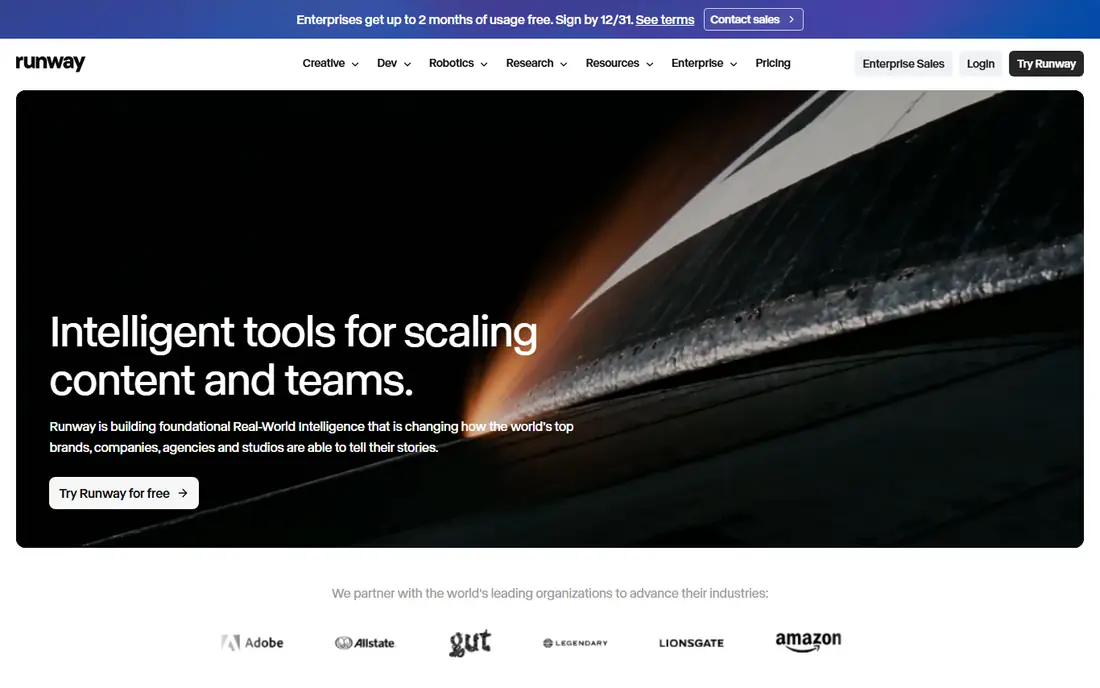
Runway is the most complete professional platform in this list. Generation sits inside an editing suite, so users can extend, edit and refine clips rather than only generating single shots. Gen-4.5, released in late 2025, is listed with 4K upscaling on paid plans and strong prompt adherence for style and motion. The cost model needs attention. Credits are spent per generation, and high-resolution or longer clips use more credits, so a busy creator can burn through a monthly allowance quickly. For client work, advertising and short films where control matters, Runway still offers the best balance of quality and editing depth.
- Mature editing suite plus generation
- Gen-4.5 with 4K upscaling on paid plans
- Strong character consistency tools
- Credit costs add up for long or high-resolution work
- Clip length is limited per generation
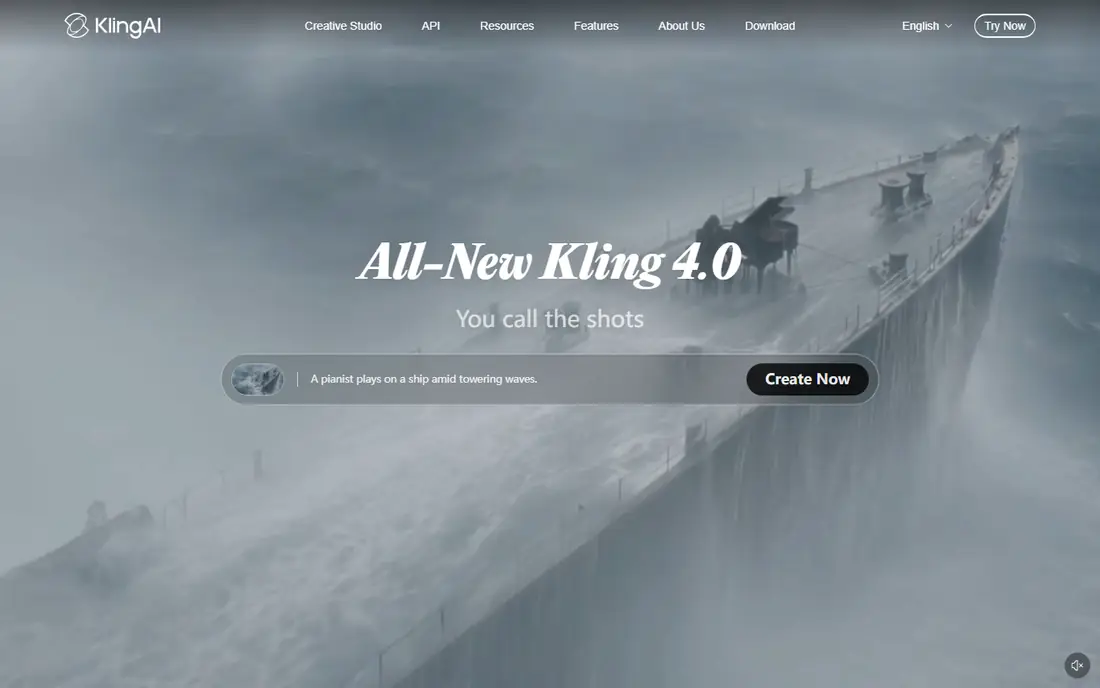
Kling, from Kuaishou, is the value leader for text to video. A standard plan starts at $6.99 per month in listings, and daily free credits let users test prompts without paying. Kling 3.0 is listed with native audio, multi-shot sequences and chained clips that can reach several minutes in total, which is longer than most single-generation rivals. Credit use depends on resolution, length and model, so compare cost per finished clip, not just the monthly price. Prompt quality also matters more than with some rivals, since vague prompts can produce unstable motion. For volume, testing and social content on a budget, Kling is hard to beat.
- Lowest entry price in this list
- Daily free credits in listings
- Longer chained clips than many rivals
- Credit math can be confusing
- Quality varies by prompt and model setting
Google Veo 3.1 is the quality leader for many cinematic prompts. Motion holds together better than in earlier tools, native audio adds dialogue, music and sound effects from the same prompt, and camera movement feels more controlled. Access through Google AI Pro and related Google tools makes it convenient for users already in the Google ecosystem. Cost and clip length are the limits. Each generation is short, often around 8 seconds in listings, so longer scenes need chaining or editing. Heavy use through the API or Ultra plans costs far more. For brand films, pre-visualisation and high-end ads where quality justifies the price, Veo is the top pick.
- High realism and motion coherence
- Native audio with dialogue and sound
- Works in Gemini and Flow
- Higher cost for heavy use
- Generation length per clip is short
- Strict content policies
Pika suits creators who want a fast social clip without a complex workflow. The interface is simple, generations are quick, and Pika 2.5 plus audio tools for sound effects, speech and soundtrack help turn a silent clip into a finished post. The entry price of $8 per month in listings makes it easy to test. Clip length is shorter than Kling chained output, and editing tools are thinner than Runway. Pika is best for TikTok, Reels and Shorts, where a 5 to 10 second clip is enough and speed matters more than a full editing suite. For that job, it is a strong budget choice.
- Simple interface and fast generations
- Low entry price
- Audio tools for sound effects and voice
- Shorter clips than Kling
- Less editing depth than Runway
Luma Dream Machine is known for fast, creative video generation with a simple prompt workflow. The app now includes its own Ray models alongside partner models such as Kling and Veo in listings, which gives users more than one engine in a single account. Editing tools help adjust and extend clips without moving to another app. Pricing has changed during 2026, with some listings showing a higher starting plan and no free tier, while others still list limited free use, so check the current pricing page before buying. For creative experimentation and quick visual ideas, Luma remains a useful tool, especially when you want to compare models side by side.
- Fast creative generation
- Ray models plus partner models in the app
- Editing tools for refining clips
- Pricing and free tier have changed during 2026, so check current terms
- Clip length is short
Hailuo, from MiniMax, is a good learning and daily-use tool. Daily credits let users generate video regularly without a paid plan, and motion is often smooth for simple scenes, product shots and animations. The entry paid plan at $9.99 per month in listings keeps costs low for creators who outgrow the free credits. Professional editing depth is thinner than Runway, and the community and tutorial range are smaller. For students, social creators and small businesses that want regular short clips at low cost, Hailuo offers a practical balance of free access and paid value.
- Daily free credits in listings
- Smooth motion on many prompts
- Low entry price
- Smaller community than Runway or Kling
- Feature depth is thinner for professional editing
Adobe Firefly suits users already in Adobe tools. Video generation sits alongside image, design and editing apps, so assets can move into Premiere Pro, Photoshop and Express without leaving the Adobe ecosystem. Adobe positions Firefly as trained on licensed content, which matters for commercial clients who ask about rights. For complex cinematic scenes, Firefly video is less proven than Runway or Veo, and credit limits control how much video a plan can produce each month. For Adobe users who need occasional video clips for marketing, social and presentations, Firefly is a convenient and rights-conscious choice.
- Fits Adobe Creative Cloud workflow
- Commercially safe training claims from Adobe
- Image and video tools in one plan
- Video generation is less mature than Runway or Veo for complex scenes
- Credit-based limits apply
HeyGen covers a different job from Runway or Veo. It turns text into avatar-led video for training, sales, onboarding and marketing, with voice cloning and translation options on higher plans. That makes it useful when a presenter is needed but filming is not practical, and when the same script must appear in several languages. It is not the right tool for cinematic scenes, product films or creative storytelling, since the output is presenter-led by design. Avatar quality also depends on the plan and on the quality of the source photo or video. For business video at scale, HeyGen is a strong specialist pick.
- Realistic avatars and voice translation
- Fast business video creation
- Templates for training and marketing
- Not a cinematic text to video tool
- Avatar realism varies by plan and input
InVideo is an all-in-one marketing video platform that can use several AI video models, including Veo, Kling and others in listings, inside one workspace. Templates, stock media, text-to-video and editing tools help small teams produce ads, social clips and YouTube content without juggling multiple subscriptions. Because quality depends on the model selected for each clip, results can vary, and users need to learn which model suits each scene type. Watermark-free exports and higher limits usually need a paid plan. For marketing teams that want one workspace for many video types, InVideo is a flexible option.
- Combines many video models in one workspace
- Templates for ads and social
- Stock media included
- Quality depends on the model chosen
- Paid plans needed for watermark-free exports in many cases
How we picked these
We compared official feature pages, pricing pages and public reviews for text to video tools that are actively available in October 2026. We weighted output quality, motion coherence, clip length, native audio, credit value, editing tools and price. Tools that were discontinued, such as Sora consumer access ending in April 2026, were excluded, even if they were prominent in March listings. That is why this current list differs from older March roundups.
How to get usable clips without wasting credits
Write prompts with subject, action, setting, camera move and style in one clear sentence, then add a second sentence for lighting or mood if needed. Test a low-resolution or short version first, and only spend credits on a high-resolution final once the motion and composition look right. Keep characters and objects consistent by using image-to-video with a reference image when the tool offers it. Plan for short clips. Most tools generate 5 to 16 seconds per clip, so build longer videos by chaining clips in an editor and cutting on motion. Check the commercial licence for your plan, especially for client work, and keep a note of credit cost per finished clip so you can compare tools fairly over a month.
Frequently asked questions
What is the current best text to video AI tool?
Runway is the best all-round professional pick, Kling is the best value pick, and Google Veo is the best cinematic pick. The right choice depends on whether you need editing depth, low cost or maximum realism. For social clips, Pika and Hailuo are cheaper and faster for short content.
What are the current best AI text to video tools from March 2026?
March 2026 lists often included Sora, Runway, Kling, Veo and Pika. By October 2026, Sora consumer access had ended, so current buyers should choose from Runway, Kling, Veo, Pika, Luma and Hailuo instead. Always check the current model version and pricing page, since this field changes every few months.
How long can AI text to video clips be?
Most single generations last 5 to 16 seconds, depending on the tool and plan. Kling can chain clips to reach longer totals, and editors such as Runway and InVideo help join clips into a longer video. For a 60-second ad, plan several generations and an editing pass, not a single prompt.
Do text to video tools include audio?
Some do. Google Veo 3.1 and Kling 3.0 include native audio in listings, while Pika offers separate sound effect, speech and soundtrack tools. Runway and Luma focus more on visuals, so audio often needs to be added in an editor. Check the model version, since audio support varies by plan.
How much does text to video AI cost?
Entry paid plans in this list range from $6.99 per month for Kling to $29 per month for HeyGen, with Runway at $12, Pika at $8 and Adobe Firefly at $9.99 in listings. Credit limits matter more than the monthly price, so compare cost per finished clip and check whether high resolution uses extra credits.
Can I use AI video for commercial client work?
Yes, on most paid plans, but check the licence for your exact plan and model. Adobe Firefly is positioned for commercial use with licensed training data, while other tools have plan-specific commercial terms. Keep prompts and outputs free of trademarks, real people and copyrighted characters unless you have permission.
Sources we checked (9)

Online Jobs is an independent blog about careers, online work, learning new skills and the tools that help people earn. More about us.
Keep reading
All posts
Zoom Alternatives
Zoom alternatives compared for 2026: Google Meet, Microsoft Teams, Webex, Jitsi and more for free calls, large meetings and webinars for teams and classrooms.

Which Software Is Best for Data Entry
Compare the best data entry software for forms, OCR scanning, and spreadsheets, with free plans, pricing, and honest limits for each tool before you commit.

What's the Best App to Read PDFs
Find what's the best app to read PDFs in 2026, from Adobe Acrobat Reader and Foxit to PDF Expert and Xodo, with free options and honest limits for every device.