Current Best AI Video Generation Tools in 2026: 8 Tools Compared


Cinematic scenes with audio · Starting price: $19.99 per month
How we put this together: we compare official feature and pricing pages, app store listings, privacy policies and public user reviews. Prices change, so check the provider's site before you pay.
Key takeaways
- Google Veo and Runway lead for cinematic generated scenes, with Veo strong on quality and Runway strong on control and editing.
- Kling offers strong value and motion, with a daily free tier that suits regular testing.
- Pika and Adobe Firefly suit shorter, stylised or commercially focused clips at a lower entry price.
- Synthesia and HeyGen are a separate job: presenter videos from a script, not generated scenes, so judge them on avatars and language support.
Quick comparison
| Name | Who it suits | Starting price | Free option | |
|---|---|---|---|---|
| Google Veo | Cinematic scenes with audio | $19.99 per month | Free trial | Visit |
 Runway | Film-style creation and editing | $12 per month | Yes | Visit |
 Kling | Value and realistic motion | $6.99 per month | Yes | Visit |
 Pika | Short stylised clips | $8 per month | Yes | Visit |
 Luma Dream Machine | Realistic scenes and physics | $30 per month | Yes | Visit |
 Adobe Firefly | Commercially safer clips | $9.99 per month | Yes | Visit |
 Synthesia | Training and explainer presenters | $18 per month | Yes | Visit |
 HeyGen | Avatar videos and localisation | $29 per month | Yes | Visit |
The best current ai video generation tools
AI video generation now covers two different jobs, and mixing them up leads to a poor choice. Some tools generate scenes from text or an image, while others create a presenter who speaks a script. This list covers both, grouped by what each tool does best, and we compared official pricing pages, feature pages and public guides to build it. Model names and credit prices change often, so confirm the current plan page before you subscribe.
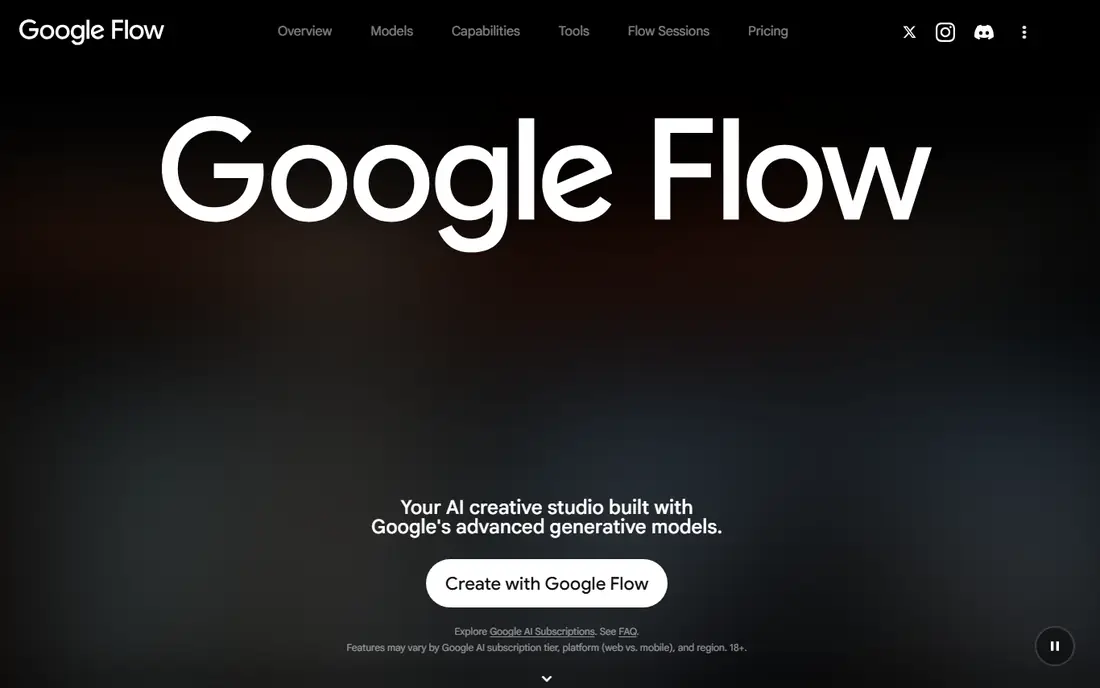
Google Veo, accessed through Flow and Google AI plans, is our pick for raw scene quality in 2026. Clips look cinematic, motion feels grounded, and native audio adds dialogue, sound effects and ambience without a separate step. For ads, short films and social scenes where quality matters most, Veo sets a high bar.
The limits are length and cost at volume. Generations are short, so longer videos need several clips stitched together, and heavy use burns credits fast. The Google AI Pro entry point at $19.99 per month suits regular creators, but high-volume teams may need a higher plan. Try Veo first if quality is your main criterion and you can work in short clips.
- High quality scenes with native audio
- Access through Google AI plans and Flow
- Strong prompt understanding
- Clip length is limited per generation
- Higher tiers needed for heavy volume
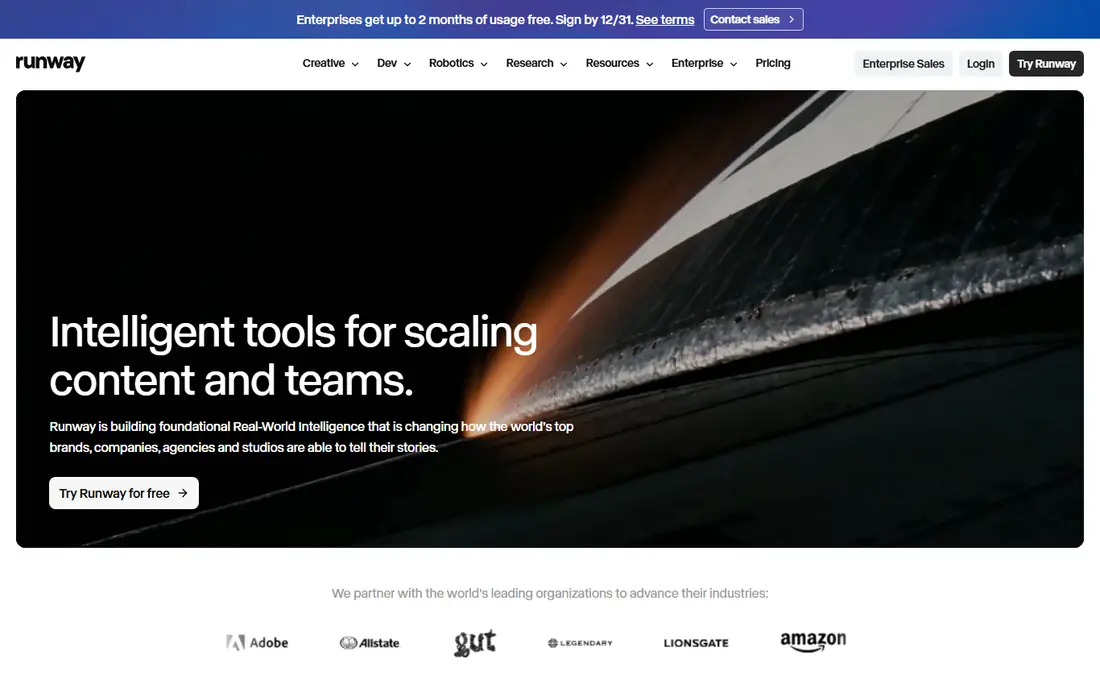
Runway is the tool for creators who want to shape a clip, not just generate it. Generation, editing and scene tools sit in one workflow, so you can extend, restyle or adjust footage you already have. That control matters for filmmakers, agencies and editors who need a clip to fit a larger project, not just to look good alone.
The free tier is a one-time credit grant, so it works as a trial. Paid plans start at $12 per month billed annually, with more credits on higher plans. If you only need a quick social clip, Kling or Pika may be faster and cheaper. If you edit video for a living, Runway earns its place through control.
- Detailed generation and editing controls
- Strong for filmmakers and editors
- Free credits do not expire
- Free credits are one-time, not monthly
- Best results need practice with prompts and settings
Kling remains the value pick in this category. Daily free credits let you test ideas every day, and paid plans start low for the quality on offer. Human motion, action and longer clips are strengths, and the tool handles a wide range of prompts without demanding expert settings.
Free clips carry a watermark and daily credits do not roll over, so plan your tests each day rather than saving credits for a big session. For creators who generate often and want good motion per dollar, Kling is hard to beat. For maximum cinematic polish on a single hero clip, Veo or Runway may still edge it out.
- Daily free credits
- Strong realistic motion and action
- Low entry price for paid plans
- Free credits expire daily
- Free clips are watermarked
Pika suits short, stylised video for social feeds, where a quick idea matters more than perfect realism. Effects and playful styles are easy to apply, and the interface keeps the process short. For a creator posting daily, that speed adds up to real time saved.
Realistic, longer scenes are not Pika's strength, and free output is limited in resolution. Paid plans raise those limits, but if your work is cinematic or documentary-style, start with Veo, Runway or Kling instead. Use Pika as a fast social tool, and judge it on that job.
- Fast and easy for short clips
- Fun effects and styles
- Low entry price
- Less suited to long realistic scenes
- Free clips capped in resolution
Luma Dream Machine is built for scenes that need to feel real. Camera moves feel smooth, objects move in believable ways, and environments hold together across a clip. Product videos, outdoor scenes and architectural scenes benefit most, where a viewer would notice unnatural motion at once.
The entry price is higher than several rivals, which makes Luma a harder choice for casual creators. Free access terms have also changed, so check the current offer before planning around it. If realism is the deciding factor and you publish often, Luma is worth a trial against Veo and Runway on the same prompt.
- Realistic motion and environmental physics
- Good for product and outdoor scenes
- Strong visual quality
- Higher entry price
- Free terms have changed over time
Adobe Firefly is the choice when a brand or agency needs to manage rights risk. Adobe describes Firefly as trained on licensed content, which gives marketing teams more confidence than tools with less clear training positions. For client work, that confidence can outweigh a small quality gap.
Video features are narrower than in Runway or Kling, and credits are shared across Adobe tools, so heavy video use competes with image work. If you already pay for Adobe apps, Firefly is a natural addition. If video is your only need, a specialist tool may offer more control for the same money.
- Positioned for commercial use with licensed training
- Daily free generations
- Fits Adobe workflows
- Video range narrower than specialist tools
- Credits shared across Adobe apps
Synthesia solves a different problem from the scene generators above. Type a script, pick an avatar, and you get a presenter video for training, onboarding or explainers, without filming, studios or reshoots. Updates are fast, since you edit text rather than re-recording a person.
That strength is also its limit. Synthesia is not for cinematic b-roll or creative scenes, and a weak script will still produce a dull video, avatar or not. For internal training and customer education at scale, it saves large amounts of filming time. Judge it on avatar quality, language support and editing ease, not on scene generation.
- Large avatar library for training videos
- Script to video without filming
- Good for corporate learning
- Presenter style suits training, not cinematic scenes
- Avatar videos can feel flat if scripts are weak
HeyGen also creates presenter videos, with a focus on marketing, sales and localisation. Avatars can speak in many languages, which helps teams that need the same message for several markets without re-filming. Voice and avatar options are broad, and the workflow suits short marketing videos as well as training.
The entry price is higher than Synthesia, so compare the two on the languages, avatars and minutes you actually need. Free access lets you test a short video before paying. If you need a presenter in many languages, HeyGen is a strong pick. If you only need English training videos, Synthesia may be cheaper.
- Strong avatars and voice cloning options
- Translation and localisation tools
- Good for marketing and sales videos
- Higher entry price than Synthesia
- Avatar quality depends on script and voice setup
How we picked these
We compared official pricing pages and feature pages for video generation tools that are available now, and we kept only tools with a clear current offering. We split scene generators from presenter tools, since they solve different jobs and should not be ranked as if they were the same product. Where a price depends on billing term or plan bundle, we used the commonly published entry figure and noted that higher volume needs a higher plan.
What to check before you choose
First, decide whether you need scenes or a presenter. Scene tools such as Veo, Runway, Kling, Pika, Luma and Firefly generate footage, while Synthesia and HeyGen generate a person speaking a script. Choosing the wrong type wastes a subscription, however good the tool is.
Next, test the same prompt in two tools before paying. Use your own image or script, not just gallery examples, and check motion, face consistency, audio quality and export resolution. Finally, compare cost per finished video, not just the monthly price. Credit burn varies by length, resolution and model, so a cheap plan that burns credits fast can cost more than a pricier plan with generous allowances.
Rights and disclosure
AI video raises rights and disclosure questions, especially for ads and client work. Check commercial use terms for your plan, confirm whether training and output rights suit your client, and disclose AI generation where a platform or client requires it. For presenter videos, only use a likeness or voice with clear permission.
Building longer videos
Most scene generators produce short clips, so plan longer videos as a series of clips edited together. Write a shot list first, generate each shot with consistent prompts and references, then edit in your usual video tool. That workflow gives better results than asking one tool for a long, complex scene in a single generation.
Frequently asked questions
What are the ai video generation tools current best for cinematic clips?
For cinematic clips, Google Veo and Runway lead this list, with Veo strong on raw quality and audio and Runway strong on control and editing. Kling is a strong value alternative. Test the same prompt in two tools, since quality varies by scene type.
Which AI video generator is best for beginners?
Kling and Pika are good beginner picks, since both offer free tiers and simple workflows for short clips. Kling gives more realistic motion, while Pika is faster for stylised social clips. Start free, learn prompts, and pay only when you need clean exports or higher volume.
How much does AI video generation cost?
Entry paid plans in this list run from about $7 to $30 per month, depending on the tool and billing term. The real cost is per finished video, since credits burn at different rates by length and quality. Compare allowances on the plan page before you commit.
Can AI video tools replace filming?
For short scenes, product clips, training presenters and social content, they often can. For complex storytelling, real locations and nuanced human performance, filming still has clear advantages. Many teams now mix both, using AI for drafts, b-roll and updates, and filming for hero content.
Do AI video generators include audio?
Some do. Veo includes native audio, and several other tools offer audio options or let you add sound in an editor. Check audio support for your exact plan, since it varies by model and tier. If audio matters, test it on your own prompt before subscribing.
What happened to Sora?
Sora was widely searched in earlier guides, but later reports noted that OpenAI closed the consumer Sora website and apps and then shut the Sora API in 2026. We did not list it here, since this guide covers tools you can use now. If a tool you relied on closes, export your work and check the vendor notice for migration options.
Sources we checked (8)

Online Jobs is an independent blog about careers, online work, learning new skills and the tools that help people earn. More about us.
Keep reading
All posts
Zoom Alternatives
Zoom alternatives compared for 2026: Google Meet, Microsoft Teams, Webex, Jitsi and more for free calls, large meetings and webinars for teams and classrooms.

Which Software Is Best for PDF Page Removal
Which software is best for PDF page removal? We compare free and paid tools for deleting pages quickly, safely, and without harming your file in this guide.

Which Software Is Best for Data Entry
Compare the best data entry software for forms, OCR scanning, and spreadsheets, with free plans, pricing, and honest limits for each tool before you commit.