Best Confluence Alternatives in 2026: 9 Tools Compared

How we put this together: we compare official feature and pricing pages, app store listings, privacy policies and public user reviews. Prices change, so check the provider's site before you pay.
Key takeaways
- Notion suits teams that want docs, databases and projects in one workspace.
- Nuclino and Slab suit teams that want a simple, fast wiki without extra project tools.
- GitBook and Document360 suit public and customer-facing documentation.
- ClickUp and Coda suit teams that want docs tied closely to tasks and workflows.
- Slite and Guru suit teams that want fast search and answers from existing docs.
Quick comparison
| Name | Who it suits | Starting price | Free option | |
|---|---|---|---|---|
 Notion | Docs, databases and projects | $10 per month | Yes | Visit |
 Nuclino | Simple team wiki | $6 per month | Yes | Visit |
 Slab | Clean internal wiki | See website | Yes | Visit |
 Slite | Fast team knowledge base | $10 per month | Free trial | Visit |
 GitBook | Technical and product docs | See website | Yes | Visit |
 Document360 | Structured customer knowledge base | See website | Free trial | Visit |
 ClickUp | Docs beside tasks and projects | $7 per month | Yes | Visit |
 Coda | Docs with formulas and workflows | $10 per month | Yes | Visit |
 Guru | Verified answers inside workflows | See website | No | Visit |
The best Confluence alternatives
Confluence works well for large Atlassian teams, but many teams find it heavy, slow to organise or hard for non-technical staff to use. The alternatives below cover simple wikis, flexible workspaces and customer docs, so you can pick by how your team actually writes and finds information.
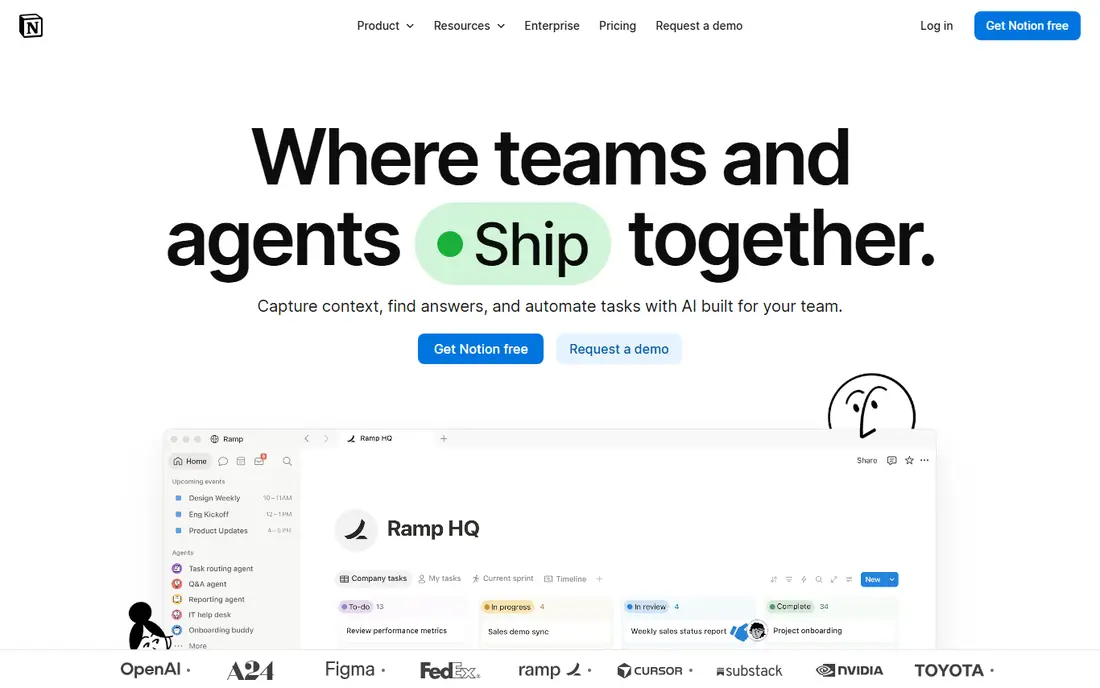
Notion is our pick for teams that want one workspace for many kinds of work. A wiki page can sit beside a project database, a meeting note and a task list, and links between them keep context close. That breadth suits startups and product teams that do not want a separate tool for every job. The risk is sprawl. Without a clear owner for each section and a simple structure, a Notion workspace can grow into many overlapping pages. Set up a small set of top-level sections, name an owner for each, and review the structure each quarter to keep it usable.
- Flexible pages, databases and templates
- Good for wikis, roadmaps and meeting notes in one place
- Large template library
- Flexibility can lead to messy workspaces without clear ownership
- Advanced permissions sit on higher plans
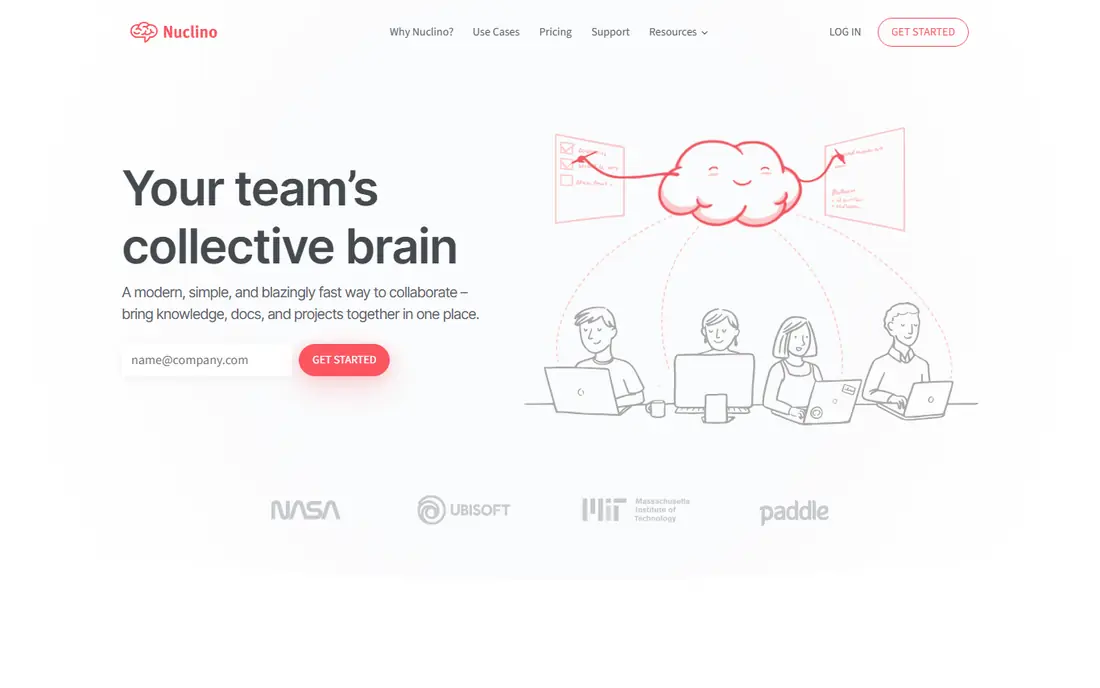
Nuclino suits teams that want a wiki, not a second project system. Pages load fast, editing feels simple, and the graph view shows how topics connect without extra setup. New staff can find and update docs in their first week, which is the real test for a knowledge tool. Teams with heavy database or automation needs may outgrow it. If your docs are mainly guides, handbooks and process notes, Nuclino covers them well. If you need relational databases and complex workflows, pair it with a dedicated project tool or pick a broader workspace.
- Fast, clean editor with real-time collaboration
- Visual graph view of pages
- Low learning curve for new staff
- Less depth for complex databases and automations
- Smaller integration library than Notion or ClickUp
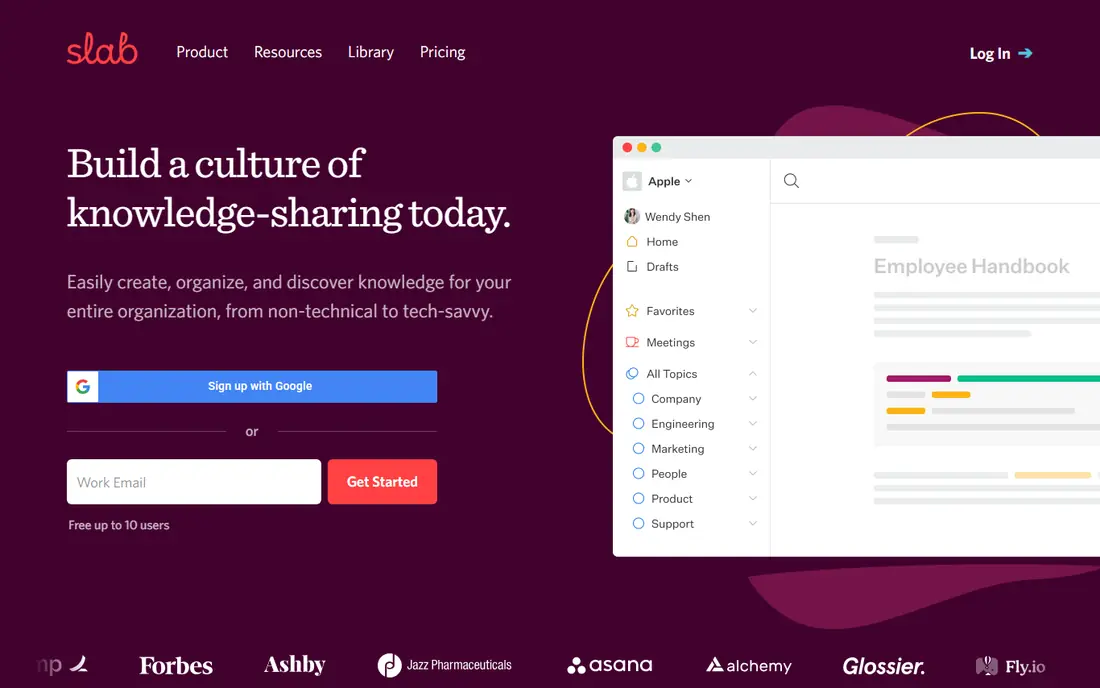
Slab keeps the job narrow: write docs, organise them by topic, and find them fast. That focus helps teams that left Confluence because pages were hard to find or slow to edit. Onboarding guides, internal handbooks and process docs sit in a clear structure, and search returns relevant pages without extra filters. The trade is scope. Slab does not try to replace a project tracker or a database, so teams that want docs plus tasks will need another tool. For a team whose main pain is finding trusted internal docs, that narrow focus is a strength, not a gap.
- Focused wiki with clear topics and search
- Good for onboarding and handbooks
- Simple permissions for teams
- Less project and database depth than Notion
- Pricing and plan details should be checked on the vendor page
Slite is built for remote teams that need answers fast. Write a process once, and team members can search across docs or ask the AI search tool for a summary with links back to the source page. That search-first approach suits support, operations and product teams with many repeat questions. Check the trial terms before you migrate a large wiki. Slite has no free tier for ongoing use, so the team should test search, permissions and import on a real set of docs during the trial. If search quality and writing speed matter more than databases, it earns its place.
- Clean writing experience with AI search over docs
- Good for remote teams
- Templates for handbooks and processes
- No standing free plan, only a trial
- Limited project and database features compared with Notion
GitBook suits teams that publish docs for developers or customers. Product guides, API docs and changelogs look polished, versioning tracks changes, and Git workflows let engineers review docs like code. That structure is hard to match in a general wiki. Internal teams should check the cost model. Site fees plus per-user fees can add up for a large internal audience, while public docs may be cheaper. If your main audience is external developers, GitBook is a strong pick. If your docs are internal only, a simpler wiki may cost less.
- Clean public docs with versioning
- Git-based workflow for developer teams
- Good search and analytics for product docs
- Pricing combines site and user fees, so team cost needs careful maths
- Less suited to internal-only wikis with heavy project work
Document360 fits support and product teams that run a customer help centre as a serious product. Articles sit in a clear hierarchy, versions track changes, and analytics show which articles help and which ones need rewrites. Feedback tools let readers flag gaps without emailing support. The custom pricing and setup time mean it suits teams with a real support volume. A small team with ten internal guides will find it heavy. A team with hundreds of customer articles and a support queue tied to doc quality will get value from the structure.
- Strong hierarchy, version control and analytics for knowledge bases
- Separate internal and customer docs
- Good search and feedback tools
- Pricing is custom, so budget needs a sales conversation
- Setup takes more planning than a simple wiki
ClickUp suits teams that want docs where work happens. A project doc can link to tasks, owners and deadlines, so a process note does not sit apart from the work it describes. Teams already using ClickUp for projects get a wiki without a second licence or login. The docs experience is practical rather than beautiful, and public-facing docs may need a dedicated tool. If your team lives in ClickUp each day, the tight link between docs and tasks outweighs that limit. If docs are your main product, pick a dedicated docs tool instead.
- Docs live beside tasks, goals and timelines
- Good for teams already using ClickUp for projects
- Templates for wikis and SOPs
- Large feature set can feel crowded
- Docs alone are not as polished as a dedicated wiki for public use
Coda is best when a doc needs to do work, not just describe it. A handbook page can include a tracker table, a button that updates a status, and a formula that calculates a total, all without leaving the doc. Operations teams use it for lightweight internal tools that would otherwise need a spreadsheet and a separate doc. That power needs learning. Teams that only need simple pages may find Coda more complex than Nuclino or Slab, and the smaller template library means more setup from scratch. For teams that enjoy building trackers inside docs, it is a strong alternative.
- Docs that act like apps with tables, formulas and buttons
- Packs connect to other tools
- Good for trackers and internal tools
- Formula and pack skills take time to learn
- Smaller ecosystem than Notion for templates and community help
Guru suits larger teams where outdated answers cause real harm, such as support and sales teams quoting old prices or policies. Knowledge cards carry owners and verification dates, and expired cards are flagged before staff rely on them. Answers also appear inside chat and browser tools, so staff do not need to open a separate wiki. The cost and setup mean it fits teams with a clear knowledge owner and a real verification problem. Small teams may find a simple wiki faster and cheaper. For a team where a wrong answer costs a sale or a support escalation, Guru addresses the trust problem directly.
- Verified knowledge with expiry and review
- Answers surface in Slack, Teams and browsers
- AI search over trusted cards
- No public pricing, so budget needs a sales talk
- Setup and verification process needs owner time to work well
How we picked these
We compared official feature pages, pricing pages, app store listings, privacy policies and public reviews for Confluence alternatives live in October 2026. We favoured tools with real wiki, search, permissions and migration features, over note apps with no team structure. We did not run hands-on migration tests for every product, and we do not claim that any tool imports Confluence content without checking. Prices change often, so check the vendor pricing page before you buy. Per-user prices differ by billing term, and some tools charge for viewers, editors or sites in different ways.
Migrating from Confluence without losing docs
Audit before you move
List which Confluence spaces are still used, which pages are outdated, and who owns each section. Migrating everything, including stale pages, just moves the mess to a new tool. Archive or delete outdated content first, and keep a short list of pages that must move on day one.
Test search and permissions early
A wiki fails if staff cannot find docs or cannot edit the ones they own. Test search with real questions from new staff, and test permissions for editors, viewers and external guests. Fix those two areas before you worry about templates or branding.
Keep Confluence read-only for a period
Do not delete the old wiki on launch day. Keep it read-only for a few weeks, with a link to the new home for each space. That safety net helps teams that bookmarked old URLs, and it gives owners time to spot missing pages.
Name owners and review dates
Every top-level section needs an owner and a review date. Without owners, docs go stale in months, and the new tool will face the same complaints as Confluence. A simple quarterly review list keeps the wiki trusted.
Frequently asked questions
What is the best alternative to Confluence for a small team?
Nuclino or Slab usually fits a small team best, because both are fast, simple wikis with low learning curves. Notion is better if the team also wants databases and project tracking in the same workspace. Pick the simpler tool if docs are the main job.
Can I migrate Confluence pages to Notion or another wiki?
Many tools offer Confluence importers or CSV and markdown import, but results vary by page type, macros and attachments. Test the import on one space with tables, images and attachments before you migrate everything. Budget time to fix formatting after import.
Is Notion better than Confluence?
Notion is more flexible and easier for non-technical staff, while Confluence fits large Atlassian teams that need deep Jira integration and enterprise controls. If your team already uses Jira heavily, Confluence may still be the safer choice. If flexibility and speed matter more, Notion often wins.
Which Confluence alternative is best for customer docs?
GitBook and Document360 lead for customer docs, with clean public pages, versioning and search analytics. GitBook suits developer docs, while Document360 suits support knowledge bases with a large article library. Both need more setup than an internal wiki.
Do these tools work for remote teams?
Yes, all the tools here are cloud-based with real-time collaboration, comments and search. Slite and Guru add AI search that helps remote staff find answers without asking in chat. The key is clear ownership and search, not just remote access.
How much does a Confluence alternative cost?
Small teams can start free on Notion, Nuclino, Slab, ClickUp or Coda, with paid plans from about $6 to $10 per user per month. Larger teams with custom pricing, such as Document360 and Guru, need a sales quote. Work out the cost for editors and viewers separately, since some tools charge differently for each role.
Sources we checked (9)

Online Jobs is an independent blog about careers, online work, learning new skills and the tools that help people earn. More about us.
Keep reading
All posts
Zoom Alternatives
Zoom alternatives compared for 2026: Google Meet, Microsoft Teams, Webex, Jitsi and more for free calls, large meetings and webinars for teams and classrooms.

What Is the Best Free Tool to Rotate a PDF
What is the best free tool to rotate a PDF? We compare eight free rotation tools on per-page control, limits, privacy and saved output quality in detail.

What Is the Best AI Dubbing Tool
We compared the best AI dubbing tools in 2026, from ElevenLabs and HeyGen to Rask AI, Dubverse and Veed, for videos and creators in many languages worldwide.