Best ClickUp Alternatives in 2026: 8 Tools Compared


Structured projects and goals · Starting price: $10.99 per user per month
How we put this together: we compare official feature and pricing pages, app store listings, privacy policies and public user reviews. Prices change, so check the provider's site before you pay.
Key takeaways
- Asana is the closest structured alternative to ClickUp for teams that want clear projects, timelines, and goals without heavy setup.
- Trello is the simplest free ClickUp alternative, and it suits small teams that live on kanban boards.
- Notion is the best pick if your team wants docs, wikis, and light project tracking in one place.
- Monday.com and Wrike suit teams that want visual dashboards or more control over complex workflows.
- Free plans vary a lot, so check seat limits and storage before moving a whole team.
Quick comparison
| Name | Who it suits | Starting price | Free option | |
|---|---|---|---|---|
| Asana | Structured projects and goals | $10.99 per user per month | Yes | Visit |
 Monday.com | Visual boards and dashboards | $9 per seat per month | Yes | Visit |
 Trello | Simple kanban boards | $5 per user per month | Yes | Visit |
 Notion | Docs, wikis, and light projects | $10 per user per month | Yes | Visit |
 Wrike | Complex cross-team workflows | $10 per user per month | Yes | Visit |
 Basecamp | Flat pricing and calm projects | See website | Yes | Visit |
 Teamwork | Agencies and client work | $9.99 per user per month | Yes | Visit |
 Todoist | Personal tasks and small teams | $5 per user per month | Yes | Visit |
The best ClickUp alternatives
ClickUp packs a huge number of features into one workspace, and that is exactly why some teams leave it. If setup feels heavy, if the interface feels busy, or if you only use a fraction of what you pay for, a simpler tool can save time every week. We compared official pricing pages, feature pages, and public reviews to find alternatives to ClickUp that cover different team sizes and working styles.
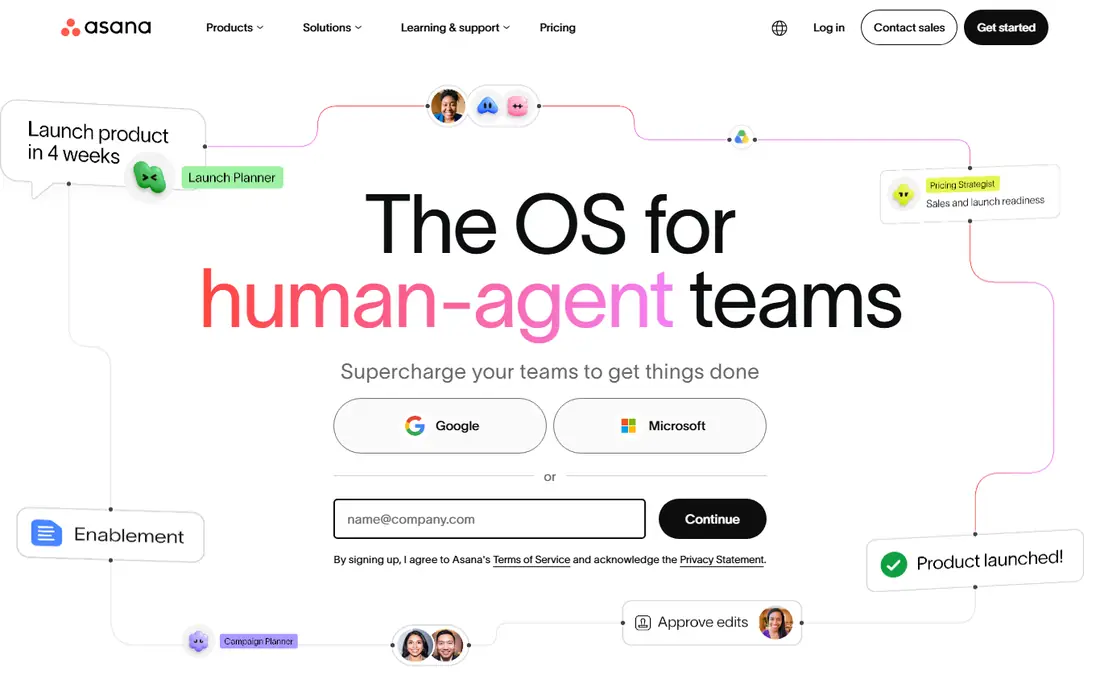
Asana is the most natural move for teams that liked ClickUp structure but want a calmer interface. Projects, tasks, timelines, and goals are laid out in a way that new team members can follow without a long training session. It handles campaign work, product launches, and repeatable processes well, and its integration list covers the usual chat, file, and calendar tools.
The free plan is the main limit, since it covers only a small number of users. Paid plans start at $10.99 per user per month on annual billing for the Starter tier, based on vendor pricing pages reviewed in October 2026. If your team is larger than the free limit, budget for paid seats from the start rather than hoping the free tier will stretch.
- Clear project views
- Timeline and goals
- Broad integrations
- Free plan covers very few users
- Advanced features need higher tiers
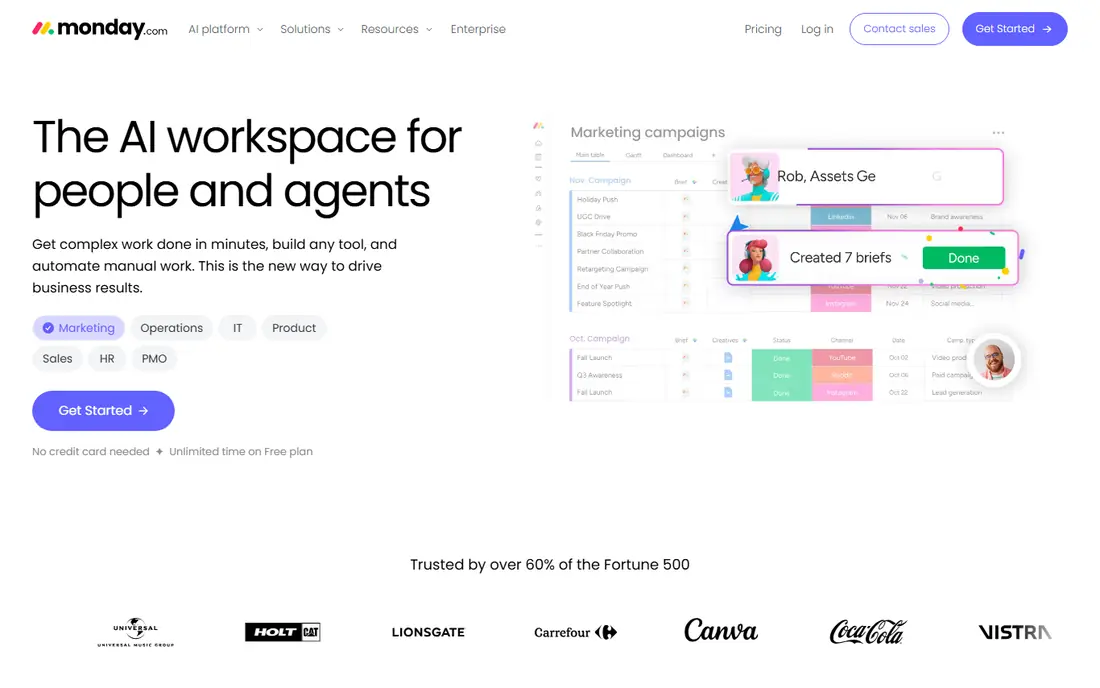
Monday.com suits teams that think in boards and color. You can build a board for almost any workflow, add status columns, and turn the same data into a dashboard for managers. Onboarding is quick, and non-technical team members usually pick it up faster than a more complex tool.
Pricing needs care. The Basic plan is listed at $9 per seat per month on annual billing, with a three-seat minimum, and the free plan covers up to two seats. Timeline and Gantt views sit on higher tiers, so check which plan includes the views your team actually needs before committing.
- Colorful visual boards
- Flexible dashboards
- Fast onboarding
- Three-seat minimum on paid plans
- Key views need higher tiers
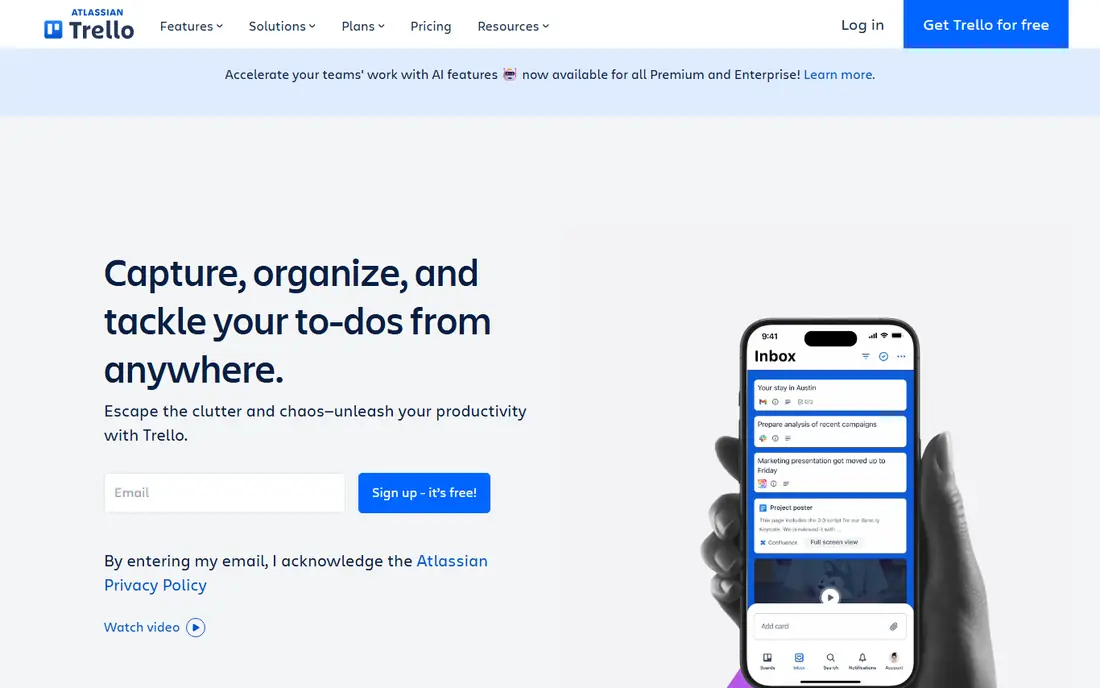
Trello is the best ClickUp alternative if simplicity is the whole point. A board, lists, and cards are enough for many small teams, and you can be running in minutes rather than days. Butler automation handles routine moves, due date reminders, and card actions without extra software.
The trade-off is depth. Trello is less strong on portfolio reporting, workload planning, and complex dependencies, so larger projects may feel cramped. Paid plans start at $5 per user per month on annual billing for Standard, and the free plan covers up to 10 collaborators, which is generous for a small team.
- Easiest kanban setup
- Generous free tier for small teams
- Simple automation
- Weak for complex reporting
- Large projects can outgrow boards
Notion is a good fit for teams that spend as much time writing and organizing knowledge as they do tracking tasks. You can keep meeting notes, specs, wikis, and project boards in the same workspace, which cuts down on hunting through separate apps. Templates make it easy to start, and databases let you shape views around your own workflow.
It is not a full replacement for ClickUp if you need advanced resource planning, Gantt charts, or time tracking out of the box. Teams that adopt Notion should agree on a simple structure early, or pages can multiply quickly. The Plus plan is listed at $10 per user per month on annual billing, and a free plan covers individuals and small teams.
- Docs and tasks in one place
- Flexible databases
- Strong templates
- Project tracking is lighter than dedicated tools
- Can get messy without structure
Wrike is built for teams that outgrow simple boards but do not want ClickUp complexity in the same form. It handles cross-department work, custom workflows, approvals, and proofing for creative teams, and its dashboards give managers a clear view across projects. Agencies and larger operations teams tend to get the most from it.
Setup is the cost. Wrike rewards careful configuration, and a team that skips that step may find it heavy at first. The Team plan is listed at $10 per user per month on annual billing, and a free plan exists for small teams with basic task management. Check whether Gantt, workload, or proofing features need the Business tier before you buy.
- Strong workflow customization
- Proofing for creative work
- Dashboards
- Setup takes time
- Best features sit on higher tiers
Basecamp takes a different approach from ClickUp: fewer features, one clear price for the team, and tools for messages, to-dos, schedules, files, and chat in one place. That calm approach suits small businesses and agencies that are tired of per-seat costs climbing as they hire. The free plan covers a single personal project, which is useful for a trial.
The limit is flexibility. Basecamp does not try to match ClickUp on views, automations, or custom fields, and teams that need a Gantt chart will miss it. If your work is mostly client projects with clear deliverables, that simplicity is a strength. If you need deep reporting, look at Asana or Wrike instead.
- Flat monthly price for the team
- Message boards and chat included
- Simple to learn
- Fewer views and automations than rivals
- No native Gantt chart
Teamwork is designed around agencies and professional services, where client work, billable time, and deadlines matter together. You can track time on tasks, manage workloads, and give clients a clear view of progress without exposing internal discussion. That combination is harder to find in general project tools.
The interface packs in a lot, so new users may need a short learning period. Pricing starts at $9.99 per user per month on annual billing for the Starter tier in many listings, with a free plan for up to five users and five projects. Agencies should test the client permissions and time reports on a real project before migrating.
- Client-friendly project views
- Time tracking
- Workload planning
- Interface can feel busy
- Some features need higher tiers
Todoist is the best free ClickUp alternative for individuals and very small teams who mainly need to capture and finish tasks. Adding a task takes seconds, natural language dates work well, and the app is available on almost every device. For personal productivity, it is hard to beat for speed.
It is not a project management platform in the ClickUp sense. There are no Gantt charts, workload views, or deep portfolio reports, and larger teams will outgrow it quickly. The Pro plan is listed at $5 per user per month on annual billing, and the free plan covers up to five projects, which is enough to test whether a task-first approach suits you.
- Fast task capture
- Clean interface
- Works everywhere
- Not a full project management tool
- Limited reporting
How we picked these
We compared official pricing and feature pages, plus public reviews, for tools that directly replace ClickUp for project and task work. We kept tools that are available today, offer a free plan or trial, and cover a distinct working style, from simple kanban to agency client work. Prices are annual billing rates where vendors publish them, and they change often, so check the vendor pricing page before buying. We did not claim hands-on testing of every plan, and we focused on what each vendor actually publishes about features and limits.
How to choose the best alternative to ClickUp
Match the tool to how your team actually works, not to the longest feature list. A short trial on a real project tells you more than a demo.
Start with your workflow
If your team lives on boards, Trello or Monday.com will feel familiar. If docs and knowledge matter as much as tasks, Notion is the better starting point. If you run client work with billable hours, Teamwork deserves a trial. Write down the three workflows you repeat every week, then test each tool against those, not against a generic checklist.
Check free plan limits before migrating
Free plans sound generous until you hit a seat, project, or storage limit. Asana free covers very few users, Monday.com free covers two seats, and Trello free covers up to 10 collaborators. Count your team, including occasional contributors, and work out the paid cost for that headcount before you move data.
Plan the migration in stages
Export a single project first, import it into your chosen tool, and run both tools in parallel for a week or two. That trial will show whether automations, views, and integrations carry over, and whether the team actually prefers the new tool. Move the rest only after that test, and keep ClickUp exports until the new system is stable.
Frequently asked questions
What are the best ClickUp alternatives?
Asana, Monday.com, Trello, and Notion are the strongest general alternatives, with Wrike for complex work, Basecamp for flat pricing, Teamwork for agencies, and Todoist for personal tasks. The best choice depends on team size, budget, and whether you need docs, client views, or deep reporting alongside tasks.
Is there a free alternative to ClickUp?
Yes. Trello, Notion, Asana, Monday.com, Wrike, Basecamp, Teamwork, and Todoist all offer free plans, but with different limits on seats, projects, and storage. Trello free is generous for small teams, while Asana free and Monday.com free cover only a few users. Check the limits before choosing based on price alone.
Which ClickUp alternative is best for small teams?
Trello is the simplest pick for small teams that want kanban boards with almost no setup. Notion suits small teams that also need docs and wikis, while Todoist suits individuals and tiny teams focused on tasks. If a small team needs timelines and goals, Asana Starter is worth the paid step up.
Is Asana better than ClickUp?
Asana is better for teams that want a cleaner, more structured project tool with less setup. ClickUp is better for teams that want maximum customization and features in one workspace and are willing to invest time in setup. The right answer depends on whether your team values simplicity or flexibility more.
Can I migrate from ClickUp to another tool?
Most alternatives offer import tools or CSV import for tasks and projects, and several publish ClickUp import guides. Start with one project, check that assignees, due dates, and attachments carry over, and run both tools in parallel briefly. Some automations and custom fields may need rebuilding by hand.
Do ClickUp alternatives include time tracking?
Some do, and some need an integration. Teamwork and Wrike include time tracking on paid plans, while Trello, Asana, and Notion rely on integrations or add-ons for detailed time reports. If billable time matters, test time tracking on a real project during your trial, not just on a feature list.
Sources we checked (8)

Online Jobs is an independent blog about careers, online work, learning new skills and the tools that help people earn. More about us.
Keep reading
All posts
Zoom Alternatives
Zoom alternatives compared for 2026: Google Meet, Microsoft Teams, Webex, Jitsi and more for free calls, large meetings and webinars for teams and classrooms.

What Is the Best Free Tool to Rotate a PDF
What is the best free tool to rotate a PDF? We compare eight free rotation tools on per-page control, limits, privacy and saved output quality in detail.

What Is the Best AI Dubbing Tool
We compared the best AI dubbing tools in 2026, from ElevenLabs and HeyGen to Rask AI, Dubverse and Veed, for videos and creators in many languages worldwide.