Best Free ChatGPT Alternatives in 2026: 8 Apps Compared

How we put this together: we compare official feature and pricing pages, app store listings, privacy policies and public user reviews. Prices change, so check the provider's site before you pay.
Key takeaways
- Claude is our first pick for long writing and document work, with a capable free tier and a $20 per month paid plan.
- Perplexity is the strongest choice for research, because answers come with sources you can check.
- Google Gemini suits people who already live in Gmail, Docs and Drive, and DeepSeek is the best no-cost option for reasoning and coding.
- Free tiers change often, so check the current model and daily limits on the vendor page before you rely on one tool.
- Most people do best with two tools, one for writing and one for research, rather than paying for everything at once.
Quick comparison
| Name | Who it suits | Starting price | Free option | |
|---|---|---|---|---|
 Claude Claude | Writing and long documents | Free | Yes | Visit |
 Google Gemini Google Gemini | Google Workspace users | Free | Yes | Visit |
 Perplexity Perplexity | Research with sources | Free | Yes | Visit |
 Microsoft Copilot Microsoft Copilot | Windows and Microsoft 365 users | Free | Yes | Visit |
 DeepSeek DeepSeek | Free reasoning and coding | Free | Yes | Visit |
 Meta AI Meta AI | Chat inside social apps | Free | Yes | Visit |
 Grok Grok | Current events and X users | Free | Yes | Visit |
 Mistral Le Chat Mistral Le Chat | Privacy-minded European users | Free | Yes | Visit |
The best chatgpt alternatives free
We looked for chatbots with a genuinely usable free tier, not a short demo, and judged them on writing quality, research support, coding help, ecosystem fit and paid upgrade value. ChatGPT itself remains a strong all-rounder, so each pick below earns its place by doing one job better or costing less.
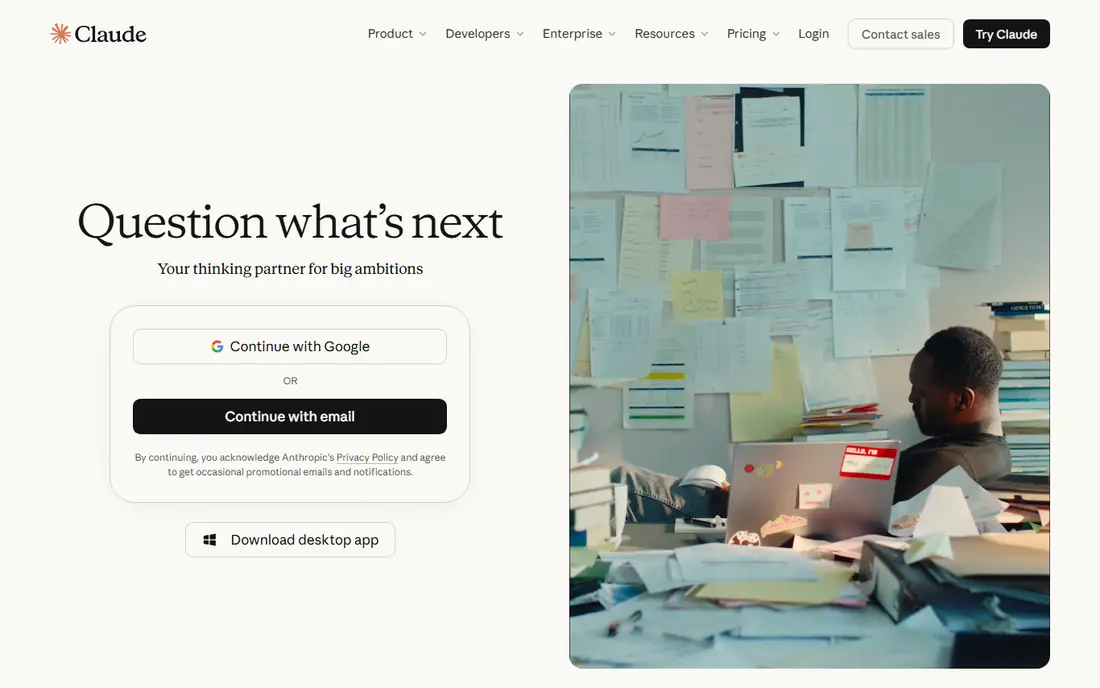
Claude is the alternative we recommend first for writing. It handles long documents, drafts, edits and analysis with a steady tone, and it is often praised for keeping structure intact across a long piece. Writers, analysts and students can paste in a report, ask for a summary or a rewrite, and get a result that reads like a human draft rather than a list of fragments. The free tier is usable for everyday work, but daily limits arrive sooner on heavy days. Paid plans start at $20 per month for higher limits and newer models. If writing is your main job, start here and add a research tool beside it.
- Strong long-form writing
- Handles large documents well
- Clear, careful tone
- Free tier has daily message limits
- Paid plan costs $20 per month
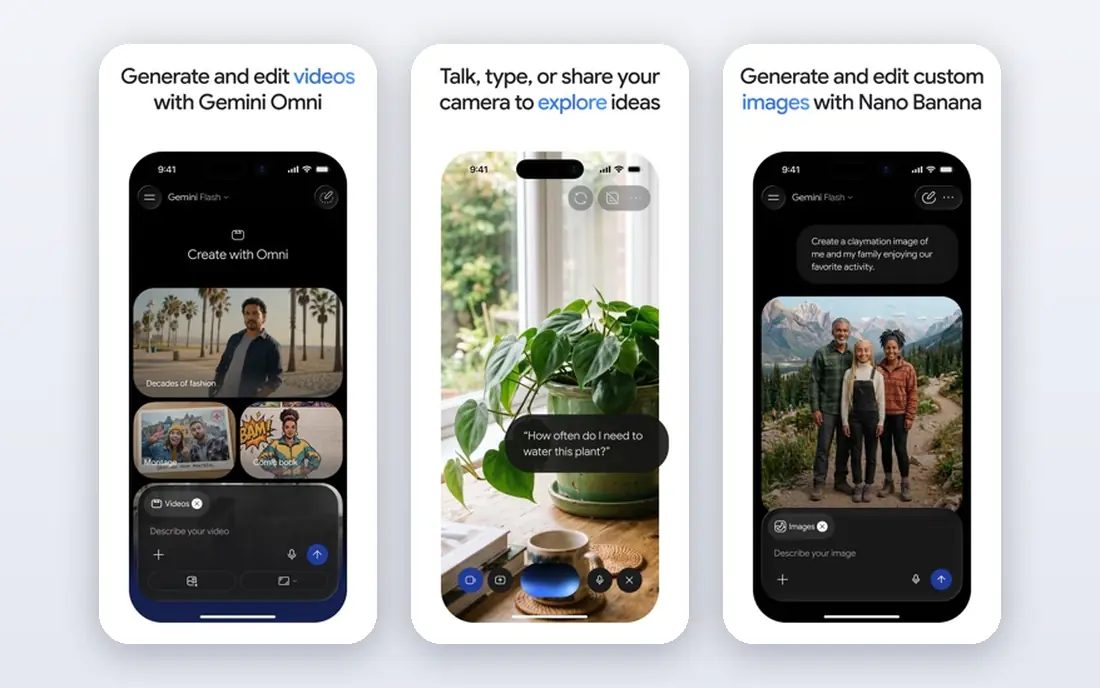
Gemini makes most sense for people who already use Google tools. It can draw on Gmail, Docs, Drive and Search in ways that a standalone chatbot cannot, and it handles images, video and voice alongside text. For planning a trip, summarising documents or drafting an email, that integration saves the copy-and-paste step that slows other tools down. Paid plans start at about $20 per month and add higher limits and deeper Workspace features. The free tier is generous enough for daily questions, but check which integrations are included free in your region, since that detail has changed over time.
- Deep Google app integration
- Strong multimodal features
- Generous free access
- Some Workspace features need a paid plan
- Answers can be brief on complex topics
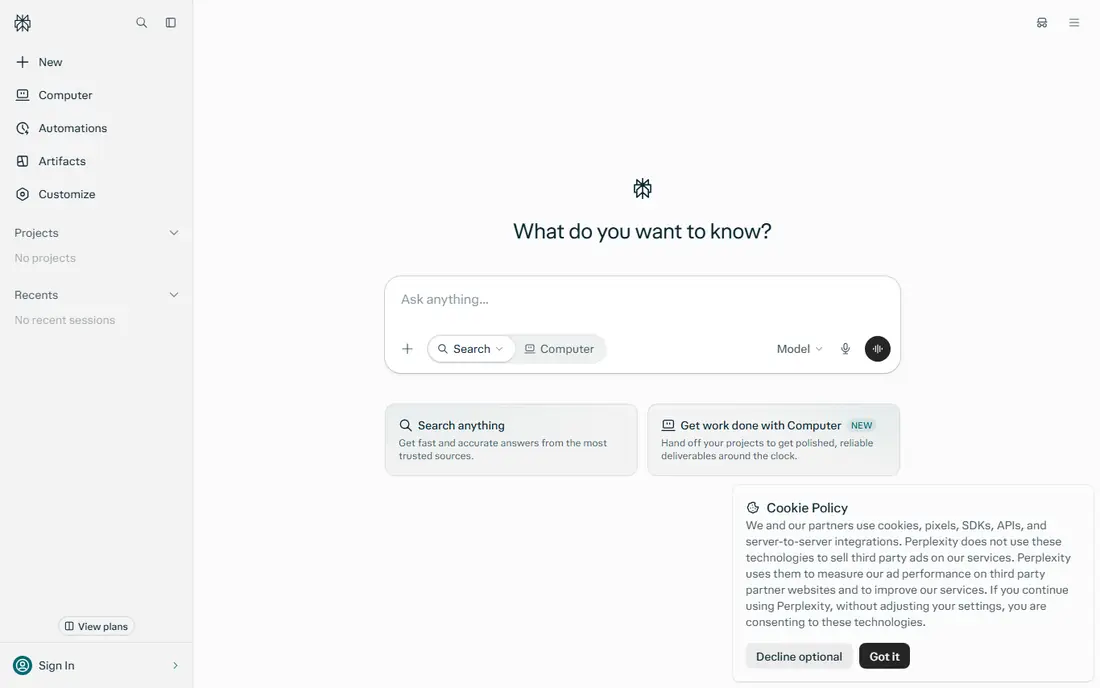
Perplexity answers a different question from a normal chatbot, which is what the source actually says. Each answer links to its sources, so you can check a claim before you quote it, and follow-up questions keep the thread focused. That makes it the best free pick for market research, homework checks, news summaries and any task where a wrong fact would be costly. The free plan covers basic searches well, while advanced searches are rationed each day and the paid plan costs $20 per month. Use Perplexity to find and verify facts, then move the draft to Claude or Gemini when you need longer writing.
- Cited answers you can verify
- Fast web research
- Clean follow-up questions
- Free plan limits advanced searches each day
- Less suited to long creative writing
Copilot is the path of least resistance for Windows and Office users. It sits inside Windows, Edge, Word, Excel and Teams, so you can summarise a document, draft a reply or analyse a spreadsheet without opening a new app. The free version covers web chat and image generation, which is enough for many everyday tasks. A paid plan at $20 per month adds higher limits and deeper Office integration. If your work already lives in Microsoft apps, Copilot will feel faster than a standalone chatbot, even if it is not the strongest writer or researcher on this list.
- Built into Windows, Edge and Office apps
- Free web access
- Image tools included
- Best features need Microsoft 365
- Web answers can be less deep than Perplexity
DeepSeek is the best proof that a free chatbot can handle hard work. Its reasoning model works through maths, logic and coding problems step by step, and the chat app is free to use without a subscription. Developers and students on a tight budget get a capable coding helper, debugger and explainer at no cost, with an API priced on use for builders. The trade-off is polish and scale. Peak-time slowdowns happen, and there are fewer built-in integrations than with Google or Microsoft. For pure thinking power at zero cost, though, it is hard to argue against keeping DeepSeek in your toolkit.
- Fully free app for chat
- Strong reasoning and coding
- Long context handling
- Occasional slowdowns at peak times
- Smaller ecosystem than US rivals
Meta AI wins on availability. It is already inside WhatsApp, Instagram, Facebook and Messenger for many users, so asking a question, generating an image or summarising a chat thread takes no new account and no download. For quick questions, translations, ideas and casual image creation, that convenience matters. It is not the tool we would pick for a long report, a research paper or serious coding. Treat Meta AI as the handy pocket assistant, and keep Claude, Perplexity or Gemini for work that needs depth, sources or document handling.
- Available inside WhatsApp, Instagram and Messenger
- No separate signup for many users
- Free
- Less suited to long professional work
- Fewer document and research features
Grok suits people who follow news, sports and fast-moving topics. Its access to real-time web and X posts means it can answer questions about events that happened today, where a chatbot with older training data would guess or decline. The tone is more direct and informal than Claude or Gemini, which some users prefer for brainstorming and social content. Access and paid tiers have shifted with X subscription plans, so check the current offer before you commit. For formal writing and sourced research, Perplexity and Claude remain stronger, but for what is happening now, Grok earns its place.
- Real-time web and X search
- Direct tone
- Voice and image features
- Paid access and limits vary by X plan
- Less consistent for formal writing
Le Chat, from French company Mistral AI, is a clean and fast chatbot with a generous free tier. It handles everyday writing, summaries and coding well, and its open-weight models appeal to users who care about transparency and European data handling. The interface is simple, with no clutter, and responses arrive quickly. The ecosystem is smaller than the big US platforms, so you will not get the same depth of app integration. If you want a straightforward, capable free chatbot without being tied to Google, Microsoft or Meta, Le Chat is a solid and principled choice.
- Generous free tier
- European company with open-weight models
- Fast responses
- Smaller feature set than Google or Microsoft
- Paid plan details vary by region
How we picked these
We compared official feature pages, pricing pages and app store listings, and cross-checked them with recent comparison guides. Every pick had to offer a free tier that covers real daily use, a current model and a clear paid upgrade path. We favoured tools with a distinct strength rather than listing eight near-identical chatbots, and we noted where free limits or paid prices vary by region. Prices and limits change often, so confirm them on the vendor page before you subscribe.
How to pick the right ChatGPT alternative
Match the tool to the task
Writing, research, coding and casual chat are different jobs. Use Claude for long writing, Perplexity for sourced research, DeepSeek for free reasoning and coding, and Gemini or Copilot when your documents already live in Google or Microsoft apps. One tool rarely wins at all four.
Test the free tier on your real work
Spend a week using a finalist for your actual tasks, not demo prompts. Draft a real email, summarise a real document and check a real fact, and note where limits appear. A tool that feels fast on simple questions may slow down on your longest document, and that is the test that matters.
Check privacy before pasting sensitive work
Avoid pasting private client data, passwords, medical details or unpublished work into any free chatbot unless you have read its privacy policy and data controls. Use a paid plan with business controls, or a local tool, for sensitive material. Free tiers often use different data handling from paid business plans.
Keep two tools, not eight
Most people waste time switching between too many chatbots. Pick one writer and one researcher, learn their limits, and only add a third when a specific job keeps failing. That small stack covers almost every everyday task without extra subscriptions.
Frequently asked questions
What are the best chat gpt alternatives free for students?
Claude, Gemini and Perplexity form a strong free stack for students. Perplexity helps verify facts with sources, Claude helps draft and edit essays, and Gemini helps with Google Docs work. DeepSeek is a useful extra for maths and coding questions at no cost.
Are there ai alternatives to chatgpt that are fully free?
DeepSeek and Meta AI are free to use for chat, and Google Gemini, Claude, Perplexity, Copilot and Le Chat all have free tiers. Fully free usually means daily limits, fewer advanced features or slower peak-time responses, so read the free plan details before relying on one tool for work.
Which alternative is best for research with citations?
Perplexity is the clearest pick, because answers link to sources you can open and check. Gemini also draws on web search, but Perplexity presents sources more directly. Always open at least one source before quoting a fact in published work.
Is Gemini or Claude better for writing?
Claude is usually better for long, structured writing and document editing, while Gemini is better when the work sits inside Google apps. Try the same draft in both and compare tone, structure and how much editing each result needs.
Can I use these tools without paying?
Yes, for everyday use. Free tiers cover casual questions, short drafts and basic research, but heavy daily use, long documents and advanced models usually need a paid plan at about $20 per month. Start free and upgrade only the tool where you hit limits most often.
Do free chatbots keep my chats private?
Policies vary by vendor and by free versus paid plan, so read the privacy page for the tool you use. As a rule, avoid pasting sensitive personal, financial or work data into any free chatbot, and use business or enterprise plans for confidential material.
Sources we checked (8)

Online Jobs is an independent blog about careers, online work, learning new skills and the tools that help people earn. More about us.
Keep reading
All posts
Best Writing Software
Looking for the best writing software in 2026? We compared 9 writing apps for books, articles and screenplays on price, features and fit. All verified.

Best Weather Apps
Searching for the best weather app? We compared eight top weather apps for accurate forecasts, radar, severe alerts, and daily planning near you today.

Best Video Editing Software
We compared the best video editing software for beginners and pros, checking official pricing, free plans and honest limits before ranking all nine editors.